
Screenshot appears after consentScreenshot appears after consentScreenshot appears after consentScreenshot appears after consentScreenshot appears after consentScreenshot appears after consentScreenshot appears after consent
Summary
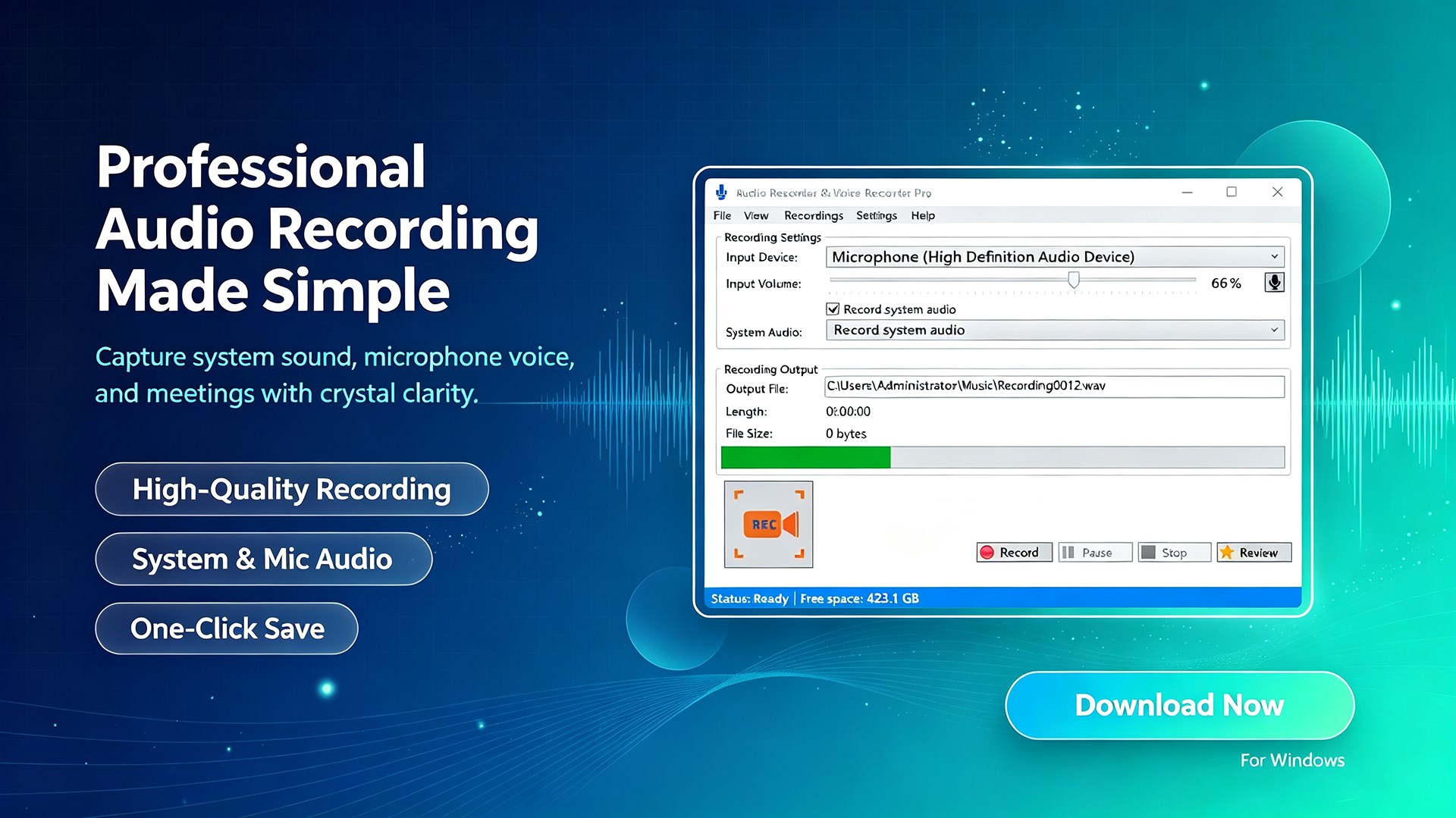
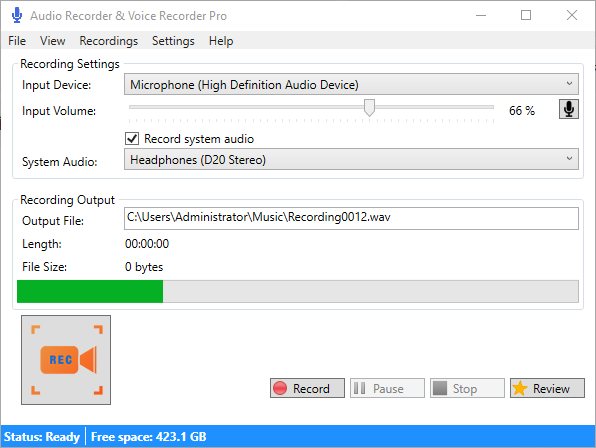
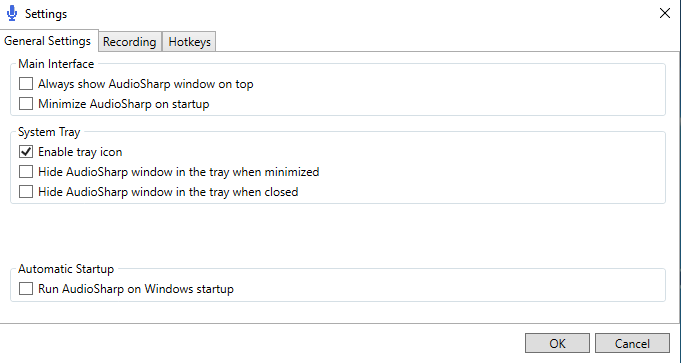
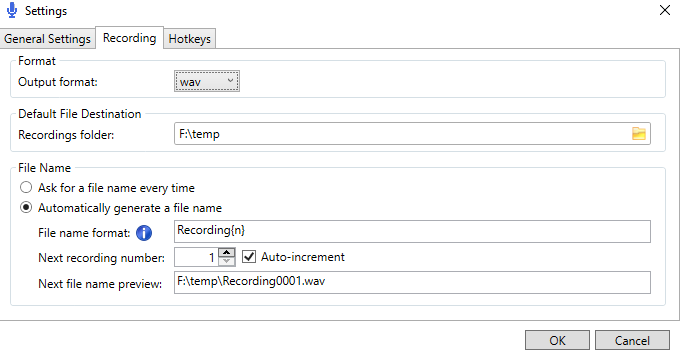
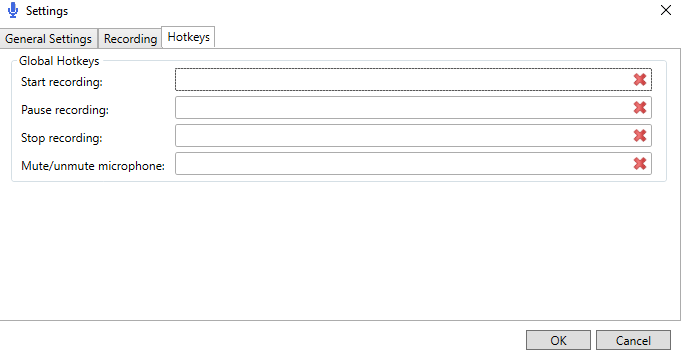
Audio Recorder & Voice Recorder Pro is a recording tool for capturing voice and audio. It records audio in WAV or MP3 format and allows choosing the destination folder for saved files. File names can be generated automatically or entered manually each time a recording is made. The app supports global hotkeys for controlling recordings and lists available input devices to choose from. It also allows adjusting the input volume of the audio being recorded.
Show the developer's original descriptionHide the original description
Audio Recorder & Voice Recorder Pro is a very useful recording tool. It is easy to use. You can choose the path where the file will be saved and the format which you want to sava as. In addition, you can adjust the volume of the audio!
This is modified from AudioSharp by Heufneutje(Contact us at coolleget@outlook.com).
https://github.com/Heufneutje/AudioSharp
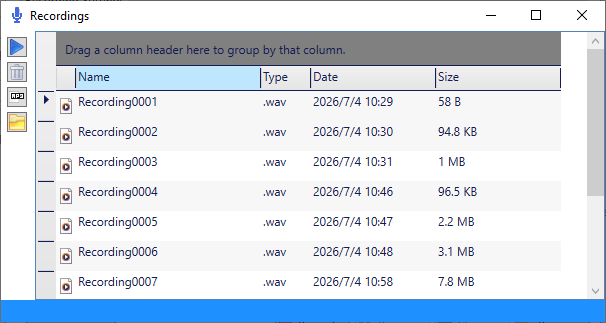
1. Record voice and audio to .wav or .mp3
2. Change the Default File Destination
3. Automatically generate the file name or ask for a file name every time
4. Set the global hotkeys
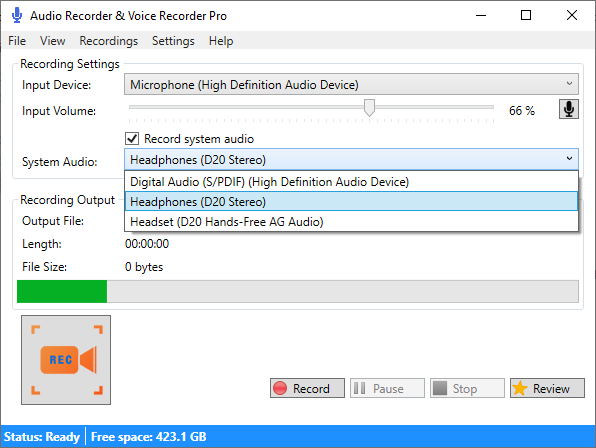
5. Listing the input devices
6. Change the input Volume
Technical details about Audio Recorder & Voice Recorder Pro
Play Store URL for "Audio Recorder & Voice Recorder Pro"
If there is a version of this app for iOS/Mac or Windows we don't know about, paste the store link here — we'll auto-detect the store.
How to find the URL:1. Open the app in its store. 2.In the App Store app: tap the Share icon → “Copy Link”. In the browser: copy the URL from the address bar — it contains apps.apple.com/…/id… or apps.microsoft.com/detail/…. 3. Paste it here.
Paste the original link from the Apple App Store or Microsoft Store. We fetch all details automatically.
How to find the URL:
1. Open the app in its store. 2.In the App Store app: tap the Share icon → “Copy Link”. In the browser: copy the URL from the address bar — it contains apps.apple.com/…/id… or apps.microsoft.com/detail/…. 3. Paste it here.
Android apps can only be listed by their developer.