

Screenshot appears after consentScreenshot appears after consentScreenshot appears after consentScreenshot appears after consent
Screenshot appears after consentScreenshot appears after consent
Summary
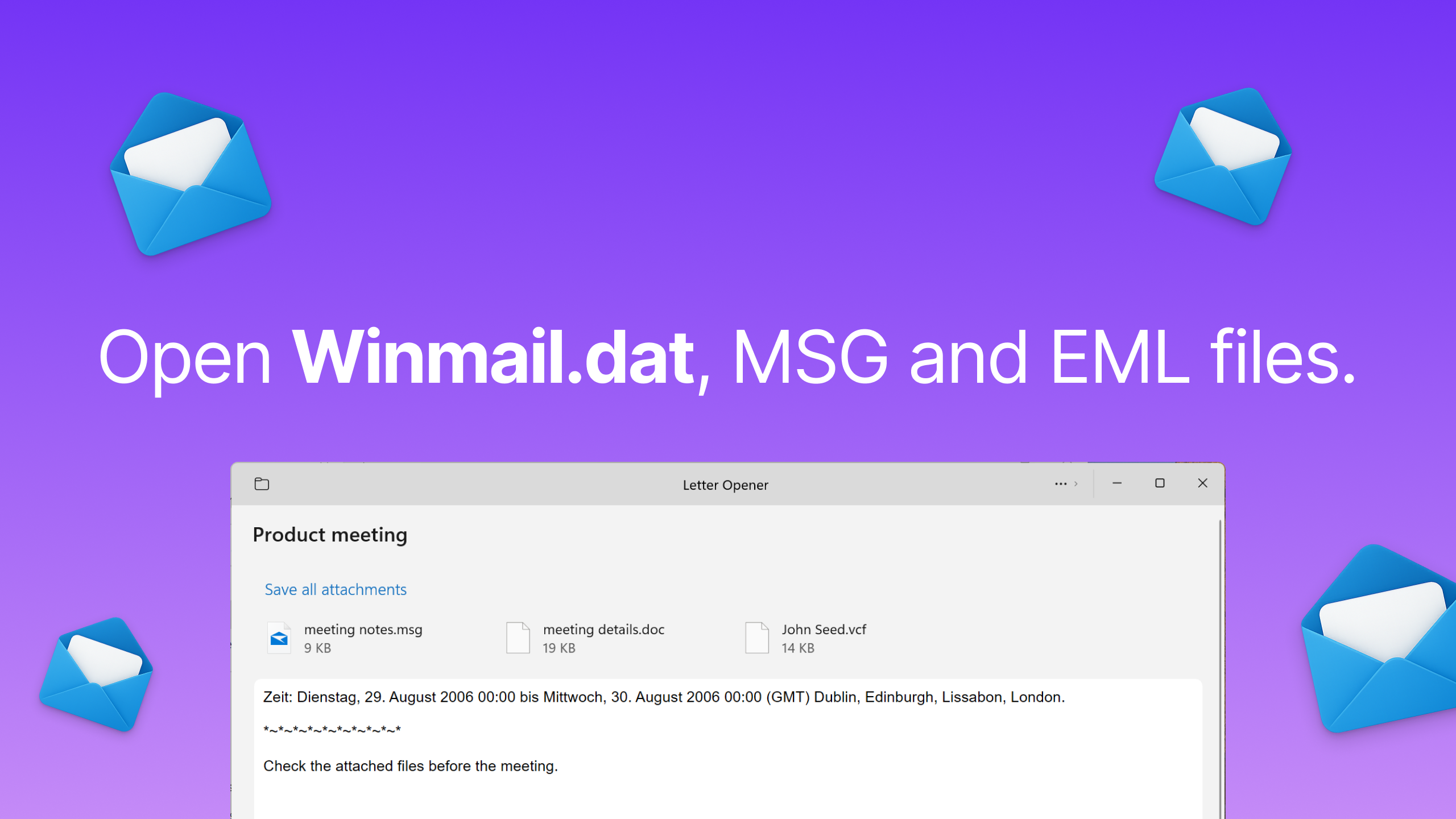
Winmail, MSG, EML Viewer - Letter Opener is a file conversion app that acts as a viewer for Winmail.dat, MSG and EML files sent from Microsoft Outlook. It converts these files so their content becomes readable in other mail applications. The app opens appointments, notes, contacts and similar items and converts them to native formats. It also provides access to all attachments contained within a Winmail.dat file. Converted files or attachments can be exported to another app for further use.
Show the developer's original descriptionHide the original description
Letter Opener opens winmail.dat, MSG and EML files, and whole Outlook PST and mbox mailboxes, in a fast, modern Windows app.
Some people still use Outlook. And whenever they send you something like an attachment, it shows up in your Mail as a winmail.dat file. (Ugh.) Letter Opener unpacks it, shows you the message, and lets you open or save every attachment inside. (Hooray!)
Mailboxes, too
Open Outlook data files (.pst) and mbox mailboxes from Thunderbird, Apple Mail or Google Takeout: folders, messages and the message itself, side by side. Export a mailbox to EML or PDF files, one per message, in folders that match the mailbox.
Your files stay on your PC
Letter Opener opens everything right on your PC. Your emails are never uploaded, because they are nobody else's business.
Supported file types
• Outlook: winmail.dat, ATT00001.dat, .msg, .oft
• Email files: .eml, .emlx
• Mailboxes: .pst, .mbox
• Web pages: .webarchive
Made with a special 😤 for winmail.dat files.
Play Store URL for "Winmail, MSG, EML Viewer - Letter Opener"
If there is a version of this app for iOS/Mac or Windows we don't know about, paste the store link here — we'll auto-detect the store.
How to find the URL:1. Open the app in its store. 2.In the App Store app: tap the Share icon → “Copy Link”. In the browser: copy the URL from the address bar — it contains apps.apple.com/…/id… or apps.microsoft.com/detail/…. 3. Paste it here.
Paste the original link from the Apple App Store or Microsoft Store. We fetch all details automatically.
How to find the URL:
1. Open the app in its store. 2.In the App Store app: tap the Share icon → “Copy Link”. In the browser: copy the URL from the address bar — it contains apps.apple.com/…/id… or apps.microsoft.com/detail/…. 3. Paste it here.
Android apps can only be listed by their developer.