
Screenshot appears after consentScreenshot appears after consentScreenshot appears after consentScreenshot appears after consentScreenshot appears after consentScreenshot appears after consentScreenshot appears after consentScreenshot appears after consentScreenshot appears after consentScreenshot appears after consentScreenshot appears after consentScreenshot appears after consentScreenshot appears after consent
Summary
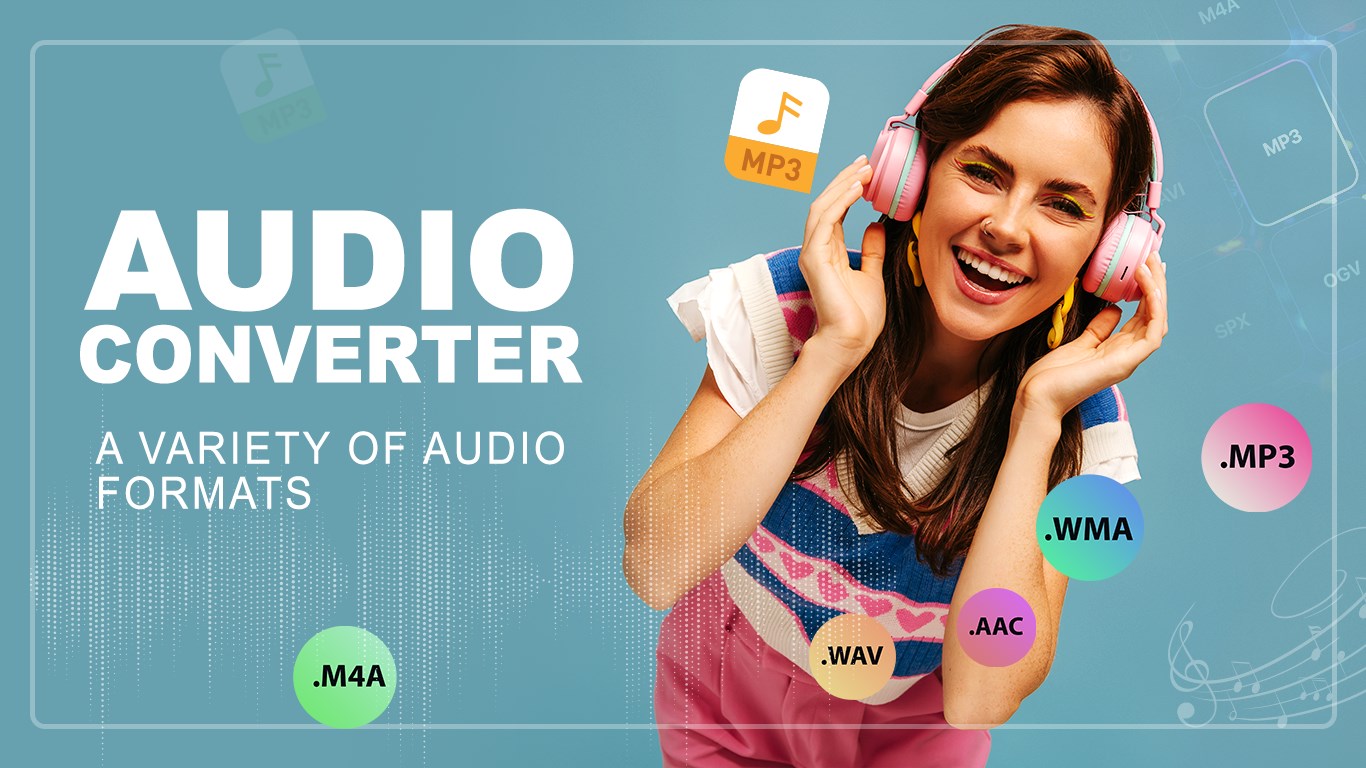
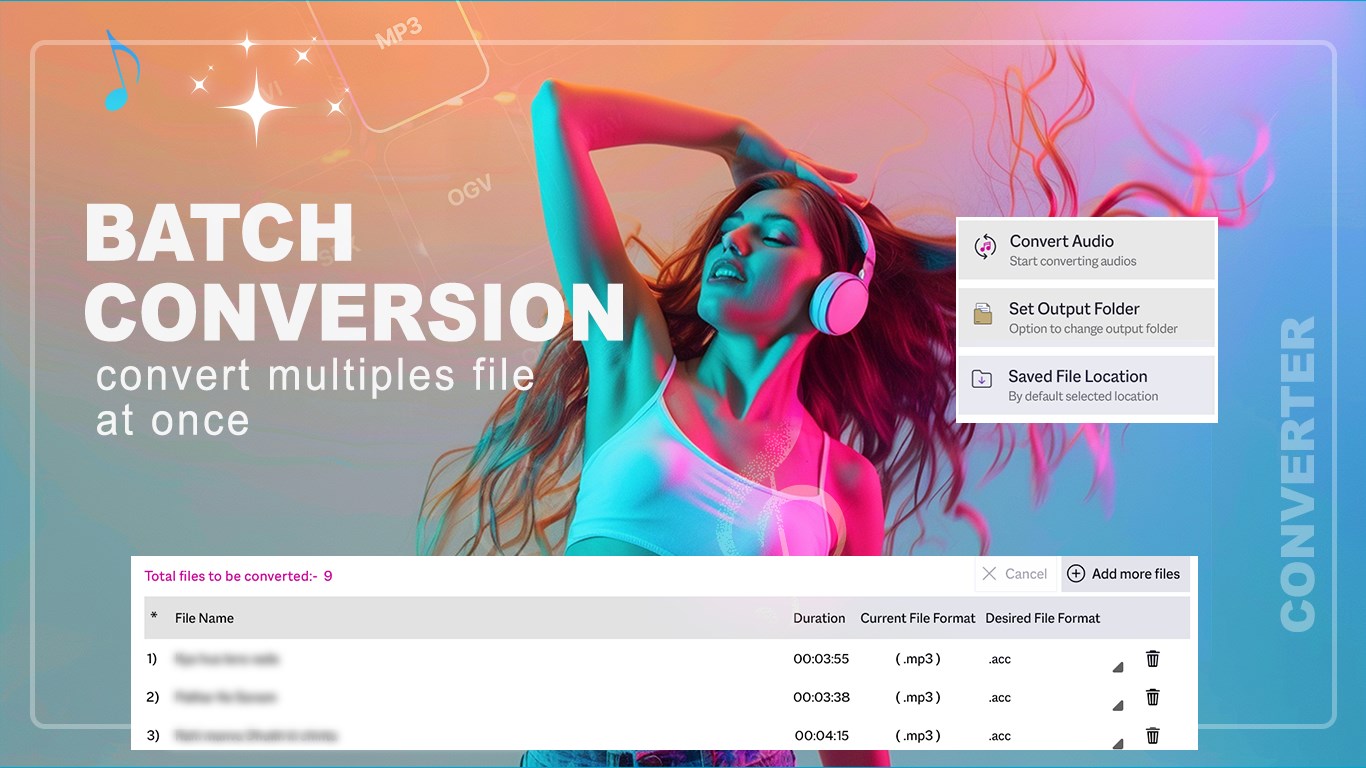
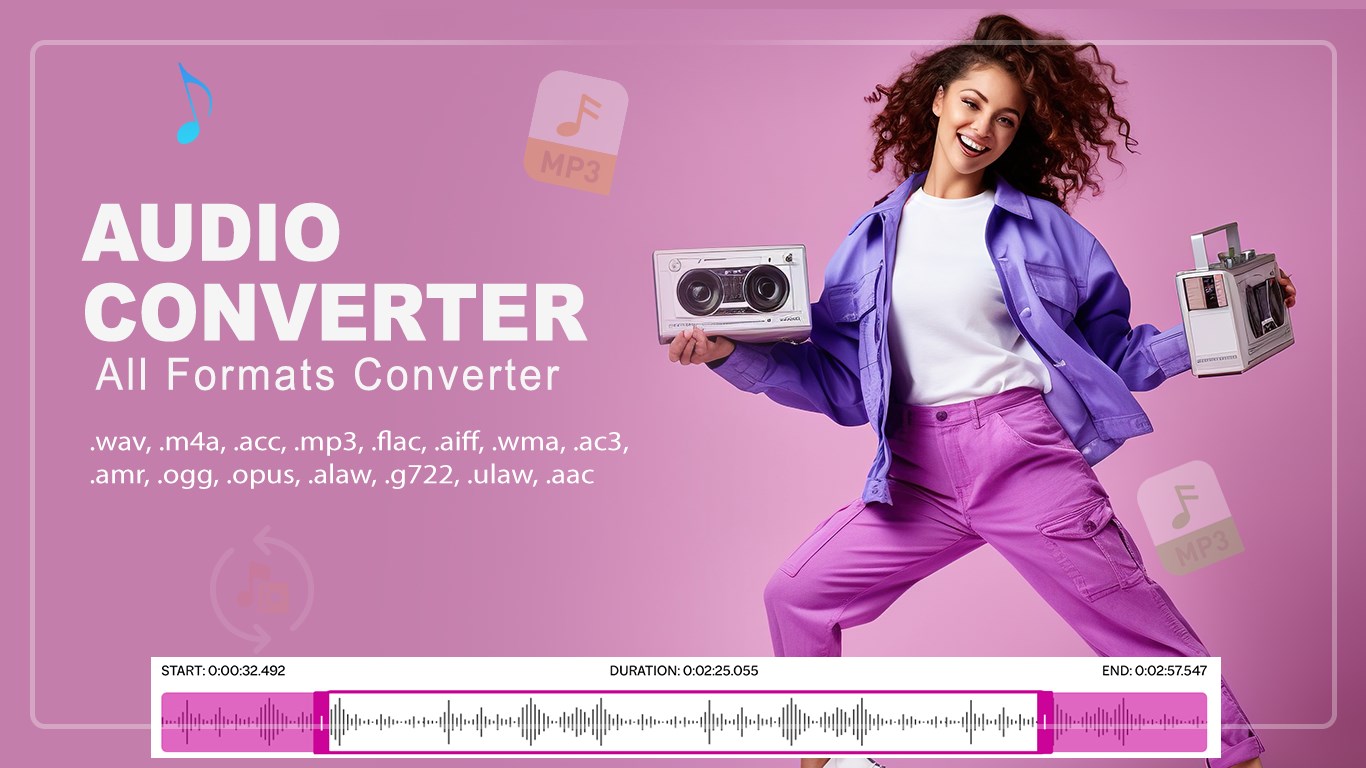
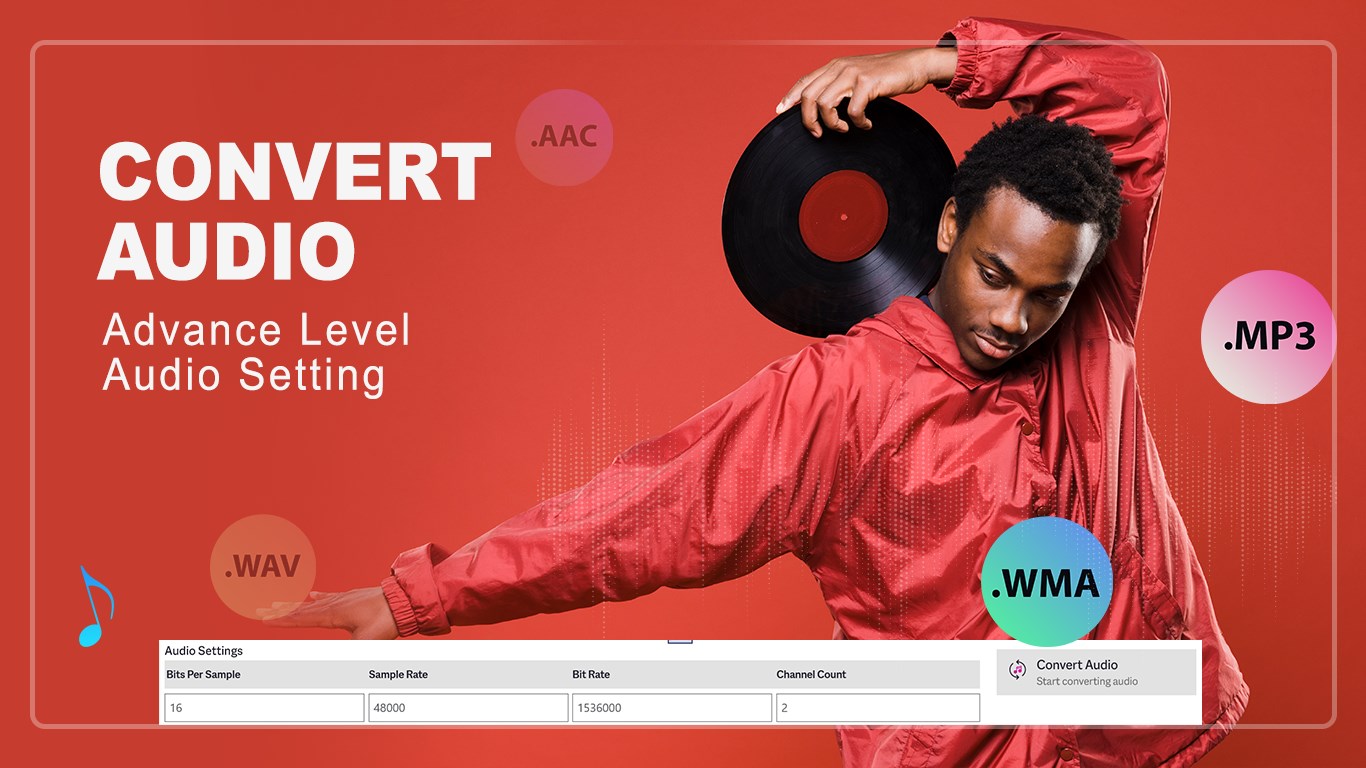
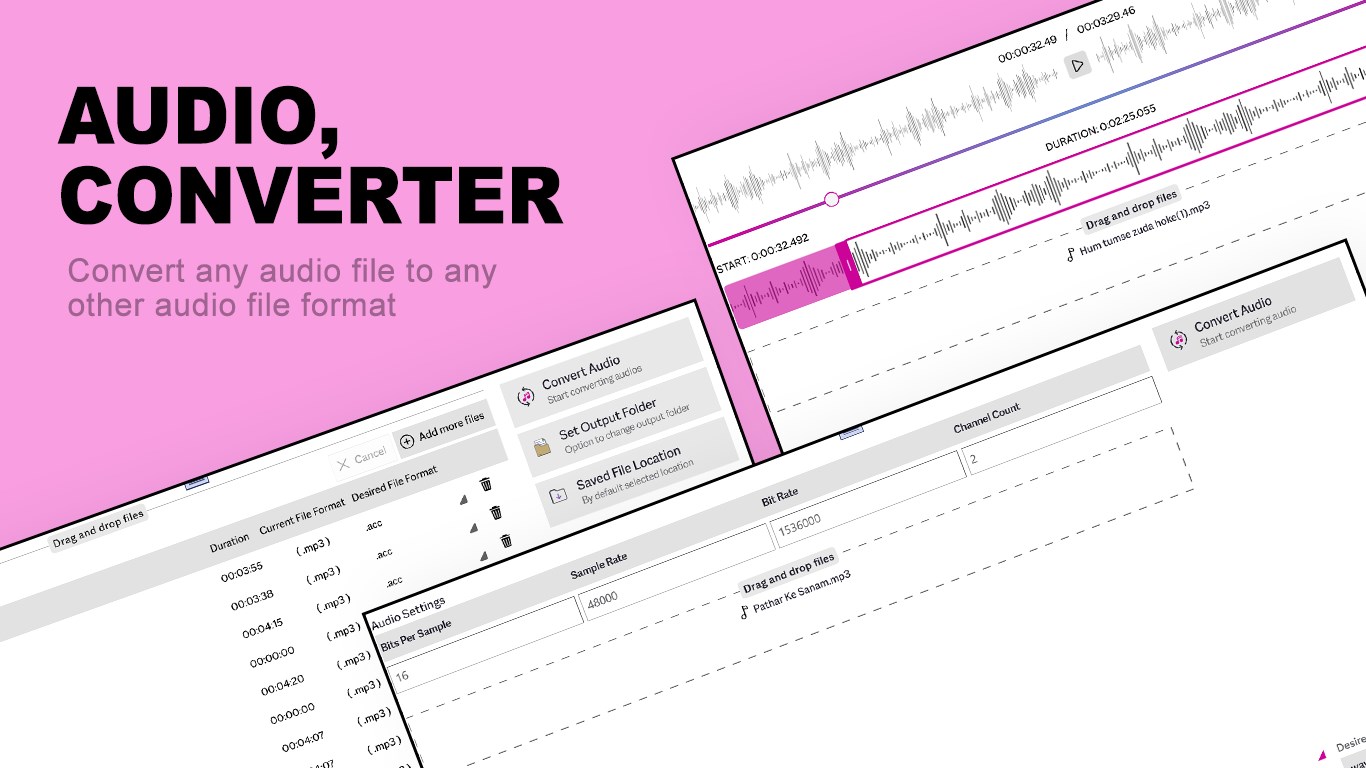
Audio Converter Any Format is an audio converter that turns audio files into a wide range of formats, including WAV, M4A, AAC, MP3, FLAC, AIFF, WMA, AC3, AMR, OPUS, ALAW, G722 and ULAW. It converts files quickly between popular formats such as WAV, MP3, AAC and FLAC. It also includes a trimmer for cutting audio clips and saving them in a preferred format. Advanced settings allow adjustment of bit rate and channel count for detailed control over the converted output.
Show the developer's original descriptionHide the original description
Audio Converter Any Format helps you turn your audio files into the format you need. It supports a wide range of formats including WAV, M4A, AAC, MP3, FLAC, AIFF, WMA, AC3, AMR, OPUS, ALAW, G722, ULAW, and more.
You can quickly convert files, trim audio clips, and fine-tune settings like bit rate and channel count to get the exact result you want.
Key Features:
. Quick Audio Convert: Change files into popular formats such as WAV, MP3, AAC, FLAC, and more.
. Audio Trimmer: Cut and save audio clips in your preferred format.
. Advanced Settings: Adjust bit rate, channels, and other options for detailed control.
If you have purchased an IAP (In App Purchase) like ads free version or any other product and found this feature still locked, please click on RESTORE PURCHASE button on home page, and then click refresh. You will not face any issue after that.
Download and start converting your audio files now.
Support:
Tutorial: https://www.cidadeapps.com/audio-converter-any-format-tutorial/
Web: https://www.cidadeapps.com
Facebook: https://www.facebook.com/CidadeApps
Instagram: https://www.instagram.com/cidadeapps/
Twitter: @Cidadeapps
Email: cidadeapps@hotmail.com
Technical details about Audio Converter Any Format
If there is a version of this app for iOS/Mac or Windows we don't know about, paste the store link here — we'll auto-detect the store.
How to find the URL:1. Open the app in its store. 2.In the App Store app: tap the Share icon → “Copy Link”. In the browser: copy the URL from the address bar — it contains apps.apple.com/…/id… or apps.microsoft.com/detail/…. 3. Paste it here.
Paste the original link from the Apple App Store or Microsoft Store. We fetch all details automatically.
How to find the URL:
1. Open the app in its store. 2.In the App Store app: tap the Share icon → “Copy Link”. In the browser: copy the URL from the address bar — it contains apps.apple.com/…/id… or apps.microsoft.com/detail/…. 3. Paste it here.
Android apps can only be listed by their developer.