

Screenshot appears after consentScreenshot appears after consentScreenshot appears after consentScreenshot appears after consentScreenshot appears after consentScreenshot appears after consentScreenshot appears after consentScreenshot appears after consentScreenshot appears after consent
Summary
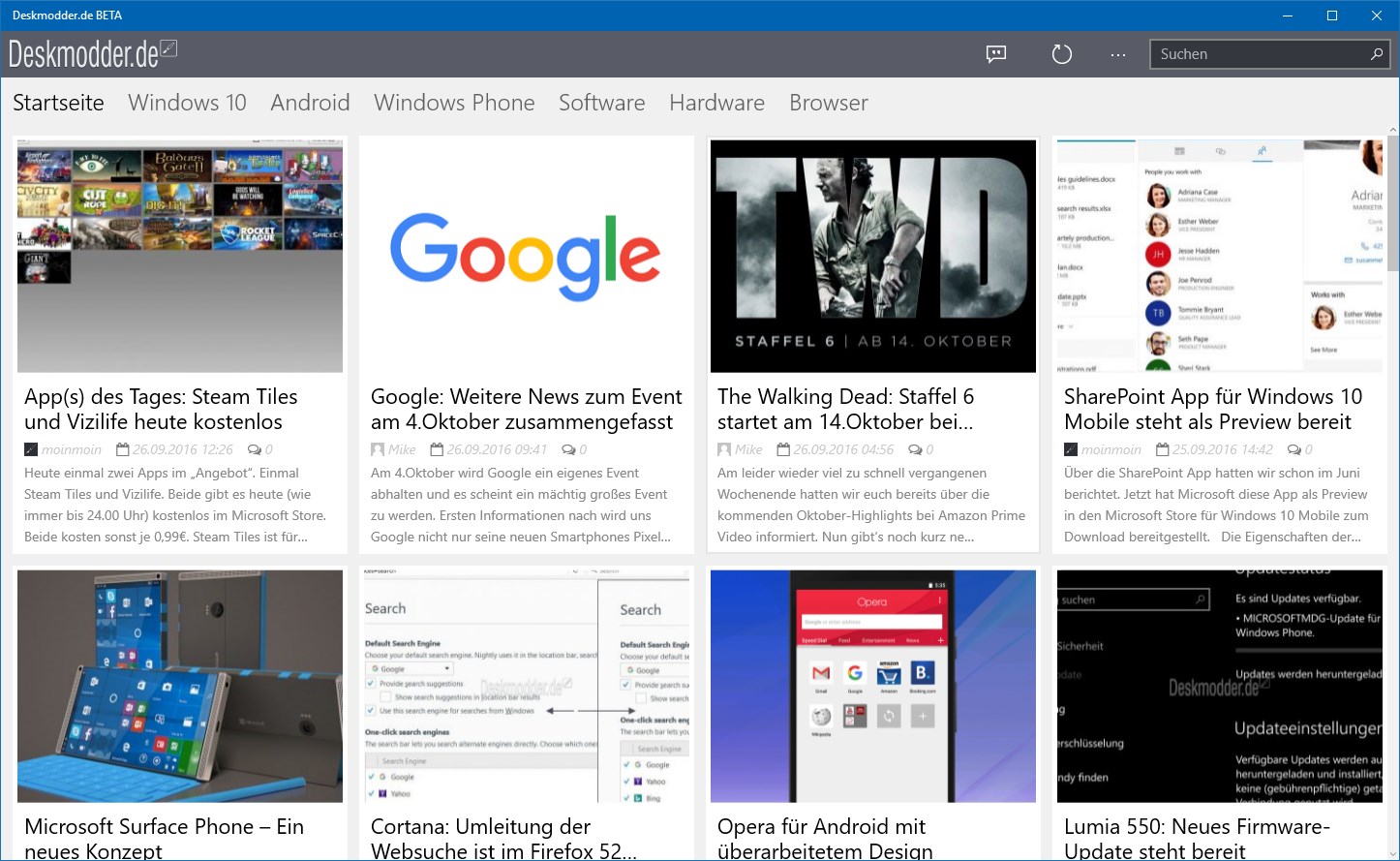
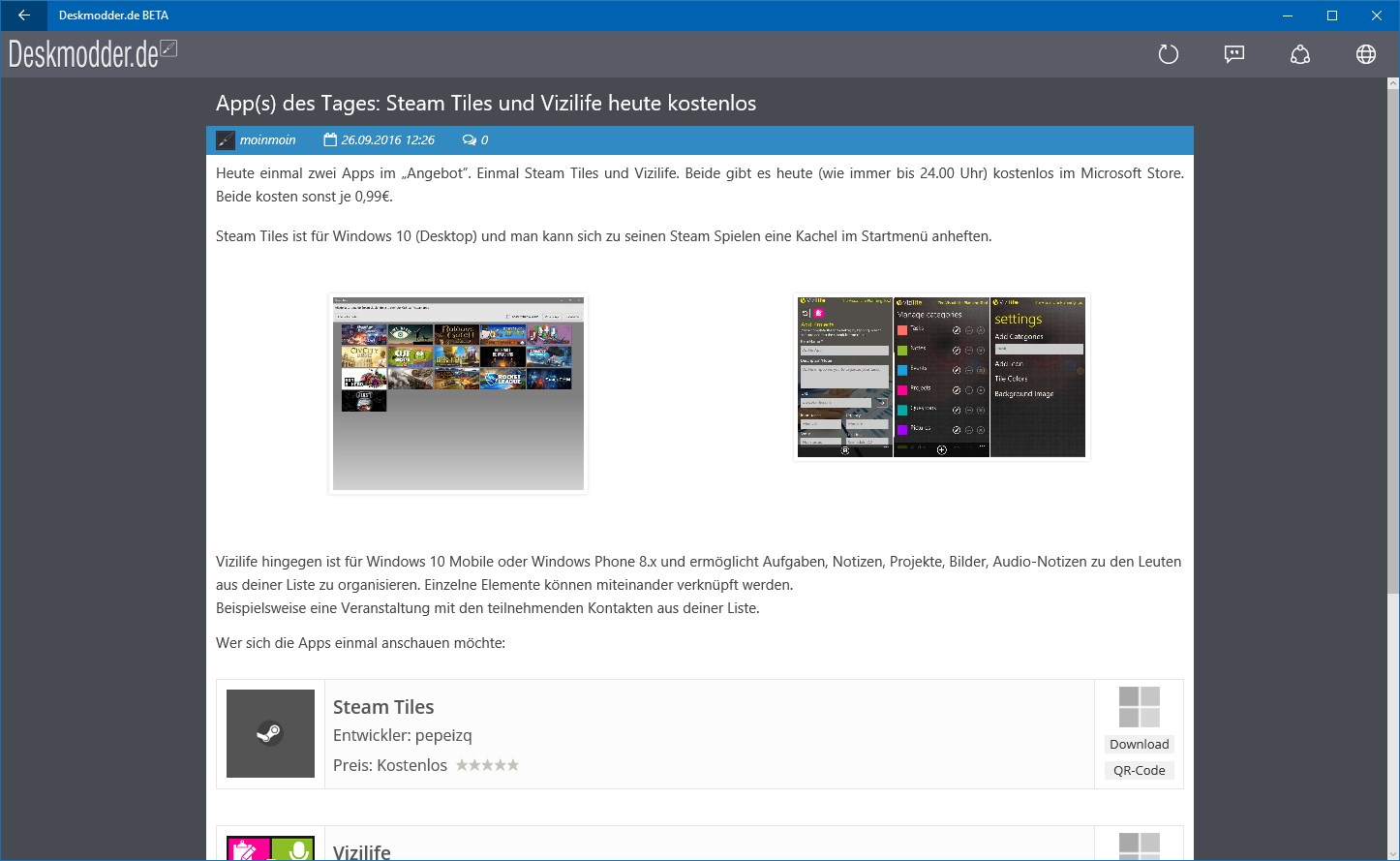
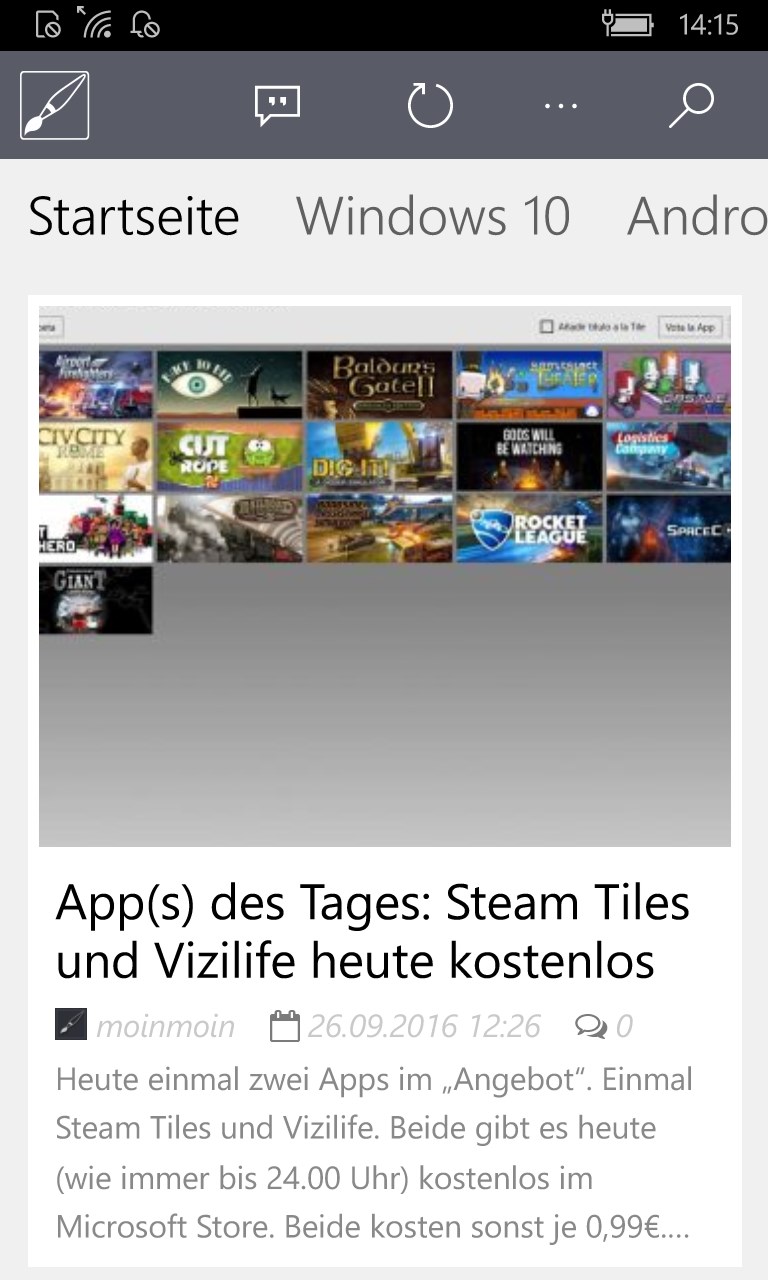
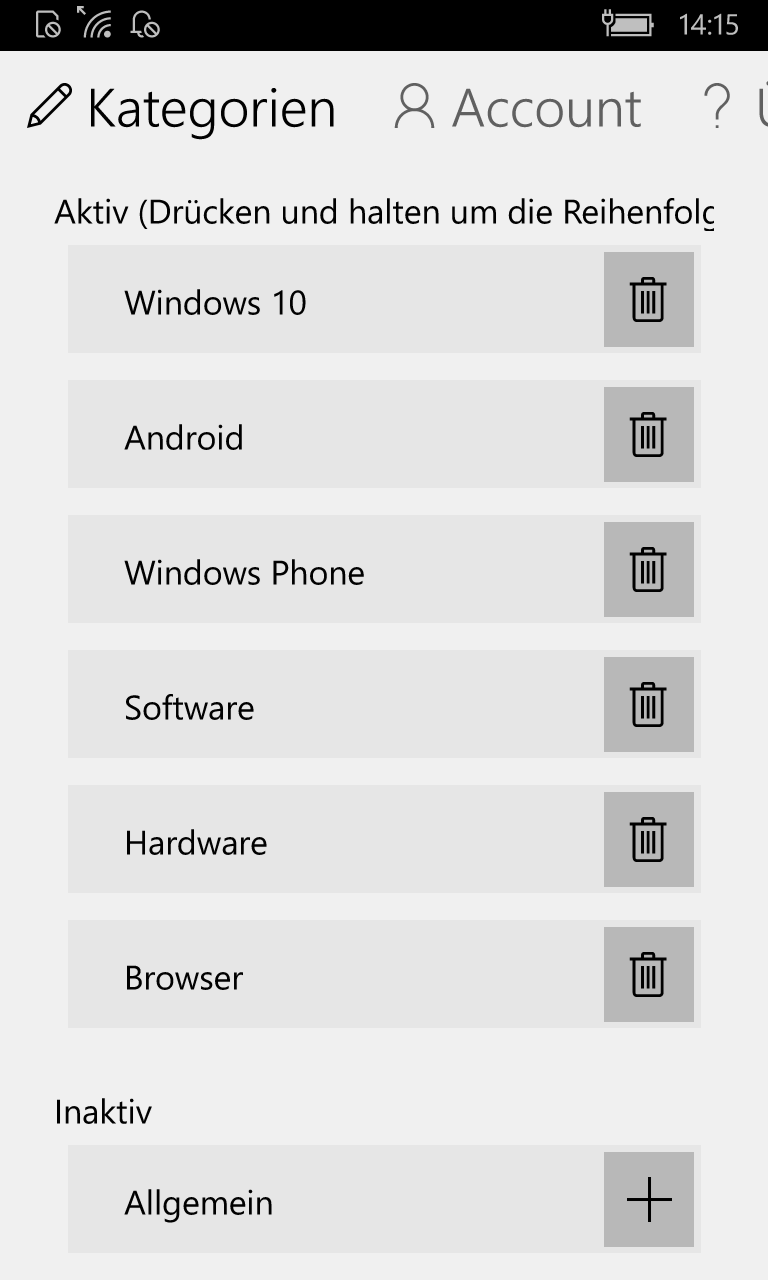
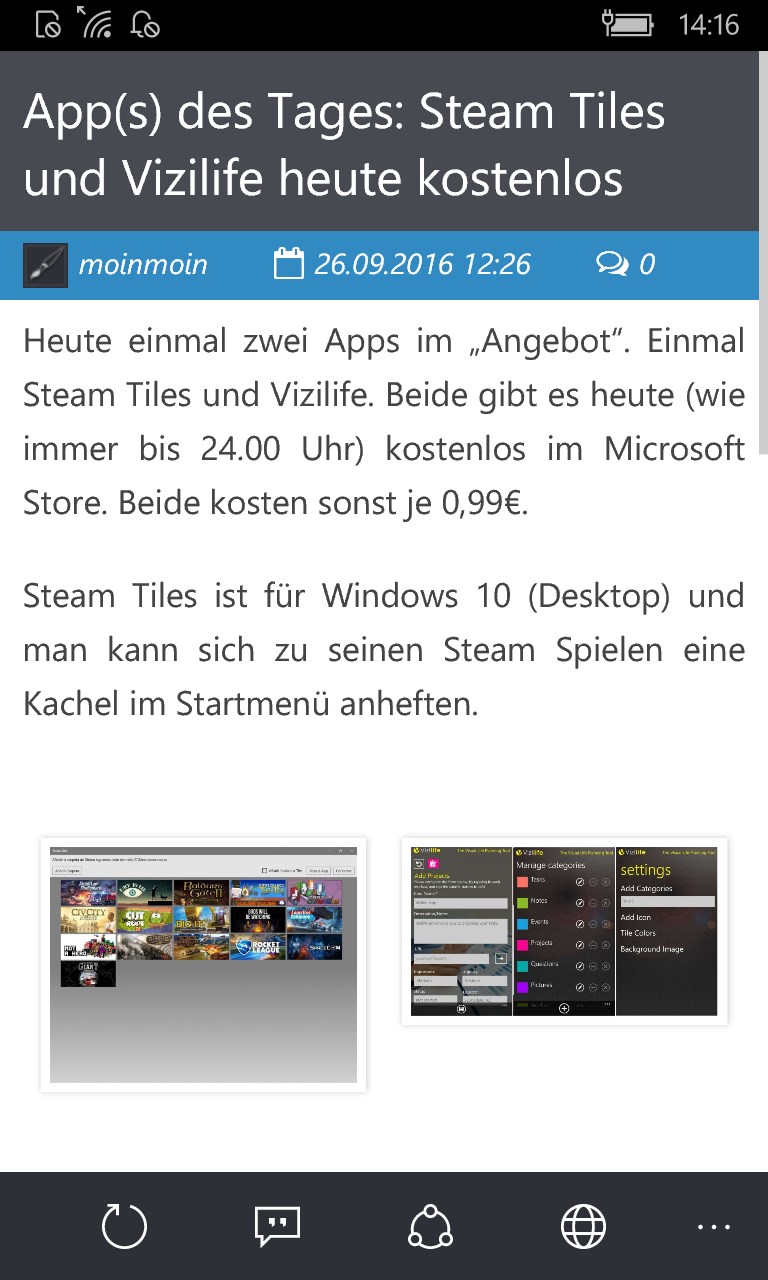
Deskmodder.de is a news reader for the Deskmodder.de blog, offering news, tips and tutorials on Windows, Windows Phone, Android, iOS, apps and software. It lets readers browse and comment on the latest blog posts directly on their device. Blog entries can be filtered by category and searched, and the order of categories on the home screen can be customized, with categories added or removed as needed. A live tile keeps users updated on new content without needing to open the app.
Show the developer's original descriptionHide the original description
Deskmodder.de bietet euch seit 2003 News, Tipps und Tutorials zu Windows, Windows Phone, Android, iOS, Apps und Software in unserem Blog. Mit dieser App bieten wir euch eine einfache und schnelle Möglichkeiten auch auf eurem Windows (Phone) die neuesten Blogeinträge zu lesen und zu kommentieren.
Die Blogbeiträge lassen sich nach den verschiedensten Kategorien filtern und auch durchsuchen. Die Reihenfolge der Kategorien auf der Startseite lässt sich anpassen und ihr könnt Kategorien hinzufügen und entfernen.
Außerdem besitzt die App ein Livetile, um euch jederzeit auf dem Laufenden zu halten, auch ohne die App zu öffnen.
Für Fragen steht euch unser Forum zur Verfügung.
Wir wünschen euch viel Spass mit unserer App
Eure Deskmodder-Crew.
If there is a version of this app for iOS/Mac or Windows we don't know about, paste the store link here — we'll auto-detect the store.
How to find the URL:1. Open the app in its store. 2.In the App Store app: tap the Share icon → “Copy Link”. In the browser: copy the URL from the address bar — it contains apps.apple.com/…/id… or apps.microsoft.com/detail/…. 3. Paste it here.
Paste the original link from the Apple App Store or Microsoft Store. We fetch all details automatically.
How to find the URL:
1. Open the app in its store. 2.In the App Store app: tap the Share icon → “Copy Link”. In the browser: copy the URL from the address bar — it contains apps.apple.com/…/id… or apps.microsoft.com/detail/…. 3. Paste it here.
Android apps can only be listed by their developer.