Screenshot appears after consentScreenshot appears after consentScreenshot appears after consentScreenshot appears after consentScreenshot appears after consentScreenshot appears after consentScreenshot appears after consentScreenshot appears after consent
Screenshot appears after consentScreenshot appears after consentScreenshot appears after consentScreenshot appears after consentScreenshot appears after consentScreenshot appears after consentScreenshot appears after consentScreenshot appears after consent
Screenshot appears after consentScreenshot appears after consentScreenshot appears after consentScreenshot appears after consentScreenshot appears after consentScreenshot appears after consentScreenshot appears after consentScreenshot appears after consentScreenshot appears after consent
Screenshot appears after consentScreenshot appears after consent
Screenshot appears after consentScreenshot appears after consentScreenshot appears after consentScreenshot appears after consentScreenshot appears after consentScreenshot appears after consentScreenshot appears after consentScreenshot appears after consentScreenshot appears after consent
Summary
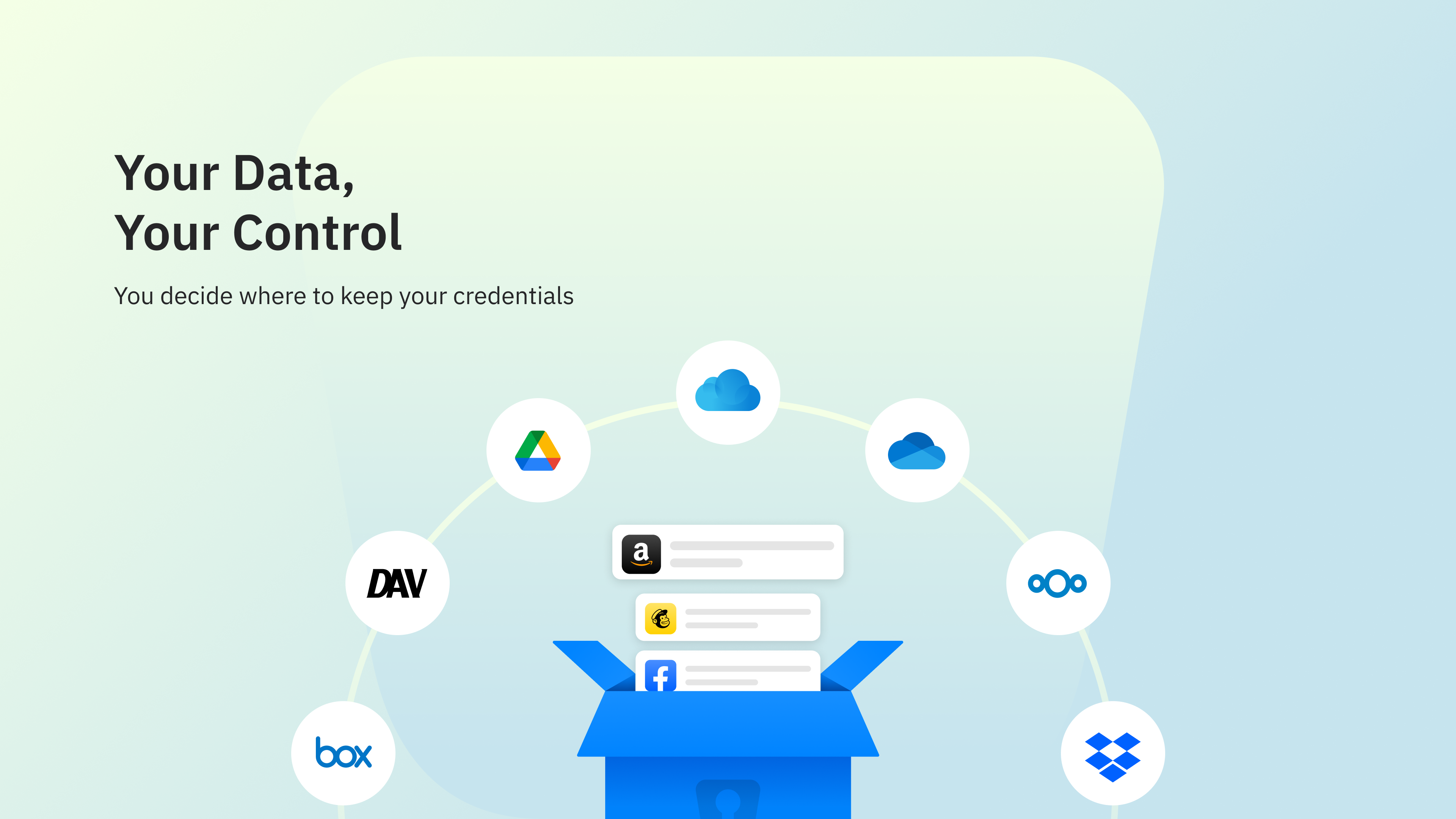
Enpass Password Manager is a password and passkey manager that lets users choose where their encrypted vaults are stored, such as iCloud, Google Drive, OneDrive, Dropbox, Box, Nextcloud or WebDAV, or offline, rather than on a central server. It autofills and auto-saves passwords, passkeys, authentication codes and credit card details, and includes a built-in authenticator for TOTP codes. Vaults are unlimited and can be organized with customizable templates, categories, tags and file attachments, and can be shared with partners, family or teams. A password generator and continuous monitoring highlight weak or breached credentials.
Show the developer's original descriptionHide the original description
Enpass is the only password and passkey manager that keeps your credentials secure by storing them in your own iCloud or other personal cloud – not on vendor servers.
YOUR DATA STAYS WHERE IT BELONGS
Most password managers store user credentials in their own cloud. Enpass doesn't. We call this zero possession: going beyond the industry-standard zero knowledge to never receiving, storing, or touching your password data at all.
For personal users, encrypted vaults live in your iCloud or whatever other cloud you use. For businesses, they’re in the organization’s other trusted environment, giving full data sovereignty. Even if Enpass servers were compromised (and they’ve never been), password data couldn't be breached because it was never there.
IT’S EASY TO LOG INTO WEBSITES SECURELY
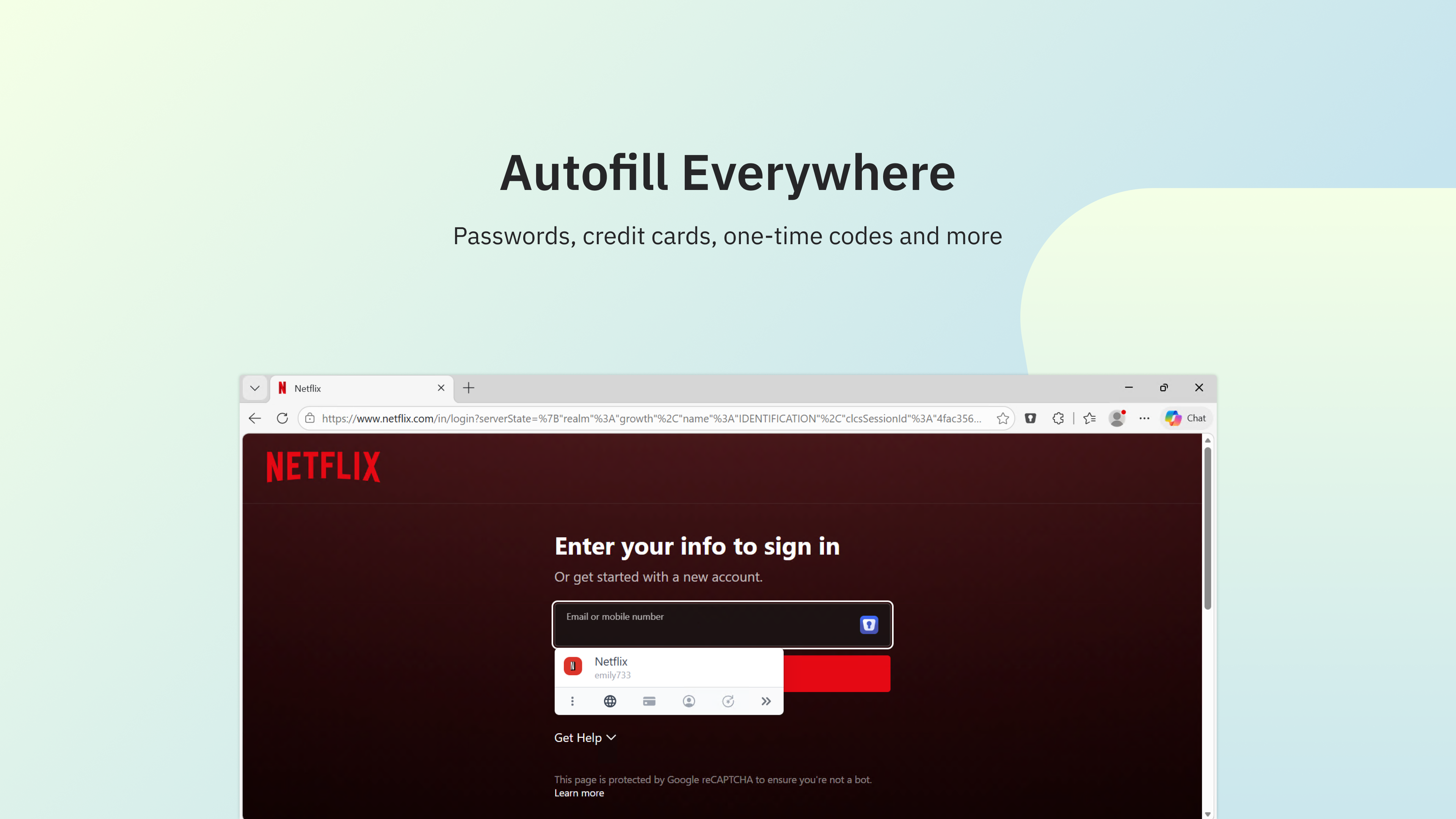
Enpass gives you fast, secure autofill across every website and app.
→ Autofills passwords, passkeys, authentication codes, credit cards, and web forms
→ Auto-saves new and changed credentials
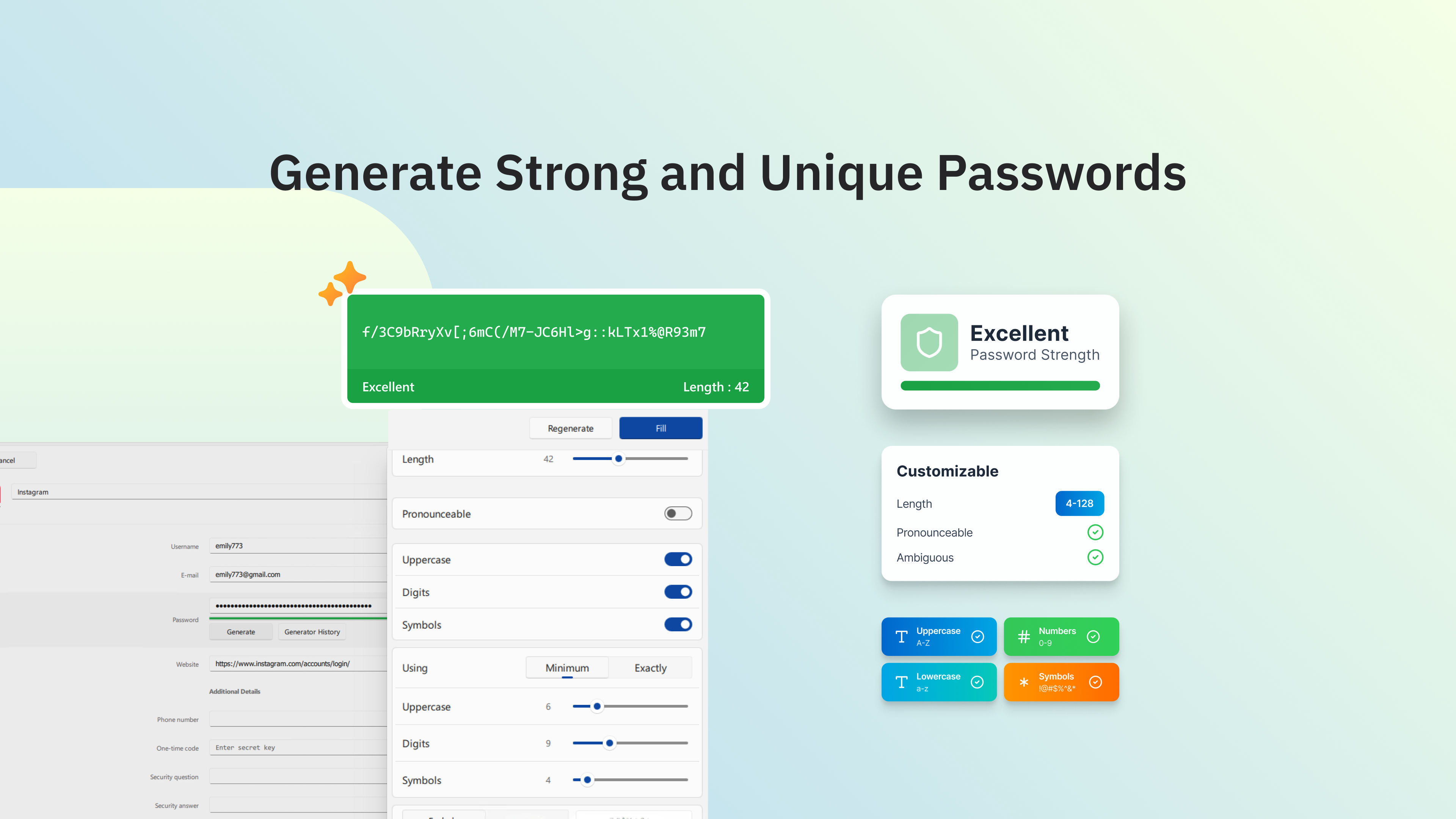
→ Generates strong passwords with a customizable generator
→ Built-in authenticator (TOTP) – no separate app needed for 6-digit codes
USE OF ACCESSIBILITY FEATURES
Accessibility features help you autofill credentials into apps and websites saved in Enpass.
ORGANIZE YOUR DIGITAL LIFE
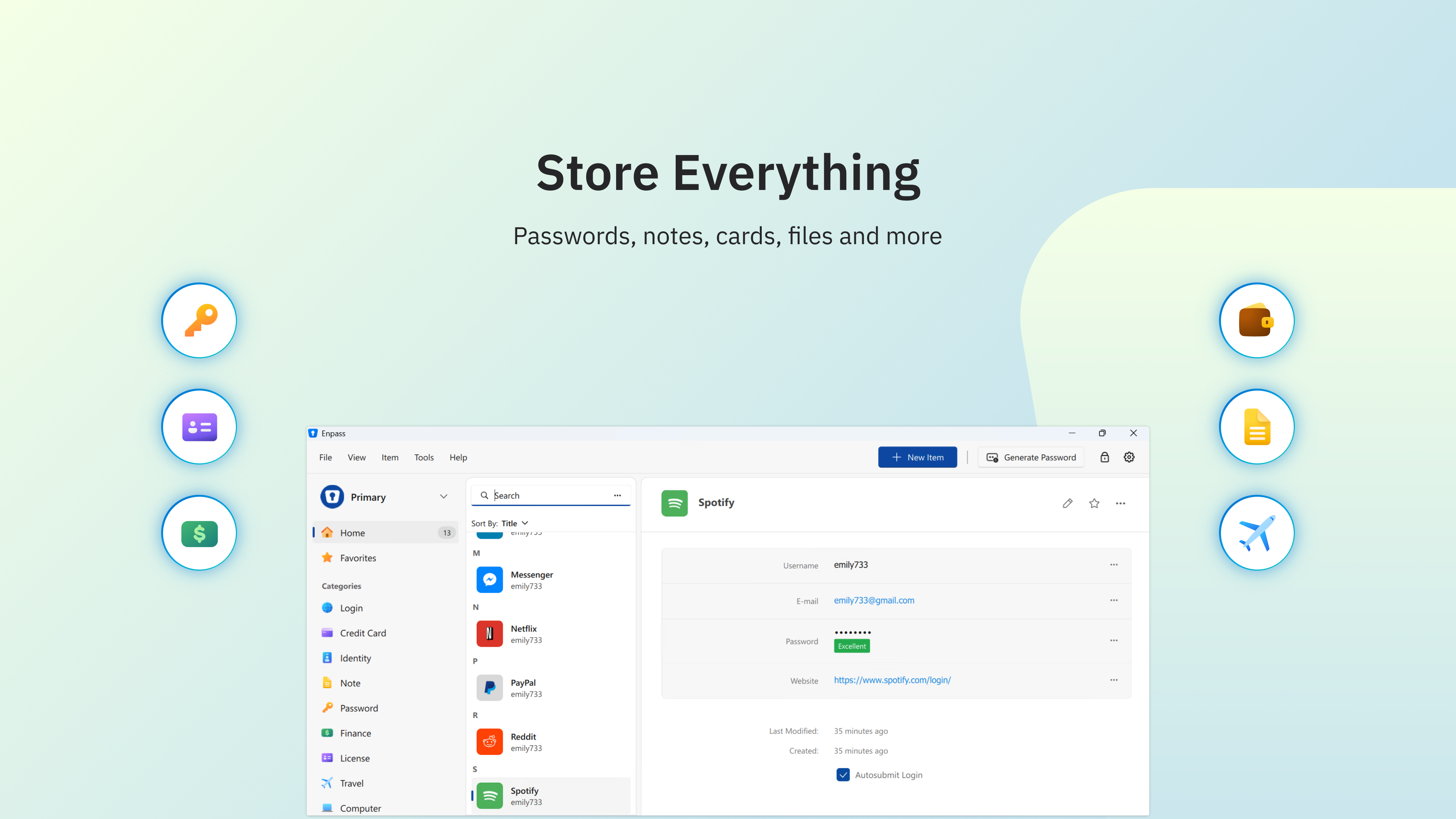
Keep your credentials organized with unlimited vaults, flexible categories, and customizable templates.
→ Unlimited passwords, passkeys, and vaults across unlimited devices with the Premium plan (up to 25 credentials on the Free plan)
→ Customizable templates, categories, and tags to organize credentials and private files
→ Add, remove, and rearrange fields
→ Attach documents and images to credentials
→ Import easily from other password managers and CSV files
WORKS ACROSS ALL YOUR DEVICES
Enpass is available wherever you work, on every device and browser you use.
→ Native app for windows, and all other platforms
→ Browser extensions for Chrome, Edge, Firefox, Safari, Brave, Vivaldi, and Opera
KEEP ON TOP OF SECURITY
Enpass continuously monitors your credential security and alerts you to vulnerabilities before they become incidents.
→ Security alerts if a credential is in a known breach or has been compromised
→ App dashboard shows your password security score and highlights weak, compromised, and duplicate passwords
→ Highlights accounts that support multifactor authentication and passkeys
→ Unlock with face ID, fingerprint, PIN, or keyfile
PASSKEYS: AHEAD OF THE GAME
Enpass supports passkeys across all devices and has already implemented emerging WebAuthn Level 3 passkey standards ahead of the formal W3C recommendation.
→ Create, store, and use passkeys
→ Passkeys are stored securely in your vault saved in your trusted infrastructure, never on a central server
→ Full cross-platform support, ready for a passwordless future
FOR YOUR ORGANIZATION
If your organization has deployed Enpass, the Enpass Admin Console lets IT and security teams ensure compliance.
→ Policy enforcement and security audit dashboards
→ Automatic user provisioning and offboarding via SCIM
→ SSO integration
→ SIEM integration and event and audit logs
→ Access recovery
→ UEM/MDM deployment configurations
→ Dark web monitoring
→ MCP server – AI agent access to admin data on password health and security posture
→ 24/7/365 technical support
SECURITY AND COMPLIANCE
Enpass is independently SOC 2 Type II audited, ISO 27001:2022 accredited, and fully GDPR compliant. It uses industry-standard AES-256 encryption with 320,000 PBKDF2 rounds using the open-source SQLCipher encryption engine.
SUPPORT
Help Center: https://help.enpass.io
Email: support@enpass.io
Terms of Use: https://www.enpass.io/terms-of-use
Privacy Policy: https://www.enpass.io/privacy-notice
Paste the original link from the Apple App Store or Microsoft Store. We fetch all details automatically.
How to find the URL:
1. Open the app in its store. 2.In the App Store app: tap the Share icon → “Copy Link”. In the browser: copy the URL from the address bar — it contains apps.apple.com/…/id… or apps.microsoft.com/detail/…. 3. Paste it here.
Android apps can only be listed by their developer.







 SecureSafe Password Manager
Cloud storage with password manager and strong encryption
 Strongbox - Password Manager
Password manager with encryption and cloud sync
 LastPass Password Manager
Store, generate and autofill passwords securely
 Keeper® Password Manager
Encrypted password vault with sync across devices
 1Password
Store, generate and auto-fill passwords securely
 Bitwarden
Password manager with encrypted vault and passkey support