

Screenshot appears after consentScreenshot appears after consent
Summary
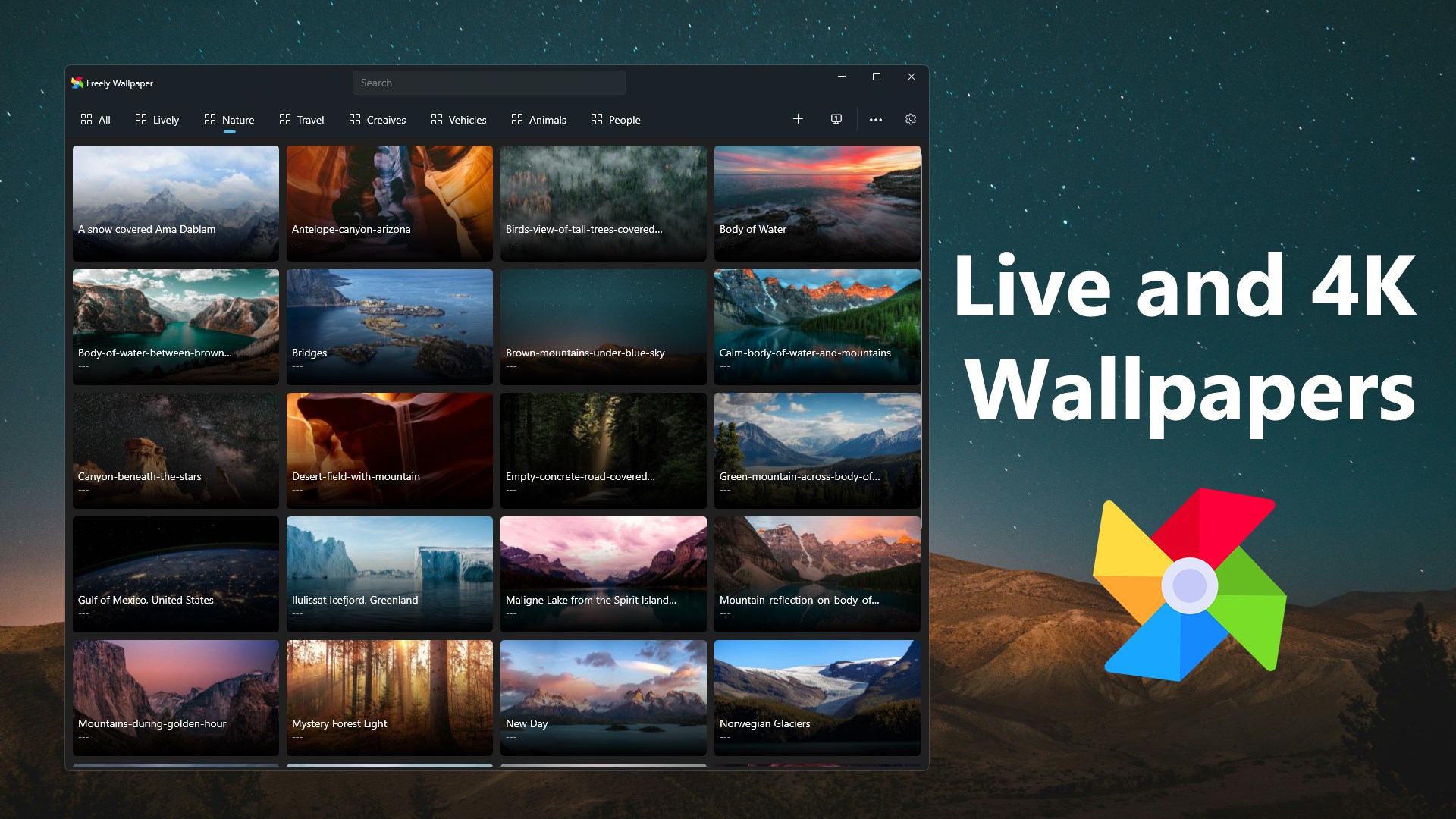
Live Wallpapers + is a desktop wallpaper utility for Windows 10 and 11 that sets videos, gifs and images as animated desktop backgrounds. It supports wallpapers in categories such as Lively, Nature, Travel, Creatives, Vehicles, Animals and People. The app offers a category-based display for browsing wallpapers, provides a growing collection of 4K HD wallpapers and includes a selection of live wallpapers, with new additions planned over time.
Show the developer's original descriptionHide the original description
Live Wallpapers + depends on the following non-integrated software to deliver primary functionality.
.NET desktop runtime, .NET.
Live Wallpapers + is a desktop wallpaper utility that provides more lively and 4k wallpapers on Windows 10 and 11.
License: The free version supports all 4K HD wallpapers in all categories, as well as some lively wallpapers. However, some lively wallpapers require upgrading to the premium version. The premium version supports all 4K wallpapers and all lively wallpapers, and automatically receives continuously updated wallpaper assets. Thank you for your support.
Live Wallpapers + supports any video file, any gif and any image as desktop wallpaper. It also supports wallpapers in a variety of categories, such as Lively, Nature, Travel, Creatives, Vehicles, Animals, People and so on.
Features:
- Live Wallpapers + provides a display of wallpaper's categories.
- Live Wallpapers + provides more 4K HD wallpapers.
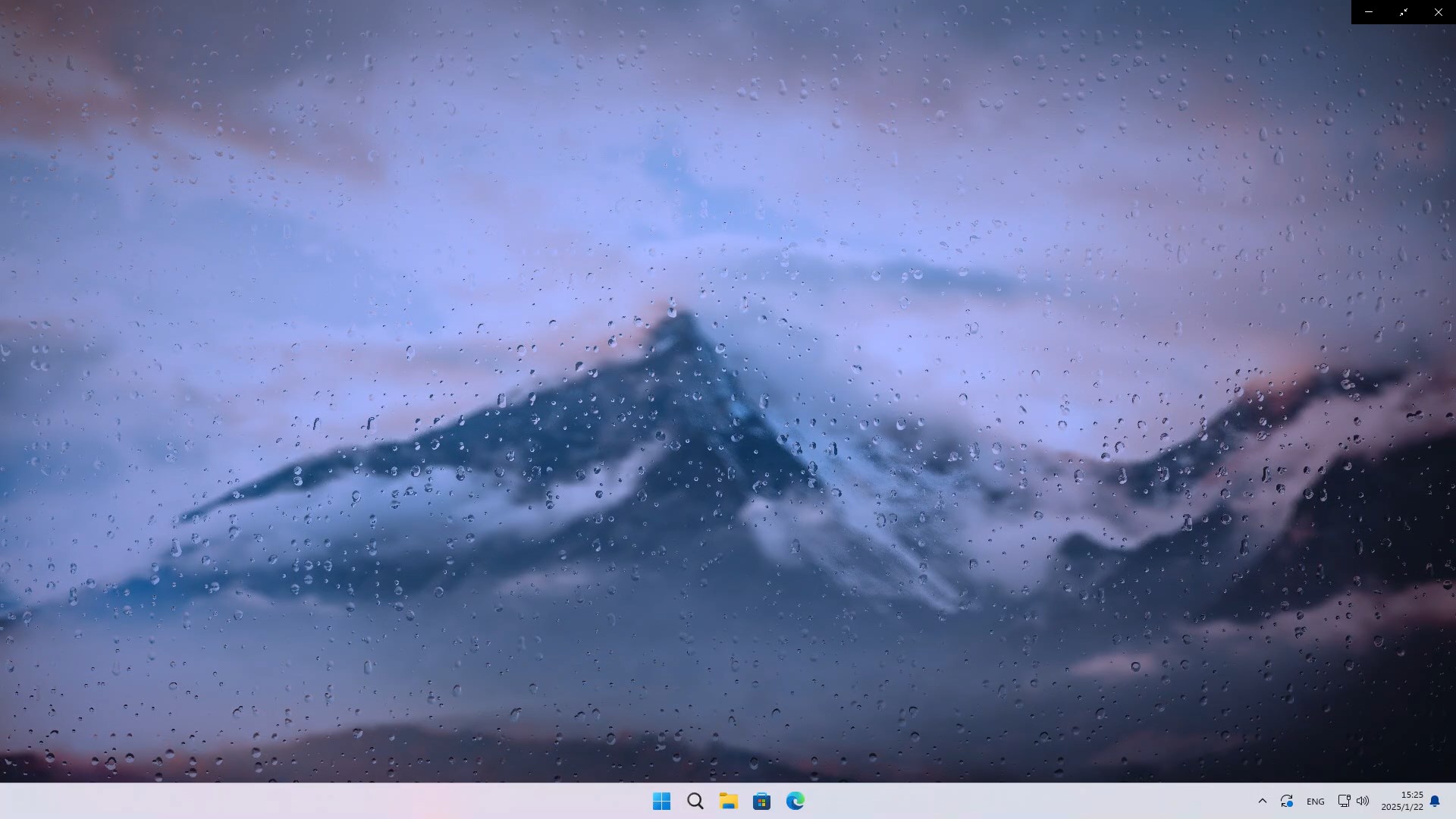
- Live Wallpapers + provides more LIVE wallpapers.
We will continue to upgrade and provide more interesting wallpapers.
Live Wallpapers + is modified from Lively Wallpaper by rocksdanister(https://rocksdanister.github.io/lively) which is free and open source under license GPLv3.
Getting our source code from:
https://perosoftware.com/freelywallpaper/source
If there is a version of this app for iOS/Mac or Windows we don't know about, paste the store link here — we'll auto-detect the store.
How to find the URL:1. Open the app in its store. 2.In the App Store app: tap the Share icon → “Copy Link”. In the browser: copy the URL from the address bar — it contains apps.apple.com/…/id… or apps.microsoft.com/detail/…. 3. Paste it here.
Paste the original link from the Apple App Store or Microsoft Store. We fetch all details automatically.
How to find the URL:
1. Open the app in its store. 2.In the App Store app: tap the Share icon → “Copy Link”. In the browser: copy the URL from the address bar — it contains apps.apple.com/…/id… or apps.microsoft.com/detail/…. 3. Paste it here.
Android apps can only be listed by their developer.