
Screenshot appears after consentScreenshot appears after consentScreenshot appears after consentScreenshot appears after consentScreenshot appears after consentScreenshot appears after consentScreenshot appears after consent
Summary
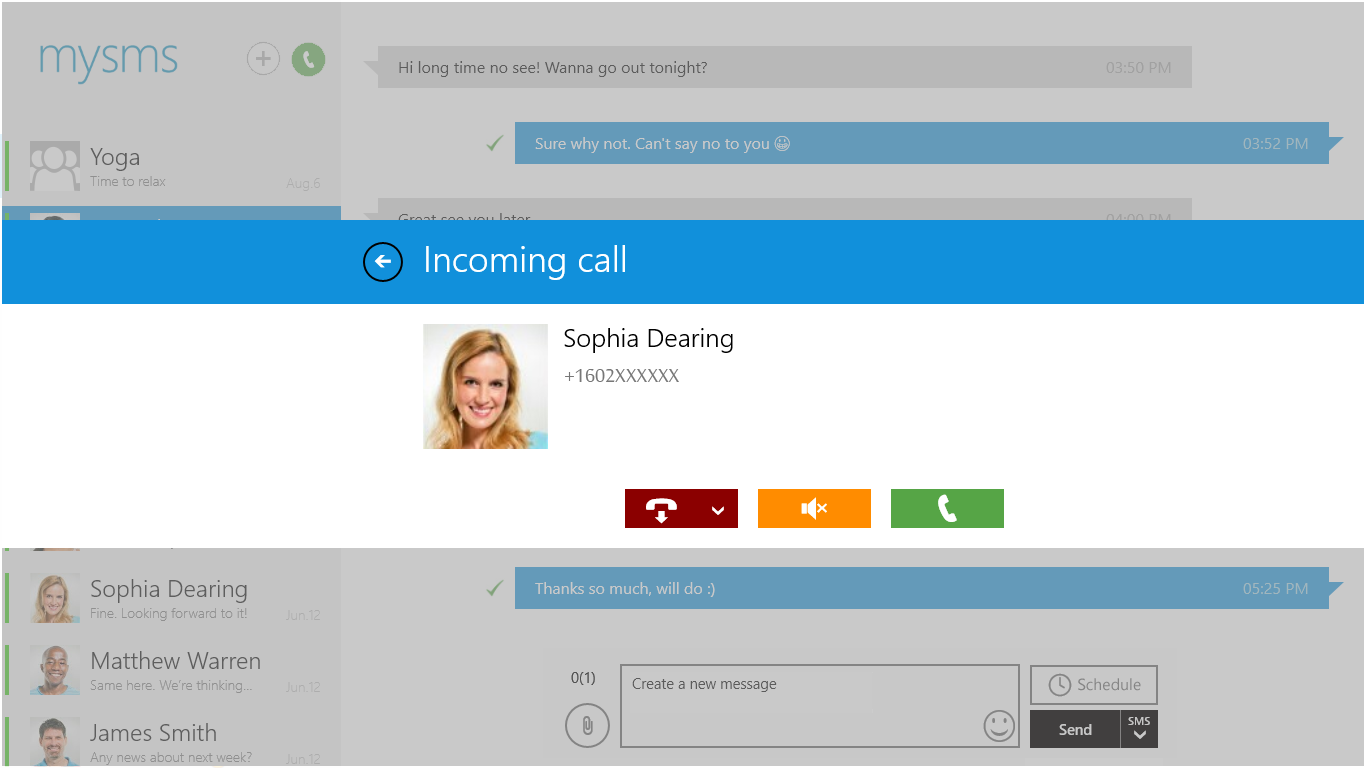
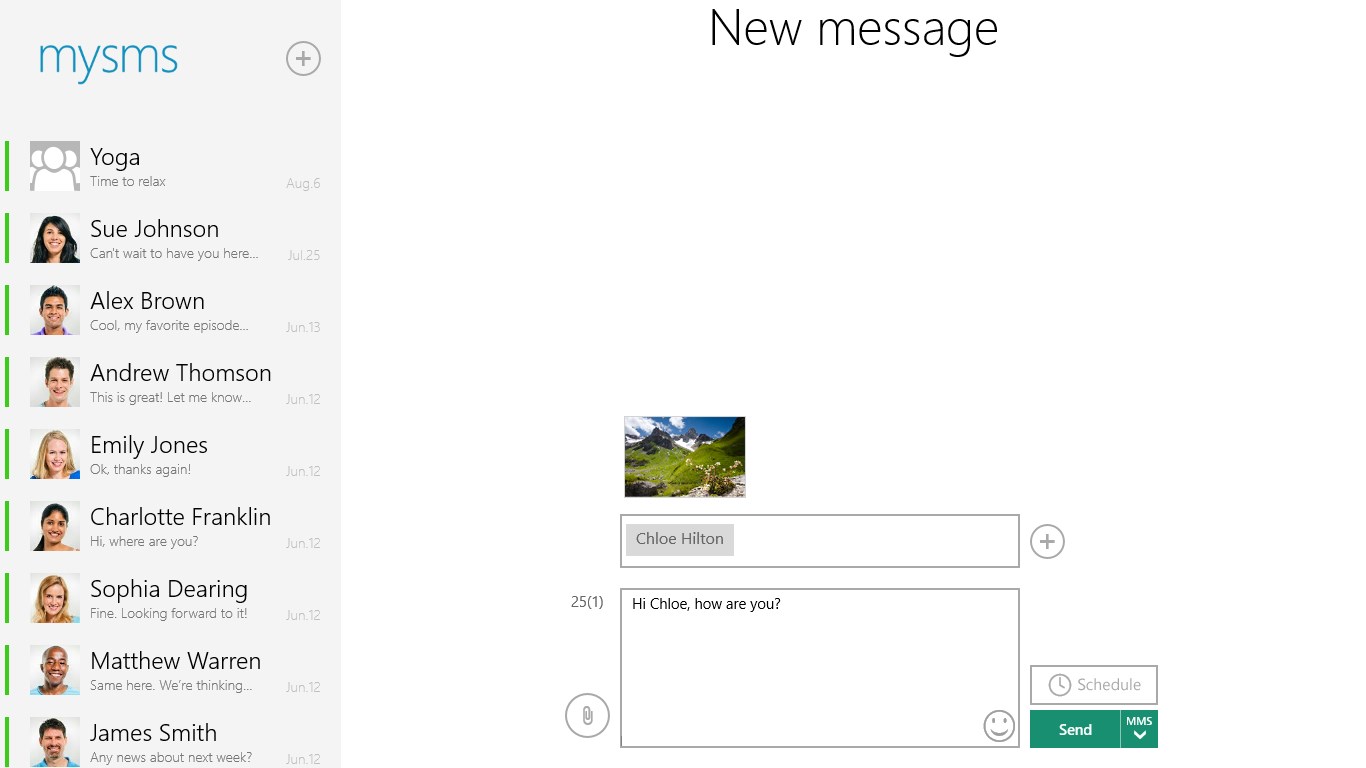
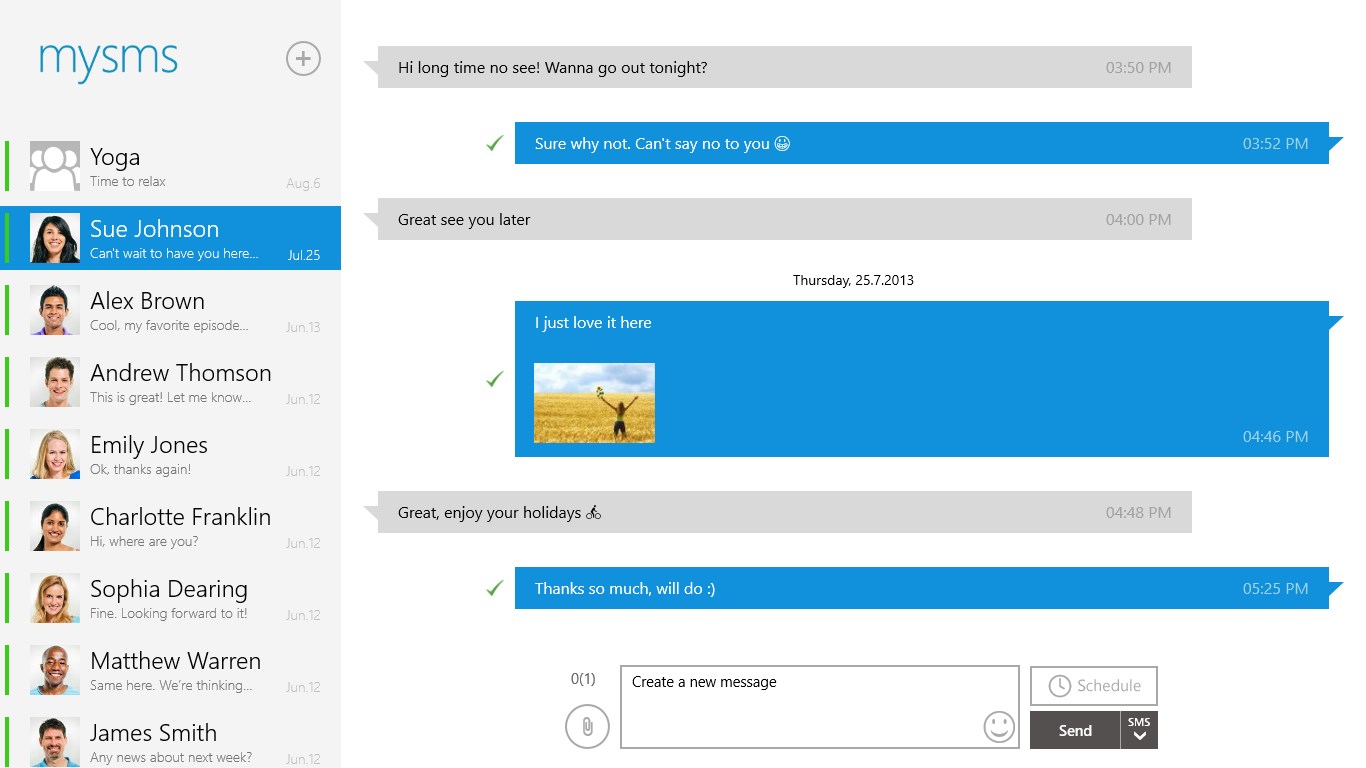
mysms - Text from Computer, Messaging is a messaging tool that lets text messages be sent and received on a Windows PC or tablet using the existing phone number. The SMS inbox stays synced with the phone, so messages are automatically up to date across all connected devices regardless of which one is used to send or receive them. Incoming and missed calls on the phone also trigger notifications on the computer. The app supports MMS group chats and multimedia messages. It requires mysms to be installed and registered on a phone first, since it works only in combination with a smartphone rather than as a standalone tool.
Show the developer's original descriptionHide the original description
Text from your tablet and computer – a completely new messaging experience via the cloud.
With mysms you can send/receive text messages on your Windows 8 / 10 PC or tablet using your current phone number. Your SMS inbox is synced with your phone and always up to date, no matter from which device you send your messages.
Your benefits with mysms:
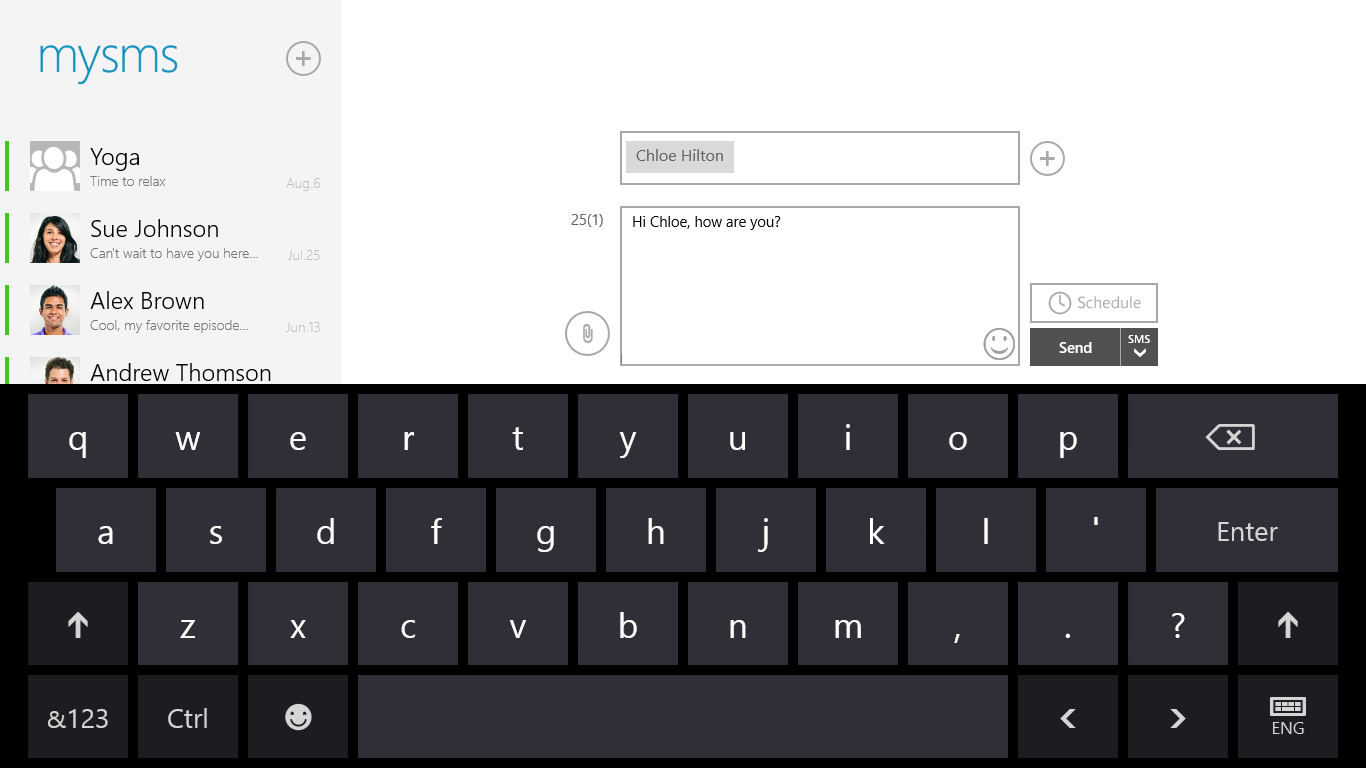
** Send and receive text messages on your tablet and PC
** Automatic sync between your smartphone, tablet and computer
** Call notifications on your PC- when you receive a call on your phone
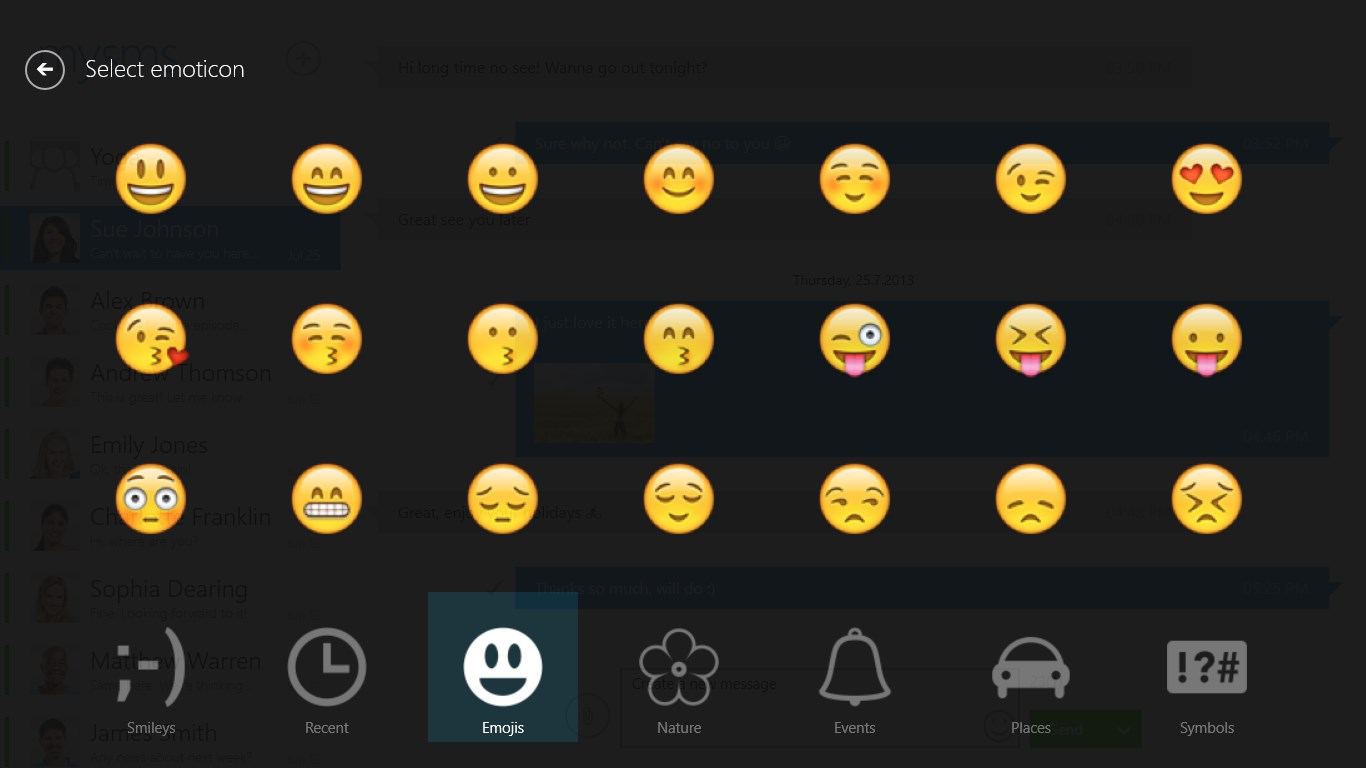
** MMS Group chat and multimedia support
*** This app is not self-contained. To start texting from your computer, you need to download mysms on your phone and register for an account. This step is required for mysms to work. This app works for phone users. ***
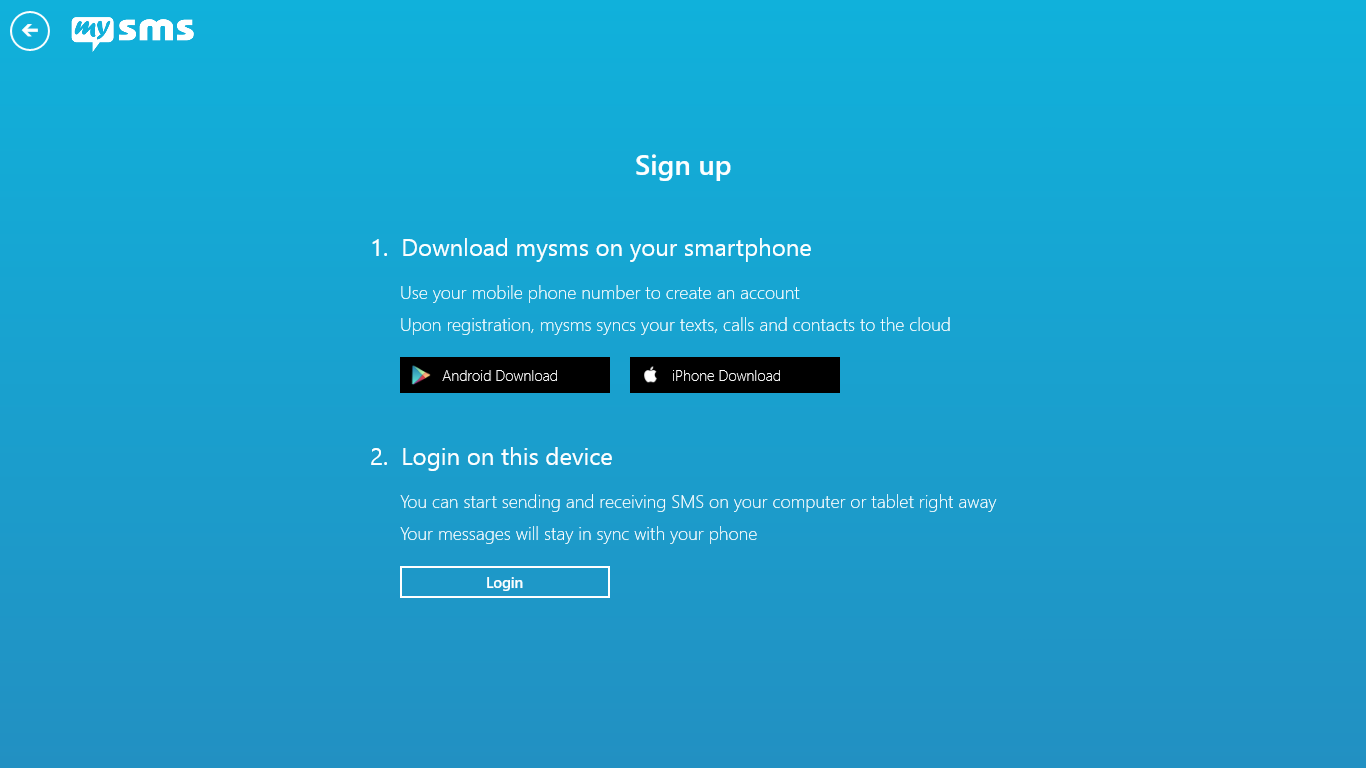
Just follow these steps and you’ll be on your way:
Step 1) Install mysms on your phone and register
Step 2) Start the mysms Windows 8 app on your PC or tablet and log in using your number and password.
******************
We’re always happy to hear from you! Do you have a suggestion? A question? A problem using the application? Just send an email to help@mysms.com and we’ll get back to you as quickly as possible.
You can reach us on Facebook at facebook.com/mysms, Twitter @mysms and Google+ gplus.to/mysms.
Play Store URL for "mysms - Text from Computer, Messaging"
If there is a version of this app for iOS/Mac or Windows we don't know about, paste the store link here — we'll auto-detect the store.
How to find the URL:1. Open the app in its store. 2.In the App Store app: tap the Share icon → “Copy Link”. In the browser: copy the URL from the address bar — it contains apps.apple.com/…/id… or apps.microsoft.com/detail/…. 3. Paste it here.
Paste the original link from the Apple App Store or Microsoft Store. We fetch all details automatically.
How to find the URL:
1. Open the app in its store. 2.In the App Store app: tap the Share icon → “Copy Link”. In the browser: copy the URL from the address bar — it contains apps.apple.com/…/id… or apps.microsoft.com/detail/…. 3. Paste it here.
Android apps can only be listed by their developer.