
Screenshot appears after consentScreenshot appears after consentScreenshot appears after consentScreenshot appears after consentScreenshot appears after consentScreenshot appears after consentScreenshot appears after consentScreenshot appears after consentScreenshot appears after consent
Summary
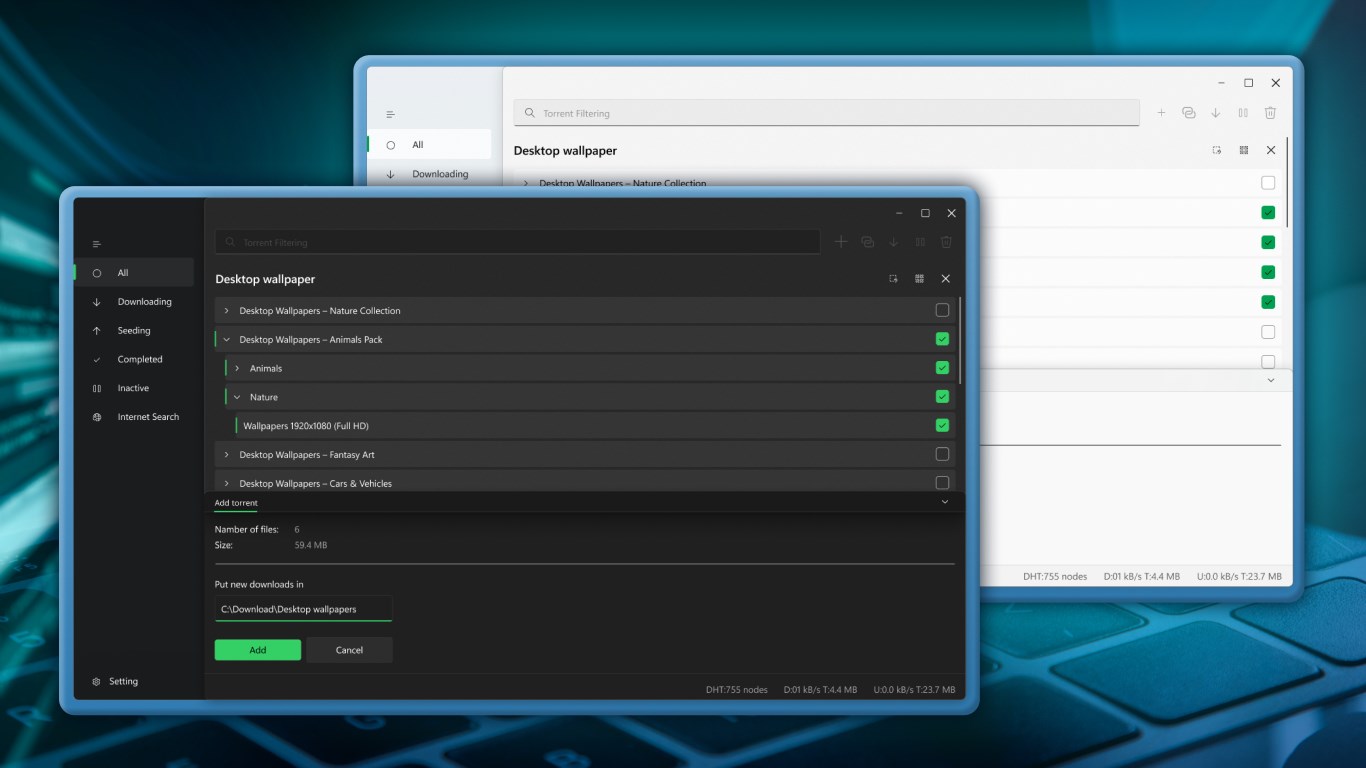
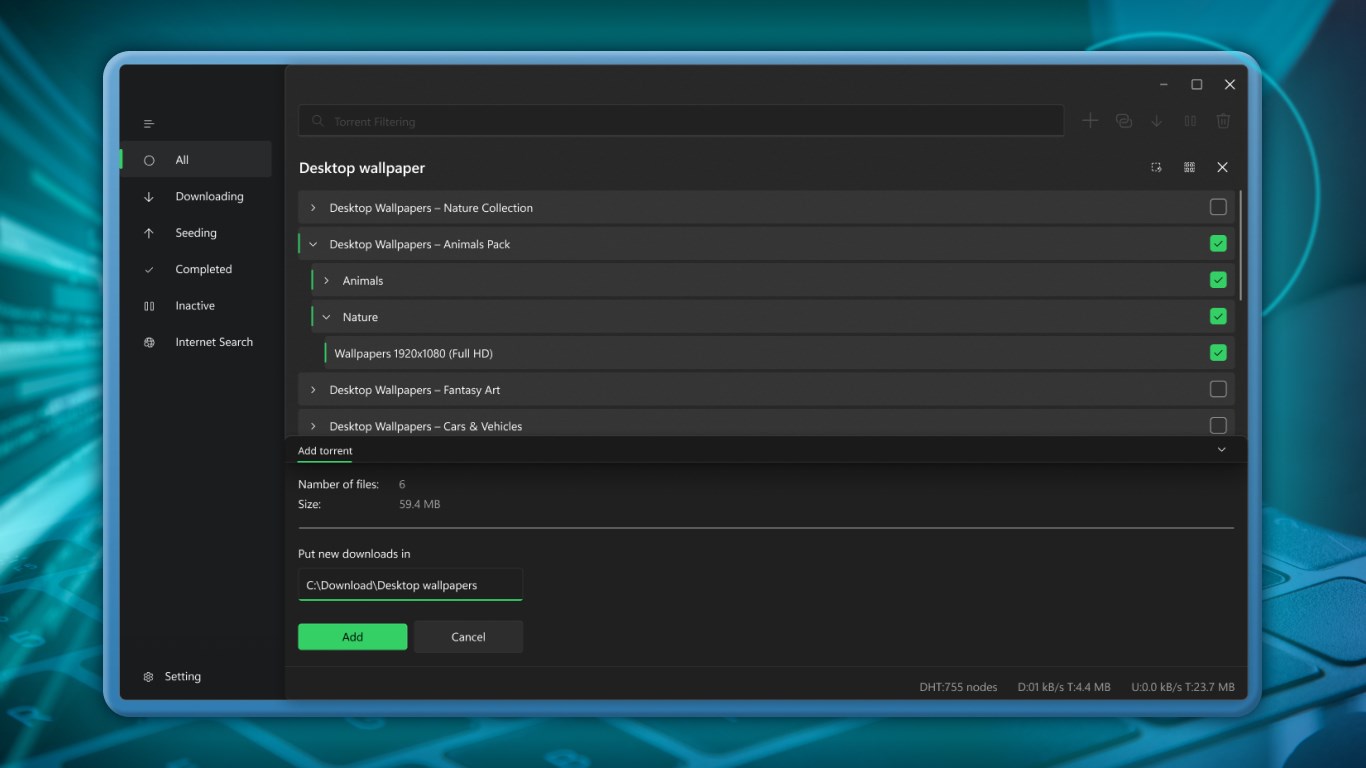
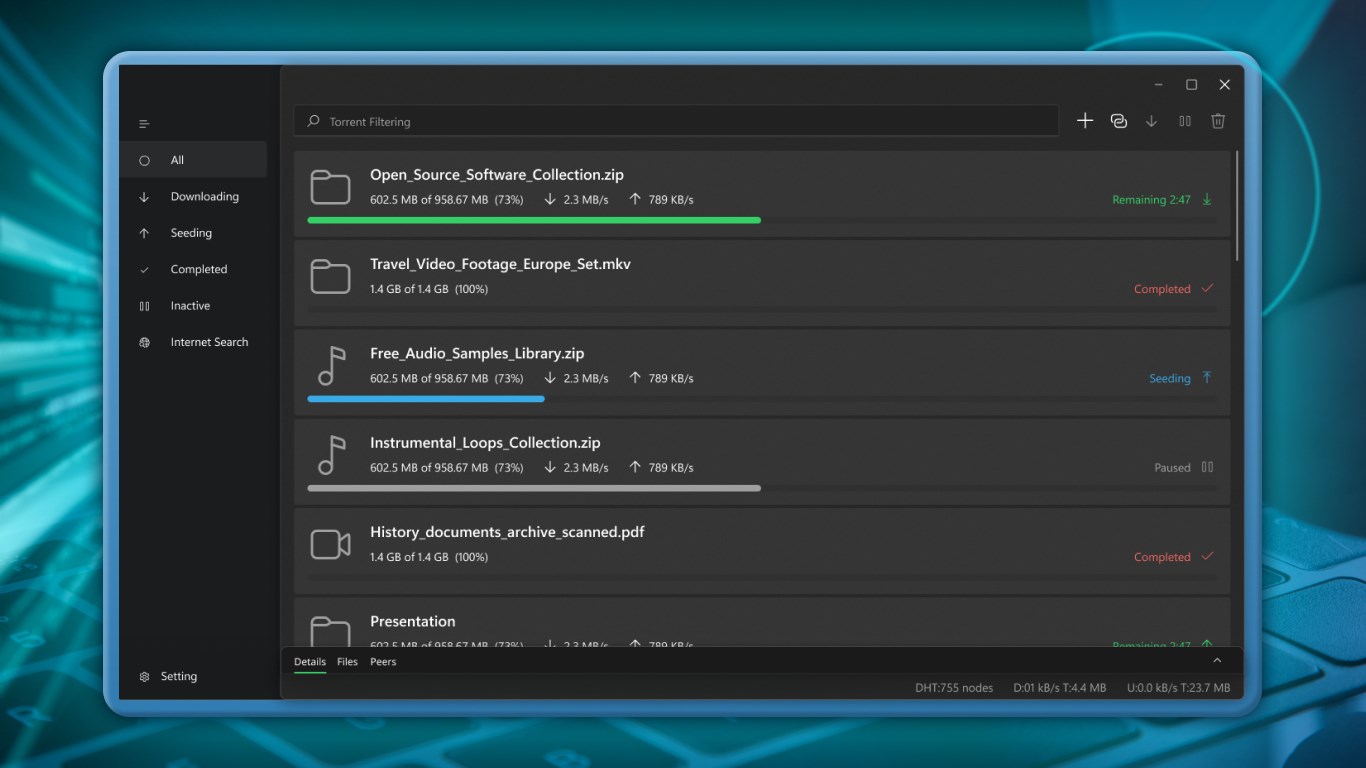
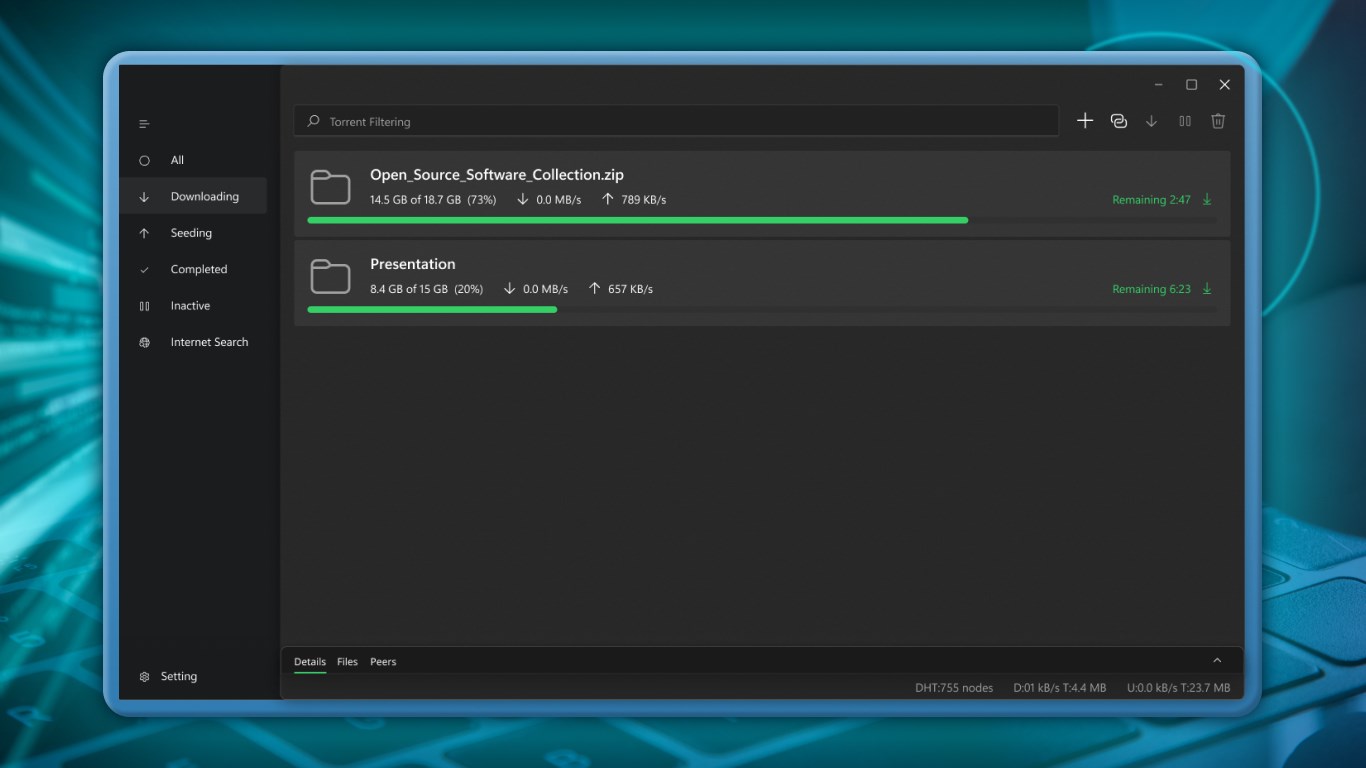
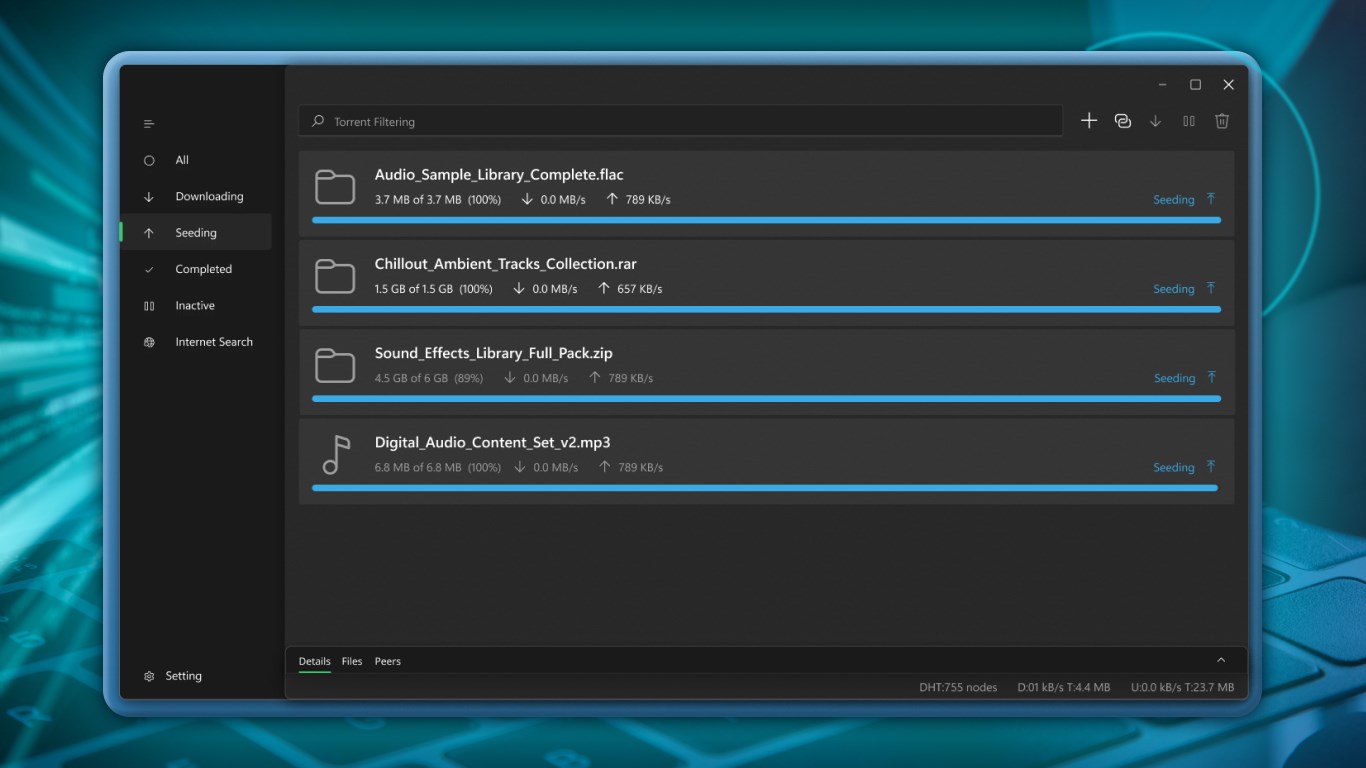
Torrent Manager is a torrent client for downloading and managing files through torrent links. A file or link can be added to the program and the download starts automatically. It supports pausing and resuming downloads and allows convenient management of the download process. It offers a clean interface suitable for both new and experienced users, and is optimized for Windows 10. The app is available as an evaluation version, with the option to upgrade to the full-featured edition.
Show the developer's original descriptionHide the original description
Torrent Manager is a fast and easy-to-use application designed for downloading and managing files using torrent links. Add a file or link to the program, and the download will start automatically.
The application runs quickly and reliably, supports pausing and resuming downloads, and allows convenient management of the download process.
Optimized for Windows 10, Torrent Manager offers a clean interface suitable for both new users and experienced users looking for an efficient file transfer solution.
Get started today and experience simple, reliable torrent downloading!
Note: This is an evaluation version with the option to upgrade to the full-featured edition.
If there is a version of this app for iOS/Mac or Windows we don't know about, paste the store link here — we'll auto-detect the store.
How to find the URL:1. Open the app in its store. 2.In the App Store app: tap the Share icon → “Copy Link”. In the browser: copy the URL from the address bar — it contains apps.apple.com/…/id… or apps.microsoft.com/detail/…. 3. Paste it here.
Paste the original link from the Apple App Store or Microsoft Store. We fetch all details automatically.
How to find the URL:
1. Open the app in its store. 2.In the App Store app: tap the Share icon → “Copy Link”. In the browser: copy the URL from the address bar — it contains apps.apple.com/…/id… or apps.microsoft.com/detail/…. 3. Paste it here.
Android apps can only be listed by their developer.