

Screenshot appears after consentScreenshot appears after consent
Summary
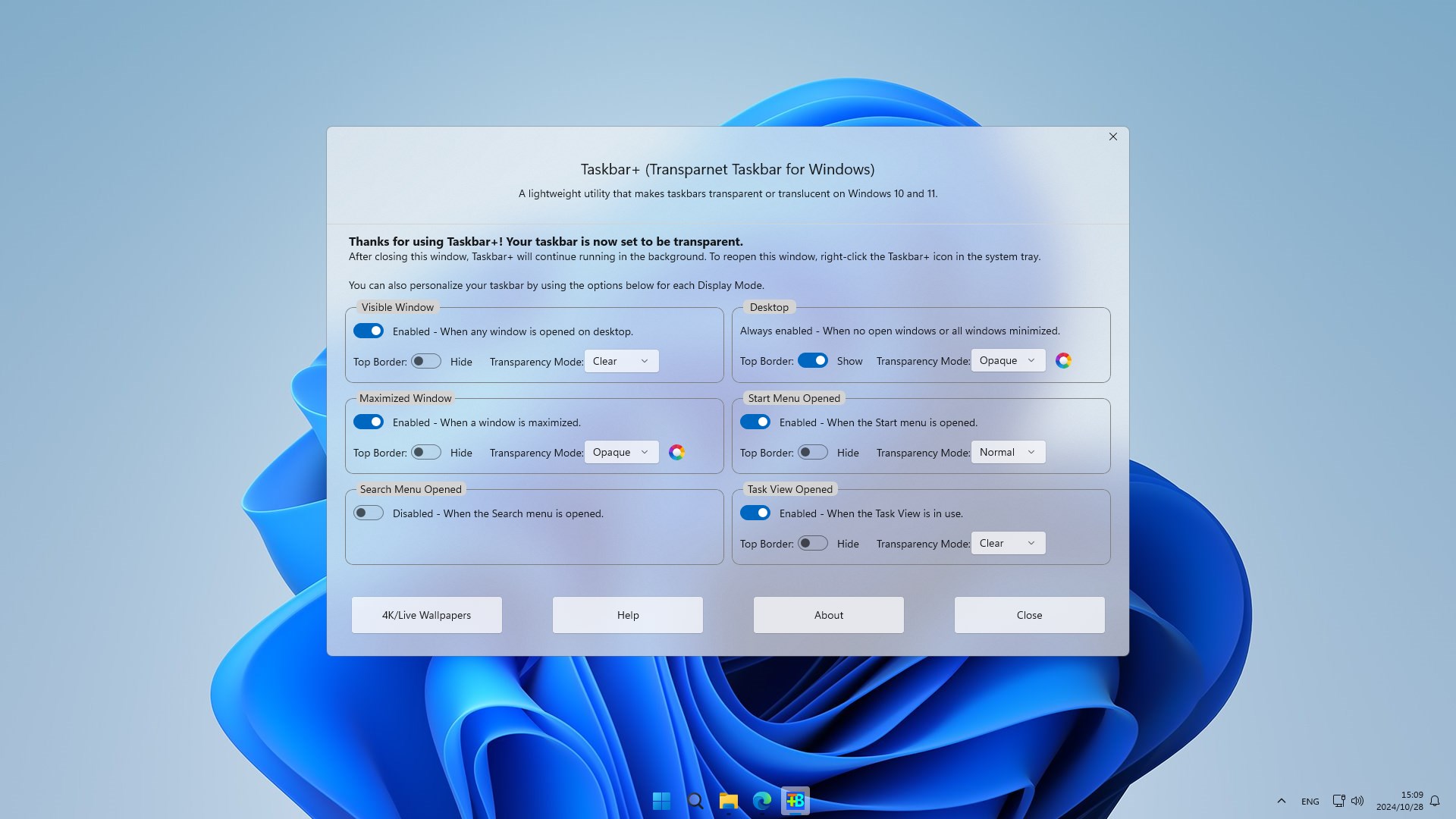
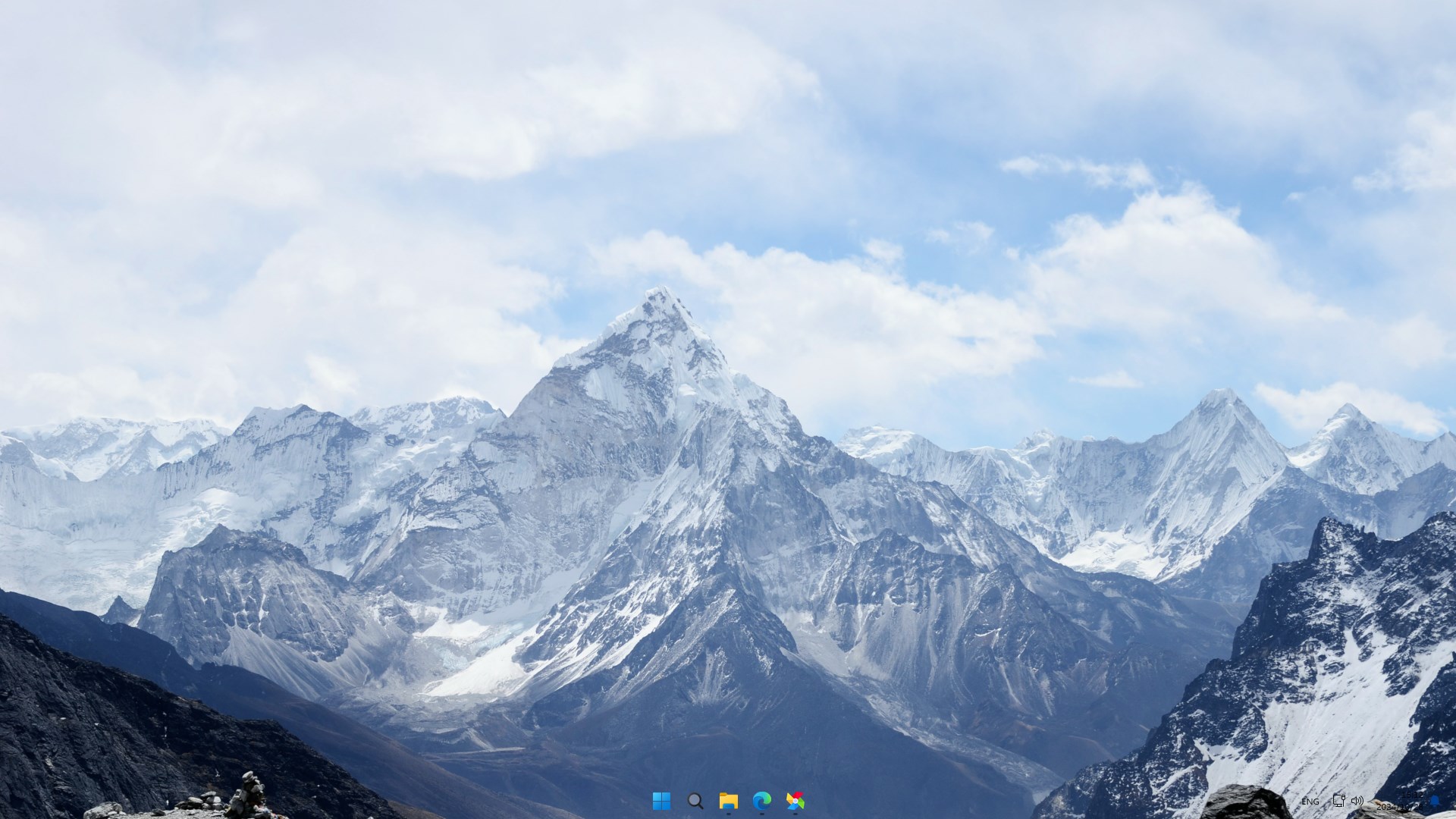
Taskbar+ is a lightweight utility that customizes the appearance of the taskbar on Windows 10 and 11, making it transparent, translucent or colored. It supports five taskbar states, including normal, opaque, clear, acrylic and blurred. It also offers six dynamic settings that adjust the taskbar depending on whether the desktop, a visible window, a maximized window, the Start menu, search or Task View is open. The free version applies all five taskbar states together, while a premium upgrade allows each setting to be personalized independently.
Show the developer's original descriptionHide the original description
Taskbar+ is a lightweight utility that can make the taskbar transparent, translucent or colored on Windows 10 and 11. It provides a more friendly setting interface and more intuitively displays the personalized settings of each function.
Supports 5 taskbar states: Normal, Opaque (color), Clear (transparent), Acrylic (translucent) and Blurred.
Supports 6 dynamic settings: Desktop, Visible Window, Maximized Window, Start opened, Search opened, Task View opened.
License: The free version can set all 5 taskbar states as a whole. For more personalized independent settings, users can upgrade to the premium version. Thank you for your support.
Features:
- Personalizes taskbar status when displayed in the Desktop.
- Personalizes taskbar status when it appears in Visible Window.
- Personalize taskbar status when displayed in Maximized Window.
- Personalize taskbar when it is displayed in the Start Opened Window.
- Personalize taskbar when it is displayed in the Search Opened Window.
- Personalizes the state of taskbar when it is displayed in Task viewer Opened Window.
If there is a version of this app for iOS/Mac or Windows we don't know about, paste the store link here — we'll auto-detect the store.
How to find the URL:1. Open the app in its store. 2.In the App Store app: tap the Share icon → “Copy Link”. In the browser: copy the URL from the address bar — it contains apps.apple.com/…/id… or apps.microsoft.com/detail/…. 3. Paste it here.
Paste the original link from the Apple App Store or Microsoft Store. We fetch all details automatically.
How to find the URL:
1. Open the app in its store. 2.In the App Store app: tap the Share icon → “Copy Link”. In the browser: copy the URL from the address bar — it contains apps.apple.com/…/id… or apps.microsoft.com/detail/…. 3. Paste it here.
Android apps can only be listed by their developer.