

Screenshot appears after consentScreenshot appears after consentScreenshot appears after consentScreenshot appears after consentScreenshot appears after consentScreenshot appears after consent
Summary
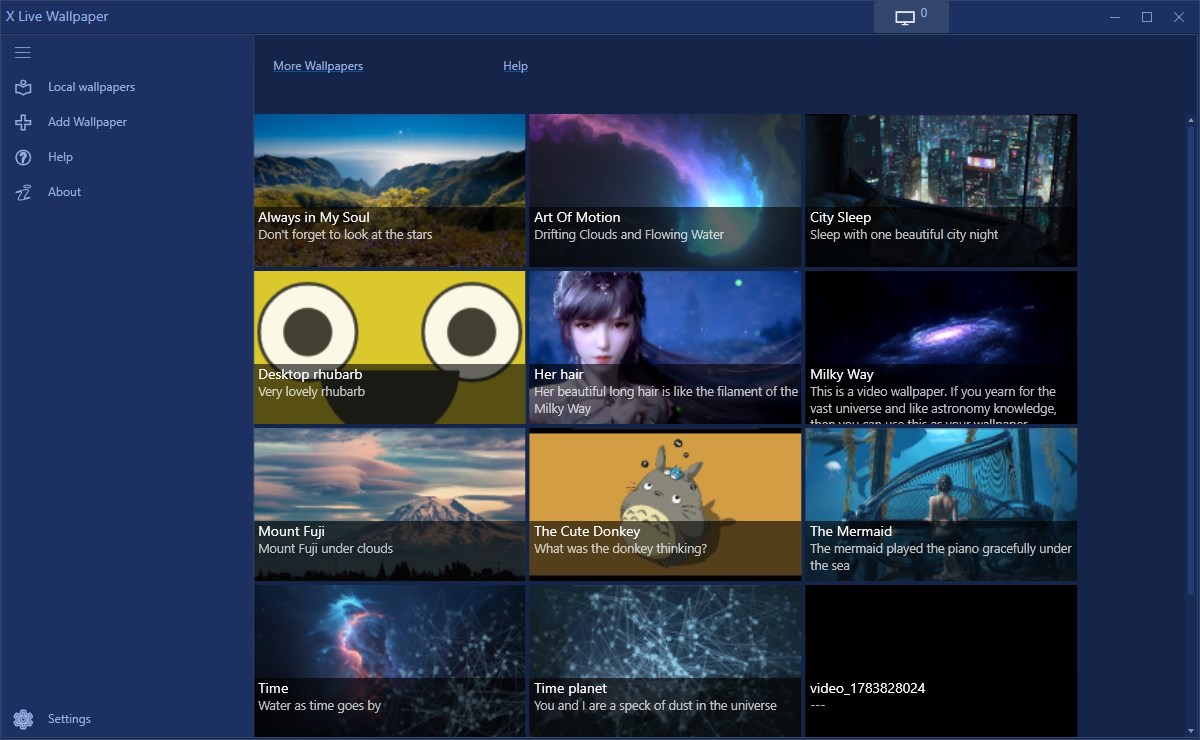
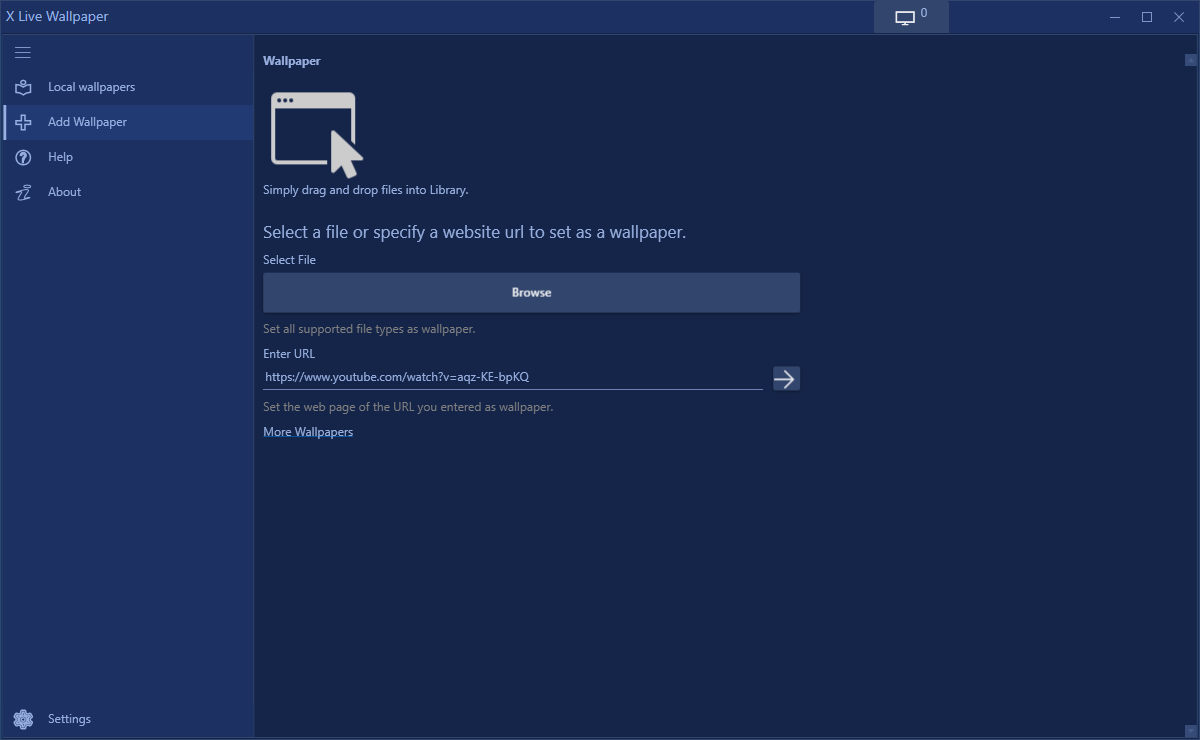
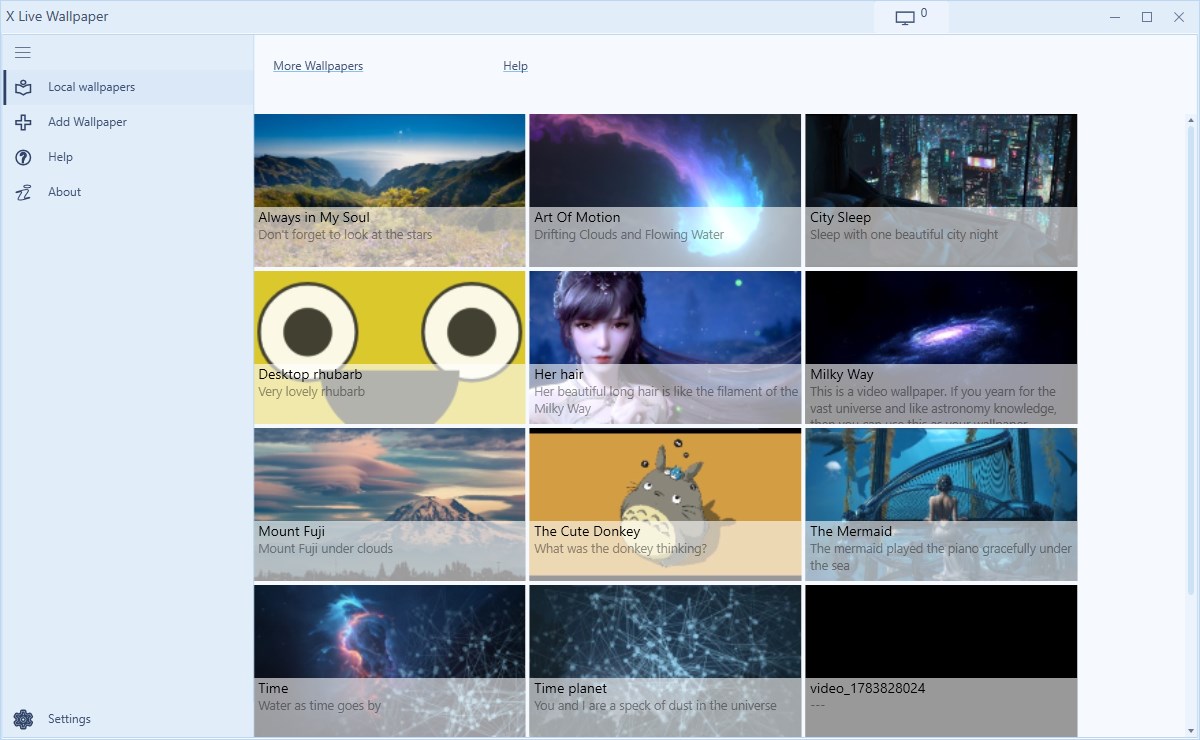
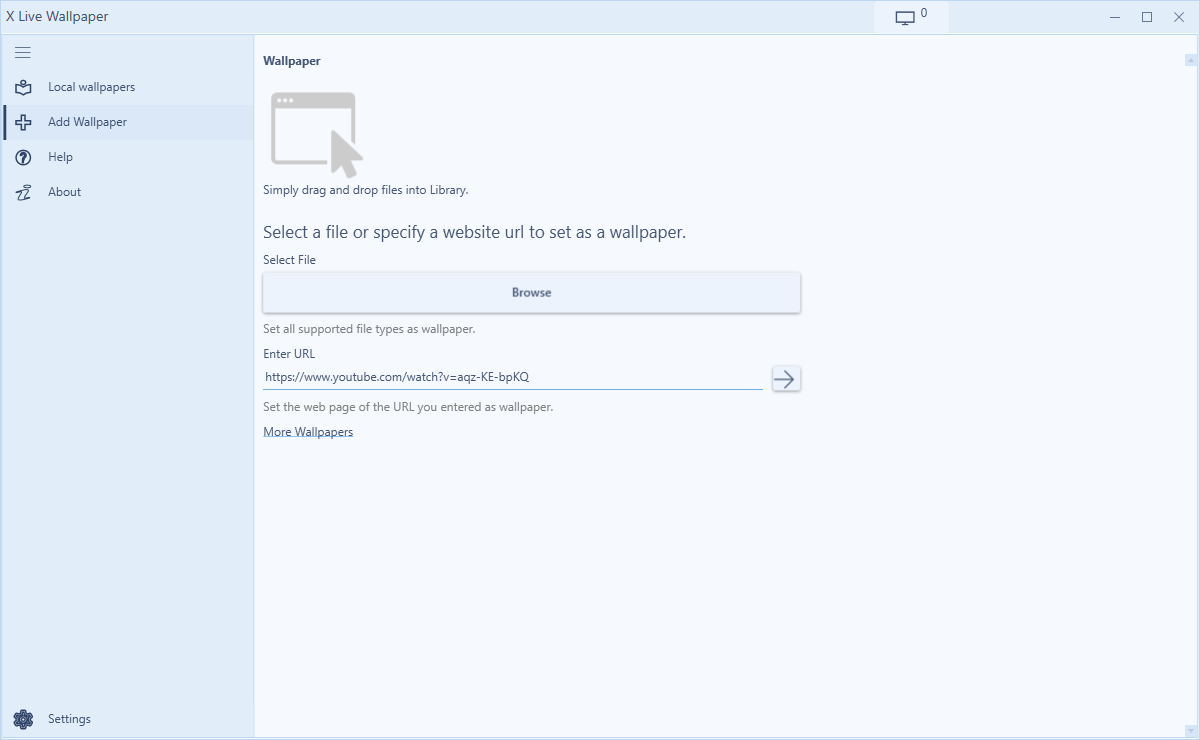
X Live Wallpaper is a personalization app that lets a Windows desktop display dynamic wallpapers instead of static images. It supports setting videos, GIFs, HTML pages, web addresses, shaders, emulators and games as the desktop background. Wallpapers can be applied by simply dragging and dropping files or webpages into the app window. It offers different wallpapers and a wallpaper website compared to the software it is based on. Most features are available for free, while a video cutter tool requires a paid premium version, offered as a lifetime purchase or an annual subscription.
Show the developer's original descriptionHide the original description
X Live Wallpaper is a modified version of Lively Wallpaper which is a software that can make your PC look active and frisky.
The official website:
https://rocksdanister.github.io/lively/
Our license and Source code:
https://coolleget.com/tools/x-live-wallpaper/
The difference from official, we provide you with different wallpapers and wallpaper website.
Any coypright problem, contact us at: coolleget@outlook.com
This personalization software enables you to set various video, GIF, emulators, HTML, web addresses, shaders, and even games as your Windows desktop wallpaper. Just drag and drop any files or webpages into the lively windows to set a dynamic wallpaper.
Set GIF as Wallpaper
Set Video as Wallpaper
Set HTML as Wallpaper
Set Webpage as Wallpaper
You can use all the features except the video cutter with the free version.
Premium version: the video cutter ($9.99 lifetime or $5.99 annually).
If there is a version of this app for iOS/Mac or Windows we don't know about, paste the store link here — we'll auto-detect the store.
How to find the URL:1. Open the app in its store. 2.In the App Store app: tap the Share icon → “Copy Link”. In the browser: copy the URL from the address bar — it contains apps.apple.com/…/id… or apps.microsoft.com/detail/…. 3. Paste it here.
Paste the original link from the Apple App Store or Microsoft Store. We fetch all details automatically.
How to find the URL:
1. Open the app in its store. 2.In the App Store app: tap the Share icon → “Copy Link”. In the browser: copy the URL from the address bar — it contains apps.apple.com/…/id… or apps.microsoft.com/detail/…. 3. Paste it here.
Android apps can only be listed by their developer.