Screenshot appears after consentScreenshot appears after consentScreenshot appears after consent
Summary
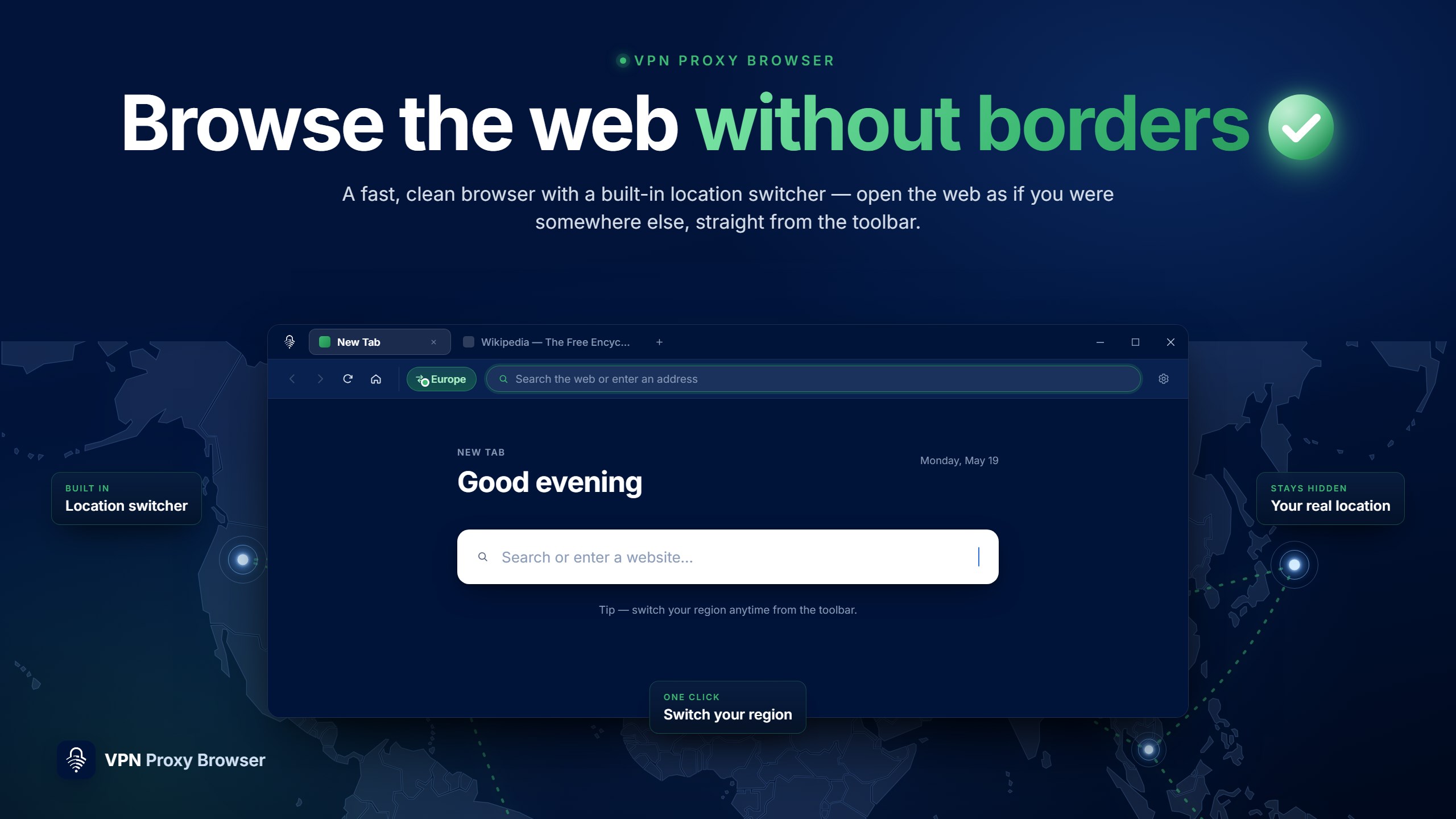
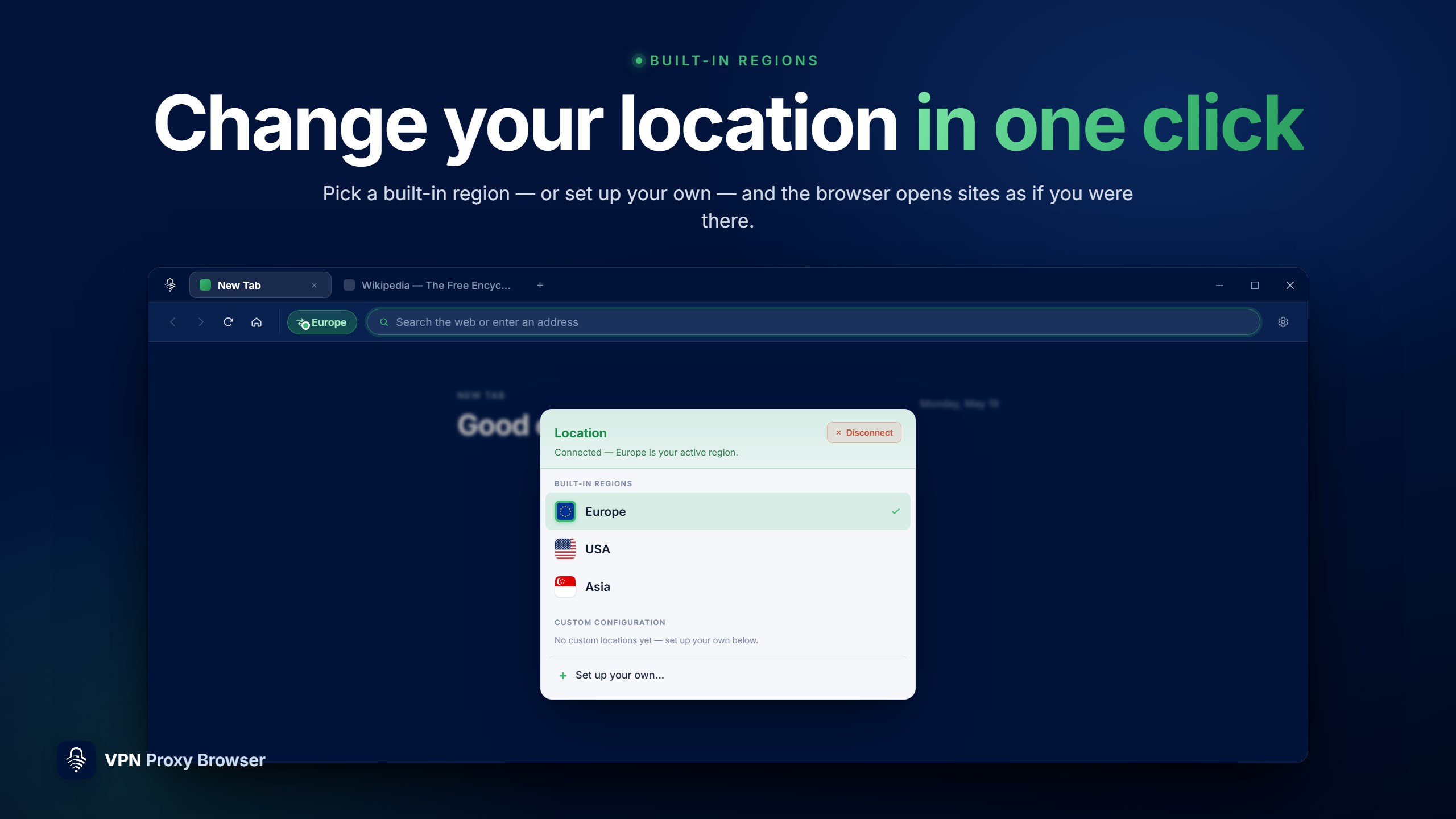
VPN Proxy Browser is a web browser designed to open websites as if browsing from a different location. It features a built-in location switcher that lets users change their browsing region with one click from the toolbar, choosing between regions such as Europe, the USA, and Asia. Websites recognize the selected region instead of the actual location, allowing access to geo-restricted and region-blocked content. It offers a familiar Chromium-based experience with tabs, an address bar, and navigation controls, and supports custom connection setups using preferred host, port, and protocol settings. It can also be set as the default browser on Windows.
Show the developer's original descriptionHide the original description
Browse the web freely with a fast, clean browser designed for one main purpose: to open websites as if you are in a different location.
VPN Proxy Browser has a built-in location switcher that allows you to change your browsing region with one click from the toolbar. Access geo-restricted websites, view region-specific content, and browse the web from various locations without complicated setups or browser extensions.
Whether you are traveling, studying abroad, working on a restricted network, or trying to access content available in another region, VPN Proxy Browser provides a simple and flexible way to access the web from anywhere.
Features
🌍 Built-in Location Switcher
Instantly choose your browsing region from the toolbar. Switch between built-in regions like Europe, USA, and Asia.
⚡ Open Sites as if You Were There
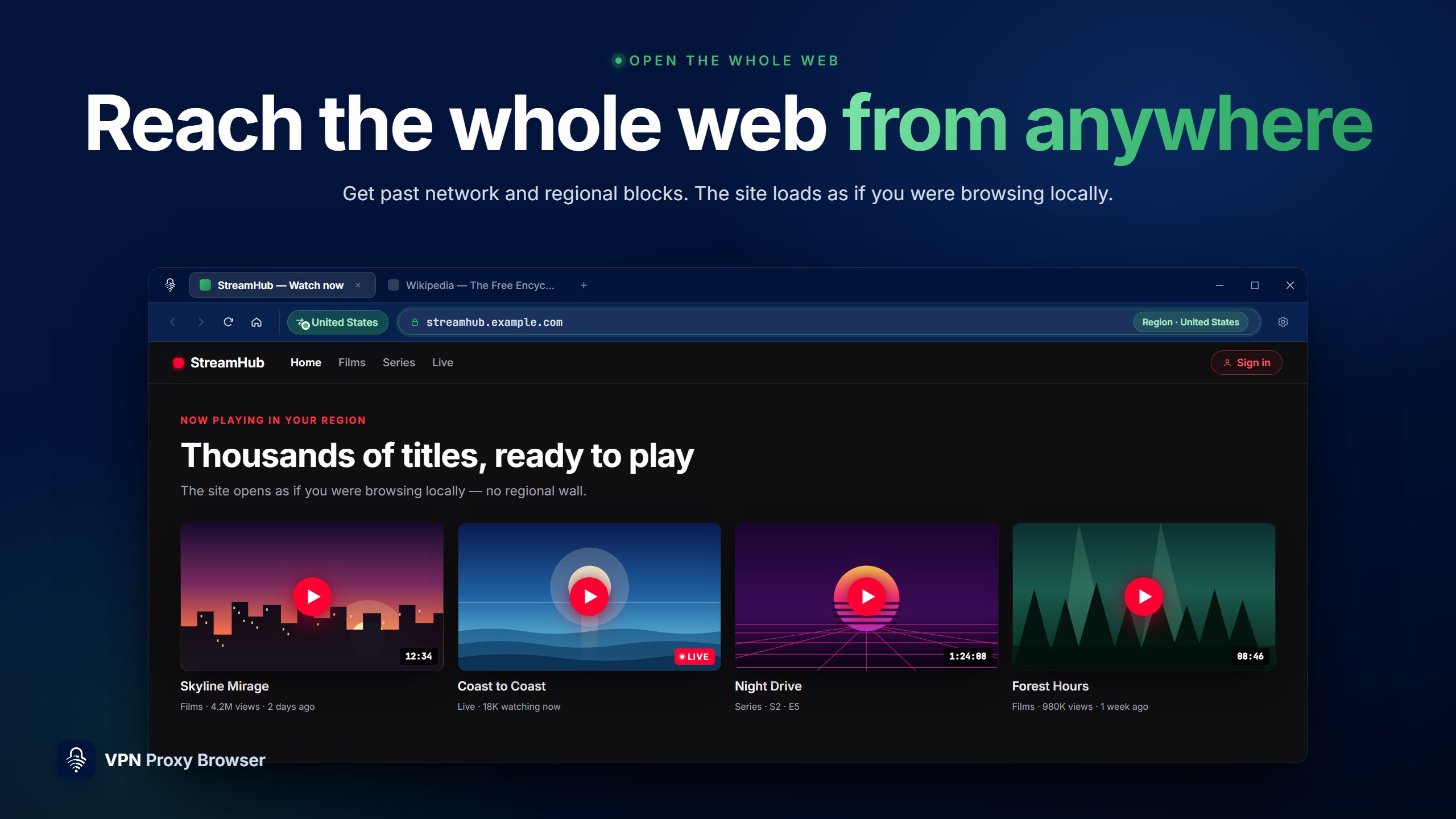
Websites will recognize the selected region instead of your actual location, allowing you to access geo-restricted and region-blocked content.
🧭 Simple Browser Experience
Tabs, address bar, navigation controls, and a familiar Chromium-based experience. Everything functions as expected.
🛠️ Custom Configuration Support
Want more control? Set up your own custom connection using your preferred host, port, and protocol settings.
🖥️ Works Across the Web
Access websites, streaming pages, news platforms, tools, and services directly in the browser without needing additional browser extensions.
🚀 Fast Setup
Begin in seconds with a lightweight onboarding process and quick region selection.
🌐 Use It Your Way
Set VPN Proxy Browser as your default browser on Windows and automatically open links through your selected region.
Great For
* Opening geo-restricted websites
* Accessing content while traveling
* Browsing on restricted school or work networks
* Testing websites from different regions
* Switching locations without browser plugins
* Reaching websites blocked in your country or network
Available in multiple languages including English, Spanish, French, German, Turkish, and Chinese.
Download VPN Proxy Browser and browse the web from anywhere.
⸻
Note: VPN Proxy Browser uses built-in location routing features to help access region-restricted websites. Performance and compatibility may vary based on the website or network environment.
If there is a version of this app for iOS/Mac or Windows we don't know about, paste the store link here — we'll auto-detect the store.
How to find the URL:1. Open the app in its store. 2.In the App Store app: tap the Share icon → “Copy Link”. In the browser: copy the URL from the address bar — it contains apps.apple.com/…/id… or apps.microsoft.com/detail/…. 3. Paste it here.
Paste the original link from the Apple App Store or Microsoft Store. We fetch all details automatically.
How to find the URL:
1. Open the app in its store. 2.In the App Store app: tap the Share icon → “Copy Link”. In the browser: copy the URL from the address bar — it contains apps.apple.com/…/id… or apps.microsoft.com/detail/…. 3. Paste it here.
Android apps can only be listed by their developer.



 VPN Proxy: Fast & Unlimited
Unblock websites, hide IP address, bypass censorship
 ProxifyVPN: VPN & Proxy
Unblock websites and apps securely from anywhere
 VPN Proxy Master - Super VPN
Encrypted VPN connection for secure internet access
 VPN Unlimited®
Encrypt internet connection and browse anonymously
 TouchVPN
Unblock websites and browse anonymously online
 Fast Internet Browser
Web browser with ad blocker, private mode and tabs