Screenshot appears after consentScreenshot appears after consentScreenshot appears after consentScreenshot appears after consentScreenshot appears after consentScreenshot appears after consentScreenshot appears after consentScreenshot appears after consentScreenshot appears after consentScreenshot appears after consentScreenshot appears after consent
Summary
Video Player - Play All Videos is a media player app for Windows that plays video files continuously, similar to a music player. It offers gesture-based controls for seeking, adjusting volume, and changing screen brightness directly from the playback screen, along with playback speed adjustment and video rotation options. A built-in gallery automatically organizes all videos stored on the device for quick access, and a screen capture tool allows snapshots to be taken from videos with a single click. The app supports a wide range of formats including AVI, MP4, WMV, MKV, and MOV, using hardware acceleration for smooth playback of standard and high-definition video files.
Show the developer's original descriptionHide the original description
Video Player – Play All Videos is a complete media playback solution designed to deliver smooth and reliable video viewing on Windows. It works much like a music player, allowing videos to play continuously while giving you full control over playback, speed, brightness, and volume.
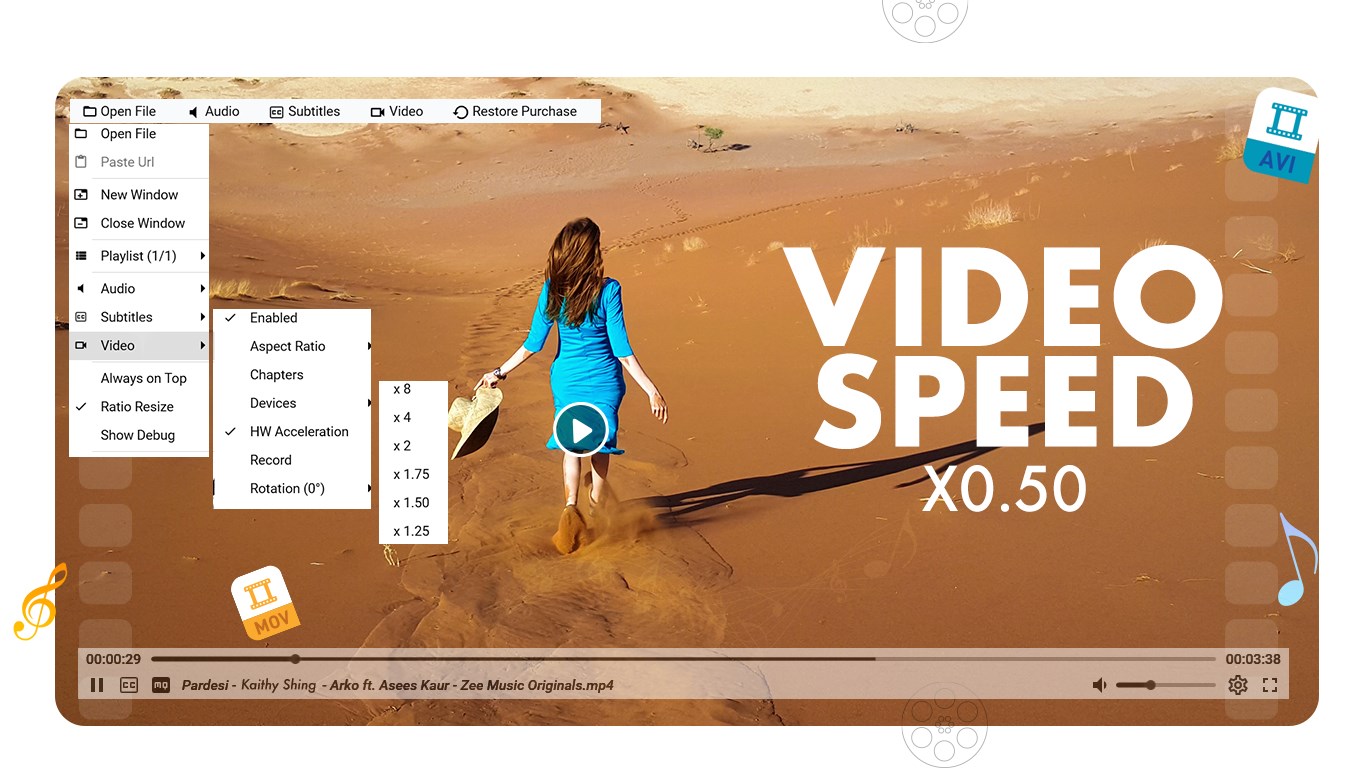
The app supports gesture-based controls, making it easy to move forward or backward within a video, adjust sound levels, or change screen brightness directly from the playback screen. Playback speed controls let you watch content at your preferred pace, while video rotation tools help adjust orientation when needed.
A built-in video gallery automatically organizes all videos stored on your device, giving you quick access to your entire collection in one place. The app also includes a screen capture feature that allows you to take snapshots directly from videos with a single click.
With support for advanced hardware acceleration, Video Player – Play All Videos delivers smooth playback for standard, high-definition, and ultra-high-definition video files.
Supported Video Formats
AVI, MP4, WMV, RMVB, MKV, 3GP, M4V, MOV, TS, MPG, FLV, ASF, 3GP2, and more
Key Features
• Continuous video playback similar to a music player
• Gesture controls for seeking, volume, and brightness
• Playback speed adjustment
• Video rotation and flip options
• Built-in screen capture tool
• Automatic video library and gallery view
• Advanced hardware acceleration for smooth playback
• Support for HD and ultra-high-definition videos
• Clean and responsive Windows interface
Why You’ll Choose It
• Plays a wide range of video formats smoothly
• Offers simple and intuitive playback controls
• Makes it easy to manage and browse video files
• Includes useful tools like screen capture and rotation
• Delivers stable performance across different video qualities
• Designed for everyday video viewing on Windows
Video Player – Play All Videos provides a dependable and feature-rich way to enjoy videos on Windows, combining broad format support, smooth playback, and practical controls in one easy-to-use app.
Please note: Some features require in-app purchases (IAPs), meaning you need to buy certain features before using them. If your subscription expires, these features will be locked again. We will regularly update the app to provide more premium features over time.
Find us:
Web: https://queenloftapps.com
Email: pinnaclebell@hotmail.com
Tutorial: https://queenloftapps.com/video-player-play-all-videos-tutorial/
Play Store URL for "Video Player - Play All Videos"
If there is a version of this app for iOS/Mac or Windows we don't know about, paste the store link here — we'll auto-detect the store.
How to find the URL:1. Open the app in its store. 2.In the App Store app: tap the Share icon → “Copy Link”. In the browser: copy the URL from the address bar — it contains apps.apple.com/…/id… or apps.microsoft.com/detail/…. 3. Paste it here.
Paste the original link from the Apple App Store or Microsoft Store. We fetch all details automatically.
How to find the URL:
1. Open the app in its store. 2.In the App Store app: tap the Share icon → “Copy Link”. In the browser: copy the URL from the address bar — it contains apps.apple.com/…/id… or apps.microsoft.com/detail/…. 3. Paste it here.
Android apps can only be listed by their developer.






 YouPlay - Video & Music Player
Watch, subscribe to and play videos in the background
 Final Video Player - MKV & MP4
Play videos and music with streaming and subtitle support
 Easy Player
Video player supporting formats like MP4 and MKV
 All Video Player.
Video player for all formats in HD quality
 Media Player Go
Multimedia player for audio and video with subtitles
 Player for DVD's Lite
DVD and video player with 150+ codecs and playlists