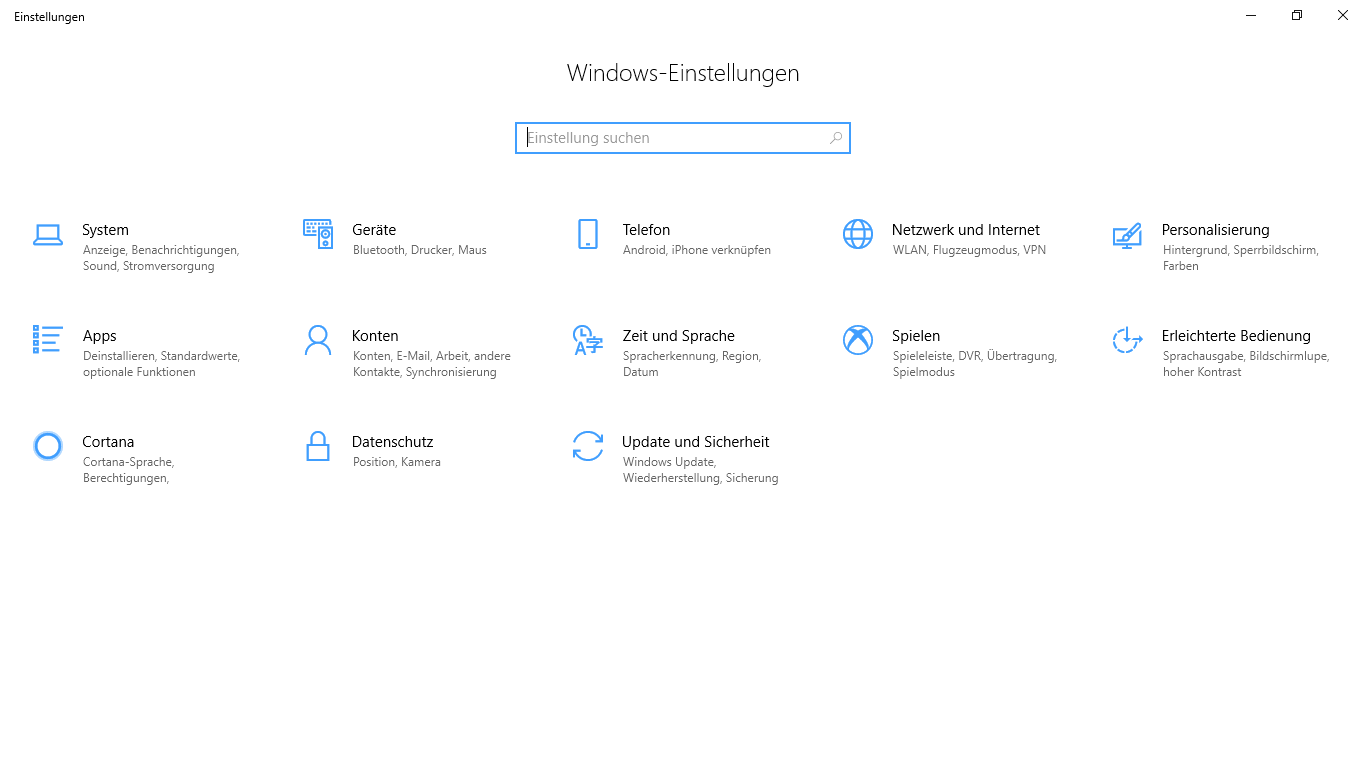

Screenshot appears after consentScreenshot appears after consent
Summary
Deutsch Local Experience Pack is a language pack for Windows that keeps the German-language text throughout the system up to date. It delivers free language updates through the Microsoft Store and applies improvements to Windows automatically once installed. Feedback on the local language text can be submitted through the Feedback Hub app included in Windows, accessible by typing "Feedback Hub" in the Cortana search field or by pressing the Windows key and F. Depending on which features are installed, additional language support such as spelling dictionaries and speech recognition may also be added, with storage requirements varying accordingly.
Show the developer's original descriptionHide the original description
Die Sprache in Windows wird kontinuierlich aktualisiert und verbessert.
Windows stellt nun kostenlose Sprachupdates über den Microsoft Store bereit. So können wir kontinuierlich Ihre lokale Sprache verbessern und die entsprechenden Updates automatisch an Ihr Gerät senden. Wenn Sie die Local Experience Pack-Anwendung installieren, ist der Windows-Text in Ihrer Sprache immer auf dem neuesten Stand.
Möchten Sie gerne zur Verbesserung von Windows-Text in Ihrer lokalen Sprache beitragen? Über die in Windows enthaltene -App können Sie ganz einfach Verbesserungsvorschläge einreichen. Geben Sie einfach „Feedback-Hub“ in das Cortana-Suchfeld ein, oder drücken Sie die Tastenkombination WINDOWS-TASTE+F.
Hinweis: Unter Umständen werden auch weitere Sprachunterstützungsfeatures wie Rechtschreibwörterbücher und Spracherkennung installiert. Der Speicherbedarf hängt von den installierten Features ab.
Technical details about Deutsch Local Experience Pack
Play Store URL for "Deutsch Local Experience Pack"
If there is a version of this app for iOS/Mac or Windows we don't know about, paste the store link here — we'll auto-detect the store.
How to find the URL:1. Open the app in its store. 2.In the App Store app: tap the Share icon → “Copy Link”. In the browser: copy the URL from the address bar — it contains apps.apple.com/…/id… or apps.microsoft.com/detail/…. 3. Paste it here.
Paste the original link from the Apple App Store or Microsoft Store. We fetch all details automatically.
How to find the URL:
1. Open the app in its store. 2.In the App Store app: tap the Share icon → “Copy Link”. In the browser: copy the URL from the address bar — it contains apps.apple.com/…/id… or apps.microsoft.com/detail/…. 3. Paste it here.
Android apps can only be listed by their developer.