
Desktop digital clock

Digital desktop clock with customizable themes and alarms AI summary
Rank 860
0 Up Votes, 0 Down Votes
▲
0
▼
Desktop digital clock is not available on Android and Apple — or is it? Submit URL
Screenshots
Screenshot 1 of Desktop digital clock on WindowsScreenshot
appears after consent
Screenshot 2 of Desktop digital clock on WindowsScreenshot
appears after consent
Screenshot 3 of Desktop digital clock on WindowsScreenshot
appears after consent
Summary
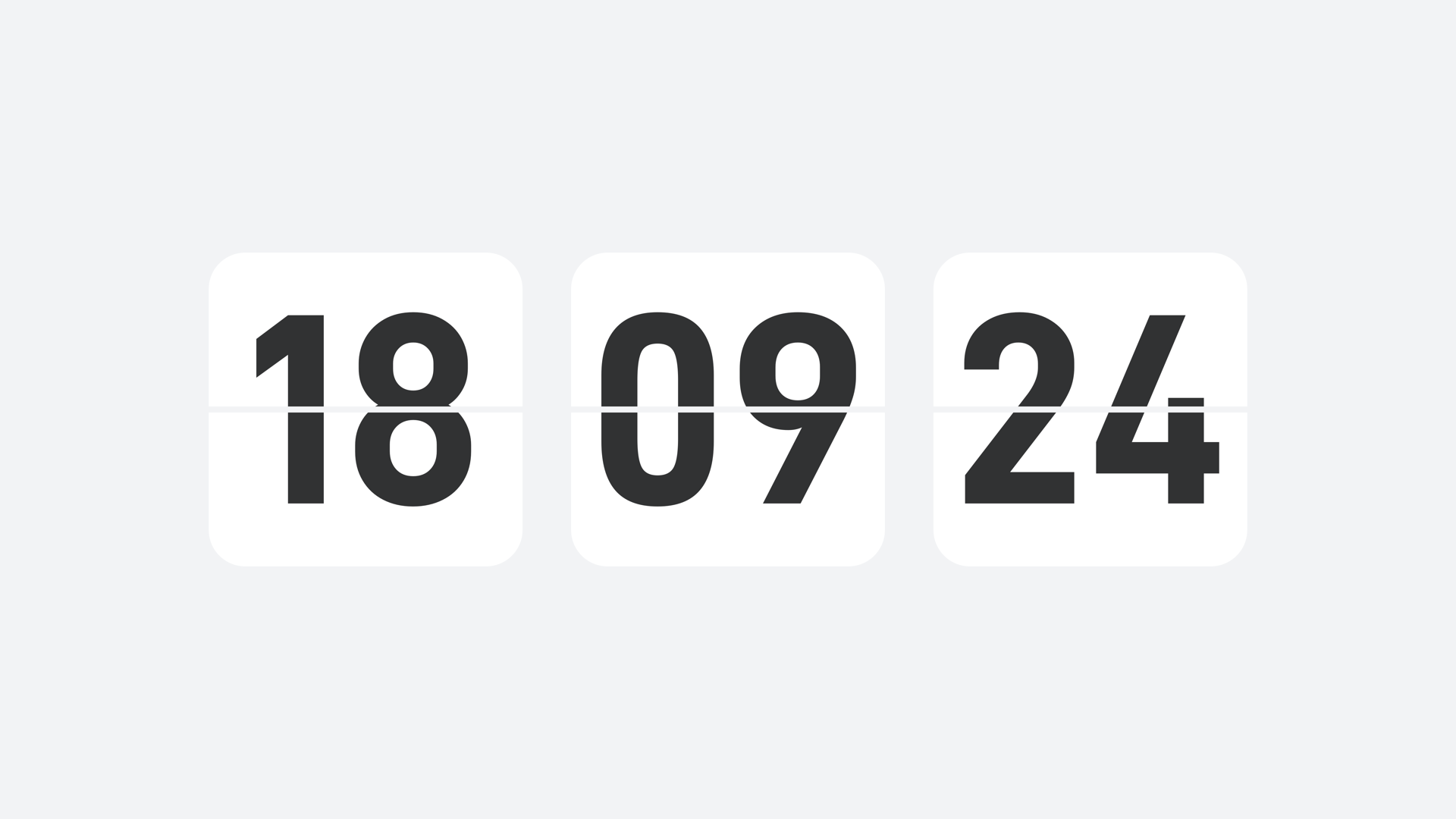
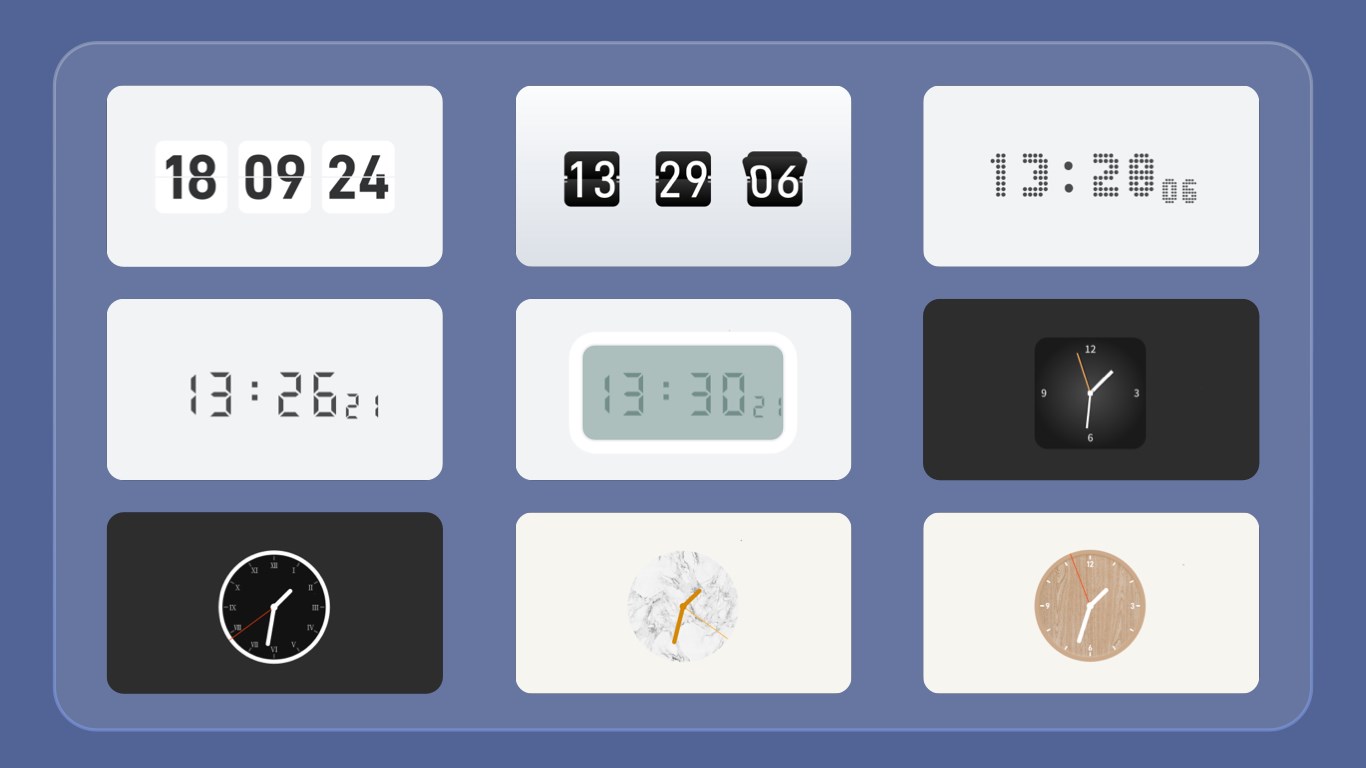
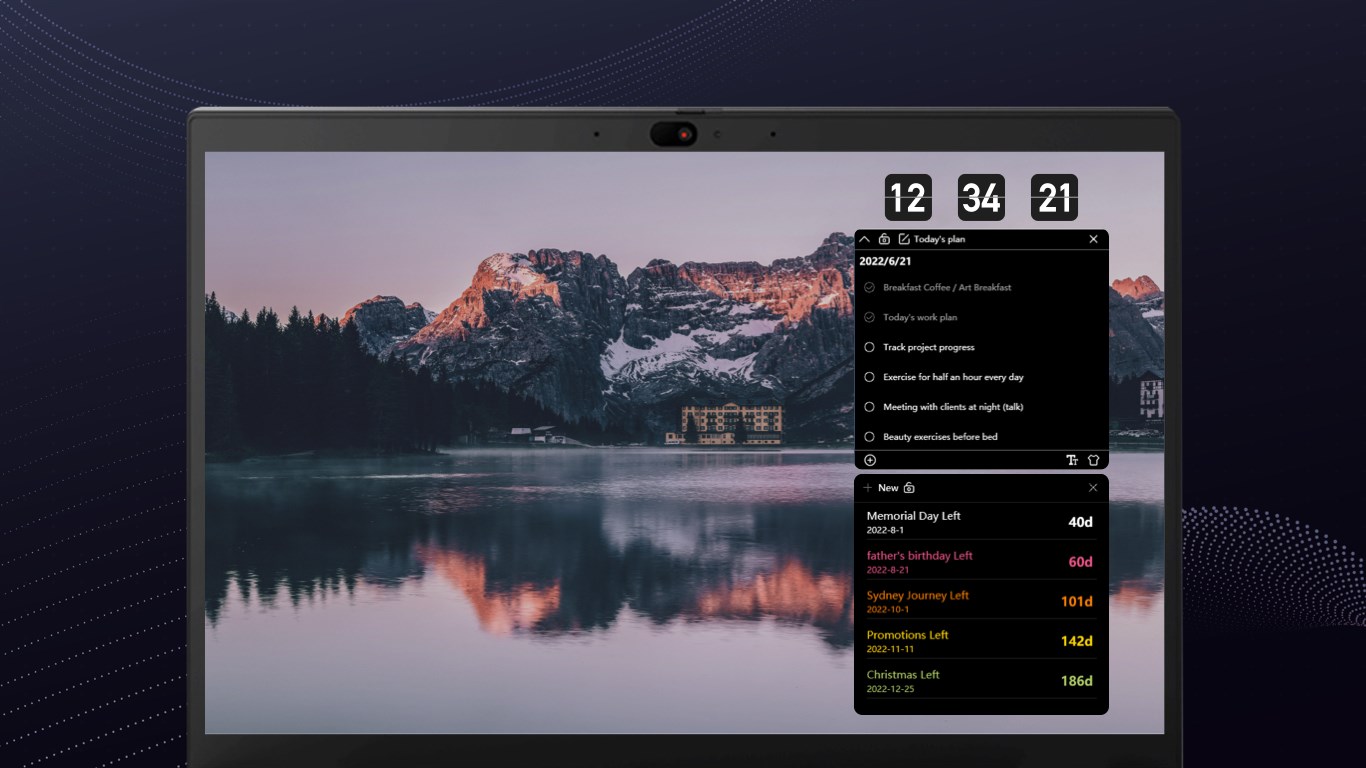
Desktop digital clock is a desktop clock widget with a customizable interface and simple operation. It allows choosing between different themes and alarm sounds, and the second hand can be shown on the main display for a more precise view of time. The wallpaper can be set directly from the app, and a one-click option puts the device to sleep. Alarms can be customized according to individual needs. The app is free to use with limited functionality, and full functionality can be unlocked through a monthly or annual subscription or a one-time permanent purchase.
Show the developer's original descriptionHide the original description
The desktop digital clock is a desktop clock tool with beautiful interface, practical functions and easy operation. You can customize various themes and alarms of the clock and choose your favorite one; you can also choose whether to display the second hand on the main interface to make the time more specific; at the same time, you can set the wallpaper and sleep with one button, which is convenient and fast. This is the first version we have put on the shelves, and more features are under continuous development. If you have any ideas or suggestions, please feel free to contact windows-support@lafonapps.com. We are here for your valuable suggestions. *Beautiful interface, user-friendly design* *Custom theme, you choose* *One-click desktop wallpaper and hibernation, both convenient and fast* *Customize the alarm clock, set on demand* ⚠️ The current version is the free purchase version, which includes the desktop clock widget and functional limitations. If you are satisfied with the product, you can experience the full product functionality by purchasing related services in the app; you can choose to subscribe the software on a monthly or annual basis, which will be debited from your Microsoft account at the renewal time; you can also choose Buy a permanent membership, one-time payment, permanent use.
Technical details about Desktop digital clock
Category
Age Rating
Price
Size
270,9 MB
Last updated in Microsoft Store
2026-11-12
App Store Rating
2.8 ★
Devices
Desktop digital clock in the rankings
Manage app

Are you on the developer team behind Desktop digital clock?

Verify yourself and manage your listing on Most Voted Apps.

Verify Desktop digital clock for free
Verification usually takes only a few minutes.
Similar apps to Desktop digital clock