



Screenshot appears after consentScreenshot appears after consentScreenshot appears after consentScreenshot appears after consentScreenshot appears after consentScreenshot appears after consentScreenshot appears after consentScreenshot appears after consentScreenshot appears after consentScreenshot appears after consentScreenshot appears after consentScreenshot appears after consent
Summary
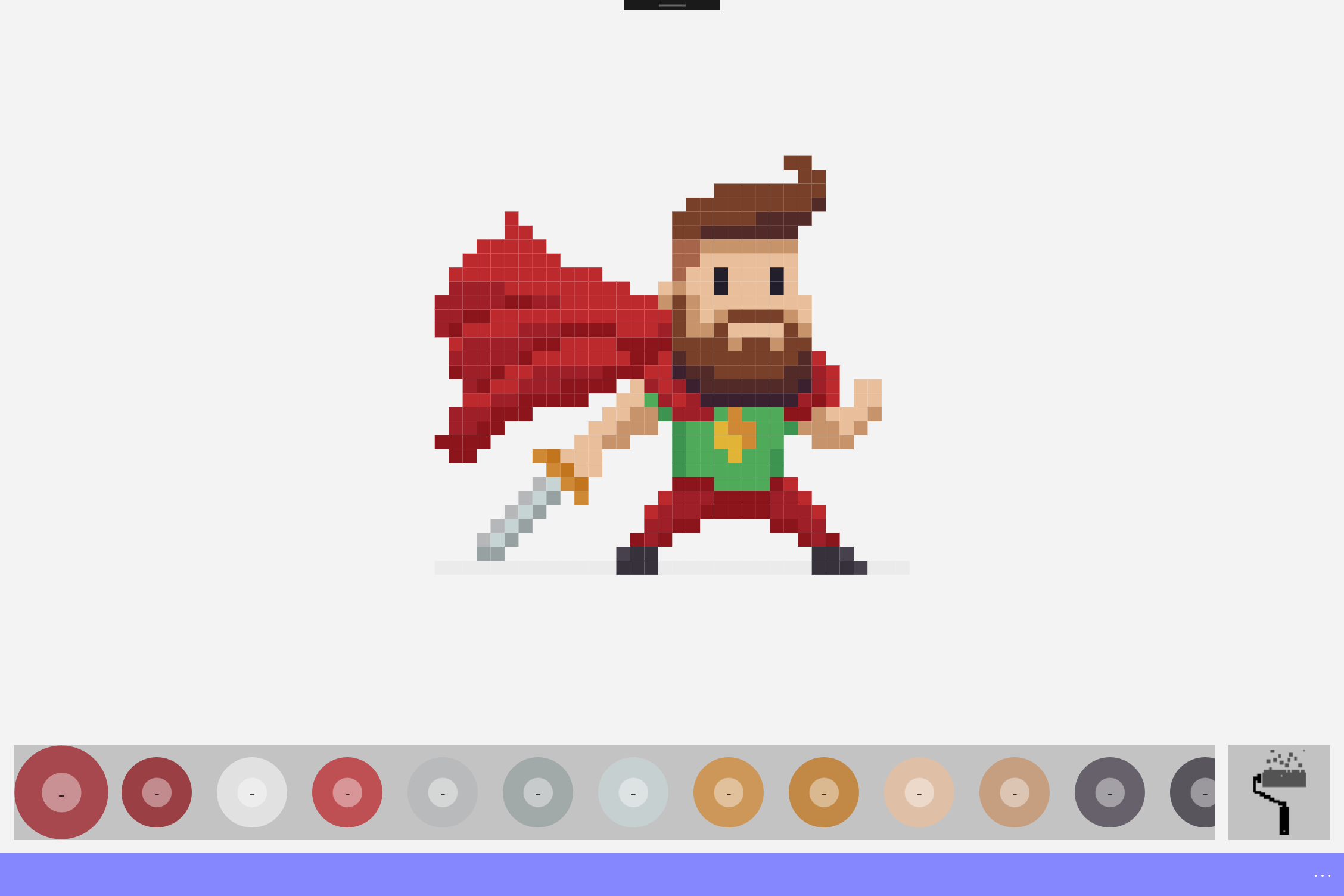
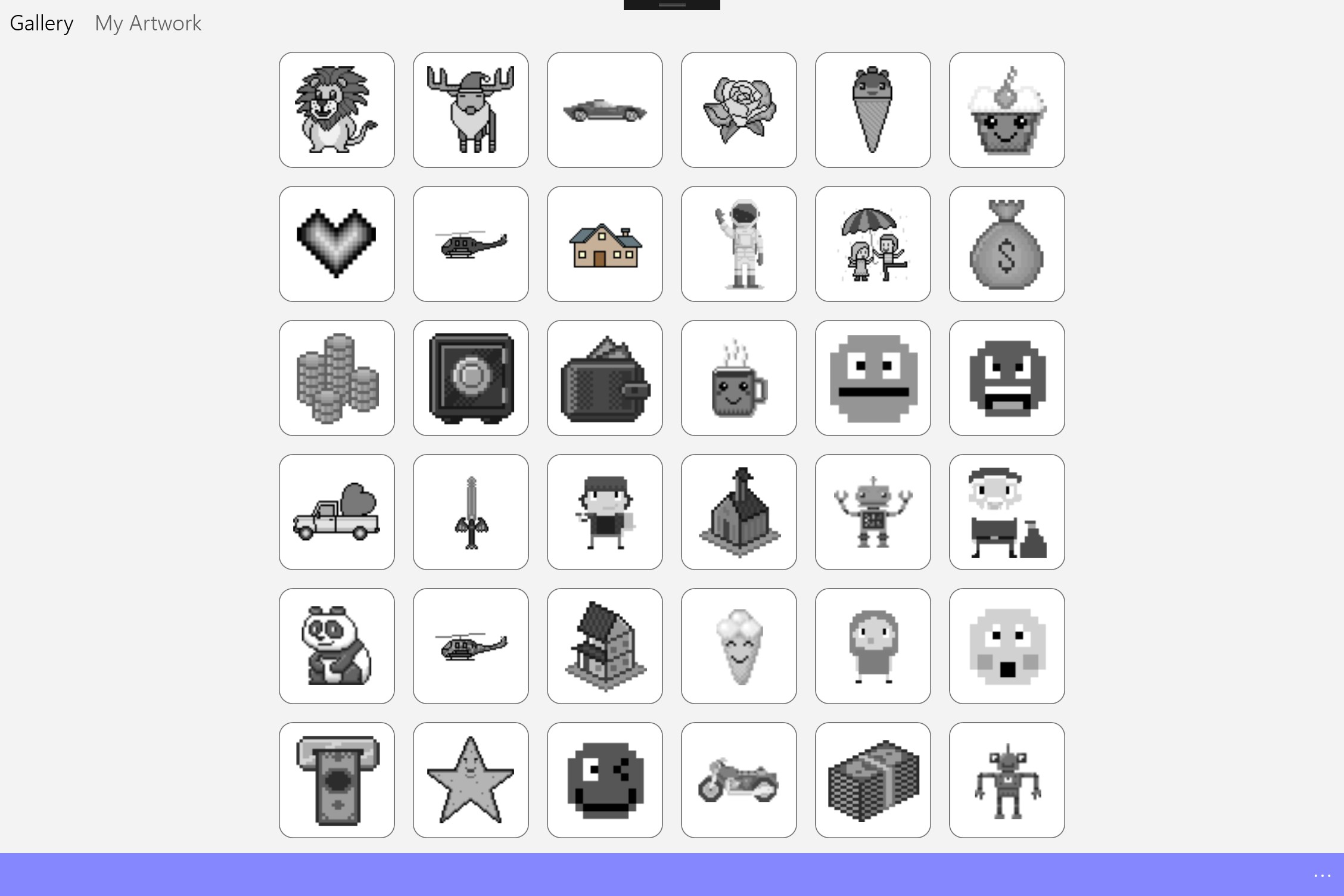
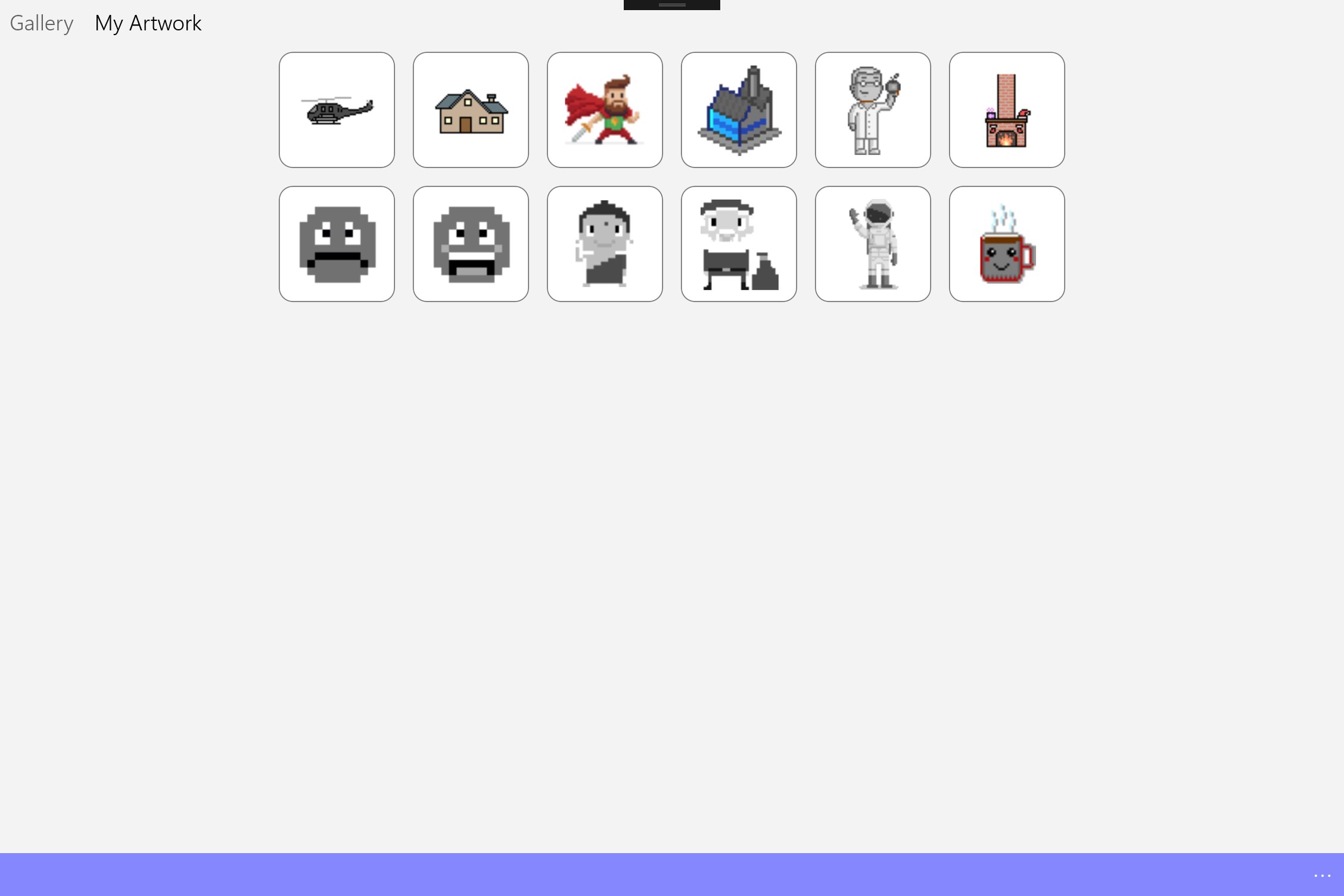
Pixel Art - Color by number coloring book is a coloring app in which pictures are filled in by matching numbered areas to their corresponding colors. It offers a range of pixel art pictures to choose from, including themes like unicorns and sandbox-style designs. According to the app, coloring by number helps children practice number recognition, learn to use a legend, and develop fine motor skills, while also serving as a way for users of any age to practice drawing skills and enjoy completing a picture.
Show the developer's original descriptionHide the original description
Bringing the famous color by number games (Unicorn color by number, Sandbox coloring, pixel art color by number etc) to Windows Store. Its a coloring book app that you will love!
Kids and adults love to color by numbers and we've got a bunch for you to choose from.
"Color by number pages are a great way to teach your kids or students basic number recognition, how to use a legend, and it will give them the opportunity to work on their fine motor skills."
"This is a great activity to practice your drawing skills. It’s also fun for any age to try to finish the drawing."
Play Store URL for "Pixel Art - Color by number coloring book"
If there is a version of this app for iOS/Mac or Windows we don't know about, paste the store link here — we'll auto-detect the store.
How to find the URL:1. Open the app in its store. 2.In the App Store app: tap the Share icon → “Copy Link”. In the browser: copy the URL from the address bar — it contains apps.apple.com/…/id… or apps.microsoft.com/detail/…. 3. Paste it here.
Paste the original link from the Apple App Store or Microsoft Store. We fetch all details automatically.
How to find the URL:
1. Open the app in its store. 2.In the App Store app: tap the Share icon → “Copy Link”. In the browser: copy the URL from the address bar — it contains apps.apple.com/…/id… or apps.microsoft.com/detail/…. 3. Paste it here.
Android apps can only be listed by their developer.