Screenshot appears after consentScreenshot appears after consentScreenshot appears after consent
Summary
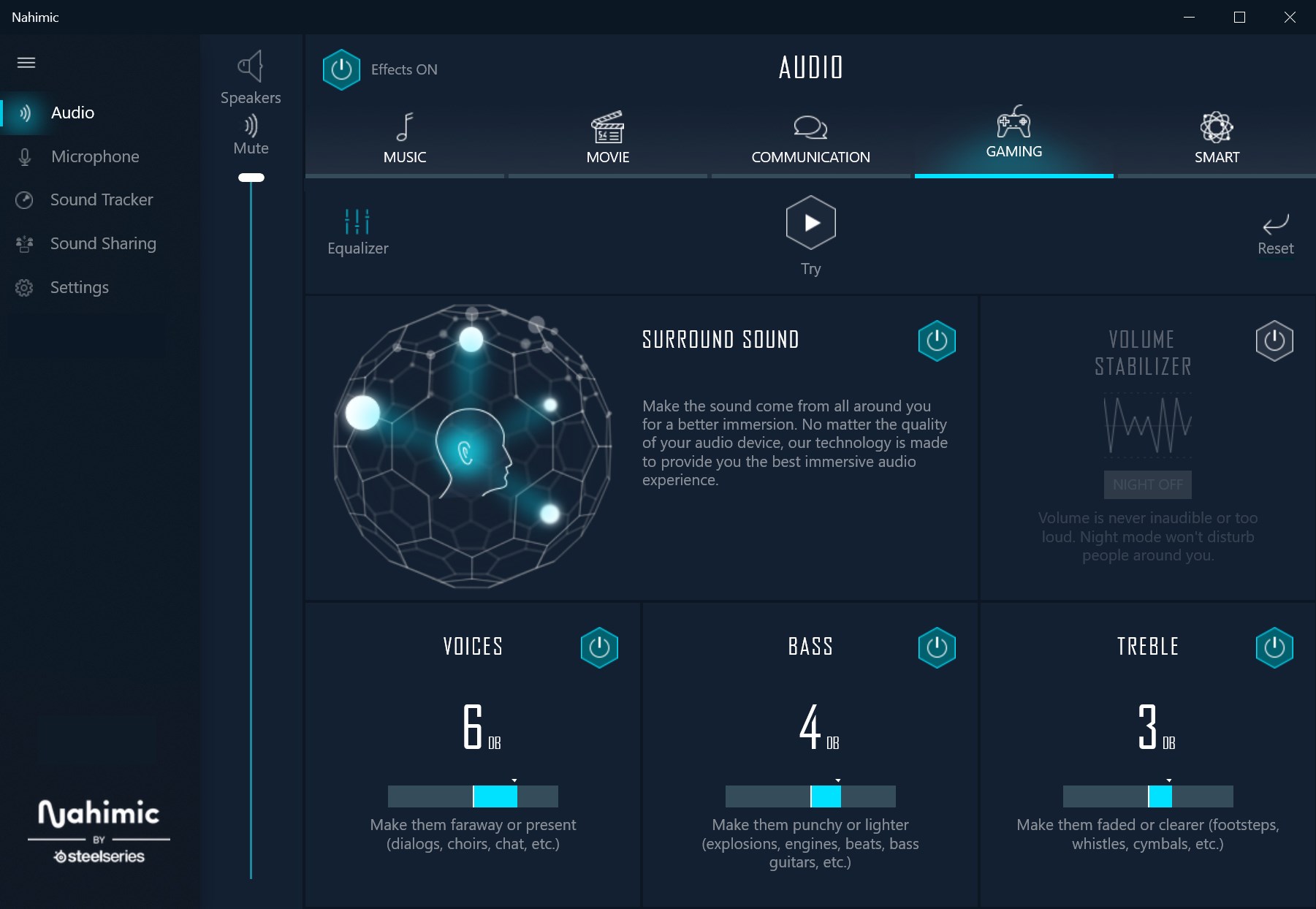
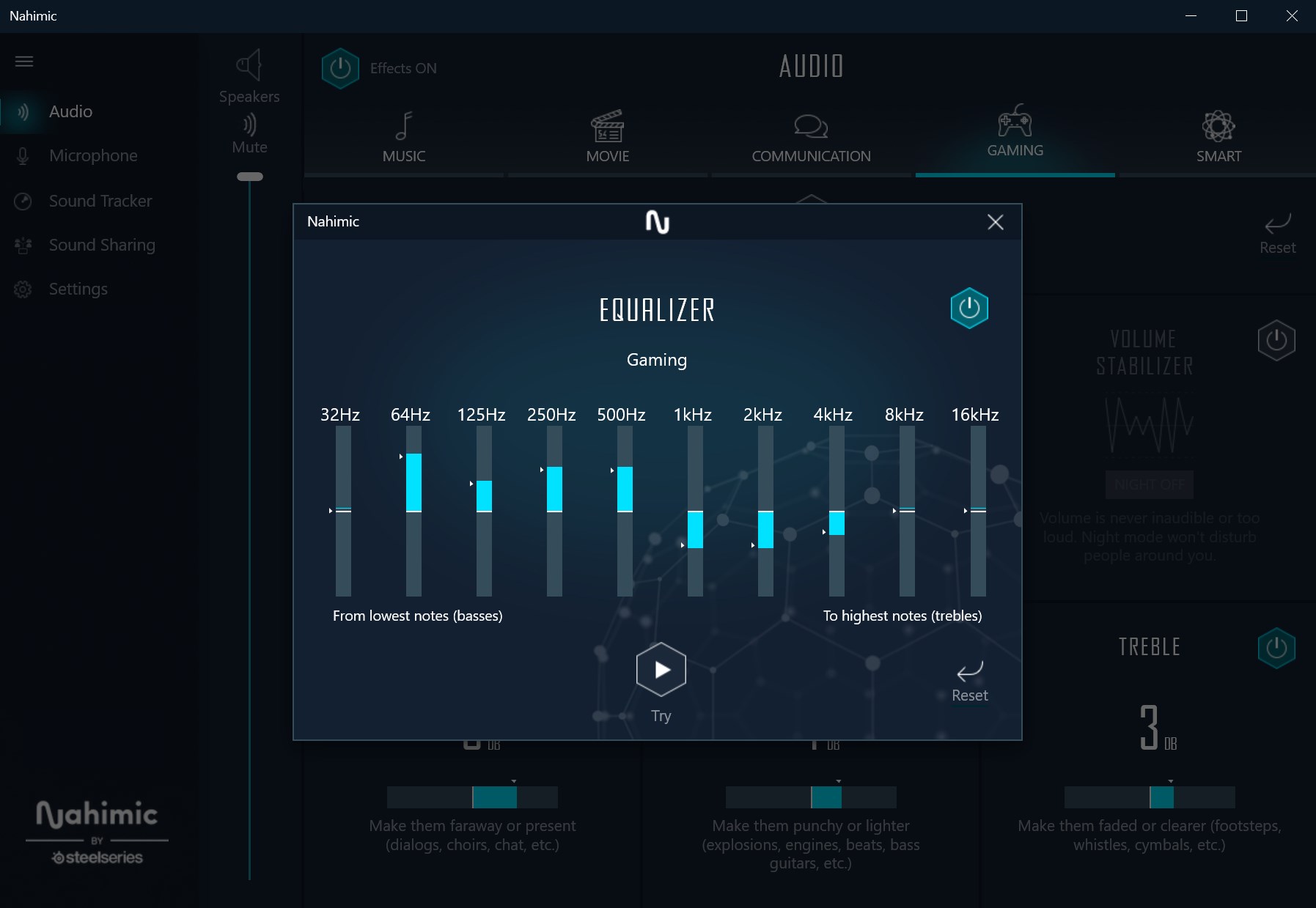
Nahimic is an audio driver that optimizes and tunes sound performance on computers such as laptops and motherboards. It recreates spatial sound with 7.1 channels on regular stereo systems like headphones or built-in laptop speakers. A ten-band equalizer allows customization of audio settings, and a microphone feature provides clear conversations. Smart Profile automatically adapts the audio profile to whichever software is in use, while Sound Tracker overlays the most important in-game sounds live during gameplay. The driver also extends compatibility to wireless speakers and headsets connected via Bluetooth or WiFi.
Show the developer's original descriptionHide the original description
Nahimic is an Audio Driver that your PC manufacturer selected to give you an optimized audio experience on laptops, motherboards, and more. It is a trusted driver designed to optimize and tune the audio performance on your computer.
Nahimic 3D sound technologies recreate all spatial dimensions of sound (7.1 channels) on a regular stereo listening system such as headphones or built-in speakers of your notebook.
As a part of the SteelSeries software library, Nahimic is designed to help gamers, creators, moviegoers, or music lovers have more control over their audio experience, have an immersive sound experience, and in high definition.
We work with top manufacturers like MSI, Lenovo Legion, Dell, Gigabyte, AsRock, Huawei, Honor, and many more to ensure you have a powerful audio experience.
Want to know if your hardware is compatible with Nahimic? Please refer to the links below:
Motherboards and Desktop PCs: http://bit.ly/NH3MBlist
Laptops: http://bit.ly/NH3NBlist
Highlight features of Nahimic:
- Incredibly immersive surround sound
- 10-band equalizer to customize your own audio settings
- Microphone, get crystal clear conversations
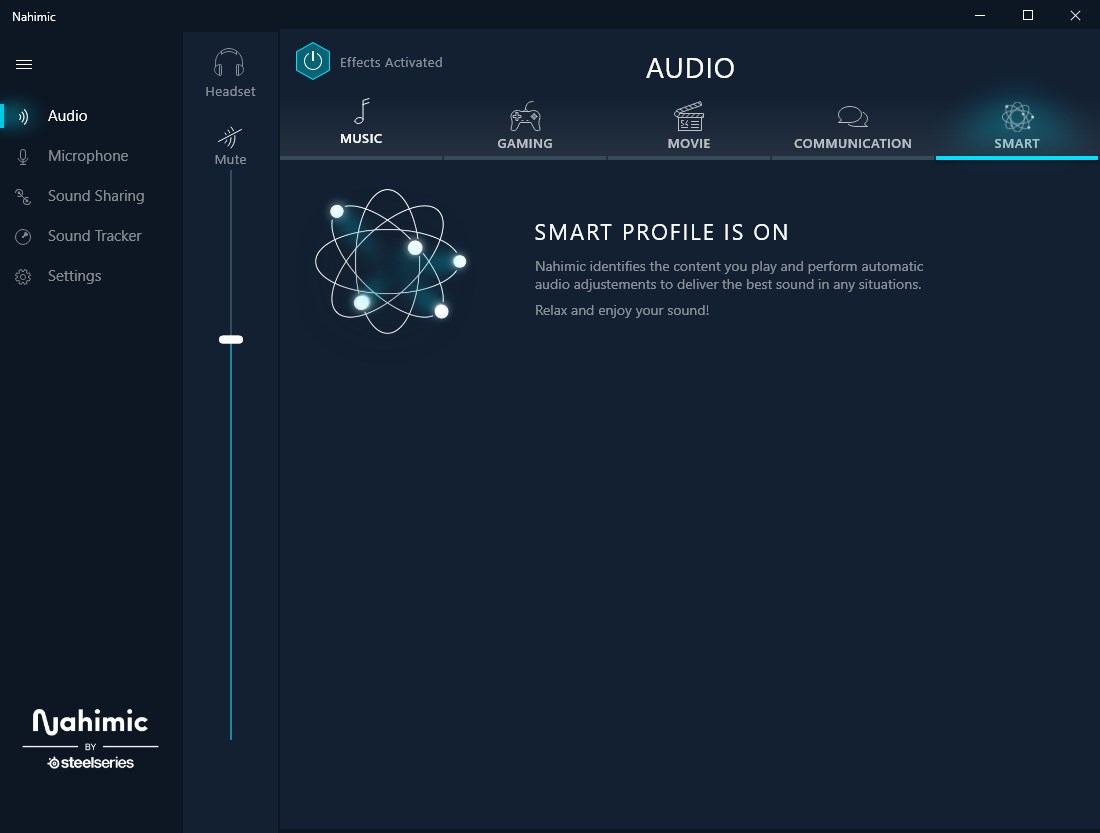
- Smart profile, adapts dynamically the audio profile to the software in use, simple and effortless. Always get the best audio settings without manual intervention.
- Sound Tracker, our in-game overlay that displays "live" the most important sounds of your games, the visual asset that will lead you to victory
- Expanded compatibility of your audio devices, including wireless speakers and headsets (Bluetooth, WiFi)
* Get more information, our FAQ: https://nahimic.helprace.com/
* Any feedback? Contact us at https://nahimic.helprace.com/add-ticket
If there is a version of this app for iOS/Mac or Windows we don't know about, paste the store link here — we'll auto-detect the store.
How to find the URL:1. Open the app in its store. 2.In the App Store app: tap the Share icon → “Copy Link”. In the browser: copy the URL from the address bar — it contains apps.apple.com/…/id… or apps.microsoft.com/detail/…. 3. Paste it here.
Paste the original link from the Apple App Store or Microsoft Store. We fetch all details automatically.
How to find the URL:
1. Open the app in its store. 2.In the App Store app: tap the Share icon → “Copy Link”. In the browser: copy the URL from the address bar — it contains apps.apple.com/…/id… or apps.microsoft.com/detail/…. 3. Paste it here.
Android apps can only be listed by their developer.



 Boom 3D: Audio Enhancer, Equalizer & Bass
3D surround sound and equalizer for any audio
 Dolby Access
Enable Dolby Atmos and configure spatial audio for games
 DTS Sound Unbound
Spatial audio for gaming and home theater systems
 Amadeus Pro
Multi-track audio editor for recording, editing
 Plexamp
Music player for Plex Media Server with EQ, radios
 Ambie White Noise
Ambient sounds and focus timer for studying and relaxing