


Screenshot appears after consentScreenshot appears after consentScreenshot appears after consentScreenshot appears after consent
Summary
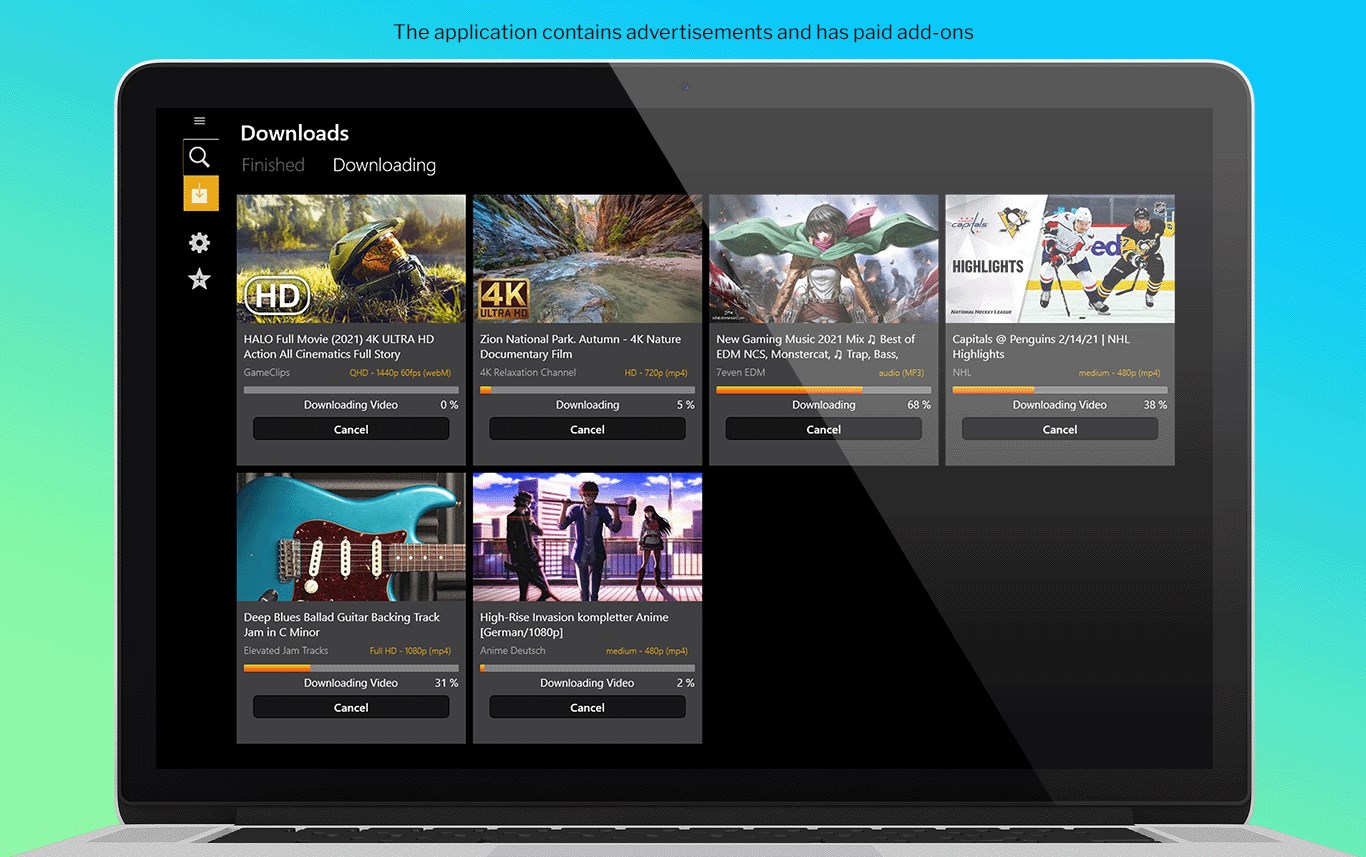
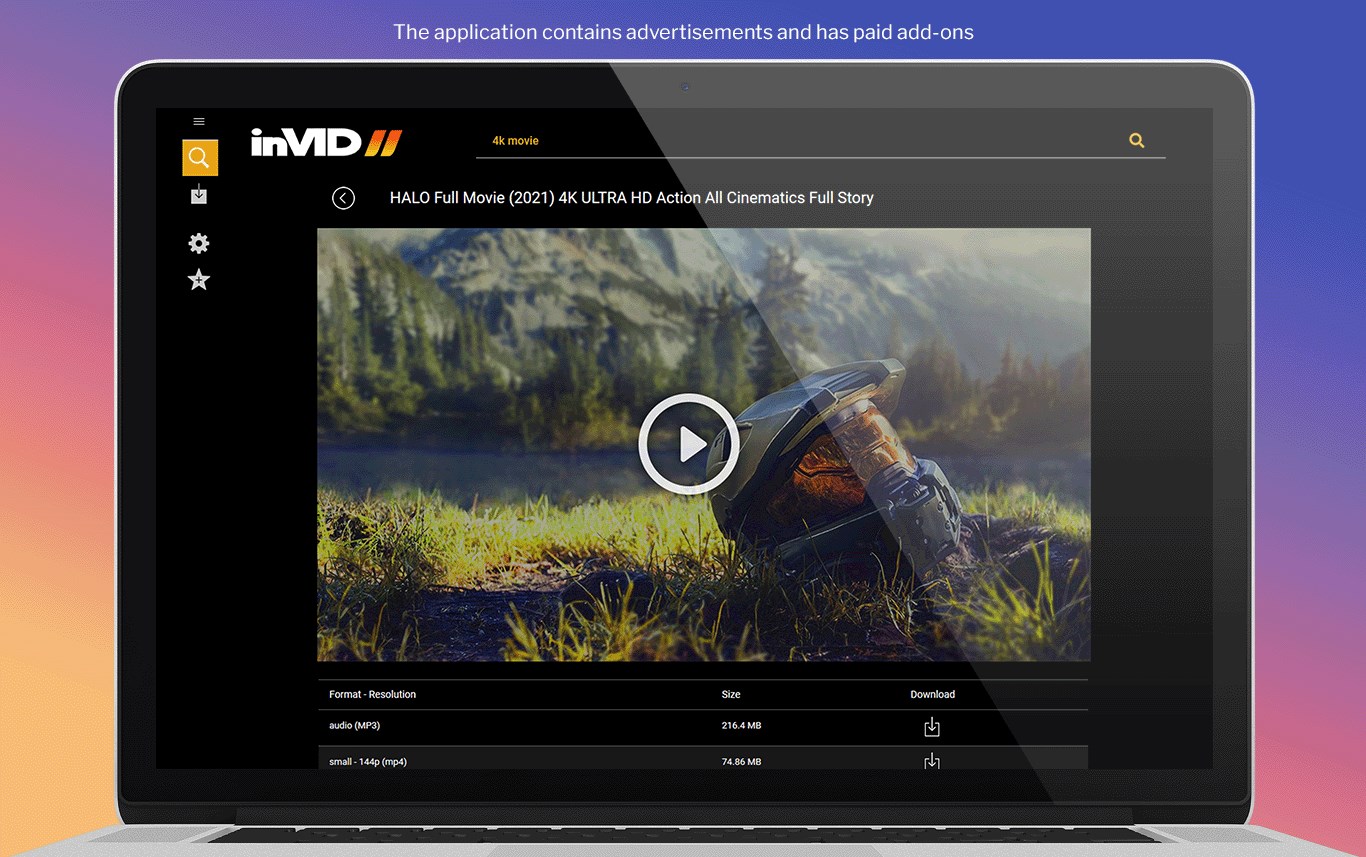
Tuber - MP3 & Video Downloader is a downloader and converter tool for YouTube material that saves videos and audio directly to the device. It supports resolutions up to 4K, including QHD, Full HD and SD, and can convert YouTube content to MP3 or MP4. A built-in music player lets a song fragment be previewed before downloading. Downloaded files can be played back from the device library without an internet connection. The free version works with limited speed and resolution and shows pop-up ads, while the paid version removes ads and lifts all limits on quality, resolution and speed.
Show the developer's original descriptionHide the original description
Tuber is a unique tool that allows to download materials from Youtube in any available resolution up to 4K! And probably you will never come back to old non reliable other converters.
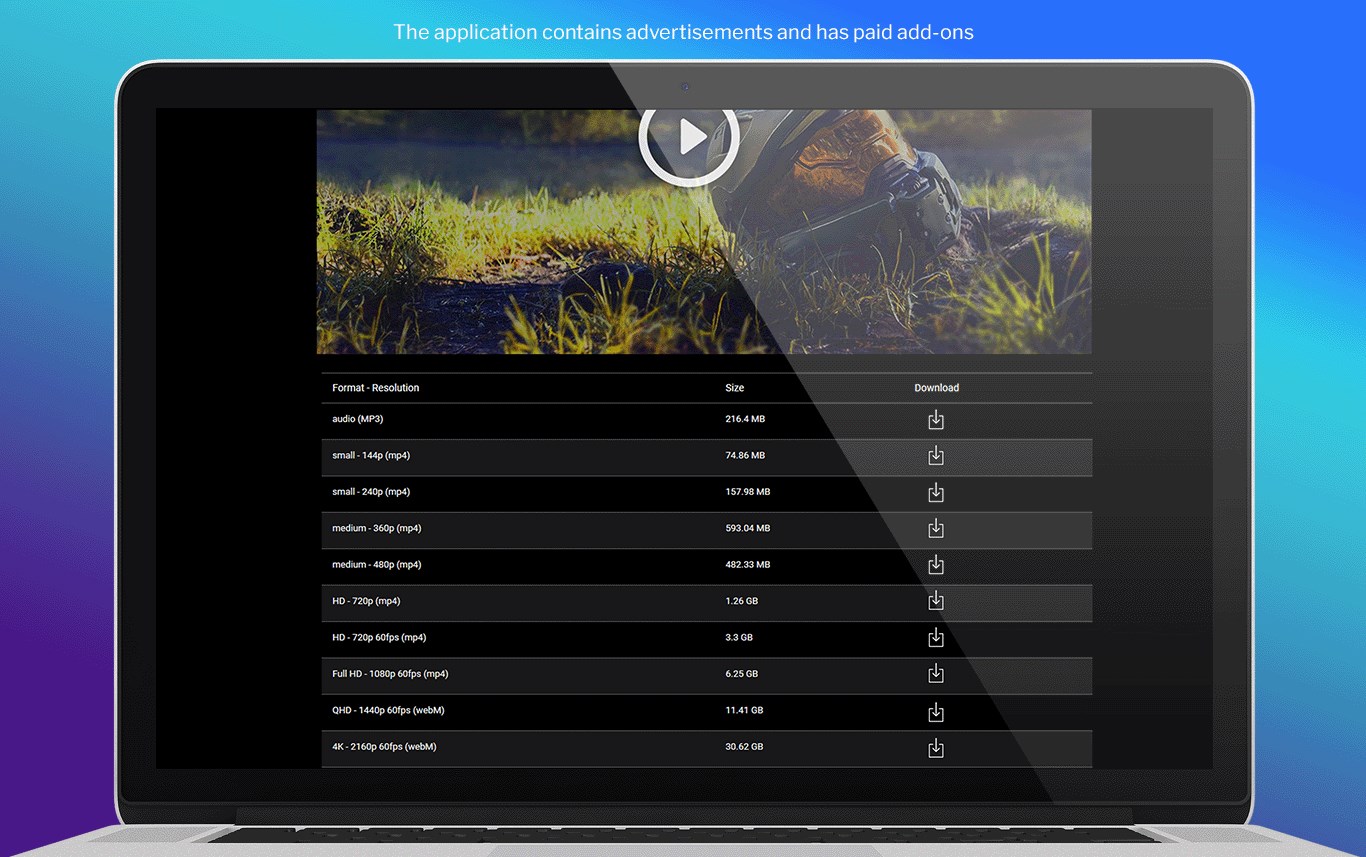
Any videos can be downloaded in formats and resolution such as 4K
(2160p) QHD (1440p) Full HD (1080p) SD (480p). Our downloader works also as an YT to MP3 and YT to MP4 Video Converter.
Here are some reasons why this is your best choice: an intuitive user interface, fast action, simple solutions, beautiful design and reliability. These are our strengths. In addition, there are no download limits. Search for your favorite video materials, convert to any format, save to your device and play from your music library at any time even without having a connection to the internet. Before you download any song to your portable device, you can listen to its fragment on the built-in music player. Using this application has been simplified to a minimum.
1. The free version of the application allows you to download video material with a limited speed and in only basic limited resolutions and contains pop-up ads
2. The purchase version is ads-free, it allows you to download the material in all qualities and resolutions and speed without any limits
Play Store URL for "Tuber - MP3 & Video Downloader"
If there is a version of this app for iOS/Mac or Windows we don't know about, paste the store link here — we'll auto-detect the store.
How to find the URL:1. Open the app in its store. 2.In the App Store app: tap the Share icon → “Copy Link”. In the browser: copy the URL from the address bar — it contains apps.apple.com/…/id… or apps.microsoft.com/detail/…. 3. Paste it here.
Paste the original link from the Apple App Store or Microsoft Store. We fetch all details automatically.
How to find the URL:
1. Open the app in its store. 2.In the App Store app: tap the Share icon → “Copy Link”. In the browser: copy the URL from the address bar — it contains apps.apple.com/…/id… or apps.microsoft.com/detail/…. 3. Paste it here.
Android apps can only be listed by their developer.