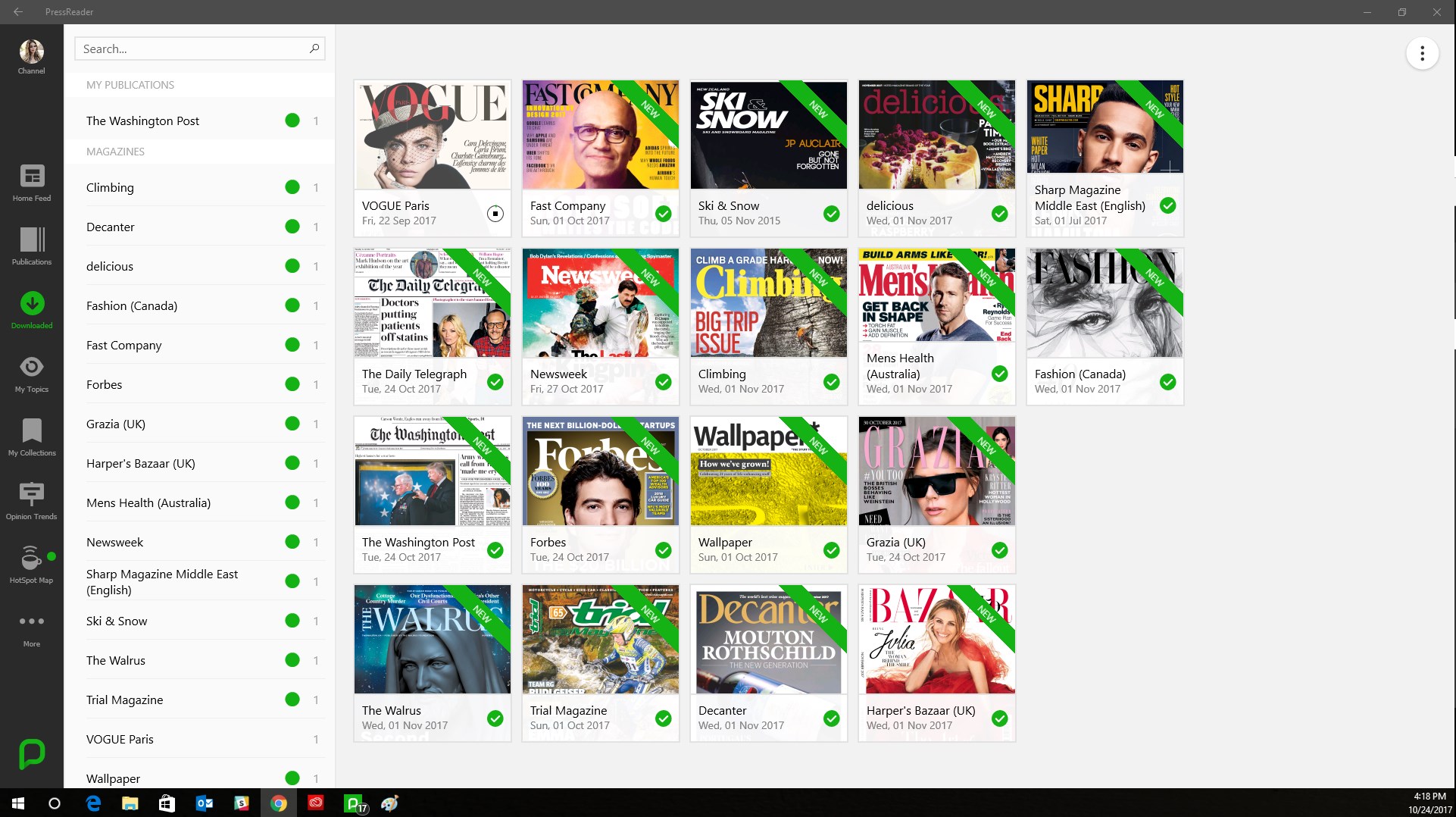
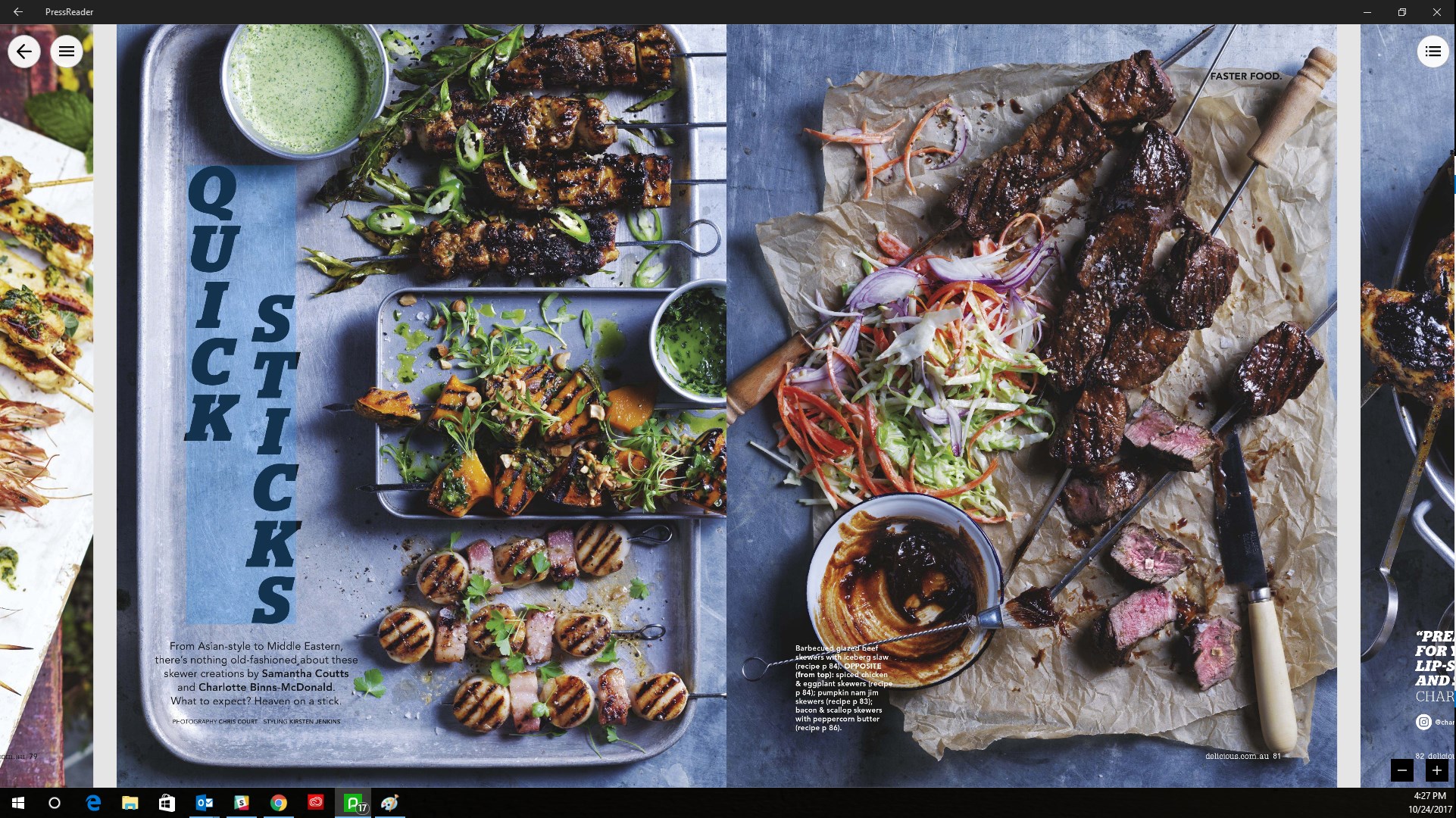
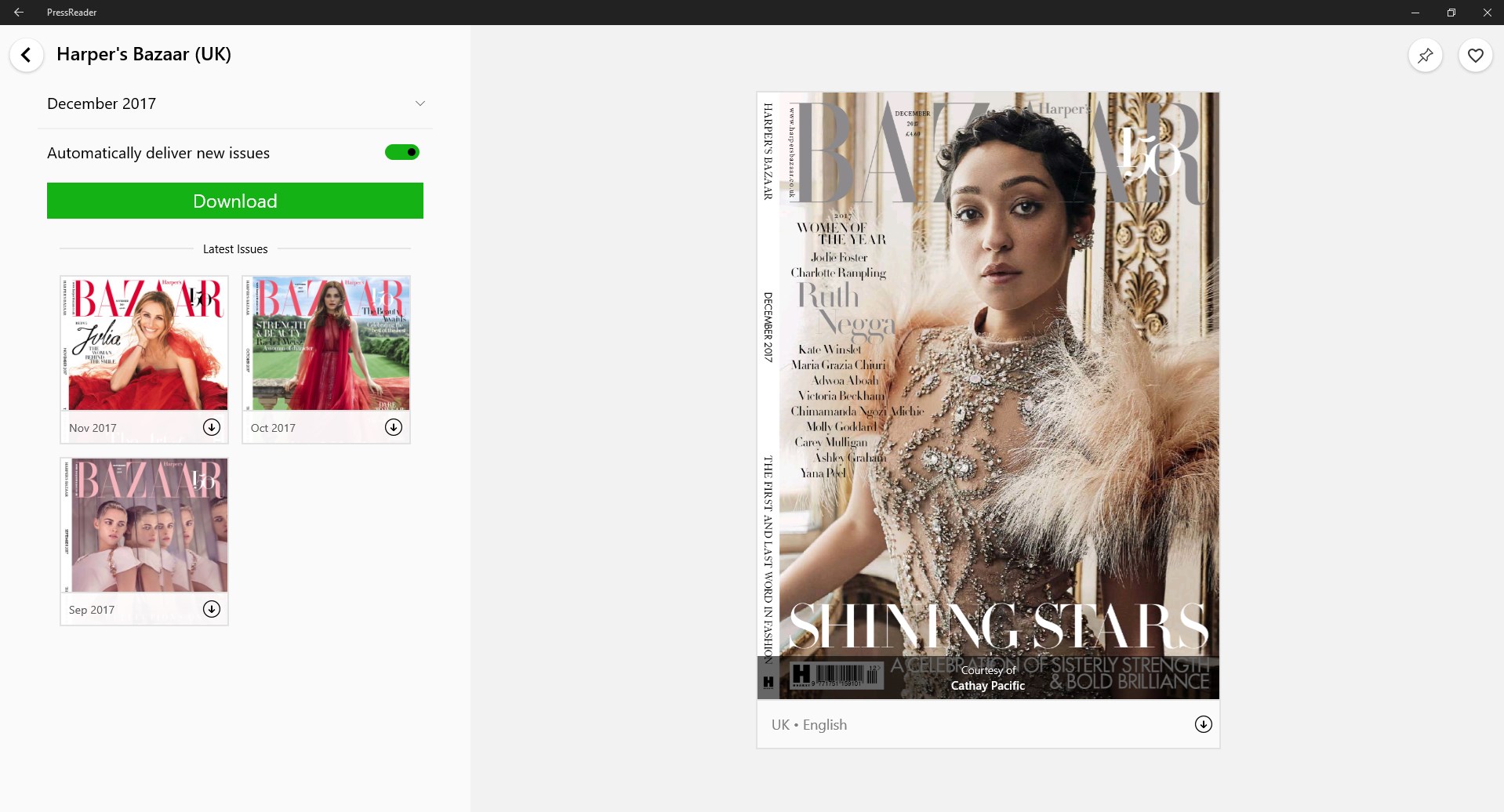
Screenshot appears after consentScreenshot appears after consentScreenshot appears after consentScreenshot appears after consentScreenshot appears after consentScreenshot appears after consentScreenshot appears after consentScreenshot appears after consentScreenshot appears after consent
Screenshot appears after consentScreenshot appears after consentScreenshot appears after consentScreenshot appears after consentScreenshot appears after consentScreenshot appears after consent
Screenshot appears after consentScreenshot appears after consentScreenshot appears after consentScreenshot appears after consentScreenshot appears after consentScreenshot appears after consentScreenshot appears after consentScreenshot appears after consentScreenshot appears after consent
Summary
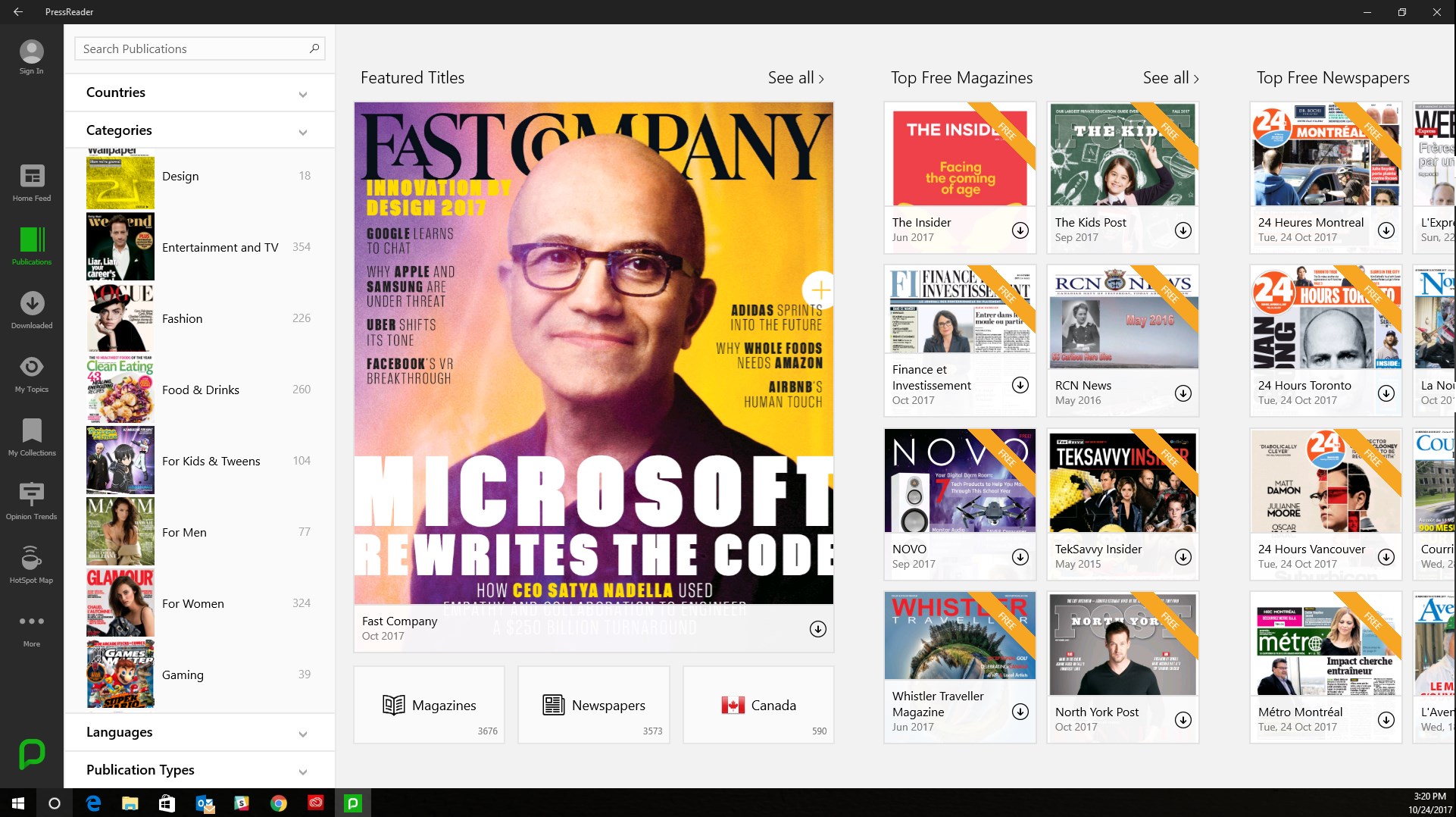
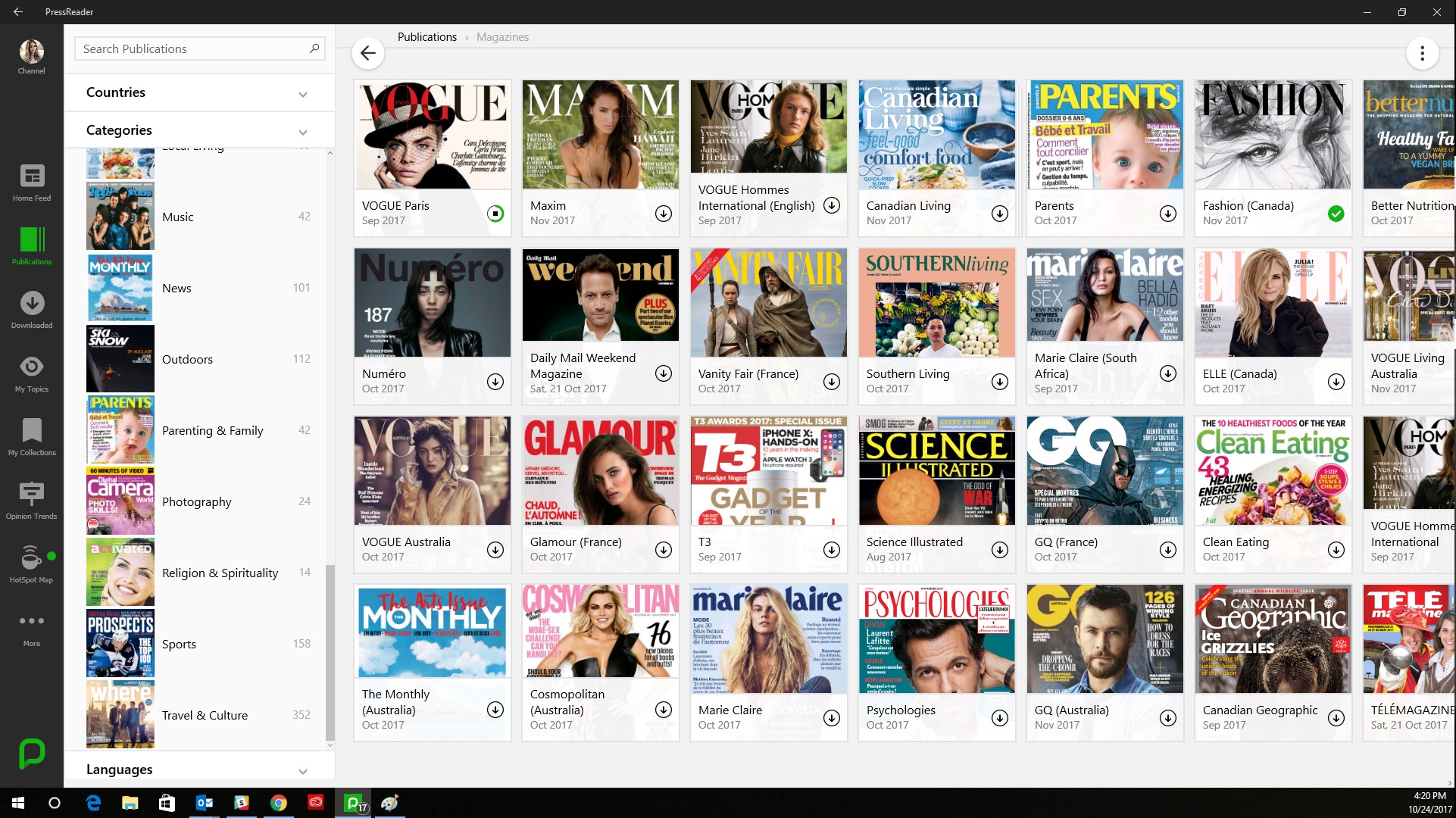
PressReader is a news reading app offering access to thousands of newspapers and magazines from around the world. Complete issues can be downloaded for offline reading, with readers switching between the original print layout and a text view optimized for mobile screens. The app offers one-touch translation into dozens of languages and dynamic commenting on articles. Users can create their own channel by bookmarking favorite stories from different sources. Access without a subscription is possible at PressReader HotSpot locations such as certain hotels and libraries, alongside free accounts, single-issue purchases, or a Premium subscription for unlimited reading.
Show the developer's original descriptionHide the original description
PressReader gives you unlimited access to thousands of magazines and newspapers from around the world so you can stay connected to the stories you love.
Use your Facebook, Twitter, Google+, or free PressReader account to get started.
- - Whenever, wherever - -
Download complete issues to read offline or save data while you’re on the go. Set automatic downloads to never miss a beat.
- - Unexpected, unlimited - -
Visit thousands of PressReader HotSpots around the world to get instant complimentary access to the entire catalog. Use the in-app HotSpot Map to find a location near you and your hotel or library if they already offer PressReader.
- - Your way, every day - -
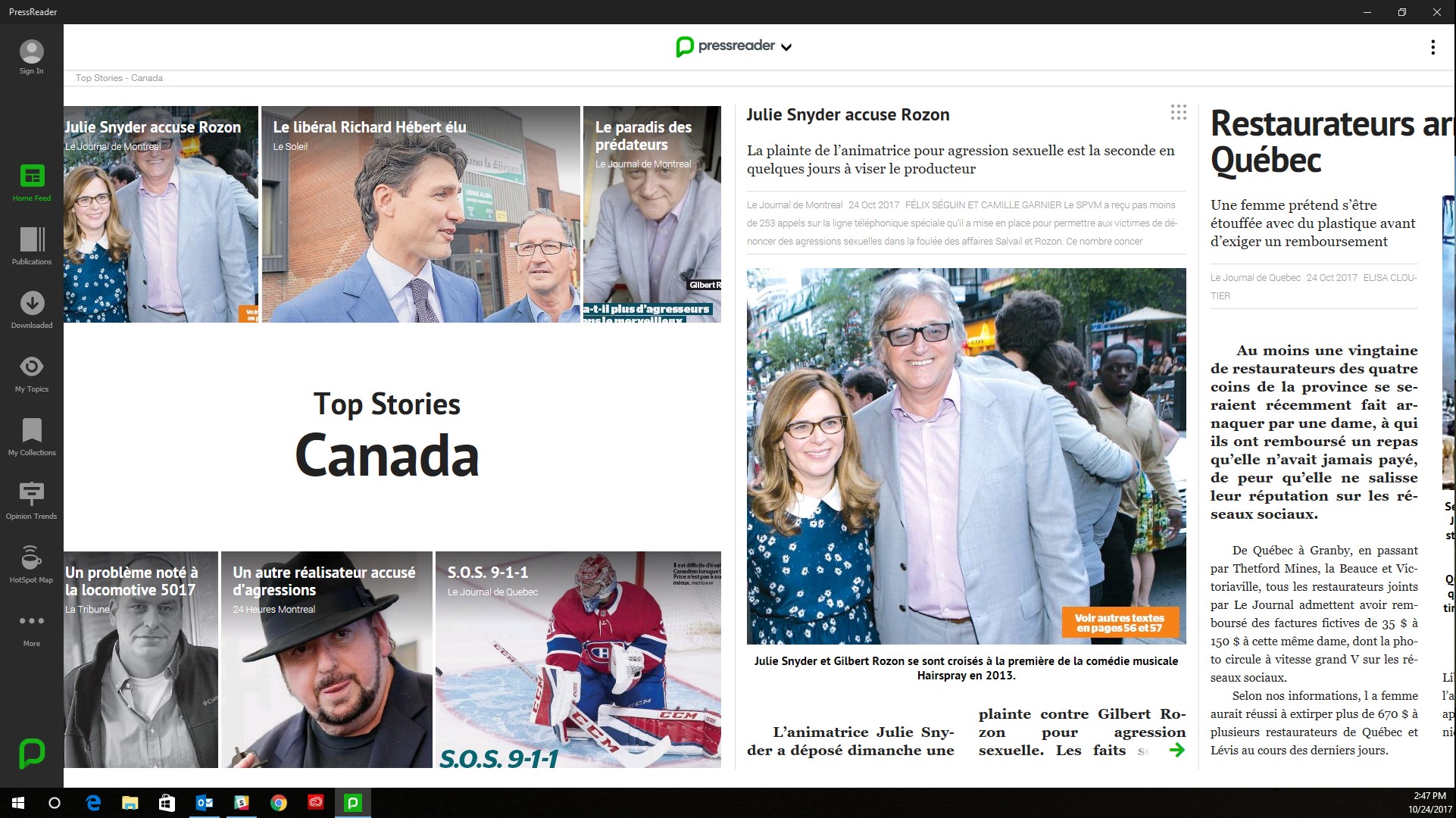
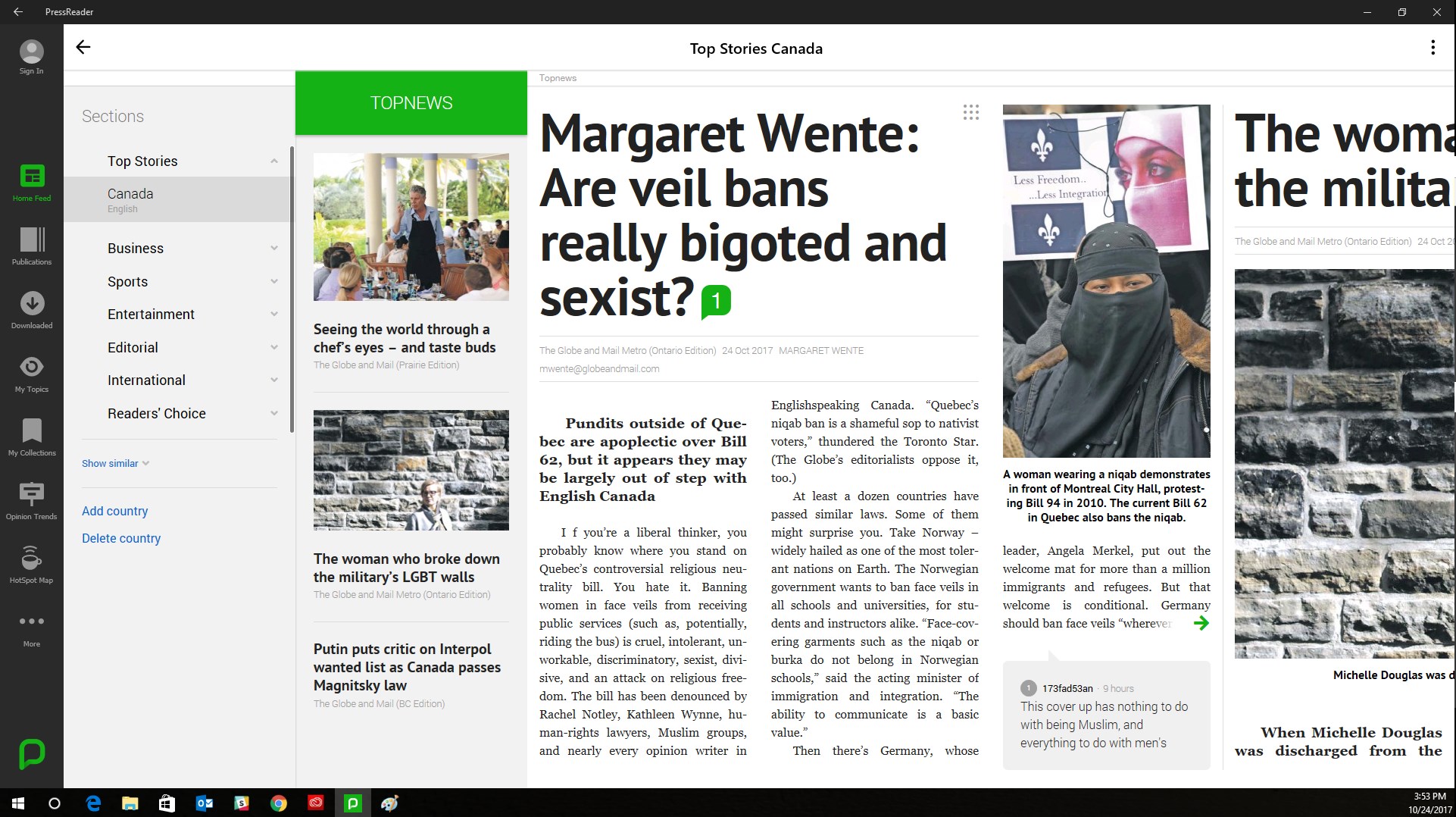
Read newspaper stories and magazine articles the minute they’re available on newsstands. Shift easily between the original page replica and a custom story layout optimized for mobile reading. Or, bring it all to life with listening mode, one-touch translation, and dynamic commenting.
- - Made for you - -
Create your own channel and automatically generate collections of stories chosen just for you. Whether you’re into news, entertainment, cooking, fitness, fashion, travel, sports, gaming, or knitting, you can create your own publication by bookmarking and saving your favorite stories.
“If you love newspapers but hate inky fingers and creepy delivery people, you might be interested in taking a gander at PressReader” – TECHCRUNCH
“PressReader delivers an authentic multi-platform newspaper-reading experience” – TNW
“I found it especially useful for keeping up with international news, which often offers viewpoints you won’t find in US media.” – LIFEHACKER
“Anyone with even a passing interest in the news should give PressReader a try” – CNET
“A sleeping giant in the digital media landscape” – INC.
Support: https://care.pressreader.com
Terms of Use: www.pressreader.com/help/termsofuse
Privacy Policy: https://www.pressreader.com/help/PrivacyPolicy
TOP TITLES
NEWSPAPERS: The Guardian, The Guardian Australia, National Post, Los Angeles Times, New York Post, The Globe and Mail, The Herald, The Irish Times, China Daily, USA Today, Le Figaro, Le Journal de Montreal, El Pais, The Daily Herald, The Daily Telegraph
BUSINESS & NEWS: Newsweek, Forbes, Robb Report, Business Traveler, The Monthly
FASHION: Vogue, Vogue Hommes, Elle, Glamour, Cosmopolitan, GQ, Esquire
ENTERTAINMENT: Variety, NME, Rolling Stone, Empire
LIFESTYLE & TRAVEL: Lonely Planet, Esquire, Canadian Geographic, Marie Claire, Maxim, DNA
FOOD & HOME: Clean Eating, Canadian Living, Parents
SPORTS & FITNESS: Men’s Health, Women’s Health, Top Gear, T3
TECHNOLOGY & GAMING: PC Gamer, Popular Science, Science Illustrated
Paste the original link from the Apple App Store or Microsoft Store. We fetch all details automatically.
How to find the URL:
1. Open the app in its store. 2.In the App Store app: tap the Share icon → “Copy Link”. In the browser: copy the URL from the address bar — it contains apps.apple.com/…/id… or apps.microsoft.com/detail/…. 3. Paste it here.
Android apps can only be listed by their developer.







 Book Bazaar Reader
Read and organize free books from multiple sources
 Feedly - Smart News Reader
RSS reader to organize news and trends
 NewsBlur: RSS News Reader
RSS reader for news, blogs and newsletters
 Real eBooks Reader
Read eBooks and documents in many formats
 Total eBook Reader
Read ebooks and documents in various formats
 Thorium Reader
Read ebooks, audiobooks, comics and manga in one app