
PDF Editor Ink

Sign, annotate and fill PDFs AI summary
Rank 1576
0 Up Votes, 0 Down Votes
▲
0
▼
PDF Editor Ink is not available on Android and Apple — or is it? Submit URL
Screenshots
Screenshot 1 of PDF Editor Ink on WindowsScreenshot
appears after consent
Screenshot 2 of PDF Editor Ink on WindowsScreenshot
appears after consent
Screenshot 3 of PDF Editor Ink on WindowsScreenshot
appears after consent
Screenshot 4 of PDF Editor Ink on WindowsScreenshot
appears after consent
Summary
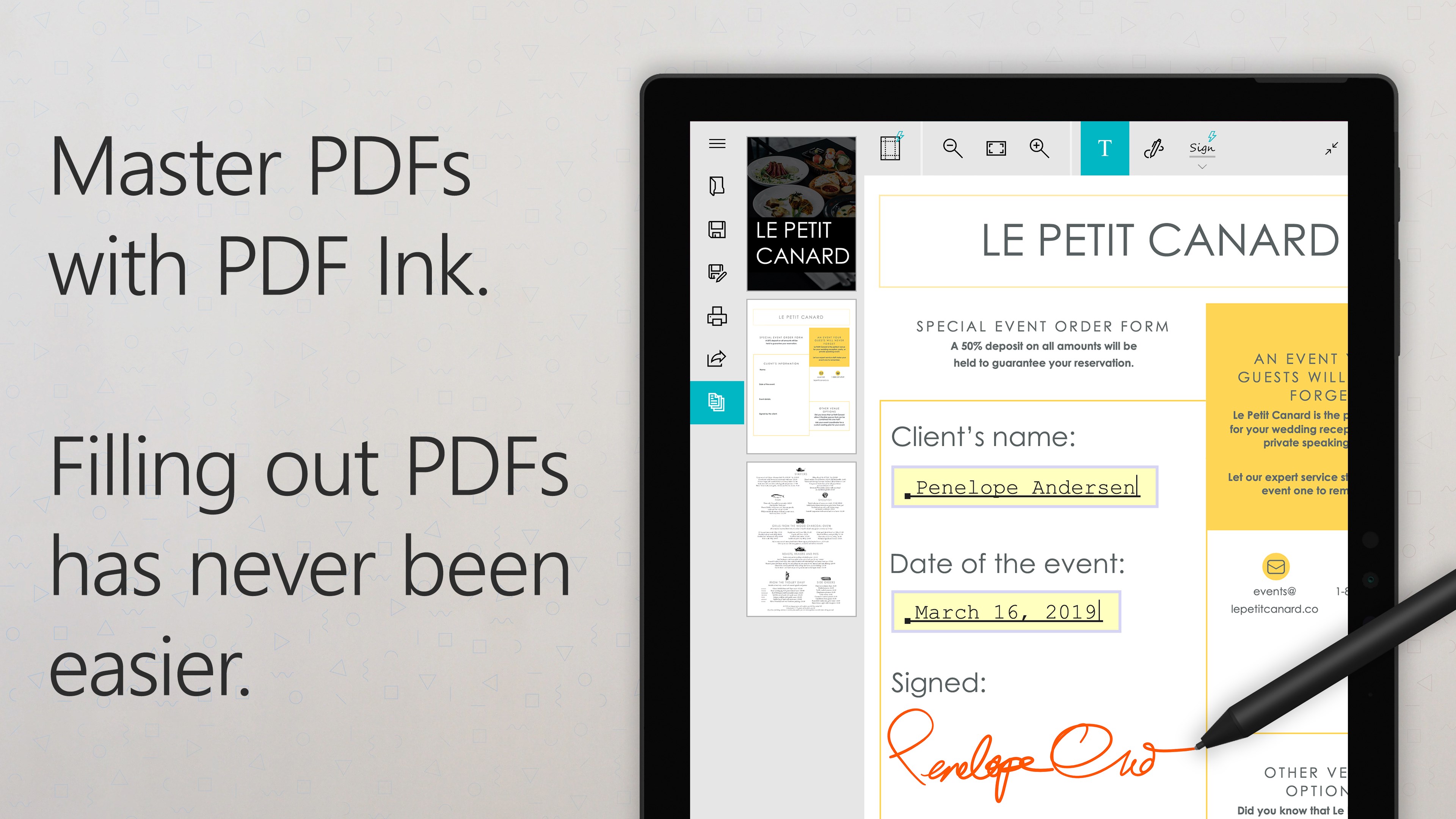
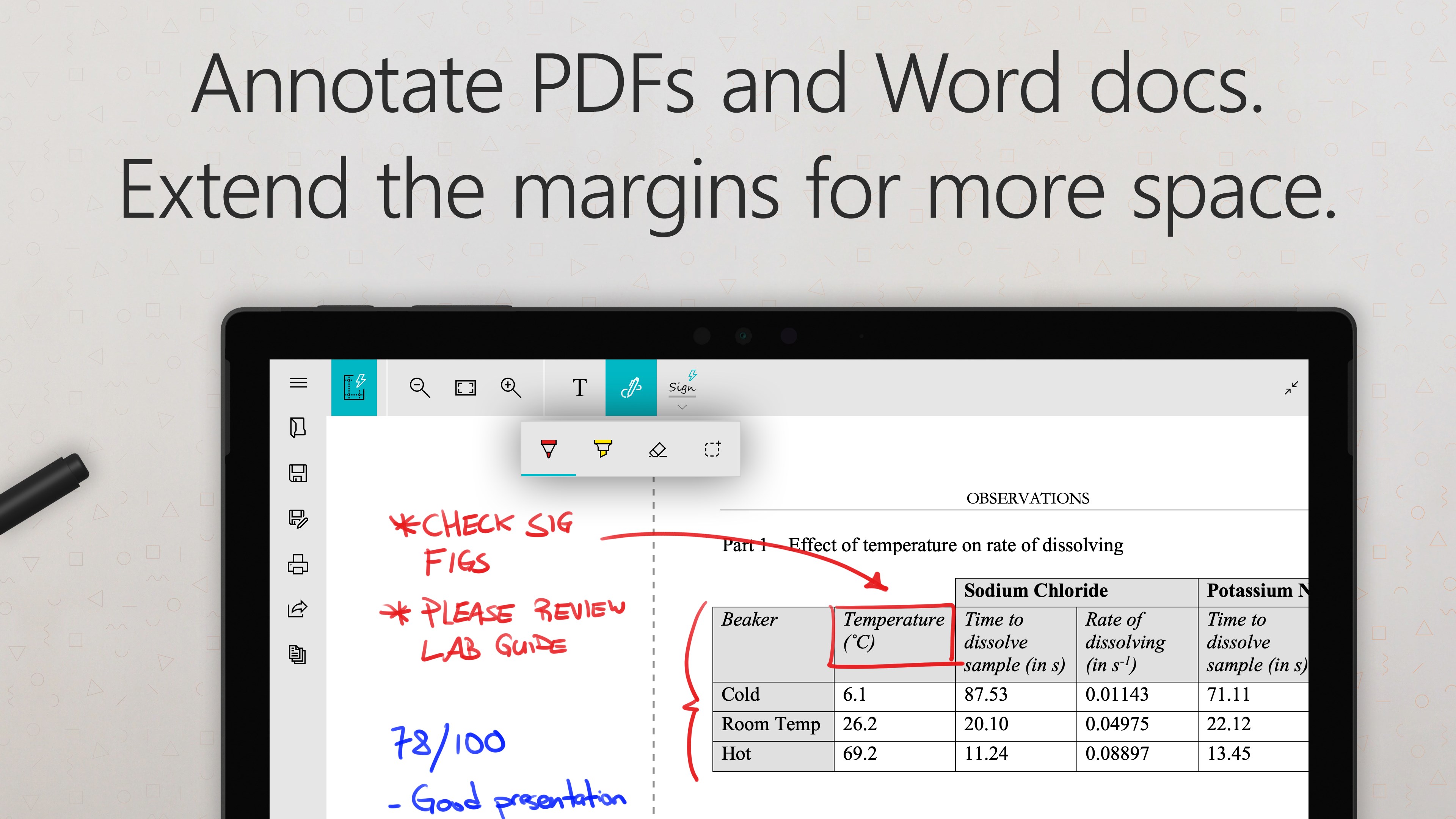
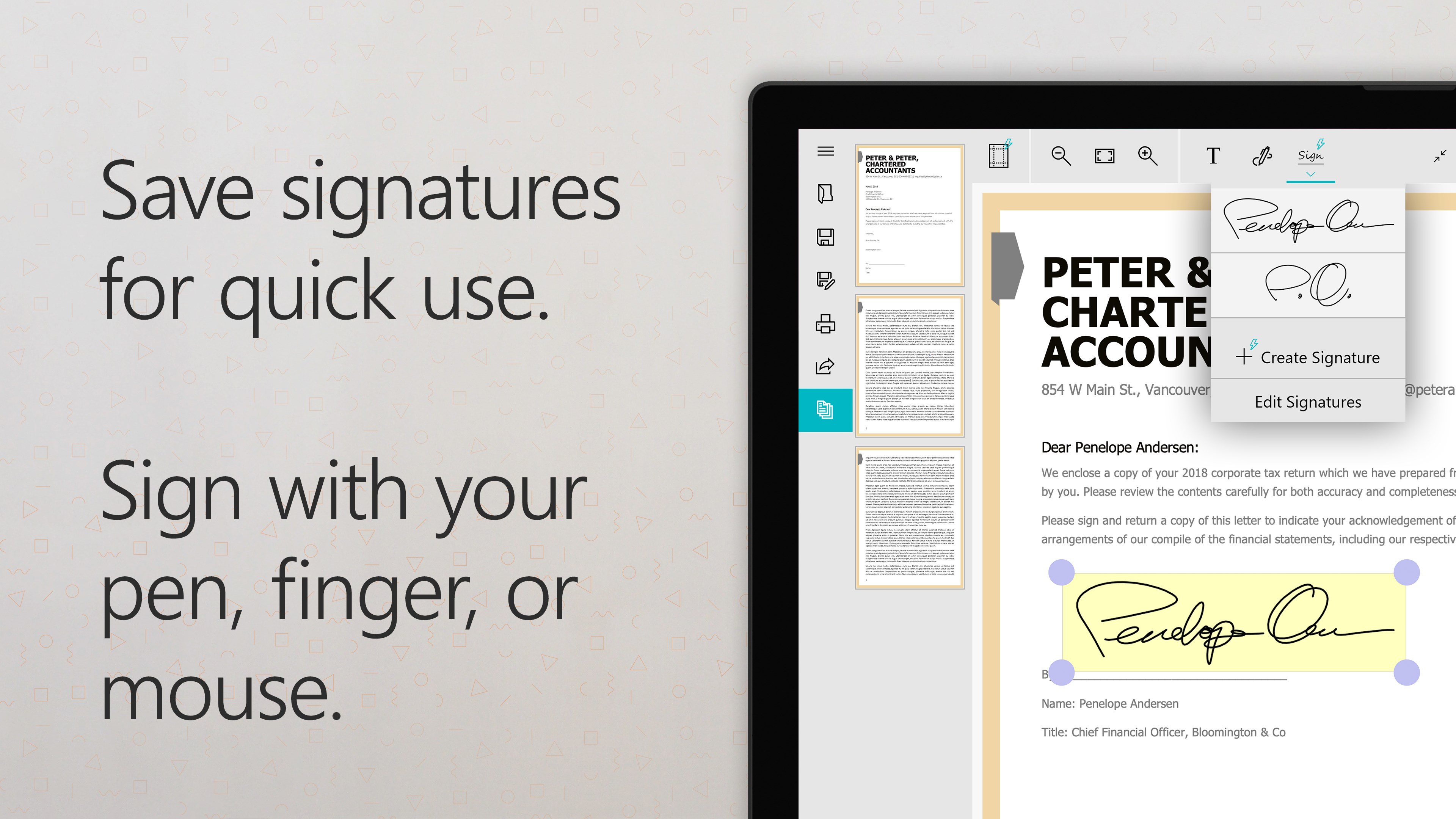
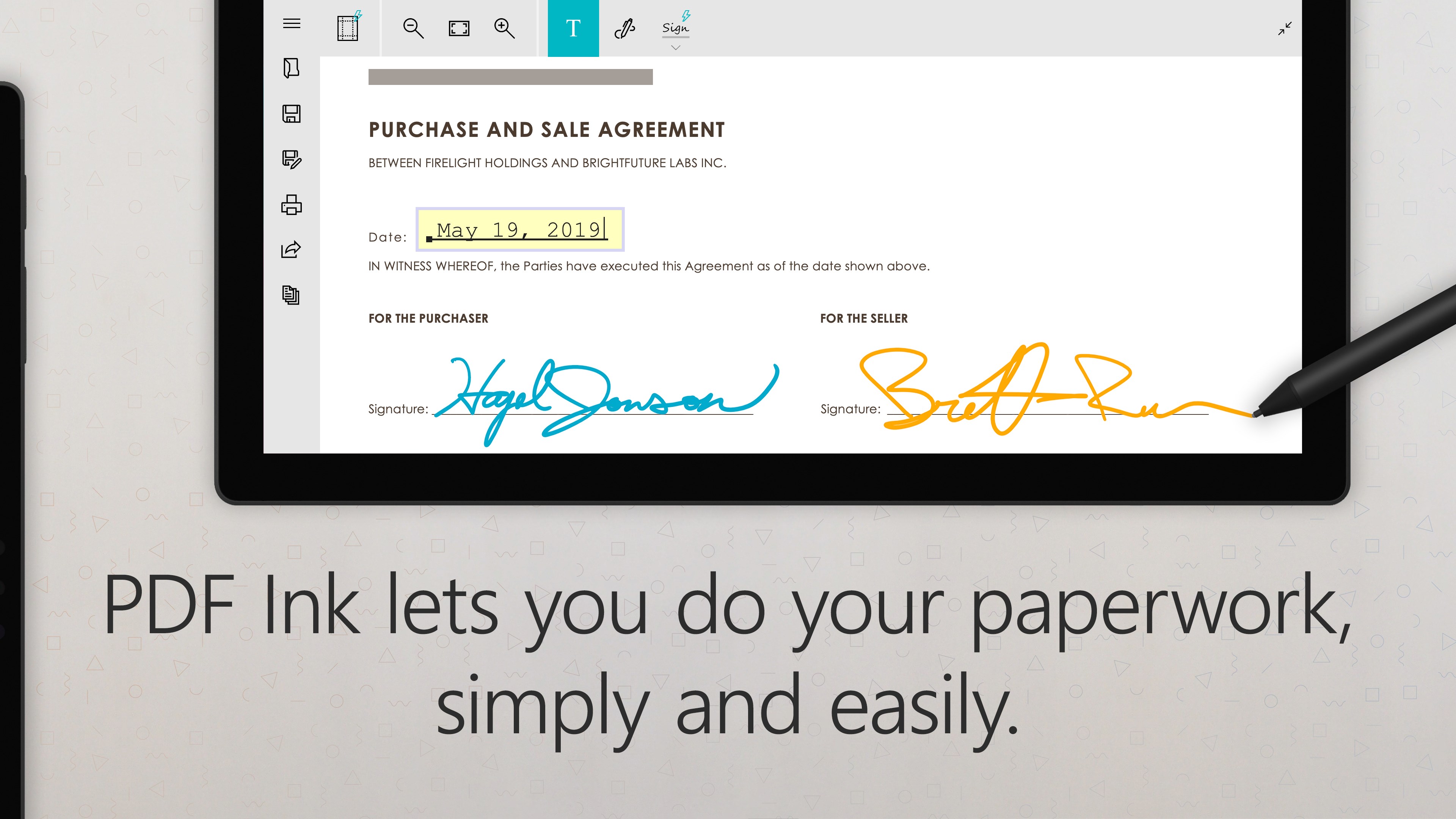
PDF Editor Ink is an application for signing, annotating, and filling in PDF documents. It allows inserting signatures, typed text, and handwritten ink into any PDF file. The app also includes a PDF and Doc/DocX viewer. A paid full version expands margins, converts Word files (Doc/DocX) to PDF, and allows saving multiple signatures.
Show the developer's original descriptionHide the original description
Sign, annotate, and fill in PDFs for free with PDF Ink. PDF Ink lets you insert your signature, typed text, and ink into any PDF document. It also includes a fast, full-featured PDF and Doc/DocX viewer. Unlock the full version of PDF Ink to expand margins, convert from Word files (Doc/DocX) to PDF, save multiple signatures, and more!
Technical details about PDF Editor Ink
Category
Age Rating
Price
Size
58,8 MB
Last updated in Microsoft Store
2026-05-21
App Store Rating
4 ★
Devices
PDF Editor Ink in the rankings
Manage app

Are you on the developer team behind PDF Editor Ink?

Verify yourself and manage your listing on Most Voted Apps.

Verify PDF Editor Ink for free
Verification usually takes only a few minutes.
Similar apps to PDF Editor Ink