
Screenshot appears after consentScreenshot appears after consentScreenshot appears after consentScreenshot appears after consentScreenshot appears after consentScreenshot appears after consent
Summary
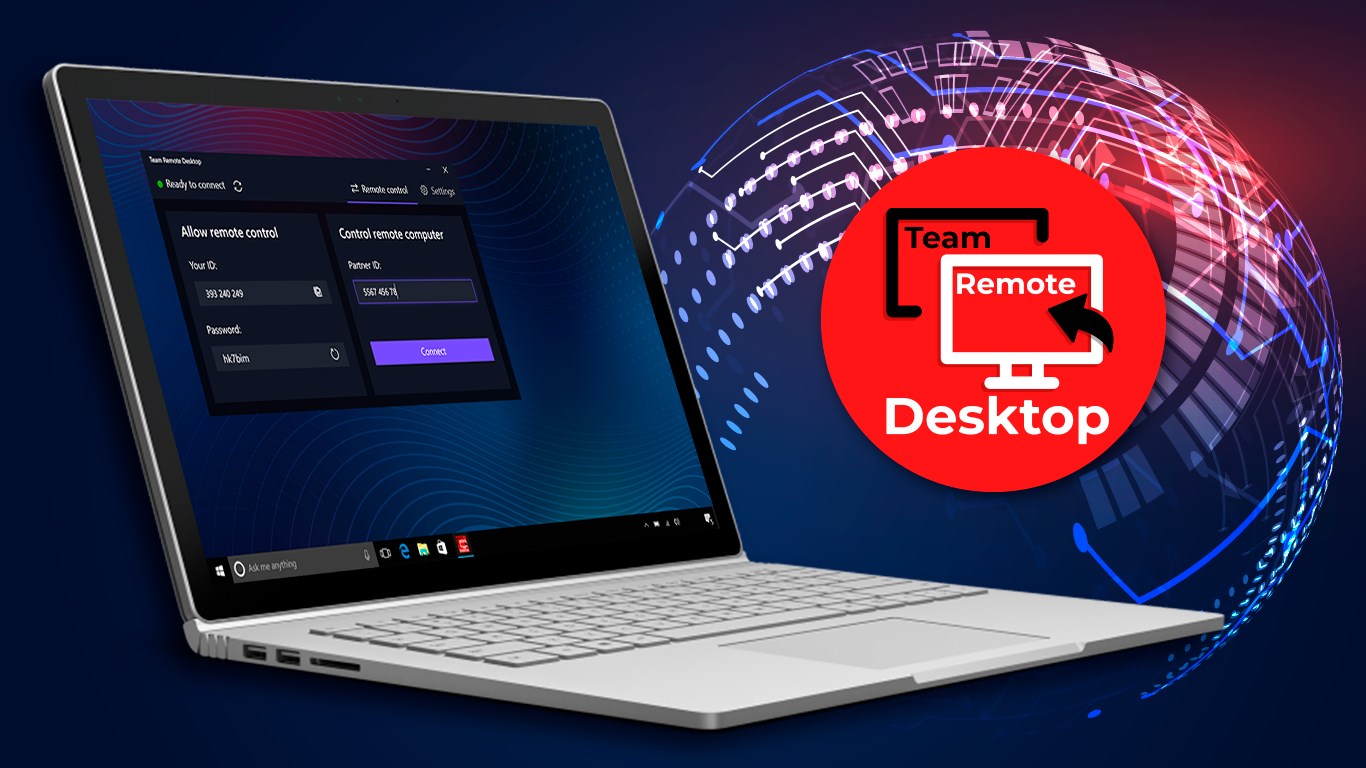
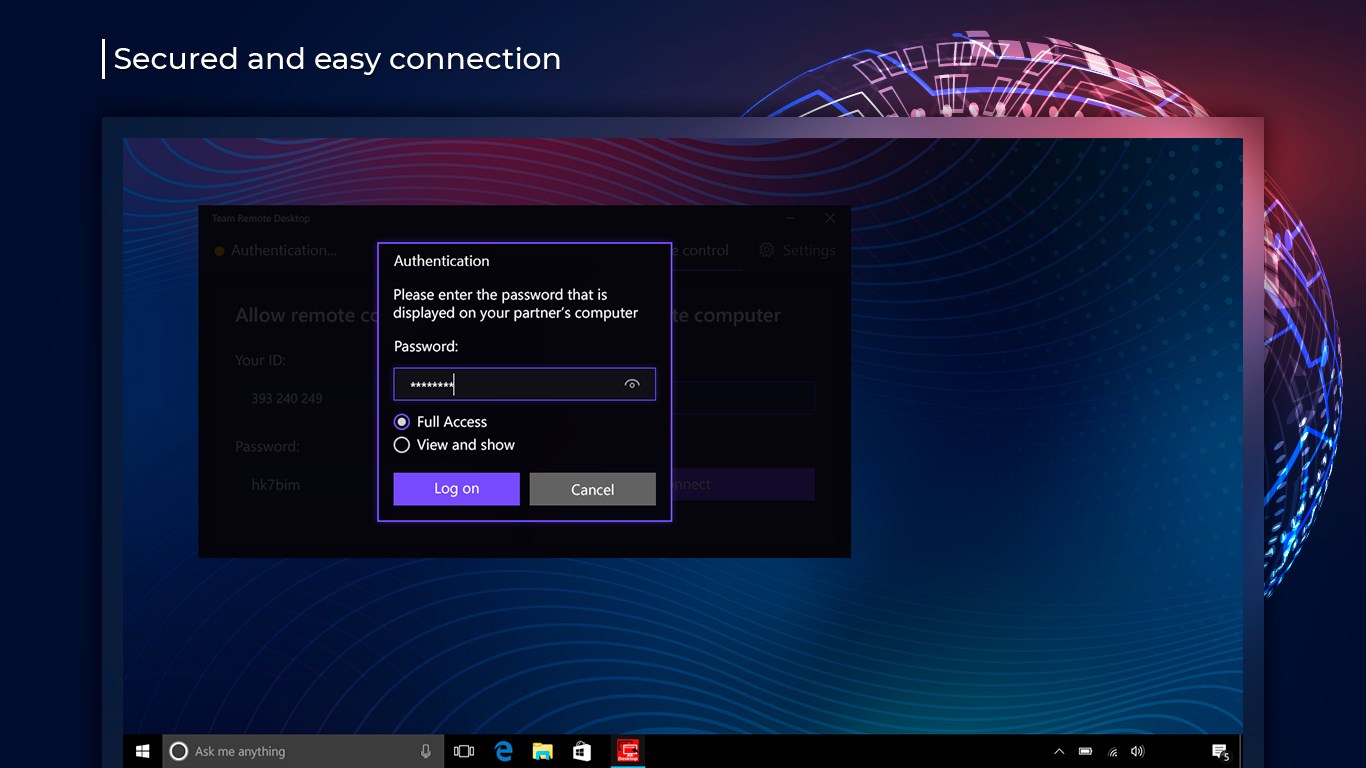
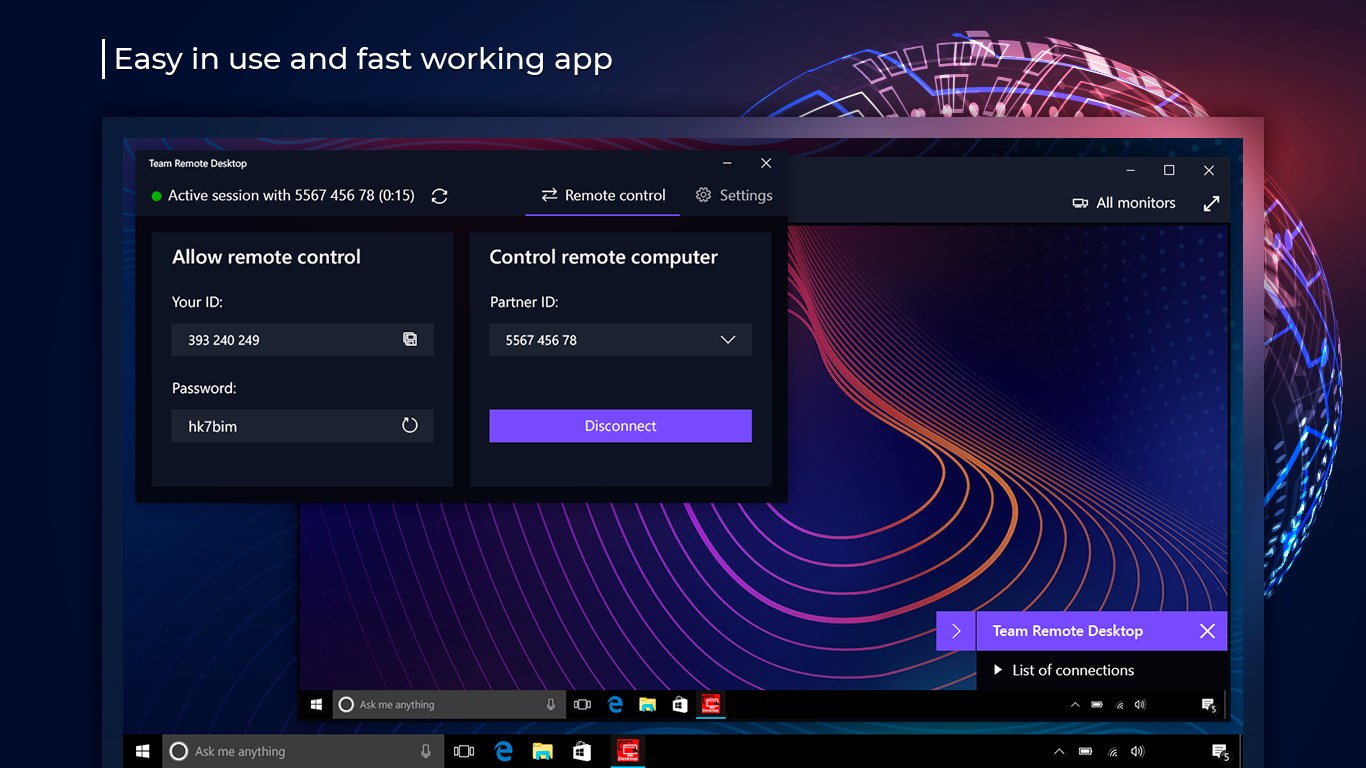
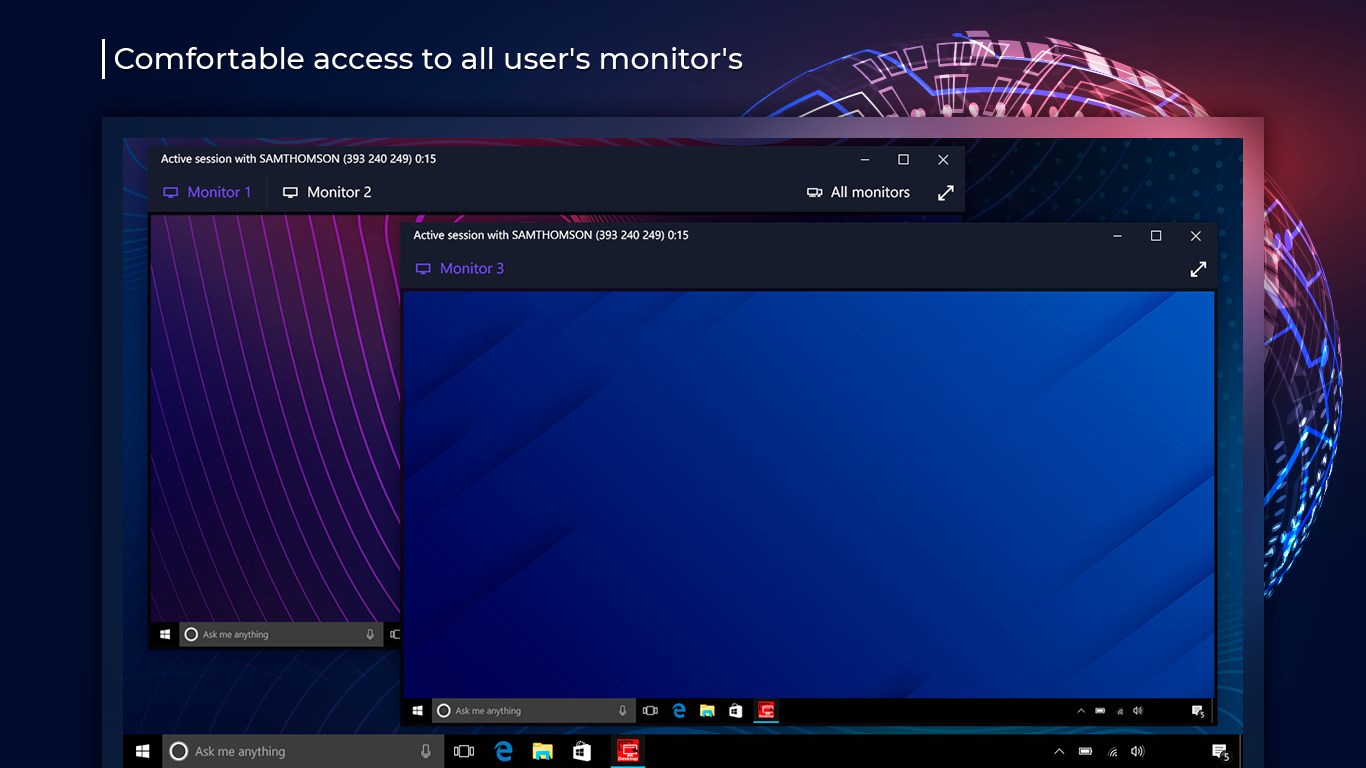
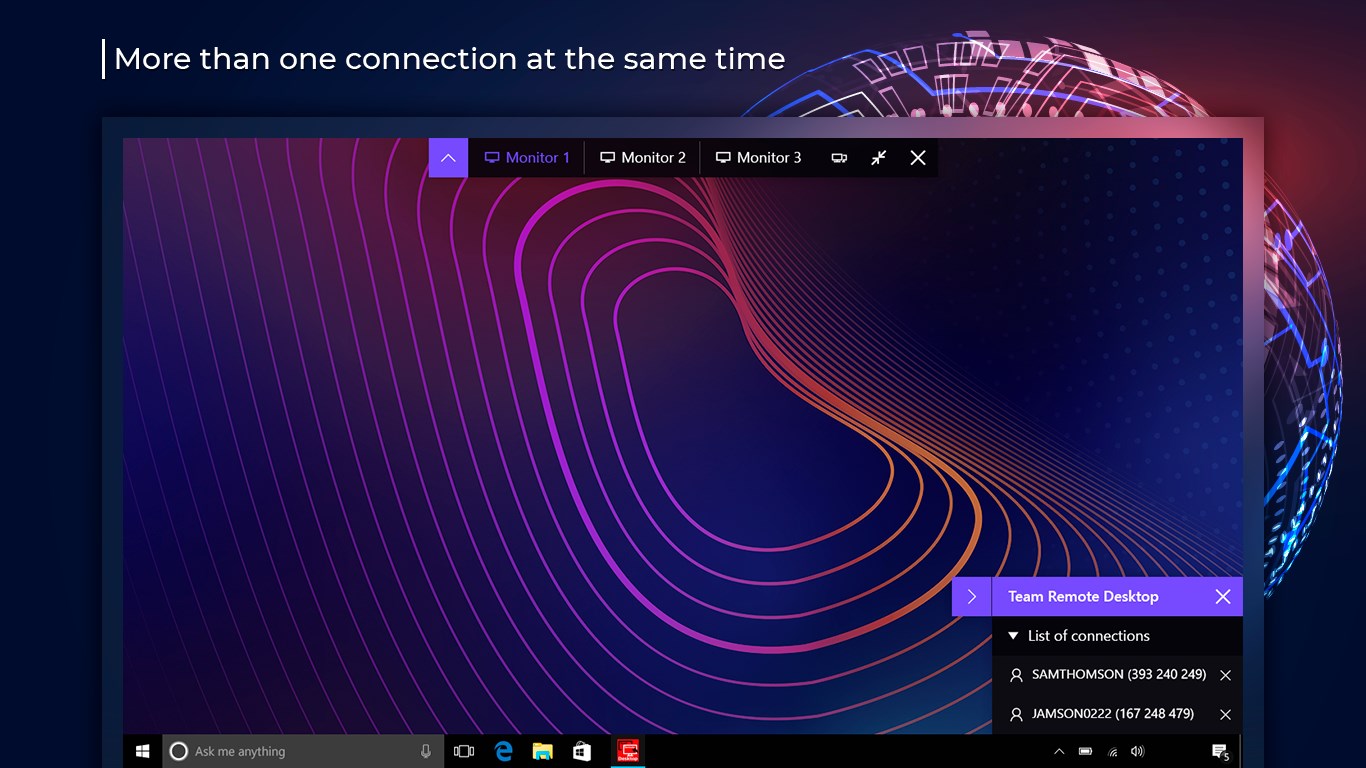
Team Remote Desktop is a remote desktop tool for controlling various computers from a distance. It allows connecting to home computers when away, working with documents, checking email and downloading or editing files stored on the remote machine. Connection is established by running the program on both computers and signing in with an ID and password. The interface is styled after Windows for easy navigation. Once connected, the remote computer can be controlled, administered, monitored and configured as if working directly at that device, from anywhere and at any time.
Show the developer's original descriptionHide the original description
Remote Desktop Manager is an application that gives you the ability to control various remote computers.
Connect to home computers when you are away from home and work with documents, check e-mail and download files from your home computer and edit them.
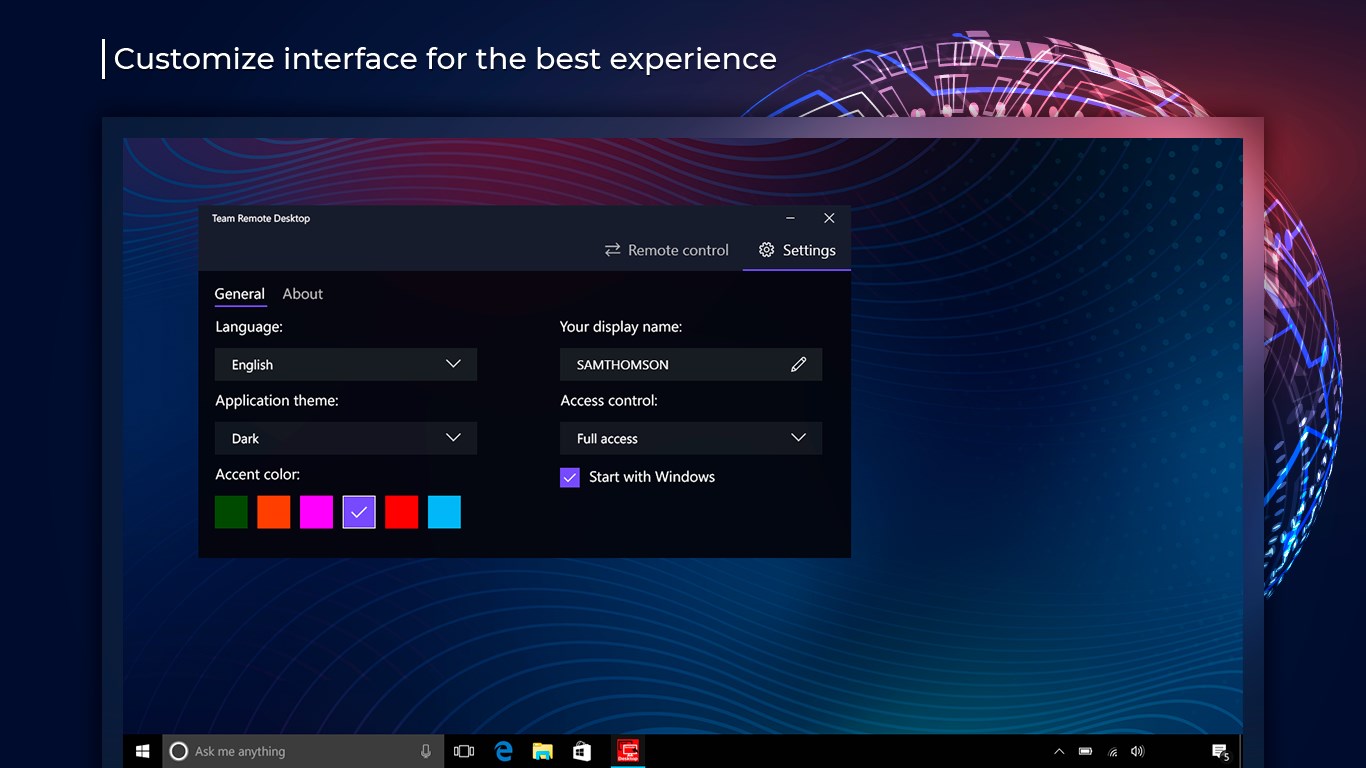
Manage this program easily with an accessible and attractive Windows-inspired interface.
This is a program that allows you to connect to and control another computer. It sounds very simple, but in reality, it is the same elementary. You just need to run the program on both computers and connect using your ID and password.
Control, administer, monitor and configure computers anywhere, anytime, just as easily, conveniently and quickly as if you were working directly at a remote device.
If there is a version of this app for iOS/Mac or Windows we don't know about, paste the store link here — we'll auto-detect the store.
How to find the URL:1. Open the app in its store. 2.In the App Store app: tap the Share icon → “Copy Link”. In the browser: copy the URL from the address bar — it contains apps.apple.com/…/id… or apps.microsoft.com/detail/…. 3. Paste it here.
Paste the original link from the Apple App Store or Microsoft Store. We fetch all details automatically.
How to find the URL:
1. Open the app in its store. 2.In the App Store app: tap the Share icon → “Copy Link”. In the browser: copy the URL from the address bar — it contains apps.apple.com/…/id… or apps.microsoft.com/detail/…. 3. Paste it here.
Android apps can only be listed by their developer.