

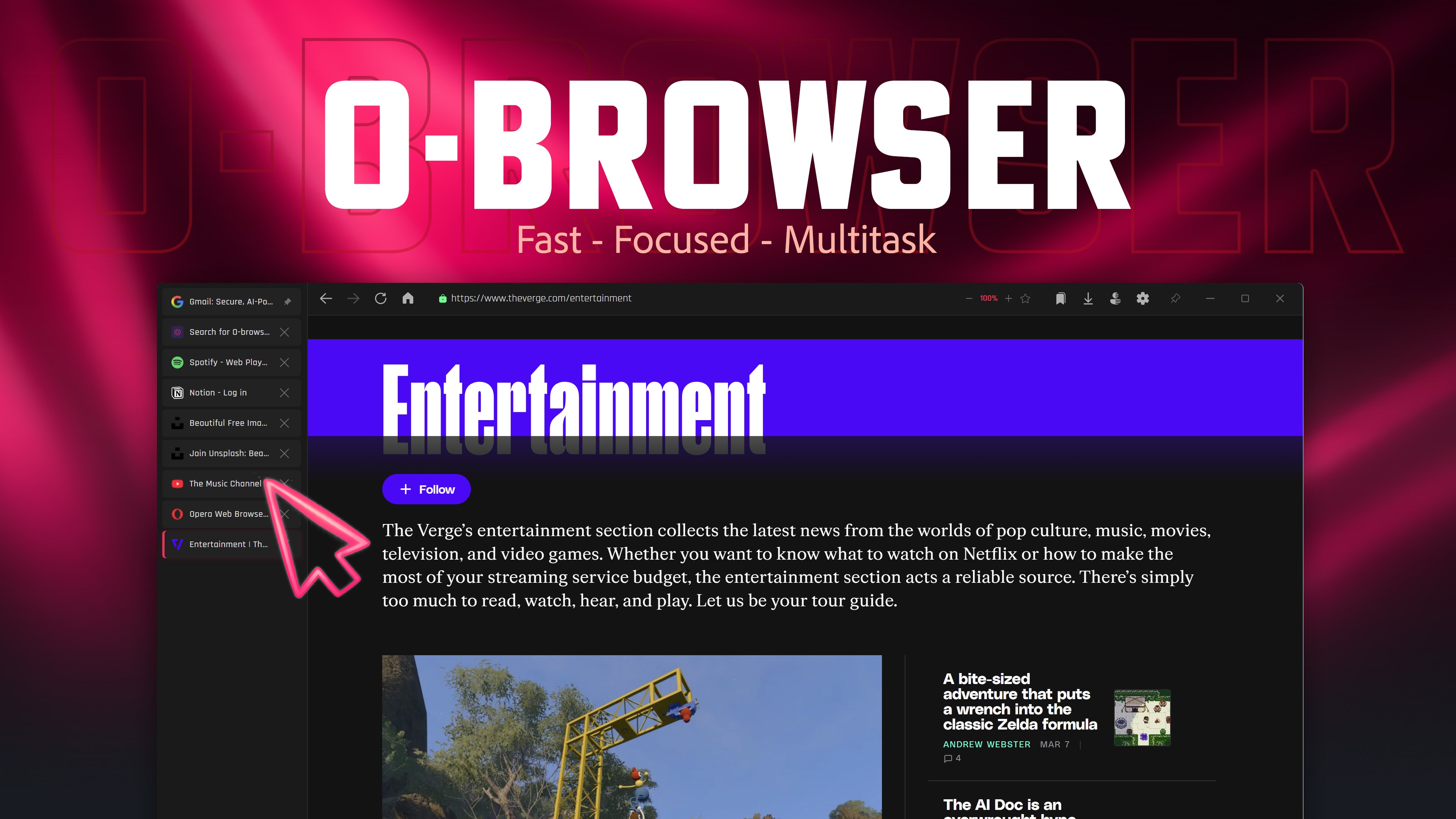

Screenshots
Summary
O-browser is a Windows web browser built for work, research and multitasking rather than casual scrolling. It offers tabbed browsing with sidebar tabs that can be pinned, reordered and placed on either side of the window, alongside session restore, find-in-page and zoom. A split-screen mode opens two websites side by side with an adjustable divider, useful for comparing sources or writing while reading. A built-in PDF viewer allows annotating, highlighting, signing and exporting documents without a separate app. The window can be pinned always-on-top for dashboards or chat, and private browsing includes an isolated incognito mode with optional PIN lock.
Show the developer's original descriptionHide the original description
O-browser is a free web browser for Windows that goes beyond basic browsing. It's built for people who actually use their browser for work, research and multitasking, not just casual scrolling.
Fast tabbed browsing with sidebar tabs
Tabs, address bar, session restore, find in page, zoom. The basics are all here and they work well. Tabs can be pinned, reordered by dragging, and placed at the top of the window or in a vertical sidebar on the left or right side. If you've used sidebar tabs in Opera or Brave, this will feel familiar.
Split screen browser for multitasking
Open two websites next to each other in one window. Drag the divider to adjust the ratio. Useful for research, comparing products, writing while reading a reference, or keeping a video playing next to your work.
Built-in PDF viewer and editor
PDFs open directly inside the browser in a full viewer. You can annotate, highlight, sign and export documents without installing a separate PDF app. Works with links from the web, file downloads and local files.
Always-on-top window pinning
Pin the browser window so it stays above other apps. Good for dashboards, chat, documentation or anything you need visible while working in another program.
Private browsing with PIN lock
Incognito mode runs in a completely isolated session. There's also a PIN lock if you share your computer. Set a 4-digit code and optionally lock the browser every time it starts.
Bookmark manager and download tracker
Bookmarks go into folders with custom colors. Drag to reorder, use the bookmark bar for quick access. Downloads show progress and let you open files or jump to the folder.
Lightweight browser, your settings
Choose your search engine, minimize to system tray, launch on startup, set as default browser. The interface uses a dark theme with accent colors designed for comfortable extended use.
Technical details about O-browser
O-browser in the rankings
The best browsers
The best productivity apps
The best Windows apps
The best free apps
All rankings ›
Manage app
Are you on the developer team behind O-browser?
Verify yourself and manage your listing on Most Voted Apps.
Verify O-browser for free
Verification usually takes only a few minutes.
Similar apps to O-browser
 X Browser
Fast browser with tab management and split view
 Browser Pro+
Fast browser with split-screen view and always-on-top mode
 Fast Internet Browser
Web browser with ad blocker, private mode and tabs
 BlueSky Browser
Lightweight, fast browser for any device
 Seelen UI
Windows desktop with customizable webview interface
 C Lite Browser
Simple web browser focused on speed