Screenshot appears after consentScreenshot appears after consentScreenshot appears after consentScreenshot appears after consent
Summary
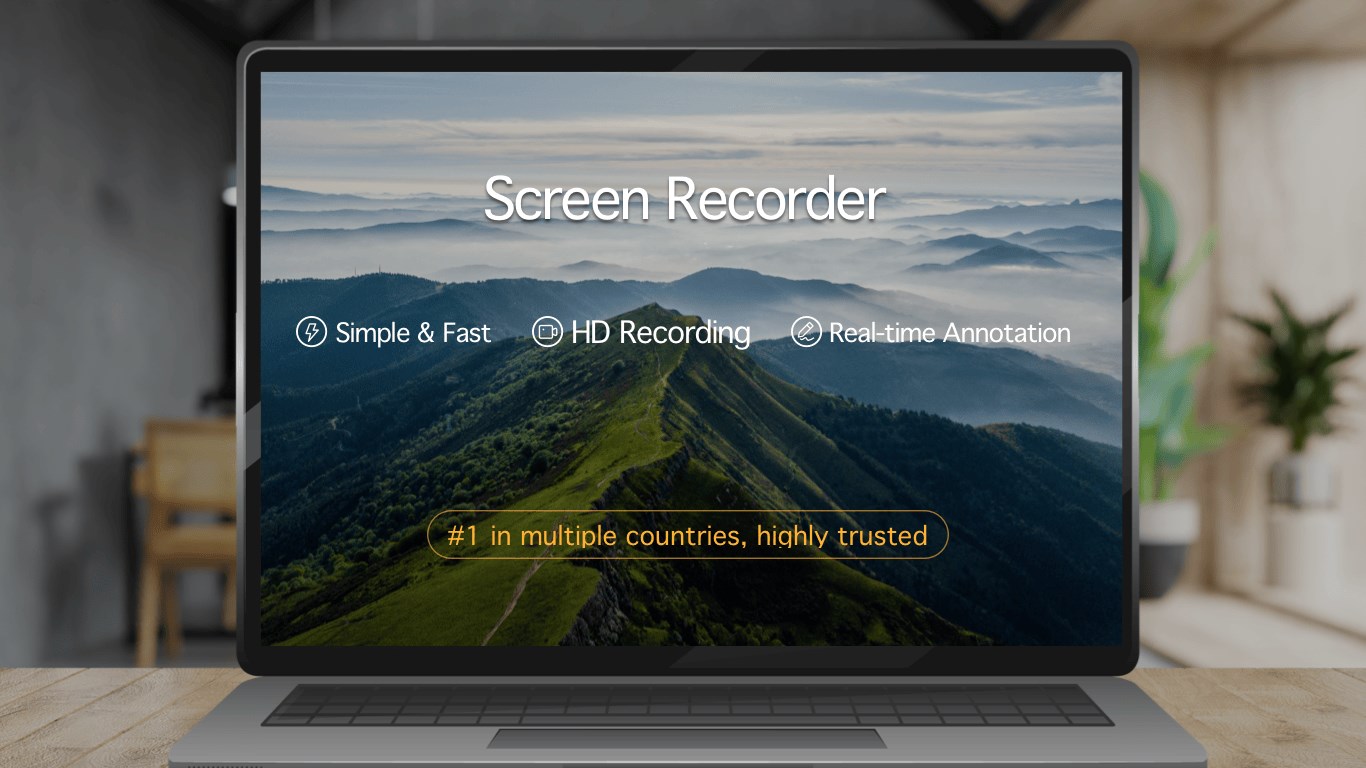
Screen recorder - Screen record & Screen capture is a screen recording app that captures desktop activity, games, online courses and other screen content together with audio and video on Windows. It supports full-screen recording as well as customizable software window recording, and region recording allows one-click capture of a selected screen area. A shortcut key starts and ends recording, with the finished video saved automatically to the device. Multiple quality levels are available to match different video requirements. It is free to use with a limited recording duration, and full features can be unlocked through a subscription or purchase.
Show the developer's original descriptionHide the original description
Screen recorder, It is a screen recording tool specially designed for Windows operating system. The software can record computer desktop operations, entertainment games, online courses and other screen activities simultaneously with audio and video. Supports full-screen recording,Customize software window recording and other video recording modes to help users easily get screen video recording.
* Simple recording interface, fool-like operation, powerful recording function, easily record personalized animation video, bring efficient, easy to use, stable user experience *
* Simple recording interface, fool-like operation, powerful recording function, easily record personalized animation video, bring efficient, easy to use, stable user experience *
* Synchronization of audio and video is not stuttered, and the recording area is flexible. A variety of frames are available to meet the different needs of users *
*Region recording: one-key recording of the regional screen
*Camera recording: turn on camera recording with one button
*Shortcut key recording: One-click start/end recording, and the video will be automatically saved locally after the end
⚠️ current version is free to purchase that included a record duration limit. If you are satisfied with the product, you can experience the complete product features by purchasing related services within the app; you can choose to subscribe to the software monthly, quarterly or annually, and your Microsoft account will be deducted at the time of renewal; you also You can choose to purchase permanent membership, one-time payment, permanent use.
Play Store URL for "Screen recorder - Screen record & Screen capture"
If there is a version of this app for iOS/Mac or Windows we don't know about, paste the store link here — we'll auto-detect the store.
How to find the URL:1. Open the app in its store. 2.In the App Store app: tap the Share icon → “Copy Link”. In the browser: copy the URL from the address bar — it contains apps.apple.com/…/id… or apps.microsoft.com/detail/…. 3. Paste it here.
Paste the original link from the Apple App Store or Microsoft Store. We fetch all details automatically.
How to find the URL:
1. Open the app in its store. 2.In the App Store app: tap the Share icon → “Copy Link”. In the browser: copy the URL from the address bar — it contains apps.apple.com/…/id… or apps.microsoft.com/detail/…. 3. Paste it here.
Android apps can only be listed by their developer.





 Screen Recorder - App
Record screen and audio with customizable settings
 Screen Recorder Plus
Record screen, windows and audio in multiple formats
 Screen Recorder Lite
Record screen, audio and webcam with editing
 Fine Screen Recorder – Screen Recorder for Windows
Record screen content with audio and watermarks
 Screenshot - Screen Capture & OCR
Capture screenshots, recognize text and record video
 Record Screen - Video & Audio Recorder
Record screen in Full HD up to 60 fps