
Screenshot appears after consentScreenshot appears after consentScreenshot appears after consentScreenshot appears after consentScreenshot appears after consentScreenshot appears after consentScreenshot appears after consentScreenshot appears after consentScreenshot appears after consent
Summary
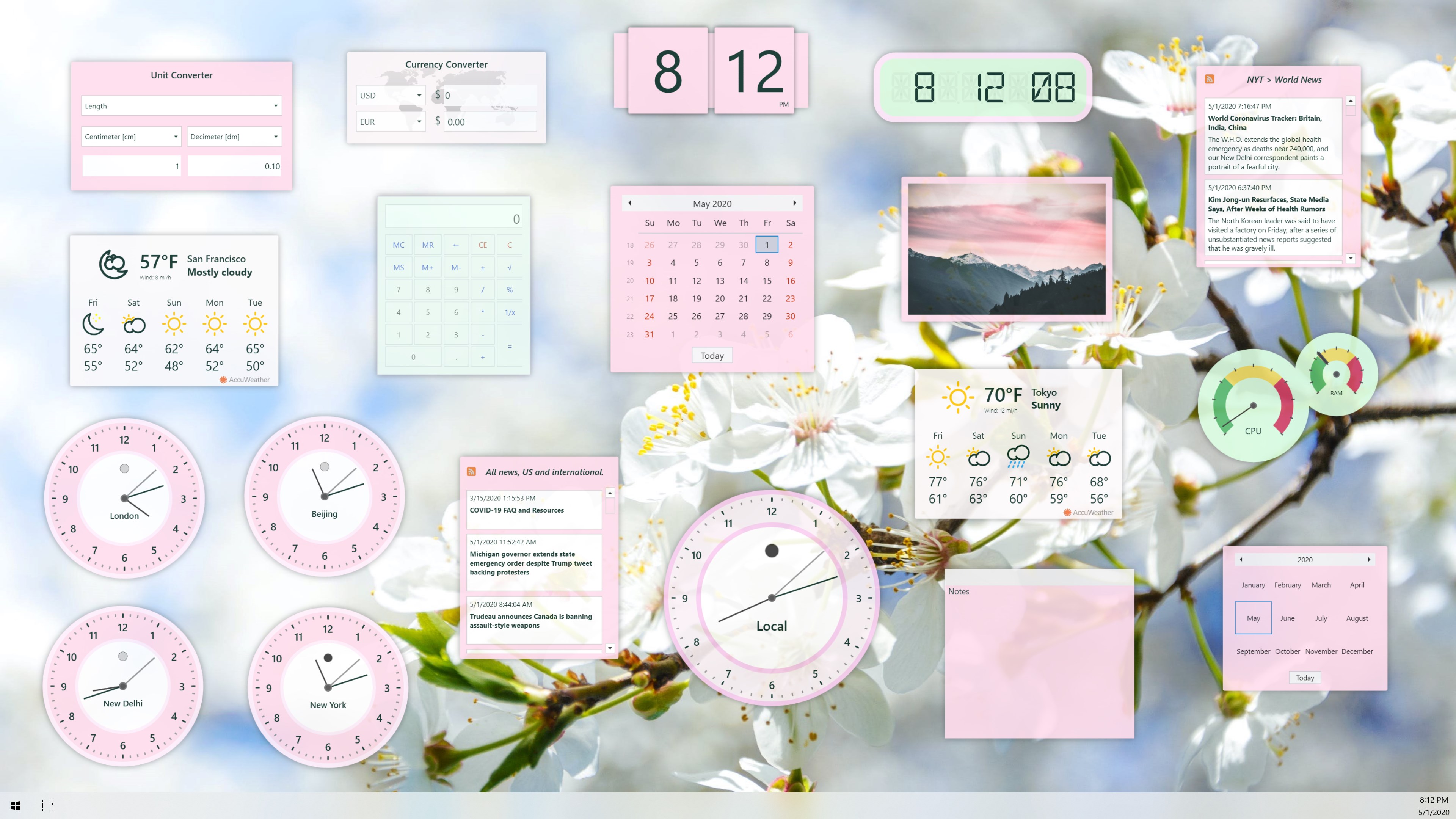
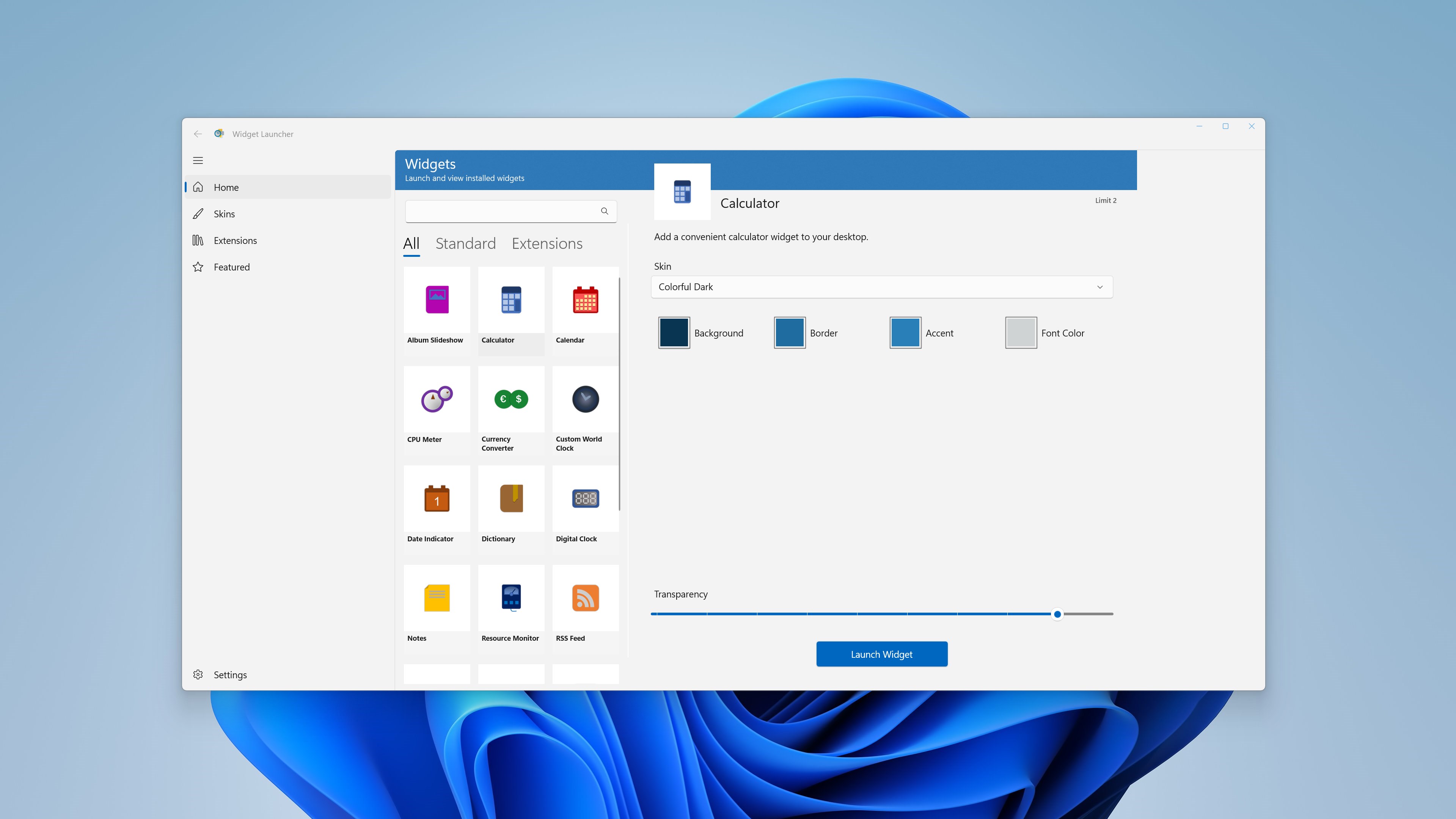
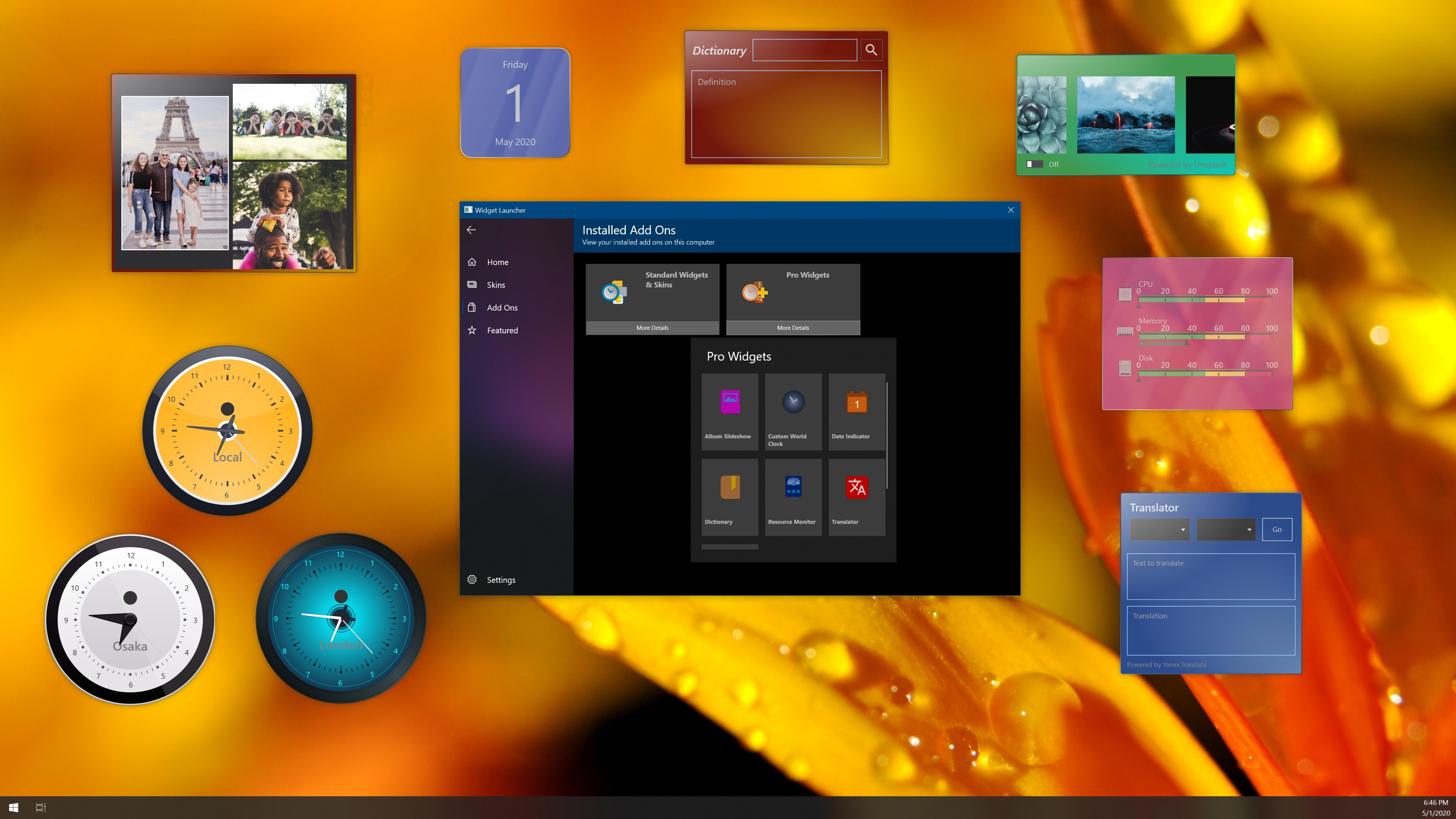
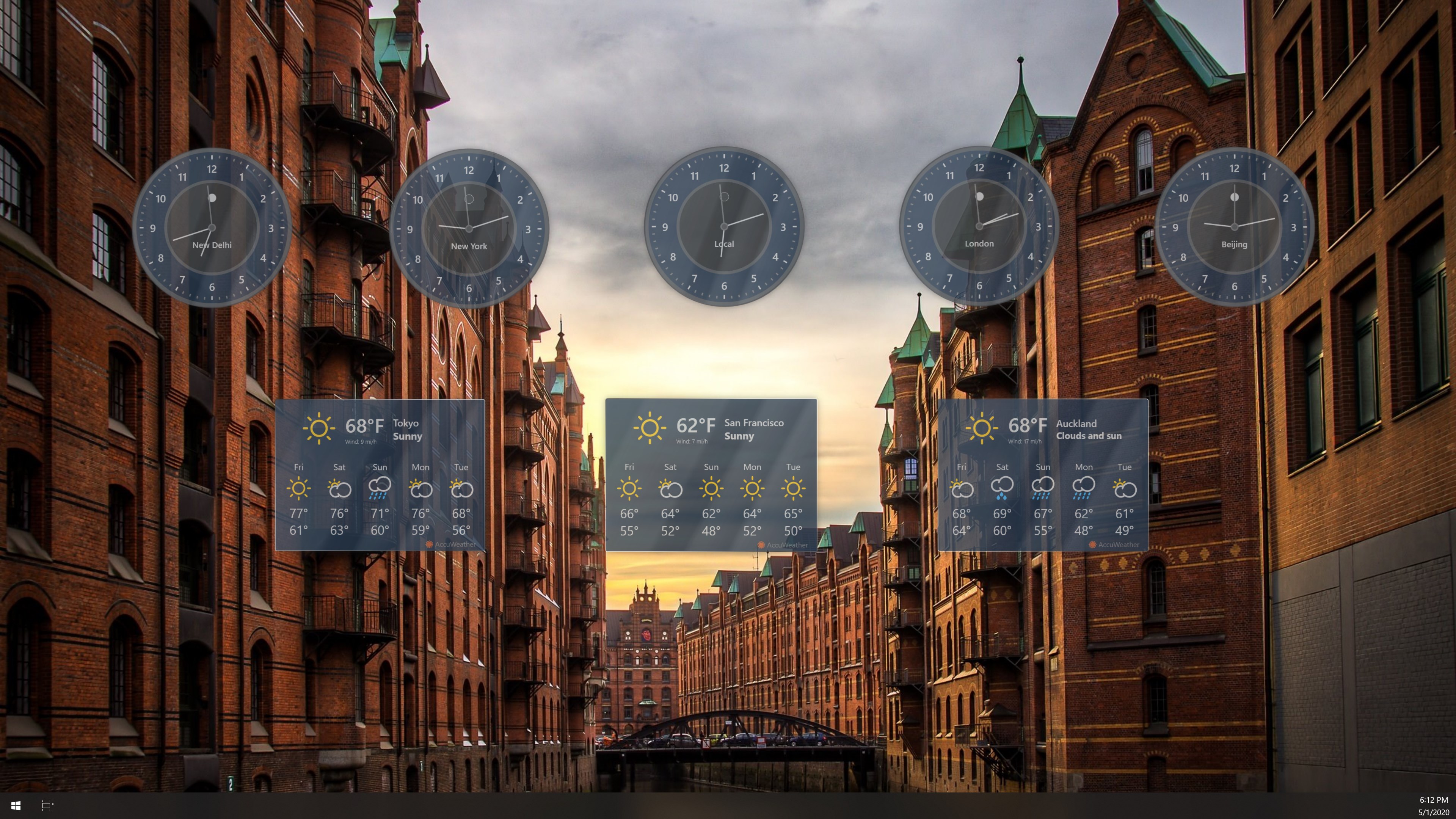
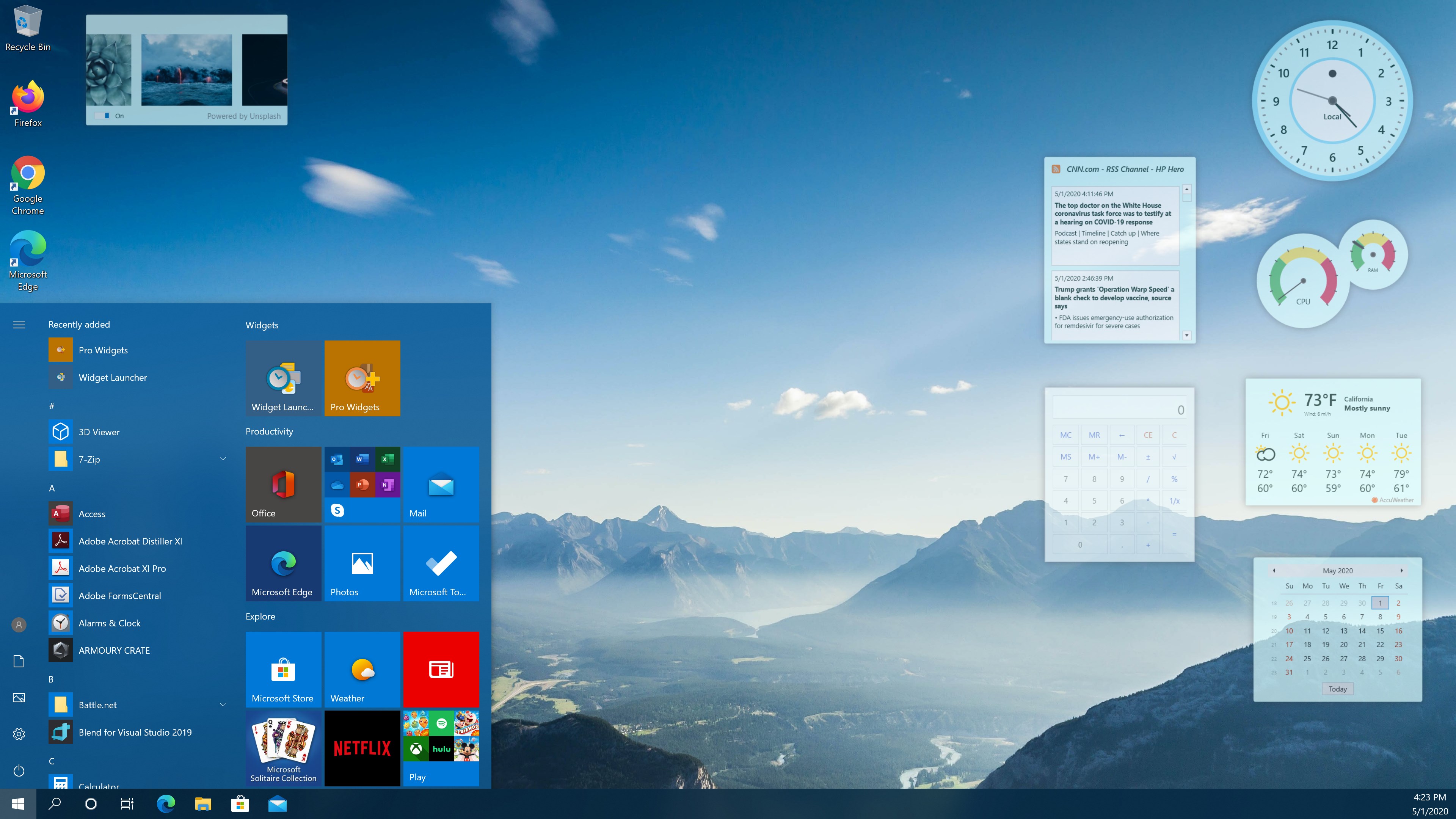
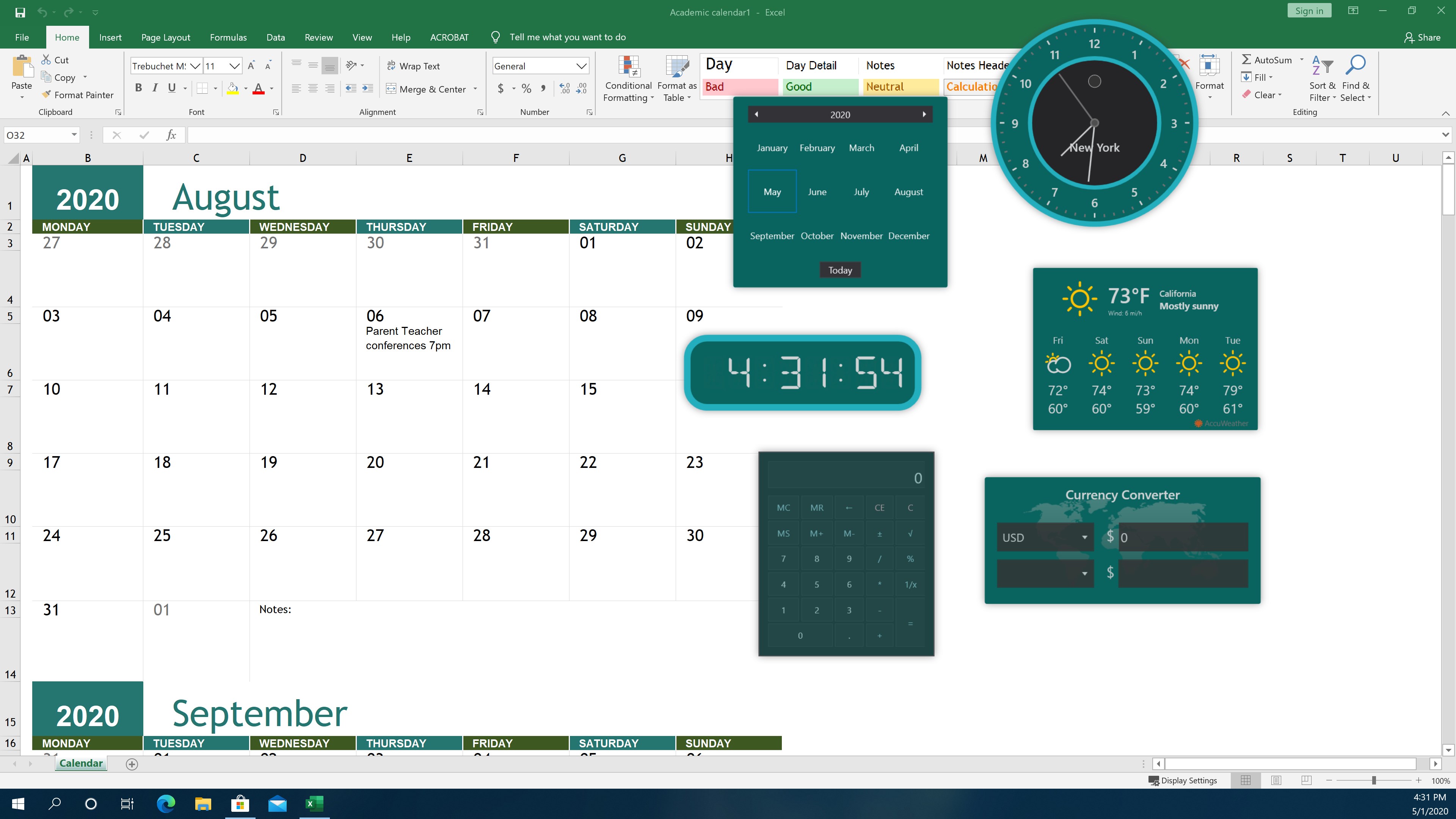
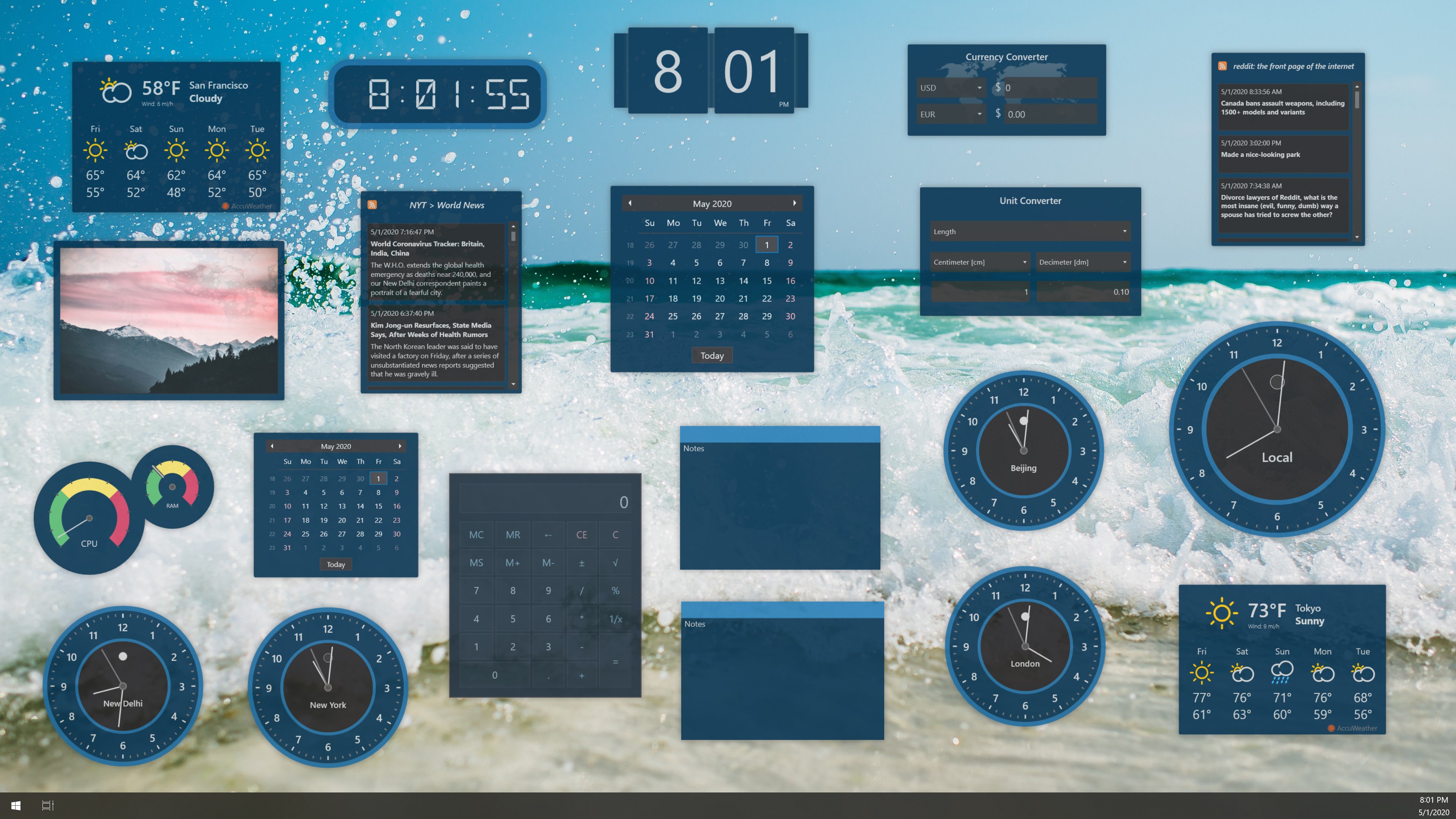
Widget Launcher is a desktop widget launcher for Windows 11 that lets users customize their desktop with a range of built-in widgets. It includes world clocks, weather, RSS feeds, calendars, calculators and a CPU monitor. Additional skins and widgets can be downloaded through the Microsoft Store, and two skins are included so widgets can be personalized in different colors or transparency levels. The app supports extensions, giving developers a built-in interface to debug the extensions they create. Widget Launcher is free to use.
Show the developer's original descriptionHide the original description
This is the next generation of desktop gadgets for Windows 11. Using this modern launcher that includes built-in widgets and supports extensions, you are free to customize your desktop any way you like.
Download additional skins and widgets right here in the Microsoft Store! With these endless customization options, Widget Launcher allows you to enhance your desktop like never before.
Get Widget Launcher and you'll instantly have access to world clocks, weather, RSS feeds, calendars, calculators, CPU monitor, and more. All for free.
Two skins are included so you can personalize your widgets in any color or transparency you want.
If you are a developer, you can also use the built-in interface to debug extensions that you create.
If there is a version of this app for iOS/Mac or Windows we don't know about, paste the store link here — we'll auto-detect the store.
How to find the URL:1. Open the app in its store. 2.In the App Store app: tap the Share icon → “Copy Link”. In the browser: copy the URL from the address bar — it contains apps.apple.com/…/id… or apps.microsoft.com/detail/…. 3. Paste it here.
Paste the original link from the Apple App Store or Microsoft Store. We fetch all details automatically.
How to find the URL:
1. Open the app in its store. 2.In the App Store app: tap the Share icon → “Copy Link”. In the browser: copy the URL from the address bar — it contains apps.apple.com/…/id… or apps.microsoft.com/detail/…. 3. Paste it here.
Android apps can only be listed by their developer.