

Screenshot appears after consentScreenshot appears after consentScreenshot appears after consentScreenshot appears after consentScreenshot appears after consentScreenshot appears after consentScreenshot appears after consentScreenshot appears after consentScreenshot appears after consentScreenshot appears after consentScreenshot appears after consentScreenshot appears after consentScreenshot appears after consentScreenshot appears after consentScreenshot appears after consentScreenshot appears after consent
Summary
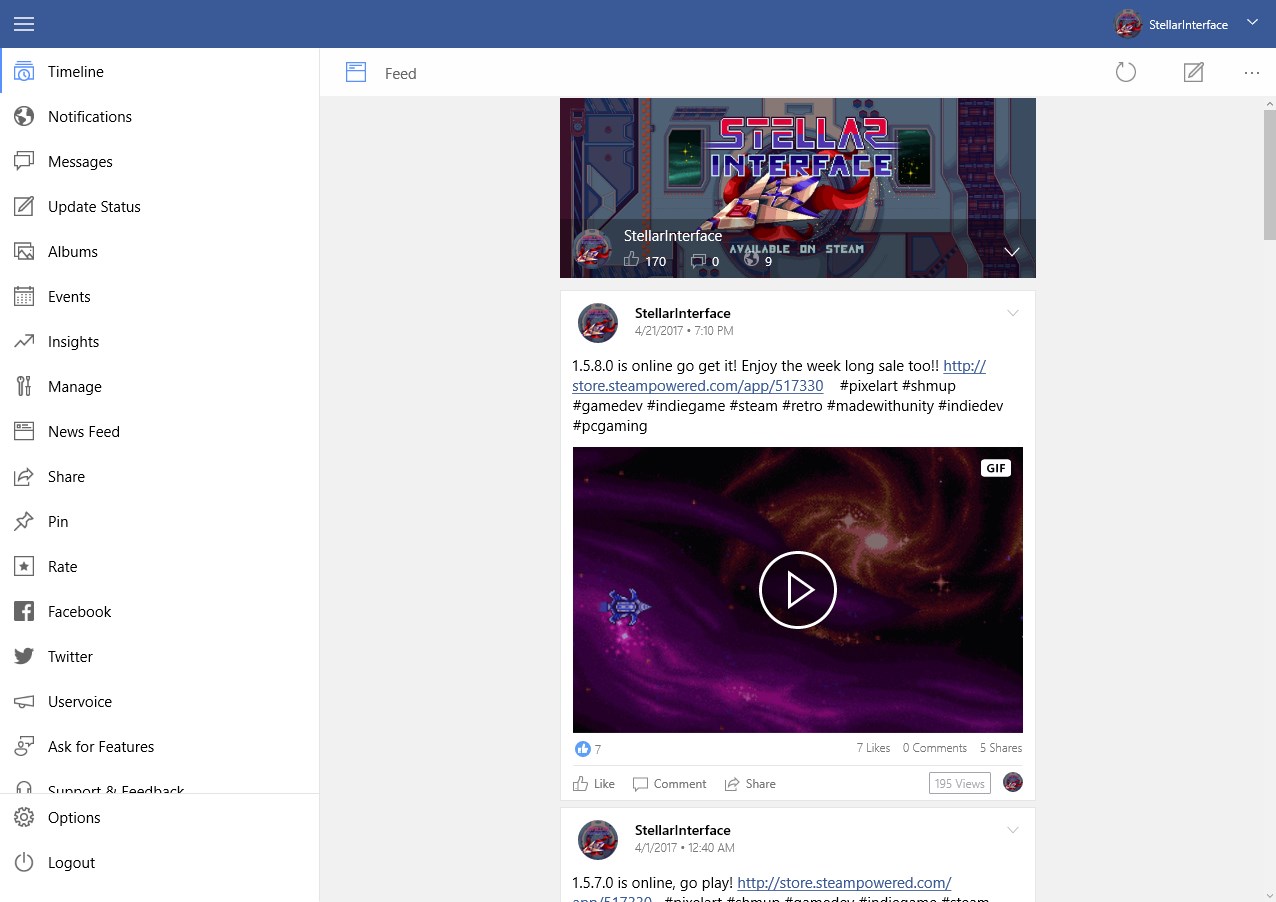
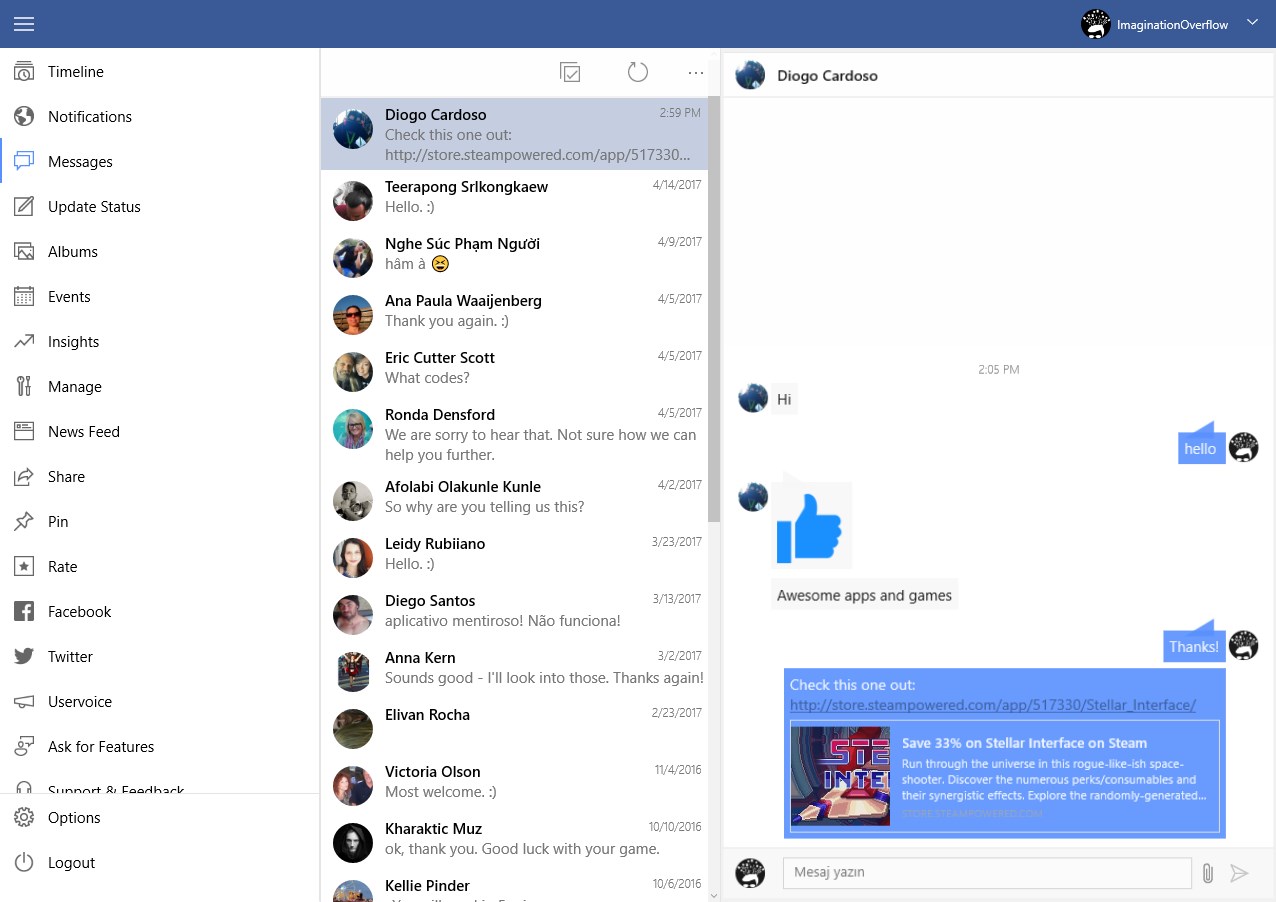
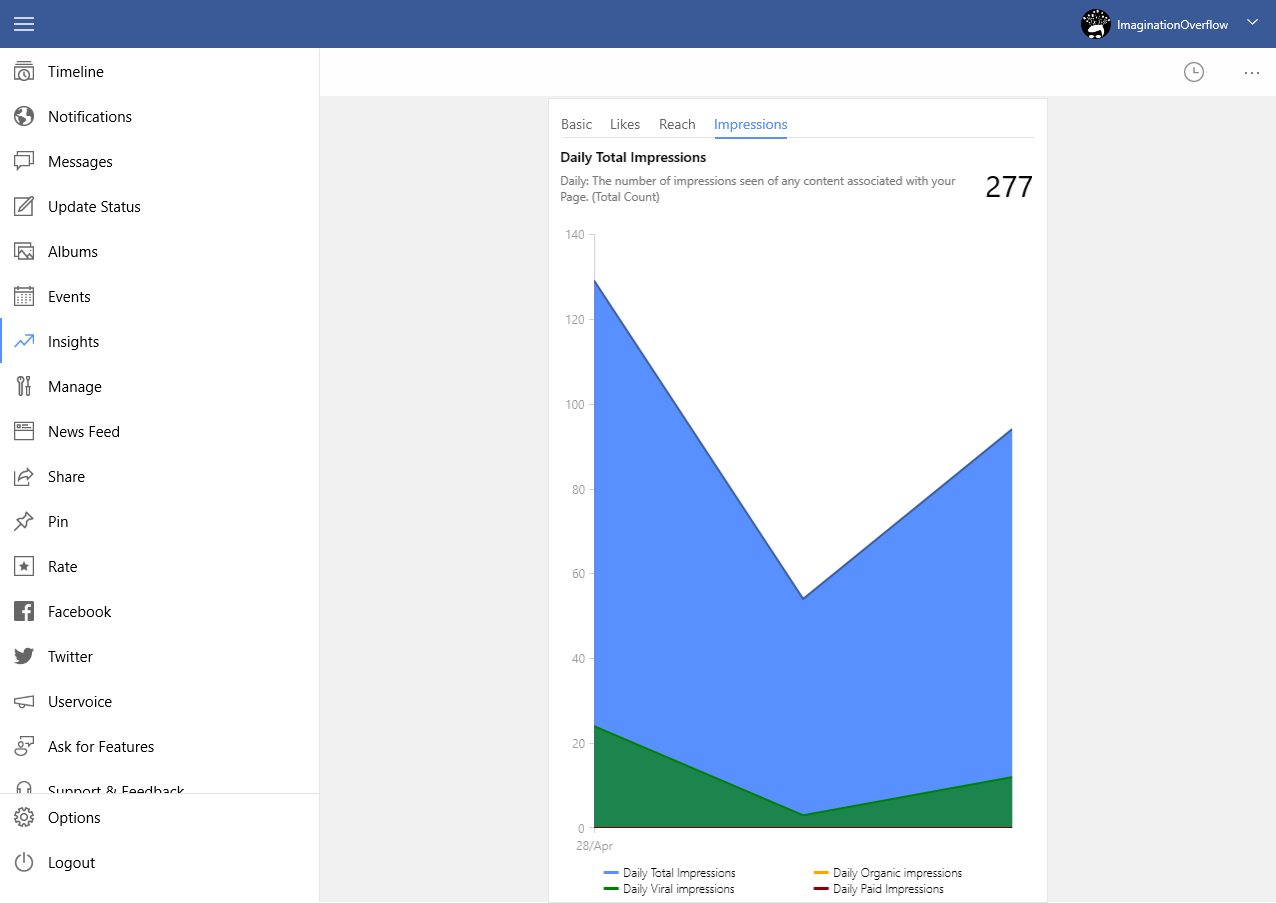
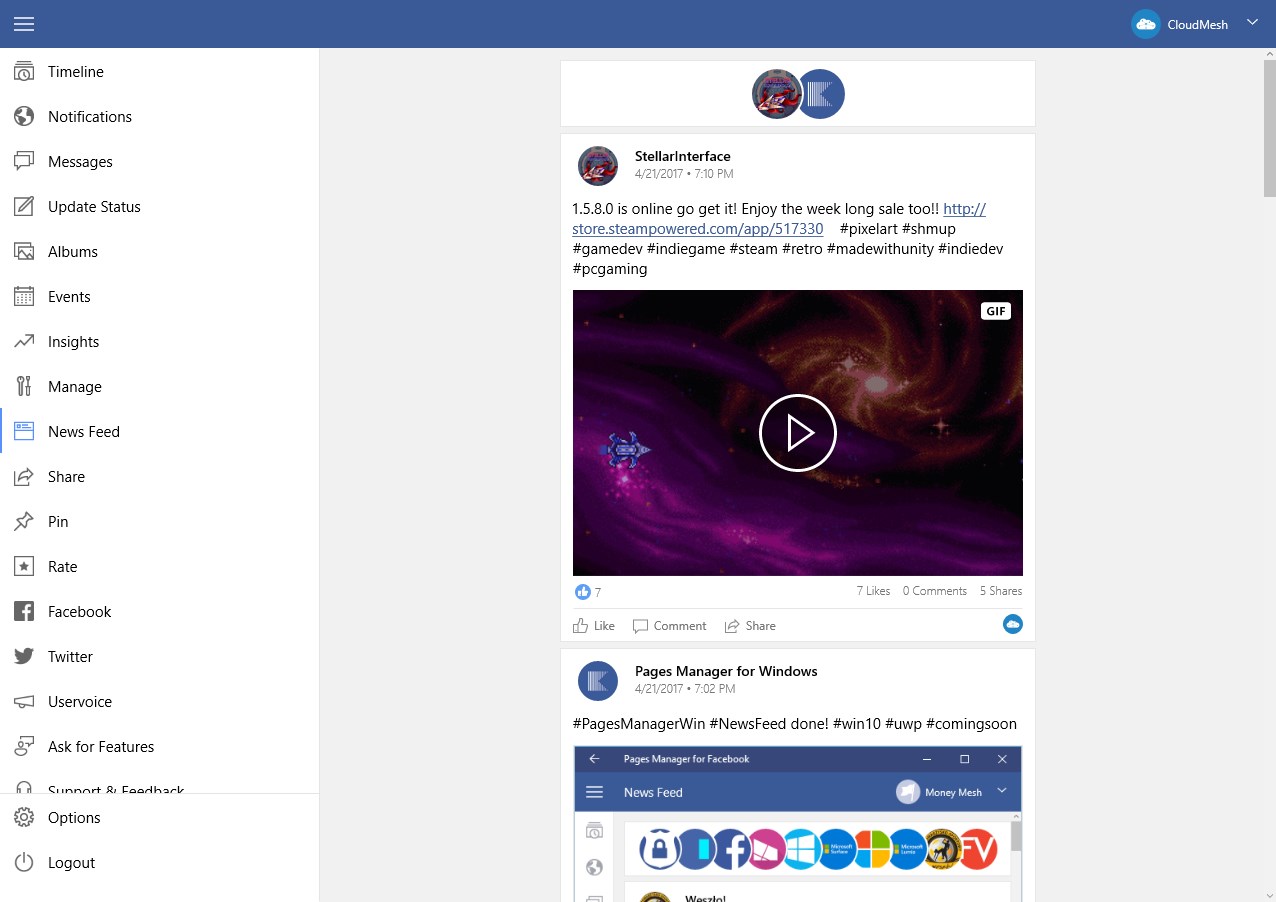
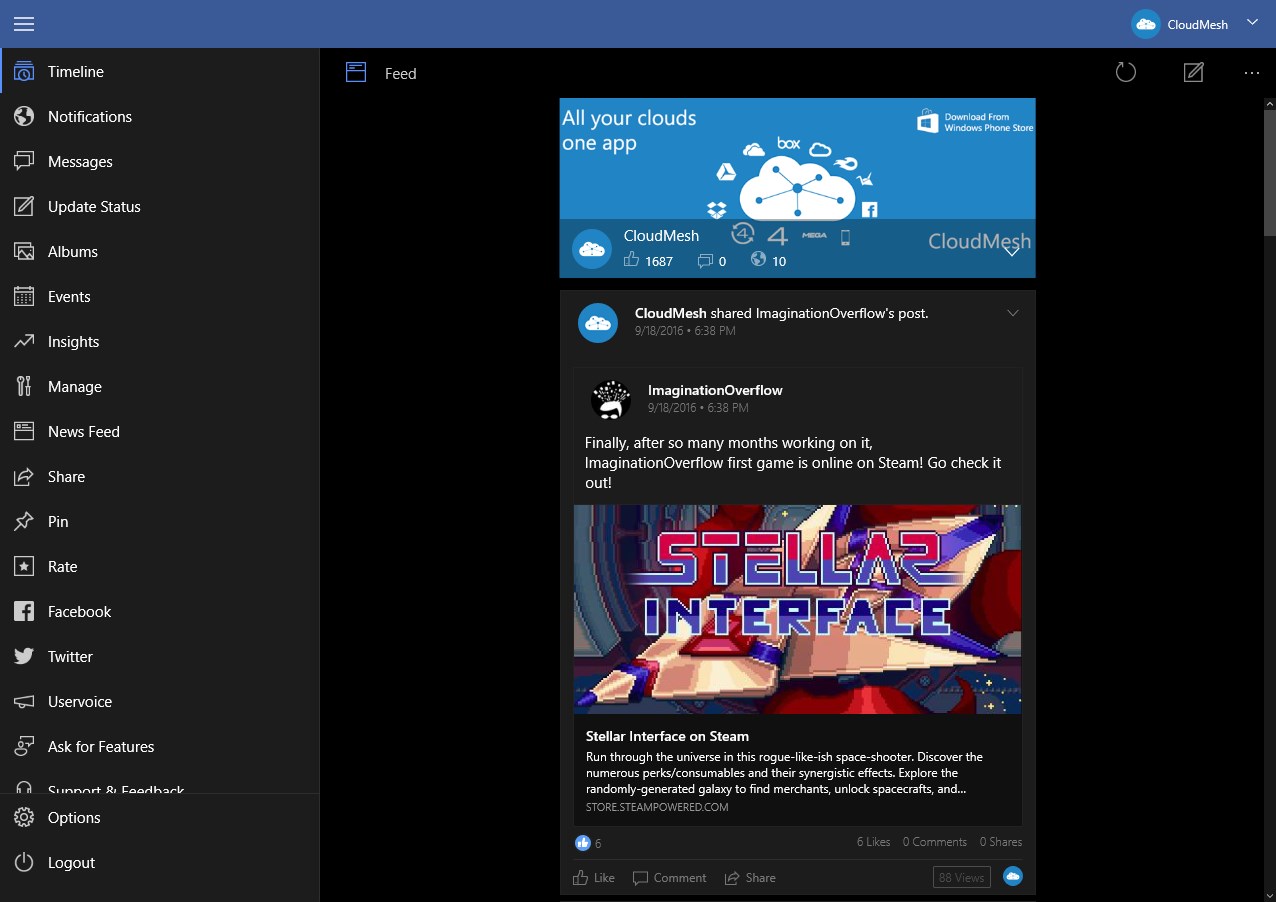
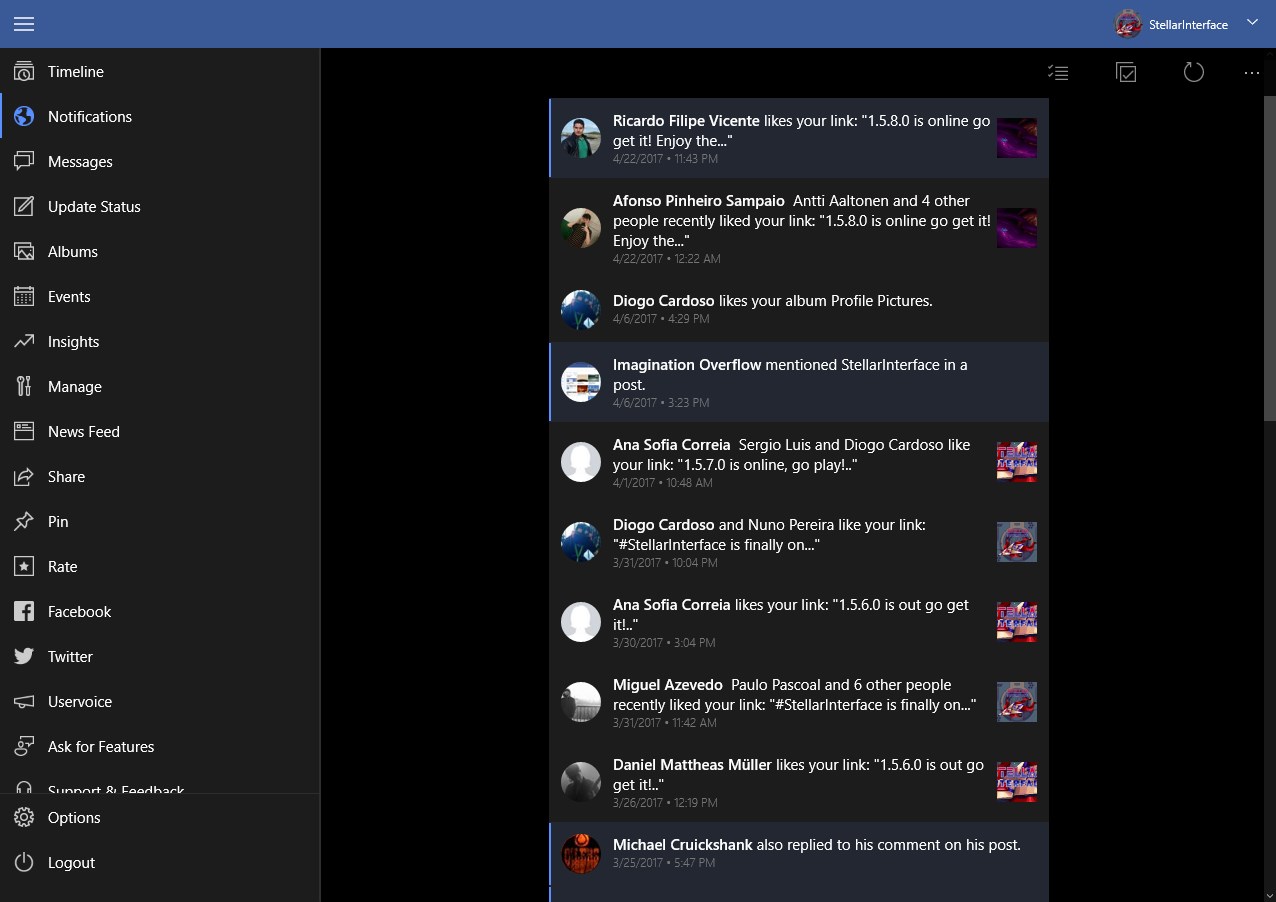
Social Page Manager is a Windows app for managing Facebook pages. It allows posting, deleting and sharing page status updates, uploading photos, and sending and receiving messages from pages. It also supports commenting on posts and replying to comments, and lets the user view page insights and like or unlike pages. Pages can be pinned to the start screen, with notifications delivered even when the app is closed. The app offers a choice between the phone theme and the Facebook theme for its appearance.
Show the developer's original descriptionHide the original description
Pages Manager for Facebook is the only fully featured Facebook Pages Manager app on Windows that you can use to manage all your Facebook pages.
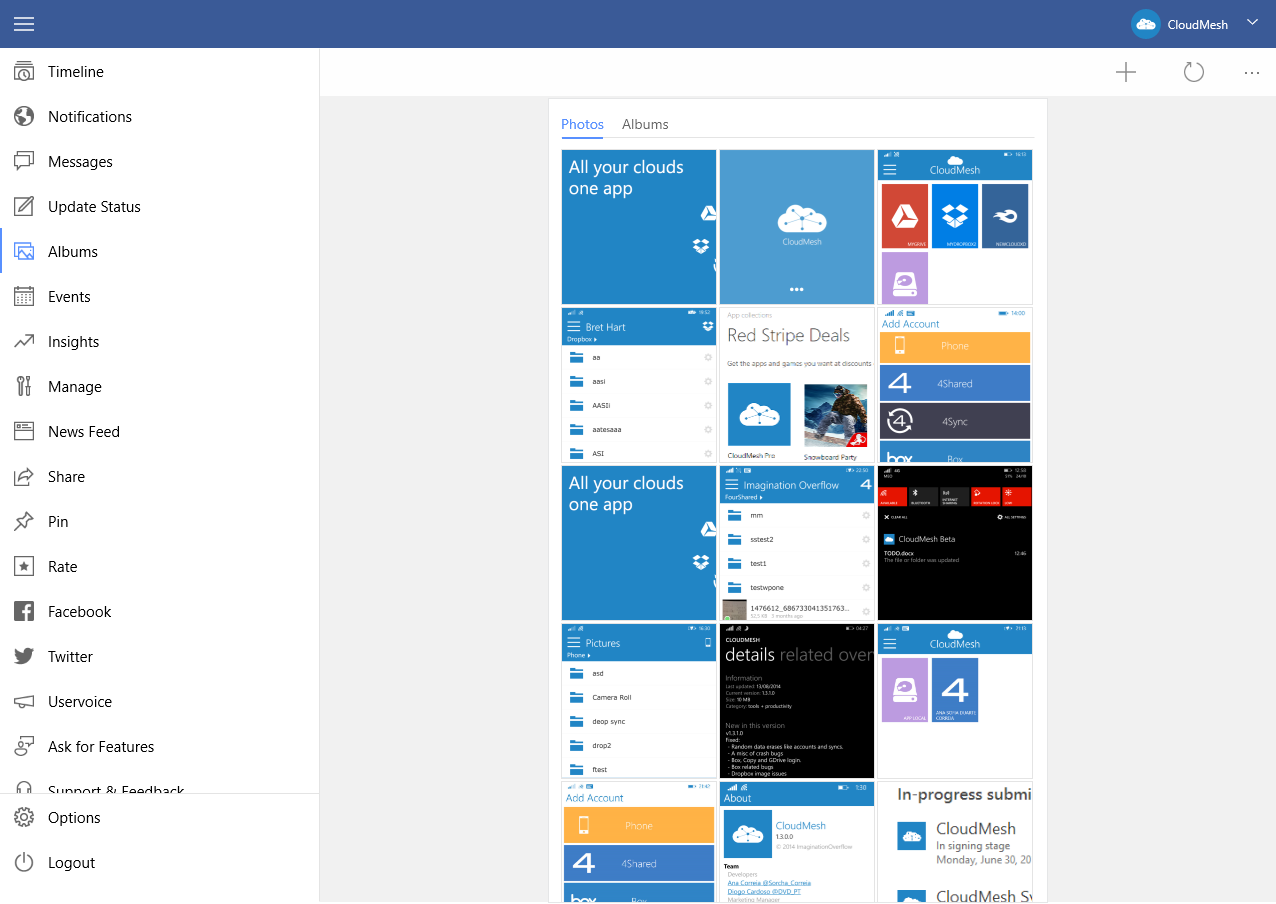
The app allows you to post, delete or share your pages status, upload photos, send and receive messages from your pages, comment on your posts or reply to a comment and a lot more.
You can view all your page insights, like or unlike.
Basically you can do pretty much everything on your pages that you do on your PC browser.
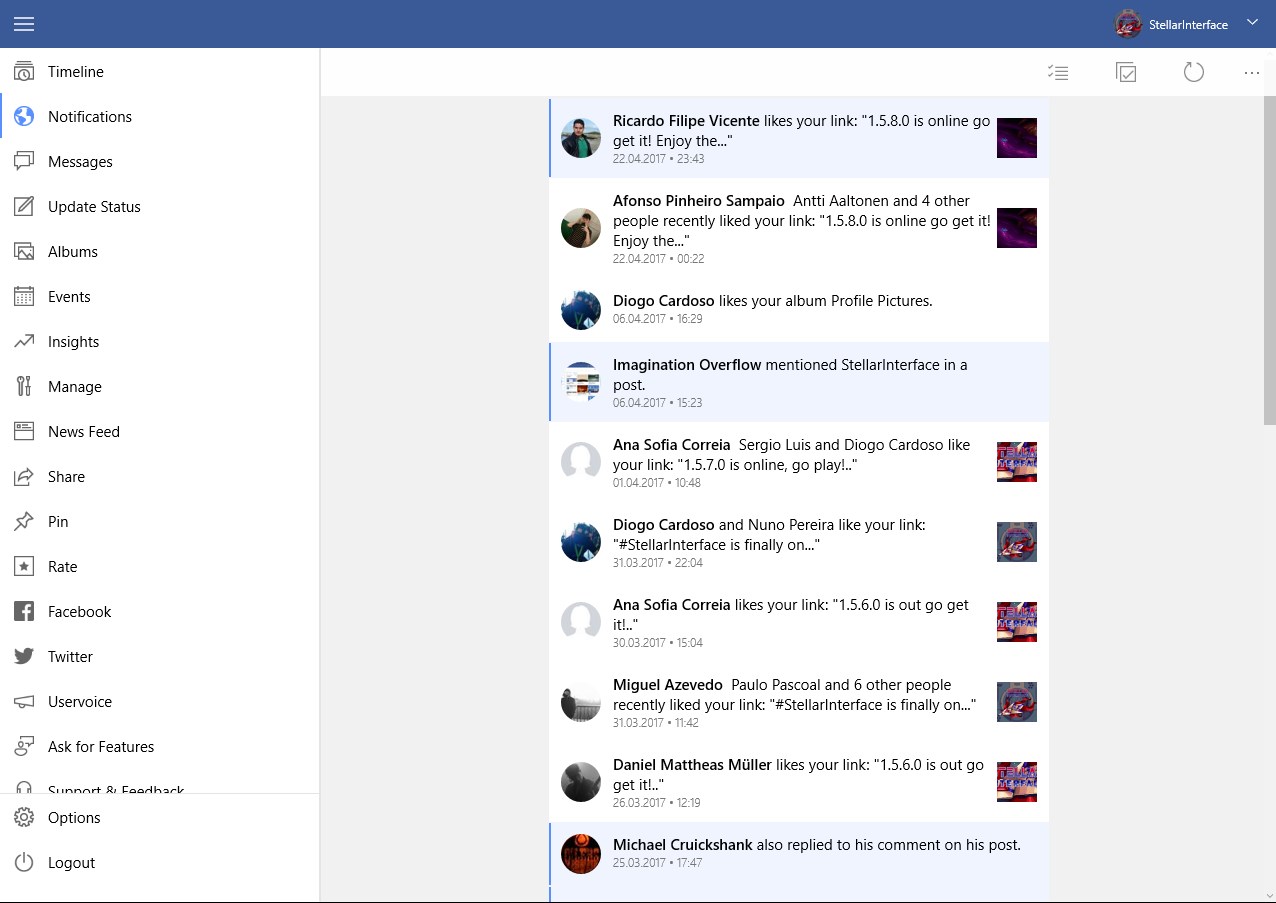
Pin your pages to your start screen and get notifications even when the app isn't open.
You can use your phone theme or the Facebook theme in the app.
Like our Facebook page or Follow us on Twitter to get more news and offers.
Facebook: http://www.facebook.com/PagesManagerWin
Twitter: http://twitter.com/PagesManagerWin
If there is a version of this app for iOS/Mac or Windows we don't know about, paste the store link here — we'll auto-detect the store.
How to find the URL:1. Open the app in its store. 2.In the App Store app: tap the Share icon → “Copy Link”. In the browser: copy the URL from the address bar — it contains apps.apple.com/…/id… or apps.microsoft.com/detail/…. 3. Paste it here.
Paste the original link from the Apple App Store or Microsoft Store. We fetch all details automatically.
How to find the URL:
1. Open the app in its store. 2.In the App Store app: tap the Share icon → “Copy Link”. In the browser: copy the URL from the address bar — it contains apps.apple.com/…/id… or apps.microsoft.com/detail/…. 3. Paste it here.
Android apps can only be listed by their developer.