
QuickLook

Preview file contents with the spacebar AI summary
Rank 1700
0 Up Votes, 0 Down Votes
▲
0
▼
QuickLook is not available on Android and Apple — or is it? Submit URL
Screenshots
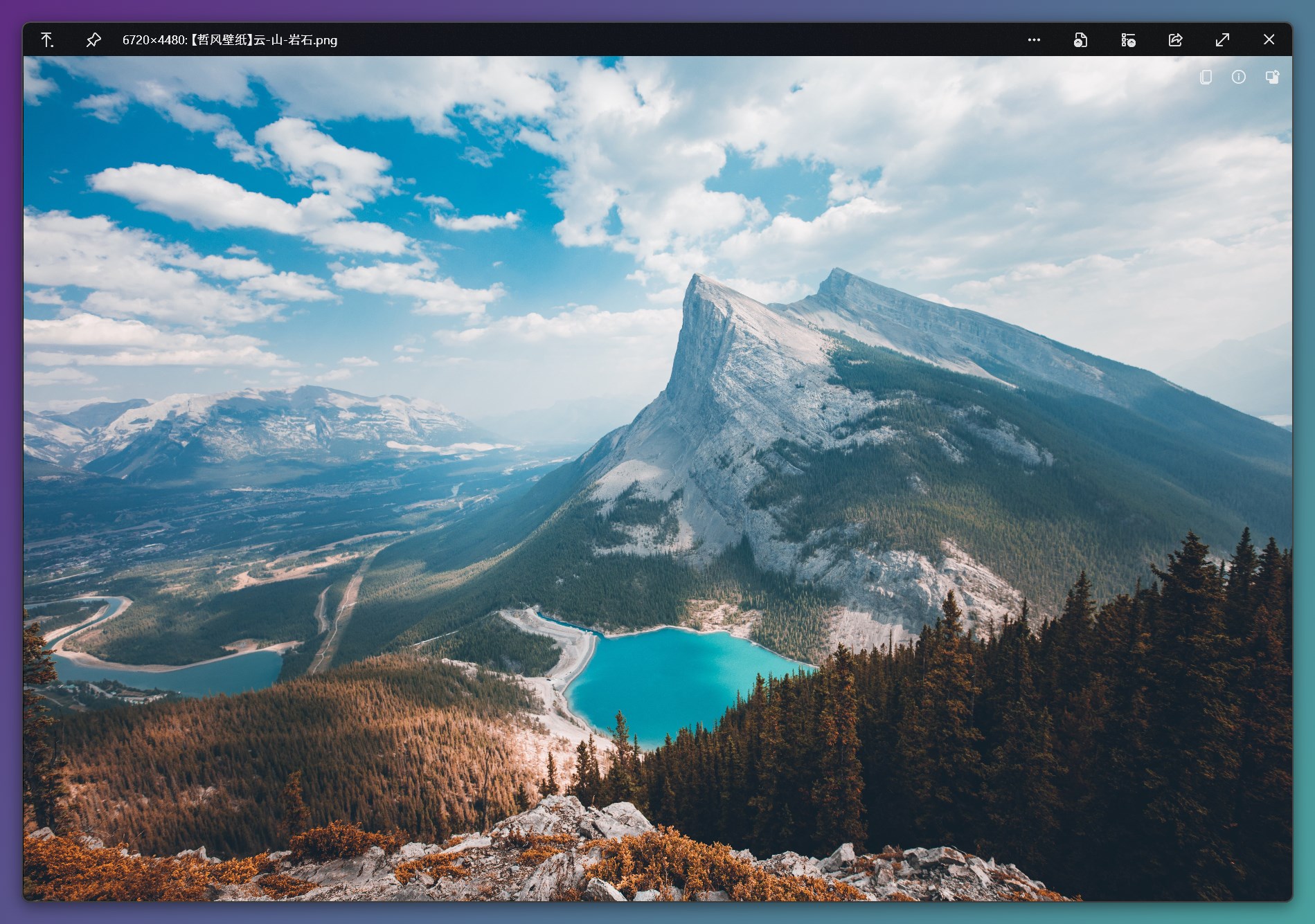
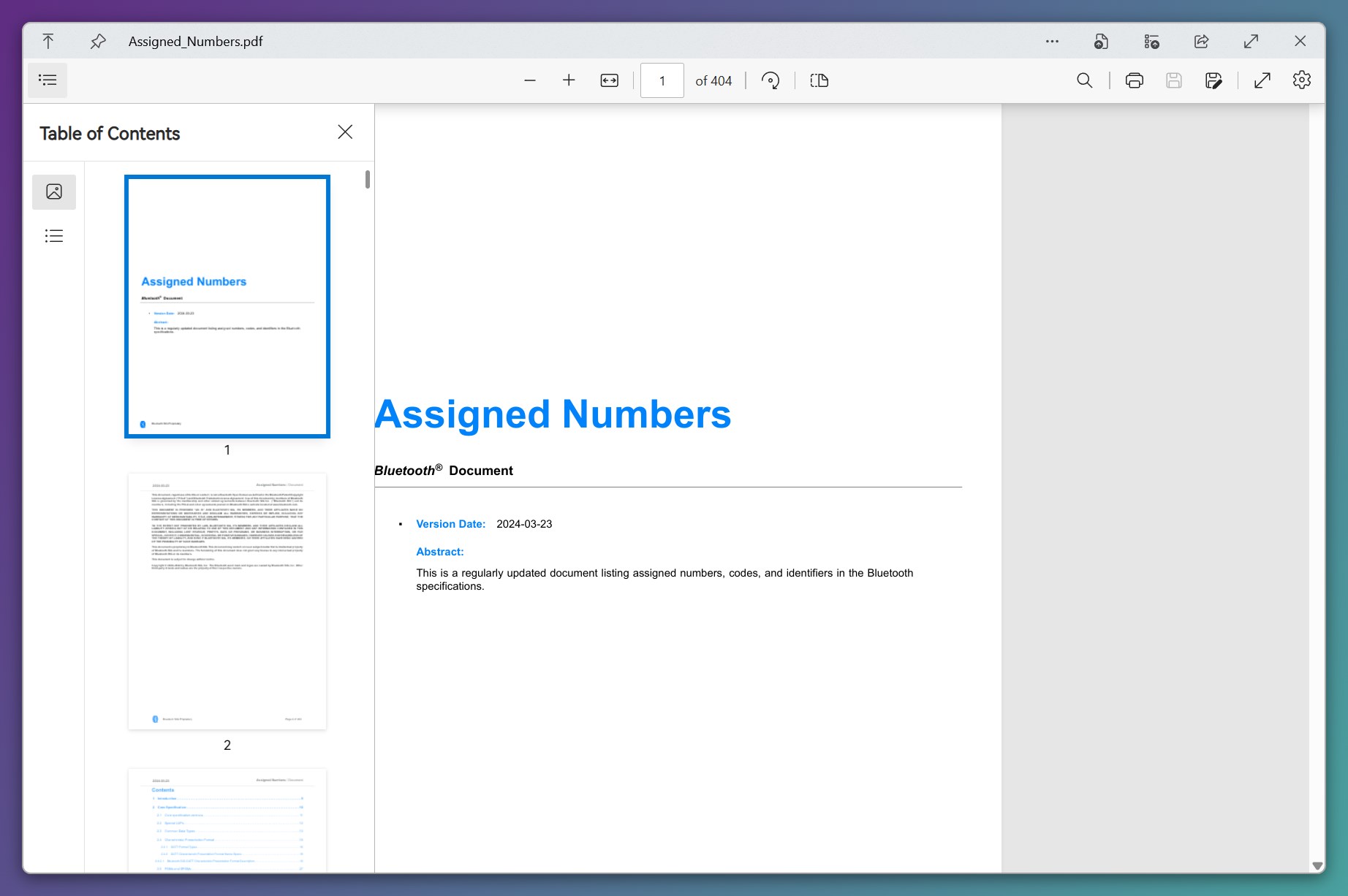
Screenshot 1 of QuickLook on WindowsScreenshot
appears after consent
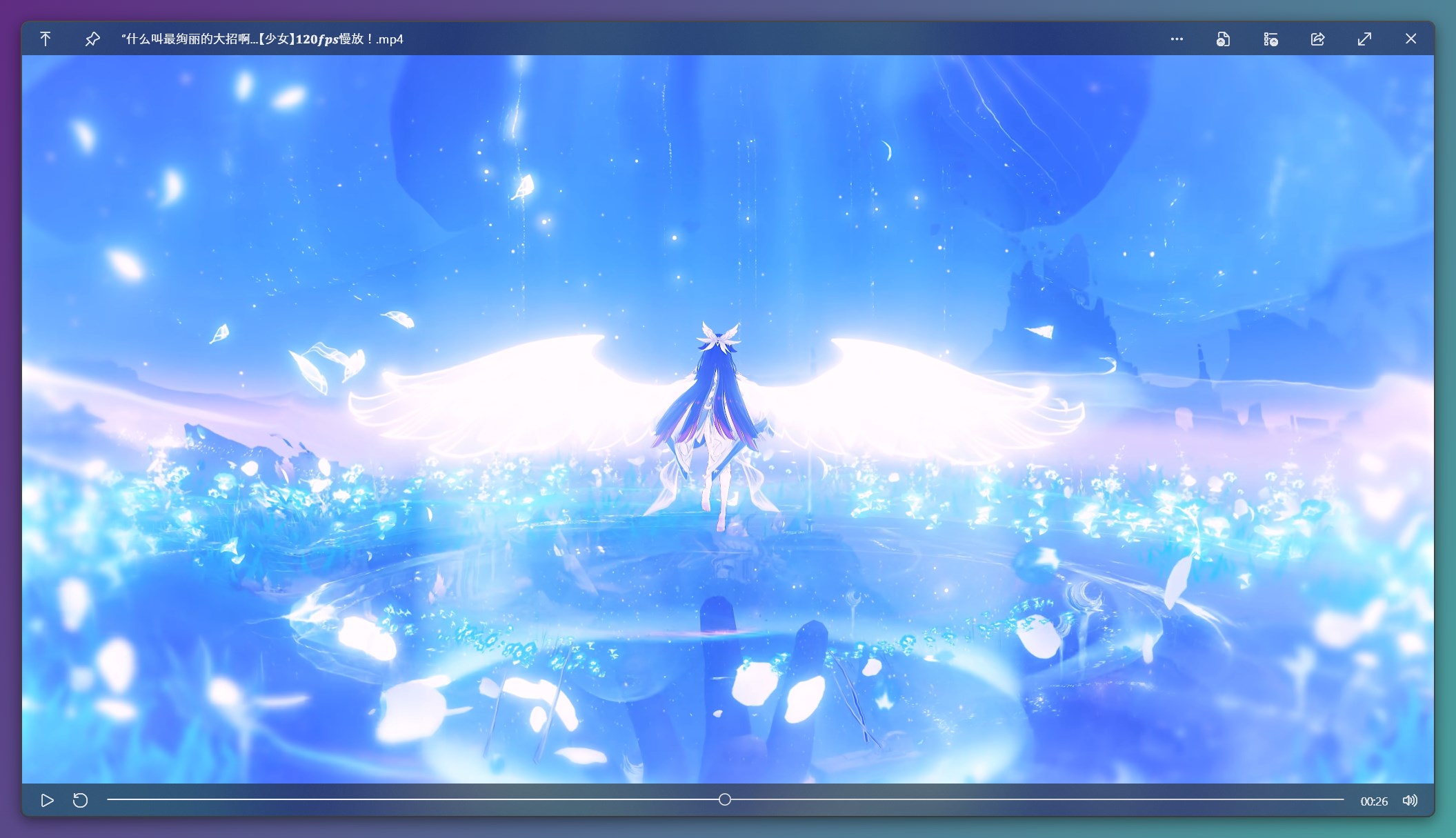
Screenshot 2 of QuickLook on WindowsScreenshot
appears after consent
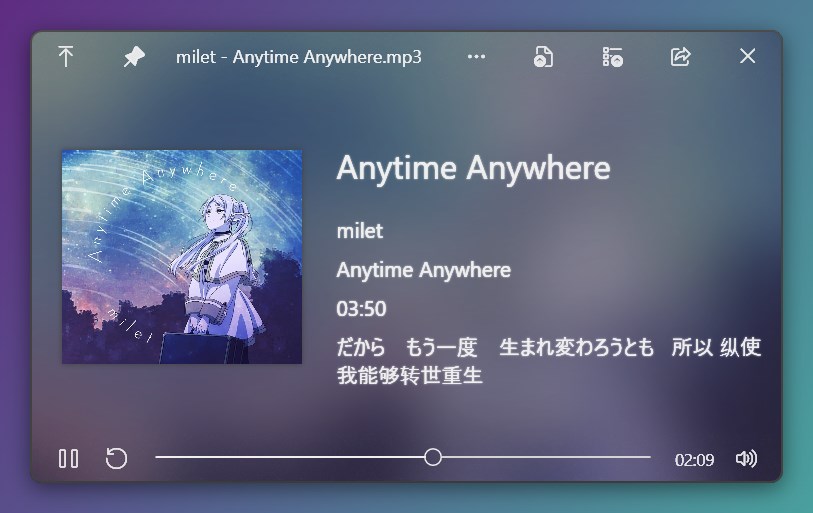
Screenshot 3 of QuickLook on WindowsScreenshot
appears after consent
Screenshot 4 of QuickLook on WindowsScreenshot
appears after consent
Screenshot 5 of QuickLook on WindowsScreenshot
appears after consent
Screenshot 6 of QuickLook on WindowsScreenshot
appears after consent
Screenshot 7 of QuickLook on WindowsScreenshot
appears after consent
Screenshot 8 of QuickLook on WindowsScreenshot
appears after consent
Screenshot 9 of QuickLook on WindowsScreenshot
appears after consent
Screenshot 10 of QuickLook on WindowsScreenshot
appears after consent
Summary
QuickLook is a file previewer that shows the contents of a file by pressing the spacebar. It closes the preview with the spacebar or the escape key, and files can be opened directly from the preview with the enter key. Images and documents can be zoomed using the mouse wheel combined with the control key.
Show the developer's original descriptionHide the original description
QuickLook enables a very quick preview of file contents by pressing the Spacebar. Note: This app does NOT work on Windows 10 S devices. Support Keys: Spacebar: Preview / Close Preview Esc: Close Preview Enter: Run & Close Preview Ctrl+Mouse Wheel: Zoom Images/Documents Mouse Wheel: Adjust Volume
Technical details about QuickLook
Category
Age Rating
Price
Size
130,3 MB
Last updated in Microsoft Store
2026-05-27
App Store Rating
4.7 ★
Devices
QuickLook in the rankings
Manage app

Are you on the developer team behind QuickLook?

Verify yourself and manage your listing on Most Voted Apps.

Verify QuickLook for free
Verification usually takes only a few minutes.
Similar apps to QuickLook