Screenshot appears after consentScreenshot appears after consentScreenshot appears after consentScreenshot appears after consentScreenshot appears after consentScreenshot appears after consentScreenshot appears after consent
Summary
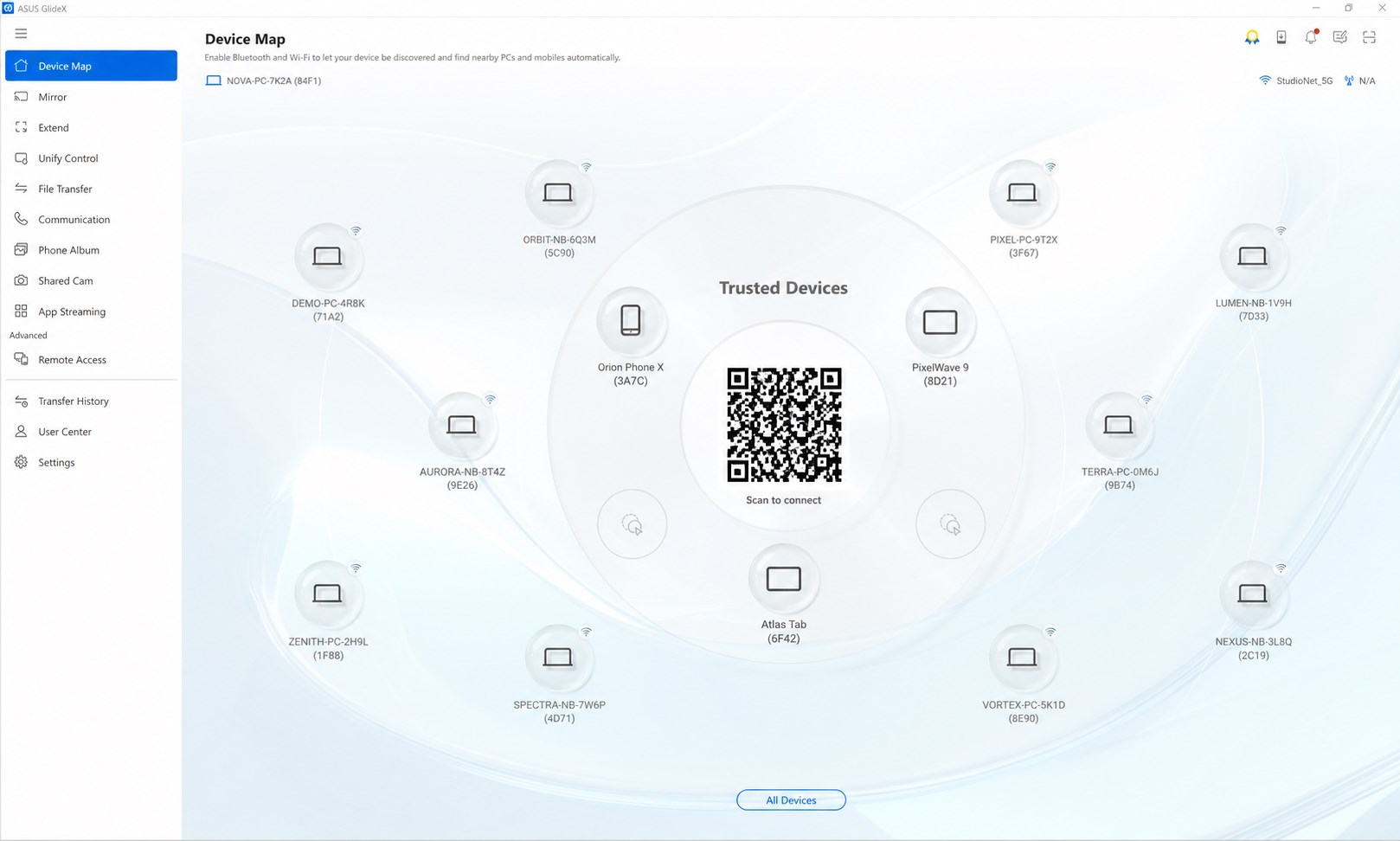
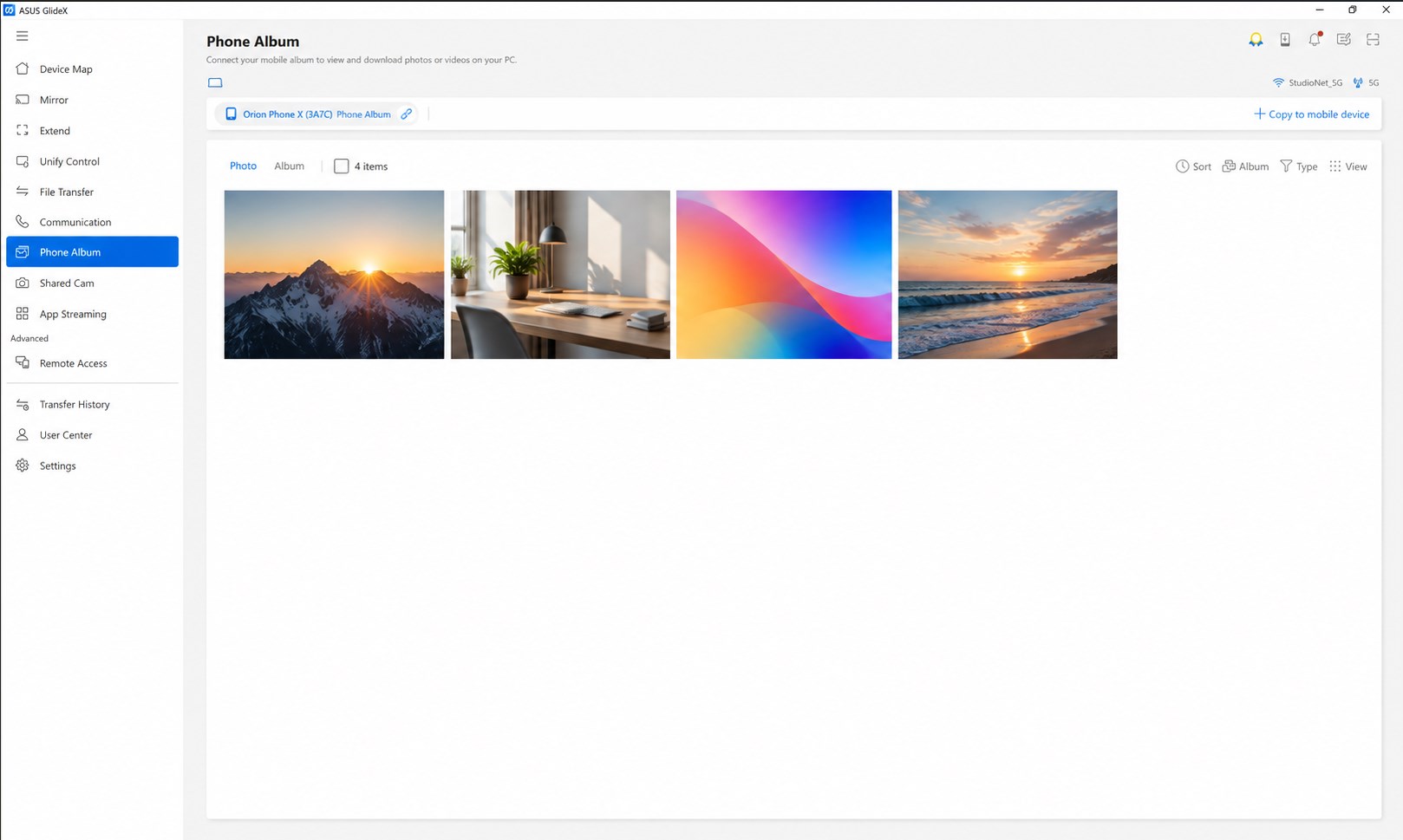
ASUS GlideX is a productivity app that connects a smartphone or tablet with a Windows PC to extend and share functionality between devices. It mirrors the phone's screen onto the PC, allowing navigation and text input with the PC's keyboard and mouse, and can turn the mobile device into a secondary display for multitasking. With Unify Control, a single mouse and keyboard can manage multiple devices across different operating systems and transfer files between them, and files can be sent between PC and mobile device by drag and drop. The app can also turn a phone's camera into a webcam and allow remote access to files and desktop on an ASUS PC.
Show the developer's original descriptionHide the original description
It's so easy to improve your efficiency with this convenient tool. Enjoy the amazing experience on any screen, on any device, anywhere!
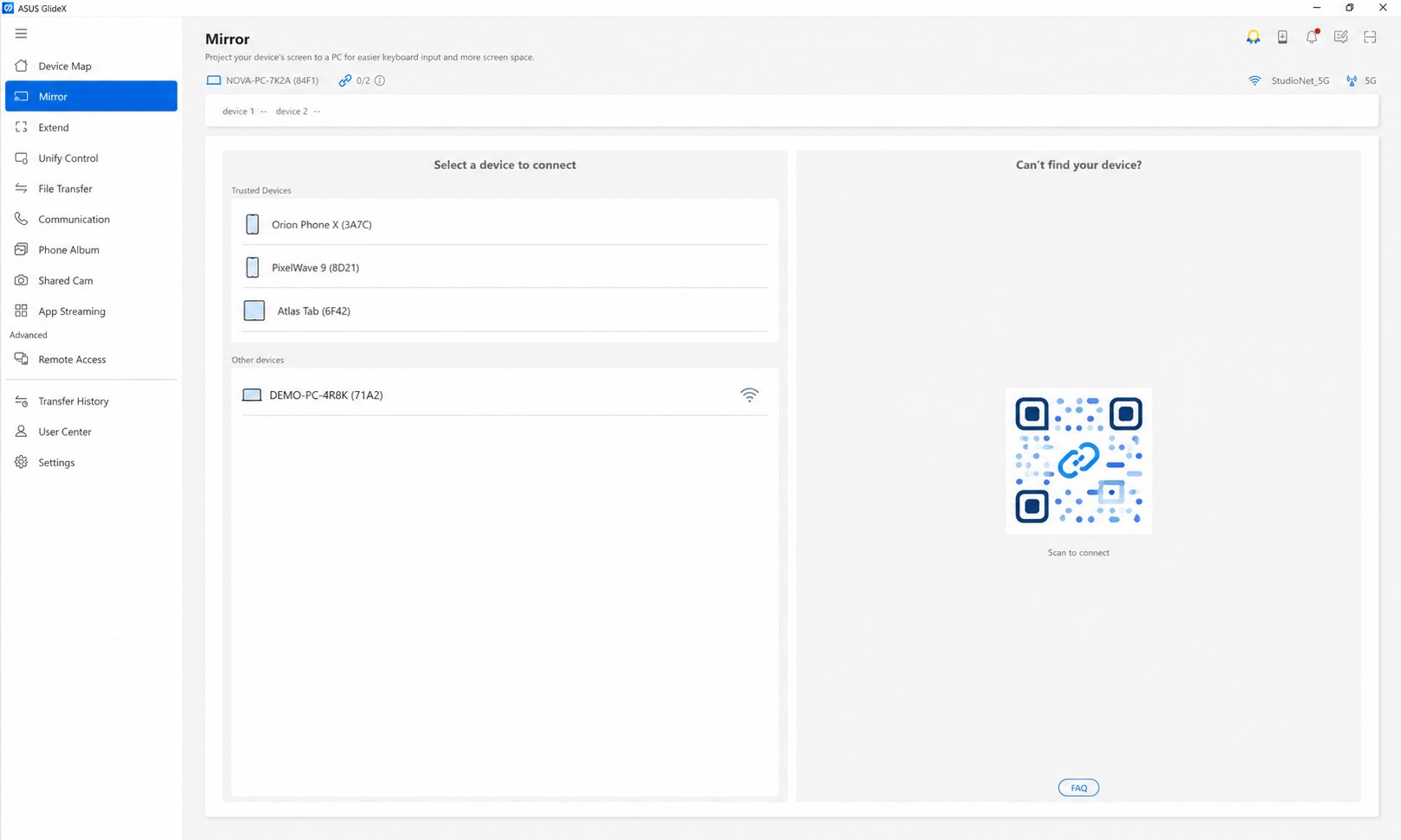
[Screen Mirror]
Mirror your phone’s screen on your PC so you can use your PC's keyboard and mouse to navigate and input text instead of relying your phone's small screen virtual keyboard. Not only will your productivity improve significantly, you will also have a richer and less constrained visual experience.
[Screen Extend]
Use your phone or tablet as a secondary display on-the-go for dual-display convenience. This feature expands your space and can be exceptionally useful when you need to cross-reference multiple documents or visuals. Multitasking has never been easier.
[Unify Control]
Unify Control lets you control different devices and transfer files from one PC with a single mouse and keyboard, across different OSes, so you don’t need to switch between devices.
* Support Wi-Fi and/or USB to connect mobile devices to the PC.
* GlideX mobile app must be used together with GlideX for Windows (Win 10/11)
** Screen Mirror requires Accessibility permission for the use of the "Home/Back/Recent" buttons on the mirrored window's menu bar for Android devices. Without Accessibility permission, Screen Mirror can still work, you just can't use those buttons on the mirrored window to navigate your Android device.
[File Transfer]
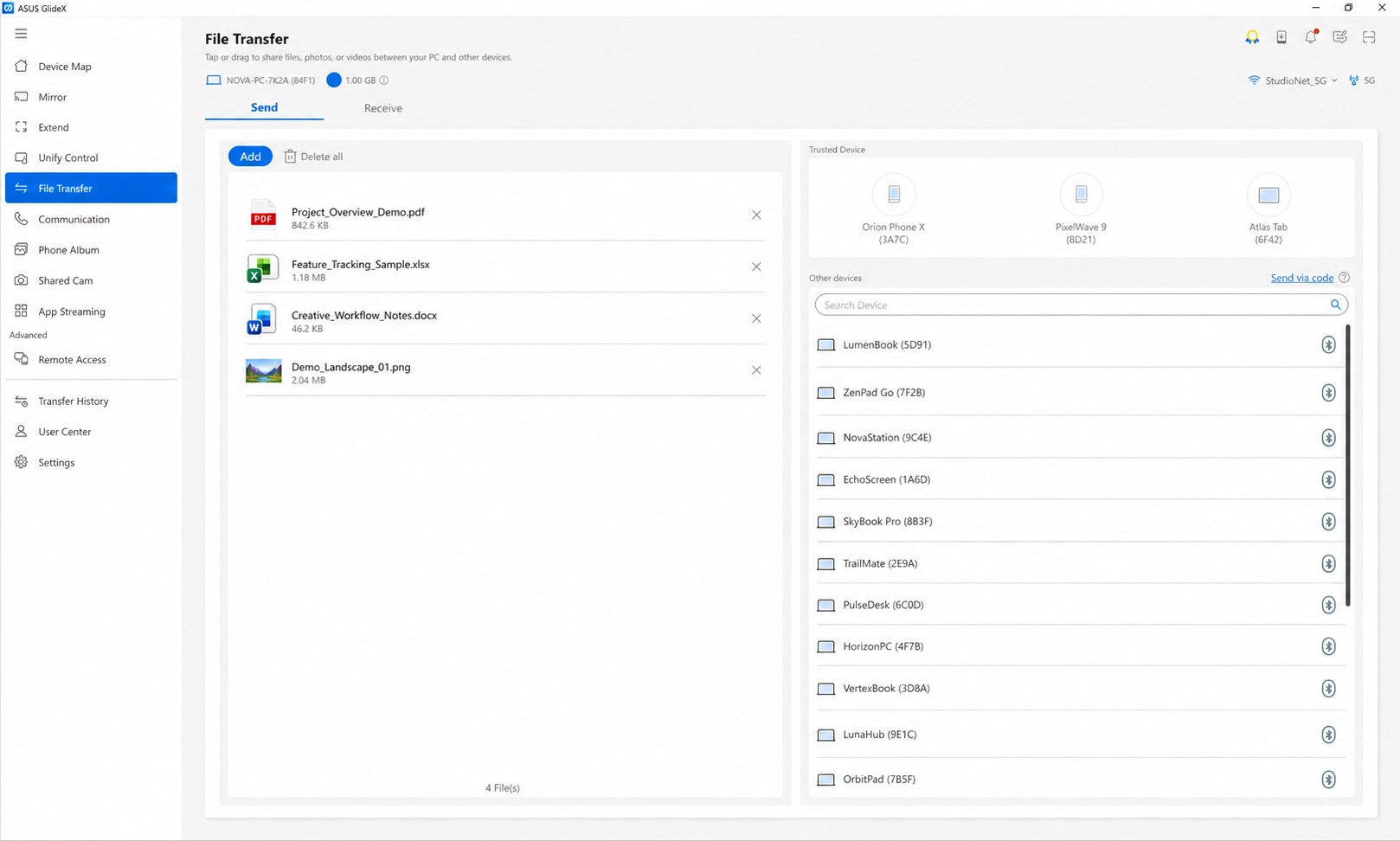
Simply drag and drop to send files to other PCs or mobile devices in the blink of an eye. It is many times faster than the traditional Bluetooth file transfer, with a user-friendly drag and drop experience to ensure seamless transfer among devices.
[Shared Cam]
Turn your mobile device camera into a webcam. Simply select “GlideX – Shared Cam” as the video source in your PC video conference app, then you can easily enjoy seamless webcam sharing.
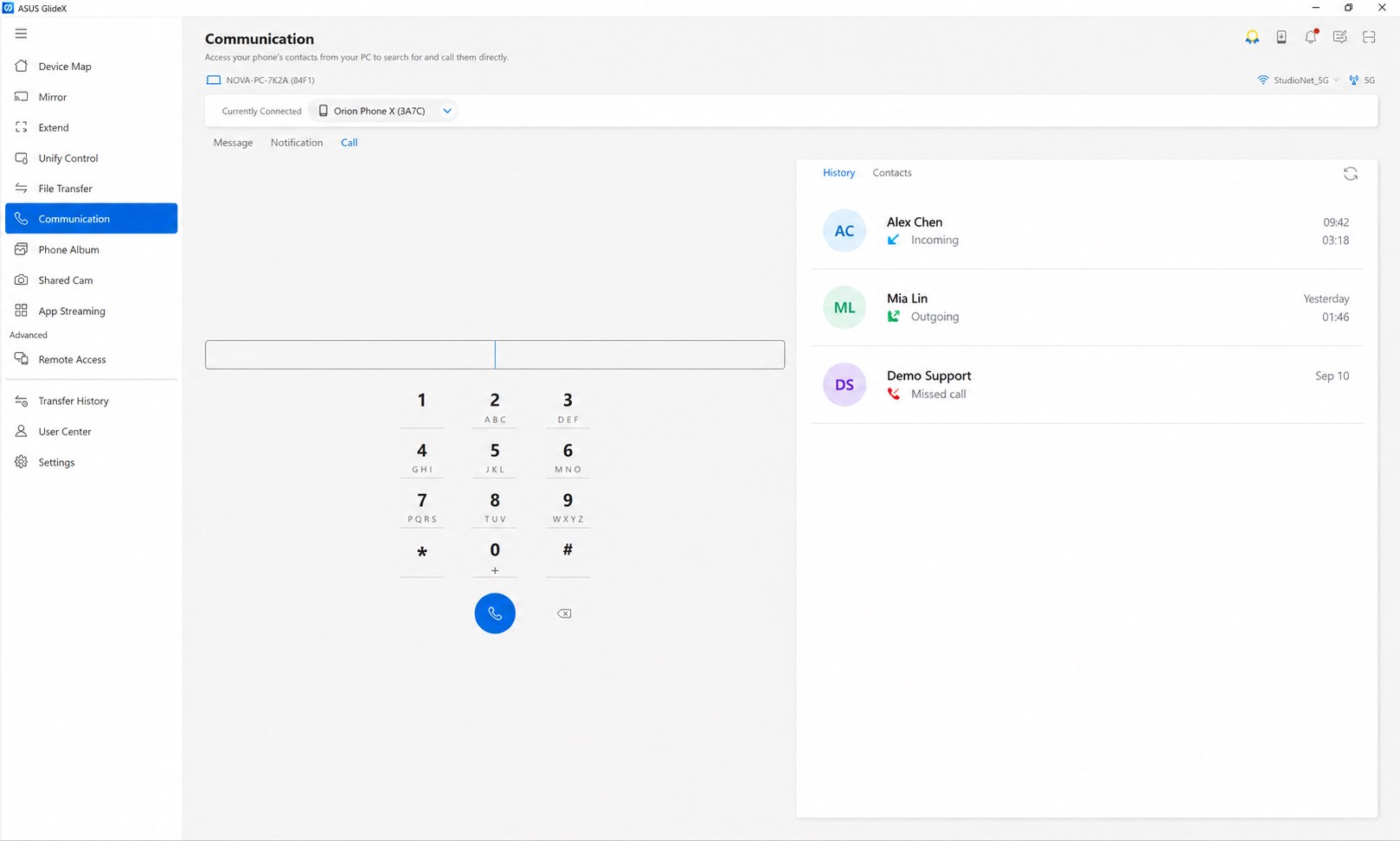
[Hands-Free Phone Calls]
Make and take phone calls, which can be routed through your PC’s speakers and microphone. You can also access your phone’s contacts on your PC, so you can search for contacts and call them directly. There's no need to dig out your phone from your bag or pocket!
[Remote Access]
Use your mobile device to remotely access files stored on your ASUS PC and use your PC as a personal cloud replacement, which can be accessed from your mobile device, anywhere and anytime. Remote Access, including Remote File Access and Remote Desktop, can be extra beneficial for commercial users who need access to office files when on business trips or working from home.
* Remote Desktop is not supported on Windows 10 Home edition.
[URL Share]
Simply click the Share icon in your PC's browser, and then click GlideX. A link to the webpage currently displayed will be instantly sent to another PC or a connected mobile device — where it will open automatically for seamless on-the-go convenience.
GlideX for iOS link: https://apps.apple.com/app/id1574809969
GlideX for Android link: https://play.google.com/store/apps/details?id=com.asus.glidex
Learn more at ASUS Software Webpage: https://www.asus.com/content/asus-software/
If there is a version of this app for iOS/Mac or Windows we don't know about, paste the store link here — we'll auto-detect the store.
How to find the URL:1. Open the app in its store. 2.In the App Store app: tap the Share icon → “Copy Link”. In the browser: copy the URL from the address bar — it contains apps.apple.com/…/id… or apps.microsoft.com/detail/…. 3. Paste it here.
Paste the original link from the Apple App Store or Microsoft Store. We fetch all details automatically.
How to find the URL:
1. Open the app in its store. 2.In the App Store app: tap the Share icon → “Copy Link”. In the browser: copy the URL from the address bar — it contains apps.apple.com/…/id… or apps.microsoft.com/detail/…. 3. Paste it here.
Android apps can only be listed by their developer.






 Quick Assist
Remotely share and control PC screens for support
 spacedesk
Turn a Windows device into an extra display for your PC
 ScreenXpert
Manage windows and work across multiple displays
 AirMirroring - Screen Mirroring & Cast
Mirror screen from iPhone, iPad or Mac to Windows PC
 AirPlay Screen Mirrorring Receiver
Mirror iPhone or Mac screen to PC or Xbox
 Elgato Stream Deck Mobile
Virtual keypad to control apps and tools from your phone