Screenshot appears after consentScreenshot appears after consentScreenshot appears after consentScreenshot appears after consentScreenshot appears after consentScreenshot appears after consentScreenshot appears after consentScreenshot appears after consentScreenshot appears after consentScreenshot appears after consentScreenshot appears after consentScreenshot appears after consentScreenshot appears after consentScreenshot appears after consent
Summary
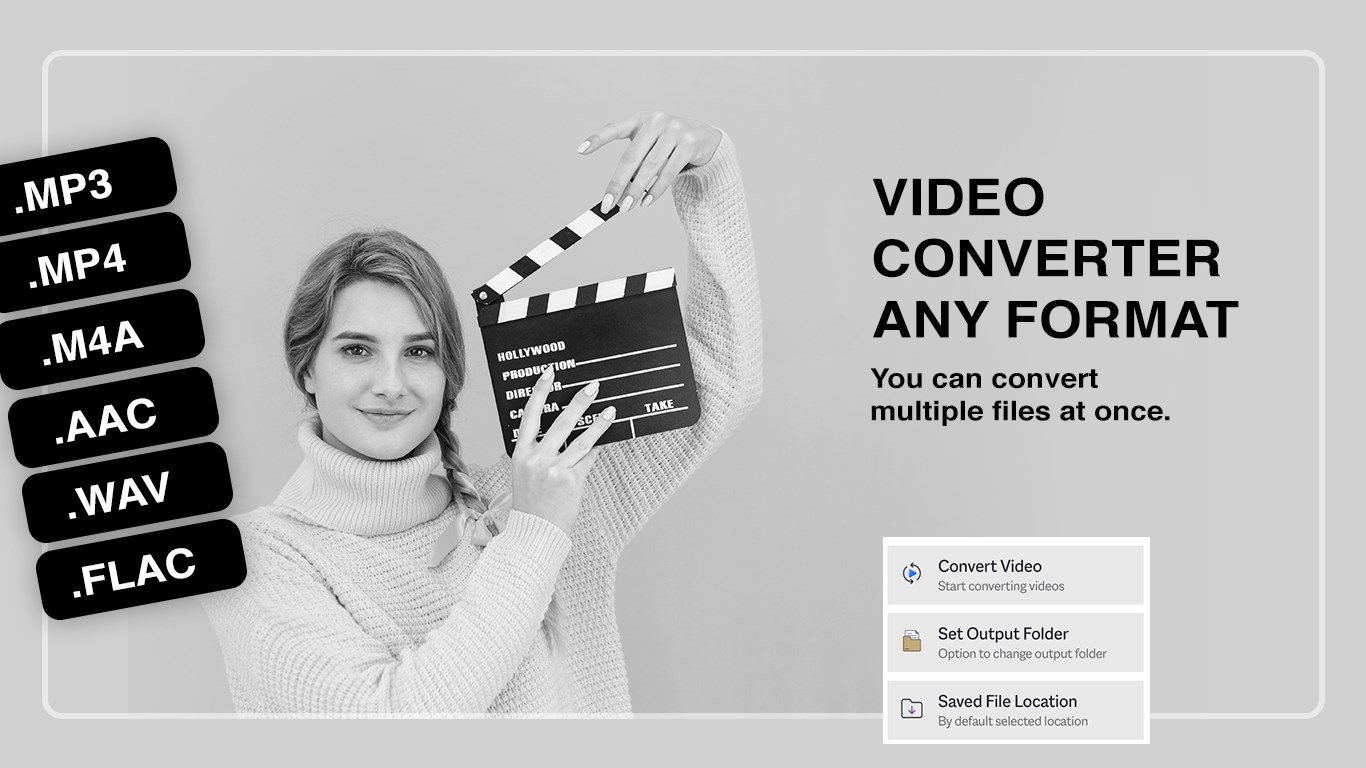
Video Converter Any Format is a video converter and compressor for Windows that supports nearly every major video and audio format. It converts videos into formats such as MP4, AVI, WMV and MKV in just a few clicks, and it allows batch conversion of multiple files at once. Clips can be trimmed before conversion so that only the needed portion is processed. Advanced settings let users fine-tune resolution, bitrate, codec and frame rate, and large video files can be compressed while maintaining quality. Output settings are also optimized for mobile devices.
Show the developer's original descriptionHide the original description
** 1 MILLION+ DOWNLOADS **
DON'T MISS YOUR ONE STOP APP.
Video Converter and Video compressor helps to convert video in various formats with simple steps. Also you can compress videos.
Tutorial: https://www.cidadeapps.com/video-converter-any-format-tutorial/
Video Converter Any Format is your complete solution for converting, compressing, and customizing videos on Windows. With support for nearly every major video and audio format, this app makes it easy to transform your media into the format you need—quickly and efficiently. Whether you want to compress large videos for easier sharing, cut clips to size, or adjust resolution for specific devices, this app gives you all the tools in one simple interface.
With over 1 million downloads, it’s a trusted and powerful video tool designed for everyday use.
Supported Formats:
. Video: MOV, MP4, AVI, WMV, FLV, MKV, AMV, 3GP, VOB, M4V, MPG, M2V, M4P, RVL, 3G2, and more.
. Audio: MP3, OGG, MP2, MPEG, and more.
Key Features:
. Quick Conversion: Convert your videos into popular formats like MP4, AVI, WMV, MKV, and more in just a few clicks.
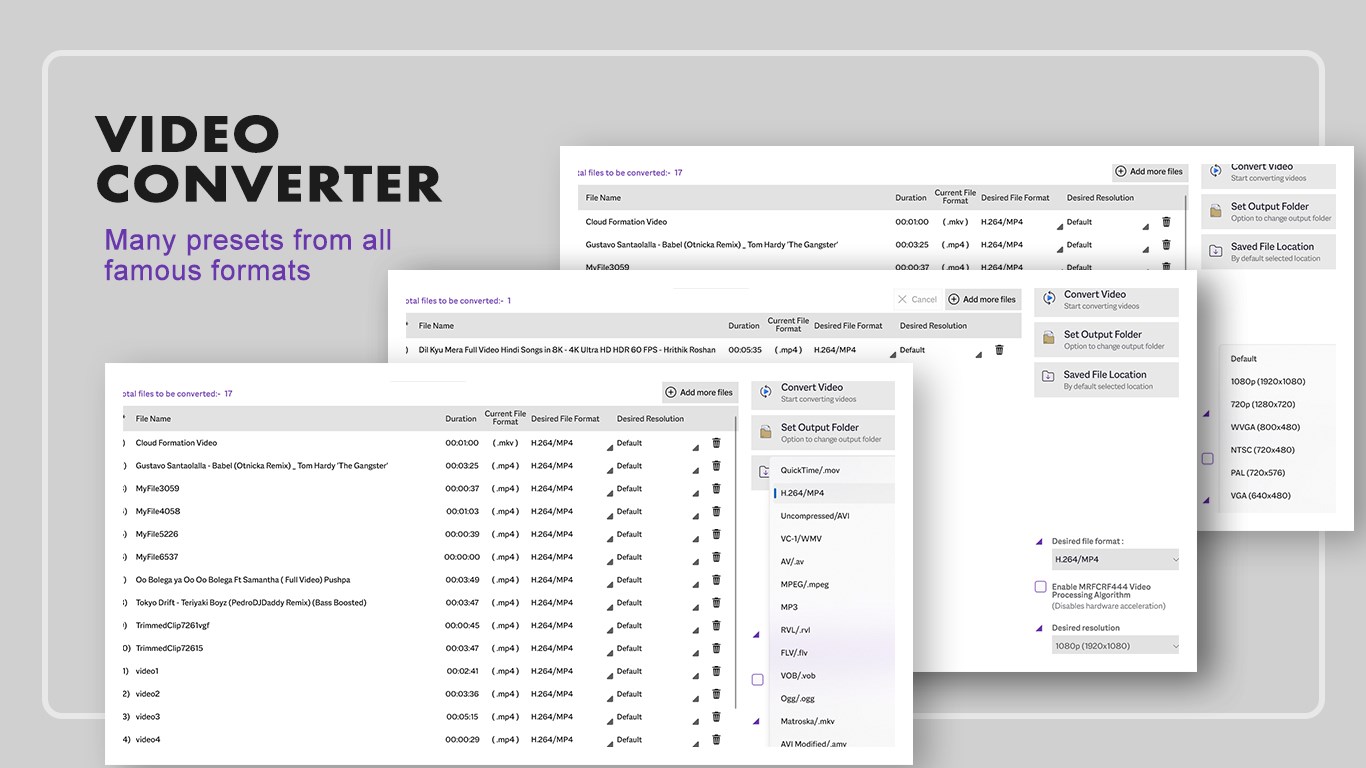
. Batch Conversion: Select multiple files or drag and drop to convert multiple videos at once.
. Trim & Cut: Extract specific parts of your videos by trimming clips before conversion.
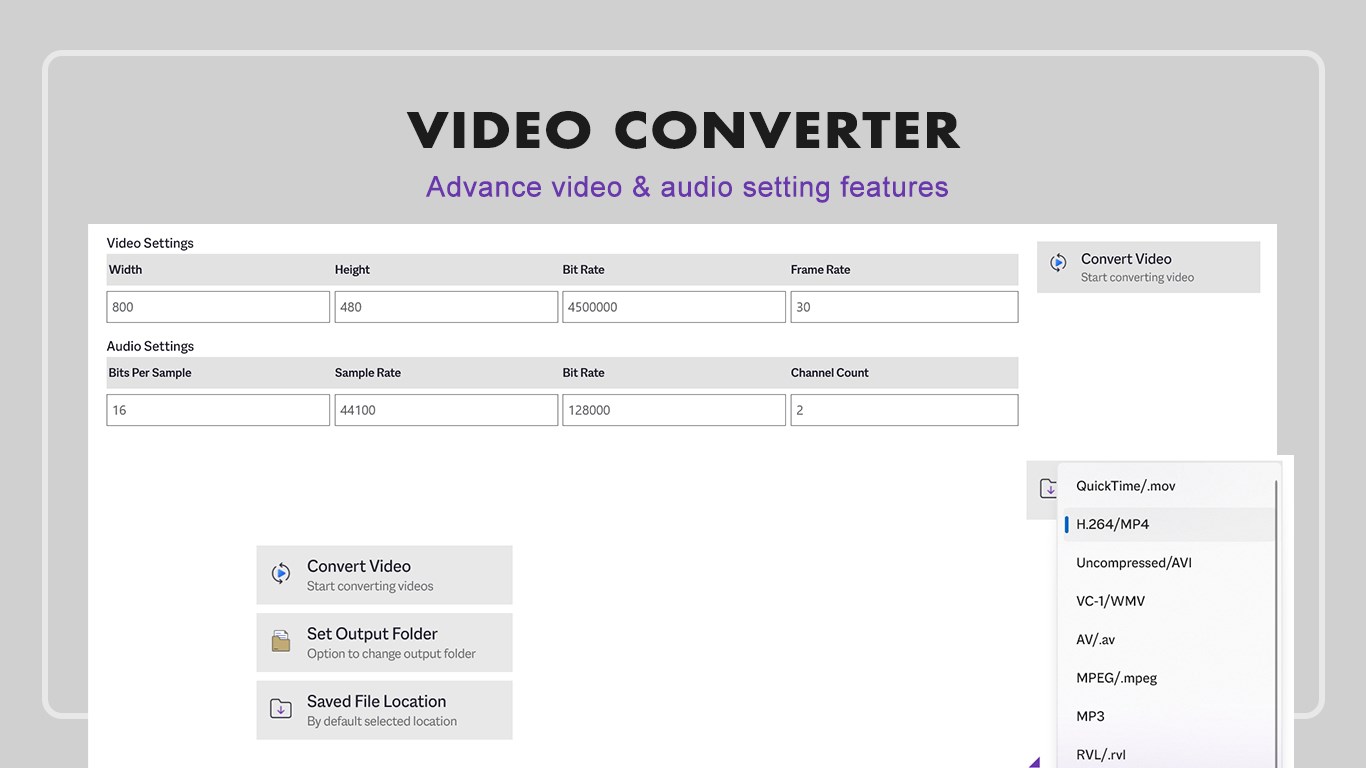
. Advanced Conversion: Fine-tune settings such as resolution, bitrate, codec, and frame rate for custom results.
. Compression: Reduce large video file sizes while maintaining high-quality output.
. Resolution Adjustment: Change video resolution for formats like MP4, MKV, AVI, FLV, 3GP, MOV, VOB, and others.
. Lightweight Design: Clean, modern interface with easy-to-use controls.
. Mobile Friendly: Optimized output settings for mobile devices.
App Options:
. Quick Convert – Convert videos instantly into your desired format.
. Trim & Convert – Cut specific portions of your video and convert only what you need.
. Advanced Convert – Customize settings for resolution, quality, and size before conversion.
Why Choose Video Converter Any Format?
. Wide support for both video and audio file types.
. High-quality compression with minimal quality loss.
. Fast conversion speed with batch file support.
. User-friendly design with powerful tools built-in.
Support:
Tutorial: https://www.cidadeapps.com/video-converter-any-format-tutorial/
Web: https://www.cidadeapps.com
Facebook: https://www.facebook.com/CidadeApps
Instagram: https://www.instagram.com/cidadeapps/
Twitter: @Cidadeapps
Email: cidadeapps@hotmail.com
Please email us if any of the video format is not supported, and we will include it in the next update.
Download and enjoy.
Technical details about Video Converter Any Format
If there is a version of this app for iOS/Mac or Windows we don't know about, paste the store link here — we'll auto-detect the store.
How to find the URL:1. Open the app in its store. 2.In the App Store app: tap the Share icon → “Copy Link”. In the browser: copy the URL from the address bar — it contains apps.apple.com/…/id… or apps.microsoft.com/detail/…. 3. Paste it here.
Paste the original link from the Apple App Store or Microsoft Store. We fetch all details automatically.
How to find the URL:
1. Open the app in its store. 2.In the App Store app: tap the Share icon → “Copy Link”. In the browser: copy the URL from the address bar — it contains apps.apple.com/…/id… or apps.microsoft.com/detail/…. 3. Paste it here.
Android apps can only be listed by their developer.








 Video Converter - Any Video Converter
Convert videos to different formats
 Video Cutter & Compressor
Trim, compress and edit videos
 Video Converter - PRO
Convert and compress videos to MP4, WMV or MKV
 Video Compressor: Resize & Compress Video
Compress videos and reduce file size for storage
 Audio Converter Any Format
Convert audio formats, trim clips and adjust bit rate
 Video Converter‘
Convert video and audio files between formats