
Screenshot appears after consentScreenshot appears after consentScreenshot appears after consentScreenshot appears after consent
Summary
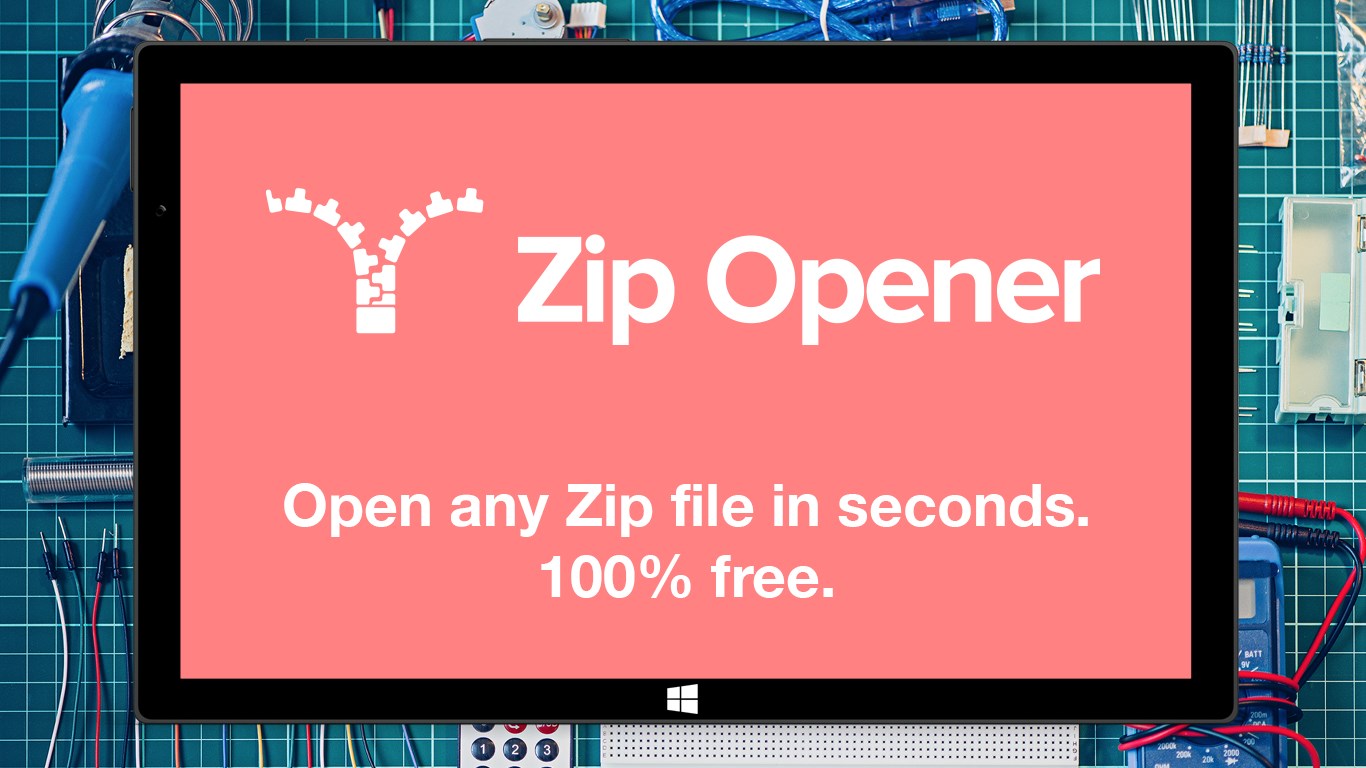
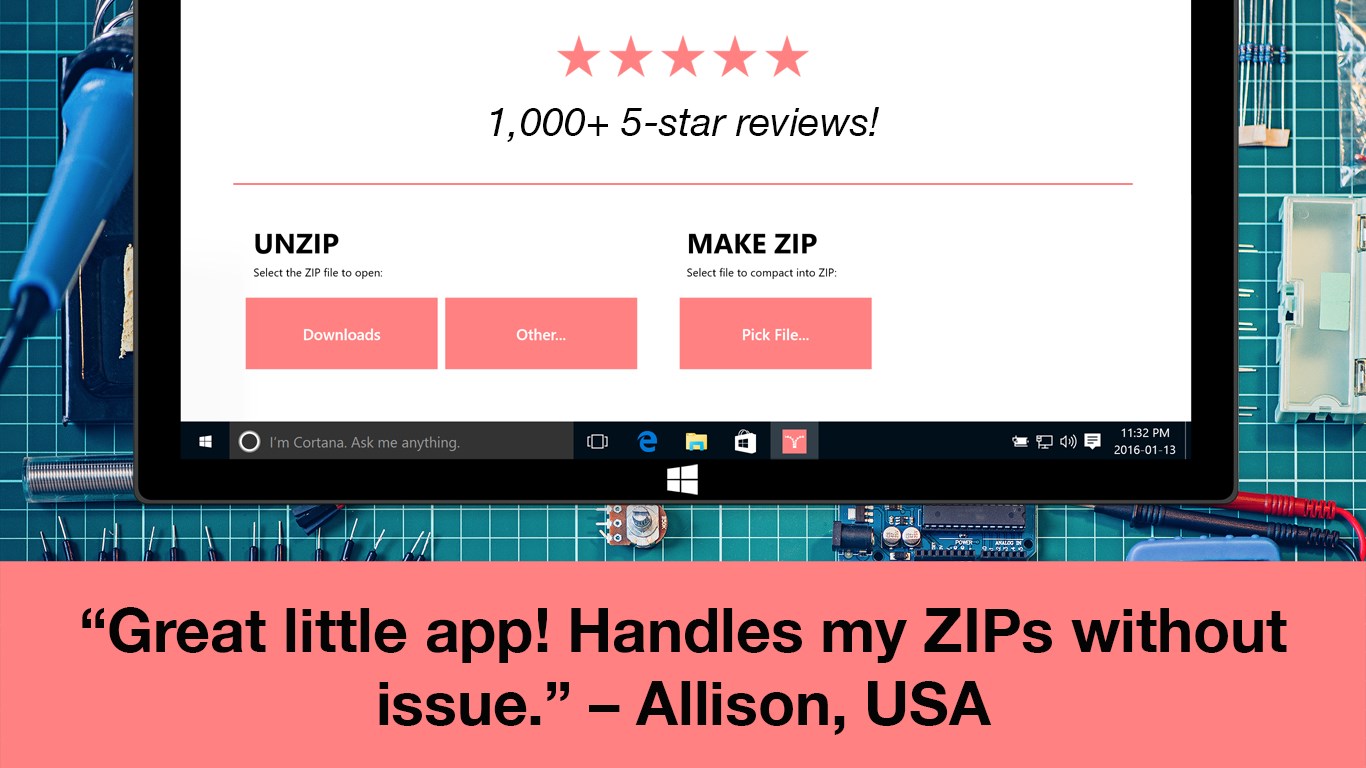
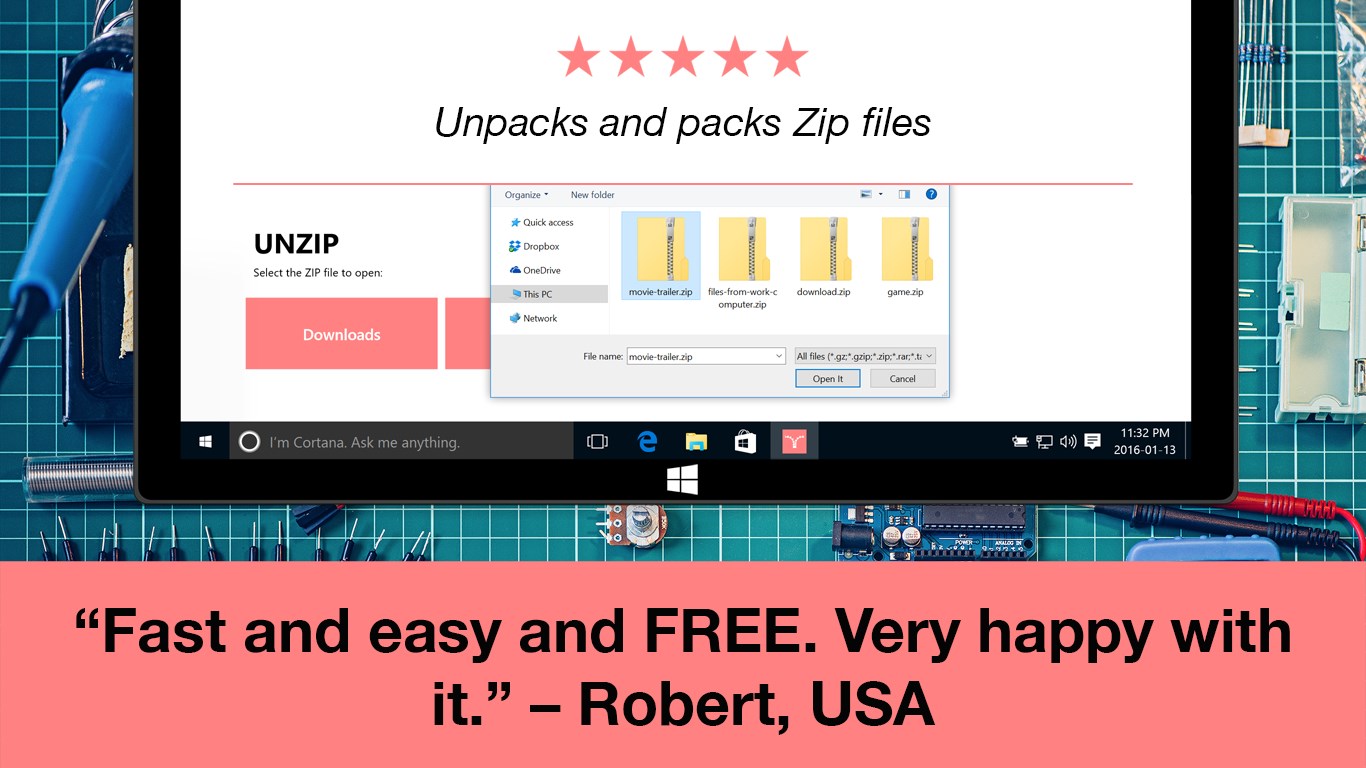
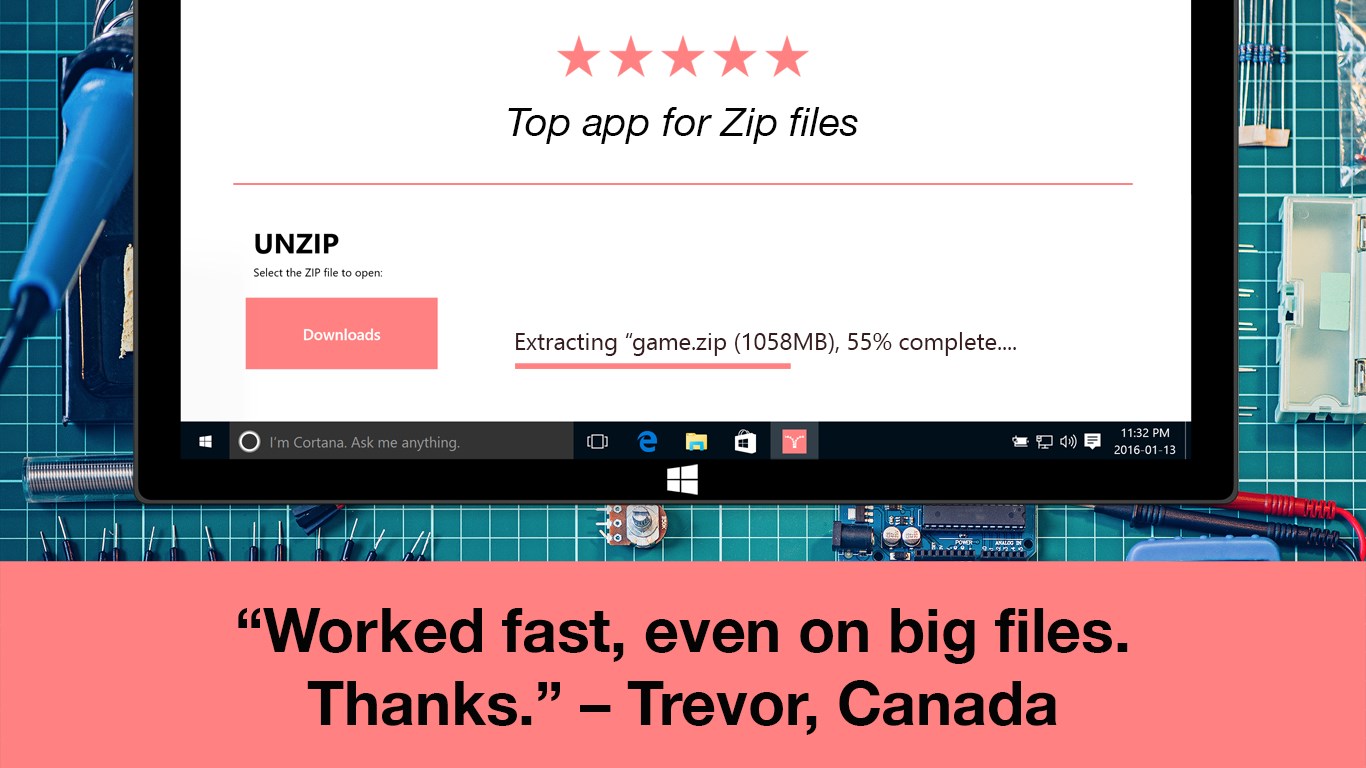
Zip Opener is a file archive tool that opens compressed files such as ZIP, RAR, TAR, 7Z, GZIP2 and BZ formats. It handles a wide range of compression methods through a single application, so different cryptic file extensions can all be opened the same way. The app can also compress files automatically to save disk space. It is designed for one-tap operation rather than technical handling, and its small size means it takes up little drive space and does not slow down the computer. According to the provider, it contains no junk, toolbars or spam.
Show the developer's original descriptionHide the original description
Opens Zip & Rar Files In Seconds - No Fuss, No Muss Zip Opener (and RAR, TAR, 7Z, etc)
Zip Opener is your simple answer to annoying file problems. How often do you get a file you need that is hidden behind a cryptic label? It's usually ZIP compressed, but there is a myriad of other file compression methods - only nerds can keep track of them all!
Well, that's why we made Zip Opener. It's small and fast, so it doesn't clog up your computer, yet knows how to open all sorts of file archives. And if you need to save space, it will even automatically compress files for you.
So next time you encounter crazy file extensions like ZIP, RAR, TAR, 7Z, GZIP2 and BZ (amongst others) we have you covered with a single app: Zip Opener.
★ It does one thing and does it well, won't take up a lot of system resources.
★ Small app size saves you drive space so you can keep downloading.
★ Made for normal people, not nerds: one-tap operation.
★ Who likes to wait? No one, that's who. Zip Opener is SPEEDY.
★ No junk, toolbars or spam - made in Canada.
Zip Opener is all you need for your Internet adventures - no matter what the download is, open it quickly and safely with this slick app.
If there is a version of this app for iOS/Mac or Windows we don't know about, paste the store link here — we'll auto-detect the store.
How to find the URL:1. Open the app in its store. 2.In the App Store app: tap the Share icon → “Copy Link”. In the browser: copy the URL from the address bar — it contains apps.apple.com/…/id… or apps.microsoft.com/detail/…. 3. Paste it here.
Paste the original link from the Apple App Store or Microsoft Store. We fetch all details automatically.
How to find the URL:
1. Open the app in its store. 2.In the App Store app: tap the Share icon → “Copy Link”. In the browser: copy the URL from the address bar — it contains apps.apple.com/…/id… or apps.microsoft.com/detail/…. 3. Paste it here.
Android apps can only be listed by their developer.