




Screenshot appears after consentScreenshot appears after consentScreenshot appears after consentScreenshot appears after consentScreenshot appears after consentScreenshot appears after consentScreenshot appears after consentScreenshot appears after consentScreenshot appears after consent
Summary
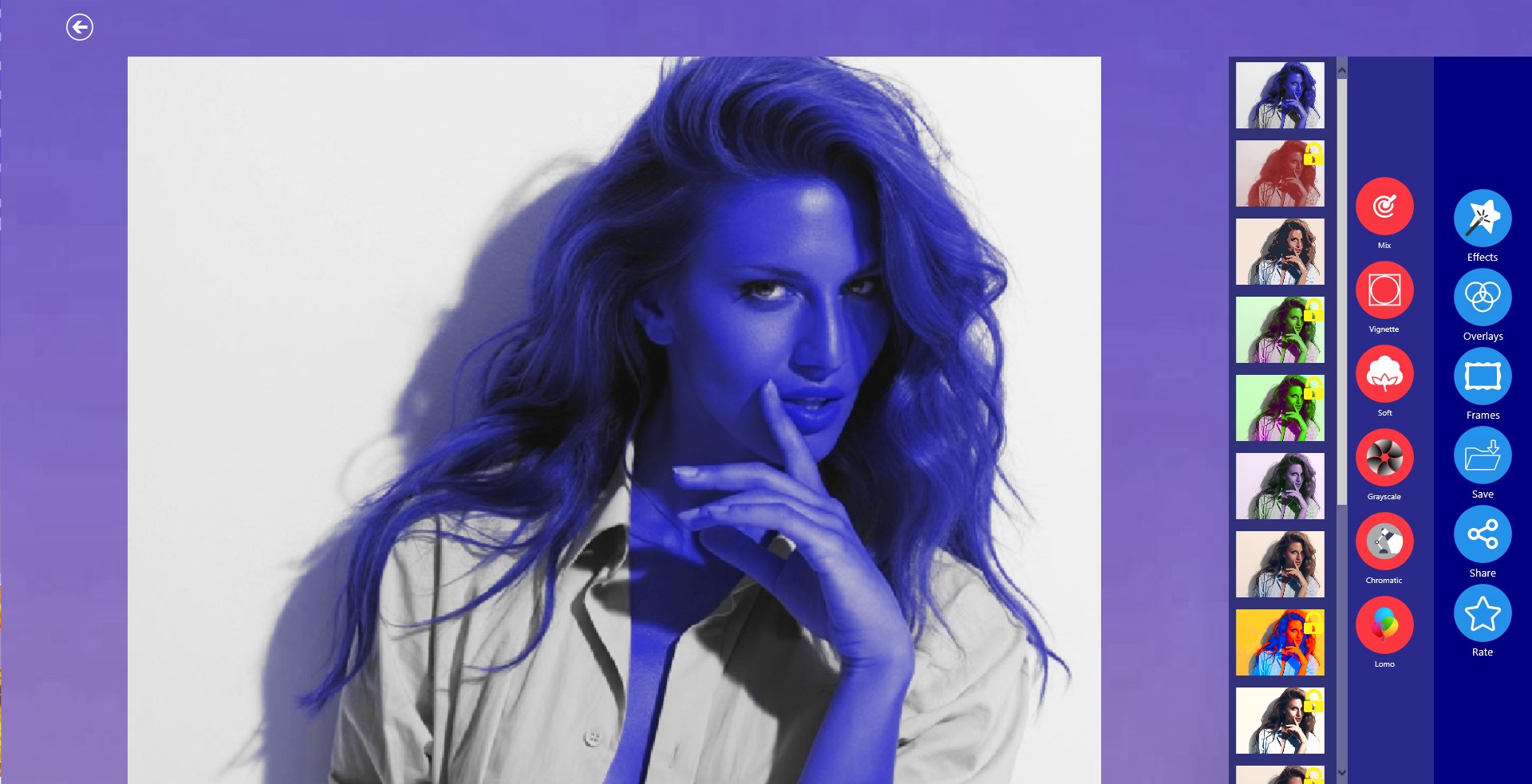
Photo Blender : Photo Editor is a photo editing app that blends pictures using overlays, frames and effects. It offers multiple frames for themes such as birthday, film, balloon, music and love, allowing creative designs, and includes overlay categories like bokeh, color, abstract, smoke, ice and glitter. It applies photo effects such as lomo, soft, grunge and vintage to change the look of a picture. Finished photos can be saved in HD quality and shared directly to social networks, and the app is free and easy to use.
Show the developer's original descriptionHide the original description
Photo Blender : Photo Editor Perfect App to Blend your photos in a very creative way.
* With the Photo Blender Photo Editor app you can create an amazing photo by using our overlay ,effects and frames.
* Multiple frames for your images likes birthday,film,ballon,music,love etc to make creative designs.
* Different Overlay in Categories like Bokeh,Color,Abstract,Smoke,Ice,
Glitter etc.
*Apply different photo effects like Lomo Effects, Soft effects, Grunge effects, vintage effects to give your pic, an appealing look like never before using this photo editor.
* Save pictures in HD quality instantly
* Free and Easy to Use.
* Save the blended photo and share it on social network.
Download this amazing photo blender app for wonderful effects!
Thanks for choosing our app. Give your feedback to encourage developers!
Email : fruitcandy@zoho.com
If there is a version of this app for iOS/Mac or Windows we don't know about, paste the store link here — we'll auto-detect the store.
How to find the URL:1. Open the app in its store. 2.In the App Store app: tap the Share icon → “Copy Link”. In the browser: copy the URL from the address bar — it contains apps.apple.com/…/id… or apps.microsoft.com/detail/…. 3. Paste it here.
Paste the original link from the Apple App Store or Microsoft Store. We fetch all details automatically.
How to find the URL:
1. Open the app in its store. 2.In the App Store app: tap the Share icon → “Copy Link”. In the browser: copy the URL from the address bar — it contains apps.apple.com/…/id… or apps.microsoft.com/detail/…. 3. Paste it here.
Android apps can only be listed by their developer.