
Screenshot appears after consentScreenshot appears after consentScreenshot appears after consentScreenshot appears after consentScreenshot appears after consentScreenshot appears after consentScreenshot appears after consentScreenshot appears after consentScreenshot appears after consentScreenshot appears after consentScreenshot appears after consent
Summary
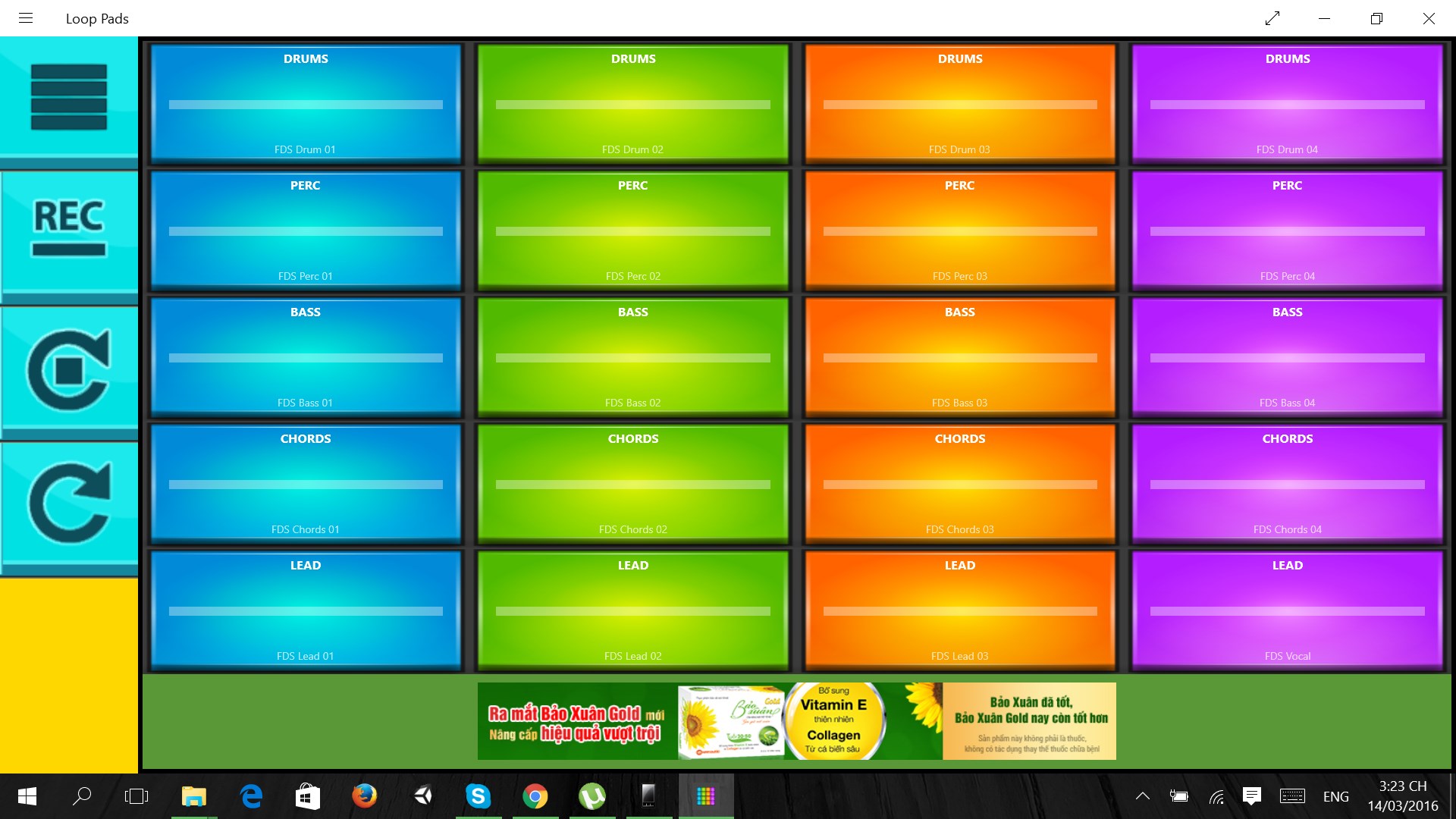
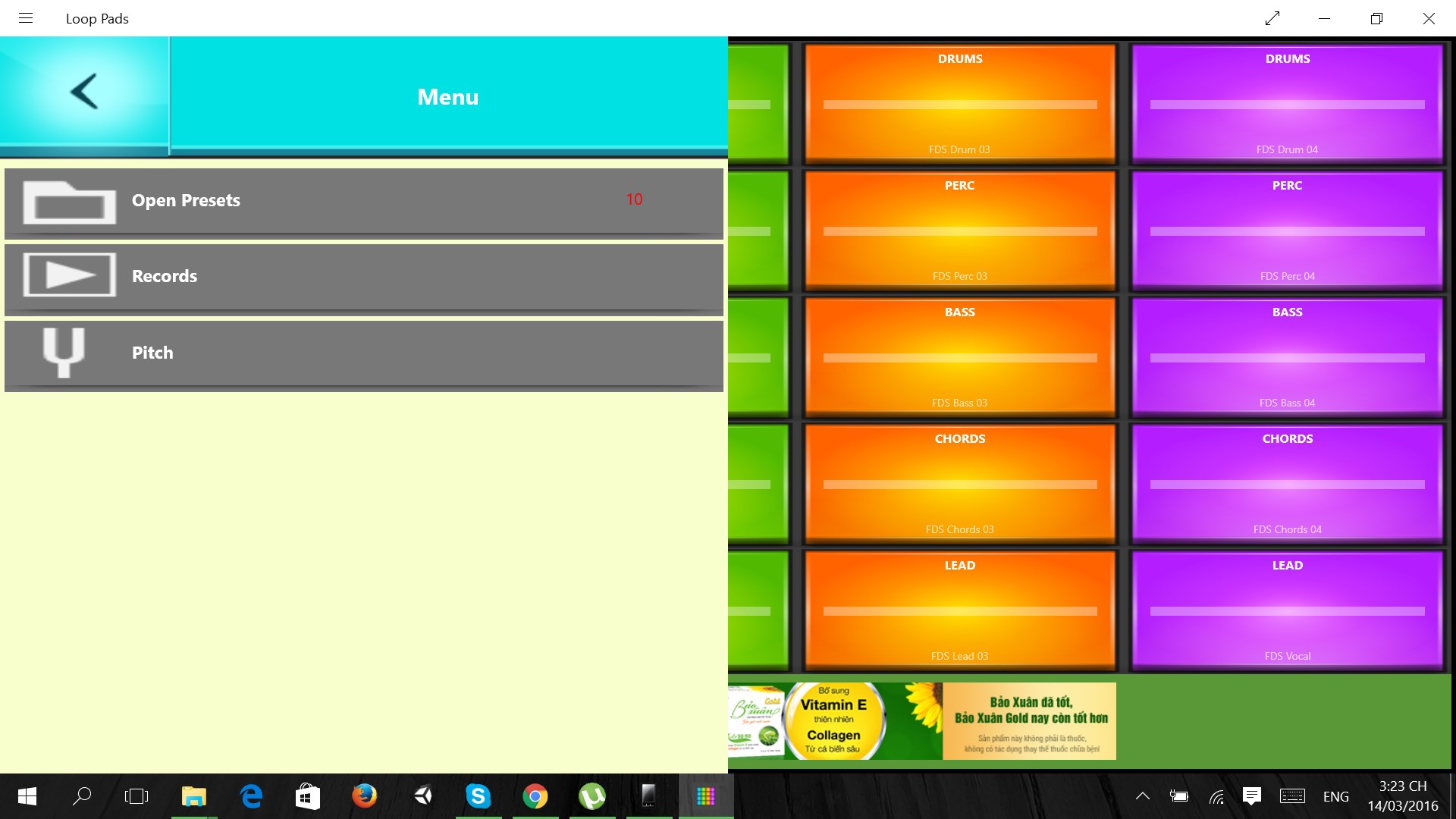
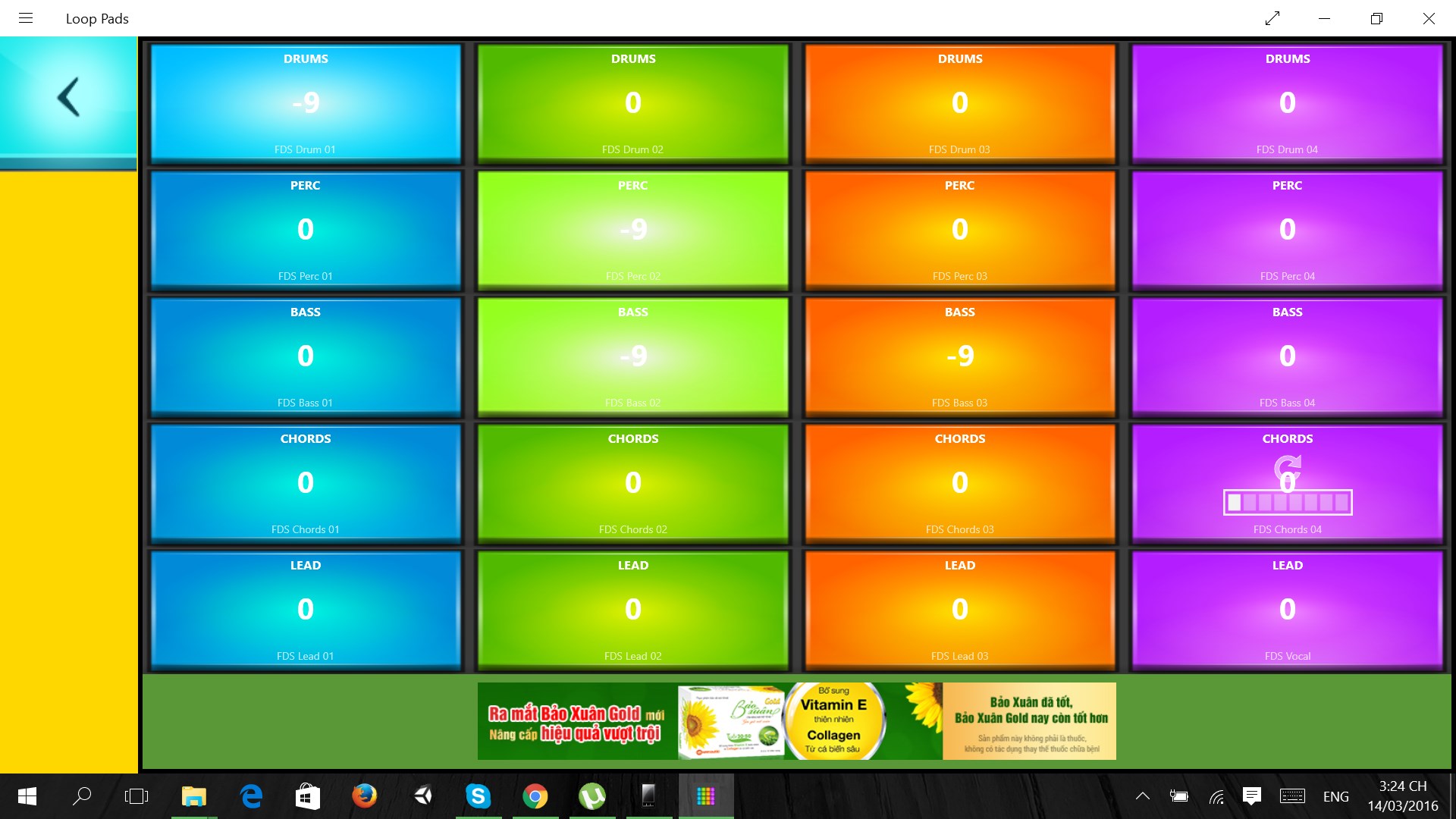
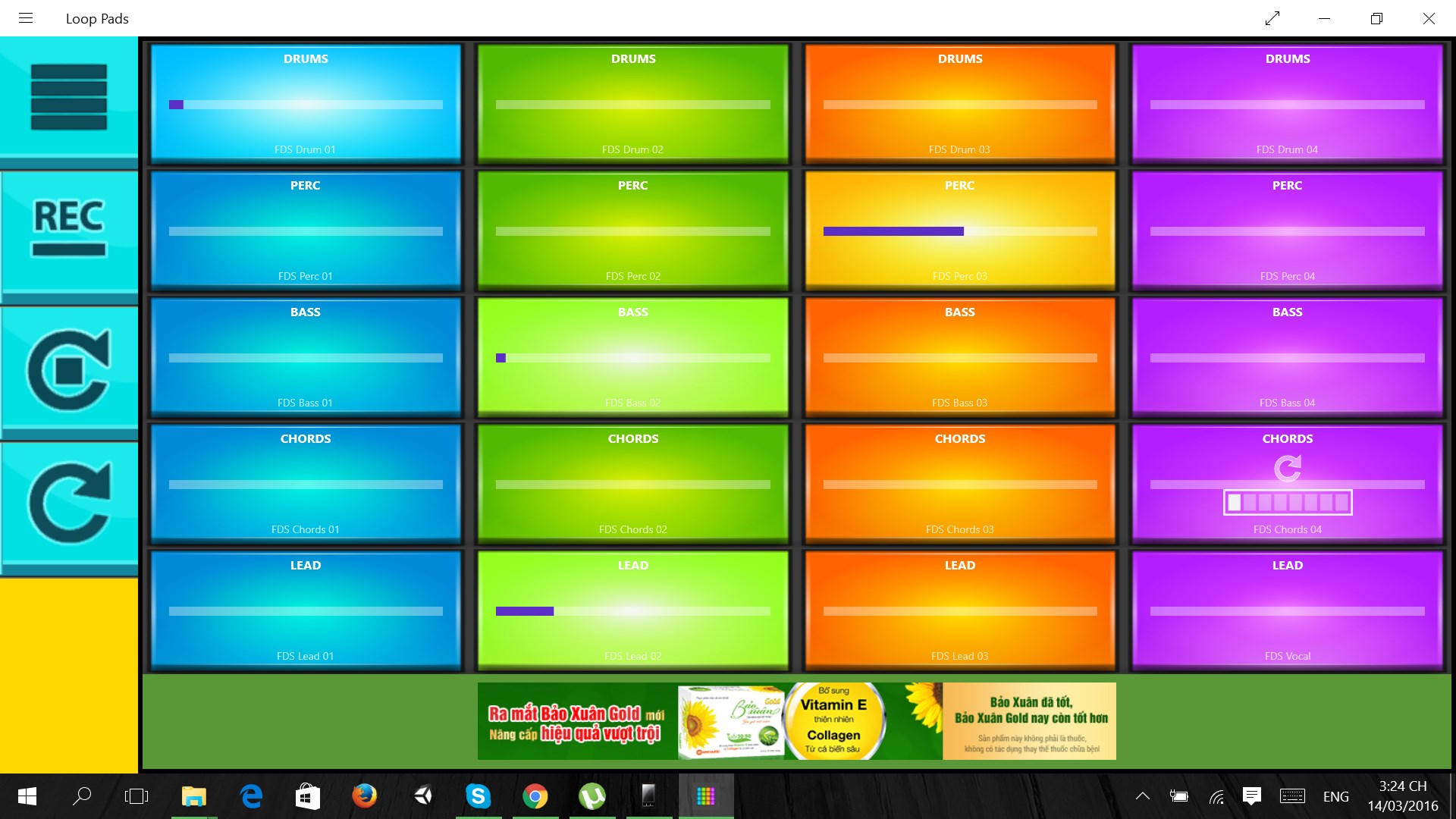
Electric Loop Pads is an app for making beats and remixing tracks using loops and samples. It includes 160 professionally recorded loops arranged across 20 colourful pads divided into groups, with progress bars showing playback on each pad. Built-in tempo synchronisation keeps loops locked to the beat, and a recording function allows performances to be captured. Presets cover a range of styles including dubstep, drum and bass, hip hop, glitch hop, UK garage, techno, trap, house, moombahton and future garage, with more styles said to be added over time. The app is free to use.
Show the developer's original descriptionHide the original description
New preset from popular Deep Drums out now!
Loop Pads is the music app for windows Universal that will have you making beats and music instantly.
It comes with 140 ready-to-perform dubstep loops! New content will be delivered via Loop Pads library.
Make and remix music. Mix samples and loops, discover new genres.
Built-in time synchronisation always keeps you locked into the beat.
Features:
- tempo synchronisation
- record
- 160 professionally recorded loops
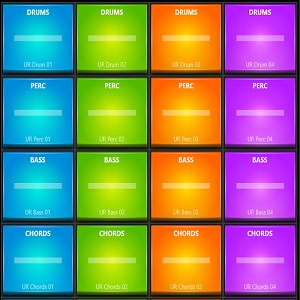
- 20 colourful pads divided on groups
- progress bars on each pad
- free to use
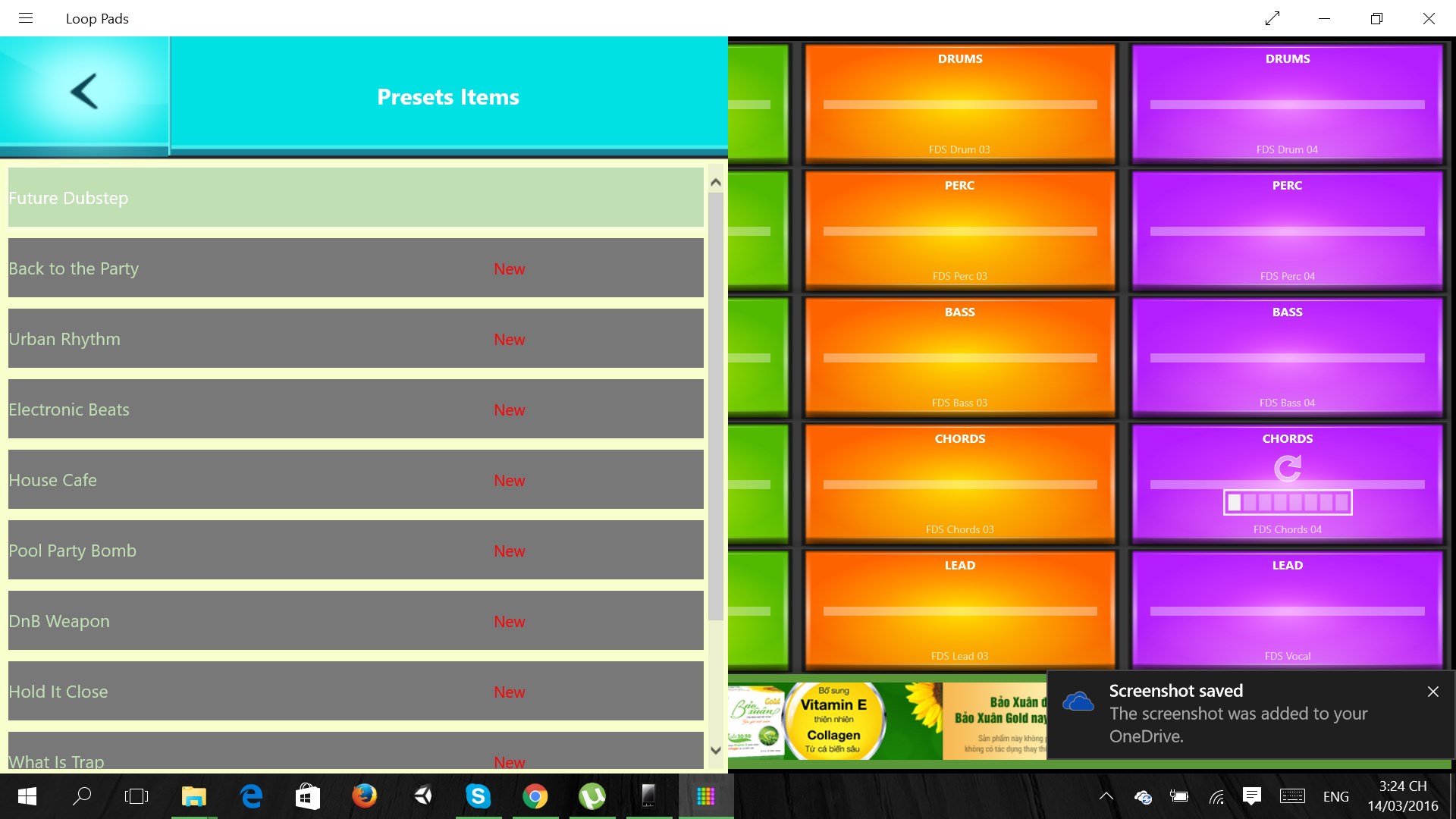
Presets contain different styles of music:
- Dubstep
- Drum and Bass
- Hip Hop
- Glitch Hop
- UK Garage
- Techno
- Trap
- House
- Moombahton
- Future Garage
- more styles coming soon
Feel free to send us feedback and notes about Loop Pads application stability. Together we'll make it perfect!
Send feedback to info@jetsoft.com.vn
Don't forget to check our coolest app DRUM PADS !
Enjoy!
If there is a version of this app for iOS/Mac or Windows we don't know about, paste the store link here — we'll auto-detect the store.
How to find the URL:1. Open the app in its store. 2.In the App Store app: tap the Share icon → “Copy Link”. In the browser: copy the URL from the address bar — it contains apps.apple.com/…/id… or apps.microsoft.com/detail/…. 3. Paste it here.
Paste the original link from the Apple App Store or Microsoft Store. We fetch all details automatically.
How to find the URL:
1. Open the app in its store. 2.In the App Store app: tap the Share icon → “Copy Link”. In the browser: copy the URL from the address bar — it contains apps.apple.com/…/id… or apps.microsoft.com/detail/…. 3. Paste it here.
Android apps can only be listed by their developer.