
Screenshot appears after consentScreenshot appears after consentScreenshot appears after consentScreenshot appears after consentScreenshot appears after consentScreenshot appears after consentScreenshot appears after consentScreenshot appears after consentScreenshot appears after consentScreenshot appears after consent
Summary
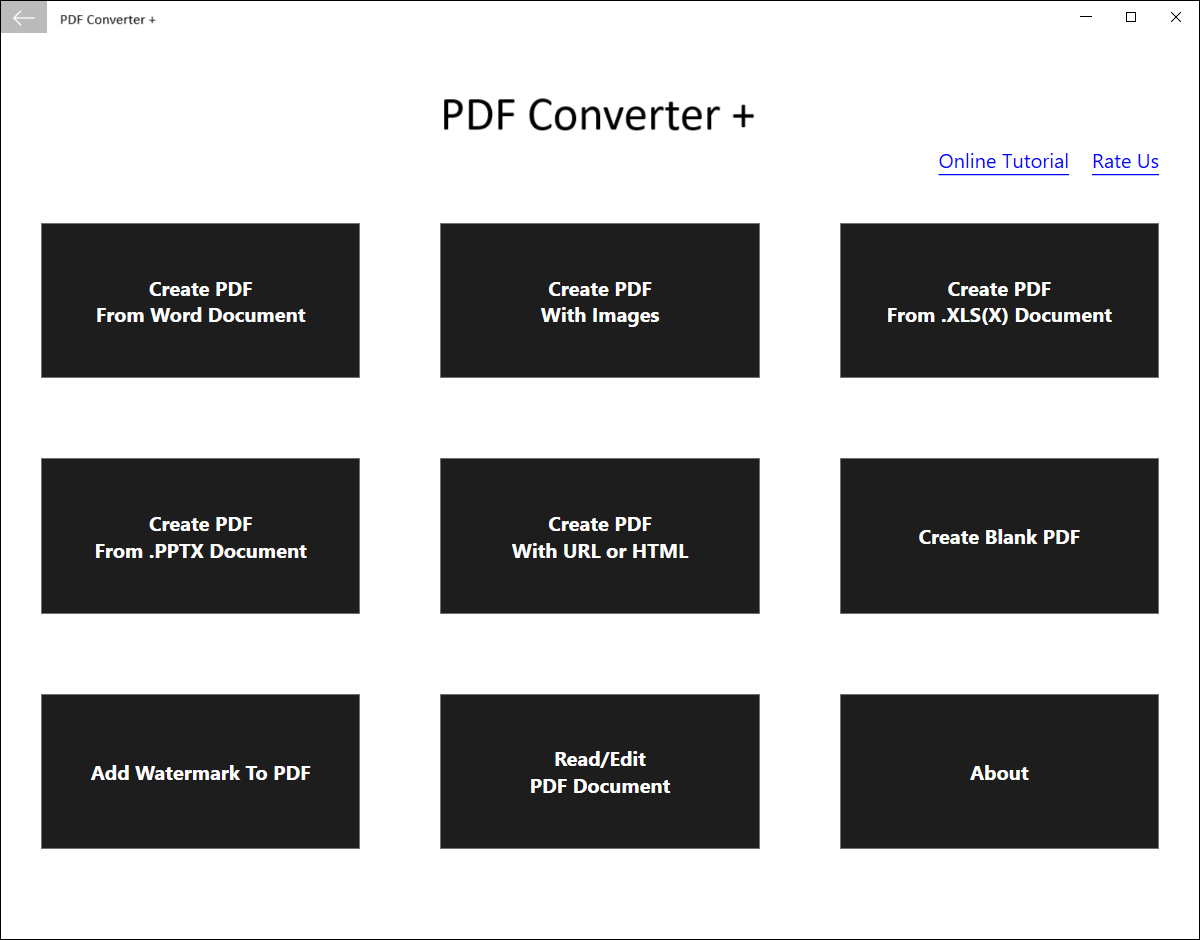
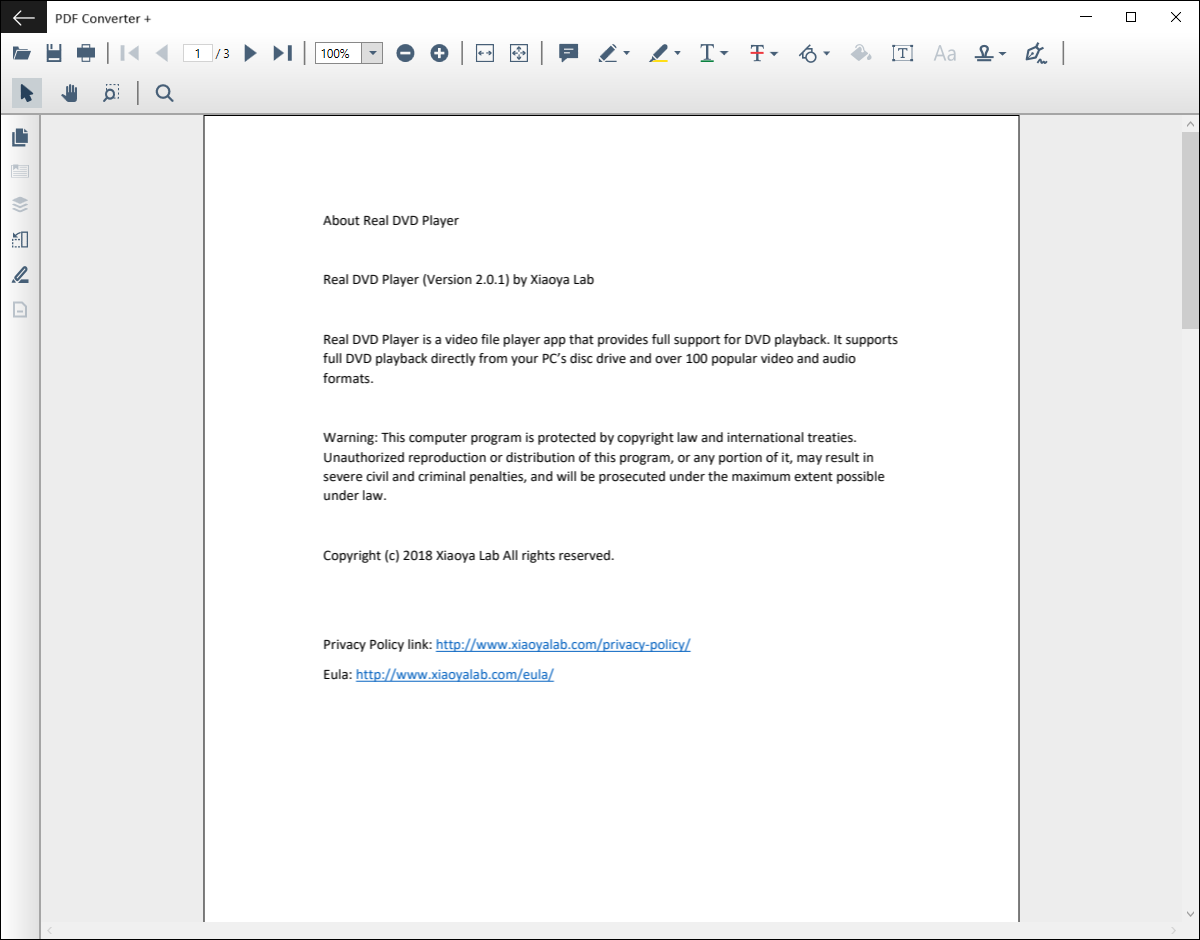
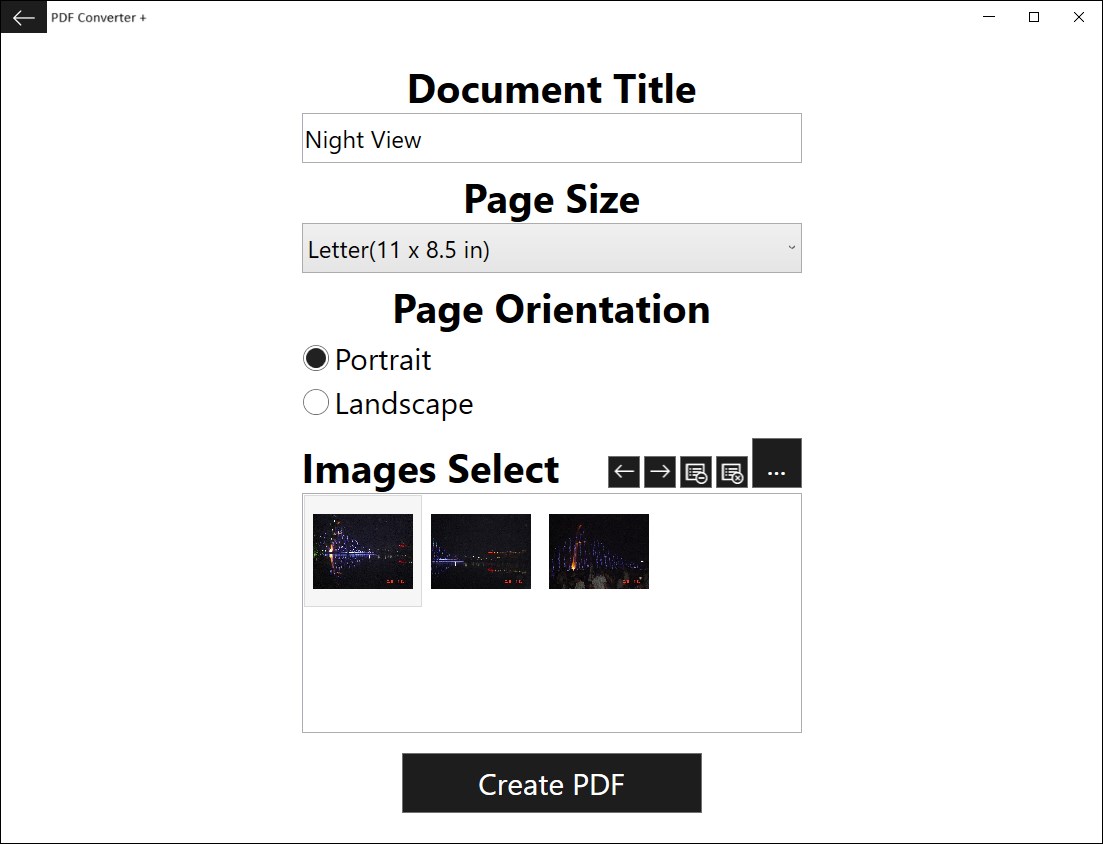
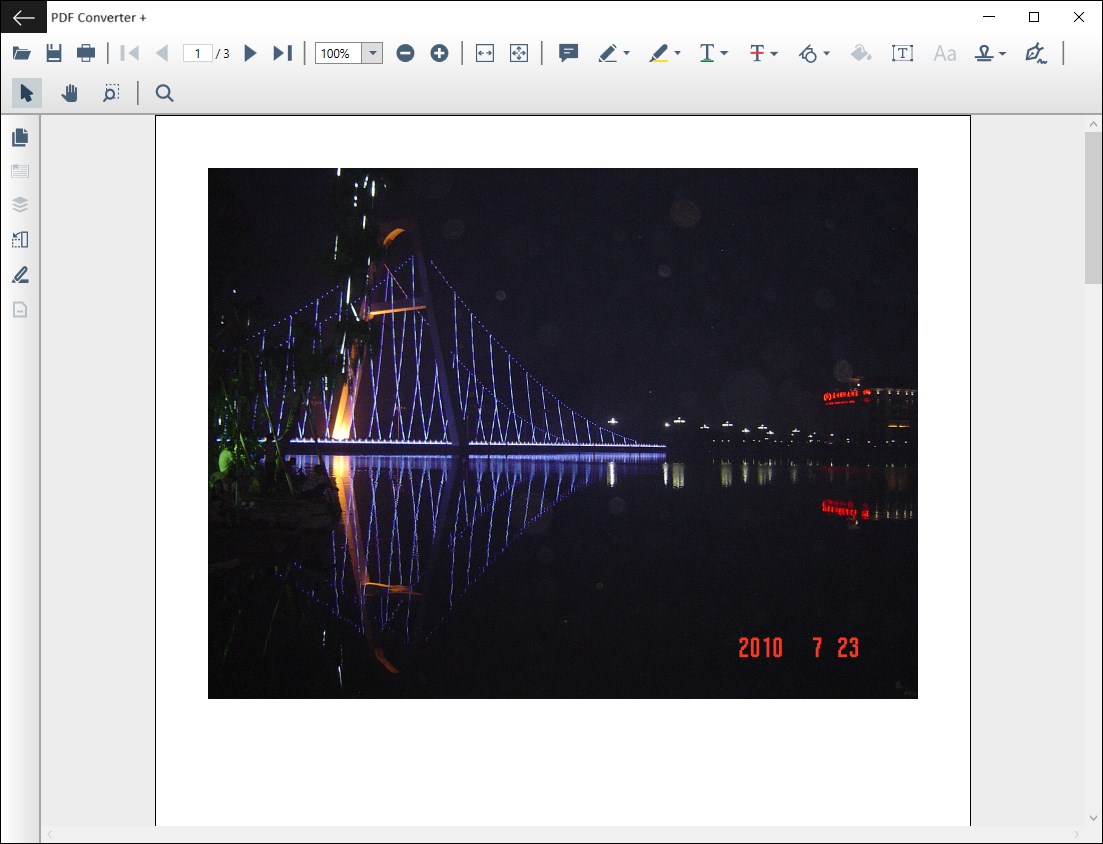
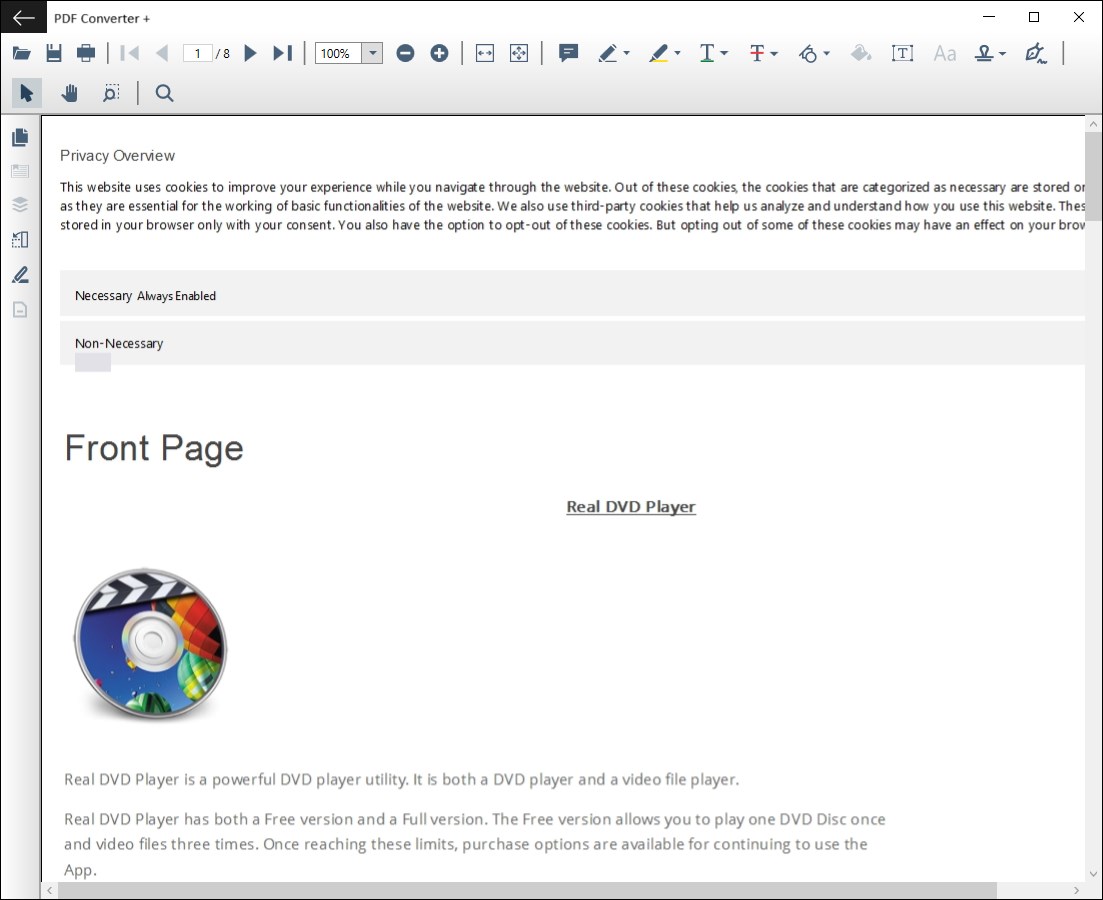
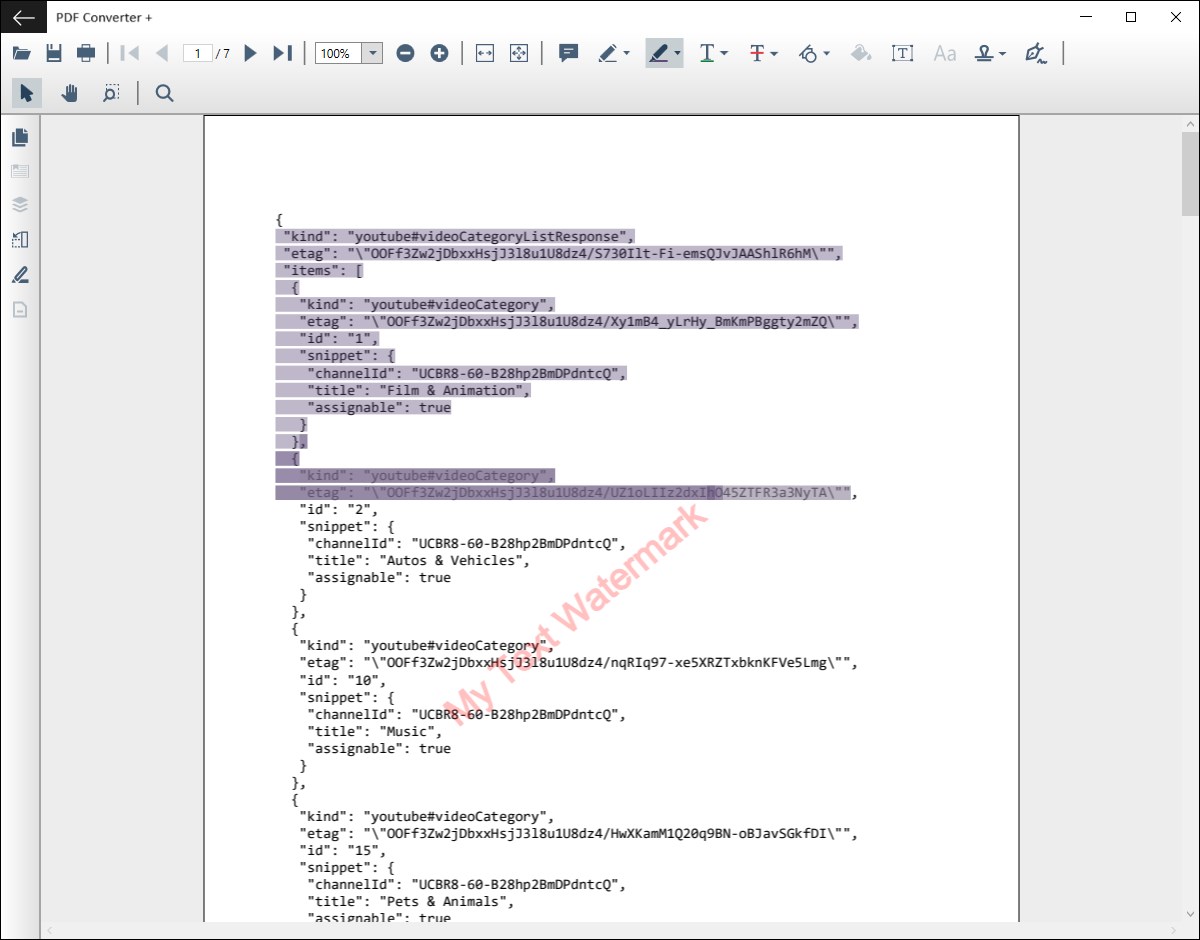
PDF Converter + is a free PDF maker that converts common document types to PDF, including Word, Excel, PowerPoint, images and URL/HTML pages. It includes a built-in PDF viewer for checking the result immediately after conversion, and allows going back to adjust the format before saving, without storing the converted file on disk. It can also create a blank PDF and add text or image watermarks to a PDF. A PDF reader with a full set of annotation tools is also included.
Show the developer's original descriptionHide the original description
PDF Converter + is a free PDF maker software that can convert almost all common documents to PDF. Not only it does the conversion, it also enables you to view the converted PDF immediately with the built-in PDF viewer. If you are not satisfied with the format of the converted PDF, PDF Converter + provides an easy way to go back, without storing the converted PDF on your disk. This edit-convert-view cycle helps you to get your PDF done efficiently.
Features:
* A Word (doc and docx) to PDF converter
* An images (jpg, png, bmp, gif and more) to PDF converter
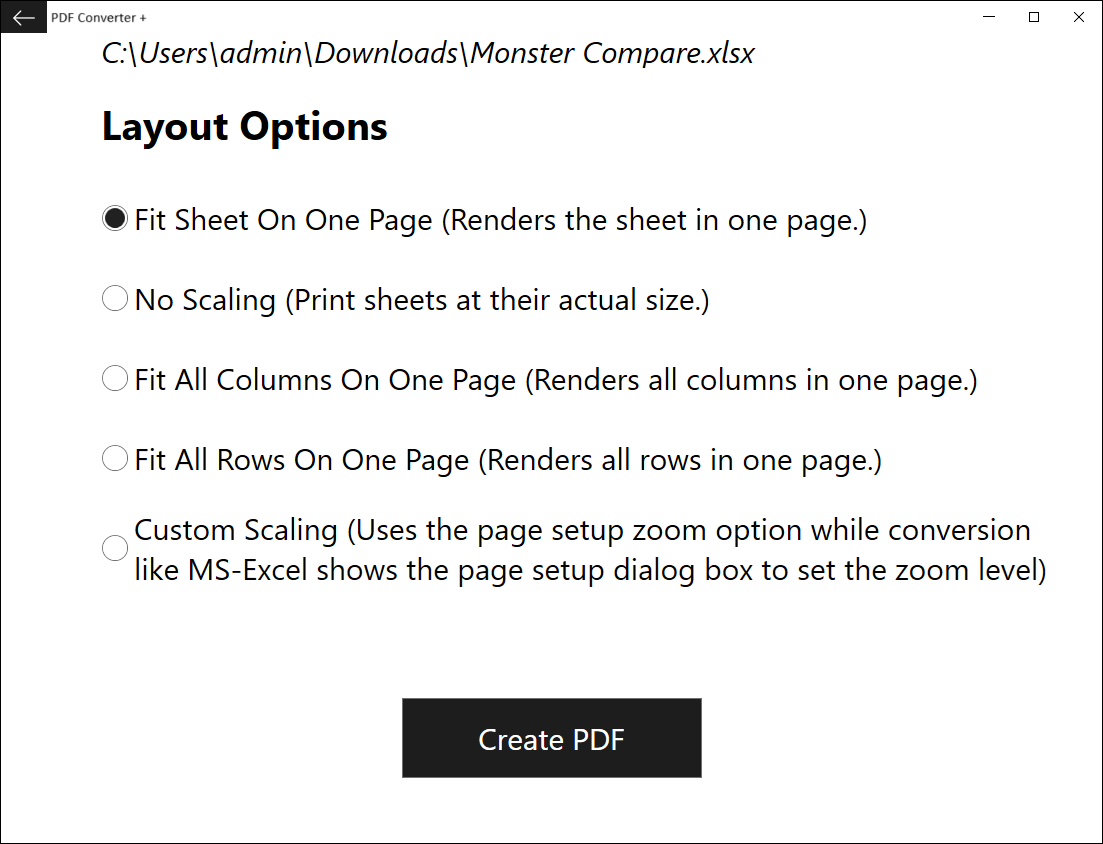
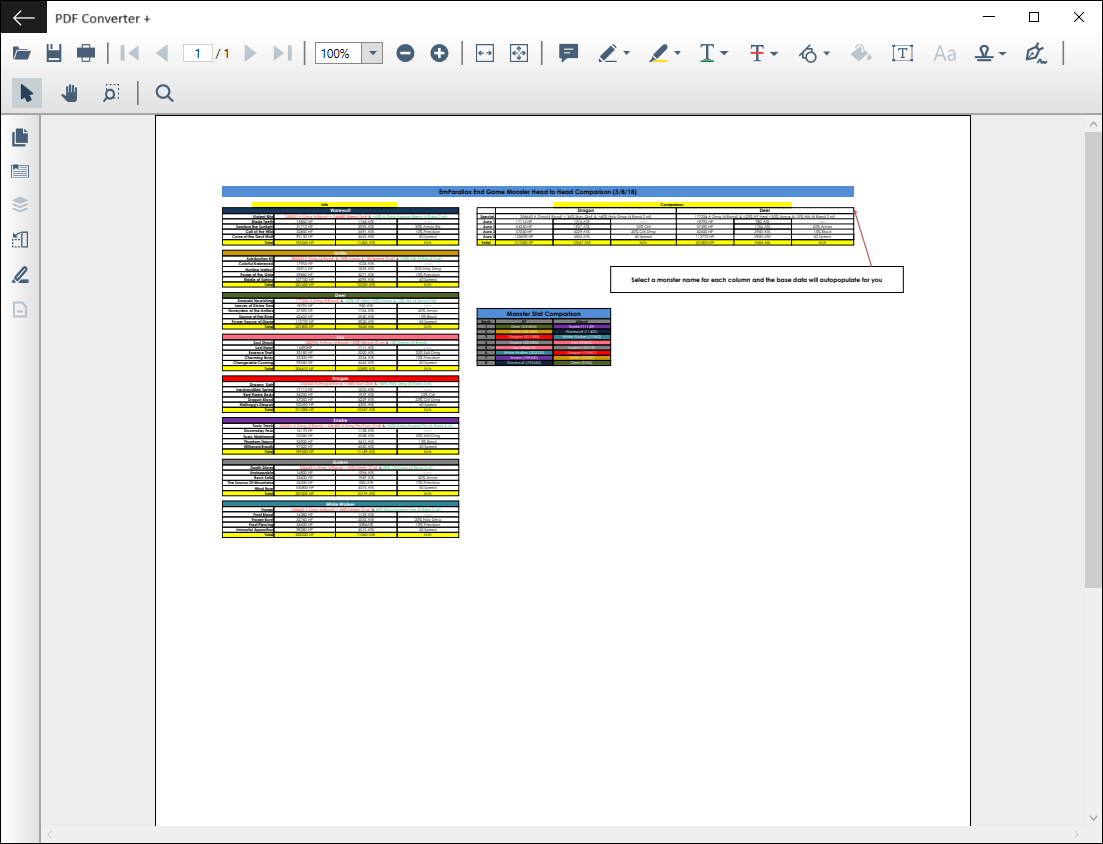
* An Excel (xls and xlsx) to PDF converter
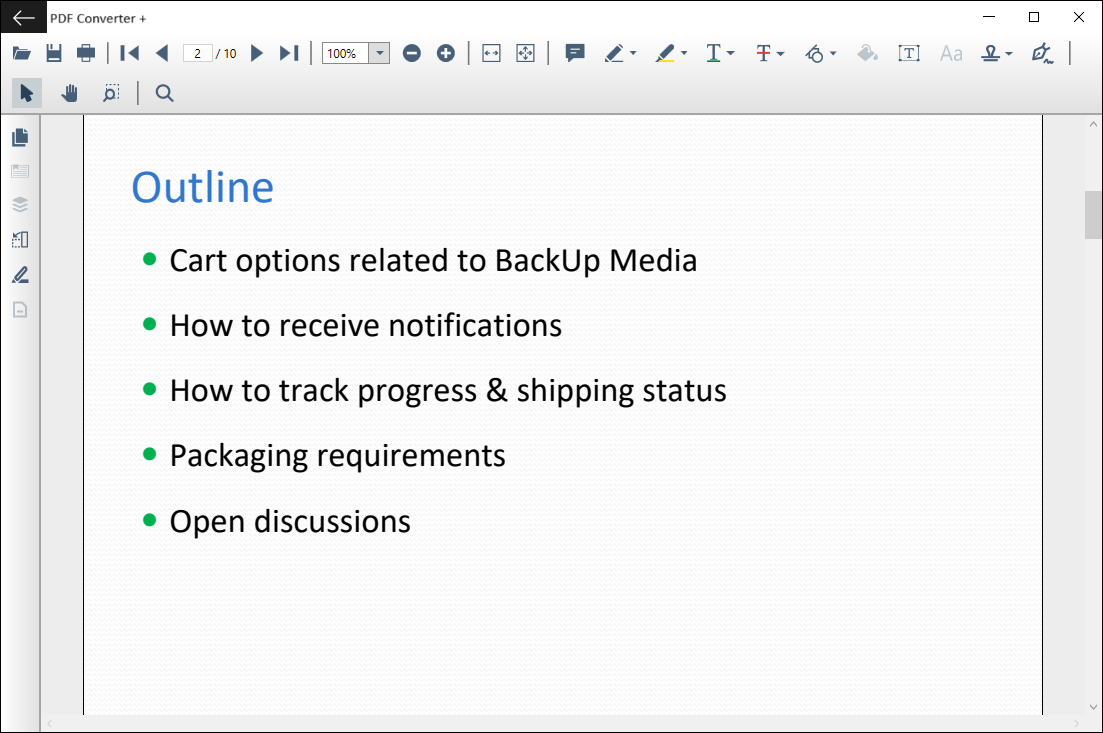
* A PowerPoint (pptx) to PDF converter
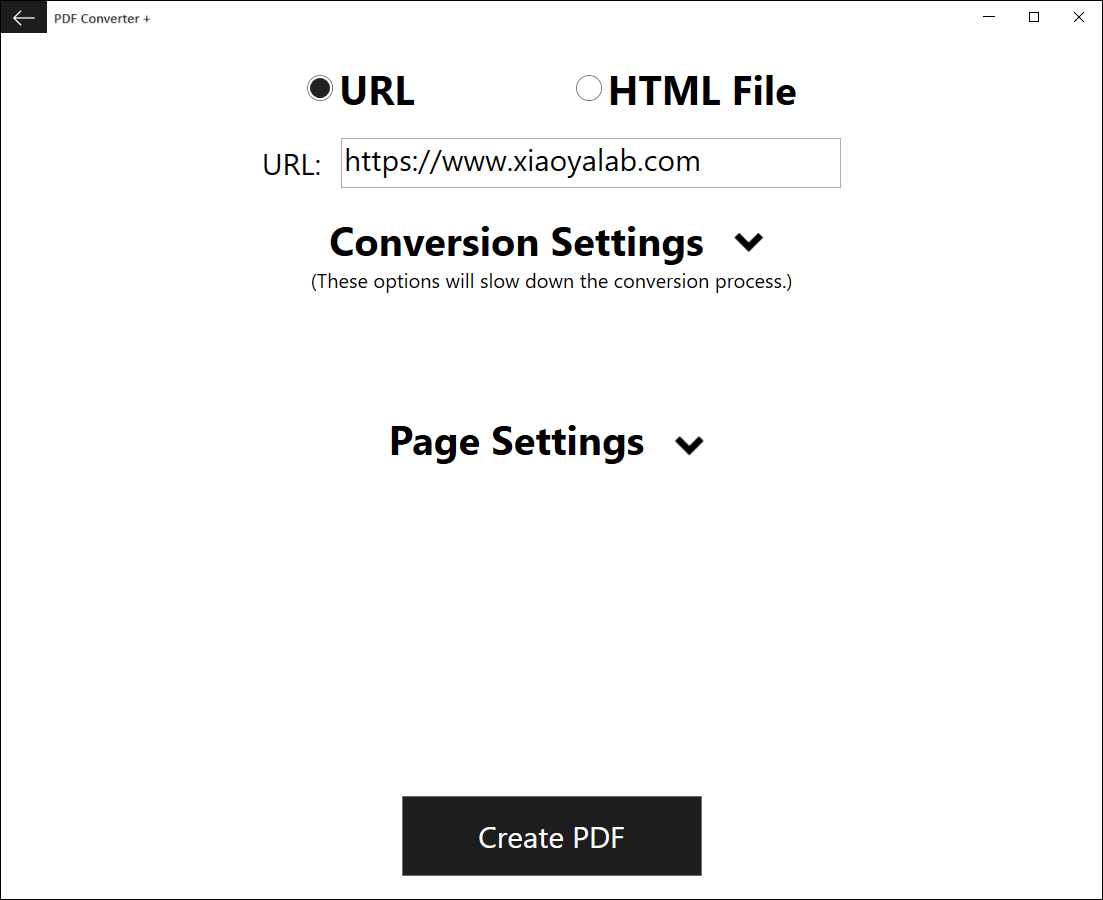
* A URL/HTML to PDF converter
* A blank PDF maker
* Add text and/or image watermarks to a PDF
* A PDF Reader with a full set of annotation tools
If there is a version of this app for iOS/Mac or Windows we don't know about, paste the store link here — we'll auto-detect the store.
How to find the URL:1. Open the app in its store. 2.In the App Store app: tap the Share icon → “Copy Link”. In the browser: copy the URL from the address bar — it contains apps.apple.com/…/id… or apps.microsoft.com/detail/…. 3. Paste it here.
Paste the original link from the Apple App Store or Microsoft Store. We fetch all details automatically.
How to find the URL:
1. Open the app in its store. 2.In the App Store app: tap the Share icon → “Copy Link”. In the browser: copy the URL from the address bar — it contains apps.apple.com/…/id… or apps.microsoft.com/detail/…. 3. Paste it here.
Android apps can only be listed by their developer.