Screenshot appears after consentScreenshot appears after consentScreenshot appears after consentScreenshot appears after consent
Summary
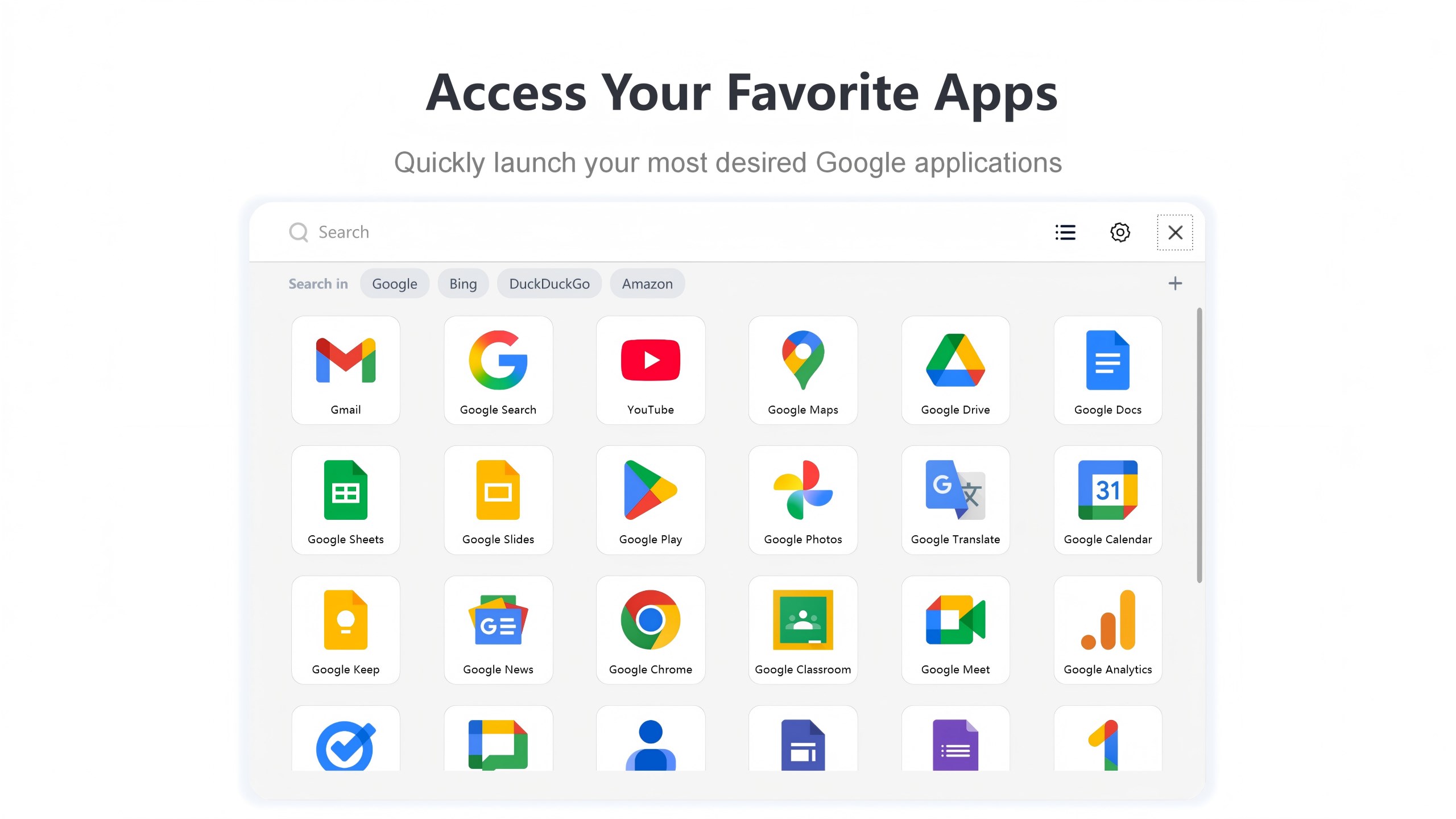
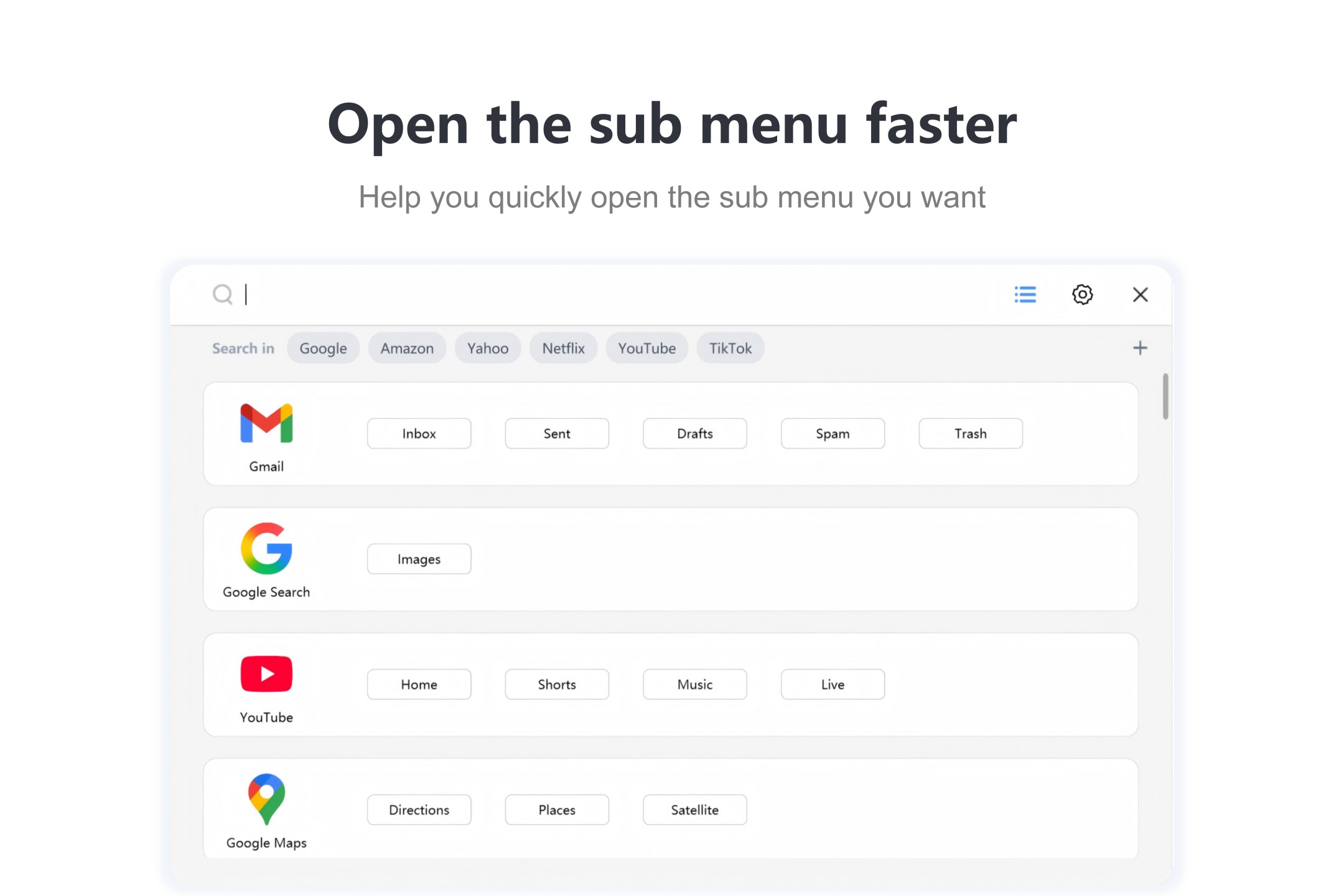
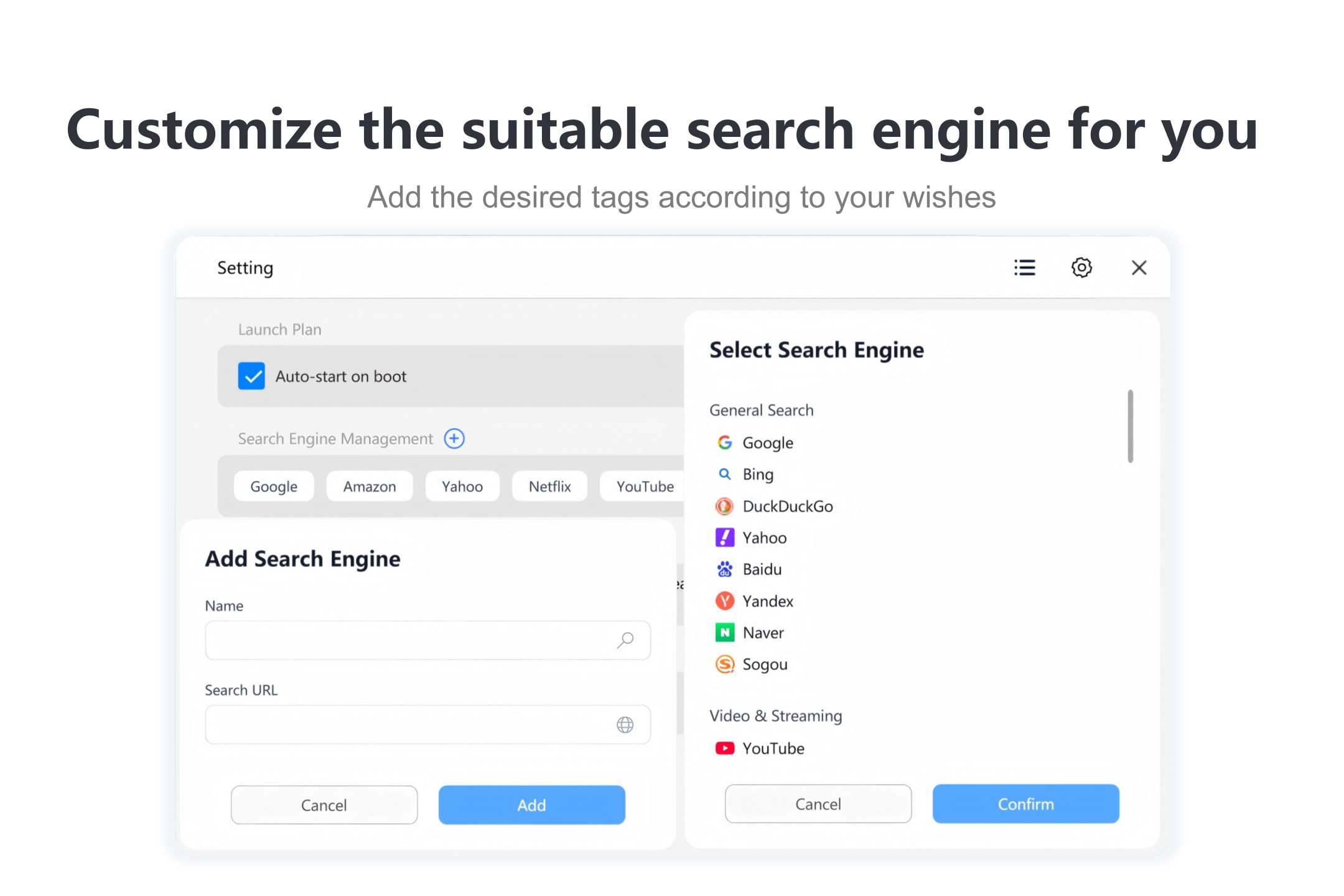
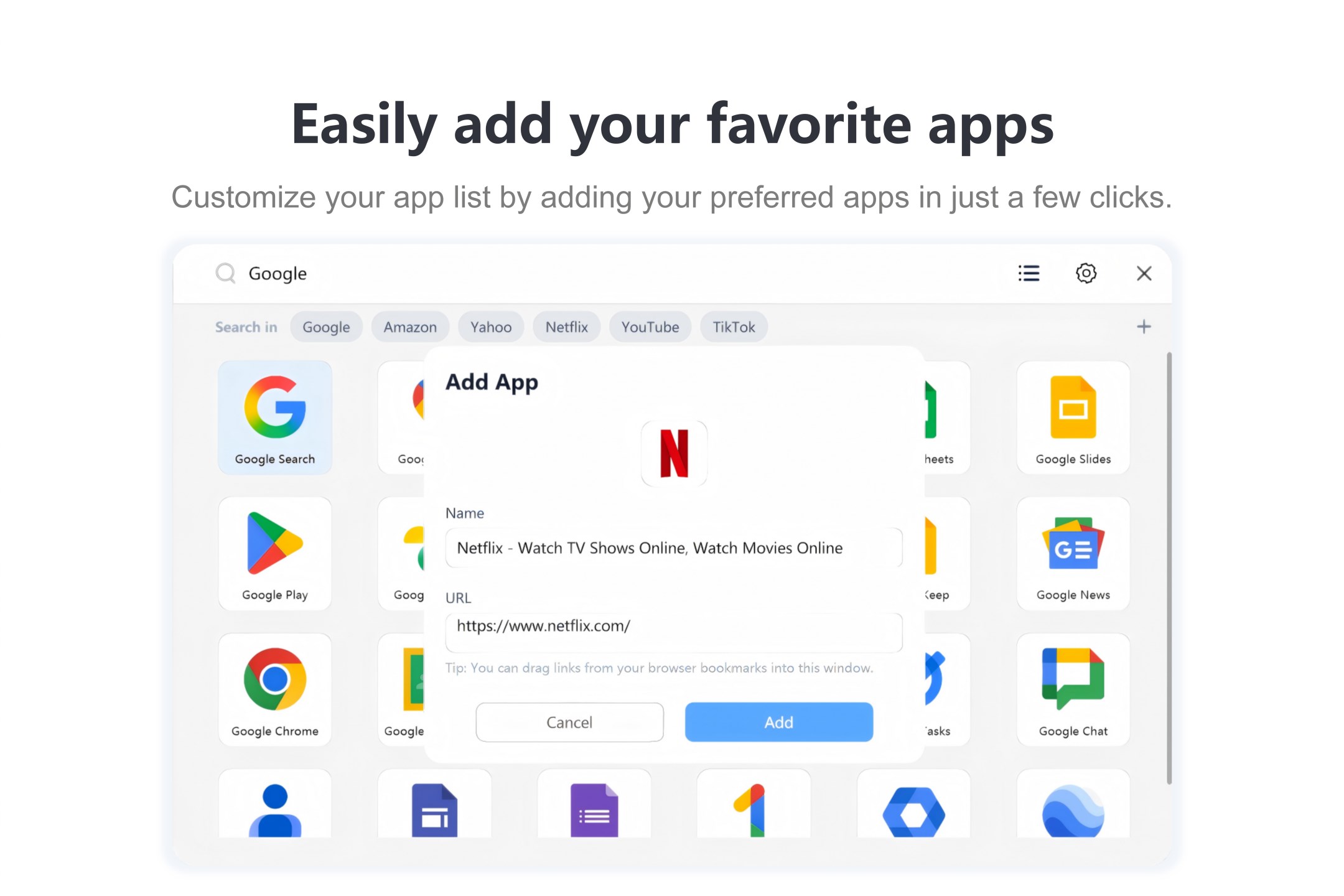
G App Launcher is a launcher app for quick access to Google services such as Gmail, YouTube, Google Docs, Google Calendar, Drive, Movies and Meet from a Windows desktop. It includes a web browser that blocks ads and prevents tracking. Search can be customized by choosing among engines such as Bing, DuckDuckGo or Amazon, with easy switching between them. Services can be opened with a single click. The free version offers basic access, while a Pro upgrade unlocks an ad-free experience, custom search engines and the ability to add custom apps.
Show the developer's original descriptionHide the original description
This app lets you quickly access popular google services (such as Gmail, YouTube, Google Docs, Google Calendar, Gemini)from your windows desktop.
It also supports AI chat, image generation and editing, AI PC cleaning, as well as AI translation and explanation, powered by three major models: Claude, ChatGPT, and Gemini.
It is also a lightning fast, safe and private web browser that prevents you from being tracked and blocks ads by default (including YouTube ads)
It is also a lightweight, customizable search engine. you can customize your search experience by selecting your favorite search engines, such as Bing, DuckDuckGo, TikTok, or Amazon. Switch between them easily and find exactly what you’re looking for with greater speed and flexibility.
Open Gmail, YouTube, Google docs, Gemini, and more with a single click, and lets you create desktop shortcuts with a simple right-click, allowing important services or pages to be launched directly from your desktop, making everyday tasks faster and more convenient.
The free version of this app only provides basic access to its features, and Try 1 free conversations with the AI chatbot. To unlock an ad-free experience, custom search engines, adding custom apps, and other premium perks, please upgrade to the Pro version for unlimited access. To unlock unlimited AI features, please upgrade to AI Pro.
This application operates independently and has no affiliation or partnership with Google LLC, nor is it endorsed, authorized, or sponsored by Google LLC. Google and related product names, logos, and trademarks are the property of Google LLC and their respective owners.
If there is a version of this app for iOS/Mac or Windows we don't know about, paste the store link here — we'll auto-detect the store.
How to find the URL:1. Open the app in its store. 2.In the App Store app: tap the Share icon → “Copy Link”. In the browser: copy the URL from the address bar — it contains apps.apple.com/…/id… or apps.microsoft.com/detail/…. 3. Paste it here.
Paste the original link from the Apple App Store or Microsoft Store. We fetch all details automatically.
How to find the URL:
1. Open the app in its store. 2.In the App Store app: tap the Share icon → “Copy Link”. In the browser: copy the URL from the address bar — it contains apps.apple.com/…/id… or apps.microsoft.com/detail/…. 3. Paste it here.
Android apps can only be listed by their developer.


 Google Chrome
Fast browser with Google services and security features
 X Browser
Fast browser with tab management and split view
 Brave Browser & Search Engine
Private browser with adblock, VPN and AI assistant
 C Lite Browser
Simple web browser focused on speed
 BlueSky Browser
Lightweight, fast browser for any device
 Fast Internet Browser
Web browser with ad blocker, private mode and tabs