

Screenshot appears after consentScreenshot appears after consentScreenshot appears after consent
Summary
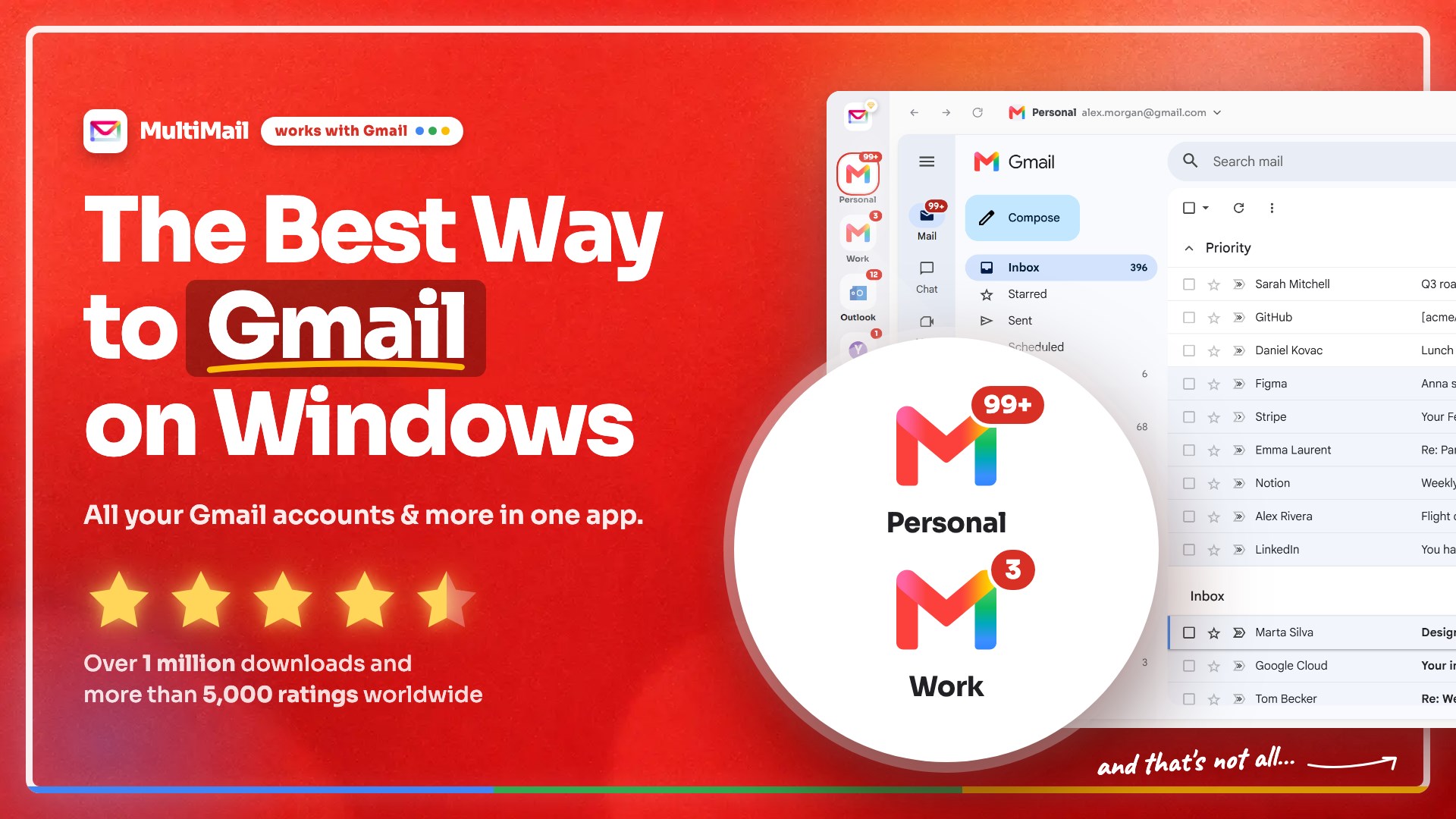
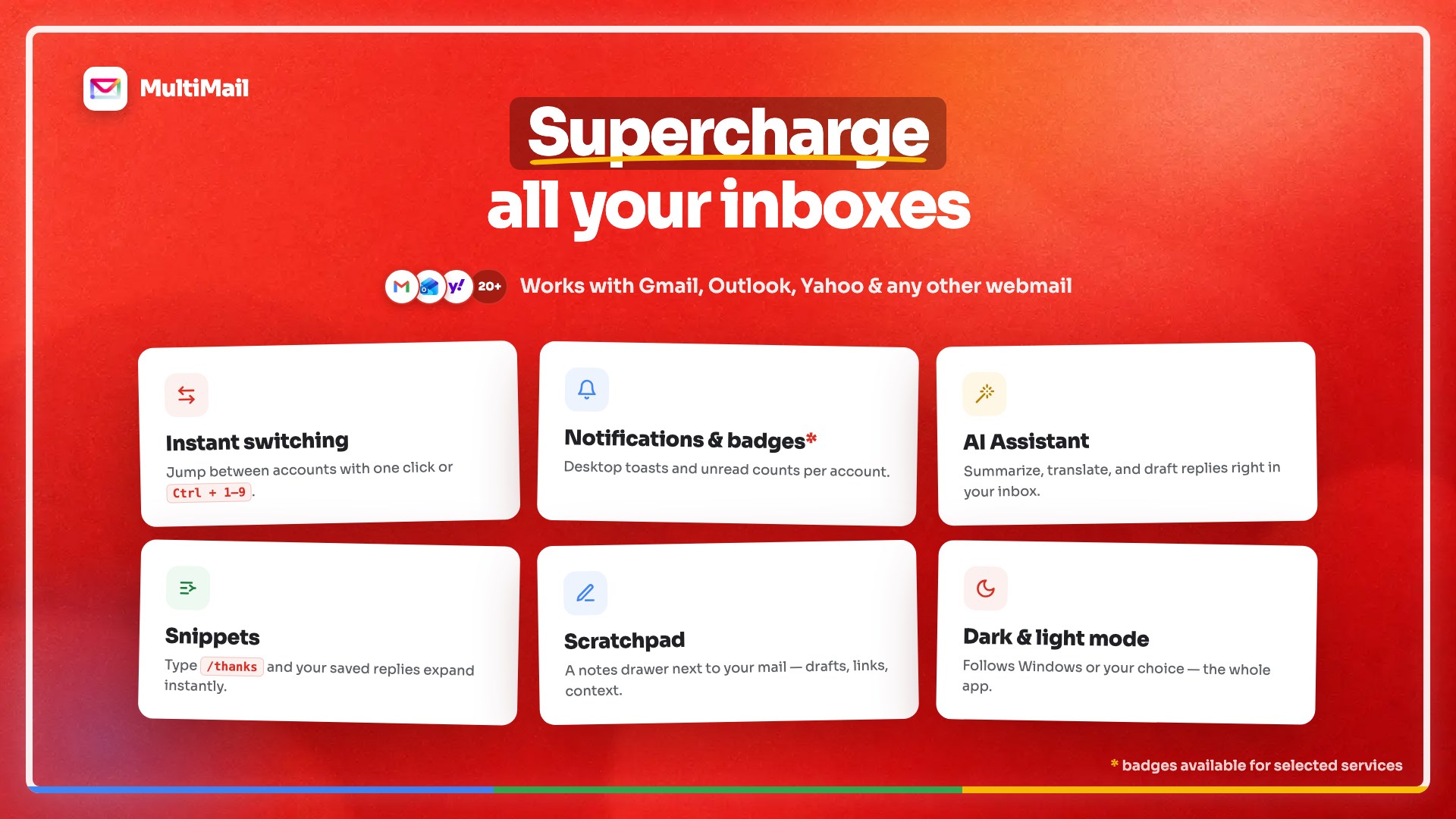
Multi Mail - Multi-Account Email Client is an email client that manages multiple accounts from providers such as Gmail, Outlook, Yahoo Mail, Hotmail, iCloud, Fastmail and other IMAP services in one place. It allows switching between accounts instantly without repeated logins or multiple browser tabs. For Gmail accounts it uses the native Gmail web interface with its familiar layout and full feature set. All connected accounts appear organized in one unified, focused window, reducing distractions such as browser clutter and ads. The app is free to use with two Gmail accounts, and a premium upgrade removes ads and allows unlimited accounts.
Show the developer's original descriptionHide the original description
Multi Mail is the fastest way to manage multiple mail accounts in one clean inbox — supports Gmail (Google Mail), Outlook, Yahoo Mail, Hotmail, iCloud, and many others.
Why choose Multi Mail
• Multi-account email — switch between Gmail, Outlook, Yahoo
Mail, and Hotmail accounts instantly. No constant logging in and out, no
dozen browser tabs.
• Native Gmail interface — use the real Gmail web experience for every Gmail
account you connect. Familiar layout, full features, no stripped-down mail
clone.
• Unified inbox across providers — personal email, work mail, and every other
account organized in one focused window.
• Distraction-free email — no browser tab clutter, no accidental clicks into
social media, no ads in your way. Stay on task and conquer your inbox.
• Built for people who live in email — sleek design, fast switching, and an
interface optimized for multi-account inbox management.
Works with Gmail, Outlook, Yahoo Mail, Hotmail, iCloud, Fastmail, and any IMAP mail service.
Take control of your inbox
Whether you run three Gmail accounts, a mix of Outlook and Gmail, or your entire digital life flows through a dozen inboxes across providers — MultiMail puts every email conversation one click away.
Play Store URL for "Multi Mail - Multi-Account Email Client"
If there is a version of this app for iOS/Mac or Windows we don't know about, paste the store link here — we'll auto-detect the store.
How to find the URL:1. Open the app in its store. 2.In the App Store app: tap the Share icon → “Copy Link”. In the browser: copy the URL from the address bar — it contains apps.apple.com/…/id… or apps.microsoft.com/detail/…. 3. Paste it here.
Paste the original link from the Apple App Store or Microsoft Store. We fetch all details automatically.
How to find the URL:
1. Open the app in its store. 2.In the App Store app: tap the Share icon → “Copy Link”. In the browser: copy the URL from the address bar — it contains apps.apple.com/…/id… or apps.microsoft.com/detail/…. 3. Paste it here.
Android apps can only be listed by their developer.