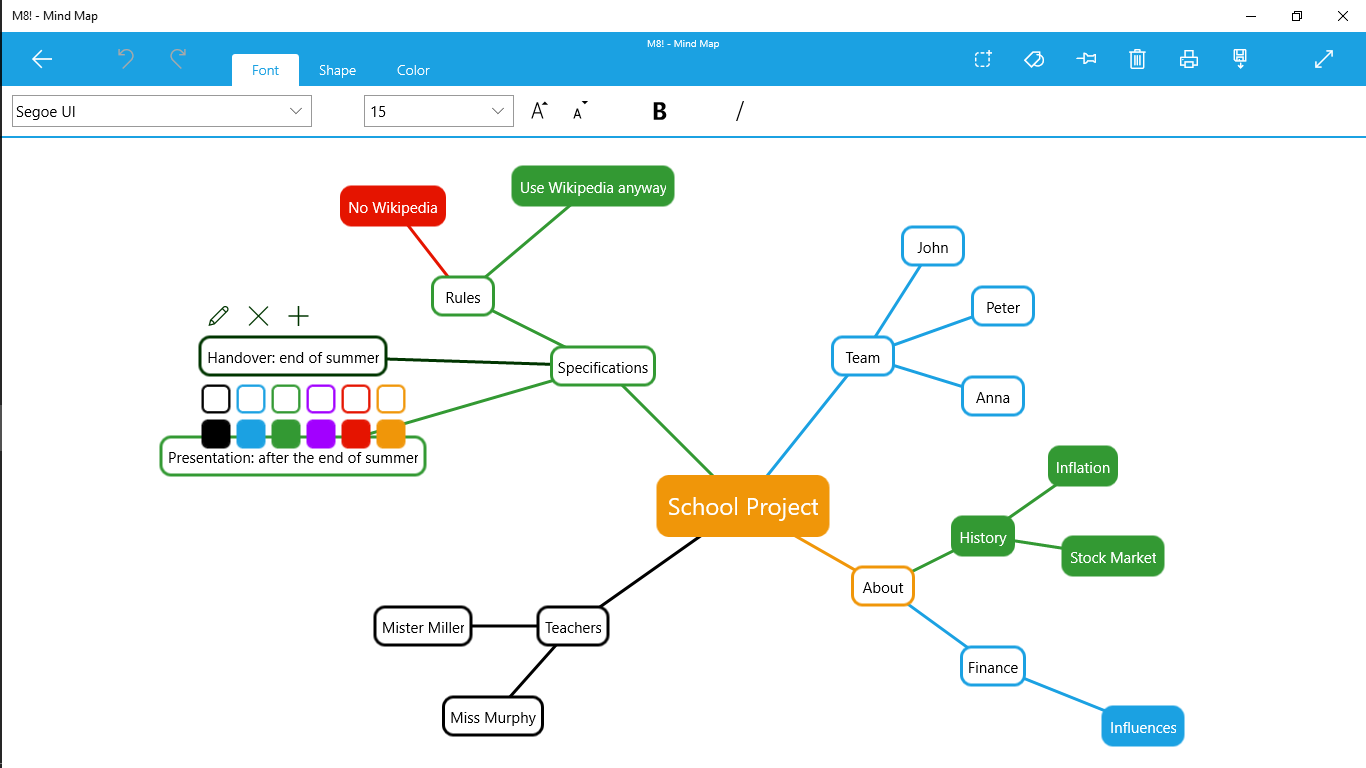
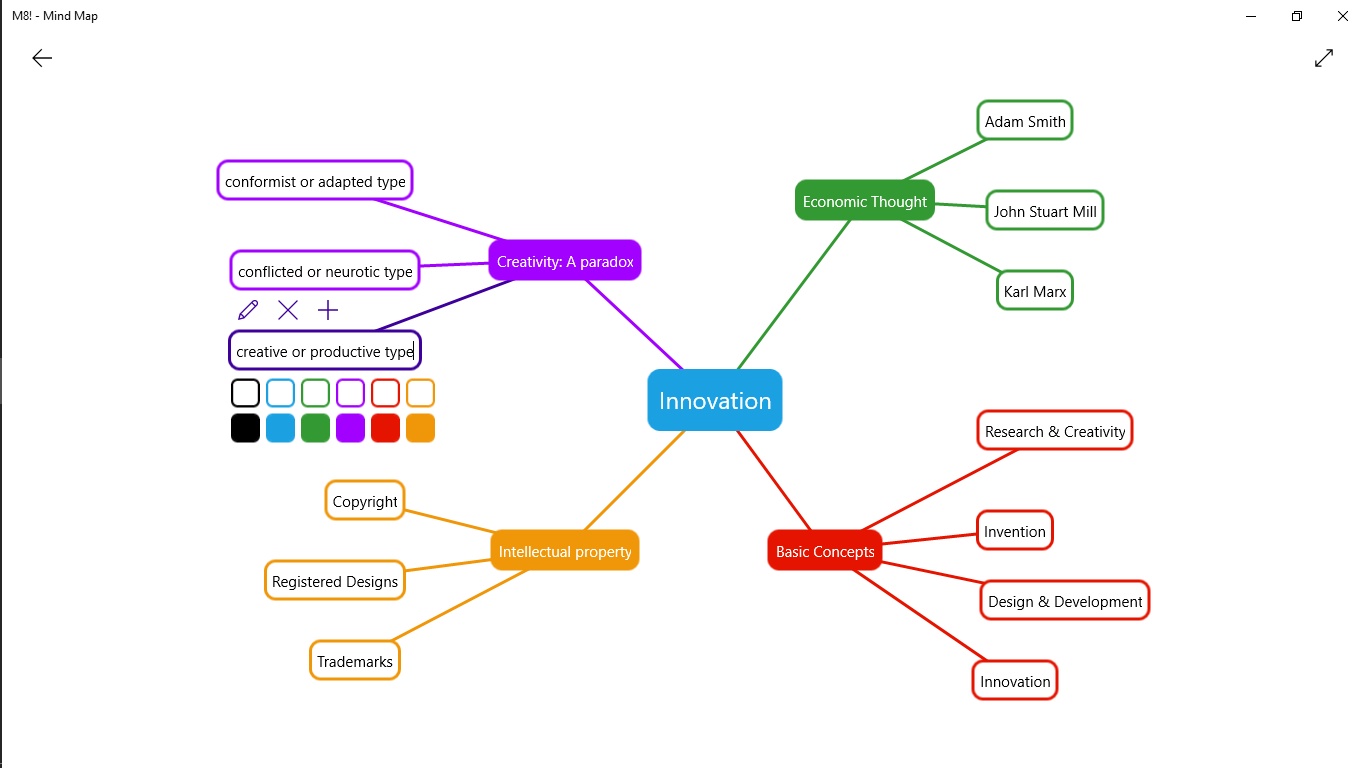

Screenshot appears after consentScreenshot appears after consentScreenshot appears after consentScreenshot appears after consent
Description
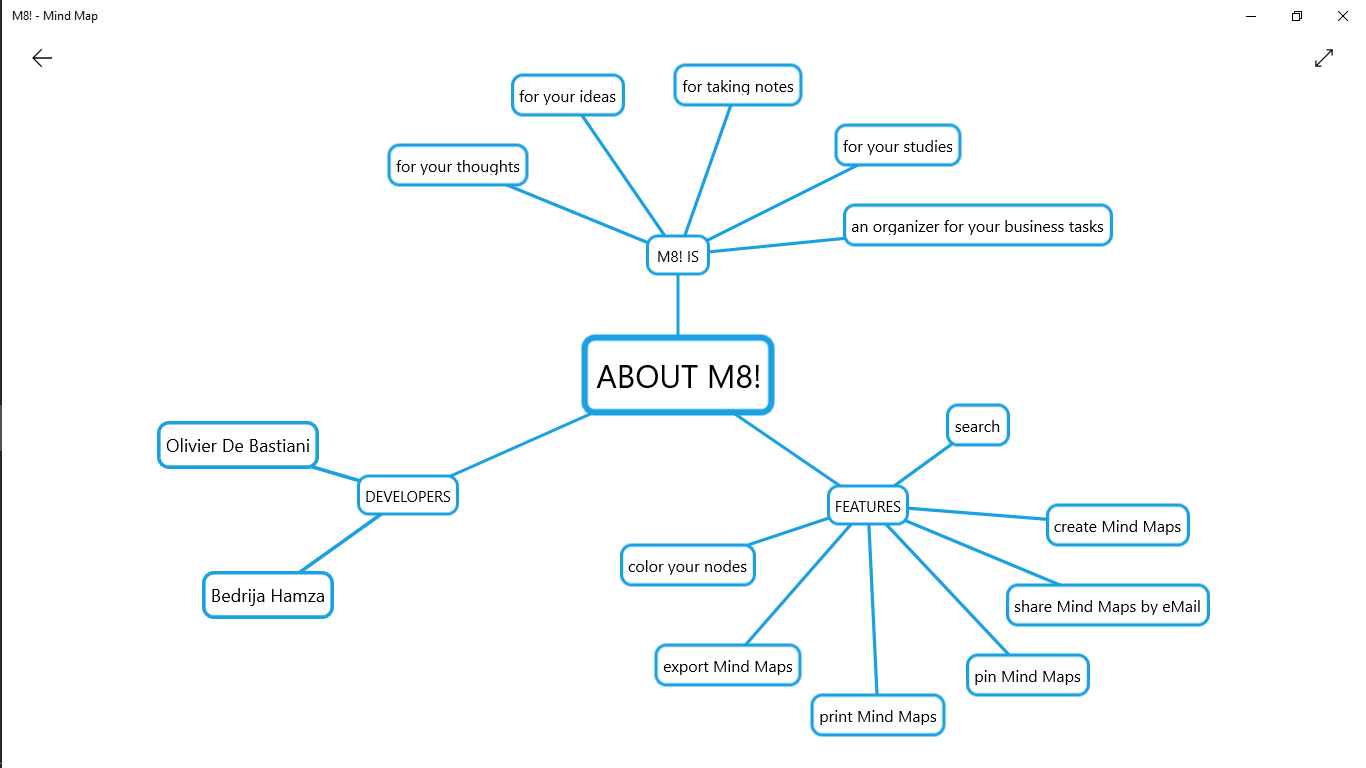
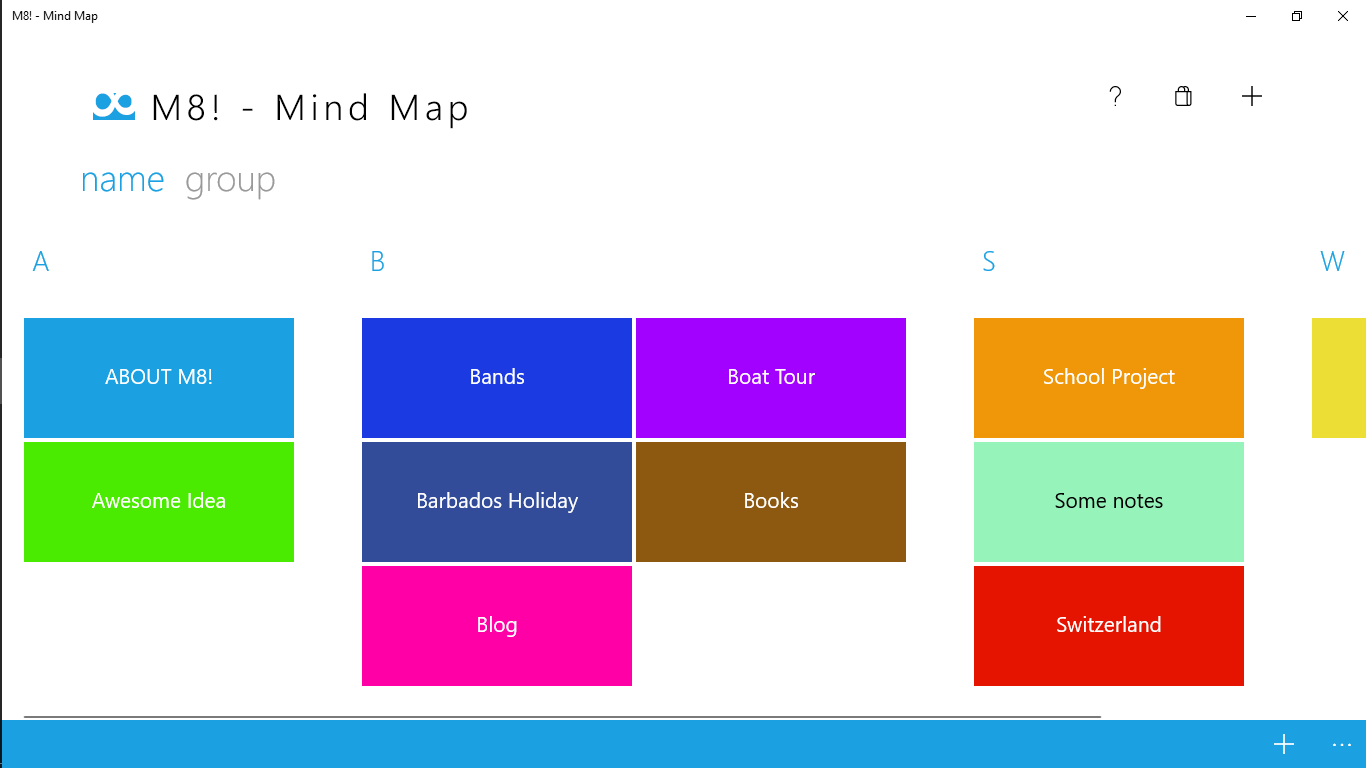
M8! is an easy to use Mind Map application for Windows and won a Swiss App Award and Best of Swiss Apps Bronze. You can use M8! for your thoughts, ideas, for taking notes, for your studies or as an organizer for your business tasks. It's an all-inclusive companion that helps you to manage your daily life in every situation.
If there is a version of this app for iOS/Mac or Windows we don't know about, paste the store link here — we'll auto-detect the store.
How to find the URL:1. Open the app in its store. 2.In the App Store app: tap the Share icon → “Copy Link”. In the browser: copy the URL from the address bar — it contains apps.apple.com/…/id… or apps.microsoft.com/detail/…. 3. Paste it here.
Paste the original link from the Apple App Store or Microsoft Store. We fetch all details automatically.
How to find the URL:
1. Open the app in its store. 2.In the App Store app: tap the Share icon → “Copy Link”. In the browser: copy the URL from the address bar — it contains apps.apple.com/…/id… or apps.microsoft.com/detail/…. 3. Paste it here.
Android apps can only be listed by their developer.