Screenshot appears after consentScreenshot appears after consentScreenshot appears after consent
Summary
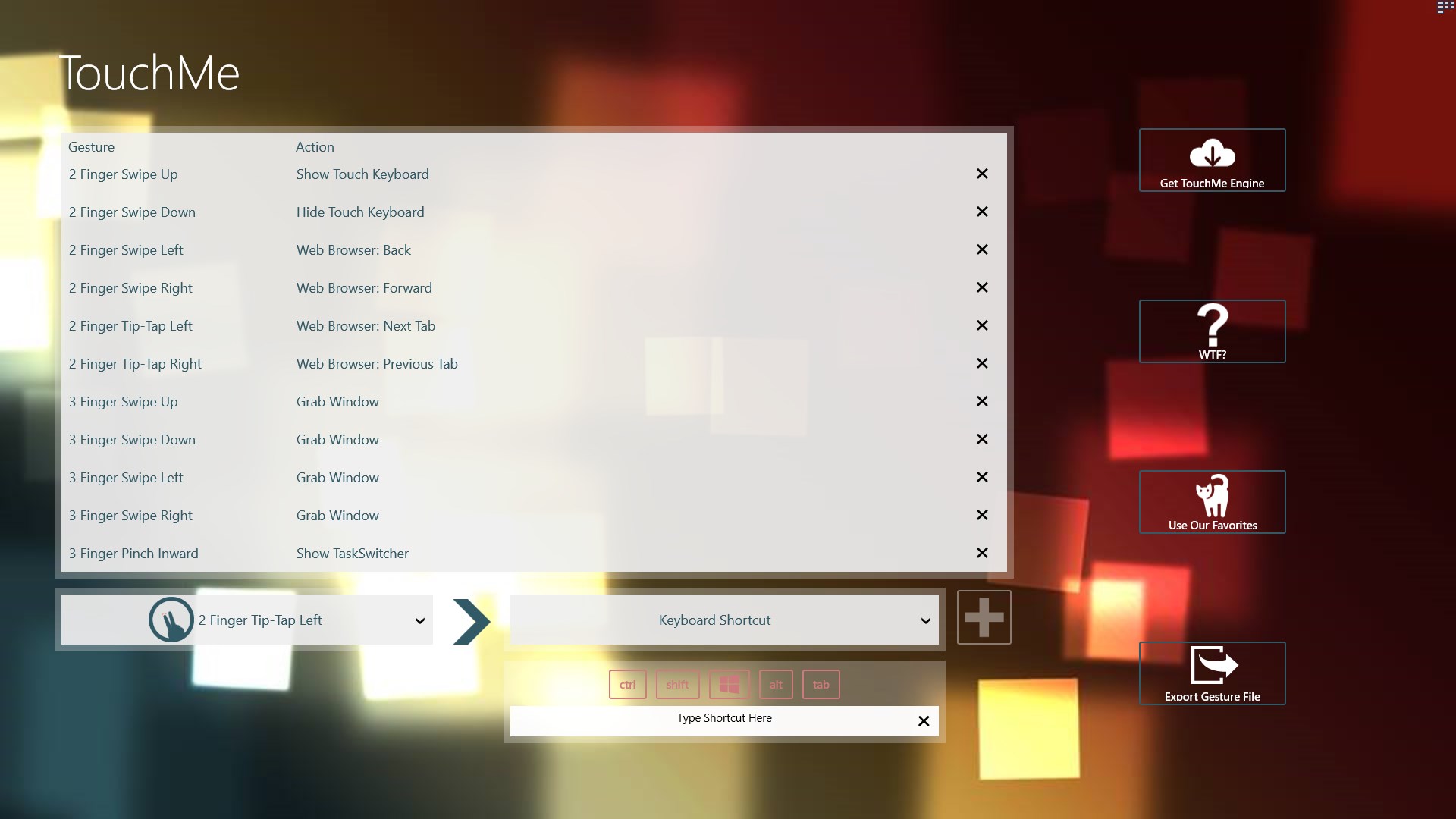
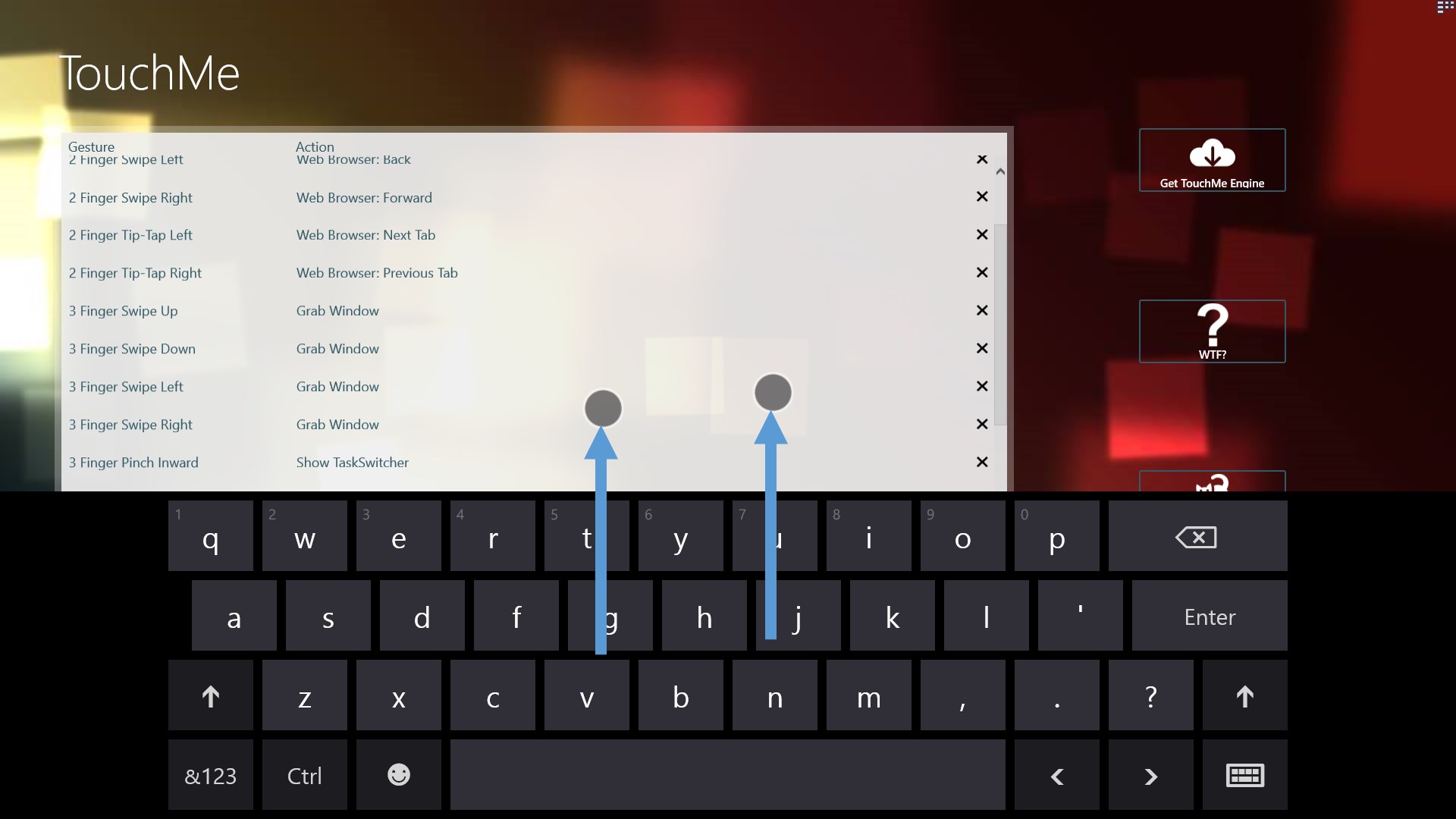
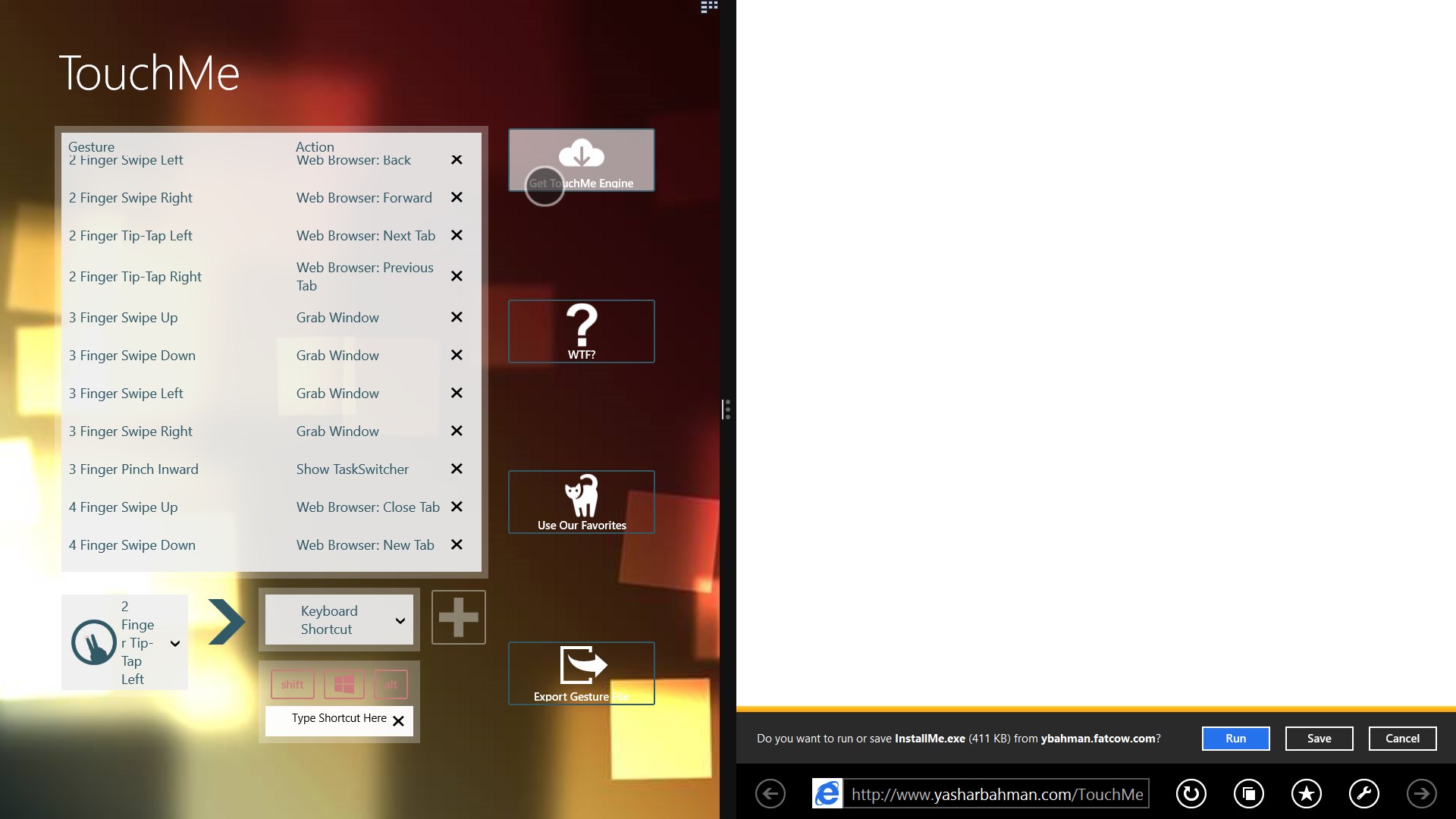
TouchMe Gesture Studio is a gesture editor for touchscreens that lets users create, edit and export customized gesture files. It supports gestures such as multi-finger swipes, pinches, tip-taps and rotations. These gestures can be mapped to actions including showing or hiding the touch keyboard, adjusting volume or brightness, managing browser tabs, showing the taskbar, sleep and power functions, and mimicking keyboard shortcuts. The app itself does not run the gestures; a separate engine, obtainable through a link in the app, is needed to bring the created gesture files to life.
Show the developer's original descriptionHide the original description
***READ THIS FIRST****
The sole purpose of TouchMe Gesture Studio is to enable you to create, edit, and export a customized gesture file and that’s it! This app does not and never will contain the gesture engine that actually brings those gestures to life. However, there is a convenient link within the app to obtain the engine. The engine is free to use for 32 days, after that you can either purchase a full license for the engine or continue to use it for free for up to 3 gestures.
****
TouchMe allows you to customize your own gestures for your touchscreen!
Touchscreens have improved the way we all interact with our computers, by using TouchMe Gesture Studio, you can create, edit, and export custom gesture files to take things one step further!
Gestures available include:
• 2/3/4/5 Finger Swipe Up/Down/Left/Right
• 3/4/5 Finger Pinch In/Out
• 2/3/4/5 Finger TipTap Left/Right
• 2/3/4/5 Finger Rotate Clockwise/Counter Clockwise
Actions currently available:
• Show/Hide Touch Keyboard
• Increase/Decrease Volume
• Increase/Decrease Brightness
• Open/Close/Switch Browser Tabs
• Show the TaskBar
• Sleep, hibernate, Sign Out, Lock, Shut down, and Restart
• Mimic Keyboard Shortcut (note: some system shortcuts like ALT+TAB or CTRL+ALT+DELETE or WIN+D cannot be automated in Windows 8.1 =[ )
• Etc…
**** IMPORTANT NOTE *****
It isn't possible for me to reply to your reviews which makes getting additional debugging info difficult. Instead, submit your feedback or ideas to me directly at TouchMeTechnologies@outlook.com.
Disclaimer: The sole purpose of TouchMe Gesture Studio is to enable you to create, edit, and export a customized gesture file and that’s it! This app does not and never will contain the gesture engine that actually brings those gestures to life! However, there is a convenient link within the app to obtain the engine.
Thanks to Justin Gardner (www.JustinJGardner.com) for the UI concepts and design!
Follow me on Twitter @YasharBahman to get the latest status updates!
If there is a version of this app for iOS/Mac or Windows we don't know about, paste the store link here — we'll auto-detect the store.
How to find the URL:1. Open the app in its store. 2.In the App Store app: tap the Share icon → “Copy Link”. In the browser: copy the URL from the address bar — it contains apps.apple.com/…/id… or apps.microsoft.com/detail/…. 3. Paste it here.
Paste the original link from the Apple App Store or Microsoft Store. We fetch all details automatically.
How to find the URL:
1. Open the app in its store. 2.In the App Store app: tap the Share icon → “Copy Link”. In the browser: copy the URL from the address bar — it contains apps.apple.com/…/id… or apps.microsoft.com/detail/…. 3. Paste it here.
Android apps can only be listed by their developer.



 Talk For Me
Text-to-speech app with customizable communication tiles
 GarageBand
Make music with touch instruments and recording studio
 Move Mouse
Simulates user activity with mouse movements and scripts
 Elgato Stream Deck Mobile
Virtual keypad to control apps and tools from your phone
 Recording Studio
Multitouch sequencer for recording, editing and mixing music
 StaffPad
Compose music with handwriting recognition and audio editing