Screenshot appears after consentScreenshot appears after consentScreenshot appears after consentScreenshot appears after consentScreenshot appears after consentScreenshot appears after consent
Summary
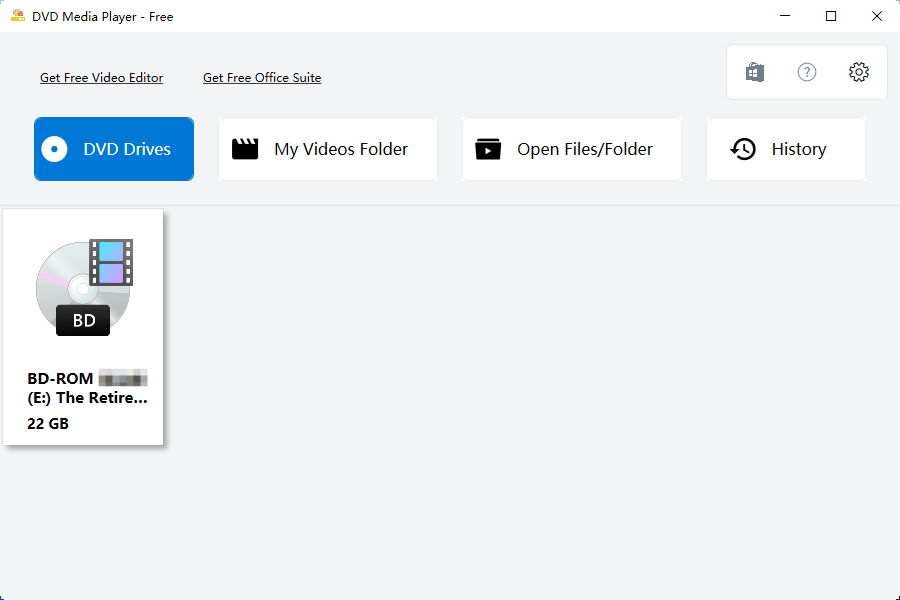
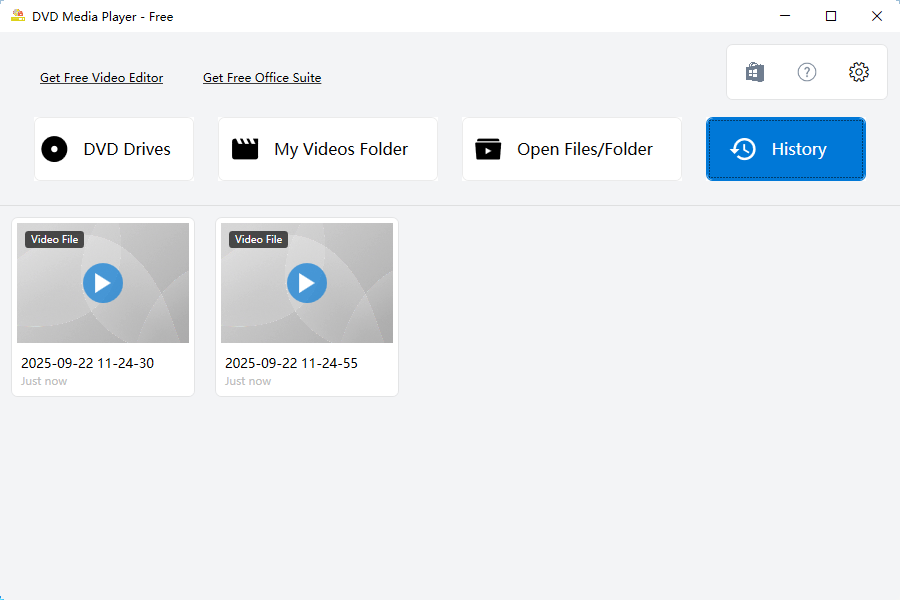
MC DVD is a video player that supports over 157 formats and uses the VLC library to decode media. It can play DVD discs including VCD, DVD and Blu-Ray, and handles formats such as MP4, MKV, MOV, WAV, MPEG, MPG, AVI, OGG, RMVB, FLV and 3GP. It allows opening a disc or a videos folder, opening an ISO image, and choosing a subtitle file.
Show the developer's original descriptionHide the original description
MC DVD is a DVD and media player for Windows, built on LibVLC — no codec packs, no setup, no extra downloads. Put a disc in the drive, or open a file, and it plays.
WHAT YOU GET WITH THE APP — NO PURCHASE NEEDED
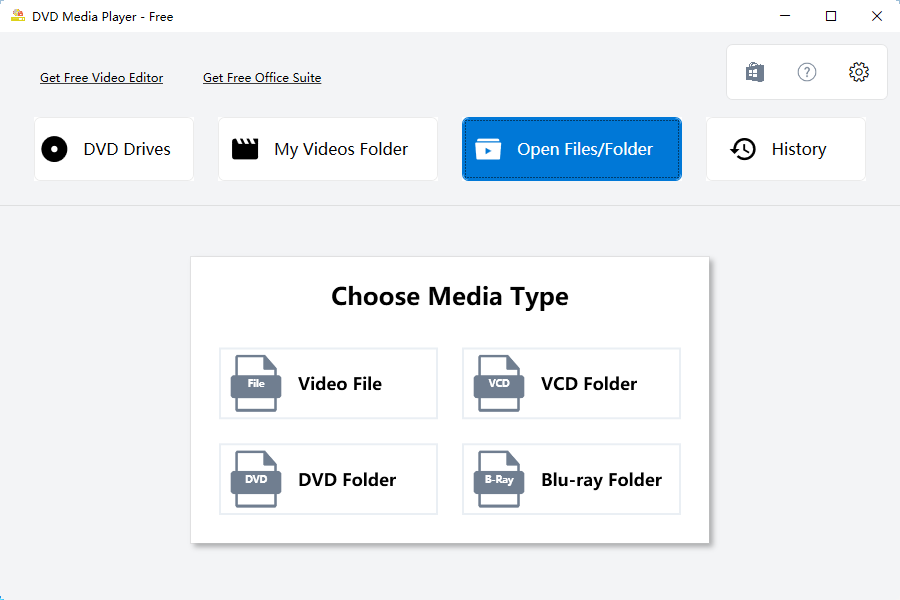
• DVD, VCD and Blu-ray discs, VIDEO_TS / BDMV / VCD folders, or any single video file
• More than 150 file extensions: MP4, MKV, AVI, MOV, WebM, FLV, WMV, M2TS, VOB, ISO, MP3, FLAC and many more
• No codec pack and no separate VLC installation required
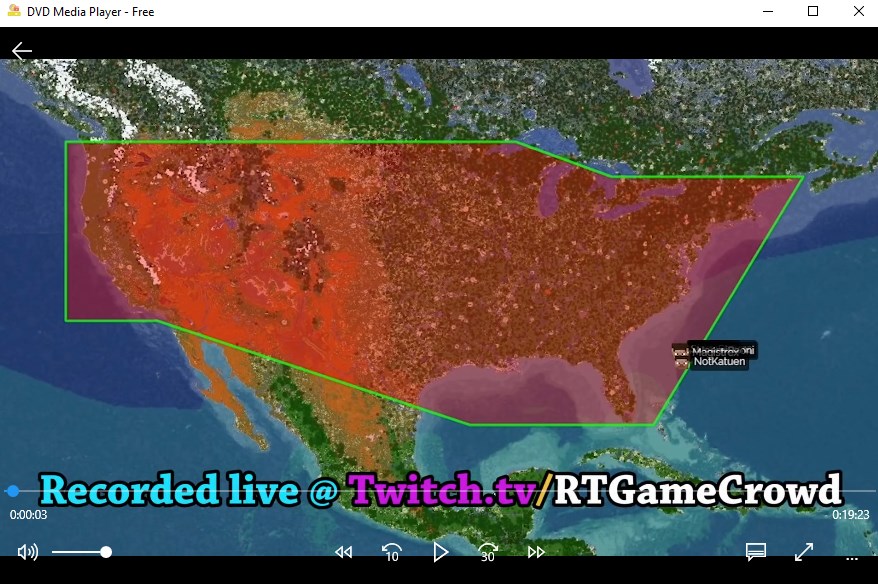
• Auto-hiding player controls: seek, volume, speed, −10 s / +30 s, fullscreen
• Subtitles (built-in tracks and external .srt files), audio track switching, 4:3 / 16:9
• Thumbnail library of your Videos folder, plus a playlist that remembers what you played
• Six interface languages (English, 中文, 日本語, Русский, 한국어, Deutsch) and light / dark / follow-system themes
• Blu-ray ready: the AACS decoding library and an up-to-date key database ship with the app and install automatically
THE FIVE VIDEO TOOLS — PAID (MC DVD PREMIUM)
These are the only paid items in the app. Hover the floating ball on the right edge of the window:
• Video Convert — PAID — MP4, WebM, AVI, MKV, MOV or FLV, with resolution control
• Compress Video — PAID — smaller files while keeping the original container
• Extract Audio — PAID — MP3, WAV, AAC or FLAC from any video
• To GIF — PAID — turn a short clip into an animated GIF
• RipDVD — PAID — save the titles of a DVD or Blu-ray to MP4, MKV or WebM, with per-title selection and quality presets
Each tool opens in its own window with an explicit output folder, so your source files are never overwritten. See the prices at the end of this description.
SYSTEM REQUIREMENTS
• Windows 10 (build 16299 or later) or Windows 11, 64-bit
• No additional codecs, no third-party player required
PLEASE NOTE
• Playback and ripping are meant for discs and files you own or are otherwise entitled to use. Do not redistribute content you do not have the rights to.
• MC DVD is not affiliated with the Blu-ray Disc Association or the DVD Forum.
• Playback engine: LibVLC (LGPL v2.1 or later).
PAID ITEMS AND PRICES
Paid items: the five video tools listed above (Video Convert, Compress Video, Extract Audio, To GIF, RipDVD). Everything else — playback, the library, playlist, subtitles, audio tracks, themes and languages — is included with the app and costs nothing.
The five tools are sold together as MC DVD Premium, in two options:
• Yearly subscription — US$5.99 per year. Renews automatically; cancel anytime at account.microsoft.com/services.
• Lifetime — US$19.99 one-time purchase. No renewal.
There is no per-tool price and no other in-app purchase. Either option unlocks all five tools for the Microsoft account that bought it, and Restore purchase is built into the paywall. Prices are in US dollars; Microsoft Store shows your local currency and any applicable taxes at checkout.
If there is a version of this app for iOS/Mac or Windows we don't know about, paste the store link here — we'll auto-detect the store.
How to find the URL:1. Open the app in its store. 2.In the App Store app: tap the Share icon → “Copy Link”. In the browser: copy the URL from the address bar — it contains apps.apple.com/…/id… or apps.microsoft.com/detail/…. 3. Paste it here.
Paste the original link from the Apple App Store or Microsoft Store. We fetch all details automatically.
How to find the URL:
1. Open the app in its store. 2.In the App Store app: tap the Share icon → “Copy Link”. In the browser: copy the URL from the address bar — it contains apps.apple.com/…/id… or apps.microsoft.com/detail/…. 3. Paste it here.
Android apps can only be listed by their developer.




 Player for DVD's Lite
DVD and video player with 150+ codecs and playlists
 Ace DVD Player
Play DVDs, Blu-rays and over 100 audio and video formats
 Fast Player for DVD
Play DVDs, Blu-rays and 150+ media formats
 Easy Player
Video player supporting formats like MP4 and MKV
 DVD+
Play DVDs, Blu-rays and video files in many formats
 Player for DVD's
Play DVDs and video files with subtitles and playlists