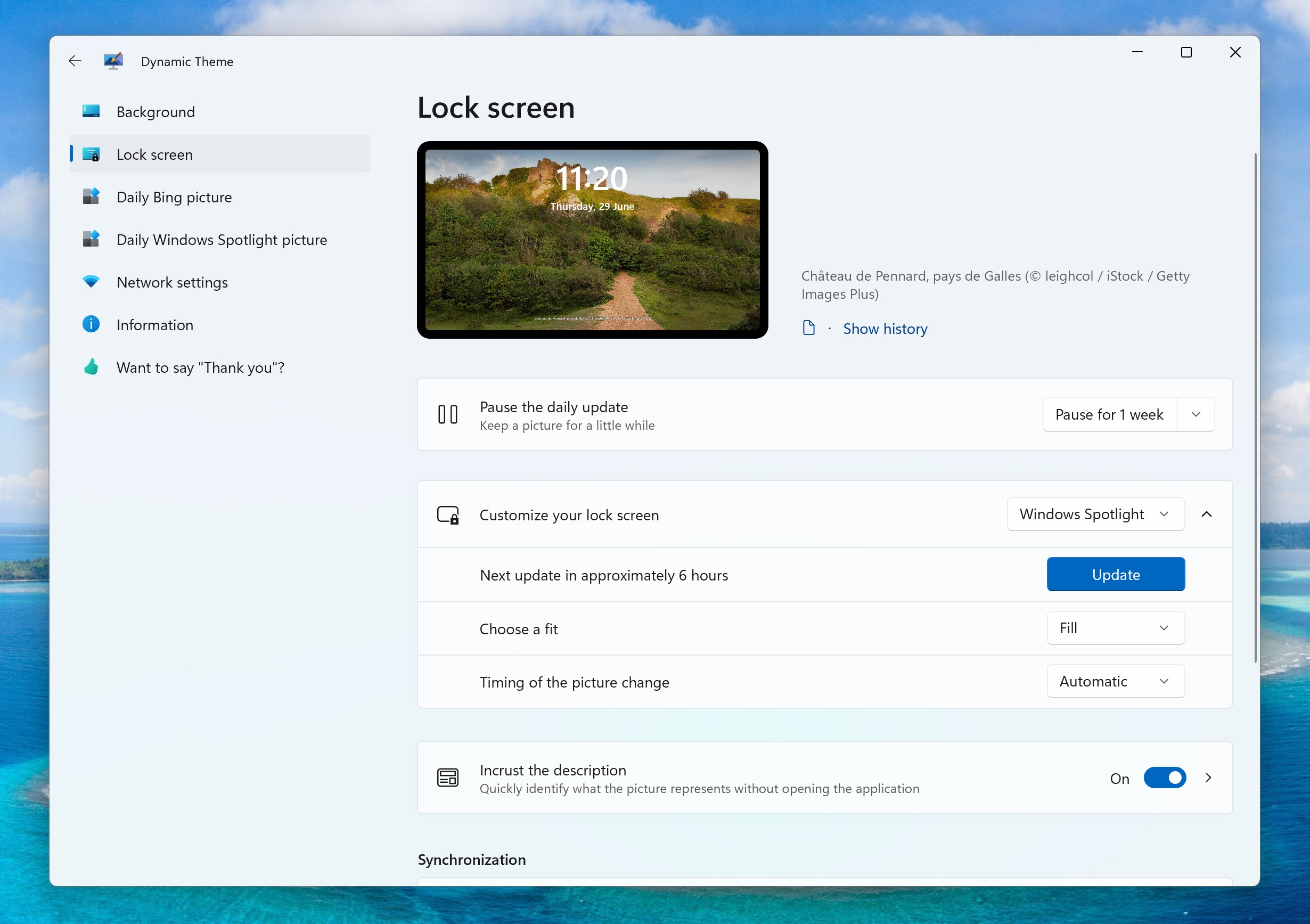
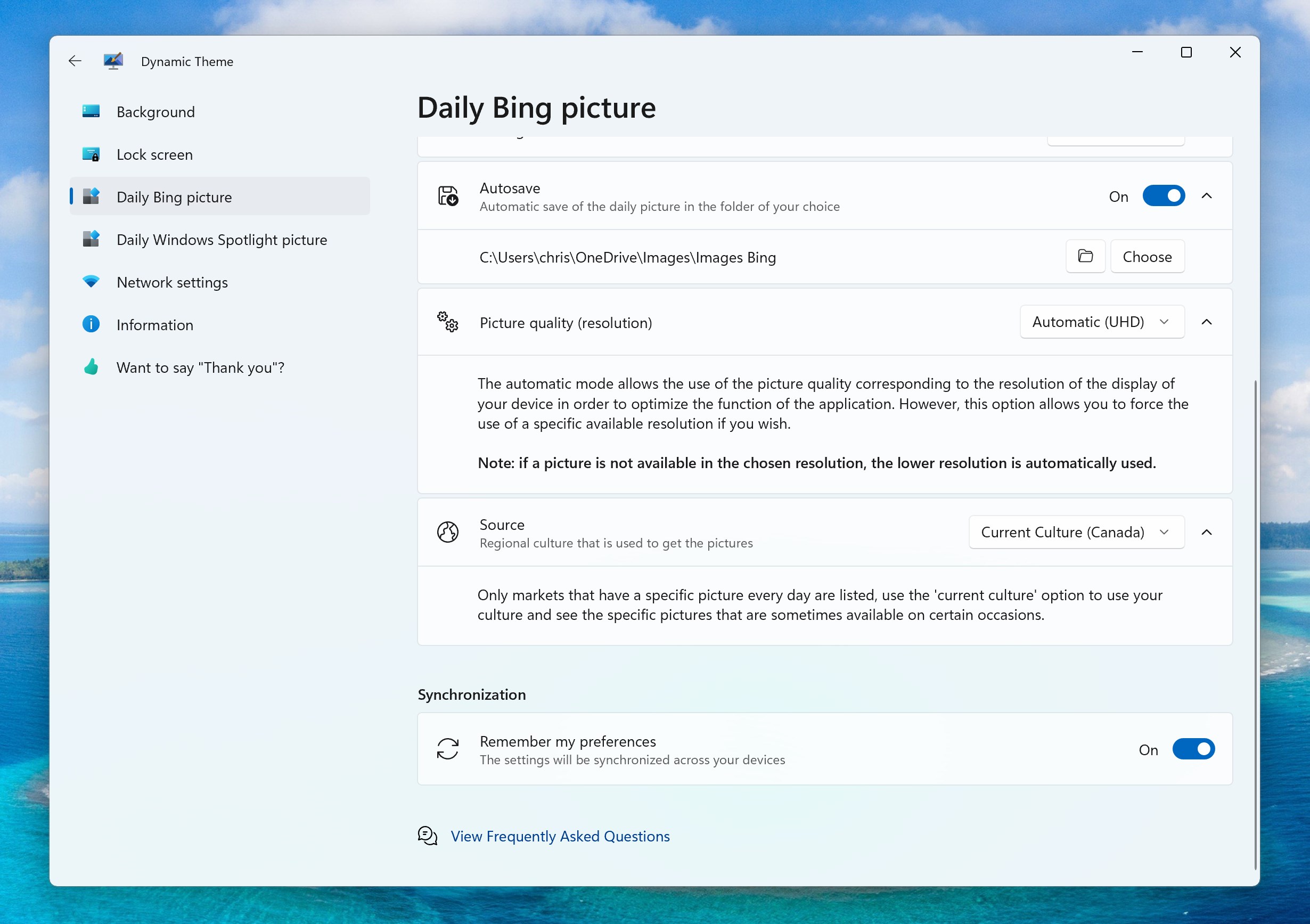
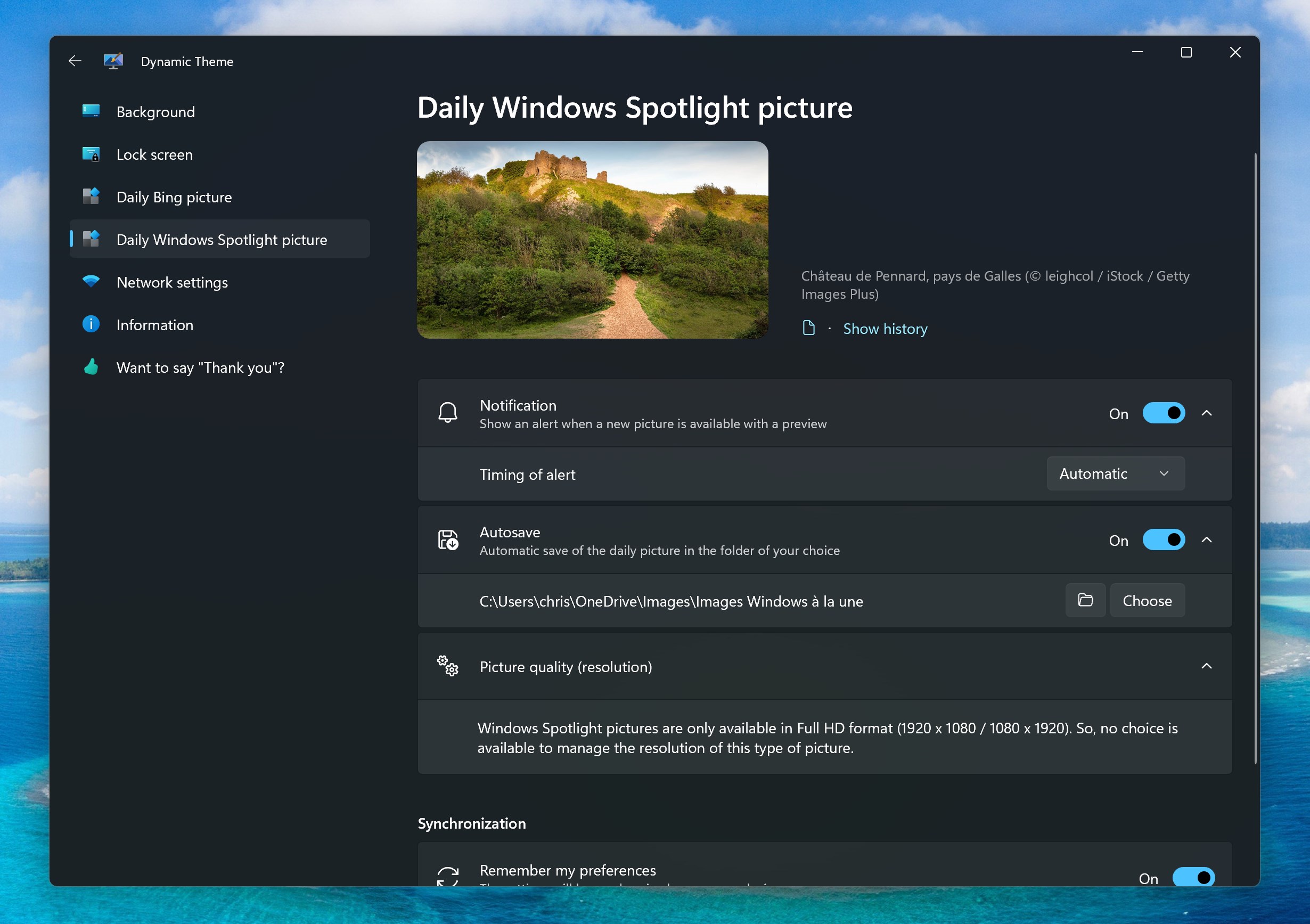
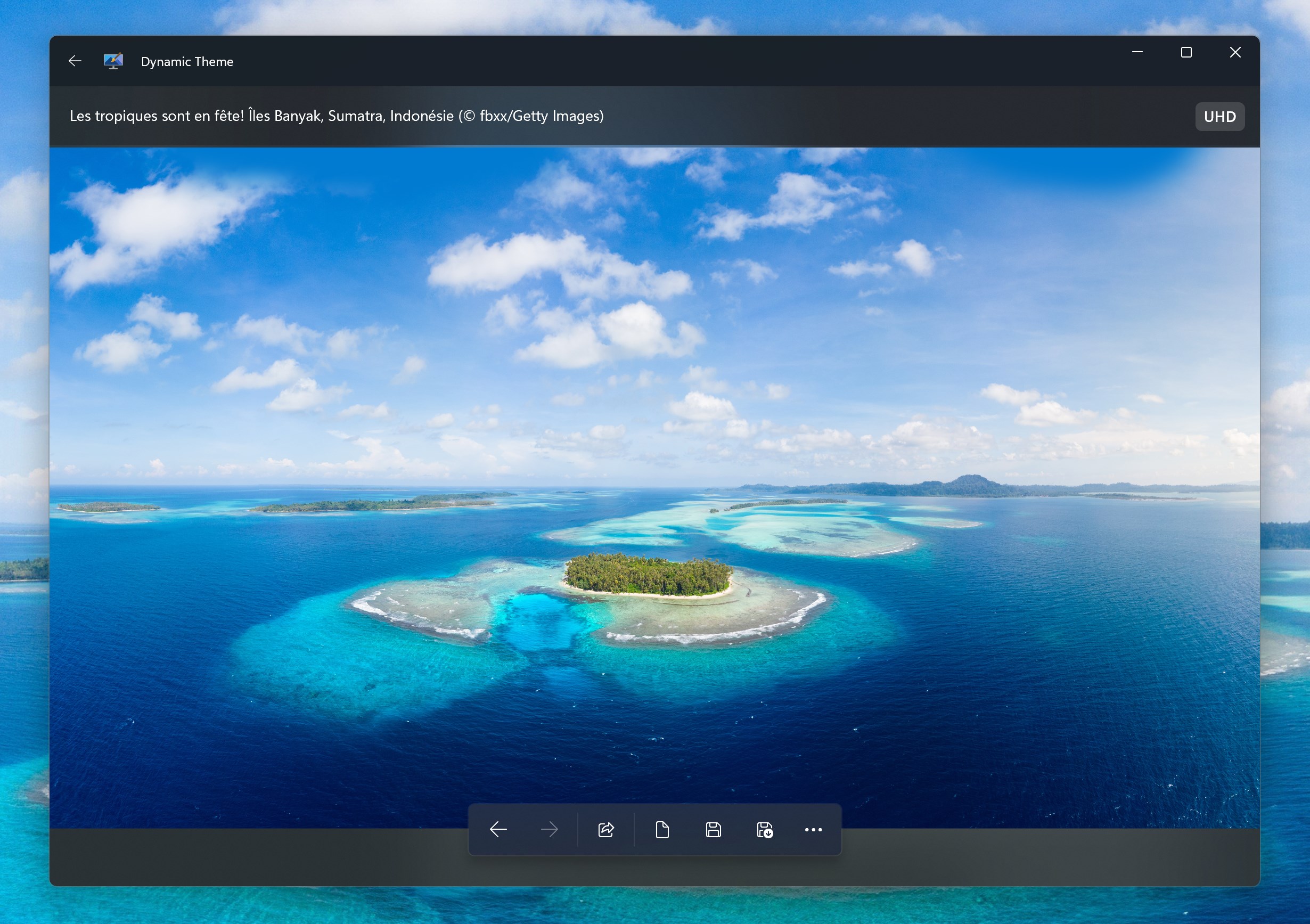




Screenshot appears after consentScreenshot appears after consentScreenshot appears after consentScreenshot appears after consentScreenshot appears after consentScreenshot appears after consentScreenshot appears after consentScreenshot appears after consentScreenshot appears after consentScreenshot appears after consentScreenshot appears after consentScreenshot appears after consentScreenshot appears after consentScreenshot appears after consentScreenshot appears after consentScreenshot appears after consentScreenshot appears after consent
Summary
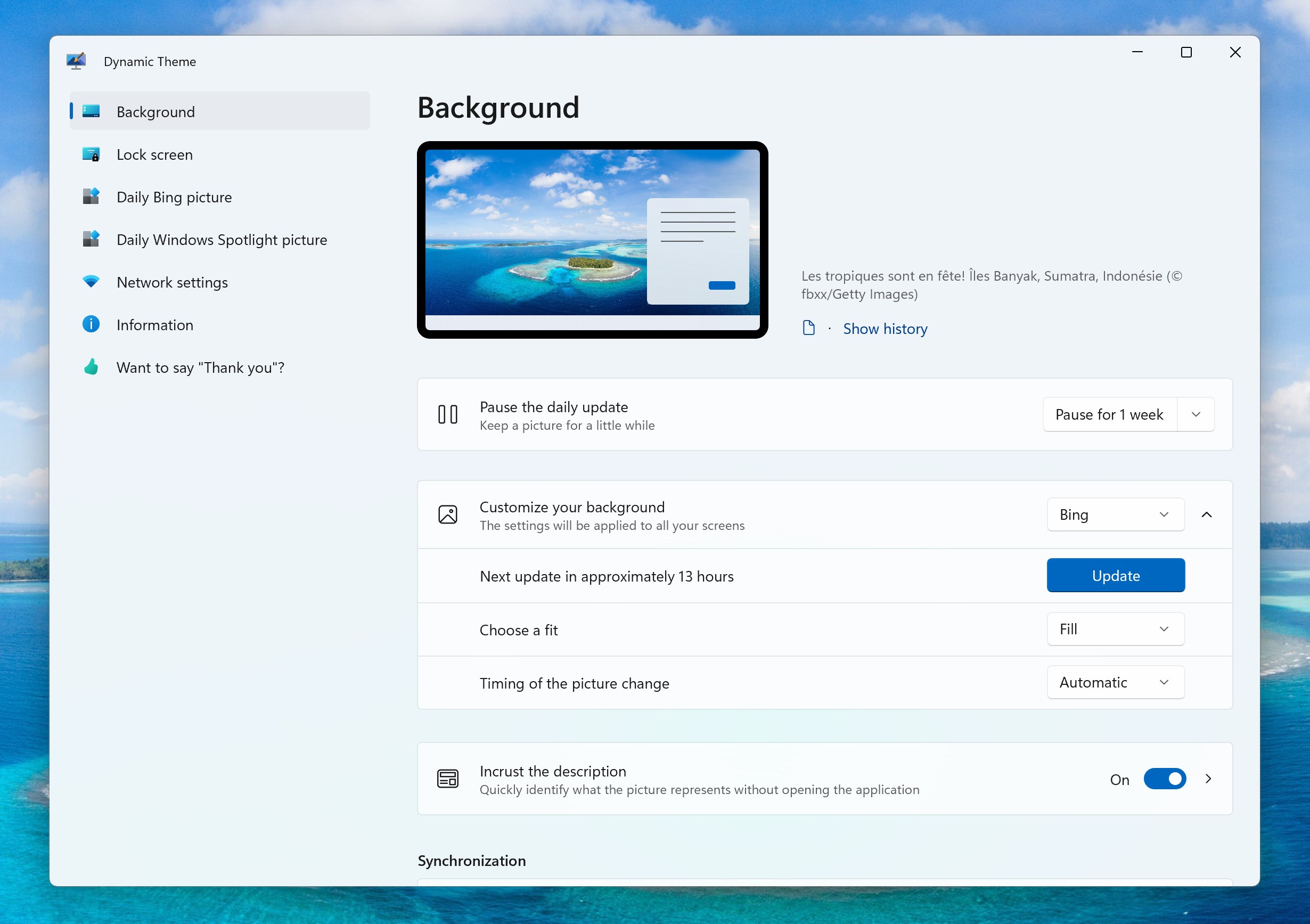
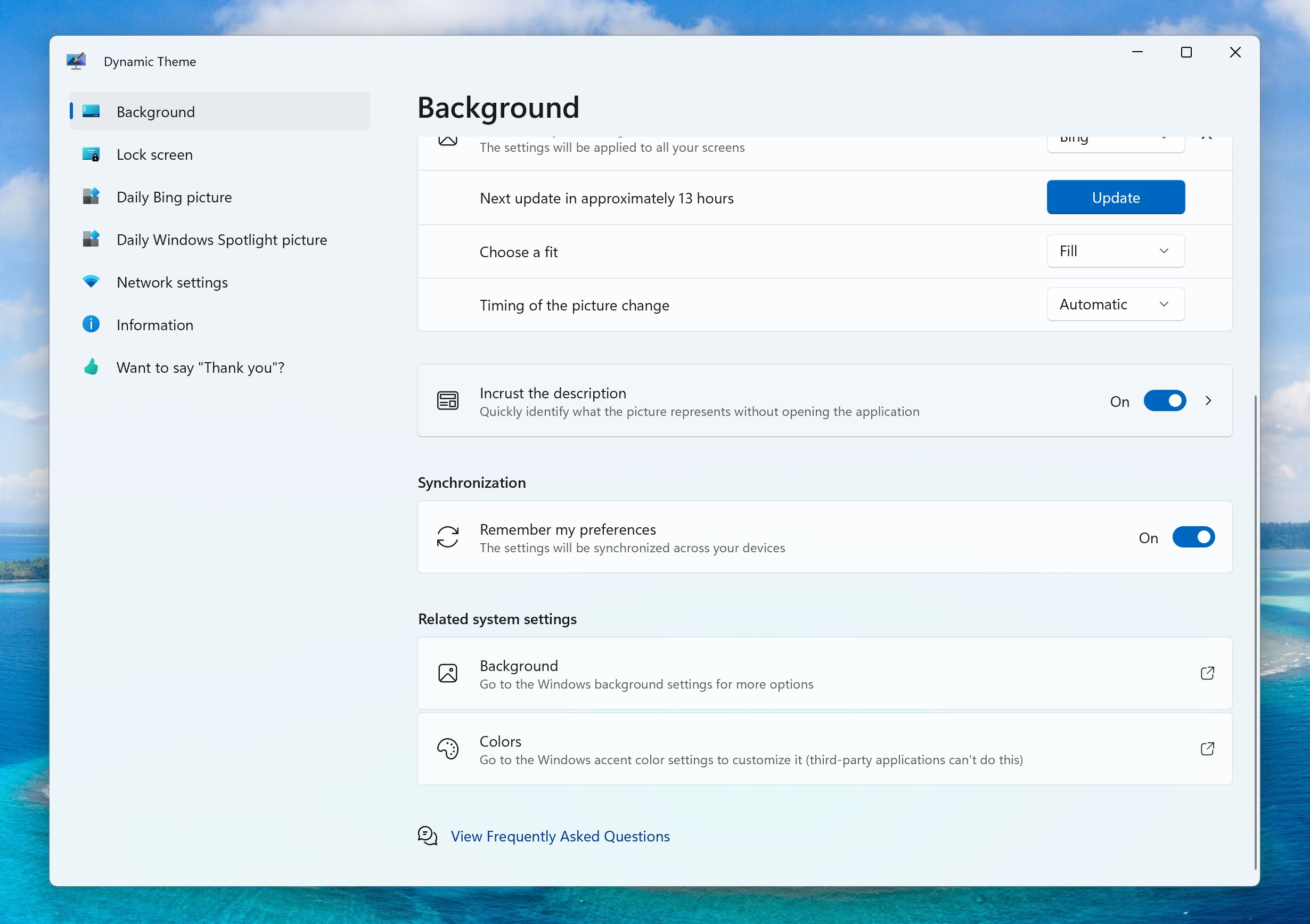
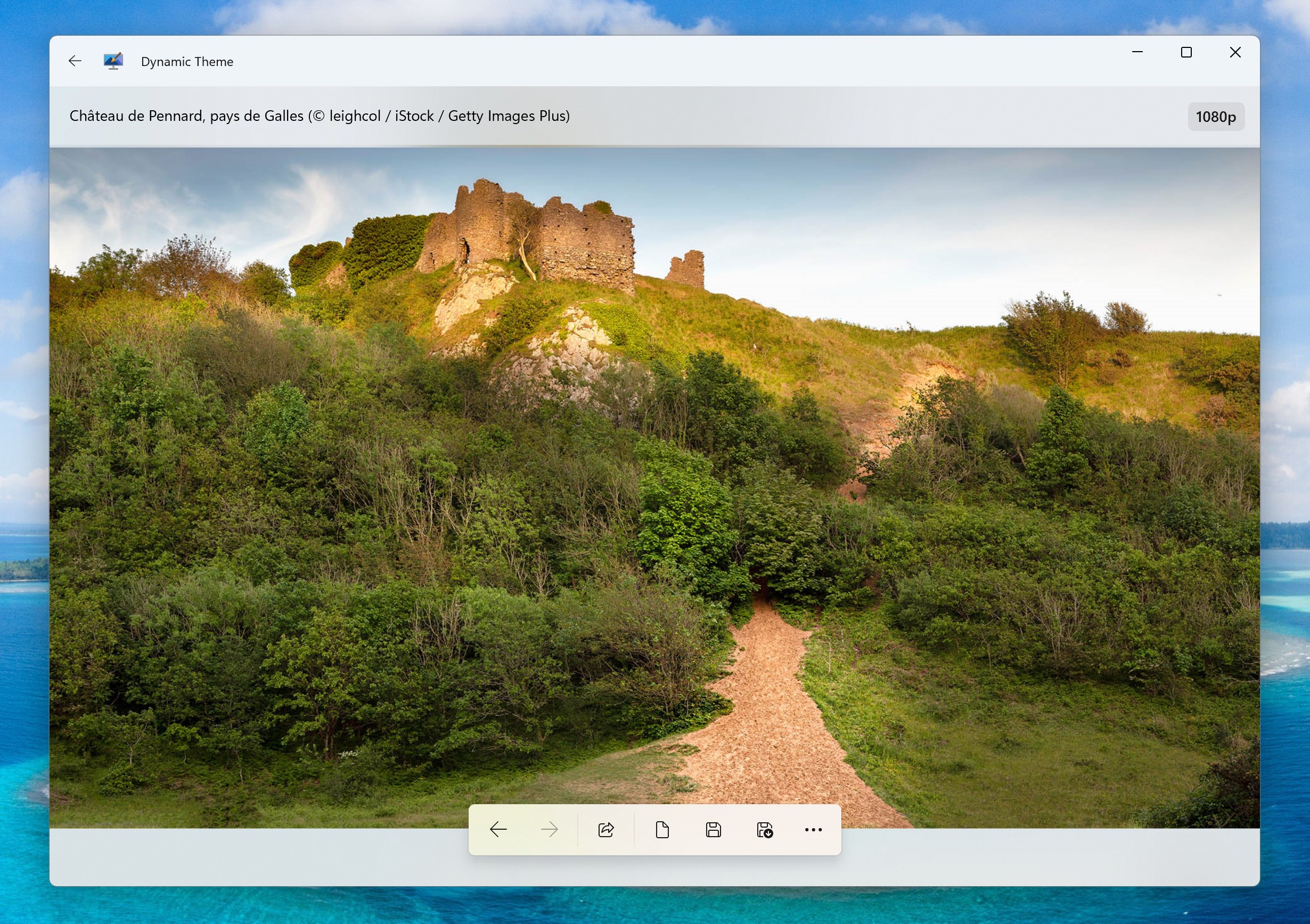
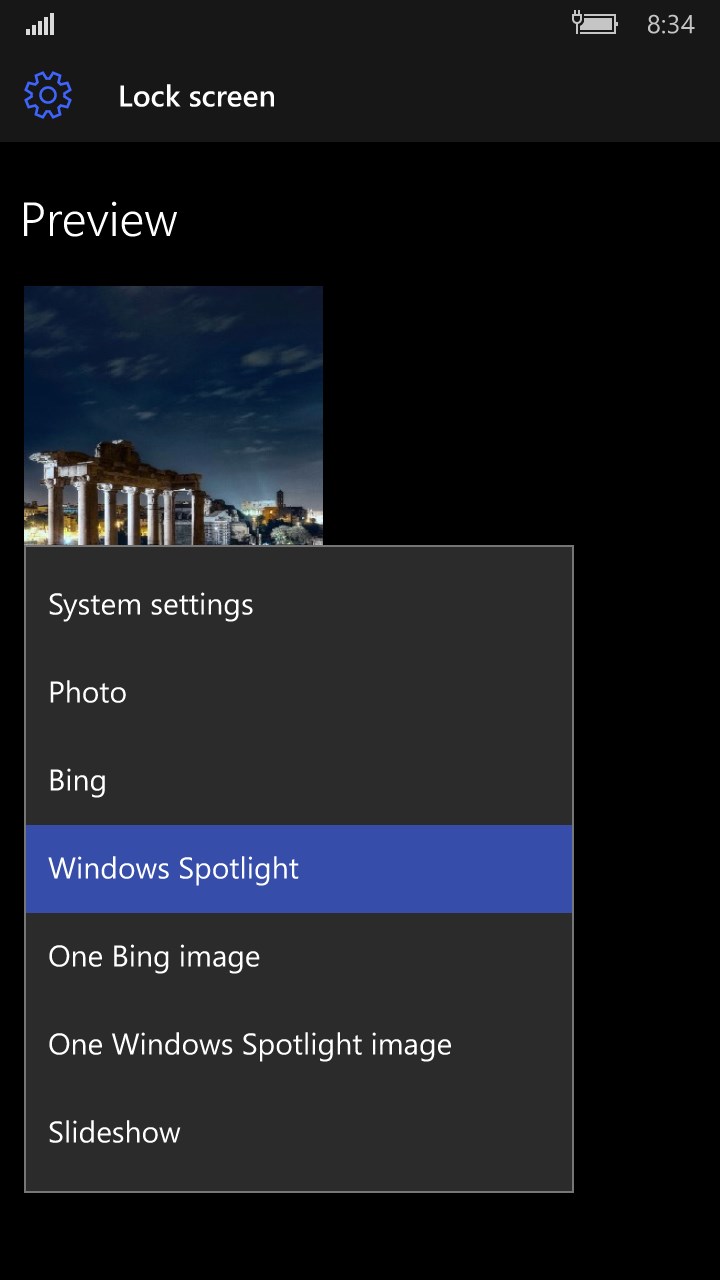
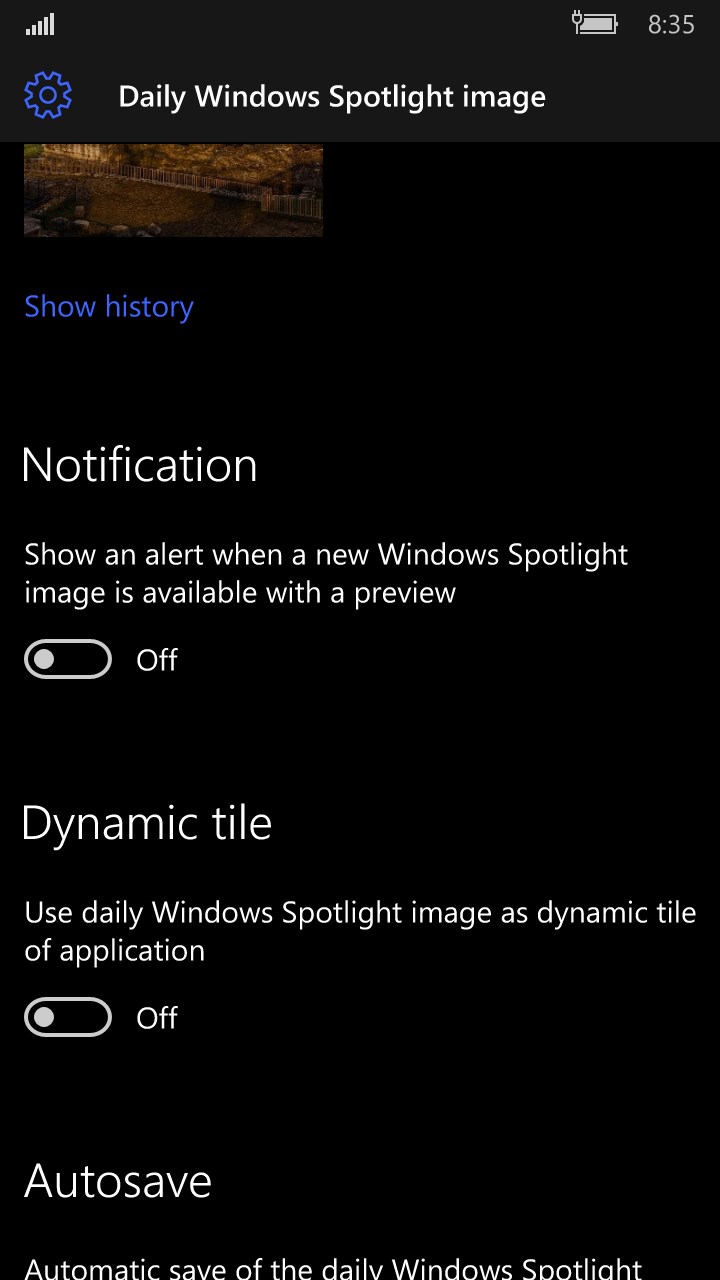
Dynamic Theme is a wallpaper app that automatically sets a new picture for the desktop and lock screen every day, sourced from Bing and Windows Spotlight. It can overlay each picture's description onto the image, with options to customize the rendering. Users can save copies of daily pictures locally, browse history of past images, and pause daily updates to keep a favorite picture longer. Notifications alert when a new picture is available. A slideshow mode allows using personal picture collections, with customizable change frequency and triggers tied to computer startup or new user activity.
Show the developer's original descriptionHide the original description
This application is your ideal companion to personalize your experience with a new beautiful picture for your wallpaper and/or your lock screen each day. The pictures are coming from the Bing and Windows Spotlight sources.
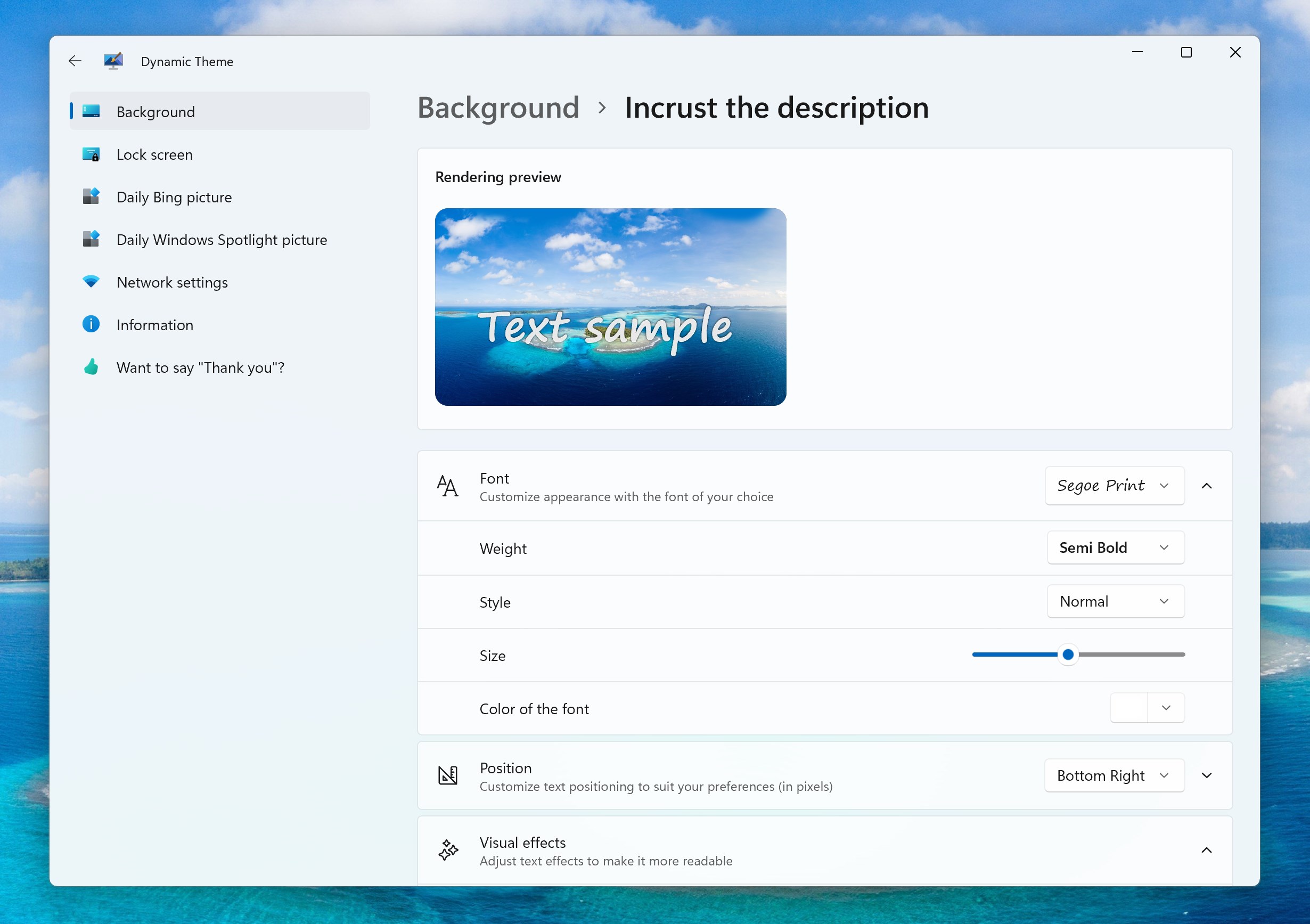
You can also incrust the description of each picture directly into the picture, so you can easily see what each picture represents. There are plenty of options to personalize the renderer!
If you like so much a picture (or all), you can:
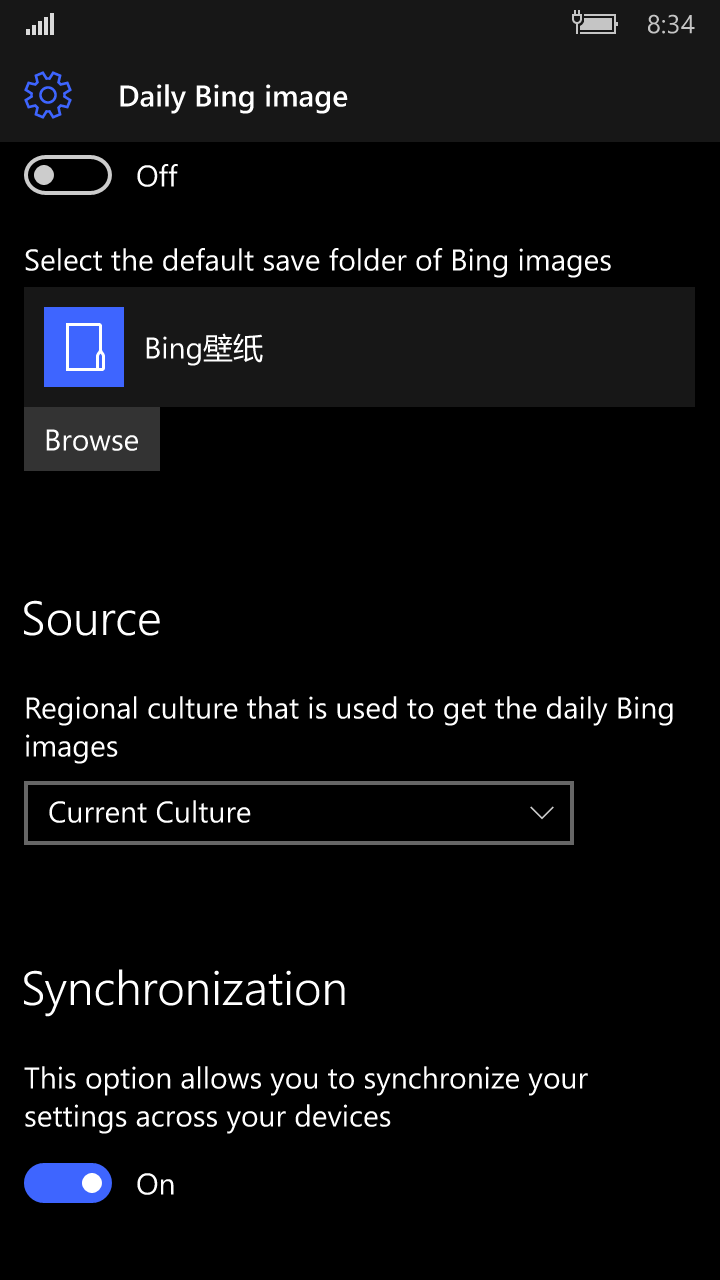
- activate the automatic saving option to keep a copy locally
- navigate into the history of Bing and Windows Spotlight pictures
- pause the daily updates for a customizable length of time to keep it for a while
You don’t want to use the daily pictures, but you want to keep an eye on them? No worry! You can activate the notifications to be notfied when a new picture become available.
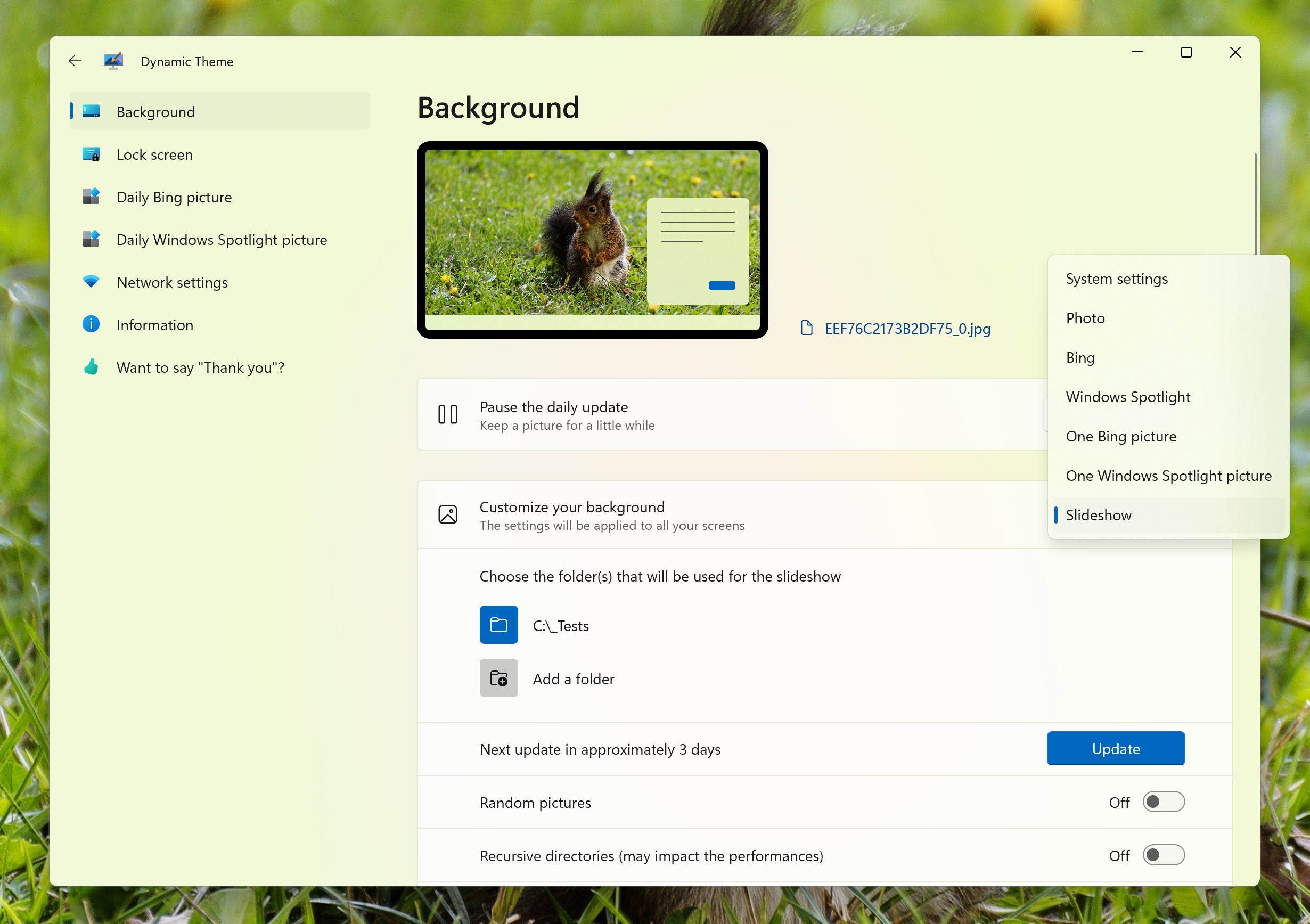
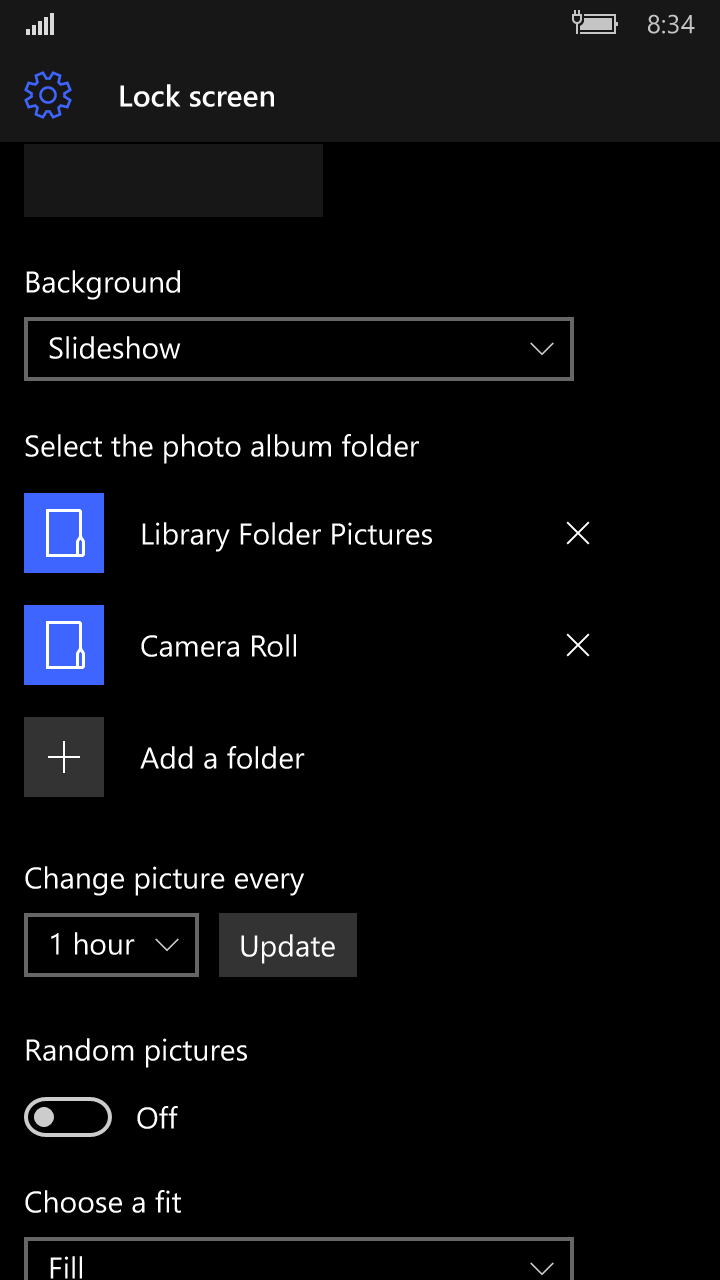
You have your own favorite collections of pictures? You can use the slideshow mode with some advanced options like personalize the frequency of the change or use a trigger to change the picture each time you start your computer or when a new user activity is detected. If your own pictures have EXIF metadata, the description is automatically generated, and you can use the incrust option.
If there is a version of this app for iOS/Mac or Windows we don't know about, paste the store link here — we'll auto-detect the store.
How to find the URL:1. Open the app in its store. 2.In the App Store app: tap the Share icon → “Copy Link”. In the browser: copy the URL from the address bar — it contains apps.apple.com/…/id… or apps.microsoft.com/detail/…. 3. Paste it here.
Paste the original link from the Apple App Store or Microsoft Store. We fetch all details automatically.
How to find the URL:
1. Open the app in its store. 2.In the App Store app: tap the Share icon → “Copy Link”. In the browser: copy the URL from the address bar — it contains apps.apple.com/…/id… or apps.microsoft.com/detail/…. 3. Paste it here.
Android apps can only be listed by their developer.