

Screenshot appears after consentScreenshot appears after consentScreenshot appears after consentScreenshot appears after consentScreenshot appears after consentScreenshot appears after consentScreenshot appears after consentScreenshot appears after consentScreenshot appears after consent
Summary
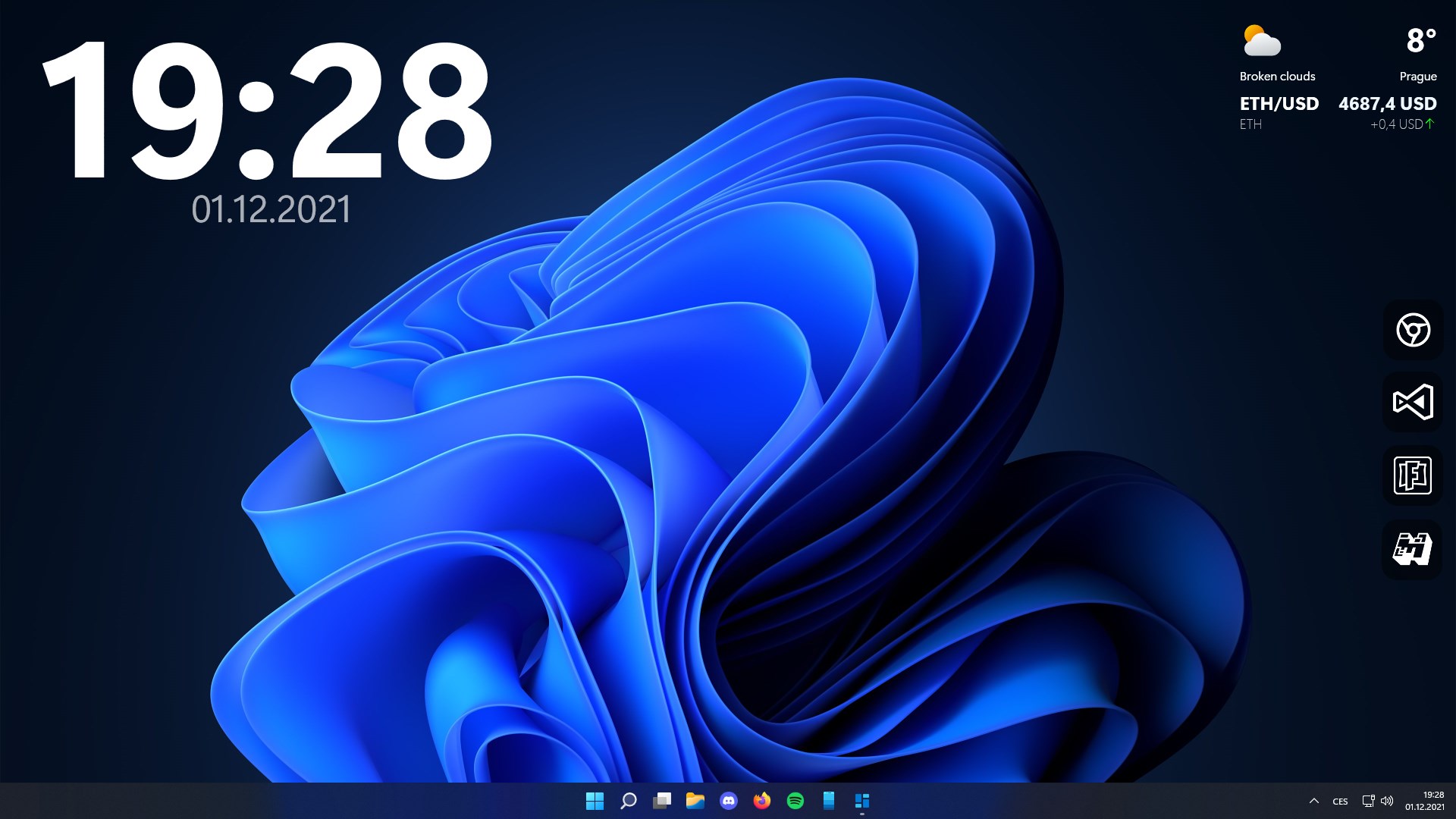
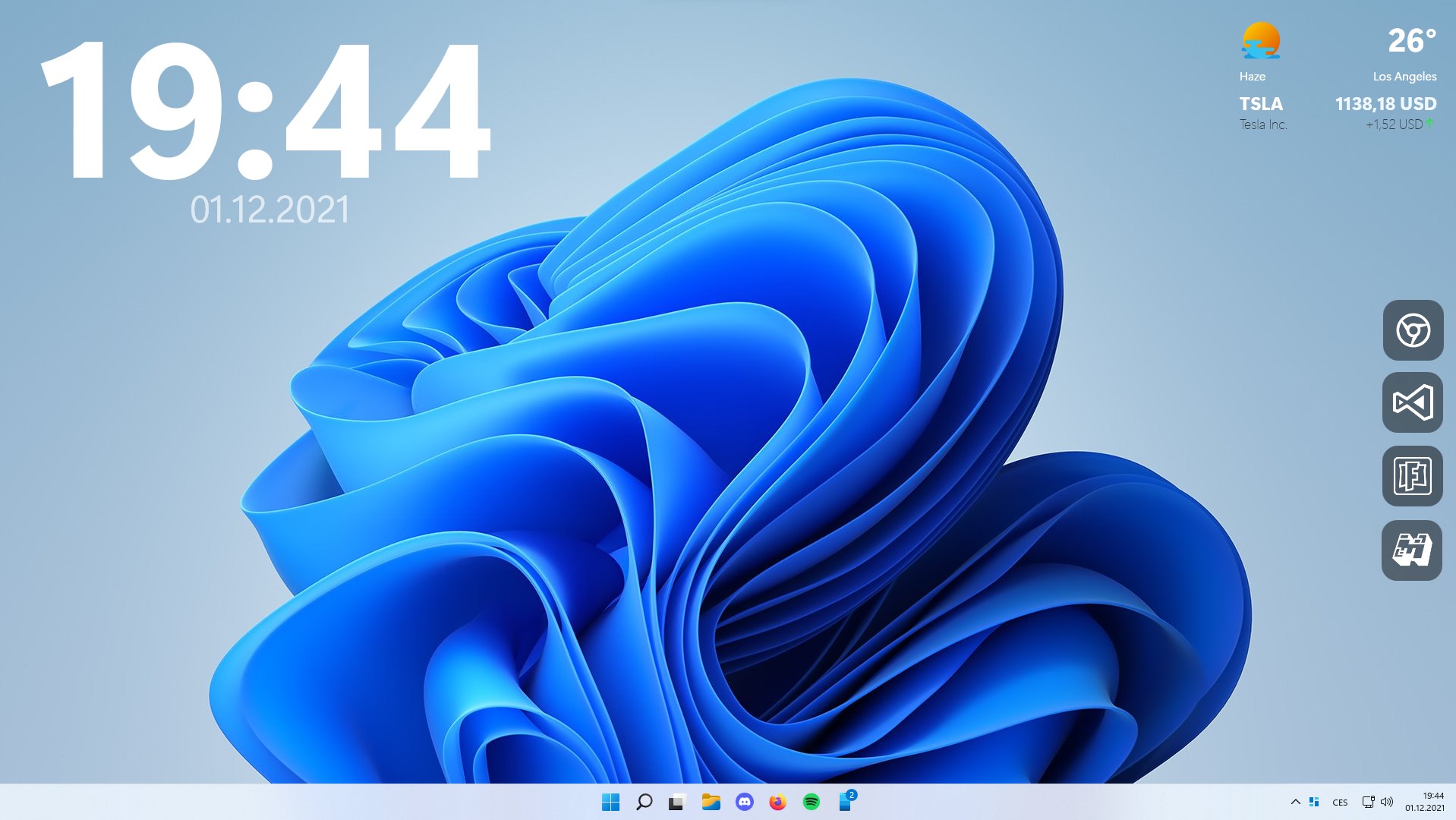
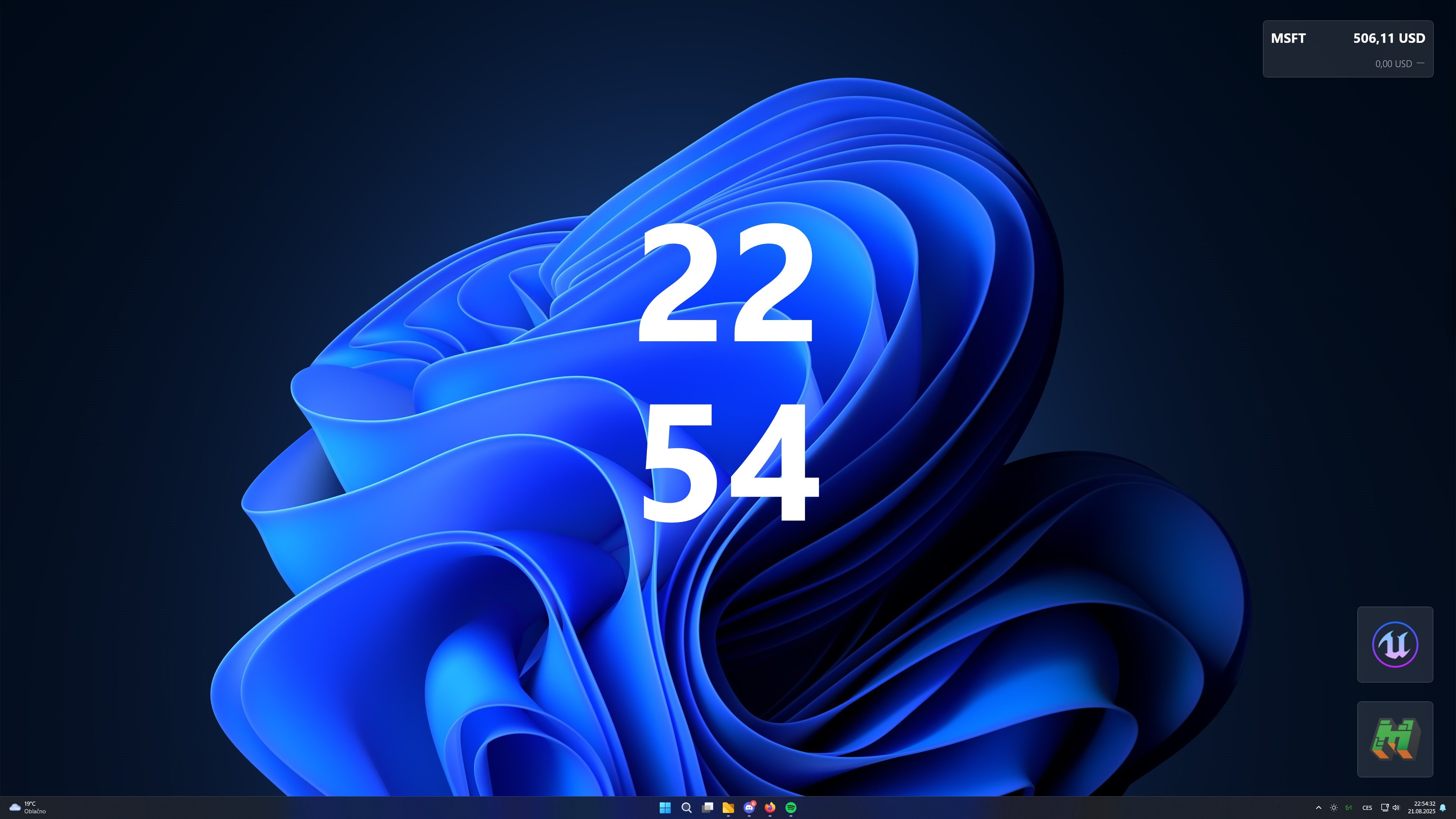
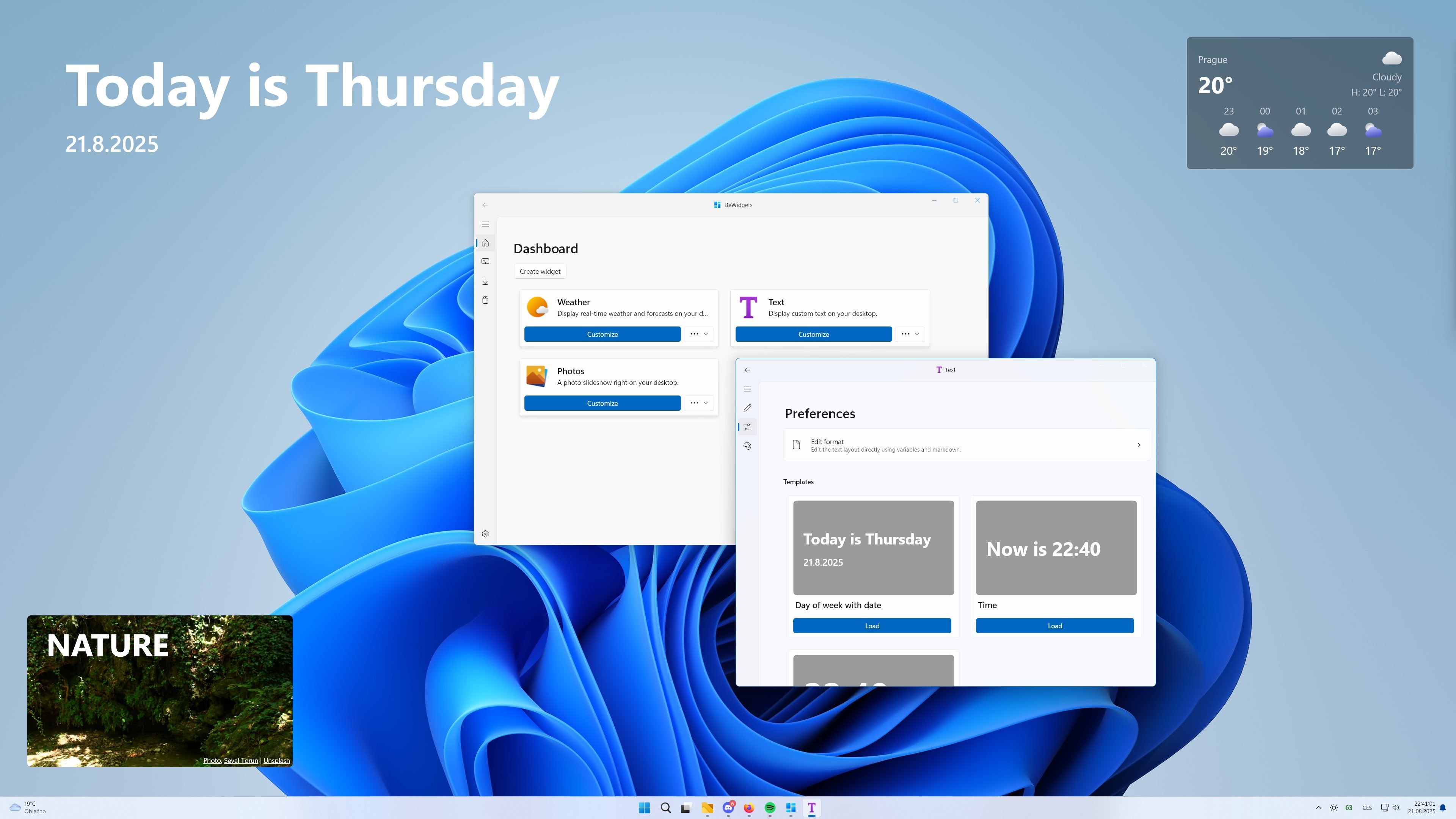
BeWidgets is a desktop widget app that lets users design and place customizable widgets directly on their desktop. It offers clock and time widgets to keep track of schedules, a weather widget showing real-time conditions, and a photos widget for displaying favorite memories. A finance and stocks widget tracks markets, while an app shortcut widget allows instant launching of favorite programs. Colors, fonts and layouts can be fully adjusted to match personal style, widgets update automatically, and they can be arranged freely on the desktop through drag and drop placement.
Show the developer's original descriptionHide the original description
Bring your desktop to life with customizable widgets. With BeWidgets, you can design and place modern widgets right on your desktop - from time to photos, weather, app shortcuts, finances, and more. Create a personalized workspace that matches your style.
✨ Key Features:
- 🕒 Clock & Time widgets- Always stay on schedule with stylish clocks.
- 🌤 Weather widget- Real-time weather info at a glance.
- 📸 Photos widget- Showcase your favorite memories.
- 📊 Finance & Stocks widget - Track your finances and market trends.
- 📂 App Shortcut widget - Launch your favorite apps instantly.
- 🎨 Fully Customizable - Adjust colors, fonts, and layouts to fit your style.
- ⚡ Live Updates - Widgets refresh automatically so you never miss a thing.
- 🔄 Drag & Drop Placement - Arrange your widgets exactly how you want.
BeWidgets 1.0 is a completely new experience, built on all the feedback and insights we’ve gathered over the past years of development. We hope you’ll love it!
If there is a version of this app for iOS/Mac or Windows we don't know about, paste the store link here — we'll auto-detect the store.
How to find the URL:1. Open the app in its store. 2.In the App Store app: tap the Share icon → “Copy Link”. In the browser: copy the URL from the address bar — it contains apps.apple.com/…/id… or apps.microsoft.com/detail/…. 3. Paste it here.
Paste the original link from the Apple App Store or Microsoft Store. We fetch all details automatically.
How to find the URL:
1. Open the app in its store. 2.In the App Store app: tap the Share icon → “Copy Link”. In the browser: copy the URL from the address bar — it contains apps.apple.com/…/id… or apps.microsoft.com/detail/…. 3. Paste it here.
Android apps can only be listed by their developer.