
Screenshot appears after consentScreenshot appears after consentScreenshot appears after consentScreenshot appears after consent
Summary
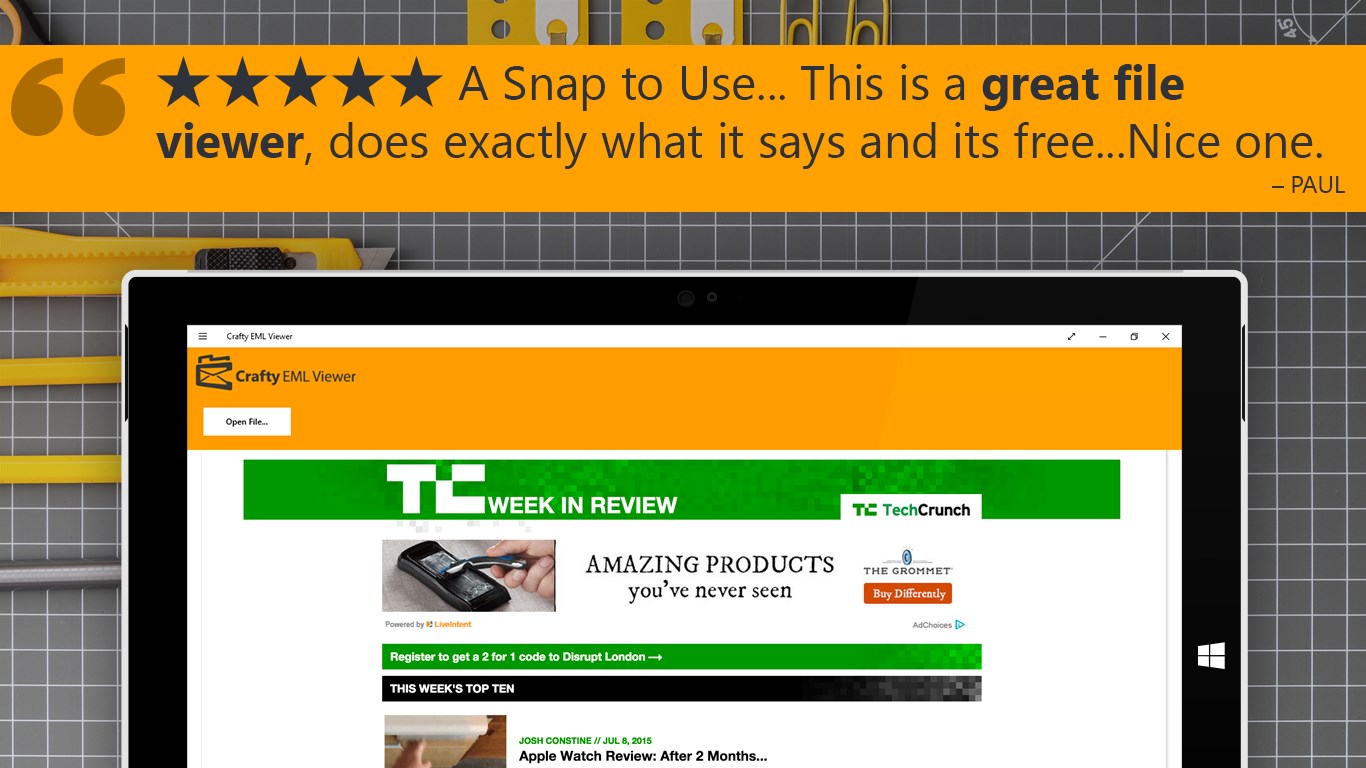
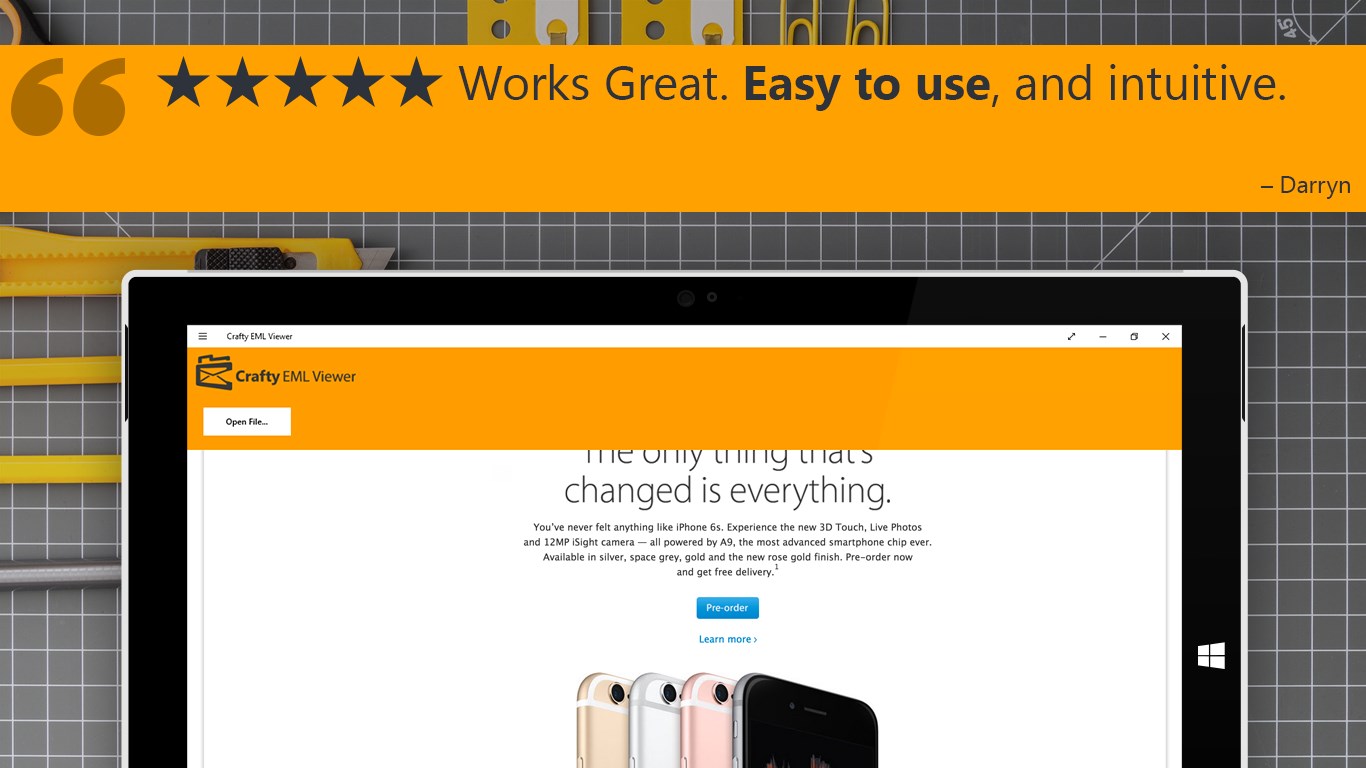
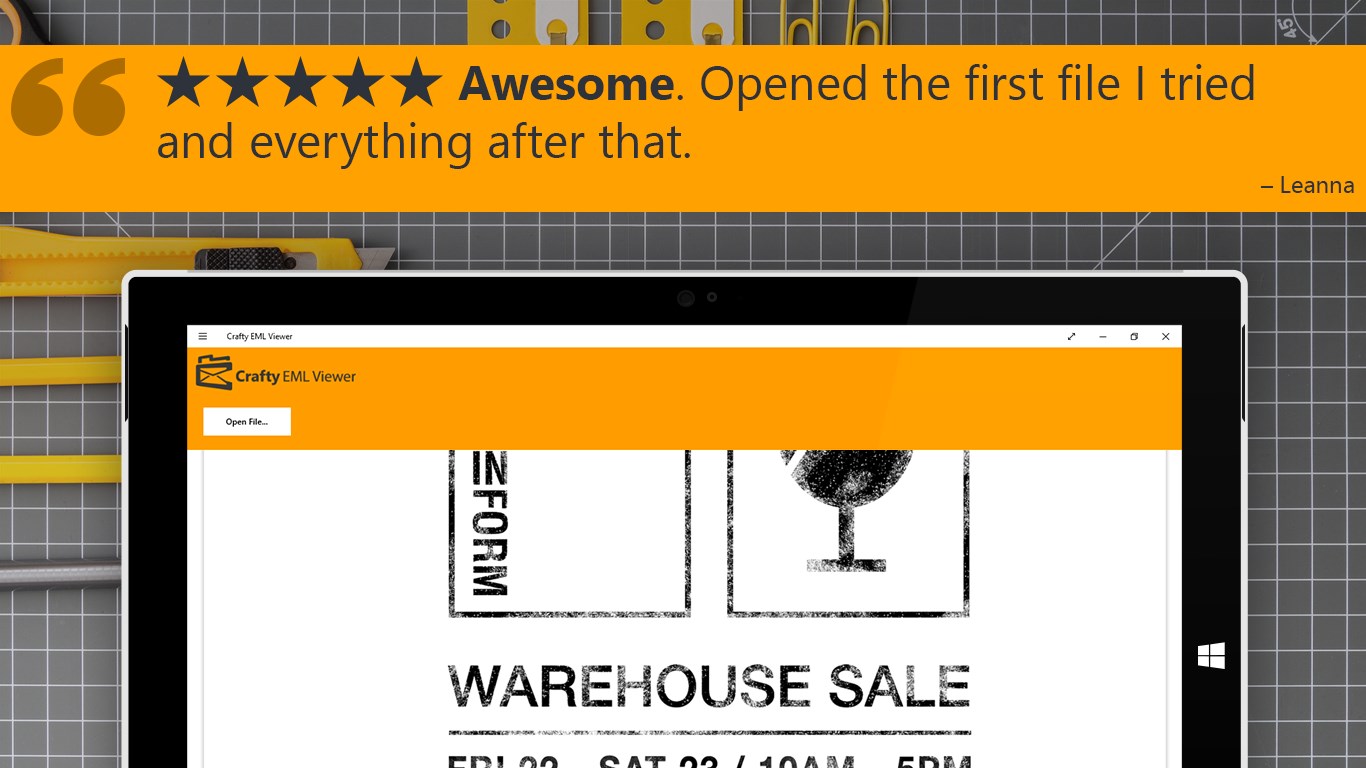
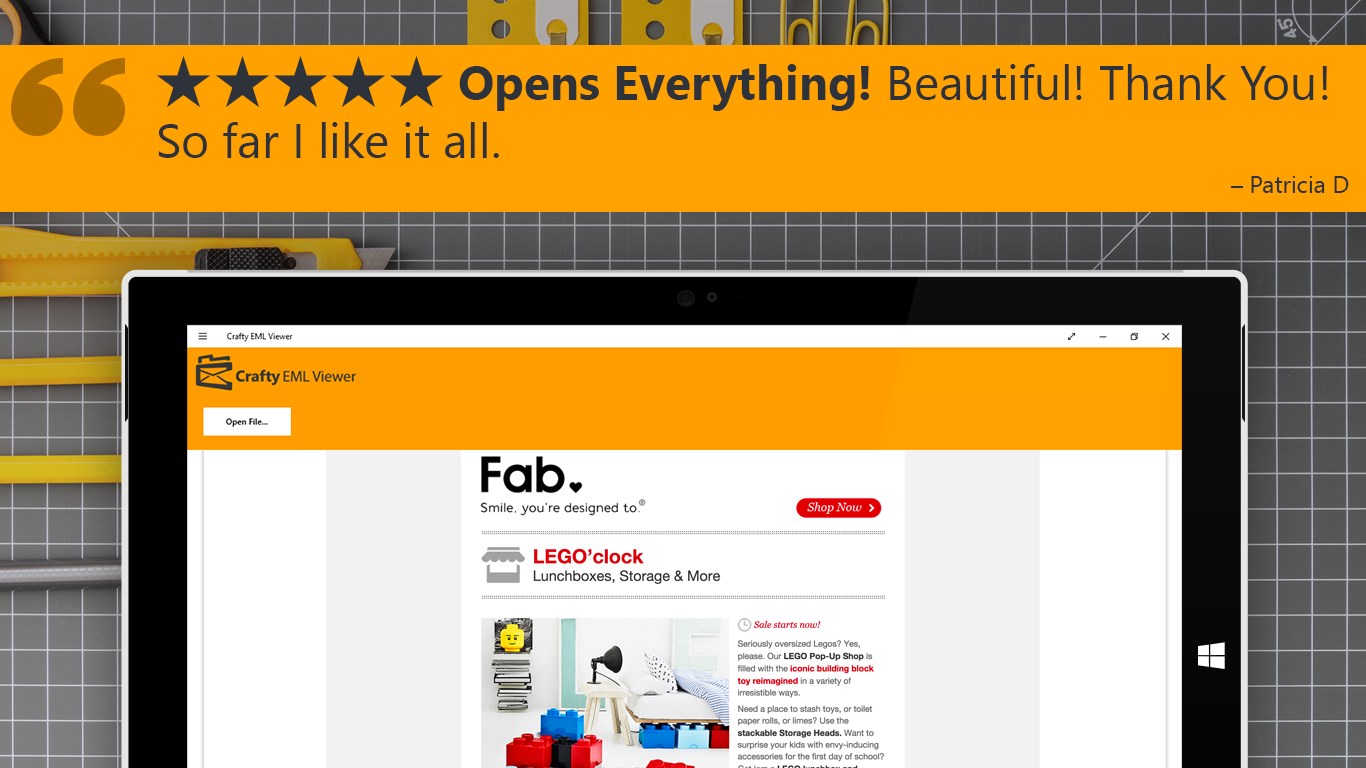
EML Opener is a free, lightweight app for opening and reading EML email files. It displays emails exactly as they originally appeared, regardless of whether the files were created by Outlook, Outlook Express, Live Mail, Thunderbird, or Apple Mail. Attached files are automatically saved to the Downloads folder. The app works with a single button labeled "Open EML File," making it suited for anyone who wants to access old email correspondence stored in the .EML format without complicated software.
Show the developer's original descriptionHide the original description
★★★★★ Rated 5 Stars!
Open and read your EML files with this free, lightweight app.
Have a treasure trove of old correspondence in the .EML format? Get this app now and open them instantly. Even better, any attached files will automatically be saved to your Downloads folder.
Crafty EML Viewer is a simple, single-purpose app that lets you view your old email files. It doesn’t bloat your system, and it has just one button: “Open EML File”. Opening your old emails should be easy and not require complicated software!
Whether your .EML files were created by Outlook, Outlook Express, Live Mail, Thunderbird, or even Apple Mail, this app opens all of them and lets you see your email exactly as it originally appeared.
NOTE: This free app does not offer any in-app purchases, and does not have any limitations.
If there is a version of this app for iOS/Mac or Windows we don't know about, paste the store link here — we'll auto-detect the store.
How to find the URL:1. Open the app in its store. 2.In the App Store app: tap the Share icon → “Copy Link”. In the browser: copy the URL from the address bar — it contains apps.apple.com/…/id… or apps.microsoft.com/detail/…. 3. Paste it here.
Paste the original link from the Apple App Store or Microsoft Store. We fetch all details automatically.
How to find the URL:
1. Open the app in its store. 2.In the App Store app: tap the Share icon → “Copy Link”. In the browser: copy the URL from the address bar — it contains apps.apple.com/…/id… or apps.microsoft.com/detail/…. 3. Paste it here.
Android apps can only be listed by their developer.