
Screenshot appears after consentScreenshot appears after consent
Summary
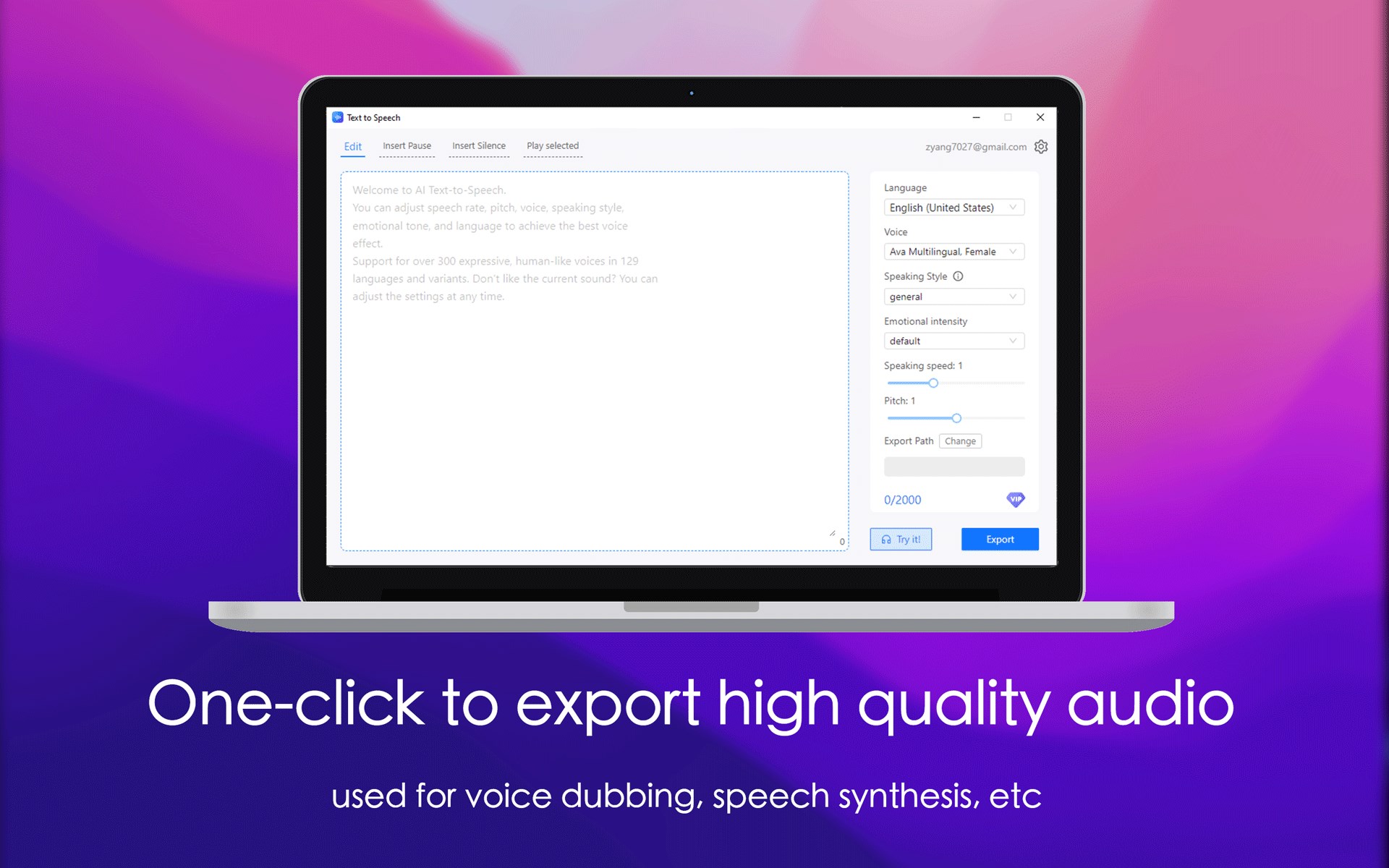
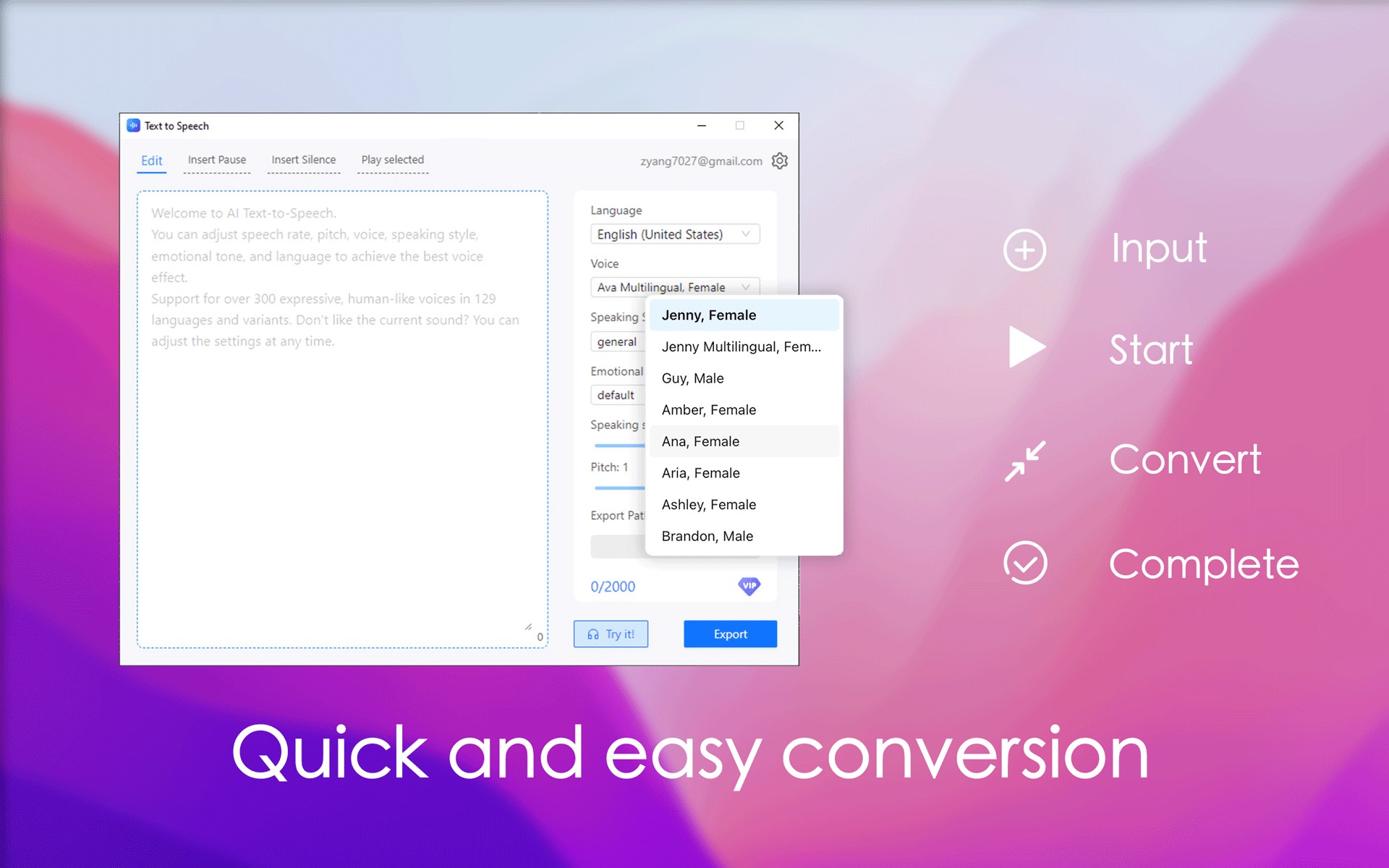
Text to Speech - Text Reader is a text-to-speech app that converts written text into natural-sounding synthesized speech. It offers more than 300 human-like voices across 129 languages and variants, with the option to change the selected voice at any time. The app supports several speaking styles, including newscast, customer service, shouting and whispering, as well as emotional tones such as cheerful and sad. Voice output can be fine-tuned by adjusting rate, pitch and other settings to suit different scenarios. Finished audio can be exported and downloaded for other uses.
Show the developer's original descriptionHide the original description
With the Text Reader app turn your text into lifelike synthesized speech. Enable fluid, natural-sounding text to speech that matches the intonation and emotion of human voices. Text to Speech can export your tuned audio files effortlessly, thereby lets you create a high-quality audio file and download the output for other uses.
FEATURE LIST:
• Choose from over 300 of our high-quality, human-like voices across 129 languages and variants. Don't like what you're hearing? Change your settings anytime.
• Neural Text to Speech supports several speaking styles including newscast, customer service, shouting, whispering, and emotions like cheerful and sad.
• Tune voice output for your scenarios by easily adjusting rate, pitch, and more.
⚠️ You can use any feature in the software, but if you exceed the character limit, you will need to purchase VIP.
You can choose to subscribe monthly, semi-annually, or annually. Payment will be deducted from your Microsoft account at the time of renewal.
any question please contact:zyang7027@gmail.com
If there is a version of this app for iOS/Mac or Windows we don't know about, paste the store link here — we'll auto-detect the store.
How to find the URL:1. Open the app in its store. 2.In the App Store app: tap the Share icon → “Copy Link”. In the browser: copy the URL from the address bar — it contains apps.apple.com/…/id… or apps.microsoft.com/detail/…. 3. Paste it here.
Paste the original link from the Apple App Store or Microsoft Store. We fetch all details automatically.
How to find the URL:
1. Open the app in its store. 2.In the App Store app: tap the Share icon → “Copy Link”. In the browser: copy the URL from the address bar — it contains apps.apple.com/…/id… or apps.microsoft.com/detail/…. 3. Paste it here.
Android apps can only be listed by their developer.