
Screenshot appears after consentScreenshot appears after consentScreenshot appears after consentScreenshot appears after consent
Summary
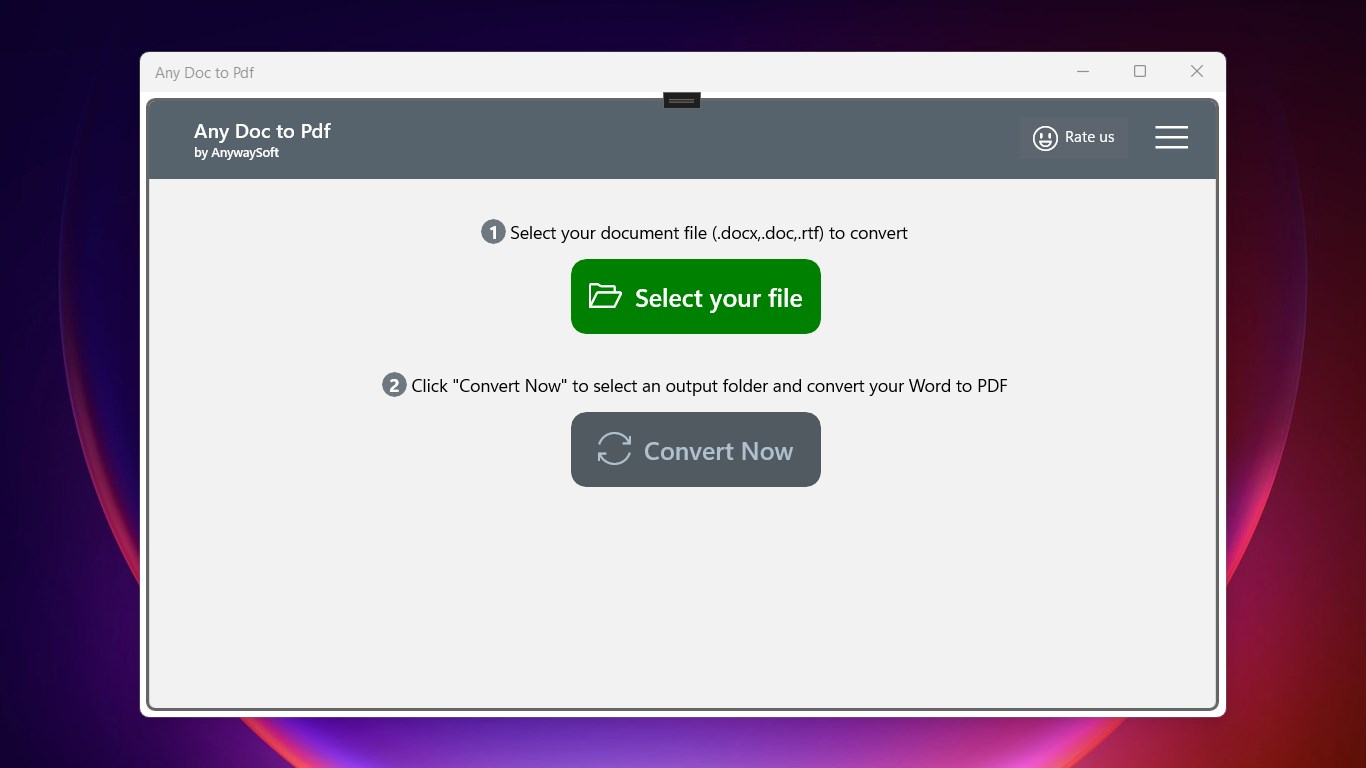
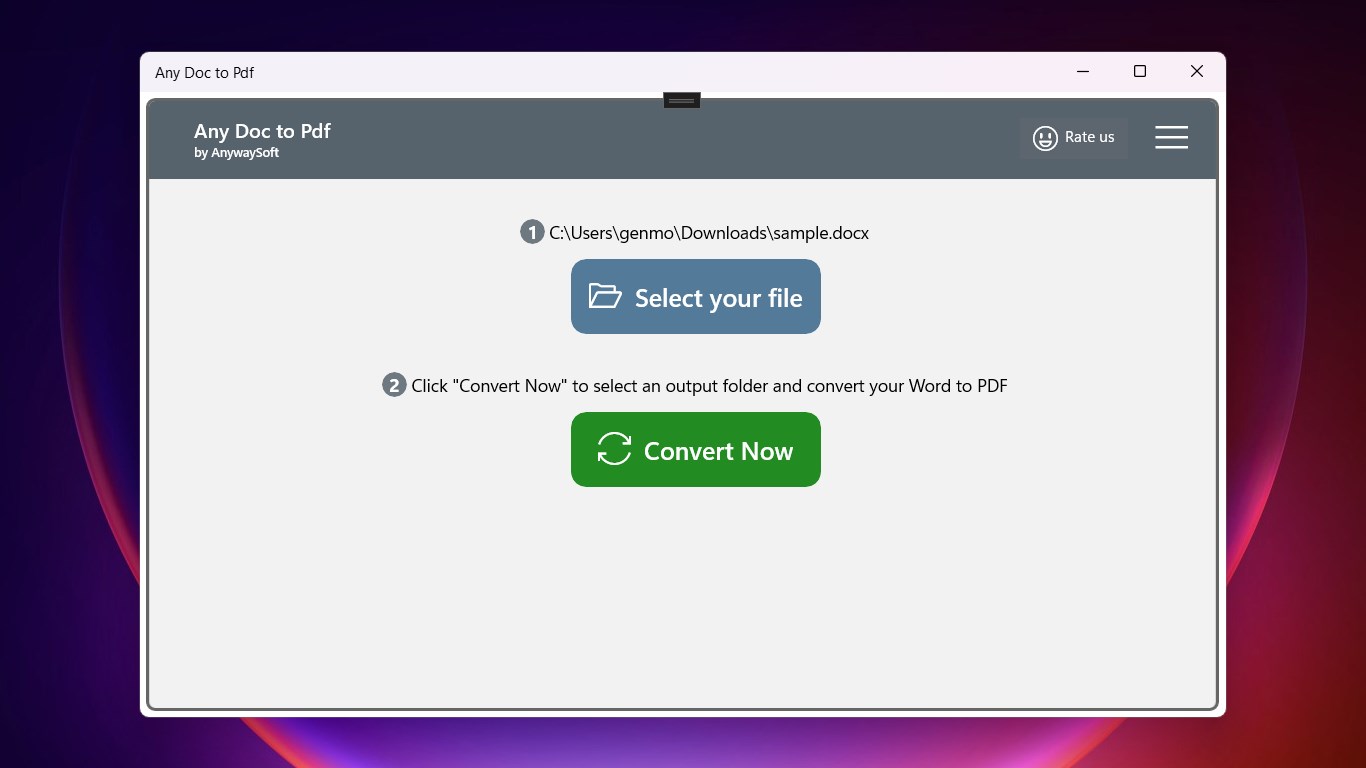
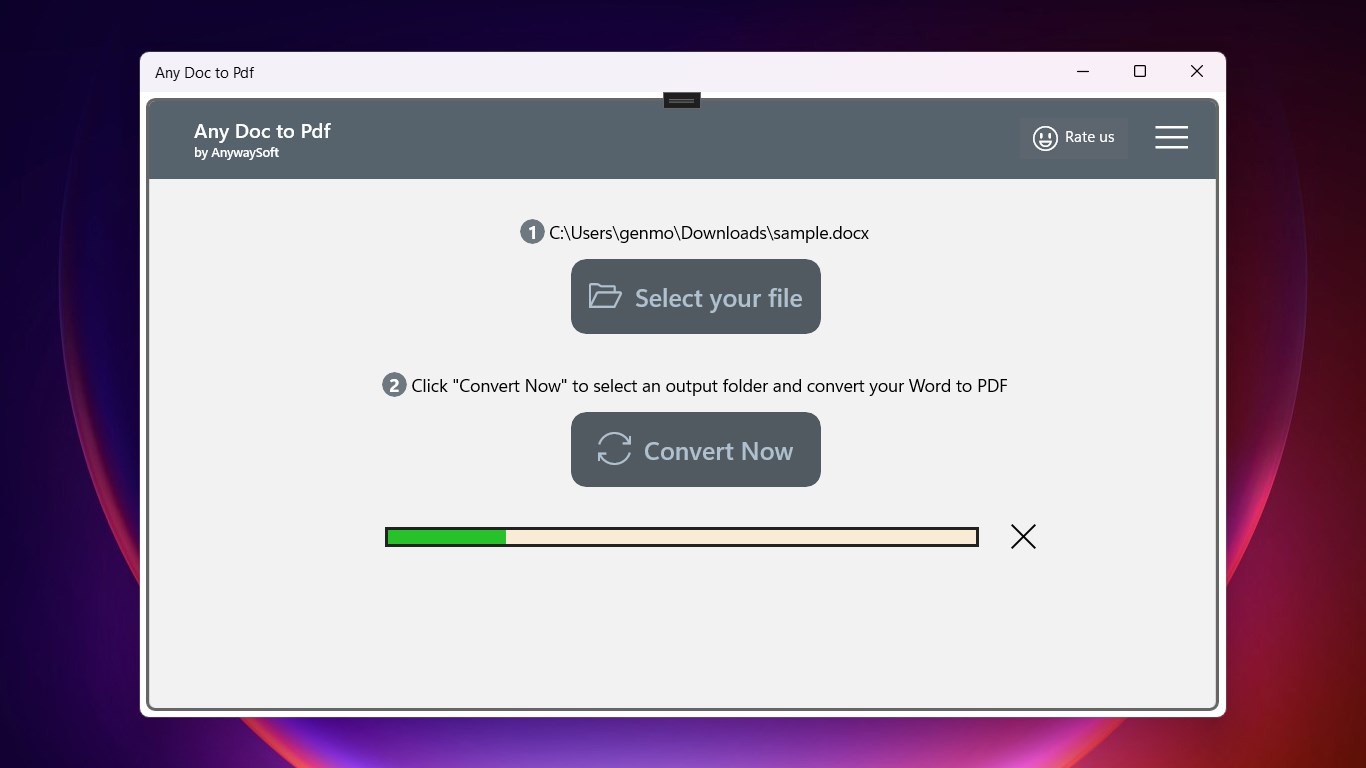
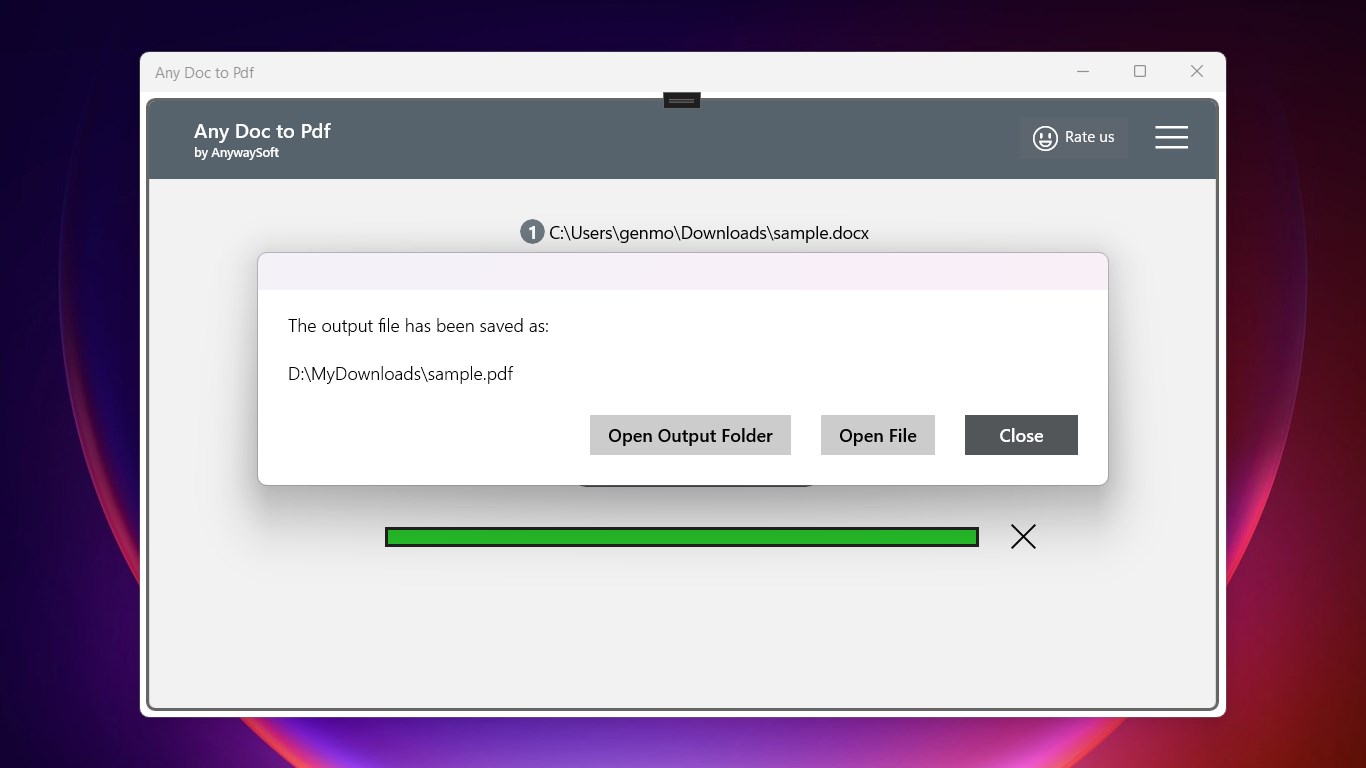
Any Doc to Pdf is a free document conversion tool that turns Word files into PDF format without requiring a Word program to be installed. It converts Docx, Doc and Rtf documents into PDF files, which can then be read or printed using most web browsers such as Edge, Firefox or Chrome. To use it, a document is selected in one of the supported formats and the output folder is chosen before conversion starts. Progress of the conversion is shown on screen, and a confirmation dialog appears once finished, allowing the resulting PDF to be opened quickly.
Show the developer's original descriptionHide the original description
How to read or print a Word document if you don't have a Word program installed? If you don't want to pay or download a Word program which may be expensive or huge, you can choose Any Doc to PDF, a free and simple tool, to convert the Word Doc, Docx, Rtf documents to PDF files. Then you can read or print the PDF with most web browsers, such as Edge, Firefox, Chrome, etc.
Any Word to PDF supports the following features:
⭐ Convert .Docx to .Pdf
⭐ Convert .Doc to .Pdf
⭐ Convert .Rtf to .Pdf
It is quite easy to use, just select a Word document in any of the above formats, then click "Convert Now" to select the output folder, and the conversion will be started. You can see the progress of the conversion. And when it is done, you will see a confirmation dialog, which helps you to open the output PDF quickly.
If there is a version of this app for iOS/Mac or Windows we don't know about, paste the store link here — we'll auto-detect the store.
How to find the URL:1. Open the app in its store. 2.In the App Store app: tap the Share icon → “Copy Link”. In the browser: copy the URL from the address bar — it contains apps.apple.com/…/id… or apps.microsoft.com/detail/…. 3. Paste it here.
Paste the original link from the Apple App Store or Microsoft Store. We fetch all details automatically.
How to find the URL:
1. Open the app in its store. 2.In the App Store app: tap the Share icon → “Copy Link”. In the browser: copy the URL from the address bar — it contains apps.apple.com/…/id… or apps.microsoft.com/detail/…. 3. Paste it here.
Android apps can only be listed by their developer.