Screenshot appears after consentScreenshot appears after consentScreenshot appears after consentScreenshot appears after consentScreenshot appears after consentScreenshot appears after consentScreenshot appears after consentScreenshot appears after consentScreenshot appears after consentScreenshot appears after consentScreenshot appears after consentScreenshot appears after consentScreenshot appears after consentScreenshot appears after consentScreenshot appears after consentScreenshot appears after consentScreenshot appears after consentScreenshot appears after consent
Description
Out with the old, in with the new. The powerful archiver 8 Zip has expanded its set of capabilities with the new Continuum, Cortana and Windows Hello technologies.
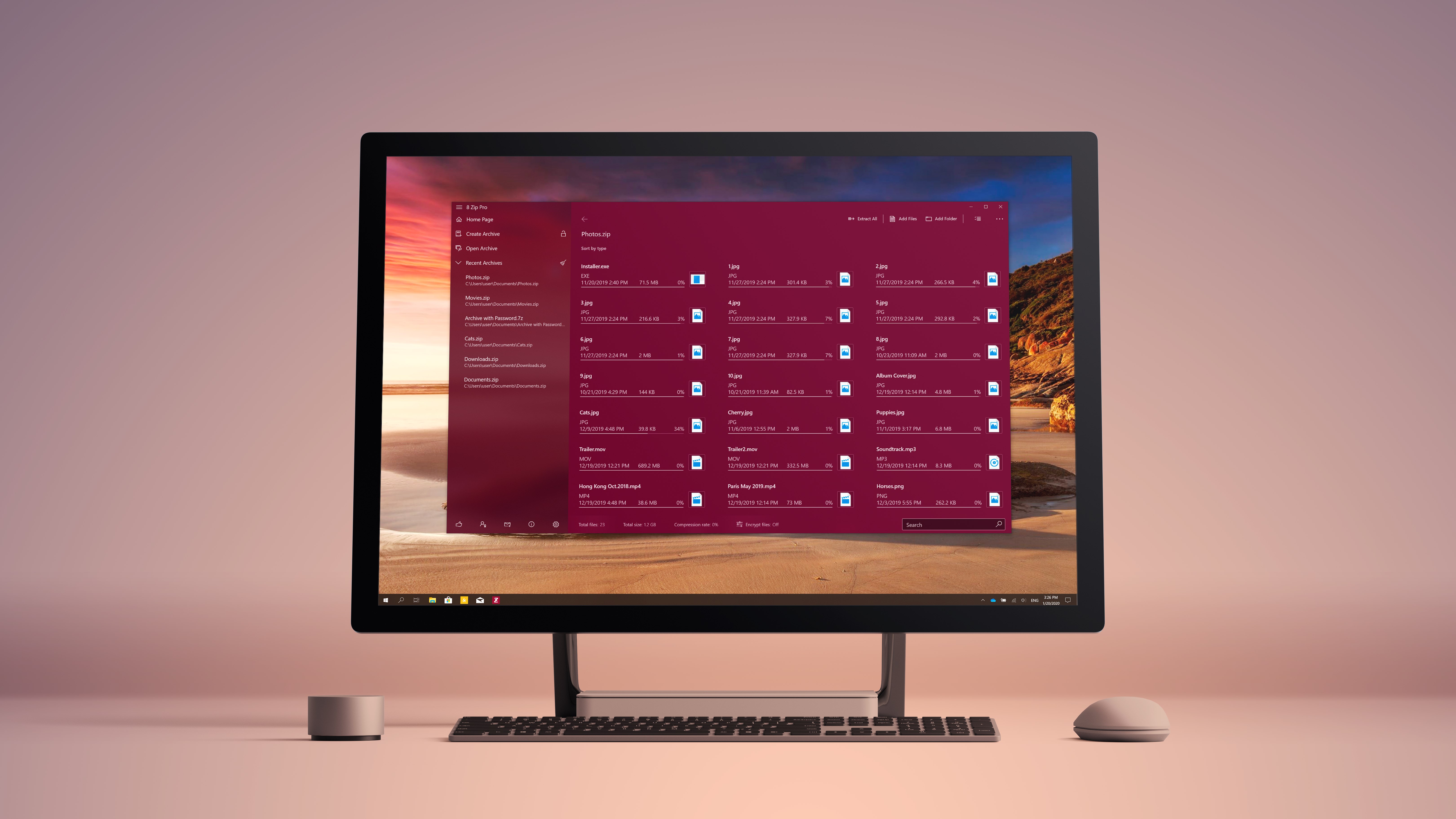
Now one app, one license, a uniform design and functionality can be had on all types of devices. Decrypt files through an iris scan or at a touch. Listen to music, read documents, and watch videos right in the app. Share files with friends – it’s simple.
8 Zip is a cutting-edge archiver.
Attention! Free version of app lets you work with ZIP archives only. Full-featured work with other formats are available in the full version.
Distinctive features:
• High-speed archiving and unpacking.
• Incorporation of Continuum technology.
• Ability to decrypt archives using Windows Hello.
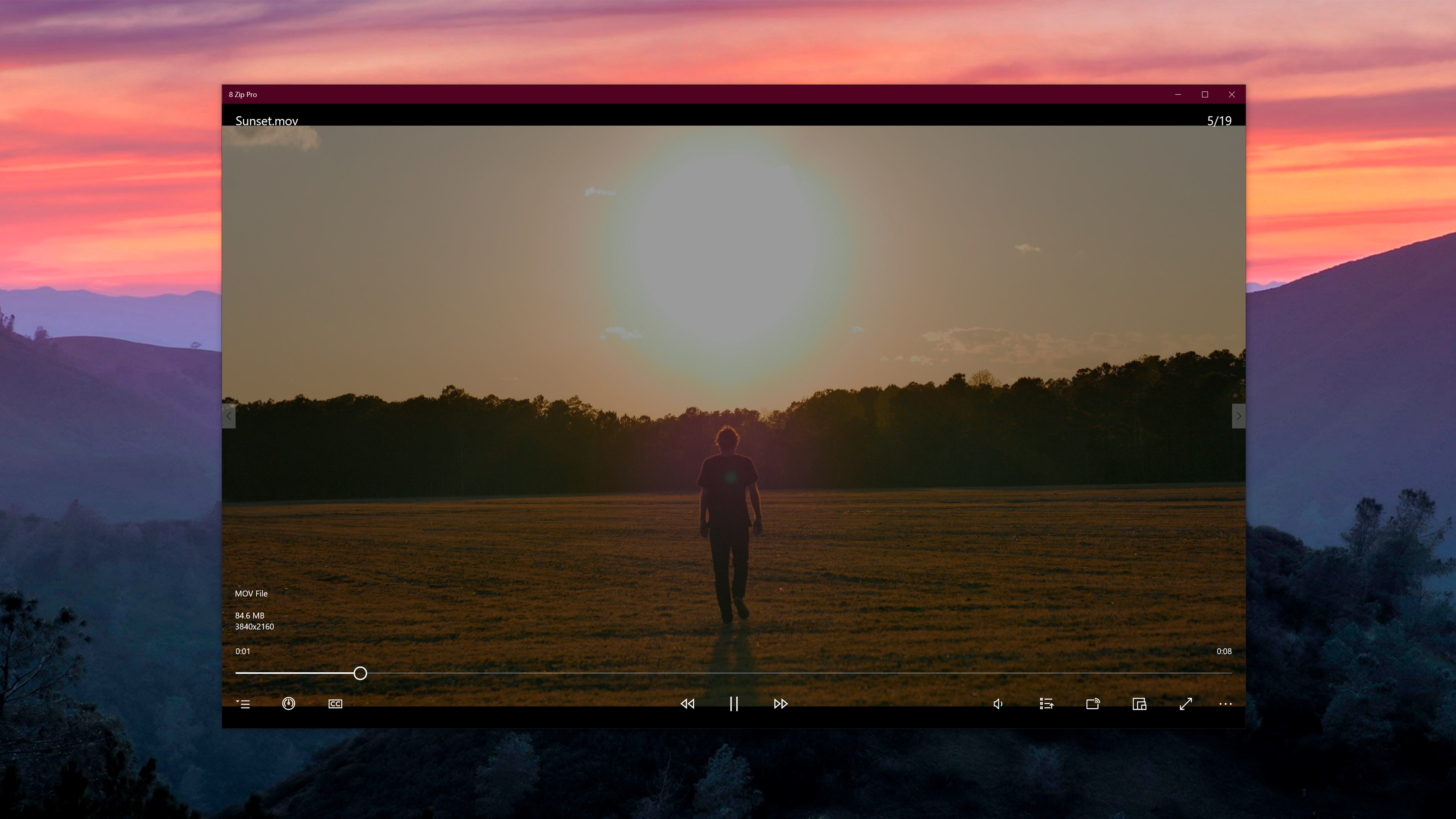
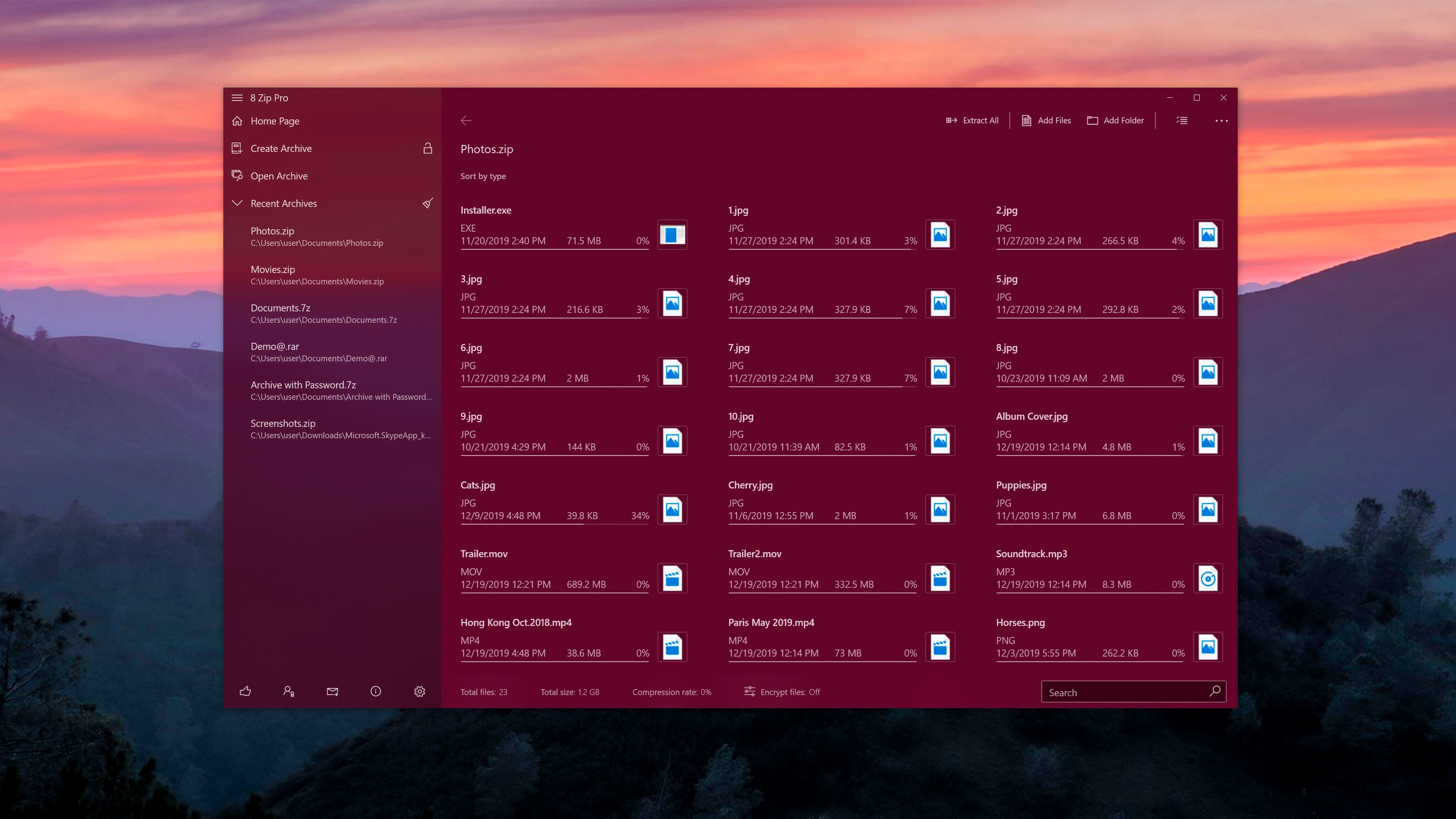
• Play music and video, display images and text files directly in the app.
• Send files by e-mail, post them on social networks, or share them on OneDrive and DropBox.
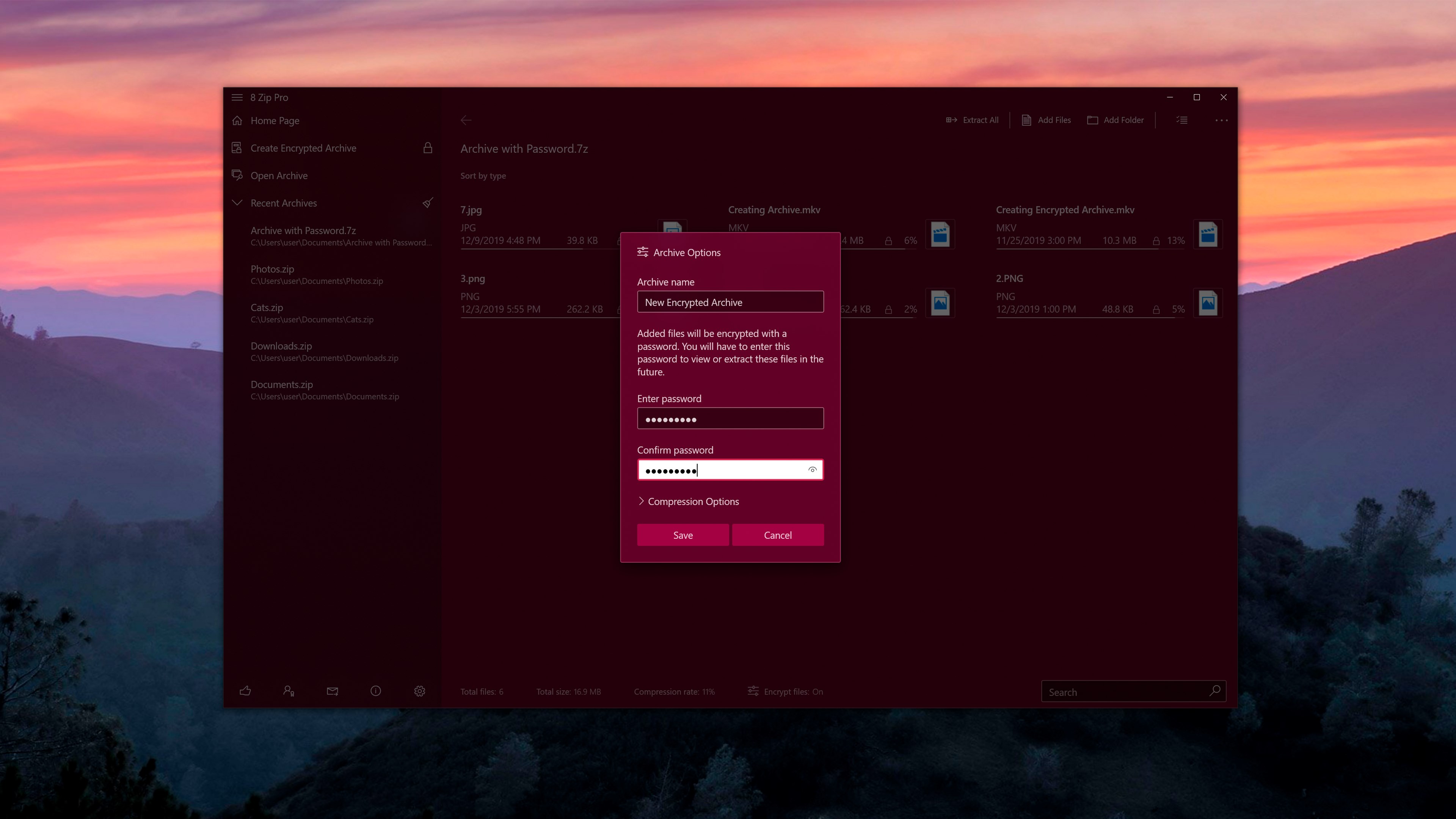
• Select the compression level and password protection.
• Print documents and images.
• One purchase gives you a license that is valid for all of your Windows 10 device.
8 Zip knows over 38 languages.
The app has been downloaded more than 8,000,000 times
Thank you for helping to make 8 Zip better! Simply send your suggestions for improvement to 8zip@finebits.com and show your support by giving us a ★★★★★ review.
Technical specifications:
• Create archives: zip, 7z, tar, gzip, bzip2, xz.
• Open and extract archives: rar, zip, 7z, zipx, iso, bzip2, gzip, tar, arj, cab, cbz, cbr.
• Built-in viewer and player.
• View images: jpeg, png, bmp, gif, tiff.
• Play music: mp3, wma, m4a, aac, wav, ac3.
• Watch video: avi, 3gp, wmv, mp4, m4v, mov, mkv.
• Open and view text documents: docx, doc, rtf, txt.
• Support for the latest archive formats: RAR5 and 7z.
• Various compression methods: Deflate, Deflate64, BZip, LZMA, PPMd.
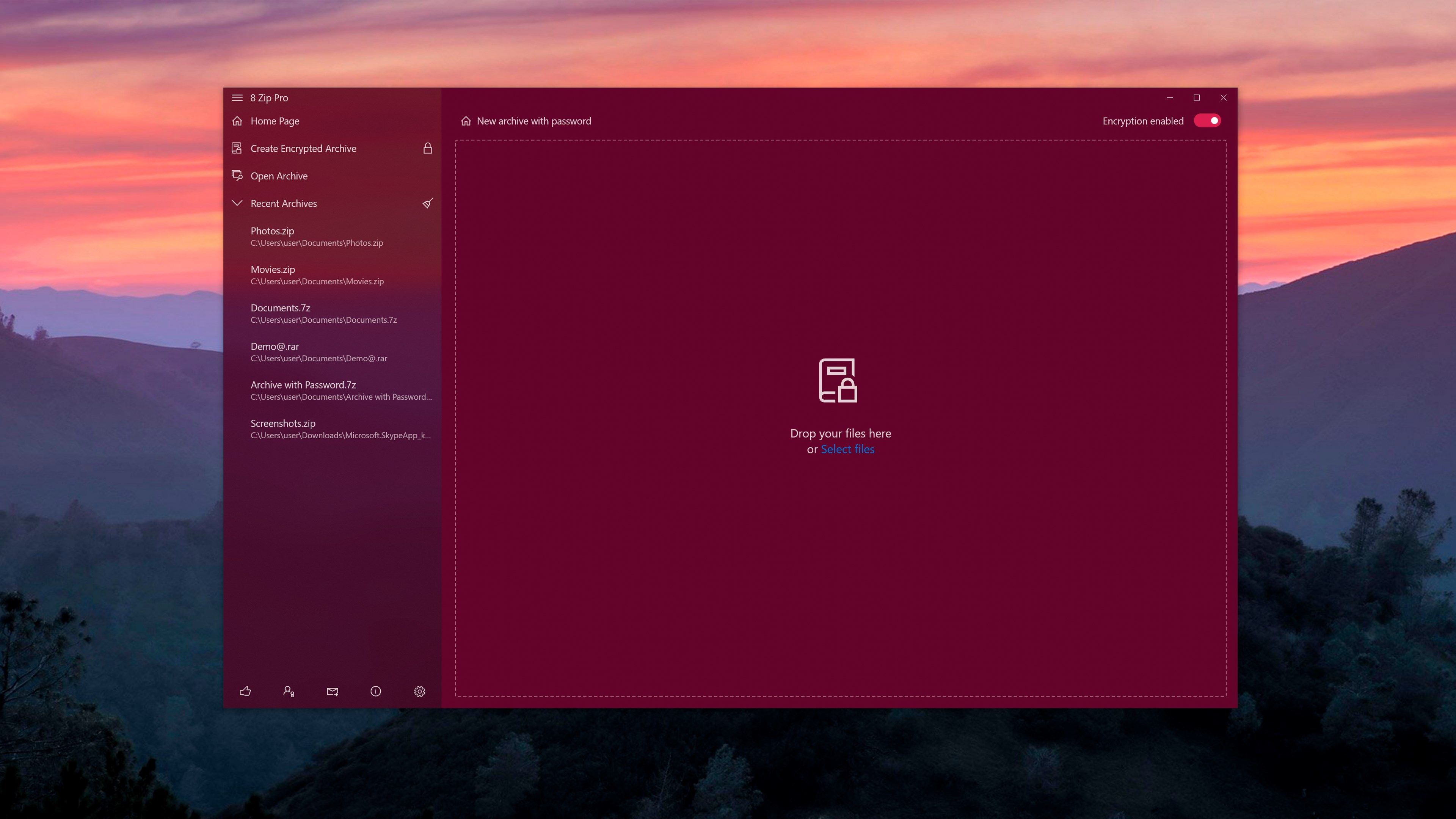
• Create password-protected archives: 256-bit AES encryption.
• Ability to open encrypted files through Windows Hello and Microsoft Passport technology.
• Support for decompressing multivolume archives: zip, rar, 7z.
• Support for Drag&Drop technology.
• Support for SD cards.
• Ability to Extract with the application from the Windows Explorer's context menu.
Release notes:
• It's become easier to create an archive.
• Archive encryption is now enabled with one click only.
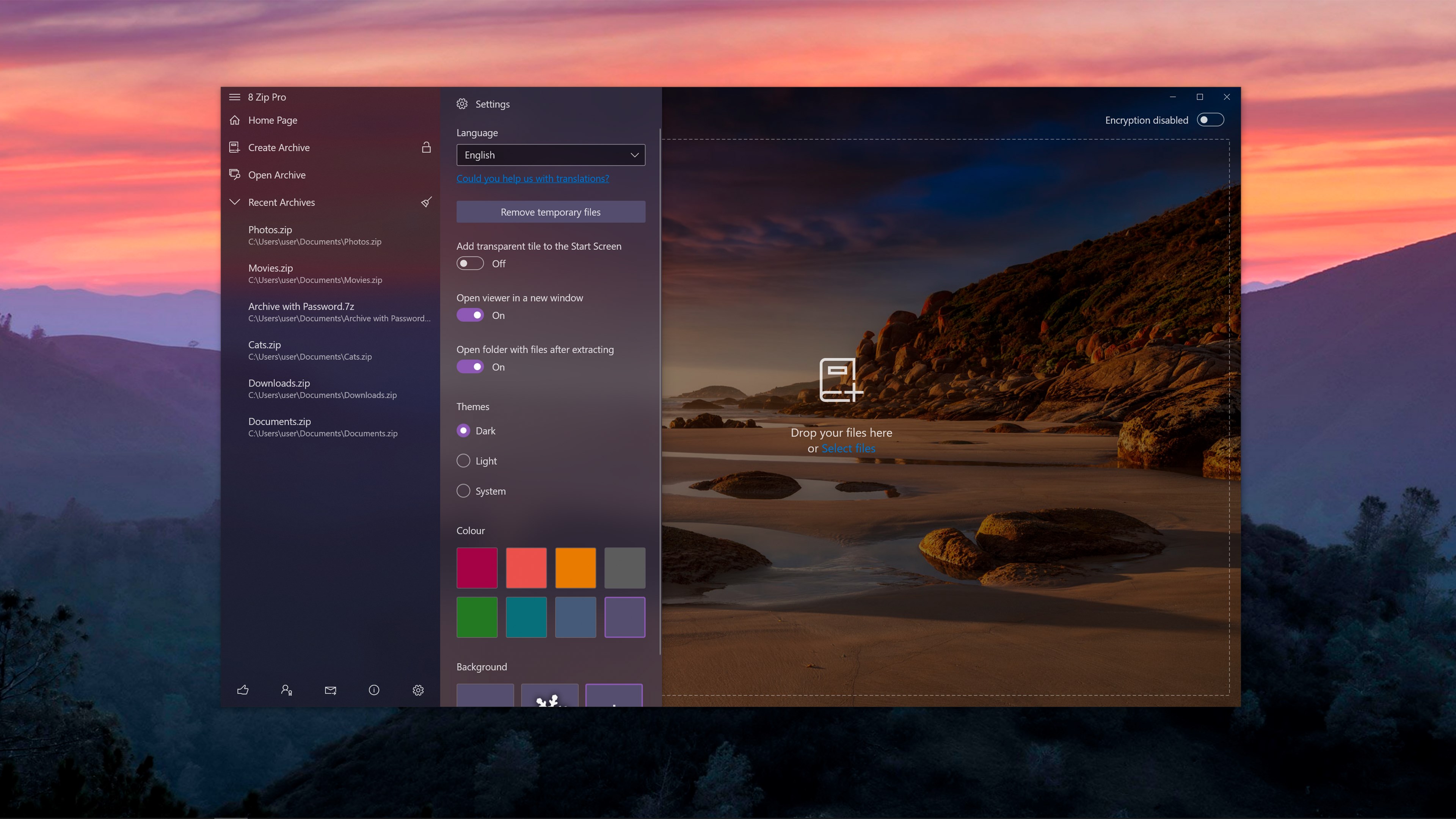
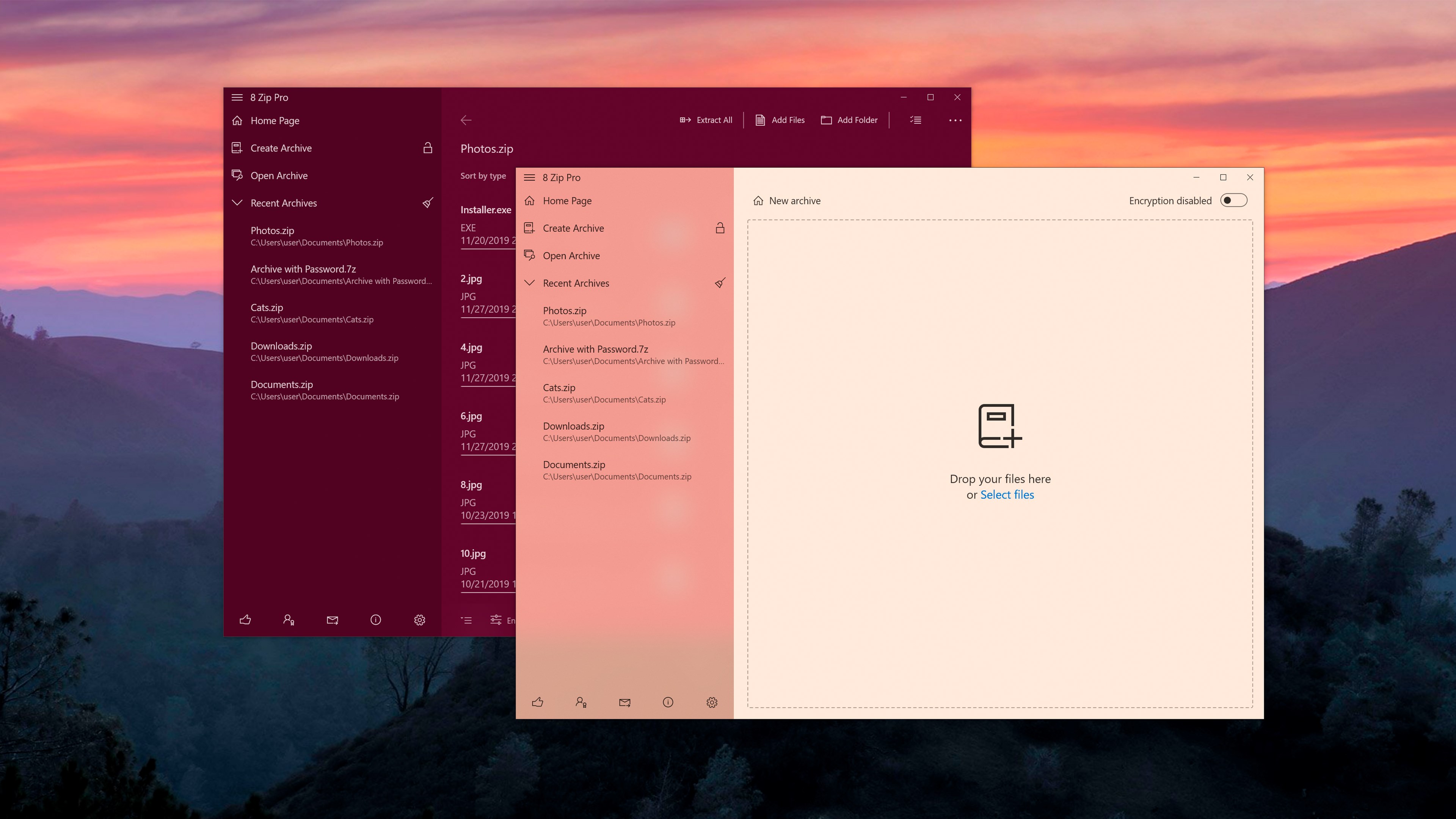
• Dark and light theme support has been added. Redone all color palettes.
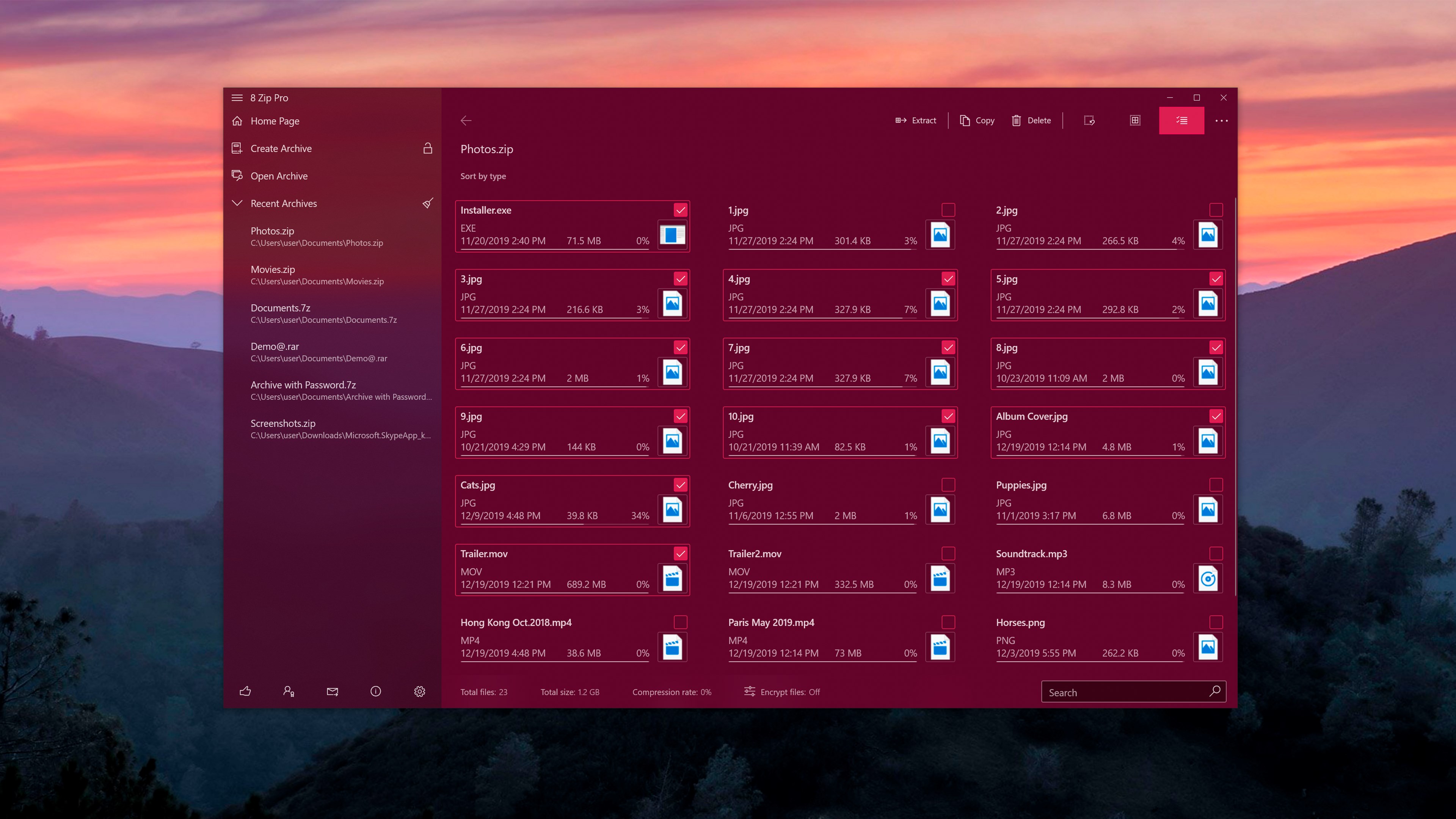
• UI has been updated with Fluent design.
• Added new hotkeys.
• Now you can run multiple instances of the application.
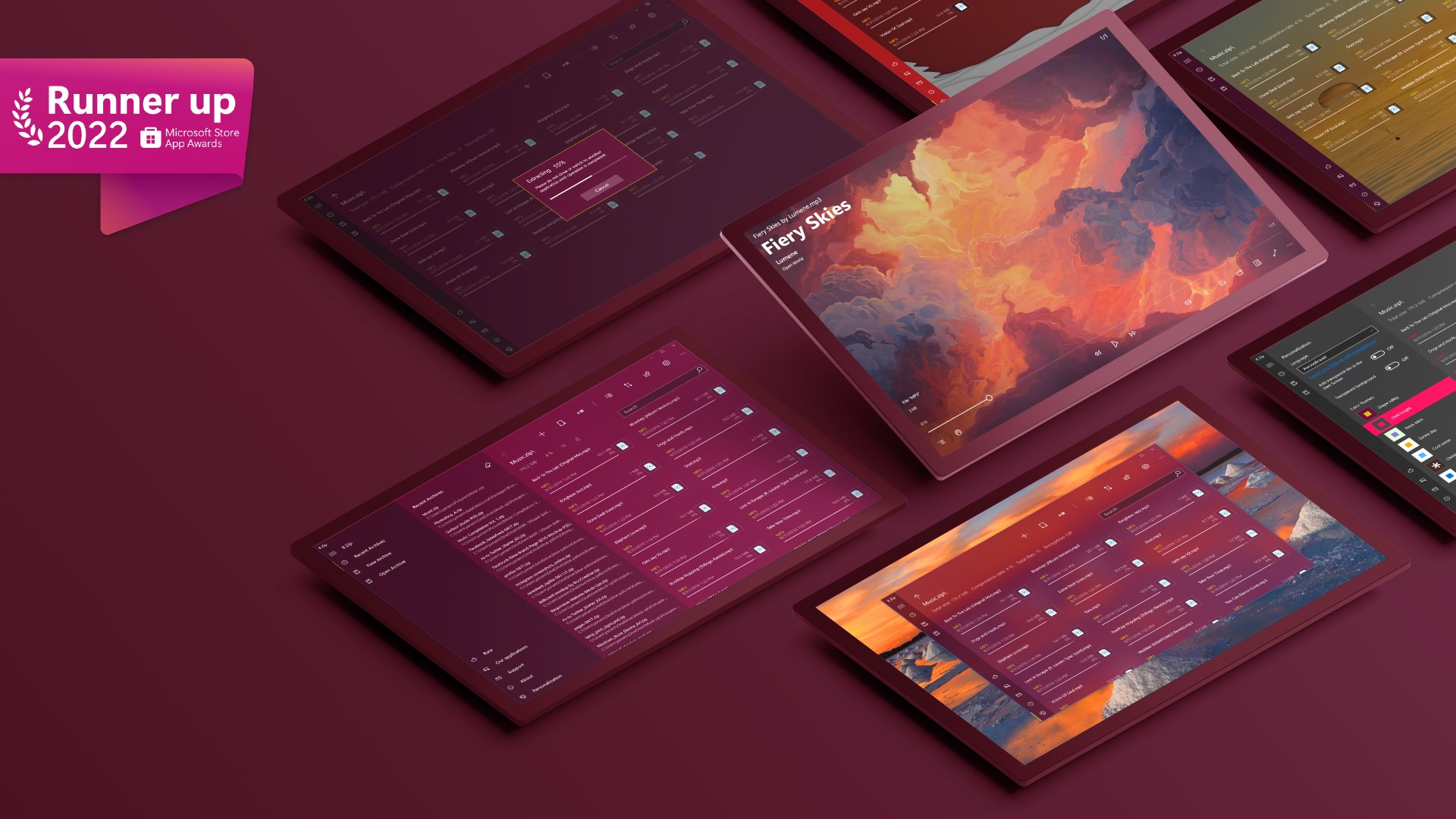
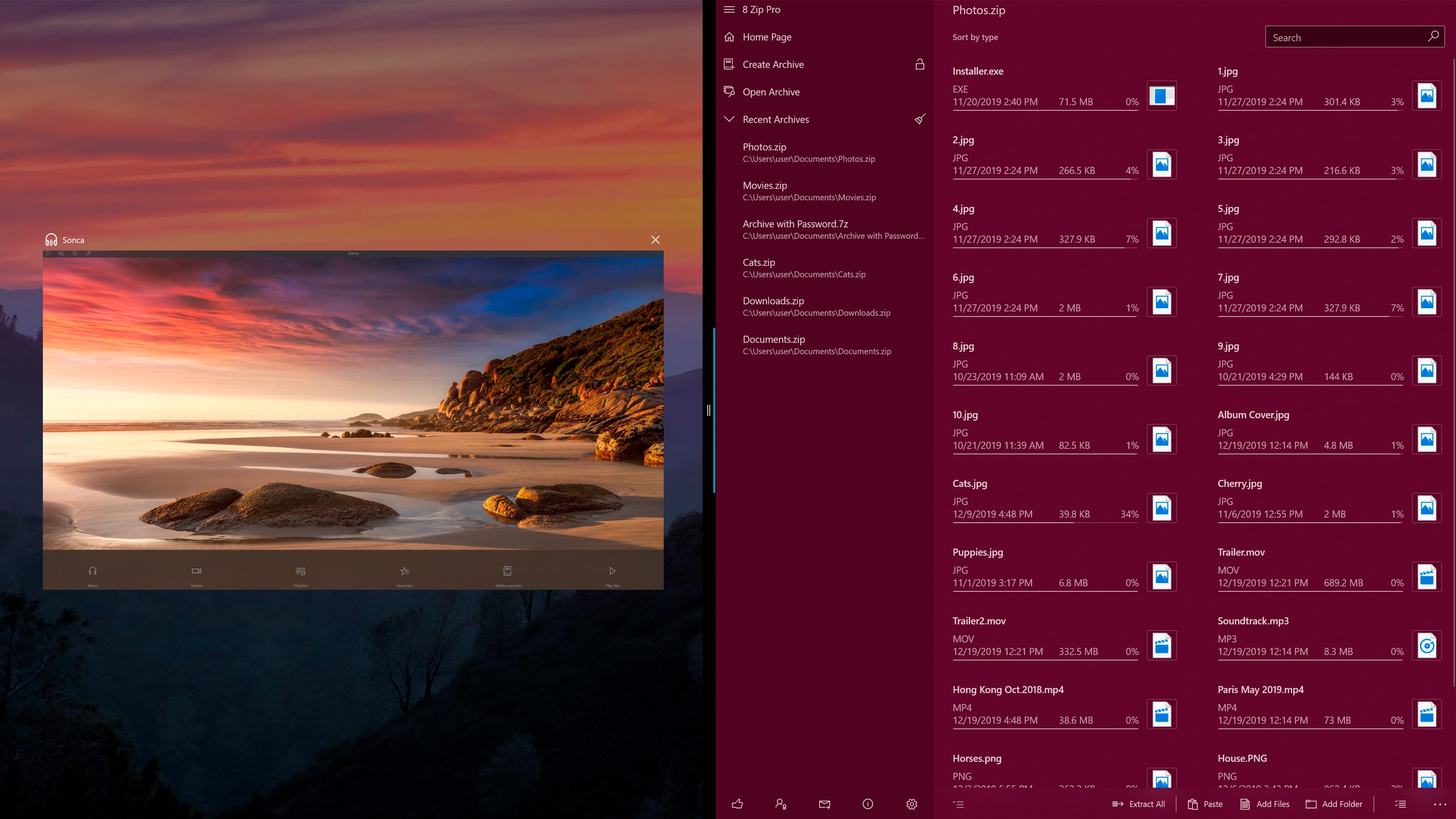
• Added the ability to open a viewer in a new window. It allows you to look through the images or listen to music without unpacking the archive.
• 7-zip library updated.
• The archive navigation has been improved.
• SVG file support has been added to the built-in viewer.
06/26/2018
• Ability to Extract with the application from the Windows Explorer's context menu.
12/08/2017
• 7-Zip library was updated to version 16.04.
05/09/2017
• Creators Update support.
• Extended Share contract feature, now you can easily:
- send files from archive to the clipboard;
- unpack compressed file simple by sending it to 8 Zip from any other app including Explorer;
- unpack several archives at once;
- compress files with Share from another app including Explorer;
• Implemented auto update if you modified compressed document in external application.
• Added option to turn on app window transparency (aka NEON).
• Added compact overlay mode for image/audio/video viewer (aka Picture in picture).
• Added equalizer to audio player.
04/14/2017
• The restoring of original time of files and folders during extraction was added.
10/21/2016
• Xbox One support.
• Comic Book Archive support (.cbz, .cbr)
• UI improvements.
• New languages: Albanian, Croatian, Estonian, Finnish, Hungarian, Serbian, Swedish.
6/18/2016
• Improved ability to select items in list for pen and mouse. Now you can do it using selection rectangle.
6/10/2016
• Integration with Cortana
04/16/2016
• Basic support of multitasking was added: packing and unpacking of small archives can be performed if app was minimized.
• Progress bar is shown when archive is opening.
03/18/2016
8 Zip has become a completely universal UWP app and now works on any Windows 10 device: PC, laptop, tablet, smartphone, Xbox One, Hololens, IoT devices.
Support has been added for Continuum, Windows Hello, and Microsoft Passport technologies.
12/20/2014
8 Zip is Universal app from now.
RAR5 support added.
Recent archives list.
New languages: Arabic, Belarusian, Bulgarian, Vietnamese, Greek, Indonesian, Dutch, Polish, Portuguese (Brazil), Romanian, Slovenian, Turkish, Ukrainian, Farsi, Hindi, Czech, Japanese.
09/13/2013
Advanced compression options
Built-in viewer
05/16/2013
In app Language selection
Translation fixes
05/05/2013
Slight interface improvements
A lot of bug fixes
New live tiles
Play Store URL for "8 Zip Pro - advanced archiver. Create, unpack and encrypt."
If there is a version of this app for iOS/Mac or Windows we don't know about, paste the store link here — we'll auto-detect the store.
How to find the URL:1. Open the app in its store. 2.In the App Store app: tap the Share icon → “Copy Link”. In the browser: copy the URL from the address bar — it contains apps.apple.com/…/id… or apps.microsoft.com/detail/…. 3. Paste it here.
Paste the original link from the Apple App Store or Microsoft Store. We fetch all details automatically.
How to find the URL:
1. Open the app in its store. 2.In the App Store app: tap the Share icon → “Copy Link”. In the browser: copy the URL from the address bar — it contains apps.apple.com/…/id… or apps.microsoft.com/detail/…. 3. Paste it here.
Android apps can only be listed by their developer.





 8 Zip - unpack RAR, ZIP, 7z
Create and extract archives with built-in viewer
 RAR, 7z & Zip Extractor
Extract and manage archive files
 RAR Zip 7Z
Extract, compress and view archives
 Zip & RAR.
Extract and manage archives in multiple formats
 ZIP Unzip - RAR & 7Z File Compressor
Open, compress and encrypt ZIP, RAR and 7Z archives
 ZIP RAR & 7Z
Open and extract archives in multiple formats