Screenshot appears after consentScreenshot appears after consentScreenshot appears after consentScreenshot appears after consentScreenshot appears after consentScreenshot appears after consentScreenshot appears after consent
Summary
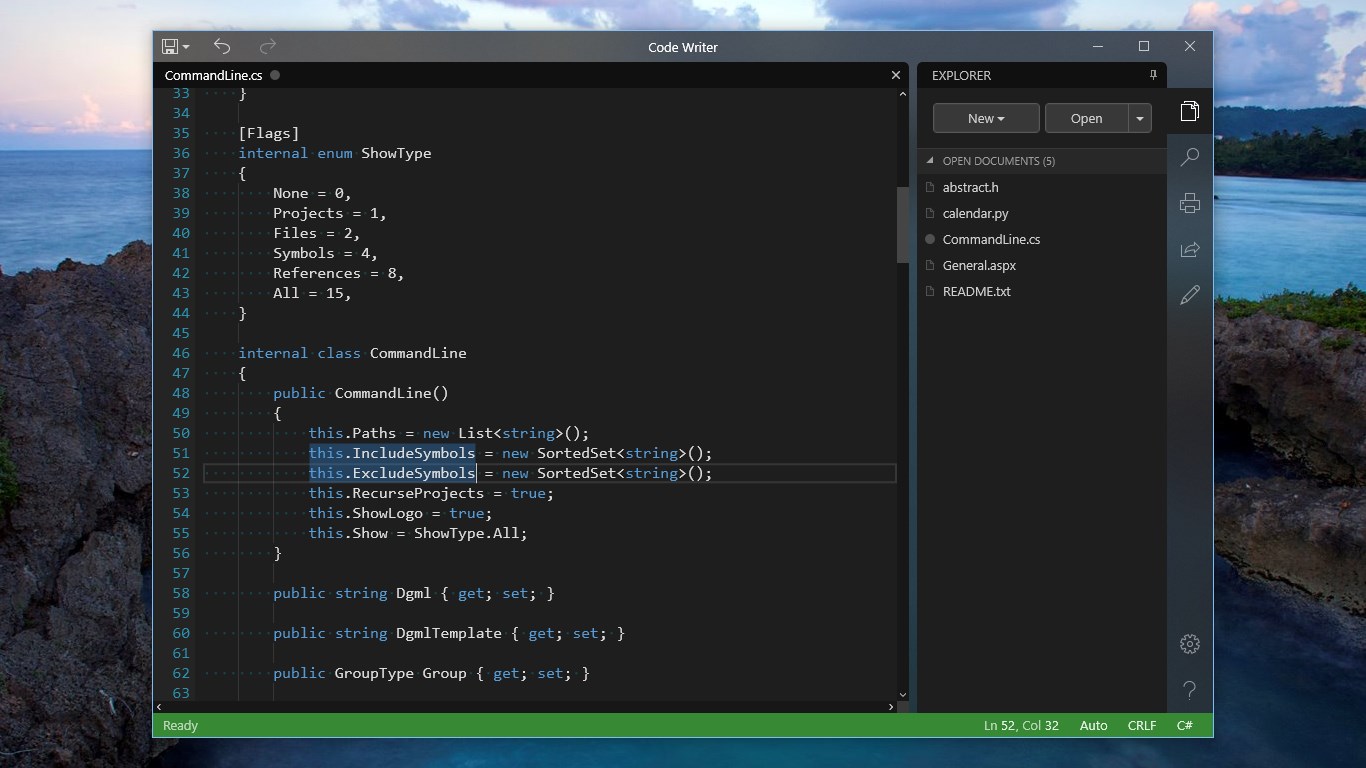
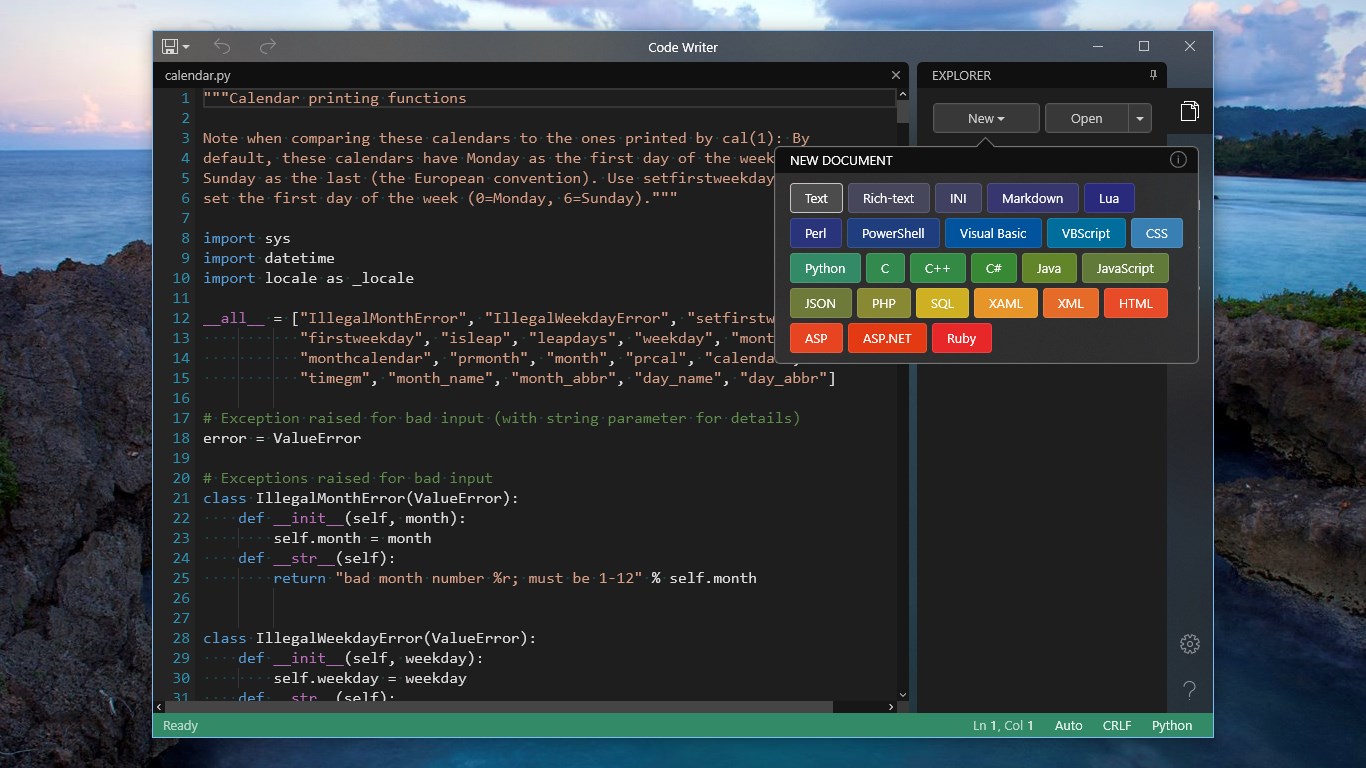
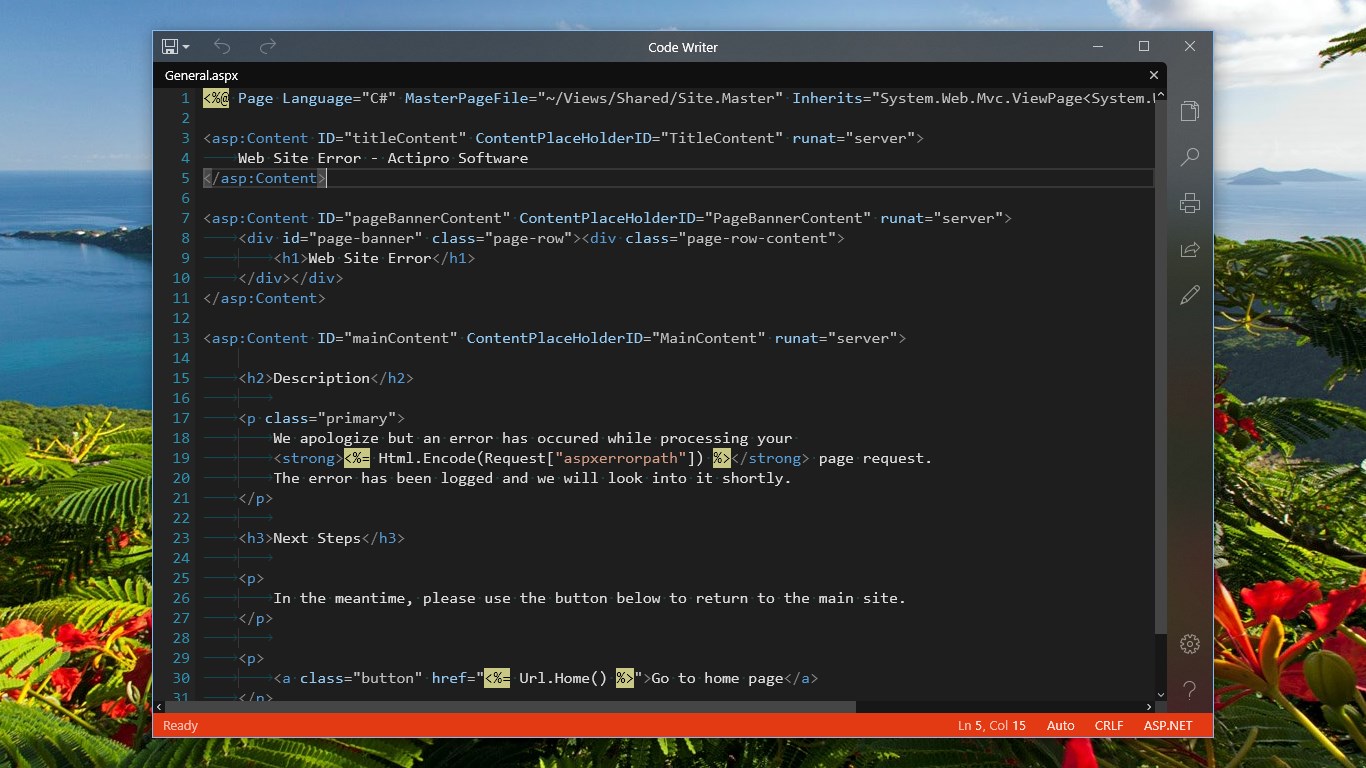
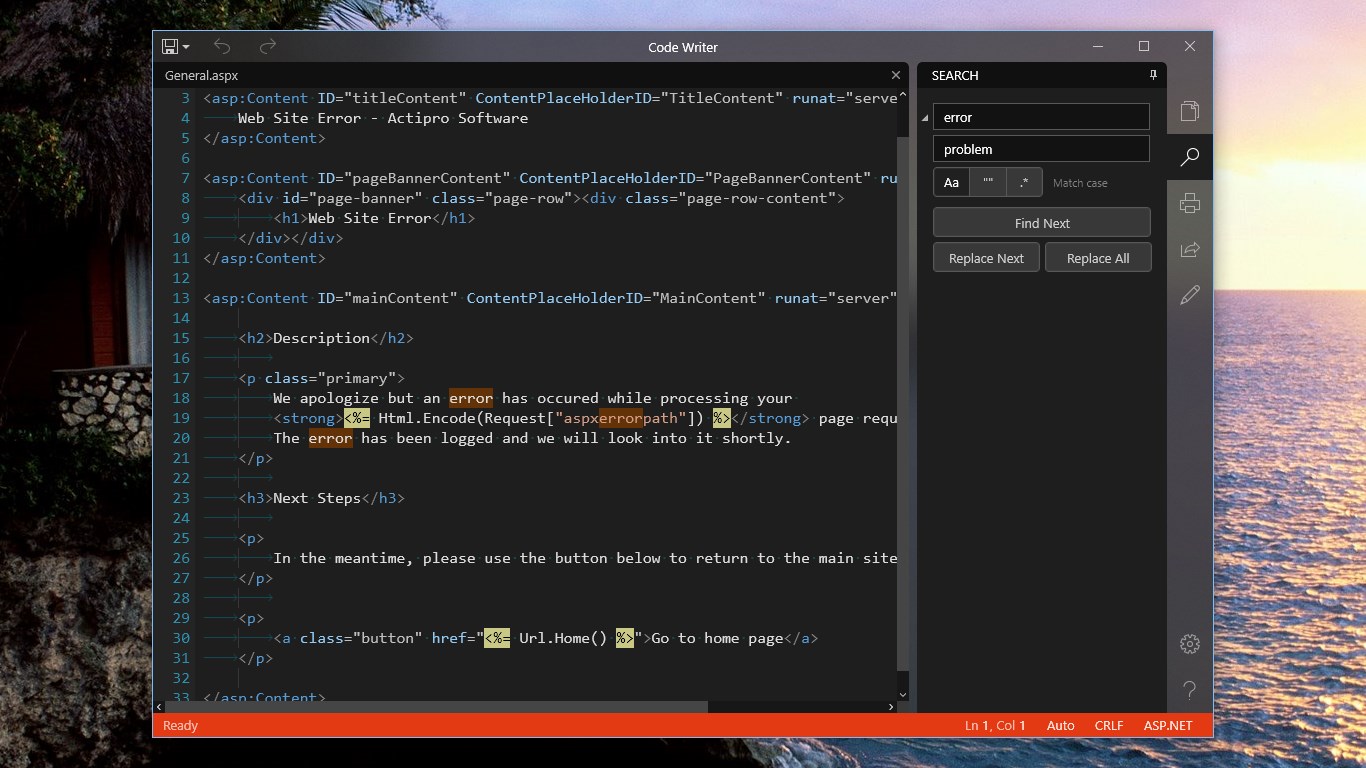
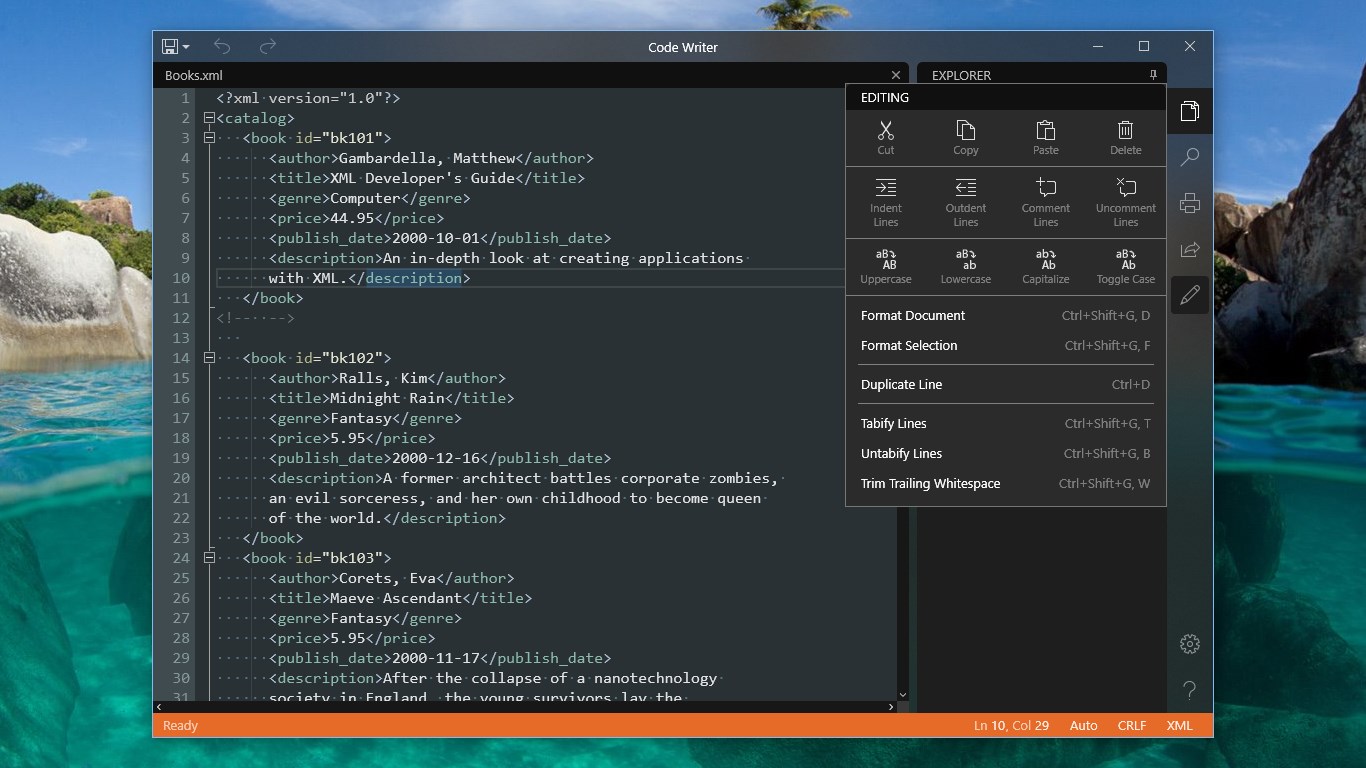
Code Writer is a free text and code editor supporting over 20 file types, with syntax highlighting that updates as documents are edited. It offers a near full-screen editing mode with a collapsible side bar containing a document explorer, search functionality, advanced editing commands, printing and sharing, and settings. A popup command palette gives quick keyboard access to most commands. New or existing documents can be opened from any accessible source, and the editor theme, font size, and other display options can be configured. The app suits editing text-based files, performing code reviews, and presenting code samples.
Show the developer's original descriptionHide the original description
Code Writer is a free text and code editor app with over 20 supported file types, and active syntax highlighting that updates as you edit documents. Use it as a replacement for Notepad and other quick edit apps.
The app has been built from the ground up for Windows 10. It's fast and fluid, and gives you the power to edit documents with features you'd normally only find in desktop apps. Code Writer is perfect for editing any text-based file, doing code reviews, or giving presentations with code samples.
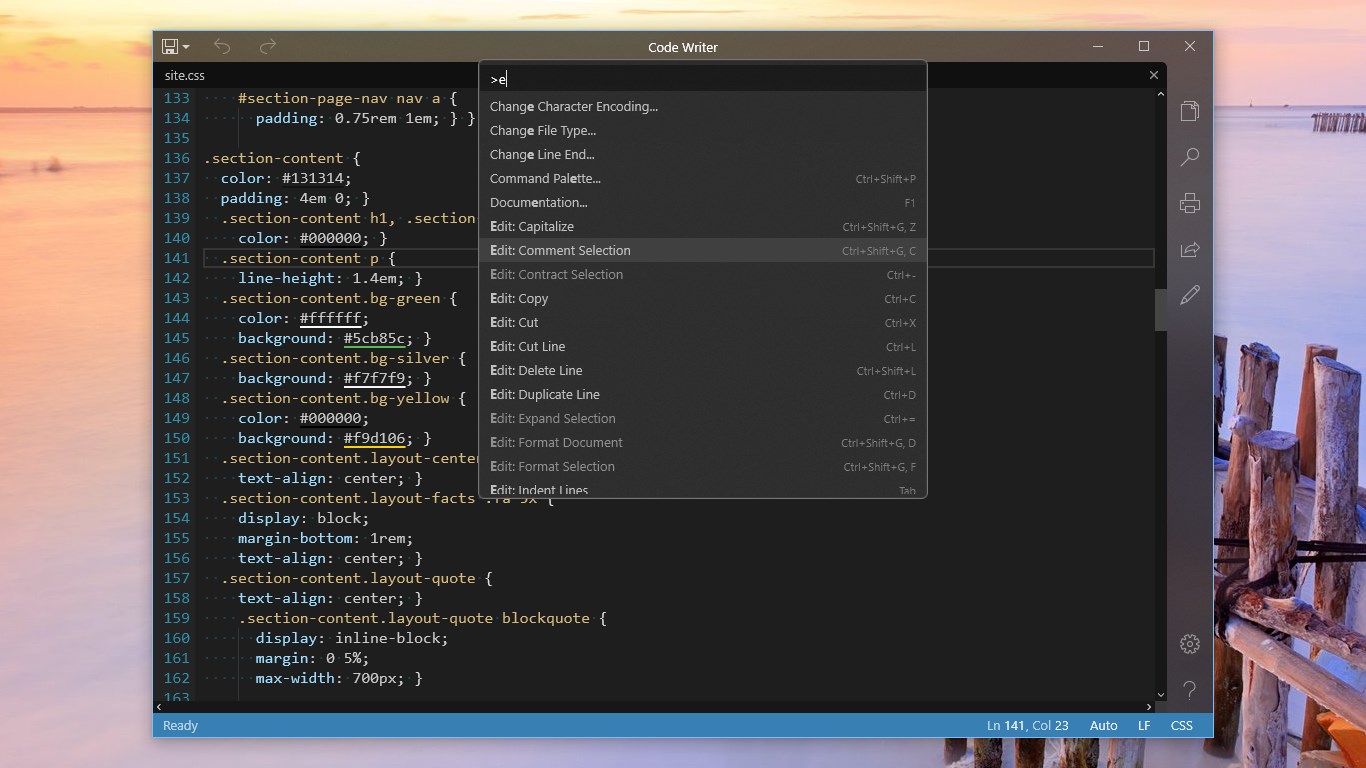
The text editor allows you to edit documents in near full-screen mode with the chrome fading to the background. The collapsible side bar houses features like a document explorer, search functionality, advanced editing commands, print/share, settings, and help. A popup command palette provides quick keyboard access to almost every command in the app.
Easily create new or open existing documents from any accessible source. Color is used pervasively throughout the app to create a bond between you and the various file types you work with.
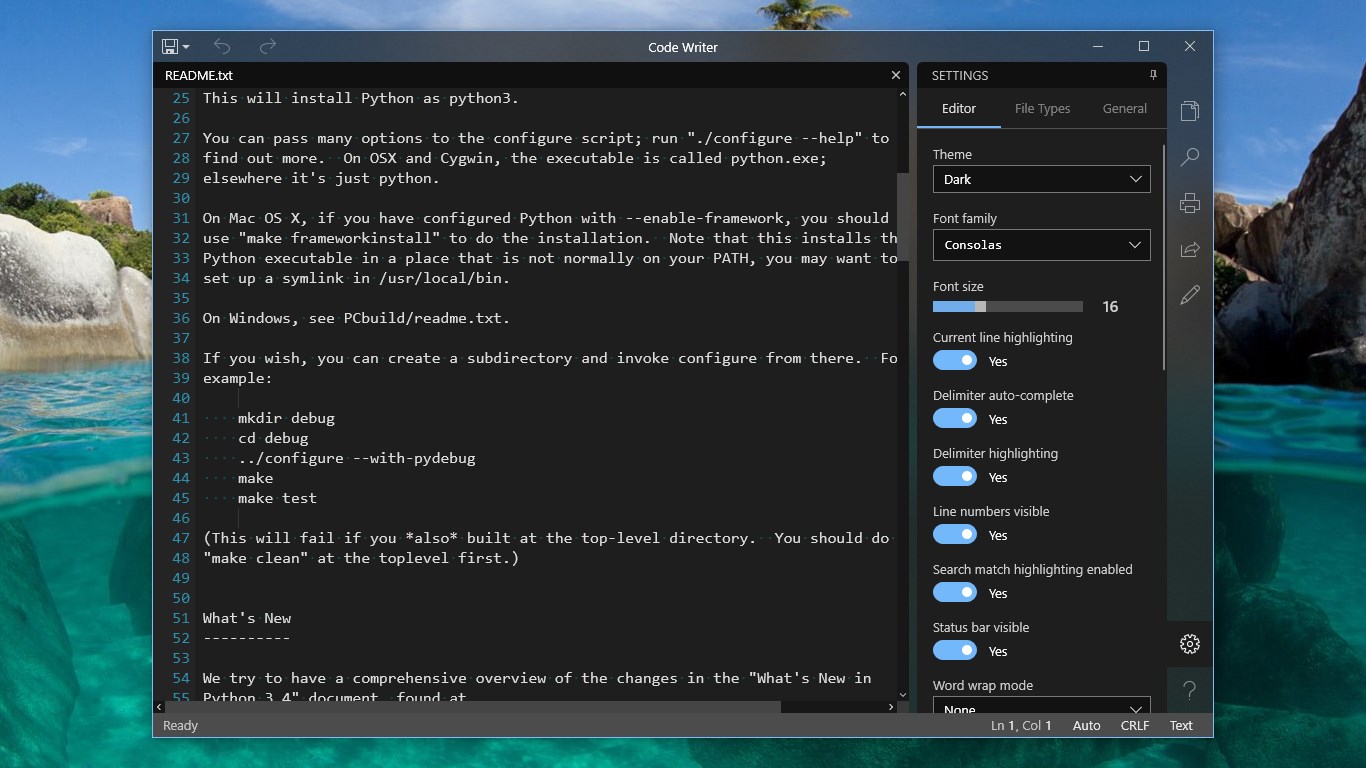
Configure the editor theme and other options such as font size to mold your ideal editing environment. Learn about every product feature with the included detailed documentation.
The app requires Windows 10 Fall Creators Update (version 1709) or later, and is fully supported on ARM, x86, and x64 devices.
IF YOU LIKE THIS FREE APP, PLEASE SUPPORT ITS CONTINUED DEVELOPMENT WITH GOOD RATINGS. We have many plans for further improvements but want to hear your suggestions too. It is most helpful if you post your own ideas for app features in our support forum or in the Windows Feedback app (instead of or in addition to reviews in the Store) so that we can communicate directly with you. Sometimes we may need more information about the feature request and by posting in our forums or the Feedback app, we can get that from you. Thank you for your support, it is much appreciated. Happy coding!
Follow us on Twitter with @CodeWriterApp.
You can even chat directly with our dev team via Slack (http://www.actiprosoftware.com/community/chat) to help guide future Code Writer features!
If there is a version of this app for iOS/Mac or Windows we don't know about, paste the store link here — we'll auto-detect the store.
How to find the URL:1. Open the app in its store. 2.In the App Store app: tap the Share icon → “Copy Link”. In the browser: copy the URL from the address bar — it contains apps.apple.com/…/id… or apps.microsoft.com/detail/…. 3. Paste it here.
Paste the original link from the Apple App Store or Microsoft Store. We fetch all details automatically.
How to find the URL:
1. Open the app in its store. 2.In the App Store app: tap the Share icon → “Copy Link”. In the browser: copy the URL from the address bar — it contains apps.apple.com/…/id… or apps.microsoft.com/detail/…. 3. Paste it here.
Android apps can only be listed by their developer.



 Notepad Editor
Text editor with syntax highlighting for code and markup
 Runestone Text Editor
Text editor with syntax highlighting for coding
 SubEthaEdit
Collaborate on text and code with syntax highlighting
 Textastic Code Editor
Code editor with syntax highlighting and server access
 CotEditor
Lightweight text editor for code, Markdown and notes
 BBEdit
Professional text and code editor with syntax highlighting