

CropiPic - crop video & image

Edit and crop videos and photos for social media AI summary
Rank 824
0 Up Votes, 0 Down Votes
▲
0
▼
CropiPic - crop video & image is not available on Android and Apple — or is it? Submit URL
Screenshots
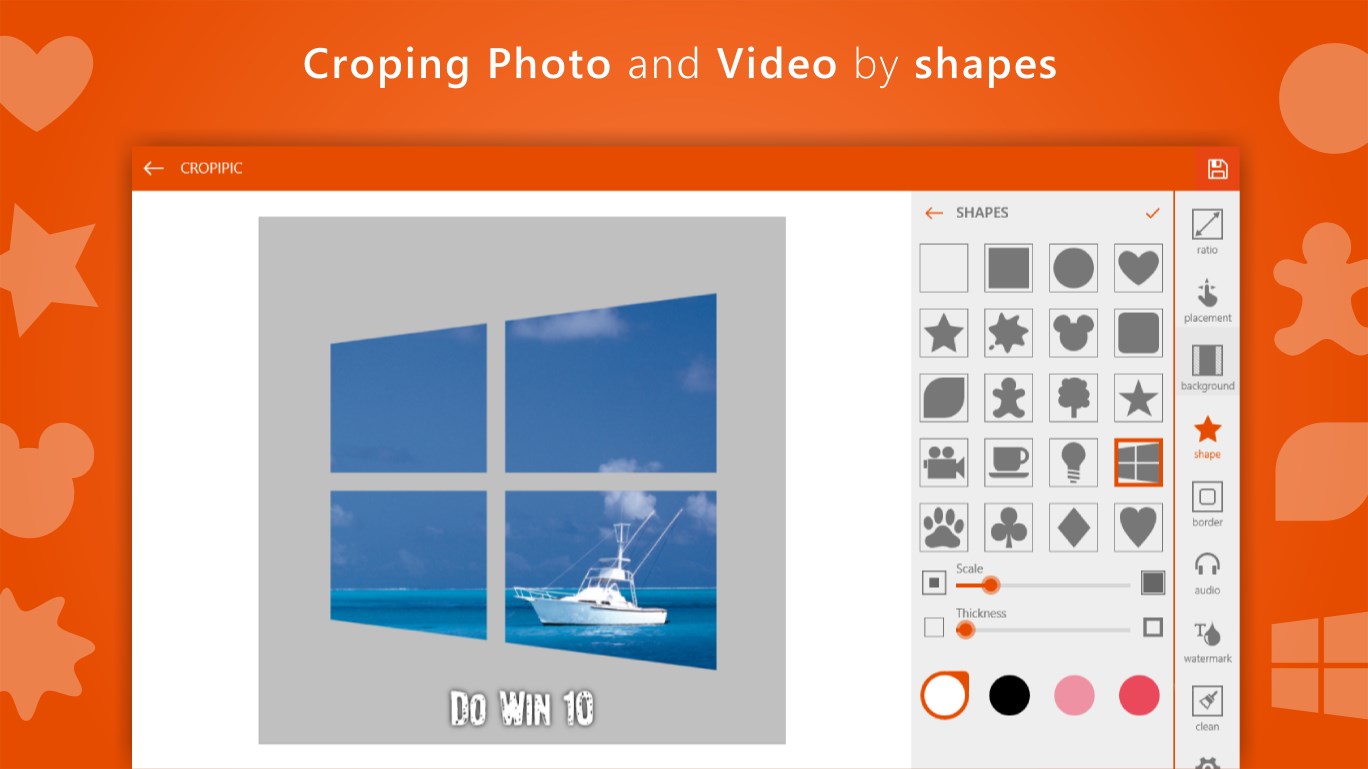
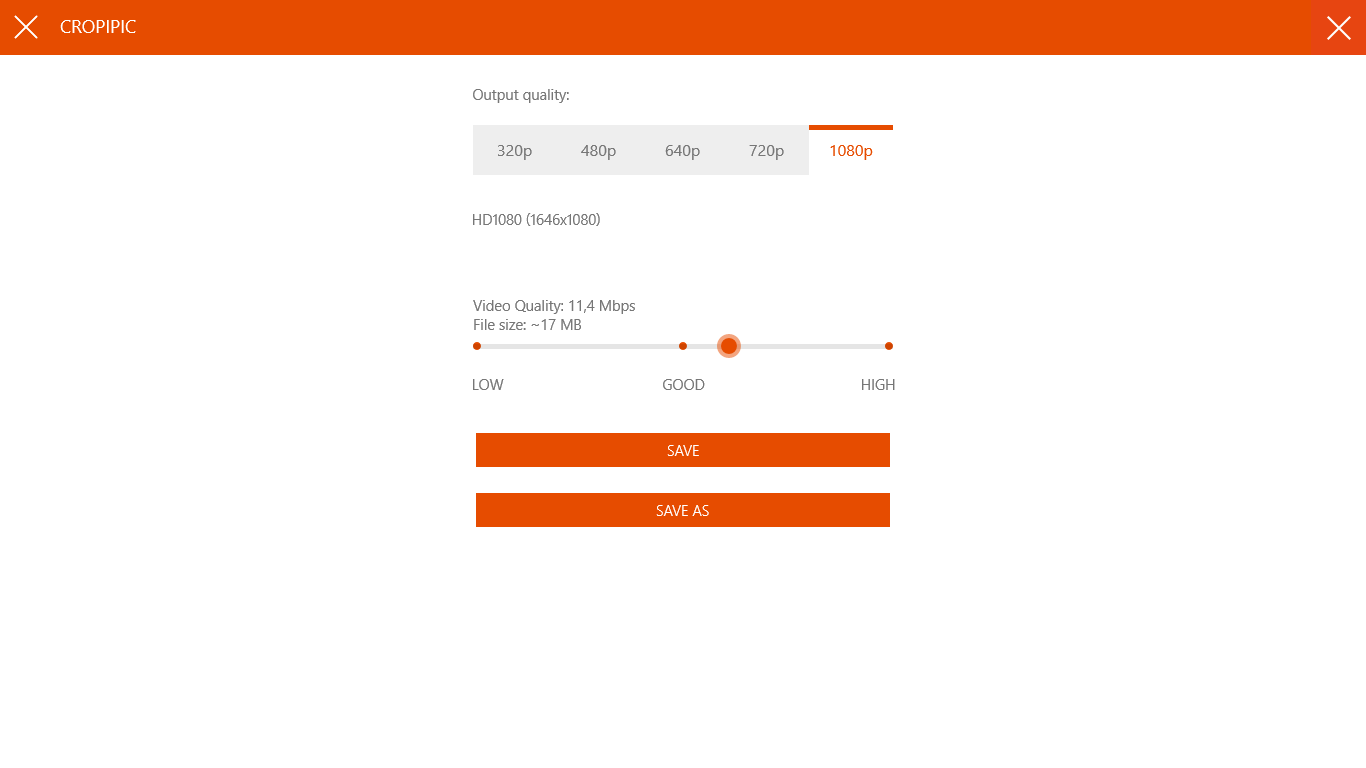
Screenshot 1 of CropiPic - crop video & image on WindowsScreenshot
appears after consent
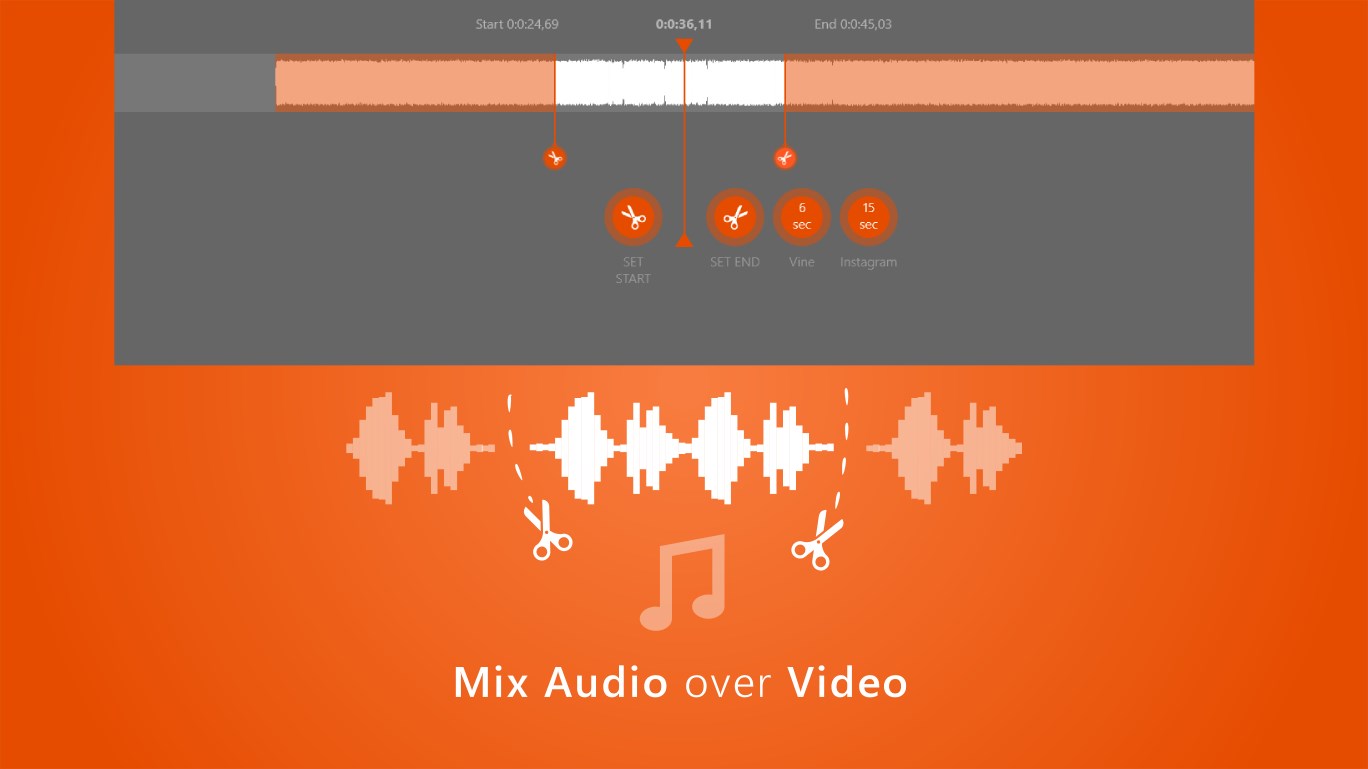
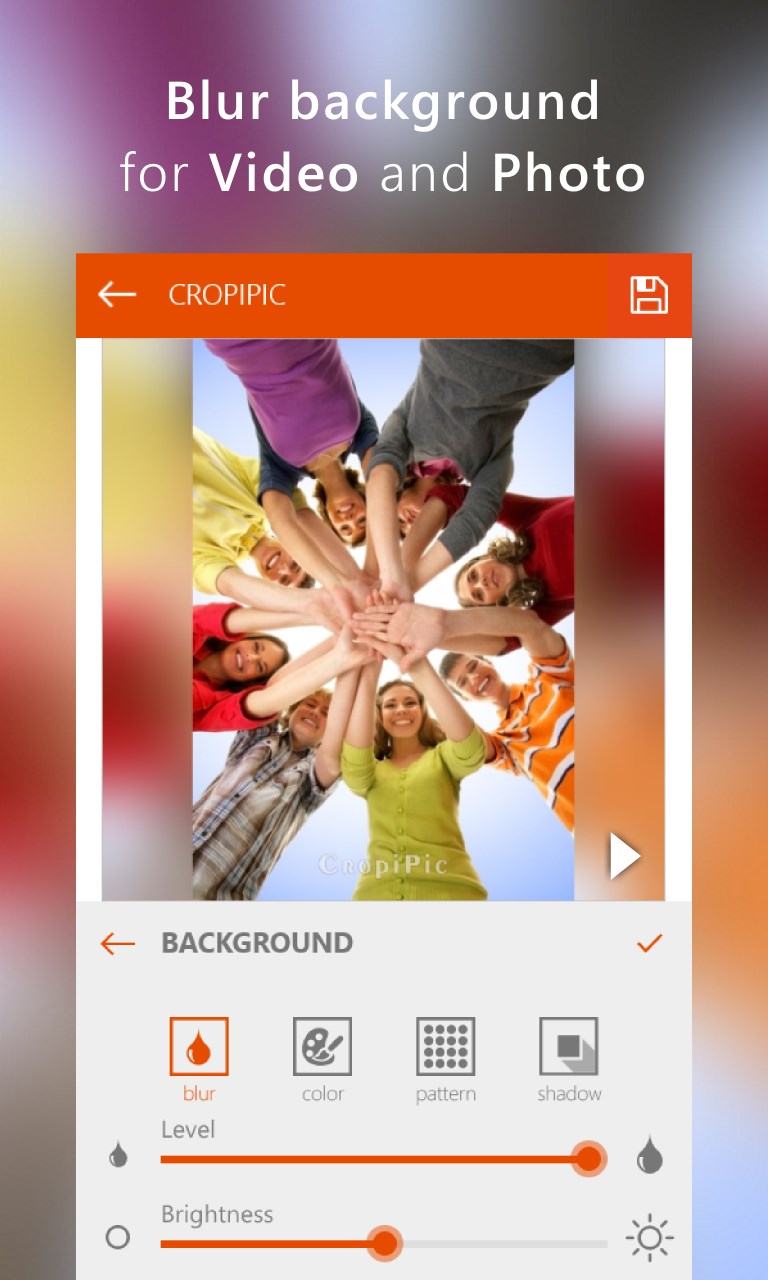
Screenshot 2 of CropiPic - crop video & image on WindowsScreenshot
appears after consent
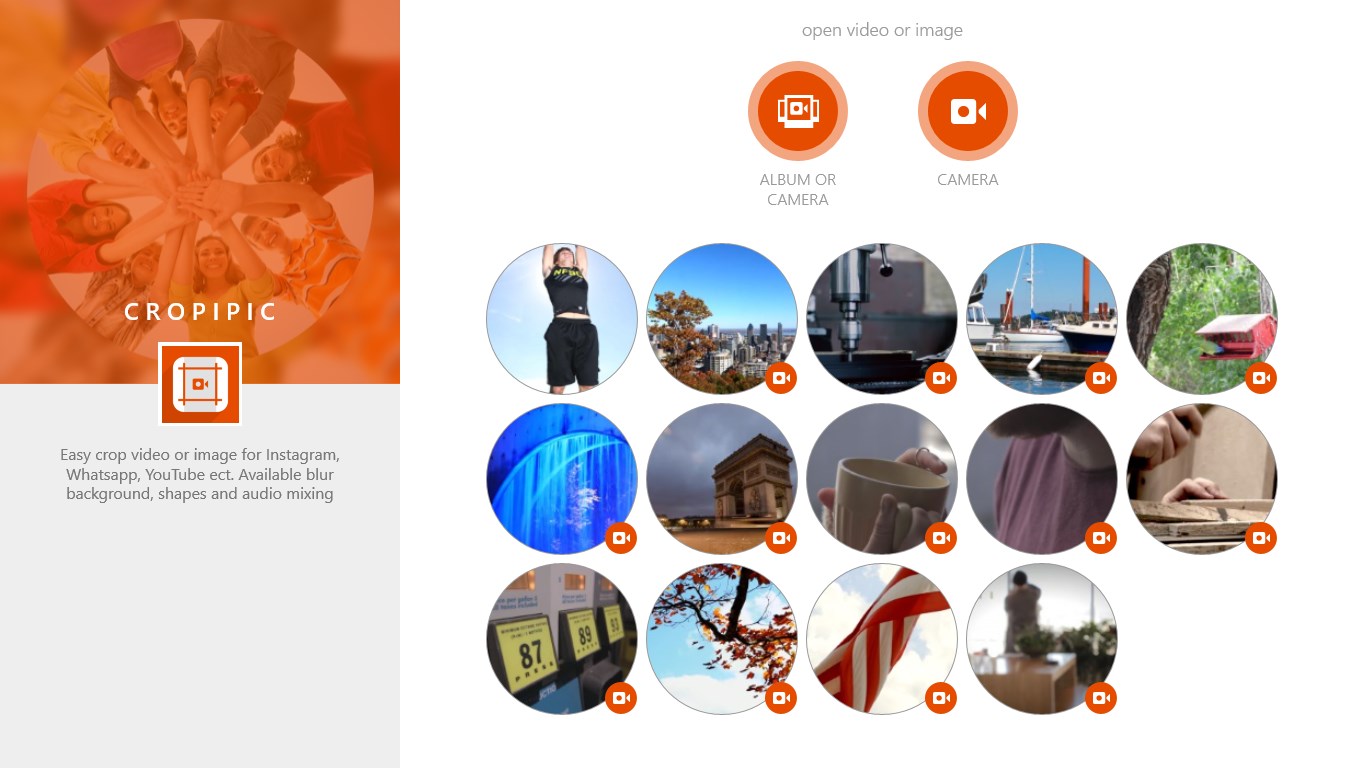
Screenshot 3 of CropiPic - crop video & image on WindowsScreenshot
appears after consent
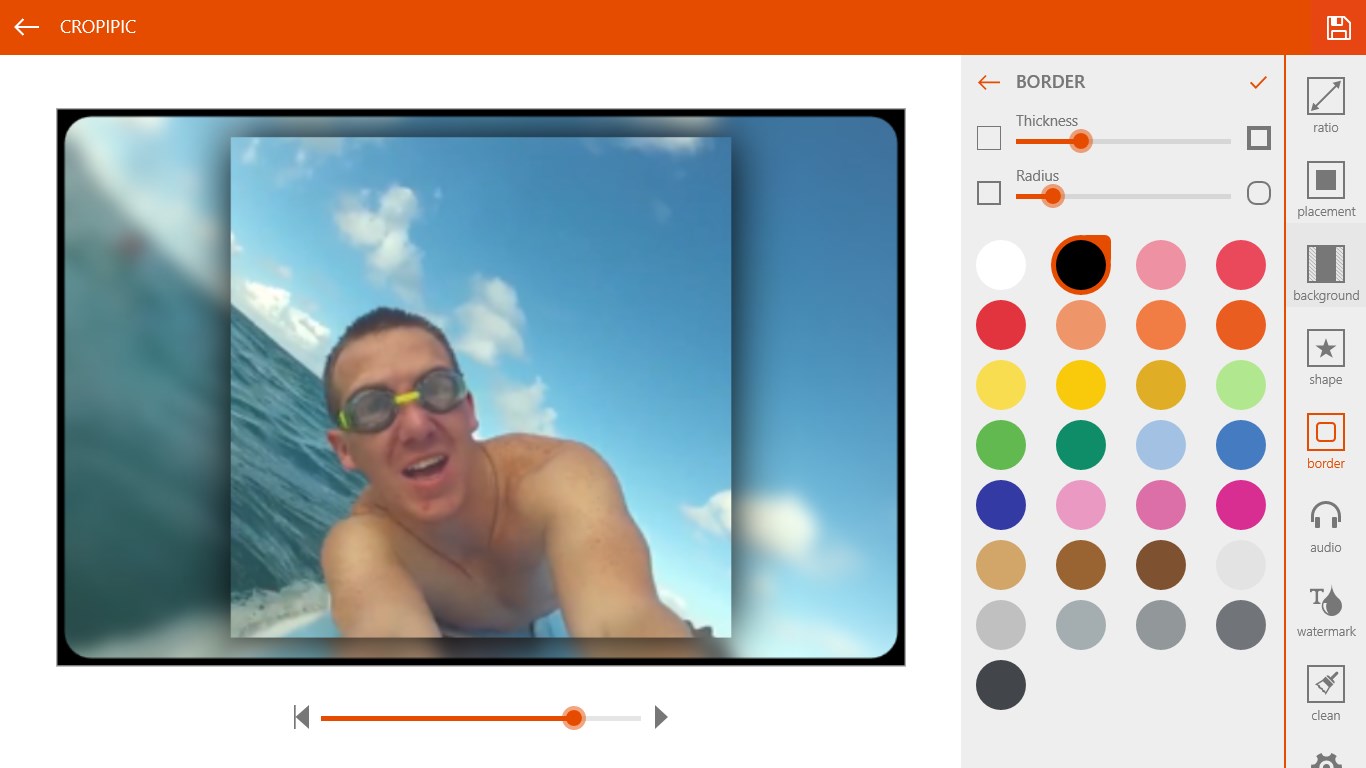
Screenshot 4 of CropiPic - crop video & image on WindowsScreenshot
appears after consent
Screenshot 5 of CropiPic - crop video & image on WindowsScreenshot
appears after consent
Screenshot 6 of CropiPic - crop video & image on WindowsScreenshot
appears after consent
Screenshot 7 of CropiPic - crop video & image on WindowsScreenshot
appears after consent
Screenshot 8 of CropiPic - crop video & image on WindowsScreenshot
appears after consent
Screenshot 9 of CropiPic - crop video & image on WindowsScreenshot
appears after consent
Screenshot 10 of CropiPic - crop video & image on WindowsScreenshot
appears after consent
Screenshot 11 of CropiPic - crop video & image on WindowsScreenshot
appears after consent
Screenshot 12 of CropiPic - crop video & image on WindowsScreenshot
appears after consent
Screenshot 13 of CropiPic - crop video & image on WindowsScreenshot
appears after consent
Screenshot 14 of CropiPic - crop video & image on WindowsScreenshot
appears after consent
Screenshot 15 of CropiPic - crop video & image on WindowsScreenshot
appears after consent
Screenshot 16 of CropiPic - crop video & image on WindowsScreenshot
appears after consent
Screenshot 17 of CropiPic - crop video & image on WindowsScreenshot
appears after consent
Summary
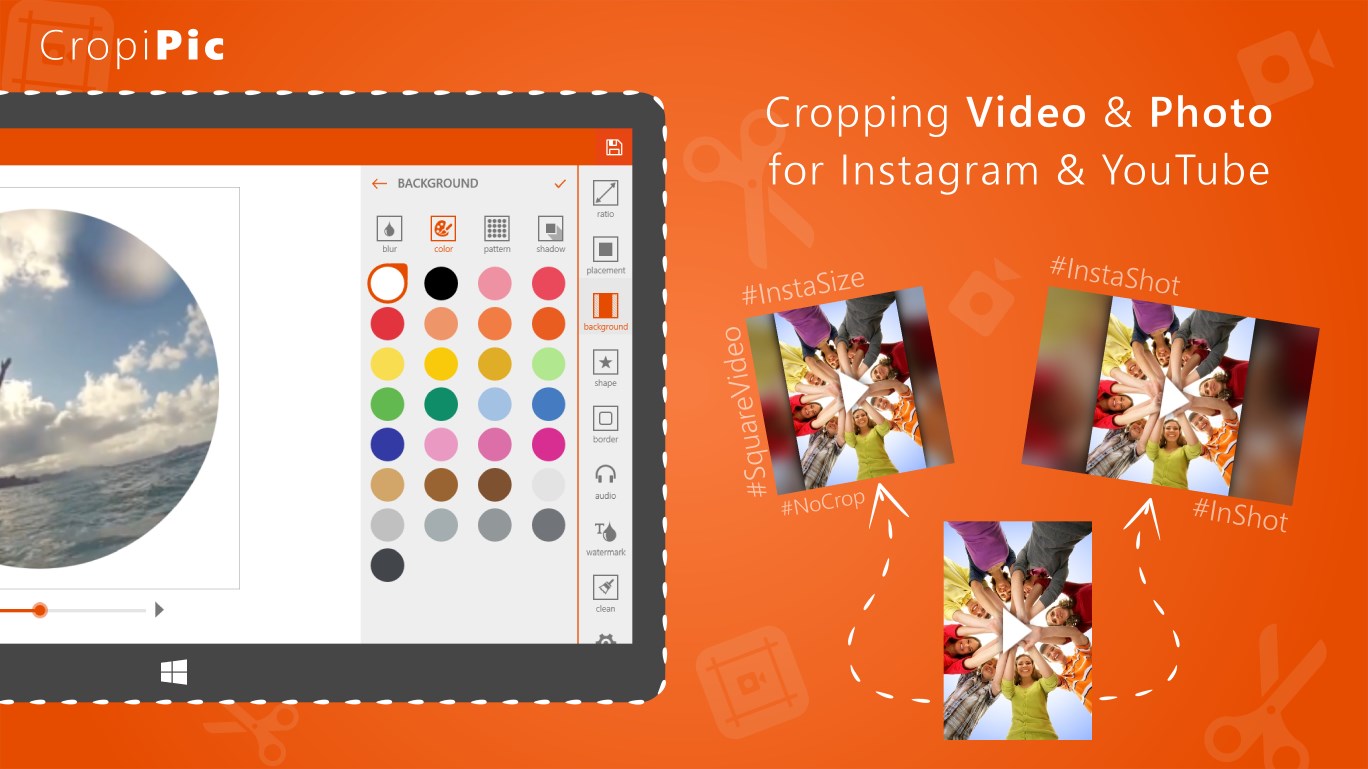
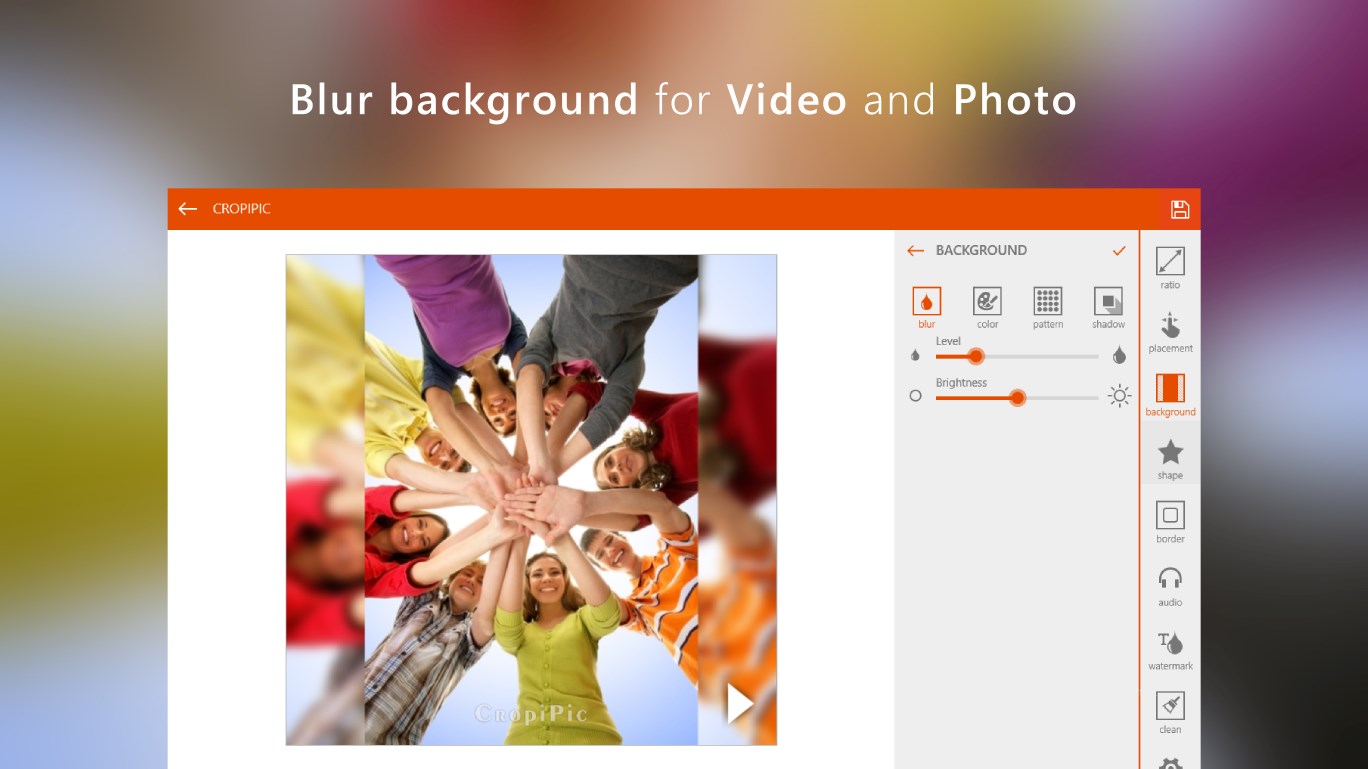
CropiPic - crop video & image is a video and photo editing app for preparing content to post on Instagram, YouTube, WhatsApp, Telegram, Facebook and TikTok. It allows cropping and rotating video or photo to fit landscape or portrait formats without sacrificing quality, and changing the aspect ratio so the entire image fits the platform. It offers a blur background effect for video or photo, along with video effects, embedded custom shapes and audio mixing. It also supports trimming mp4 video from the beginning or end, zooming, flipping and adjusting video position, and adding a customizable brand or channel watermark.
Show the developer's original descriptionHide the original description
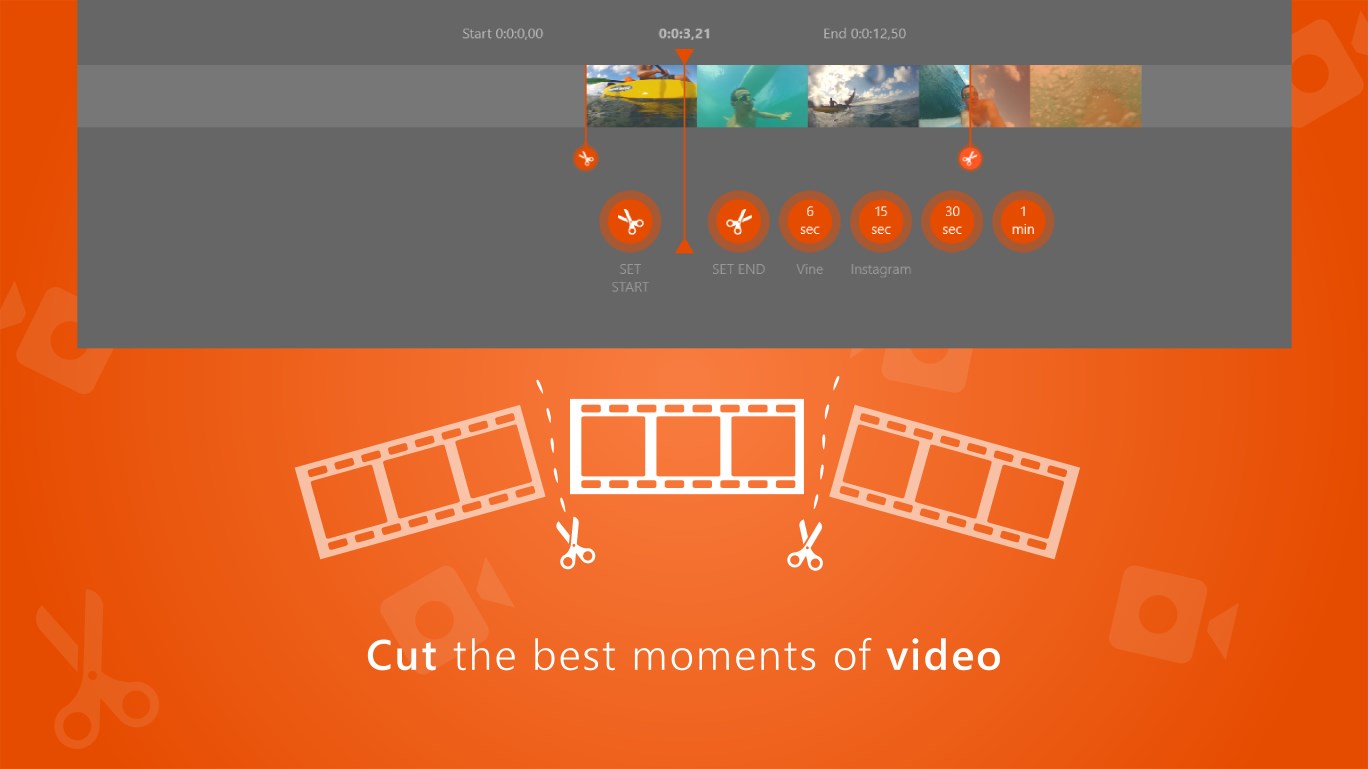
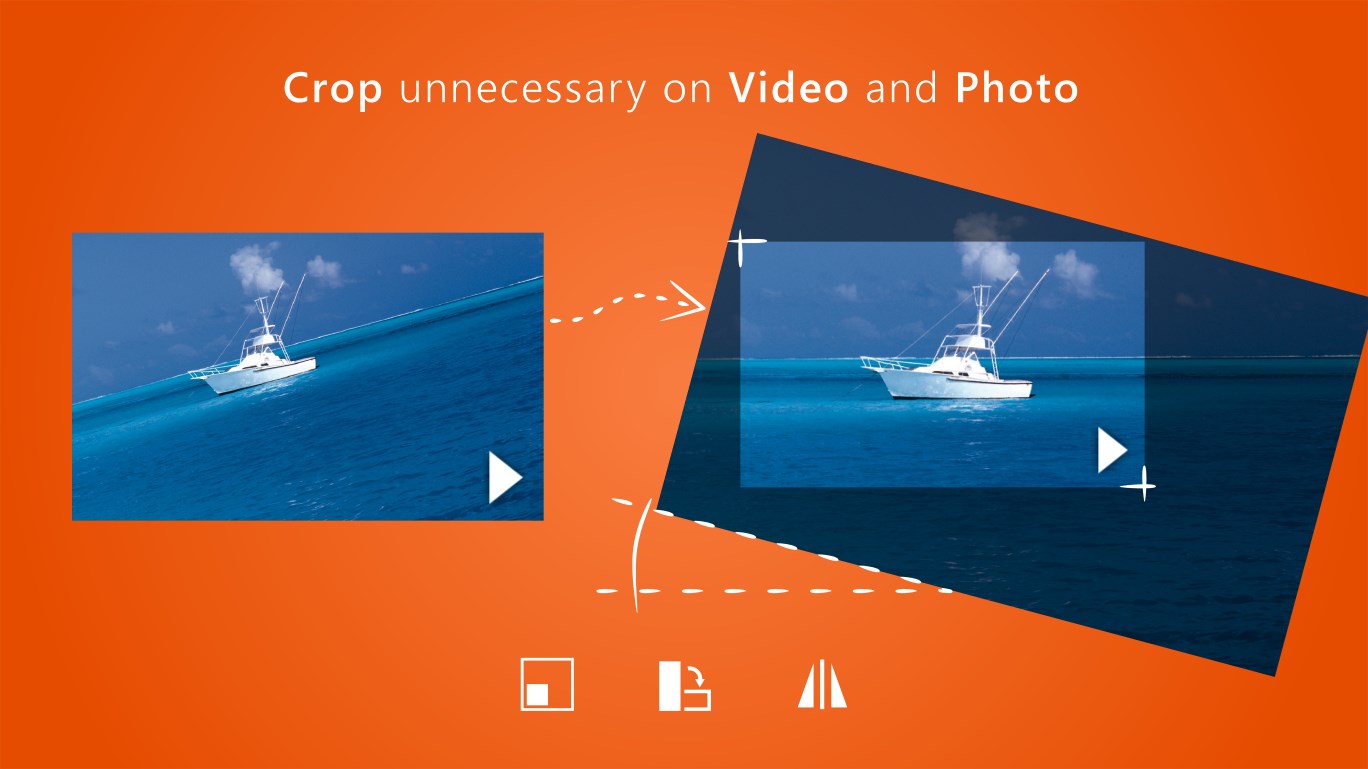
Easily edit your video or photo to post it on Instagram, YouTube, or send it through WhatsApp, Telegram keeping the high quality. Blur video or photo background, apply cool video effects, add shapes, and music to your video. Rotate video to fit landscape YouTube video format or portrait video for Instagram or Facebook, and more! What can you do with CropicPic: ⋆ Trim your mp4 video from the beginning or end; ⋆ Use blur background for your video or photo; ⋆ Crop and rotate video or photo; ⋆ Zoom in or out your video, fit the frame, flip; ⋆ Apply video effects; ⋆ Mix audio and video; ⋆ Crop video or photo so it can start or end from the best position; ⋆ Change the aspect ratio will to post the entire photo or video to Instagram, Facebook, TikTok, or IGTV without cropping and sacrificing the quality; ⋆ Crop video or photo using embedded custom shapes; ⋆ Adjust video position, resize, rotate, scale and fill; ⋆ Add your own brand or channel watermark on your video or photo, customize it; CropiPic is a perfect alternative to video editors, such as InShot / iMovie/ InstaSize / NoCrop / Square video & photo, that are available on other platforms.
Technical details about CropiPic
Category
Age Rating
Price
Size
24,3 MB
Last updated in Microsoft Store
2026-04-11
App Store Rating
4 ★
Devices
CropiPic in the rankings
Manage app

Are you on the developer team behind CropiPic?

Verify yourself and manage your listing on Most Voted Apps.

Verify CropiPic for free
Verification usually takes only a few minutes.
Similar apps to CropiPic