Screenshot appears after consentScreenshot appears after consentScreenshot appears after consentScreenshot appears after consentScreenshot appears after consentScreenshot appears after consentScreenshot appears after consentScreenshot appears after consentScreenshot appears after consentScreenshot appears after consent
Summary
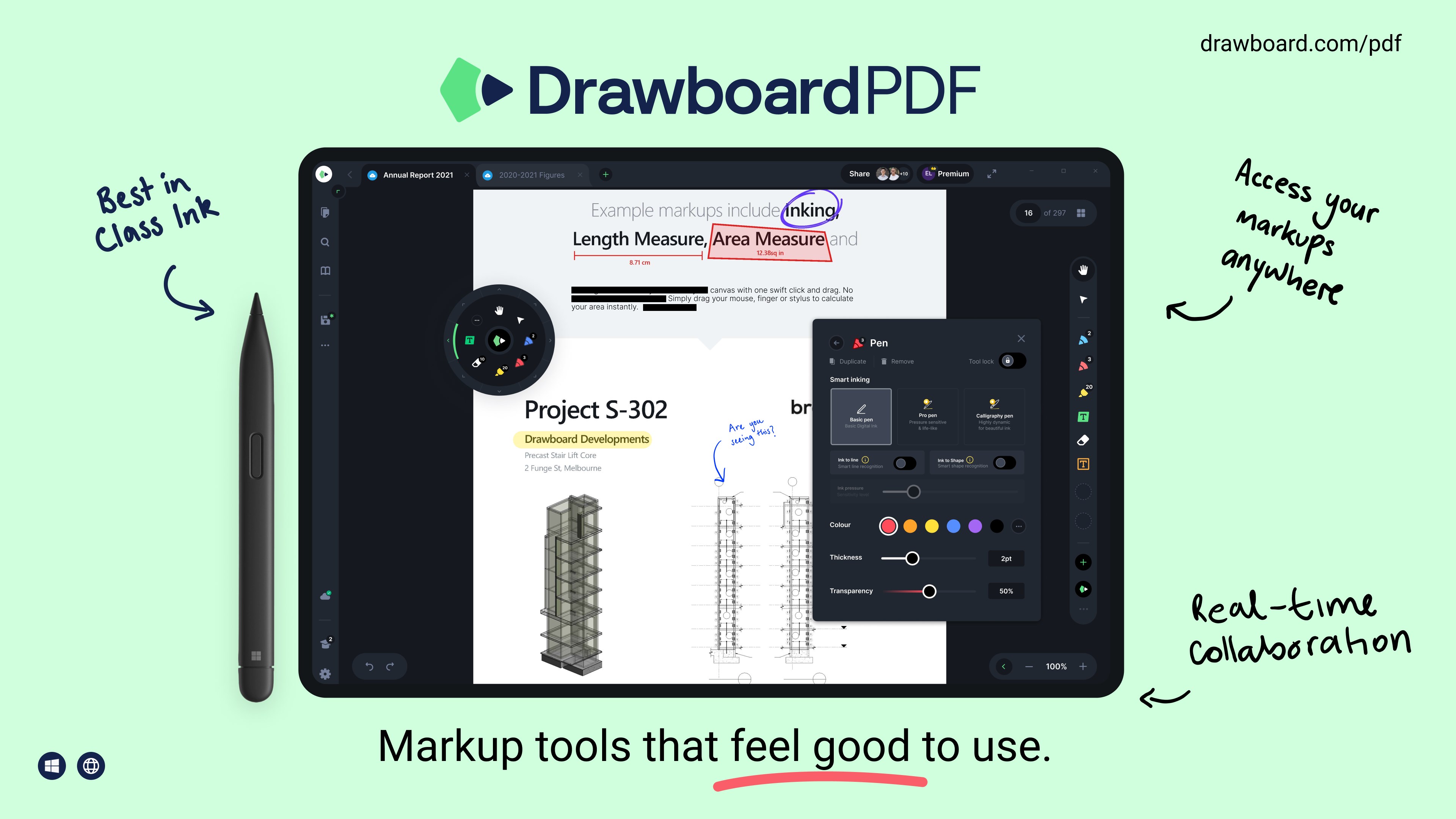
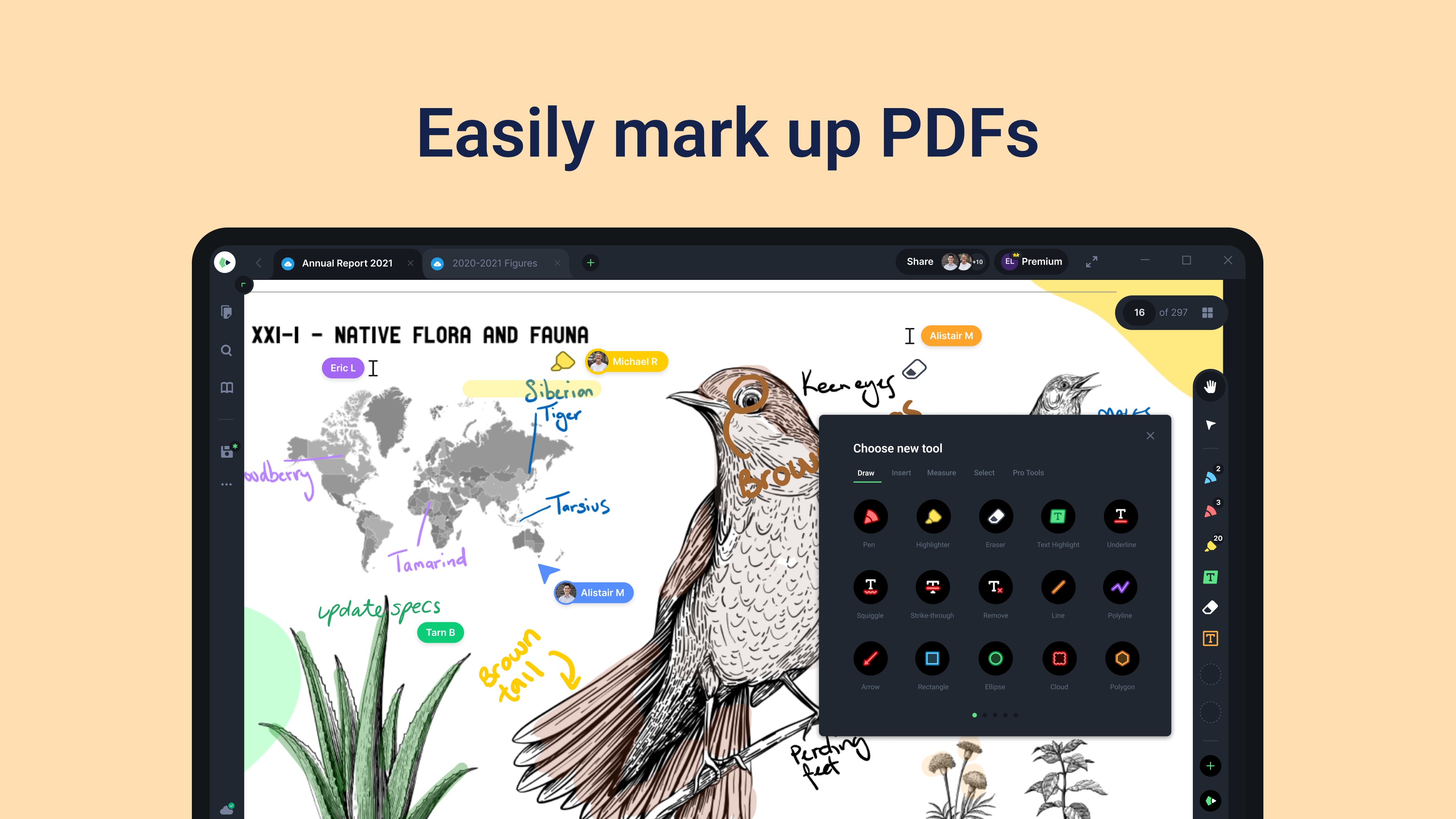
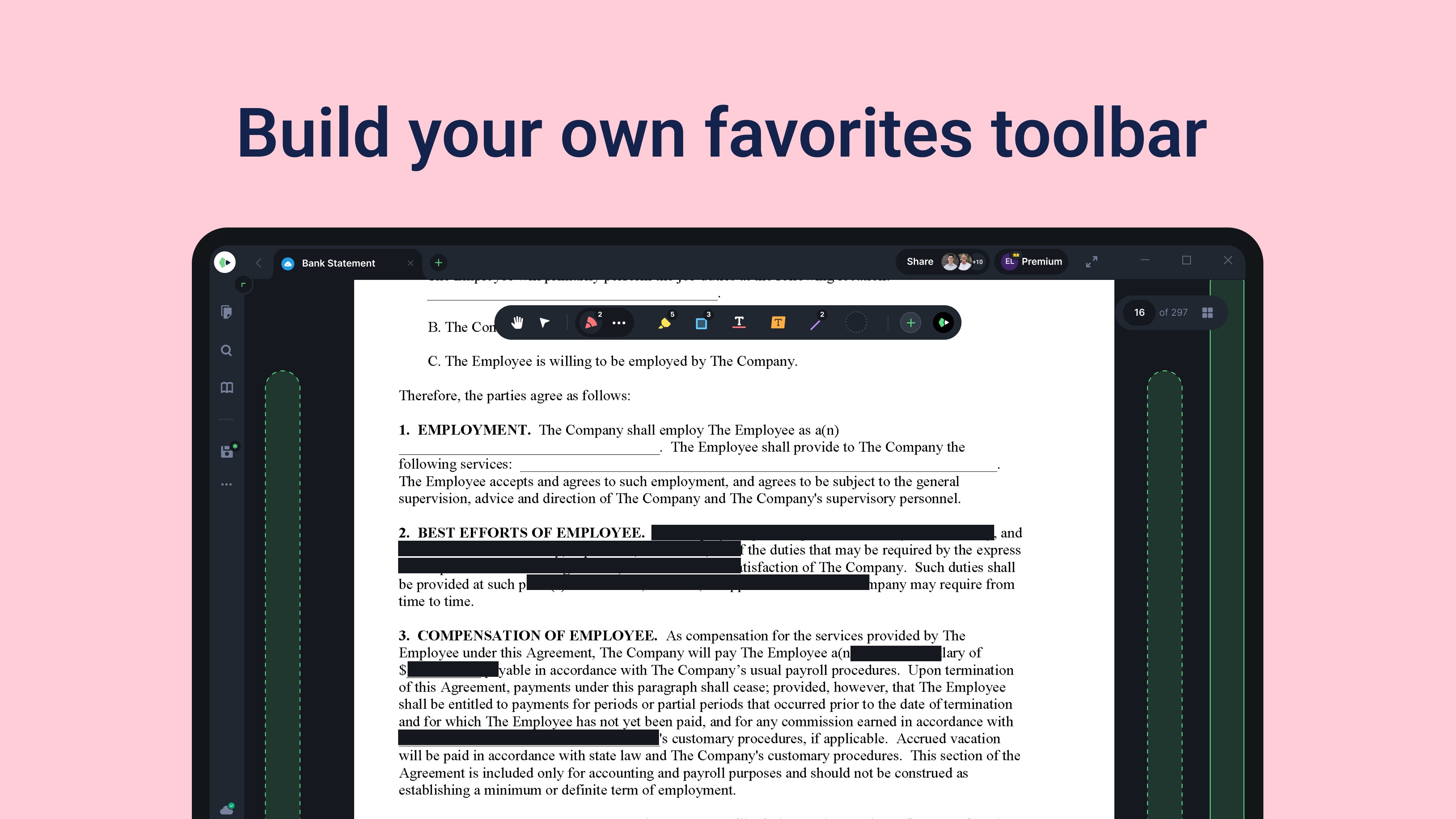
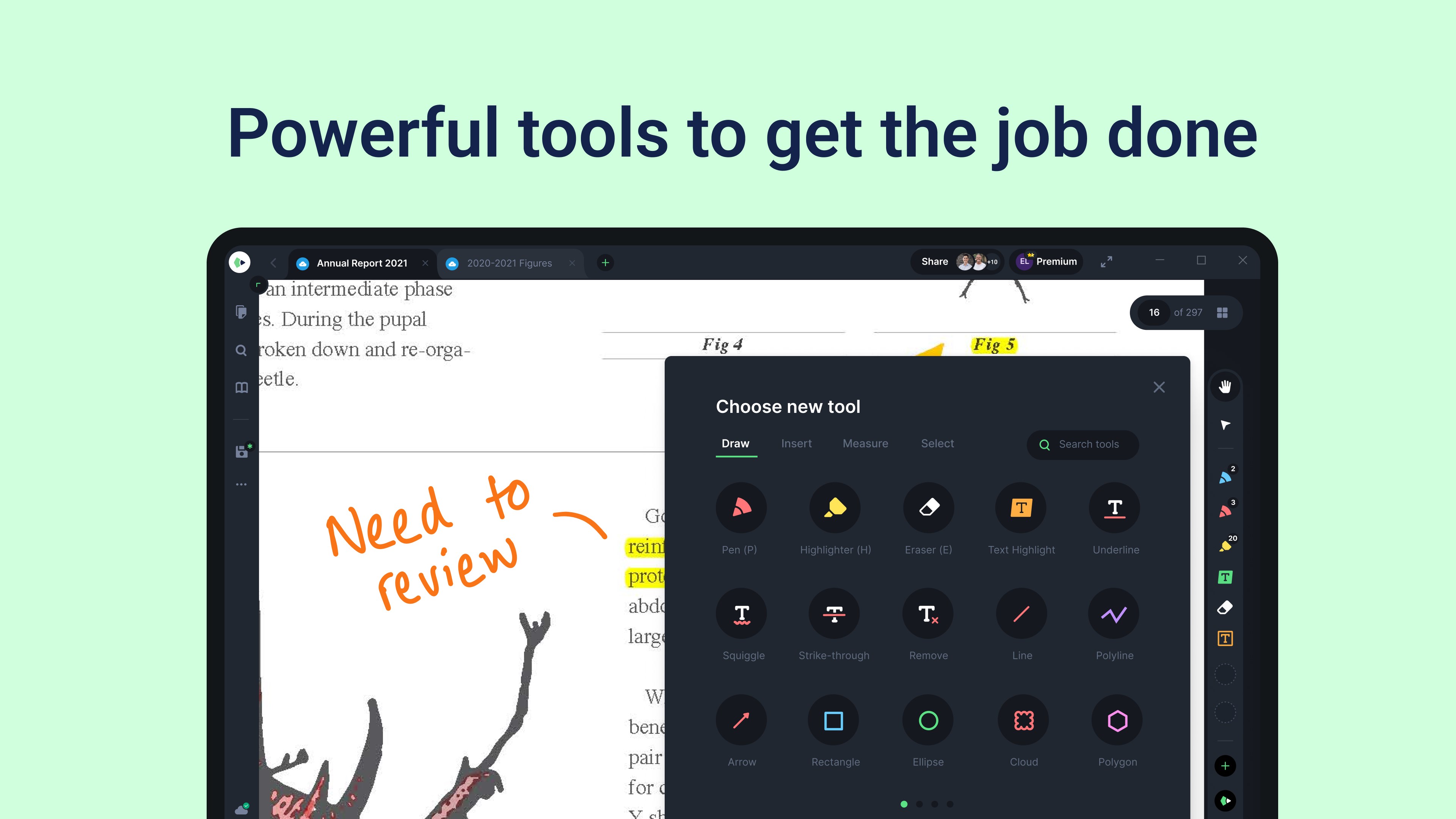
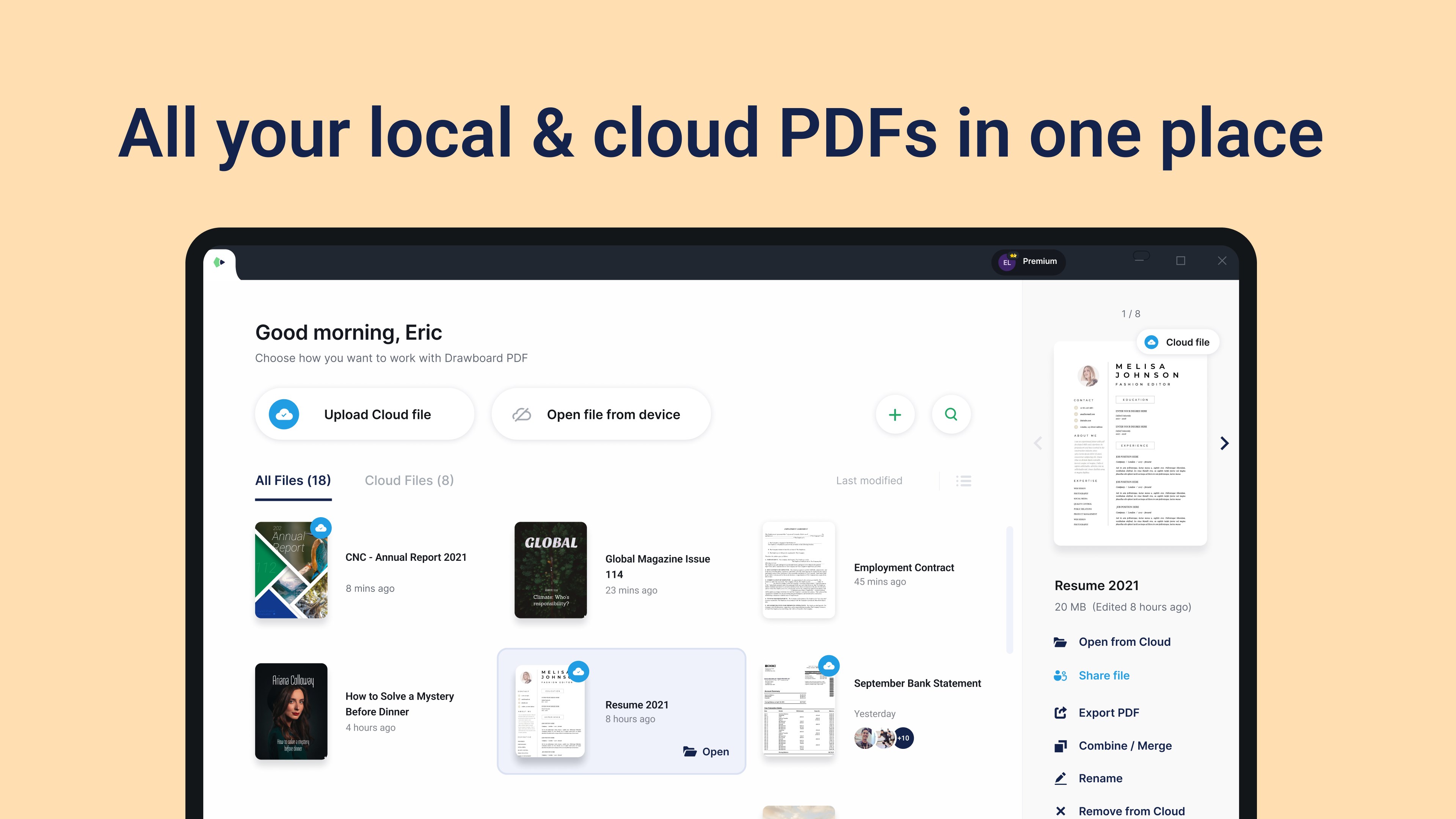
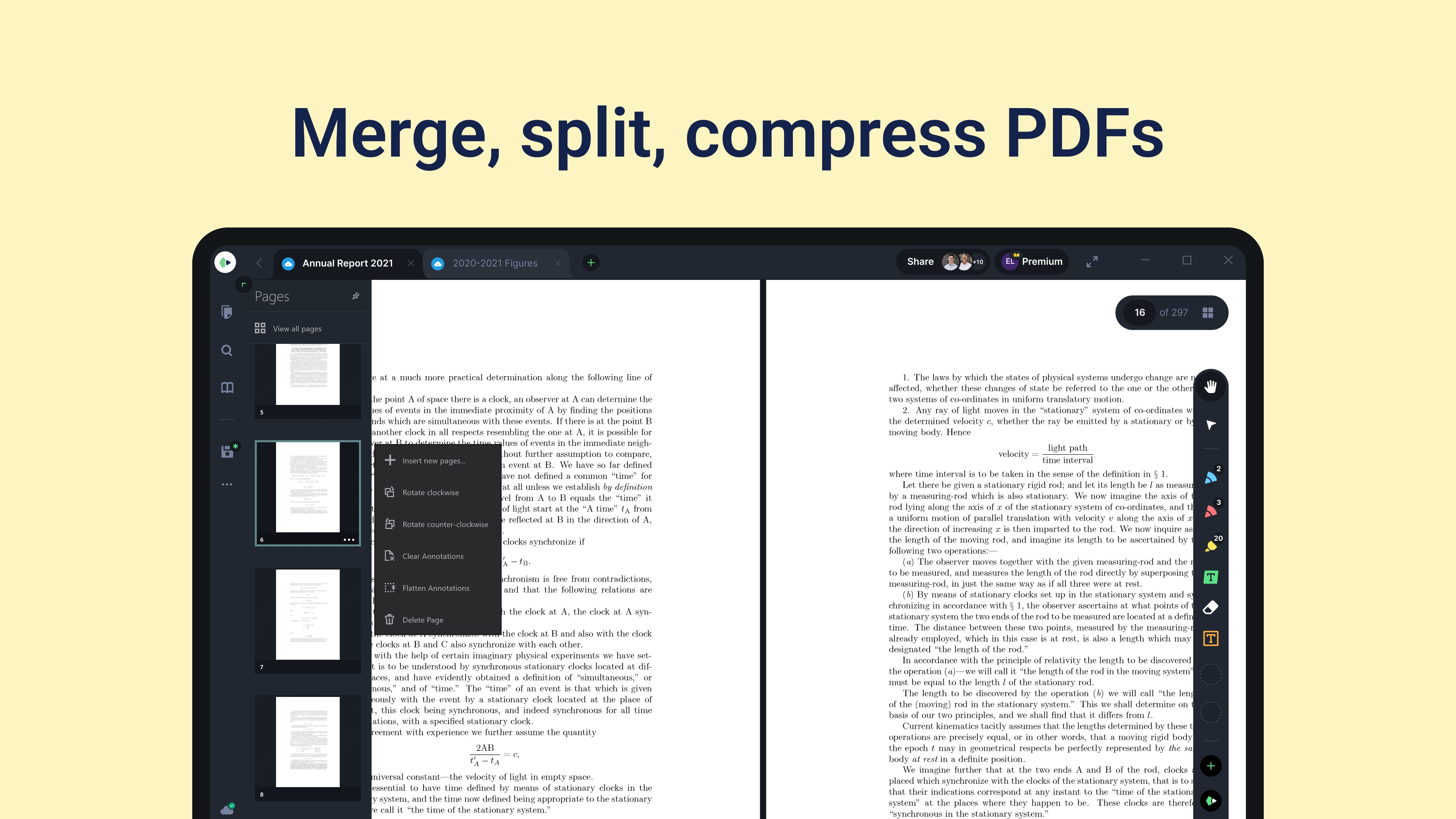
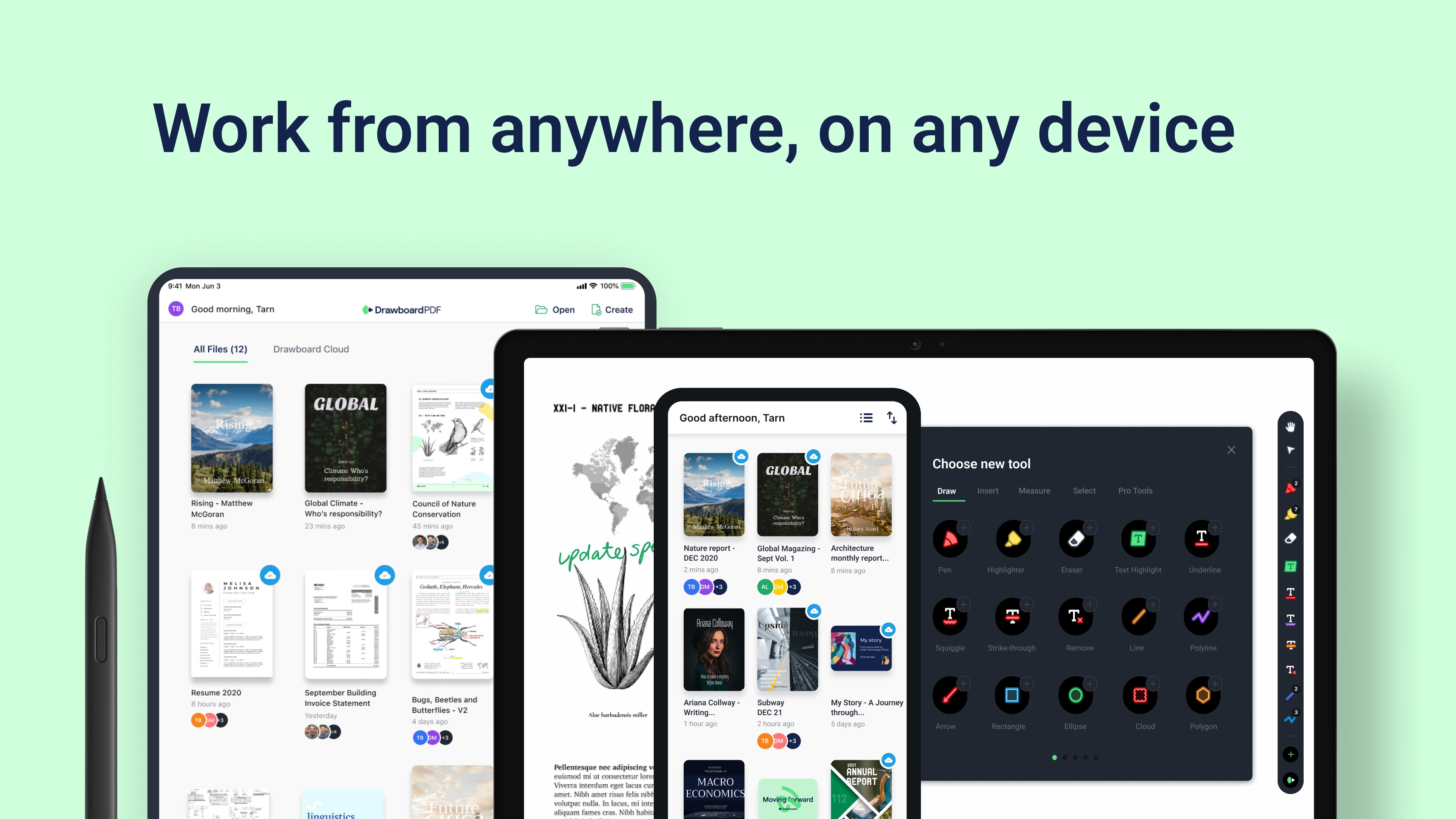
Drawboard PDF + Notes is a PDF markup and editing app that lets users annotate documents with pen or touch input, much like writing on paper. It offers a wide range of markup and text-editing tools, with annotations following global PDF specification standards. An optional Pro subscription unlocks advanced features such as Store+Share for real-time cloud syncing across a team, a Document Builder for merging and reordering PDFs, and calibrated measurement tools with a digital protractor. Pro also supports signatures, PDF forms, and exporting text annotations. Drawboard PDF + Notes is free to use, with Pro features available through several subscription plans.
Show the developer's original descriptionHide the original description
Drawboard PDF - Mark up and edit any PDF with the ease of pen and paper.
Drawboard PDF Pro - Use advanced tools and Store+Share with your team.
ABOUT DRAWBOARD PDF
Millions of engineers, architects, lawyers, students and educators are using Drawboard PDF every day for fast and collaborative PDF markup. Our powerful PDF tools are helping streamline workflows and reduce the world’s reliance on paper.
ABOUT PRO
Drawboard PDF Pro is an optional in-app subscription that gives you access to advanced tools within Drawboard PDF:
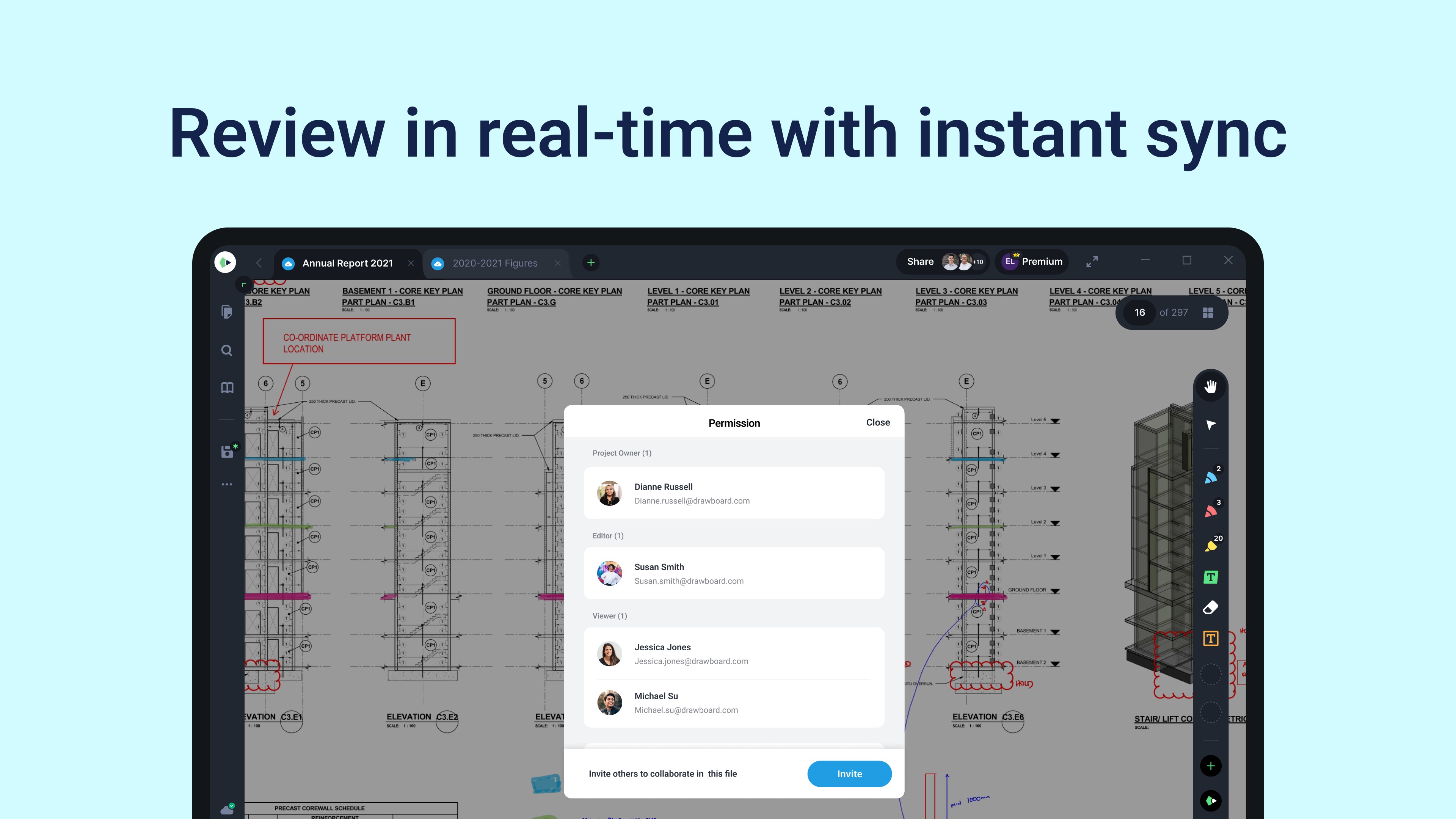
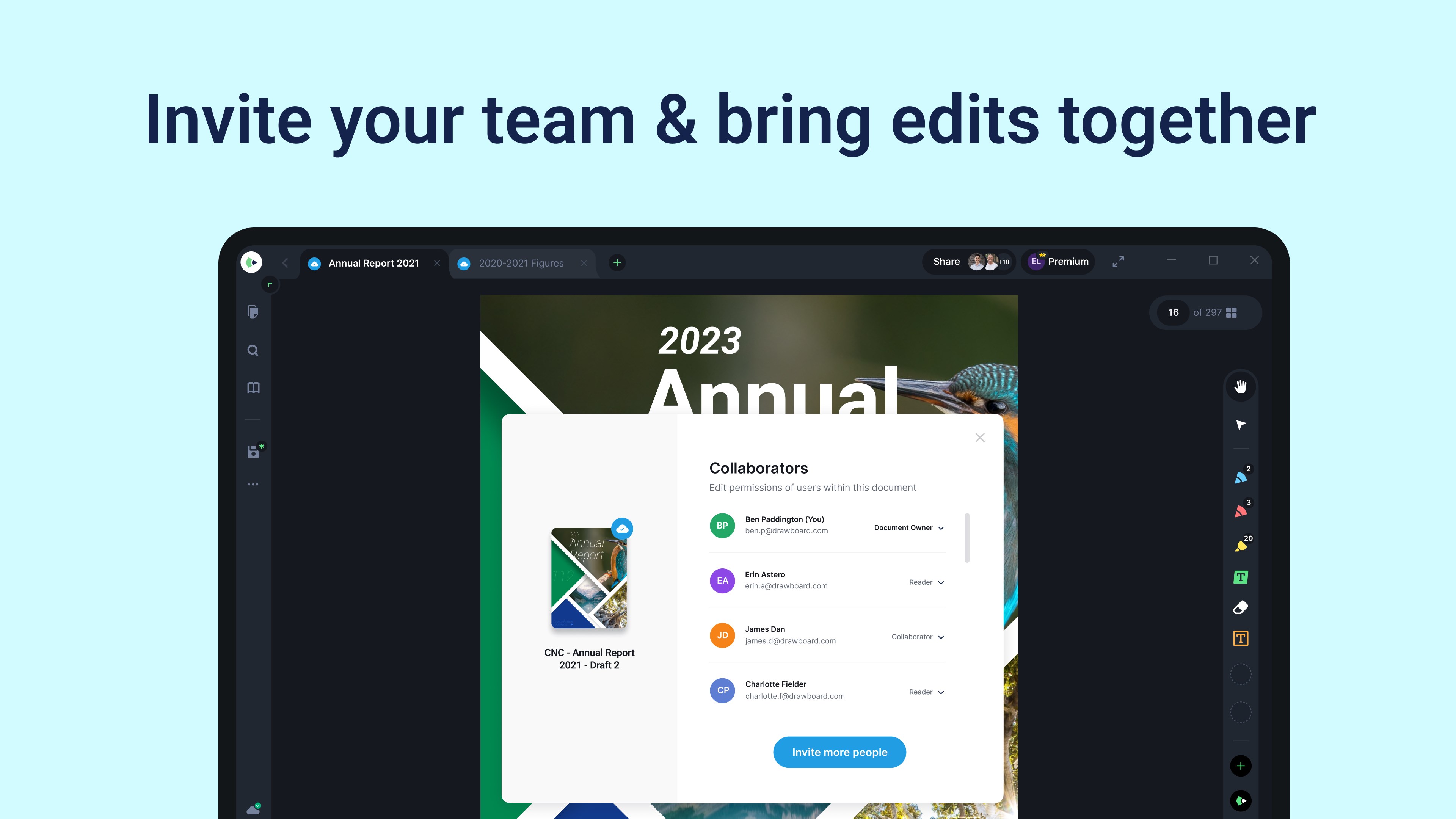
- Store+Share: Mark up your PDFs, with all your and others' annotations synced immediately to the cloud for real-time access.
- Document Builder: Merge, re-order and arrange PDF documents.
- Measurement tools: Calibrate your document to scale and add linear/area measurements.
- Grids and Lines: Select from a range of grids and line templates to enhance your note taking and sketching.
- Text Review Export: Save your text-based annotations as a .txt or .csv.
- Hyperlinks: Link text to web pages, PDF pages and other areas within your document.
- Digital Protractor: Measure and rule ink at precise angles (compatible with Surface Dial).
- Engineering Line Styles: Add or edit the style of line annotations to be dashed, dotted and more.
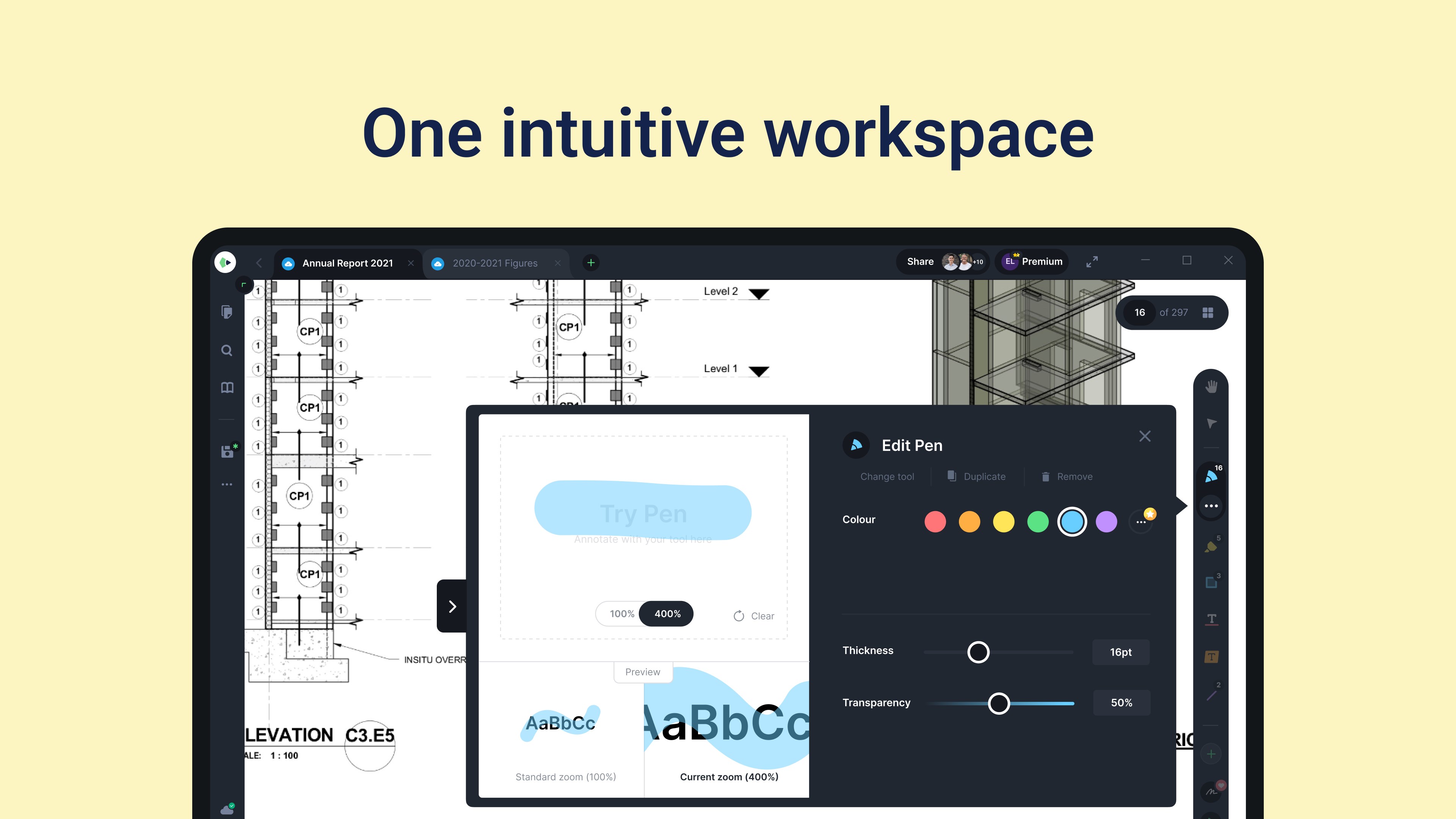
- Color picker: Choose colors for your annotations that suit your work.
- Callouts: Bring attention to items in need of review on PDFs with callouts.
- Edit PDFs easily. Great for CAD and to Sign or eSign. Freely add signatures for construction and notetaking.
- Use for PDF Forms and ink.
ABOUT THE FREE TRIAL
Drawboard PDF Pro is available across several subscription plans (Pro Lite, Pro Plus and Pro Unlimited), each unlocking a different set of advanced tools — see the full comparison at drawboard.com/pricing. Every plan includes a 7-day free trial. To start a trial on Windows you'll need to enter payment details, but you won't be charged until the trial ends; you can cancel any time before then at no cost through your Microsoft account. When the trial or subscription ends, the app returns to the free version of Drawboard PDF. Any annotations and documents you created remain and can still be edited, but Pro features are no longer available — for example, you can continue editing existing documents but can't upload new ones or create new Pro-only annotations. The free version of Drawboard PDF remains free to use. Subscriptions are recurring and can be managed or cancelled at any time through your Microsoft account.
---
Visit drawboard.com/licensing to inquire about Volume Enterprise Licensing.
---
GIVE US FEEDBACK
If Drawboard PDF and Pro make a real difference to your work, please support our continued development with great ratings. Thank you for your support in making Drawboard PDF the best app in the Microsoft Store!
A new home for PDFs. Drawboard PDF is the #1 Productivity App in the Microsoft Store, featured by Microsoft Surface. It's about working fast and saving our environment along the way.
More free PDF tools than any other app.
For a team-based PDF review platform for architecture and engineering, check out Drawboard Projects, by Drawboard, at drawboard.com/projects.
If there is a version of this app for iOS/Mac or Windows we don't know about, paste the store link here — we'll auto-detect the store.
How to find the URL:1. Open the app in its store. 2.In the App Store app: tap the Share icon → “Copy Link”. In the browser: copy the URL from the address bar — it contains apps.apple.com/…/id… or apps.microsoft.com/detail/…. 3. Paste it here.
Paste the original link from the Apple App Store or Microsoft Store. We fetch all details automatically.
How to find the URL:
1. Open the app in its store. 2.In the App Store app: tap the Share icon → “Copy Link”. In the browser: copy the URL from the address bar — it contains apps.apple.com/…/id… or apps.microsoft.com/detail/…. 3. Paste it here.
Android apps can only be listed by their developer.




 PDF Binder Pro
Merge, split, annotate and secure PDFs
 PDF24 Online Tools
Merge, split and edit PDFs online
 LiquidText
Read, annotate and visually connect notes across PDFs
 Sketch
Design and prototyping tools with cloud sharing
 PDF Editor Ink
Sign, annotate and fill PDFs
 Paper: Sketch, Draw & Create
Sketch, draw and paint with intuitive tools