
Screenshot appears after consentScreenshot appears after consentScreenshot appears after consentScreenshot appears after consentScreenshot appears after consent
Summary
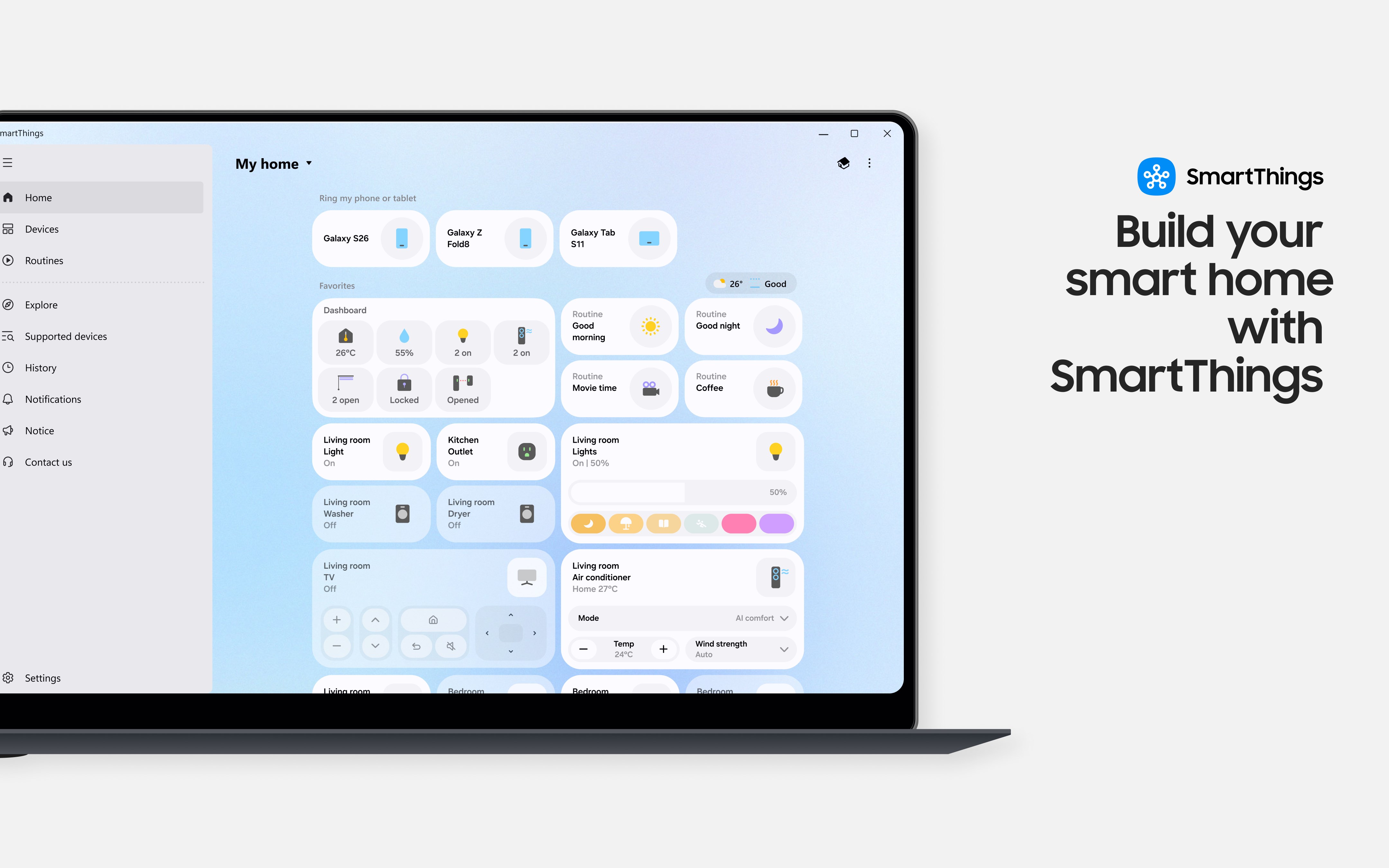
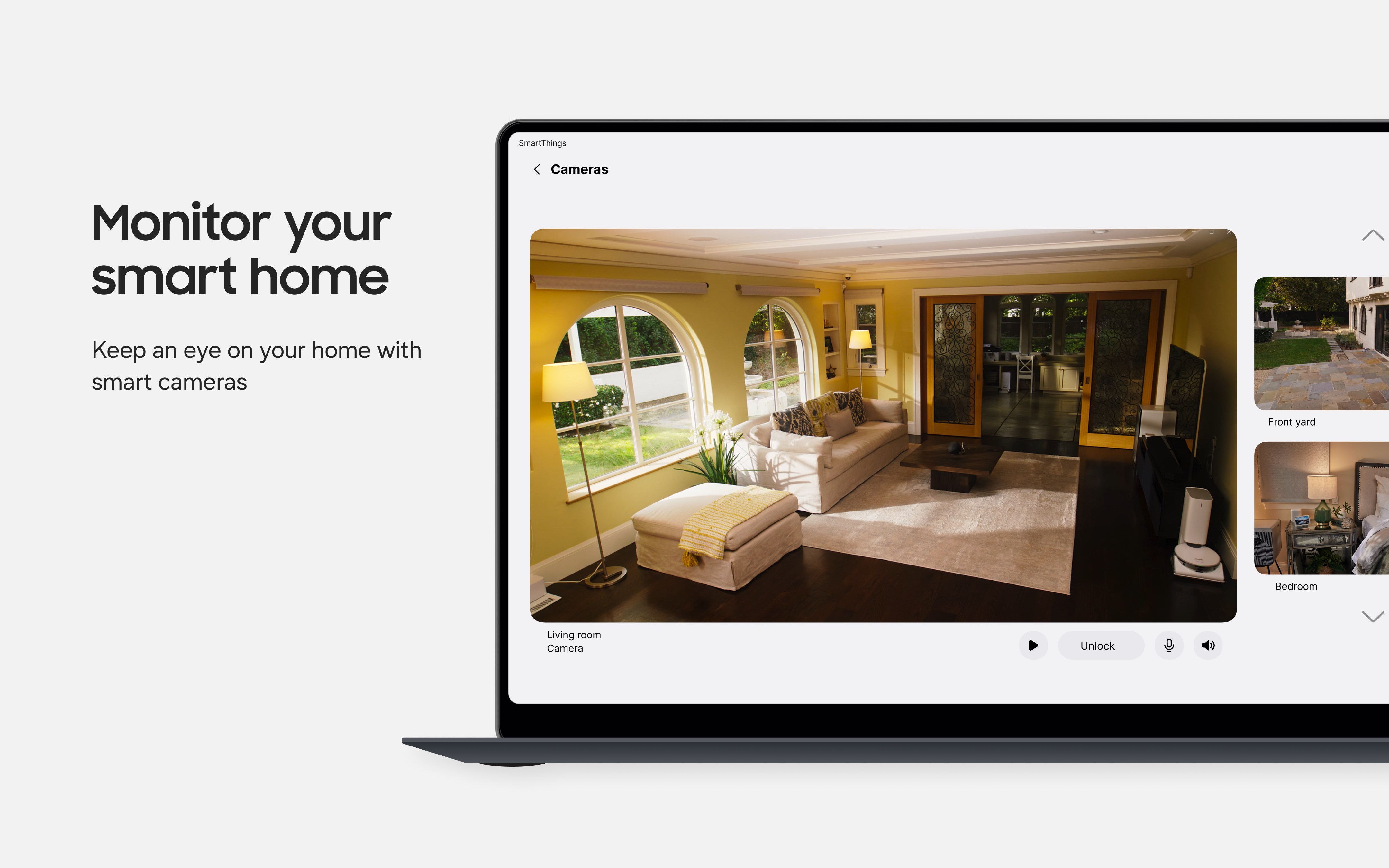
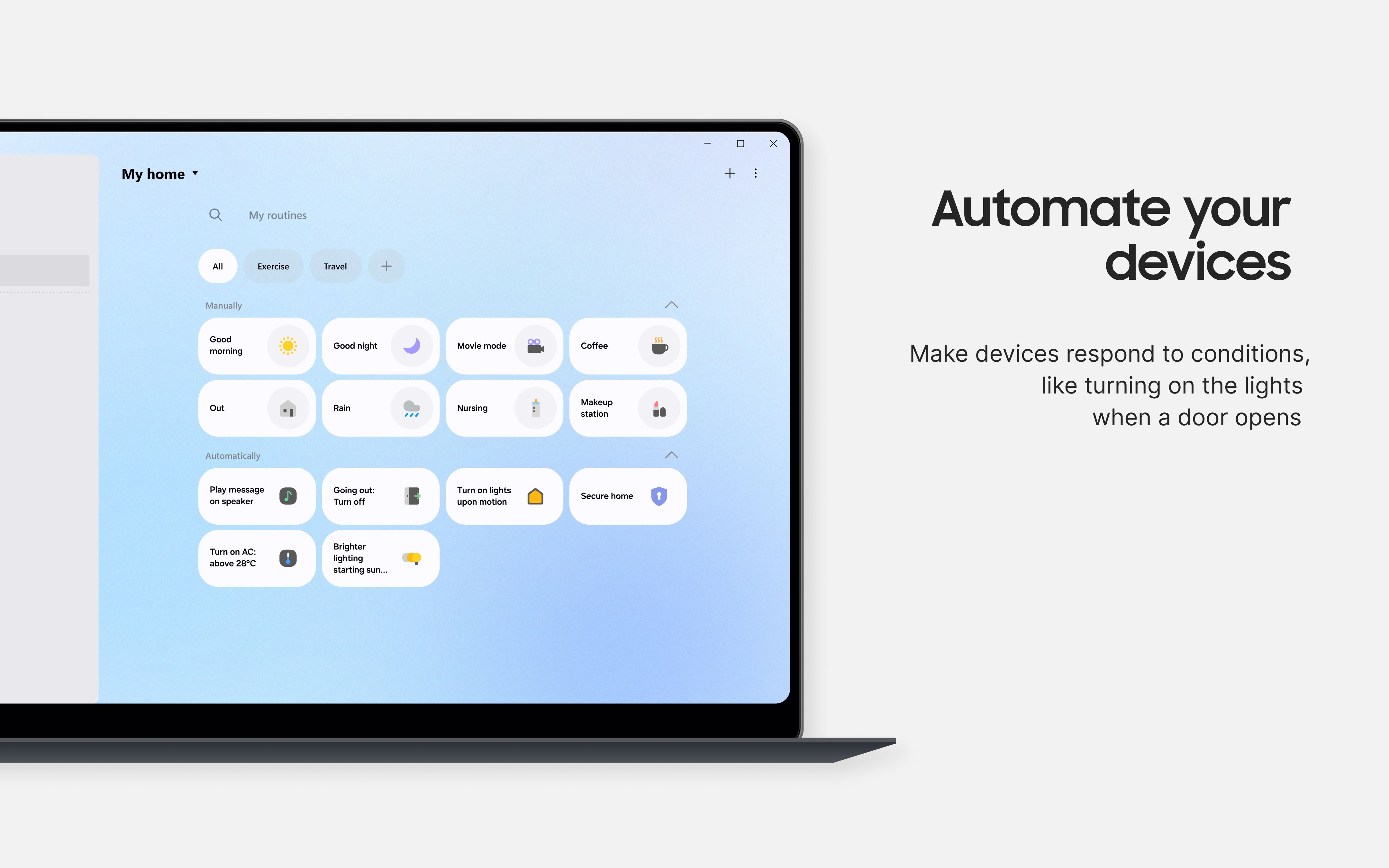
SmartThings is a smart home app that connects and controls Samsung Smart TVs, home appliances and devices from other compatible brands such as Ring, Nest and Philips Hue in one place. It shows the status of connected devices from anywhere and allows remote control, and it supports voice control through Bixby, Google Assistant and Alexa. Devices from different brands can be grouped into scenes or routines that run based on time, weather or device status. SmartThings Energy tracks power consumption of the home and compatible Samsung devices, offering energy saving features.
Show the developer's original descriptionHide the original description
Use your Samsung Smart TV, home appliances, and SmartThings-compatible devices more conveniently with one app.
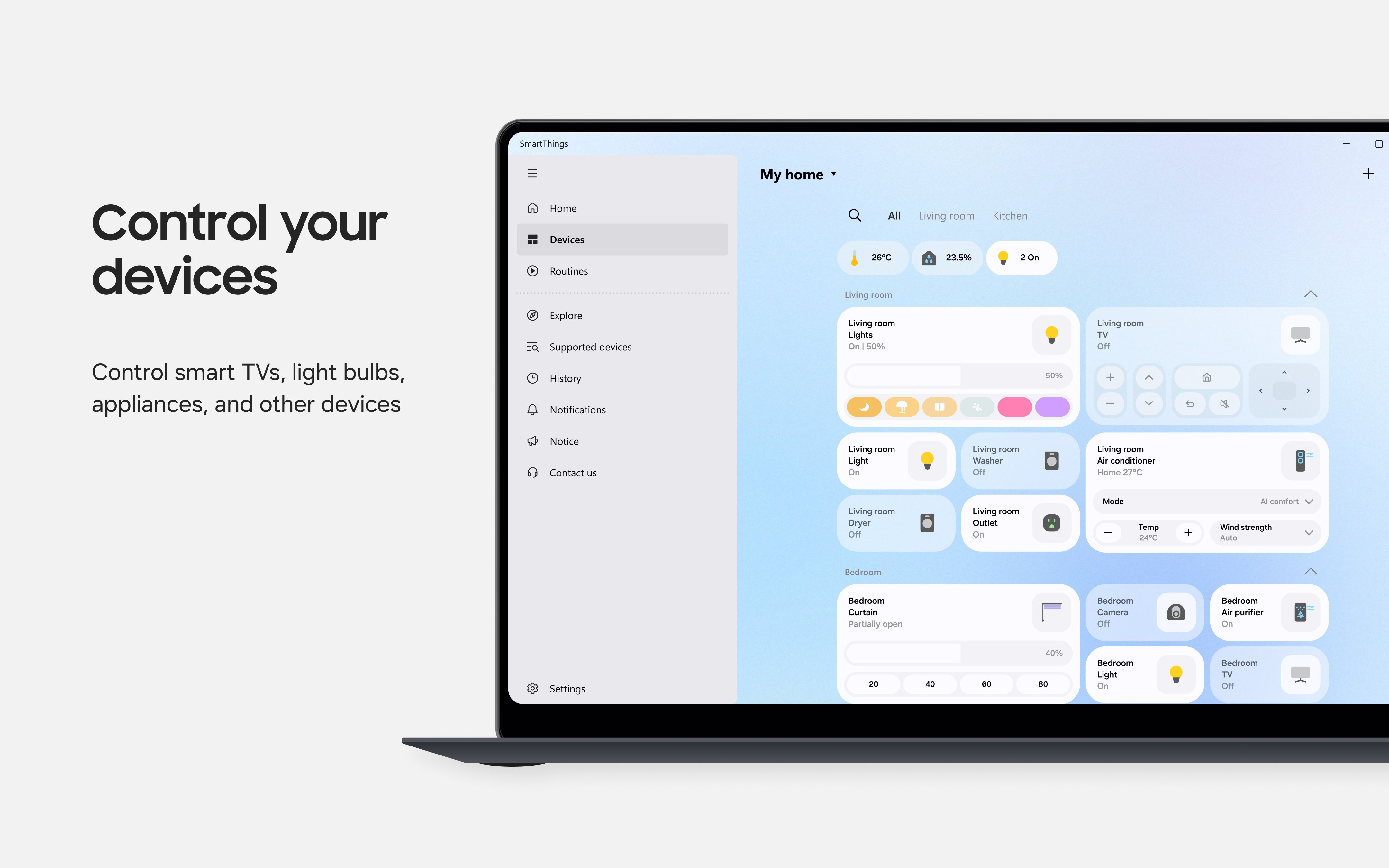
SmartThings is compatible with 100 top brands, including Samsung Smart TVs and home appliances, so you can control all your smart devices in one place.
No matter where you are, you can see and control a variety of devices like Samsung home appliances, TVs, Ring, Nest, Philips Hue, and more.
Also, with Bixby, Google Assistant, and Alexa integration, you can easily control your devices with your voice.
[Key features]
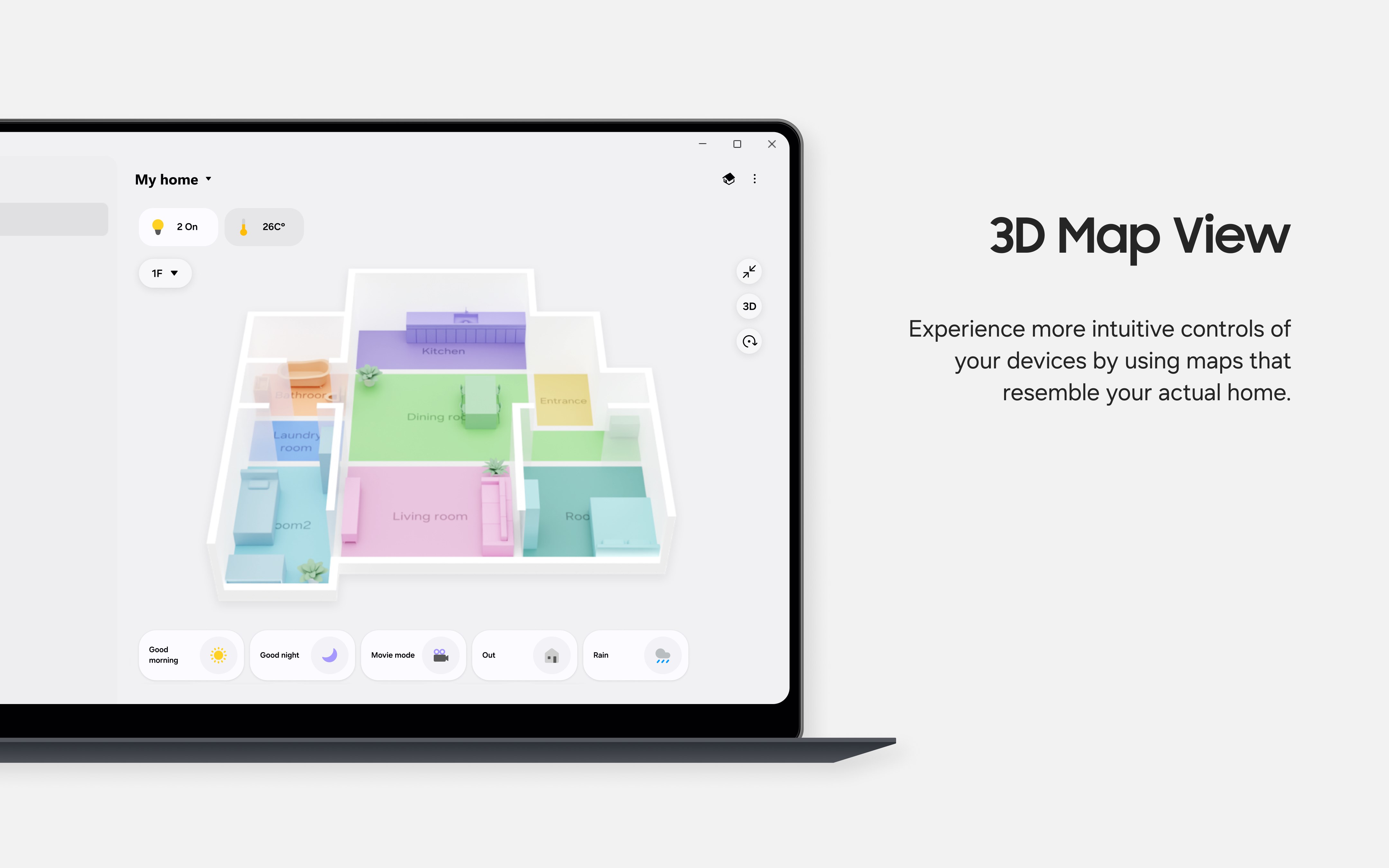
- See and control the status of your home from anywhere.
- Set up devices of different brands to work together by setting up a single routine.
- Receive updated device statuses via notifications.
※ SmartThings is optimized for the Samsung Electronics Galaxy Book, and some features may be limited when used with products from other manufacturers.
※ Certain features may not be supported in some countries.
[Usage Environment]
Some computer devices may have restrictions on usage.
- Windows 11 (64bit) 21H2 or higher
- RAM size: 8GB
※ Access permission information
Access permission as follows is required for service provision. Basic service features can be used even if optional access permissions are not granted.
[Optional Access Permissions]
· Background network usage: To provide notifications for SmartThings devices and features
· Microphone: To transmit voice in both directions to cameras or doorbells
Paste the original link from the Apple App Store or Microsoft Store. We fetch all details automatically.
How to find the URL:
1. Open the app in its store. 2.In the App Store app: tap the Share icon → “Copy Link”. In the browser: copy the URL from the address bar — it contains apps.apple.com/…/id… or apps.microsoft.com/detail/…. 3. Paste it here.
Android apps can only be listed by their developer.