Screenshot appears after consentScreenshot appears after consentScreenshot appears after consent
Summary
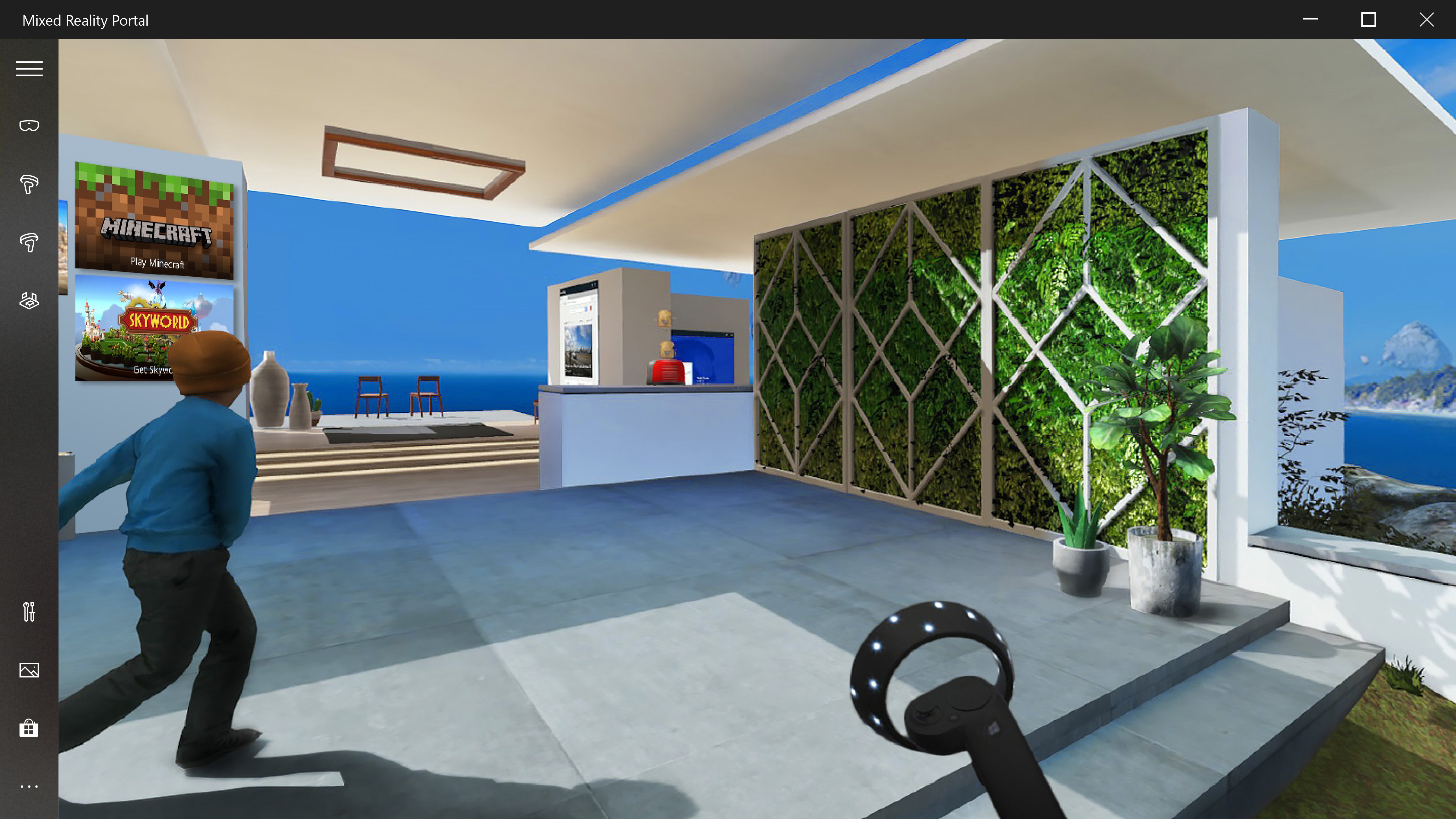
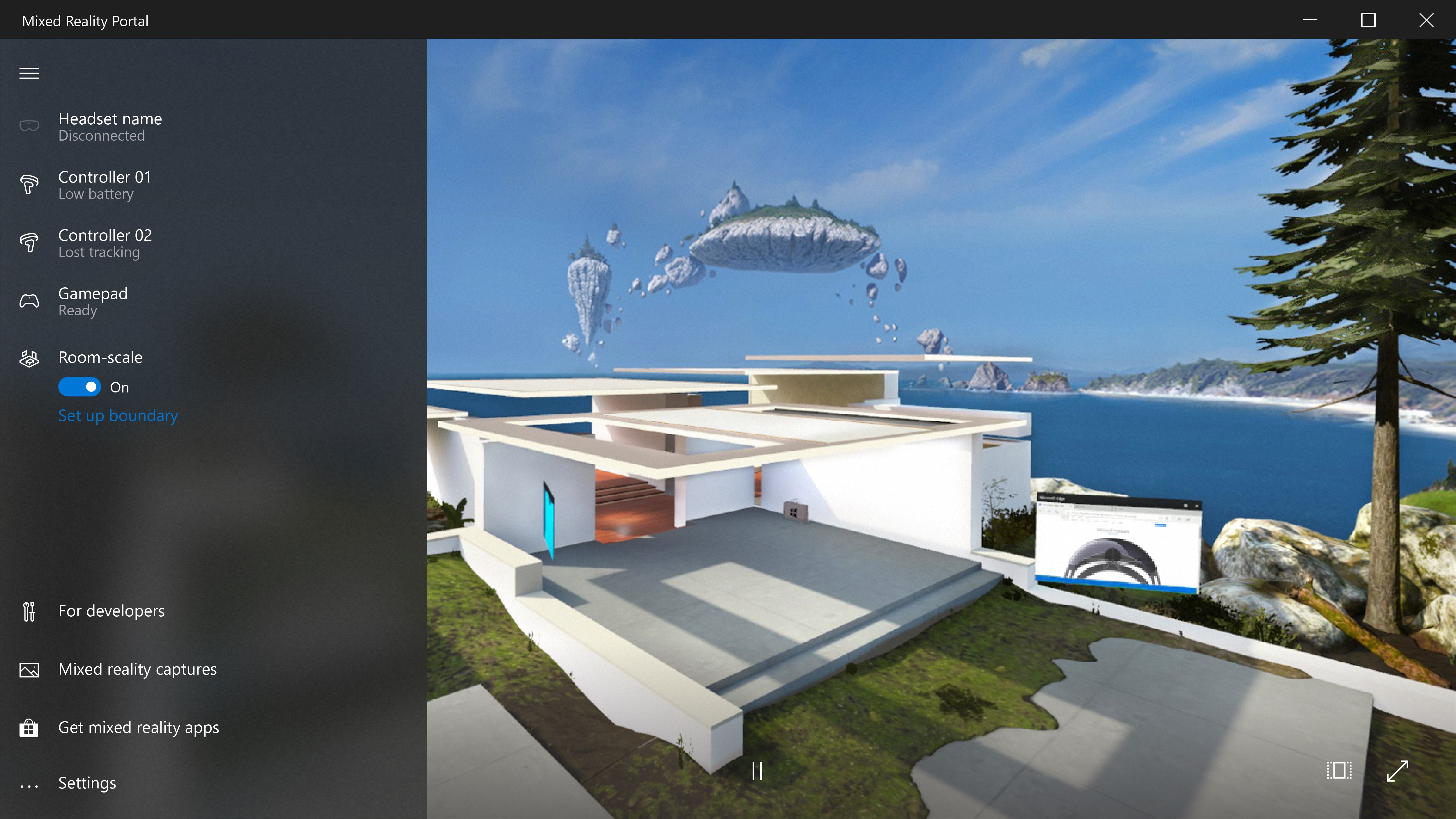
Mixed Reality Portal is a setup and management tool for Windows Mixed Reality on a PC. It provides access to more than 3,000 games and VR experiences from Steam VR and Microsoft Store. It offers access to live sports and entertainment content. It also allows connecting with others for multiplayer VR gaming experiences. The app requires a compatible headset and a compatible PC.
Show the developer's original descriptionHide the original description
Windows Mixed Reality is deprecated and will be removed in Windows 11, version 24H2. This deprecation includes the Mixed Reality Portal app, Windows Mixed Reality for SteamVR, and Steam VR Beta. Existing Windows Mixed Reality devices will continue to work with Steam through November 2026, if users remain on their current released version of Windows 11, version 23H2. After November 2026, Windows Mixed Reality will no longer receive security updates, nonsecurity updates, bug fixes, technical support, or online technical content updates.
Discover Windows Mixed Reality and dive into more than 3,000 games and VR experiences from Steam®VR and Microsoft Store. Get extraordinary access to live sports and entertainment and connect with others in the ultimate high-octane VR gaming experience.* Download this app to set up and manage Windows Mixed Reality on your PC. Windows Mixed Reality also requires a compatible headset and compatible PC running the Windows 10 Fall Creators Update version 1809 or later. If you’re running an earlier version of Windows, you can find Mixed Reality Portal in the Start menu.
*PC hardware requirements may vary for available apps, features and content.
If there is a version of this app for iOS/Mac or Windows we don't know about, paste the store link here — we'll auto-detect the store.
How to find the URL:1. Open the app in its store. 2.In the App Store app: tap the Share icon → “Copy Link”. In the browser: copy the URL from the address bar — it contains apps.apple.com/…/id… or apps.microsoft.com/detail/…. 3. Paste it here.
Paste the original link from the Apple App Store or Microsoft Store. We fetch all details automatically.
How to find the URL:
1. Open the app in its store. 2.In the App Store app: tap the Share icon → “Copy Link”. In the browser: copy the URL from the address bar — it contains apps.apple.com/…/id… or apps.microsoft.com/detail/…. 3. Paste it here.
Android apps can only be listed by their developer.



 App For Team Meetings
Manage and record Microsoft Teams meetings on Mac
 Classroom Mode for Minecraft
Manage and monitor Minecraft Education Edition students
 Merlin Project: Gantt & Kanban
Project management with Gantt charts, Kanban and network
 Portal - Escape Into Nature
Nature environments with sounds and lighting for relaxation