Screenshot appears after consentScreenshot appears after consentScreenshot appears after consentScreenshot appears after consentScreenshot appears after consentScreenshot appears after consentScreenshot appears after consent
Summary
Real PC Cleaner is a PC optimizer for Windows 10 and Windows 11 that frees up disk space and helps the system run faster. Its junk and cache cleaner removes files from categories such as system caches, application caches, mail caches, office caches, browser caches and downloads. A large files finder locates oversized files that can be removed individually or in batches. A duplicate files finder identifies repeated documents, pictures, videos and music for removal. The app offers a one-week free full trial, after which cleaning in the large files and duplicate files finders is locked unless a full license is purchased.
Show the developer's original descriptionHide the original description
Real PC Cleaner is the leading application for cleaning and freeing up disk space on Windows 10 and Windows 11. It also provides a large files finder and a duplicate files finder to help you free up more space.
Licensing:
Real PC Cleaner has a one-week free full trial version, a limited trial version and a full version. Everybody will enjoy the full features for 7 days after starting to use it. After the free full trial expires, the app becomes the limited trial, in which the cleaning function in the large files finder and the duplicate files finder is locked. Anytime in both free full trial and limited trial, you can purchase a full license (US $1.99 – $9.99) to upgrade the app to the full version.
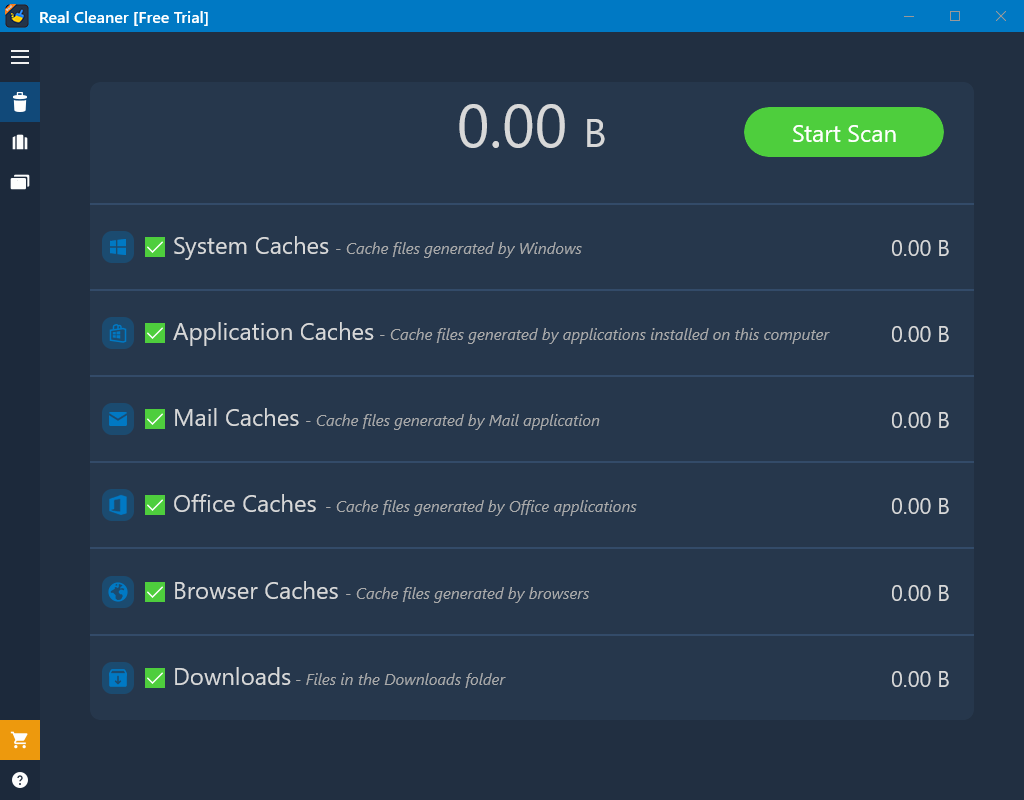
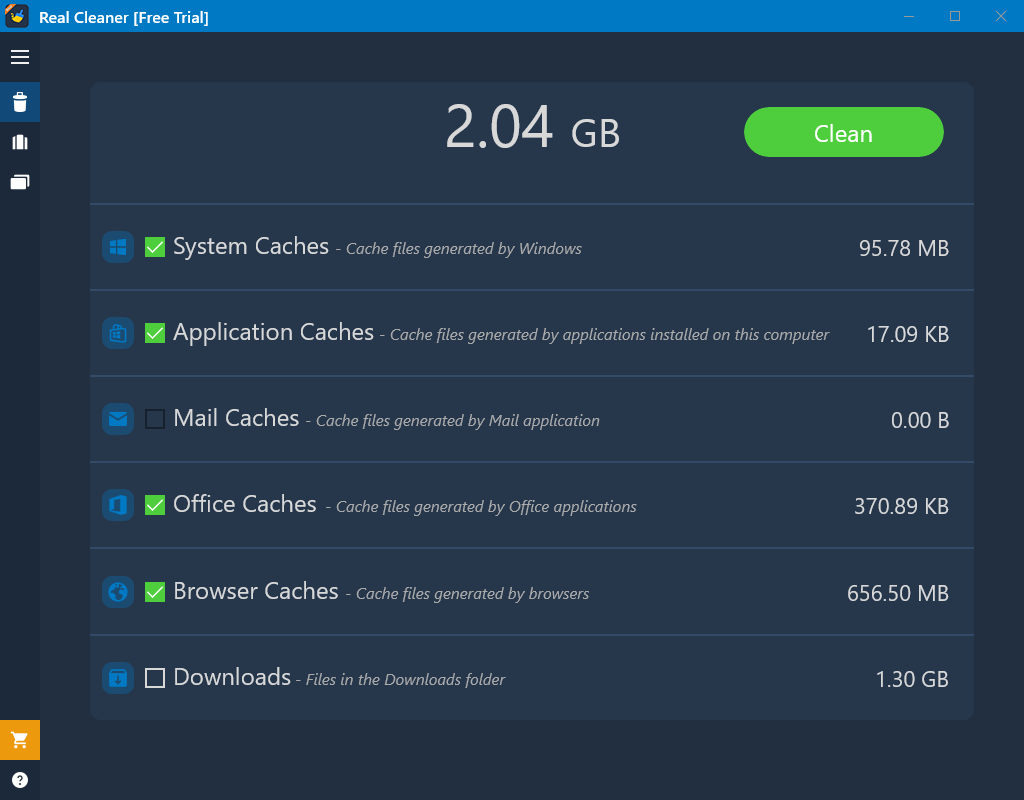
In Junk and Cache Cleaner, with just a few clicks, you can selectively remove files from the following categories:
- System Caches
- Application Caches
- Mail Caches
- Office Caches
- Browser Caches
- Downloads
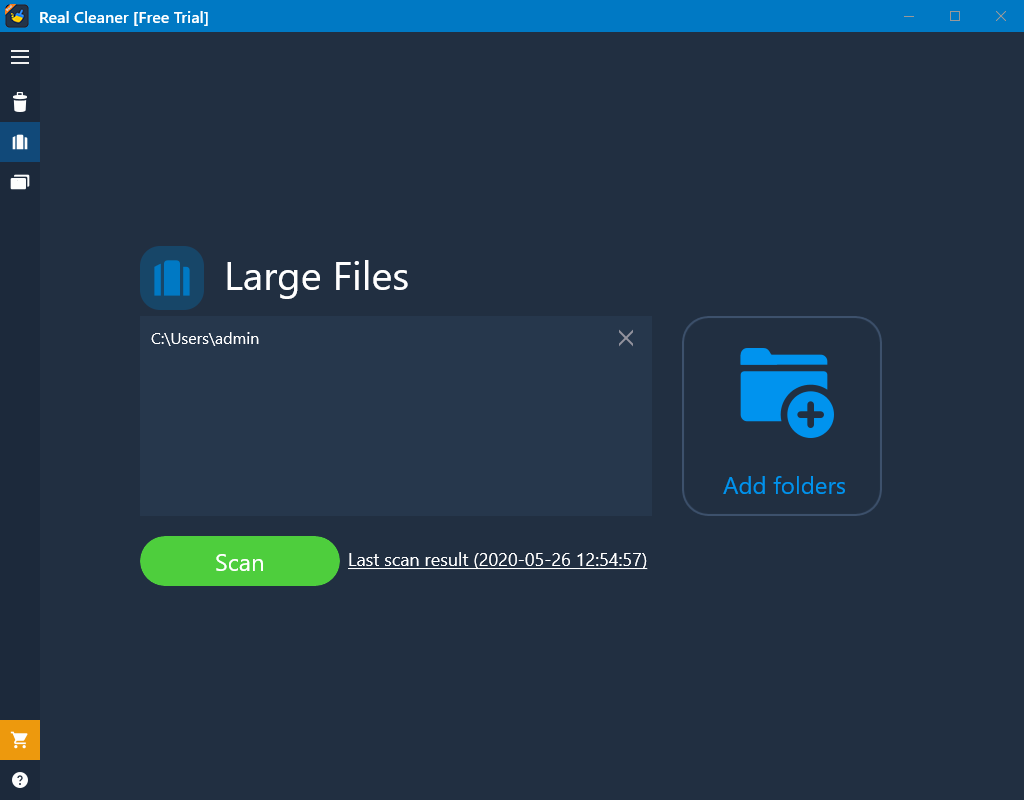
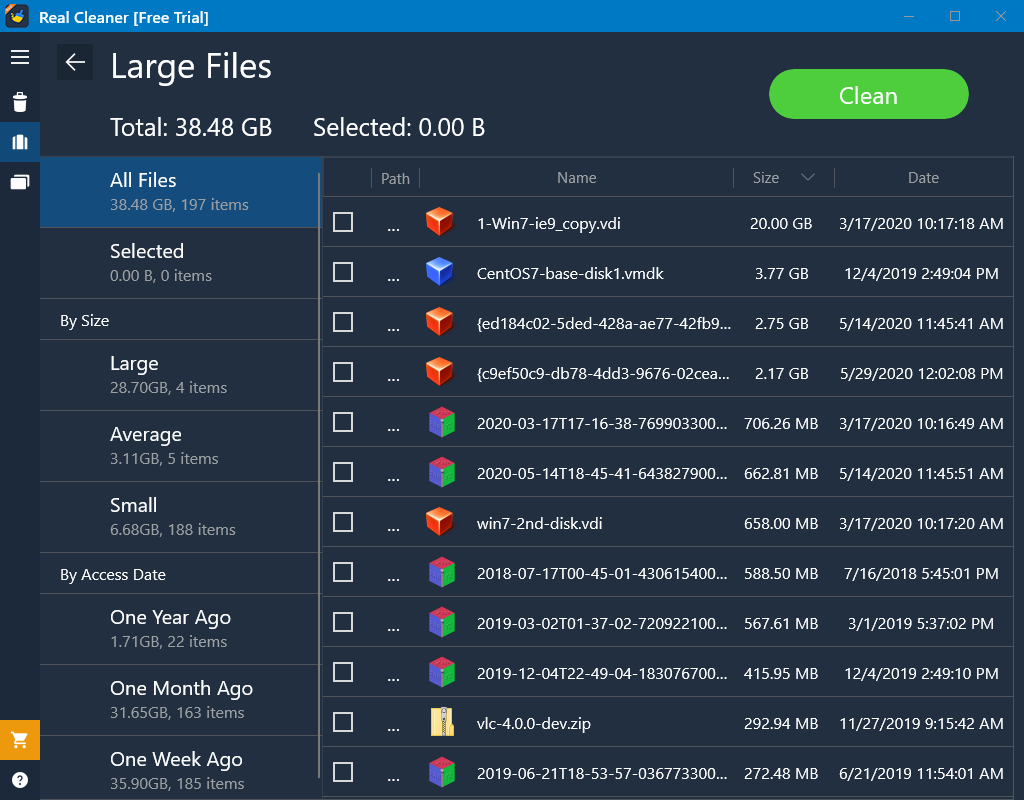
In the large files finder, you can remove files individually or select multiple files and remove them all together.
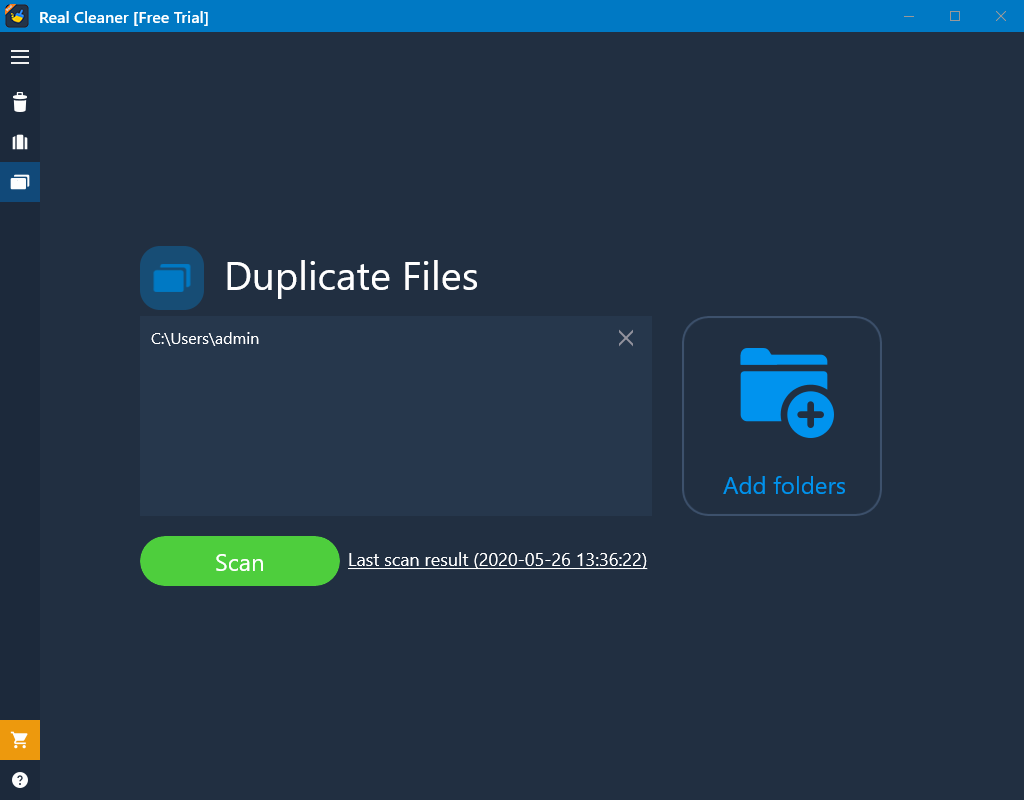
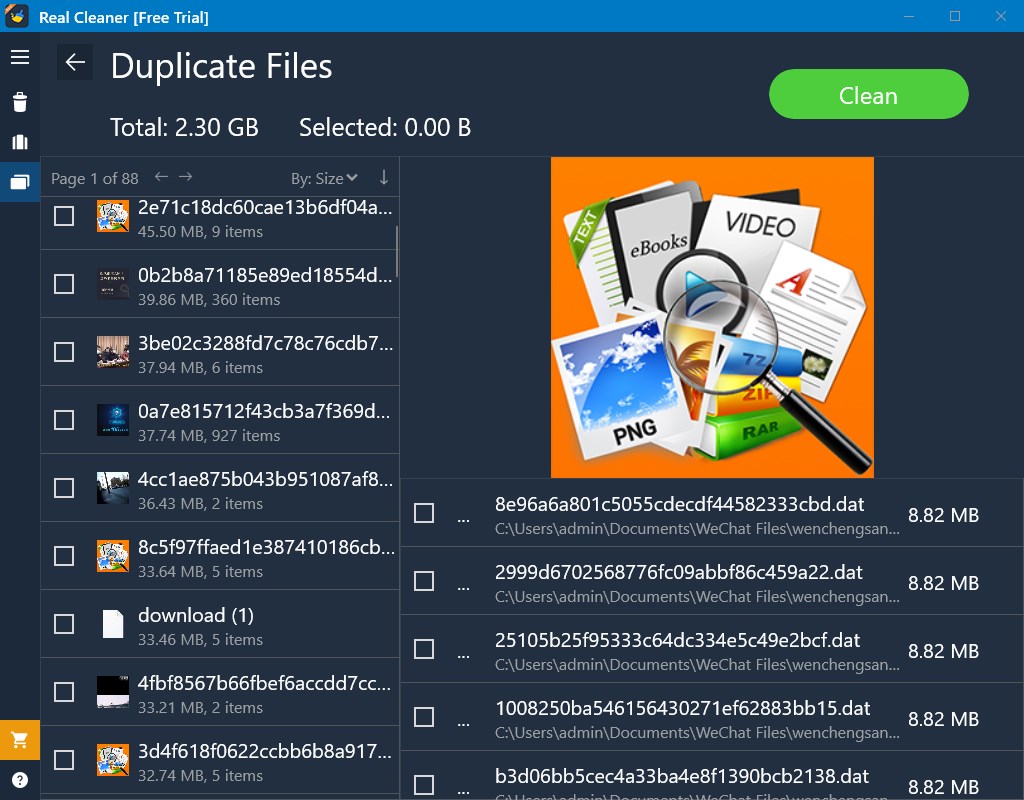
The duplicate files finder is a tool to help you quickly identify duplicate documents, pictures, videos, music and more. You can remove files individually or select multiple files and remove them all together.
Note: before removing a large file or a duplicate file, we recommend you to open its file location by clicking the button "..." and make sure you know what the file is and what you are doing. The removed files cannot be restored from recycle bin.
Note: Real PC Cleaner is NOT a malware killer or antivirus. Instead, it's a PC optimizer to speed up PC, and a disk clean up software to save your disk space.
If there is a version of this app for iOS/Mac or Windows we don't know about, paste the store link here — we'll auto-detect the store.
How to find the URL:1. Open the app in its store. 2.In the App Store app: tap the Share icon → “Copy Link”. In the browser: copy the URL from the address bar — it contains apps.apple.com/…/id… or apps.microsoft.com/detail/…. 3. Paste it here.
Paste the original link from the Apple App Store or Microsoft Store. We fetch all details automatically.
How to find the URL:
1. Open the app in its store. 2.In the App Store app: tap the Share icon → “Copy Link”. In the browser: copy the URL from the address bar — it contains apps.apple.com/…/id… or apps.microsoft.com/detail/…. 3. Paste it here.
Android apps can only be listed by their developer.



 Cleaner+
Clean PC storage, optimize system and speed up Windows
 PC Cleaner for Windows
Clean and optimize Windows PC for better performance
 Total PC Cleaner: Clean Disk, Antivirus
Cleans junk files and speeds up your Windows PC
 Duplicates Cleaner
Find and remove duplicate files to free up storage space
 CCleaner
Clean junk files to speed up and maintain your Windows PC
 Cleaner One Pro
Cleans junk files, optimizes memory and speeds up your PC