
Real HEIC File Viewer

View HEIC photos and many formats, convert to JPG, PNG AI summary
Rank 1728
0 Up Votes, 0 Down Votes
▲
0
▼
Real HEIC File Viewer is not available on Android and Apple — or is it? Submit URL
Screenshots
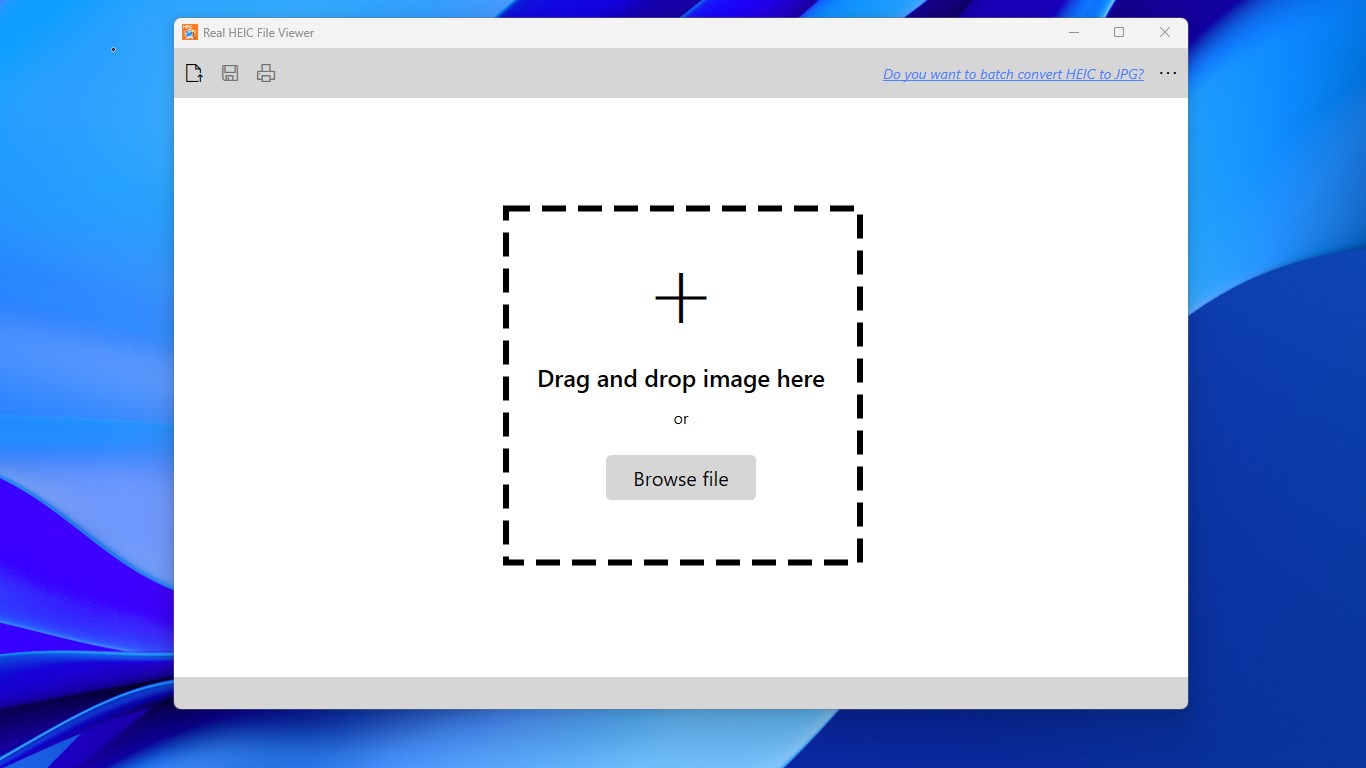
Screenshot 1 of Real HEIC File Viewer on WindowsScreenshot
appears after consent
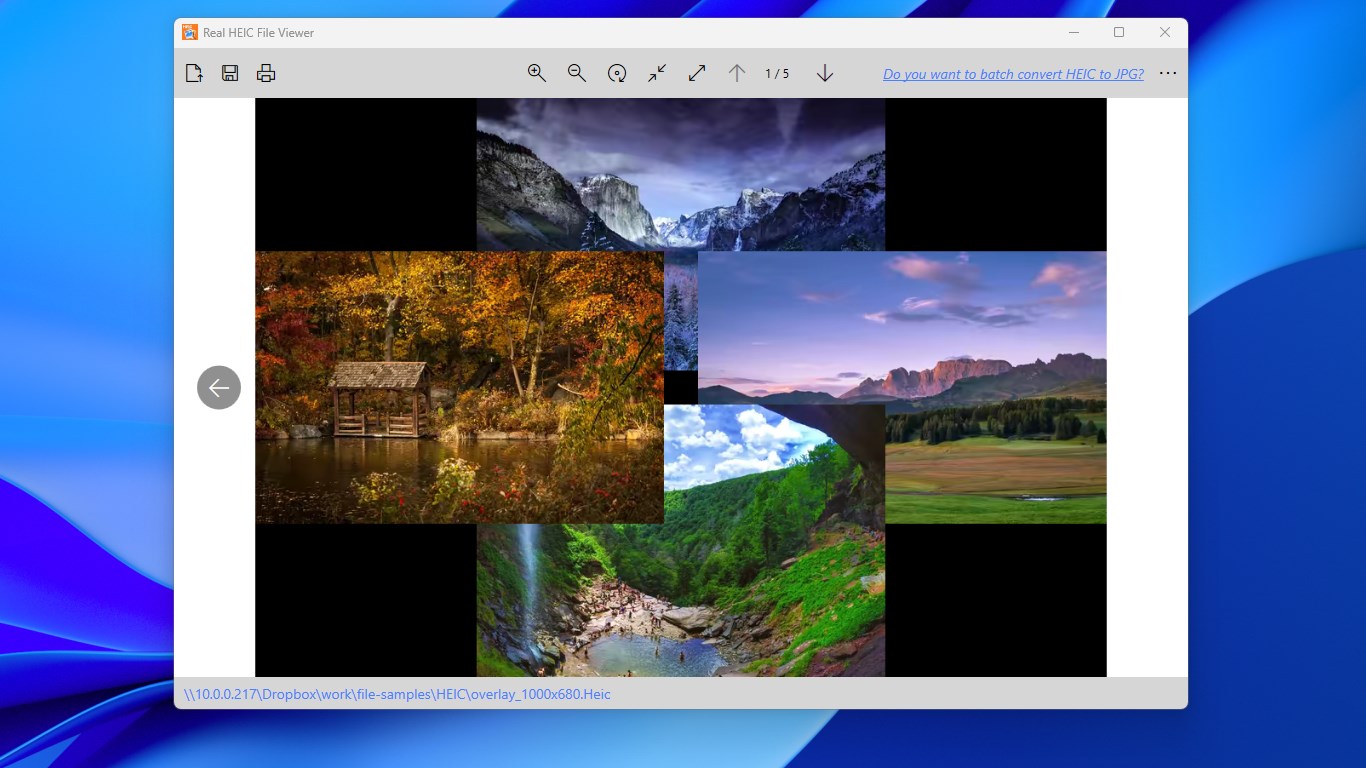
Screenshot 2 of Real HEIC File Viewer on WindowsScreenshot
appears after consent
Summary
Real HEIC File Viewer is an image viewer for opening HEIC photos, the format used by default since iOS 11, directly on a PC. It allows browsing through all photos in a folder using the keyboard arrow keys after opening one image. It supports converting and saving HEIC files as JPG, JPEG, PNG, or BMP. The app also opens a wide range of other image and raw formats, including 3FR, CR2, NEF, PSD, TIFF, and SVG, and can view and convert SFW files from Seattle Fileworks and Photoworks. It also supports printing HEIC images.
Show the developer's original descriptionHide the original description
Cannot view .HEIC photos on your PC? Real HEIC File Viewer opens your HEIC images instantly, simple and fast. Note: The core features of Real HEIC File Viewer are completely free for everyone. Premium is purely optional for users who wish to support our work. If the Premium prompt appears, simply click the X icon in the top-right corner to continue using the app. HEIC files are pictures taken in the new HEIF format. Since iOS 11, the iPhone has, by default, captured images in this format. With Real HEIC File Viewer, you can view .HEIC images the same way as you view other formats of images. Just open one photo, whether it's HEIC or any other common image format, and then you can browse all photos in that folder using the left arrow and the right arrow key on your keyboard. With Real HEIC File Viewer, you can also save HEIC as JPG, JPEG, PNG, or BMP. Commonly supported image formats: HEIC, 3FR, BMP, CR2, GIF, ICO, JPG, JPEG, MIF, MIFF, NEF, PCX, PNG, PSD, RAW, SFW, SVG, TAG, TIF, TIFF, WMF Features: - View HEIC images directly on your PC - Save HEIC as JPG or any other format one by one - HEIC print - View common images and raw formats - View and convert SFW (Seattle Fileworks and Photoworks) image Note: Windows 10 S-Mode is not supported.
Technical details about Real HEIC File Viewer
Category
Age Rating
Price
Size
47,0 MB
Last updated in Microsoft Store
2026-10-19
App Store Rating
4.4 ★
Devices
Real HEIC File Viewer in the rankings
Manage app

Are you on the developer team behind Real HEIC File Viewer?

Verify yourself and manage your listing on Most Voted Apps.

Verify Real HEIC File Viewer for free
Verification usually takes only a few minutes.
Similar apps to Real HEIC File Viewer