
Screenshot appears after consentScreenshot appears after consentScreenshot appears after consentScreenshot appears after consentScreenshot appears after consent
Summary
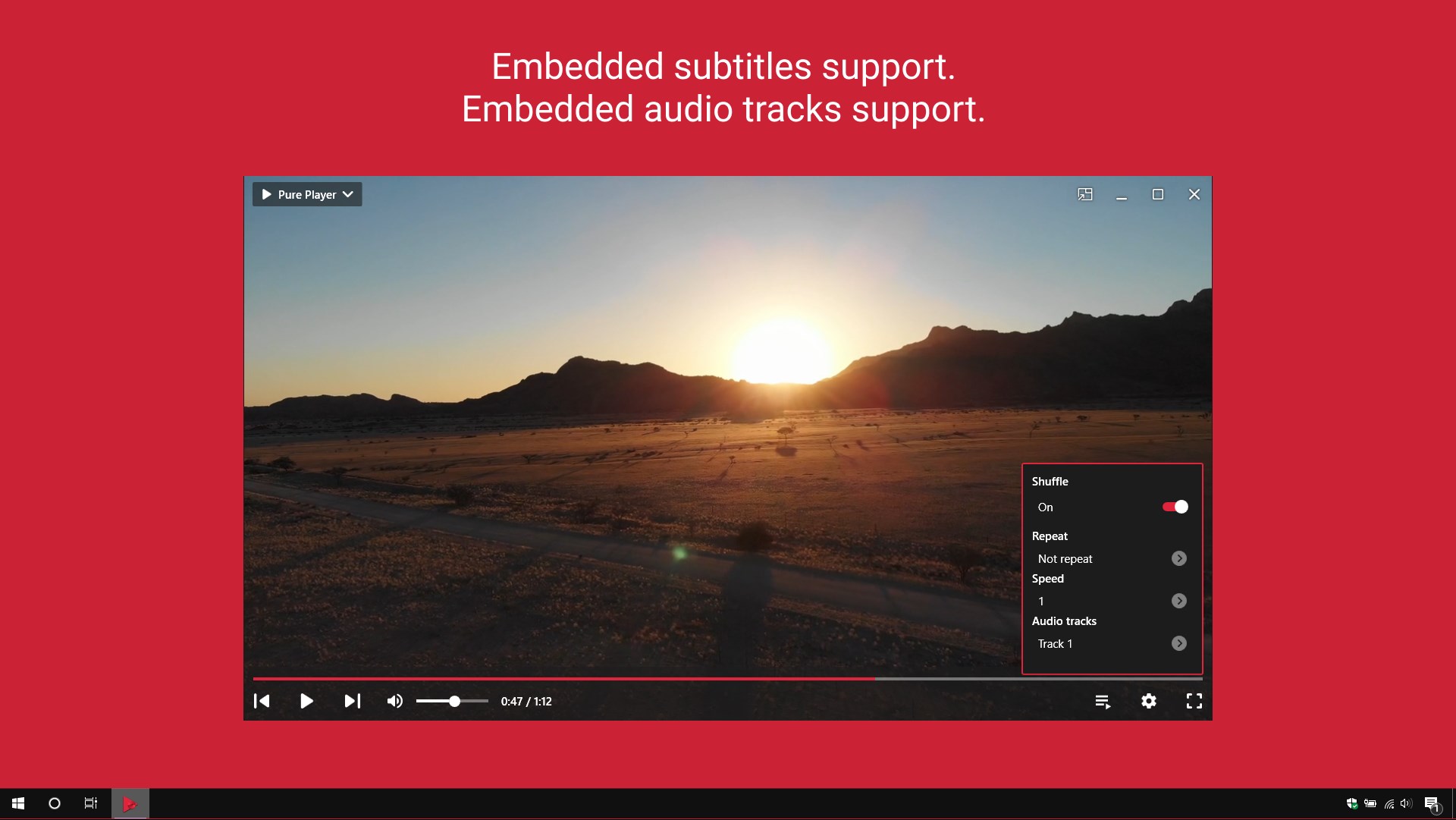
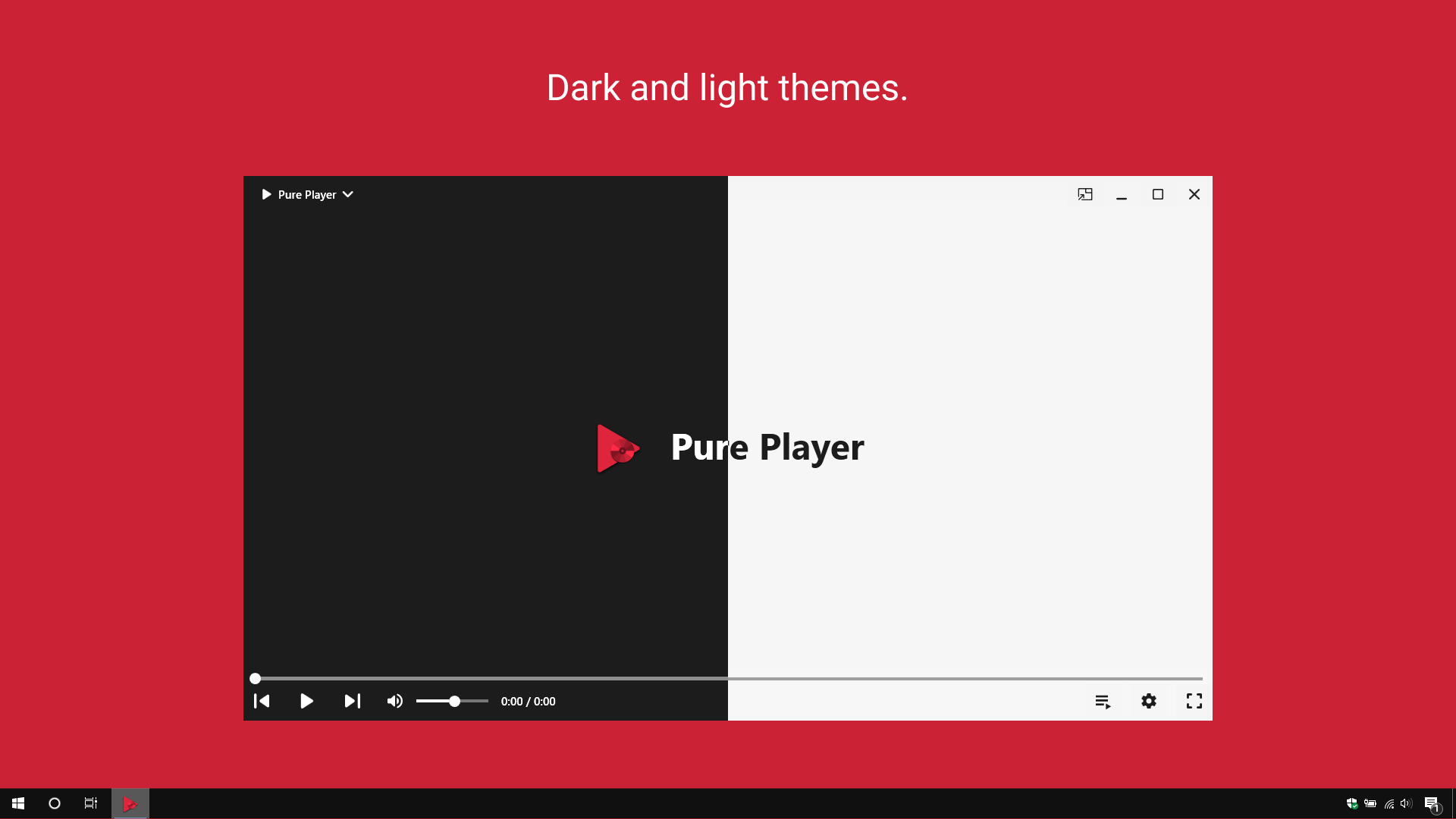
Pure Player X for DVD is a media player for movies, videos and DVDs. It supports more than 150 media file formats, including MKV, MPG, MP4, AVI, VOB, WebM, FLAC, MP3 and OGG, and can play DVD discs with their original DVD menus. The player supports embedded subtitles and embedded audio tracks and offers a picture-in-picture mode. Media files can be moved by drag and drop, and playback can be controlled through keyboard shortcuts. Dark and light themes are available. The app contains ads, which can be removed through an in-app purchase.
Show the developer's original descriptionHide the original description
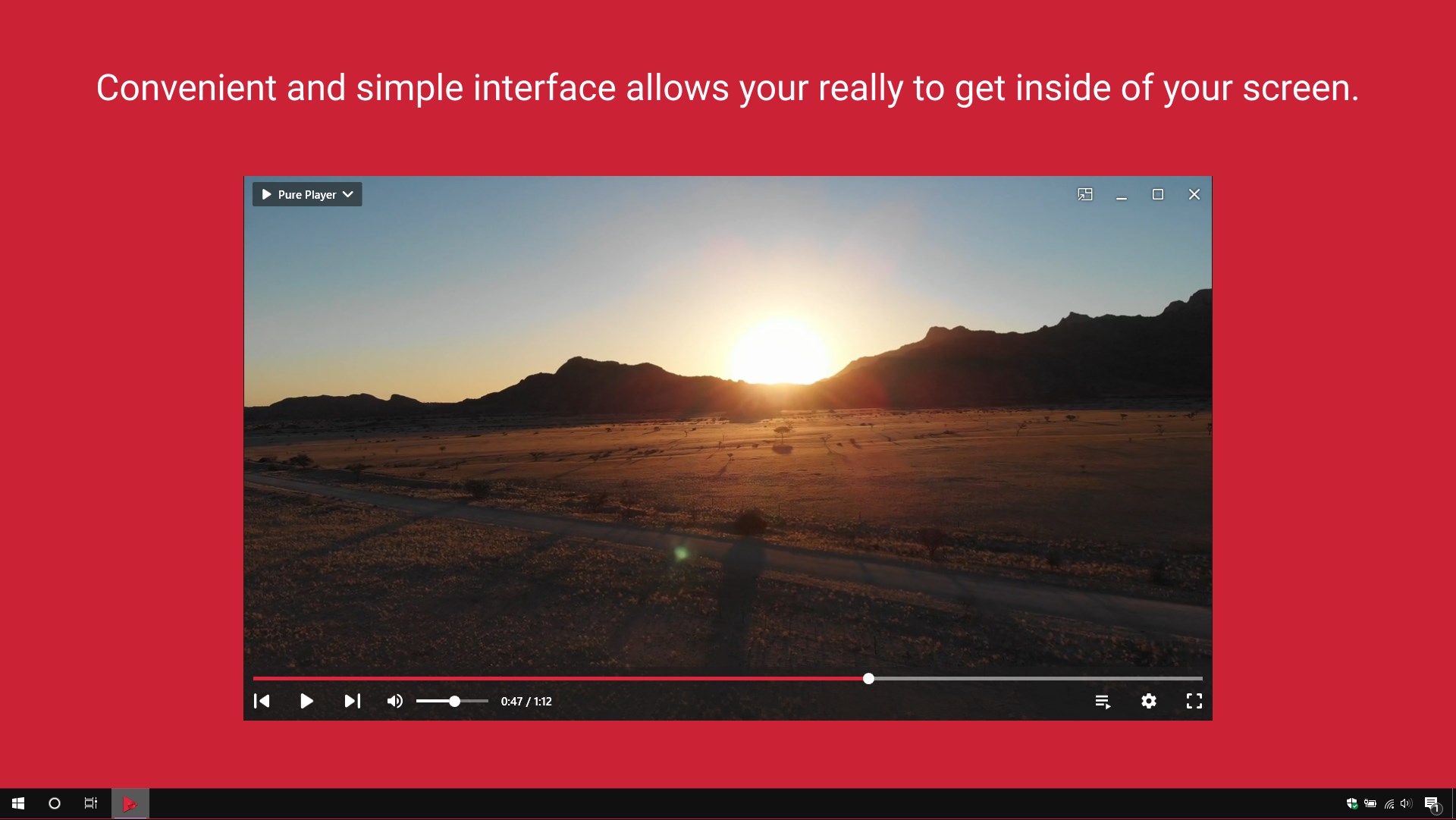
Pure Player X for DVD is the best player to play your collection of movies, videos and DVDs. Convenient and simple interface allows your really to get inside of your screen. The player supports more than 150 media file formats, enjoy your favorite movies at any time.
🌟 Features 🌟
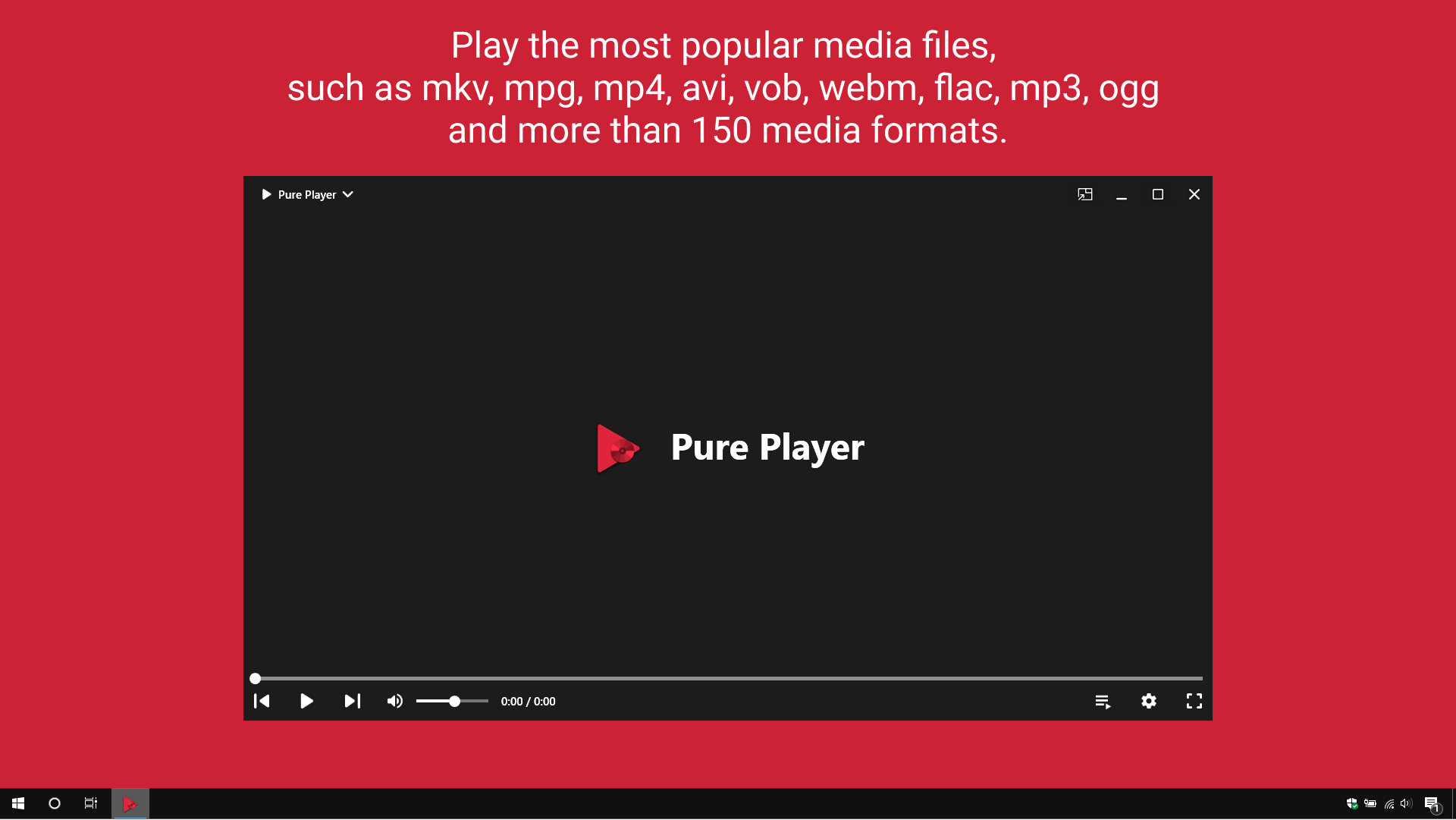
✅ Play the most popular media files, such as mkv, mpg, mp4, avi, vob, webm, flac, mp3, ogg and more than 150 media formats.
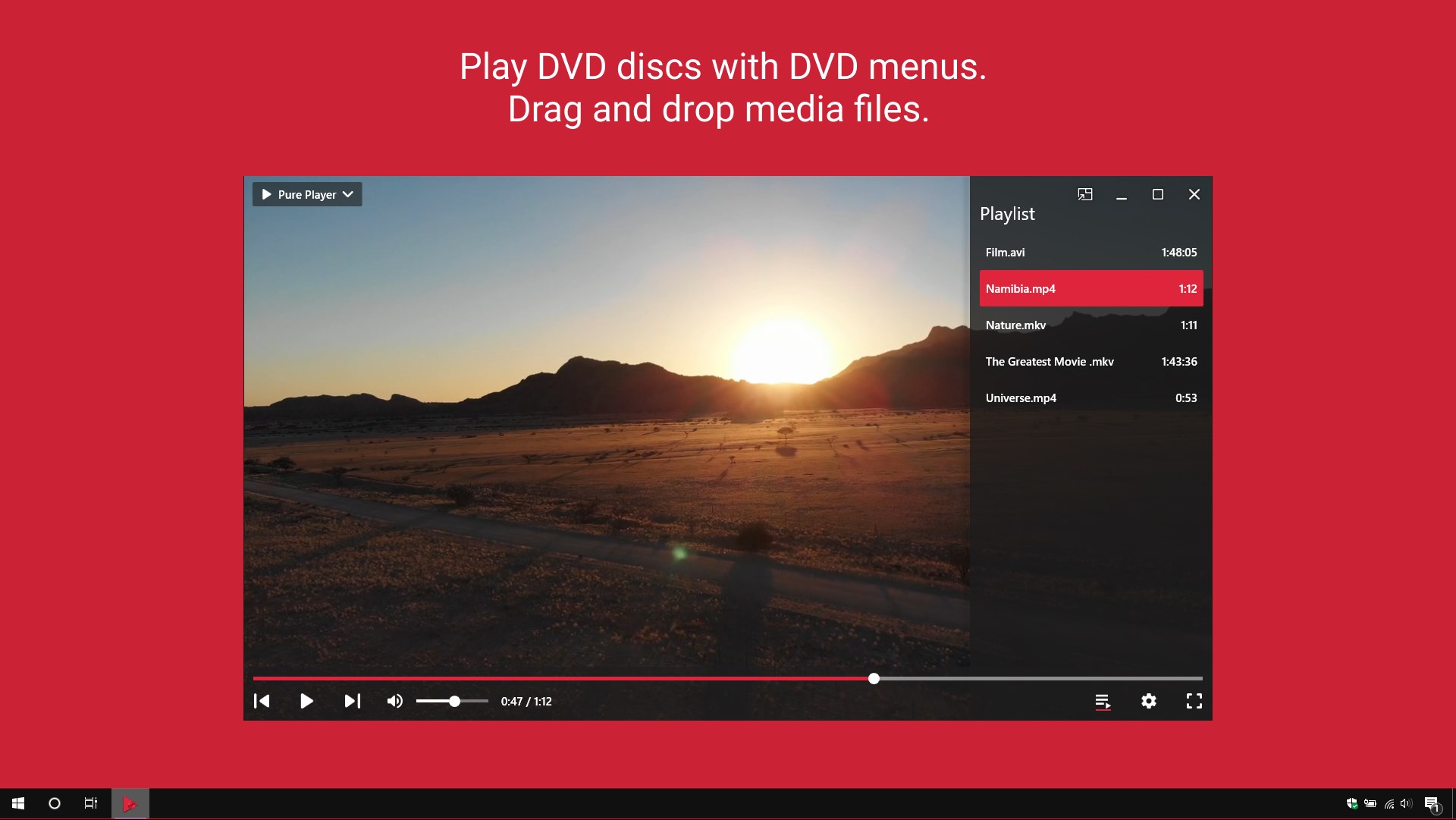
✅ Play DVD discs with DVD menus.
✅ Embedded subtitles support.
✅ Embedded audio tracks support.
✅ Picture-in-picture mode.
✅ Convenient keyboard shortcuts to control playback.
✅ Drag and drop media files.
✅ Dark and light themes.
Note: The app contains ads. Remove all ads from the app via in-app purchase and immerse yourself in uninterrupted playback.
If there is a version of this app for iOS/Mac or Windows we don't know about, paste the store link here — we'll auto-detect the store.
How to find the URL:1. Open the app in its store. 2.In the App Store app: tap the Share icon → “Copy Link”. In the browser: copy the URL from the address bar — it contains apps.apple.com/…/id… or apps.microsoft.com/detail/…. 3. Paste it here.
Paste the original link from the Apple App Store or Microsoft Store. We fetch all details automatically.
How to find the URL:
1. Open the app in its store. 2.In the App Store app: tap the Share icon → “Copy Link”. In the browser: copy the URL from the address bar — it contains apps.apple.com/…/id… or apps.microsoft.com/detail/…. 3. Paste it here.
Android apps can only be listed by their developer.